




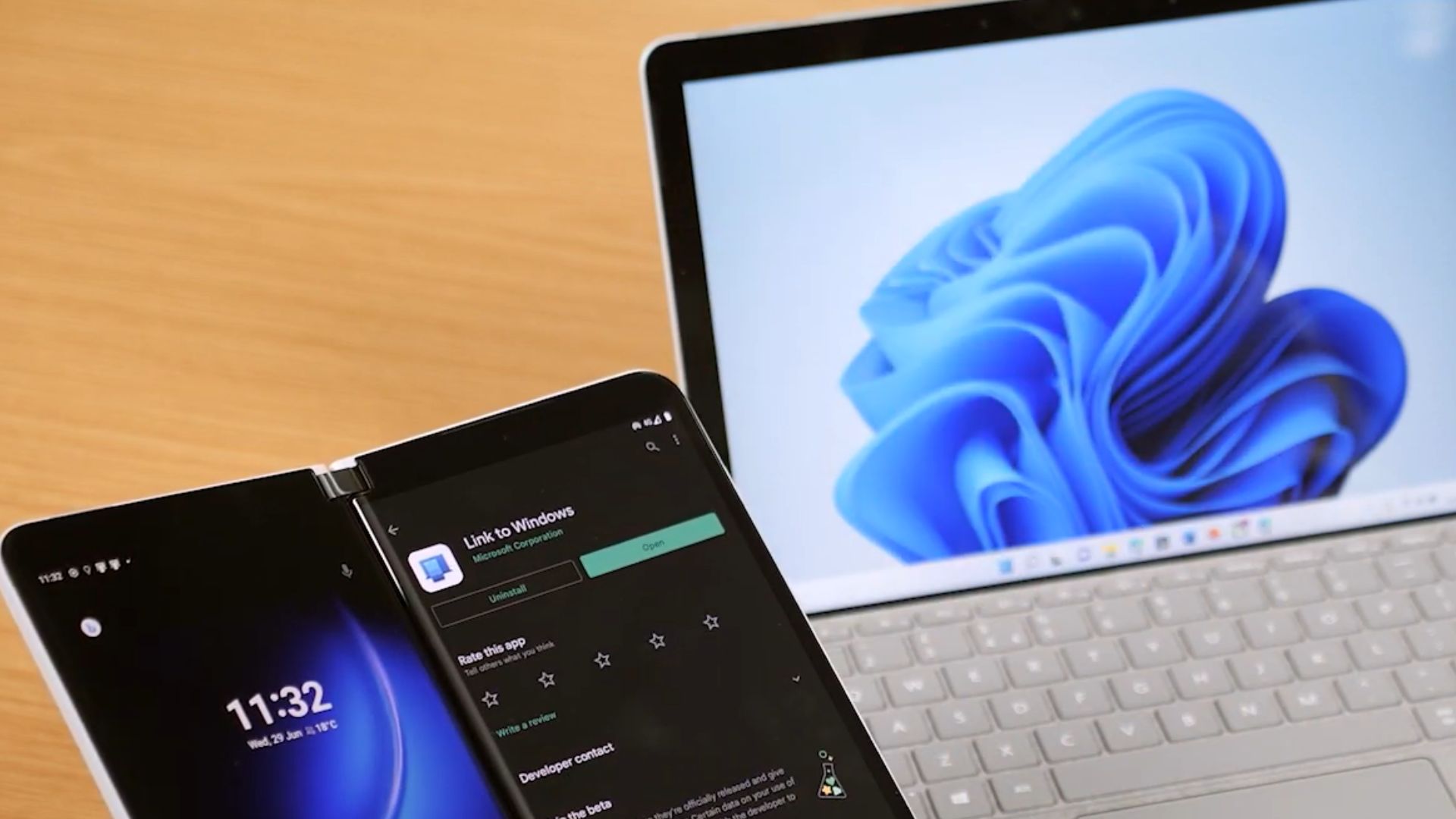
Windows Latest has found evidence that Microsoft is building remote shutdown, restart, and sleep controls into Link to Windows, the Android companion app for Phone Link. We found the strings inside the app’s code, but they are not active yet, and we expect the features to come soon via an update.
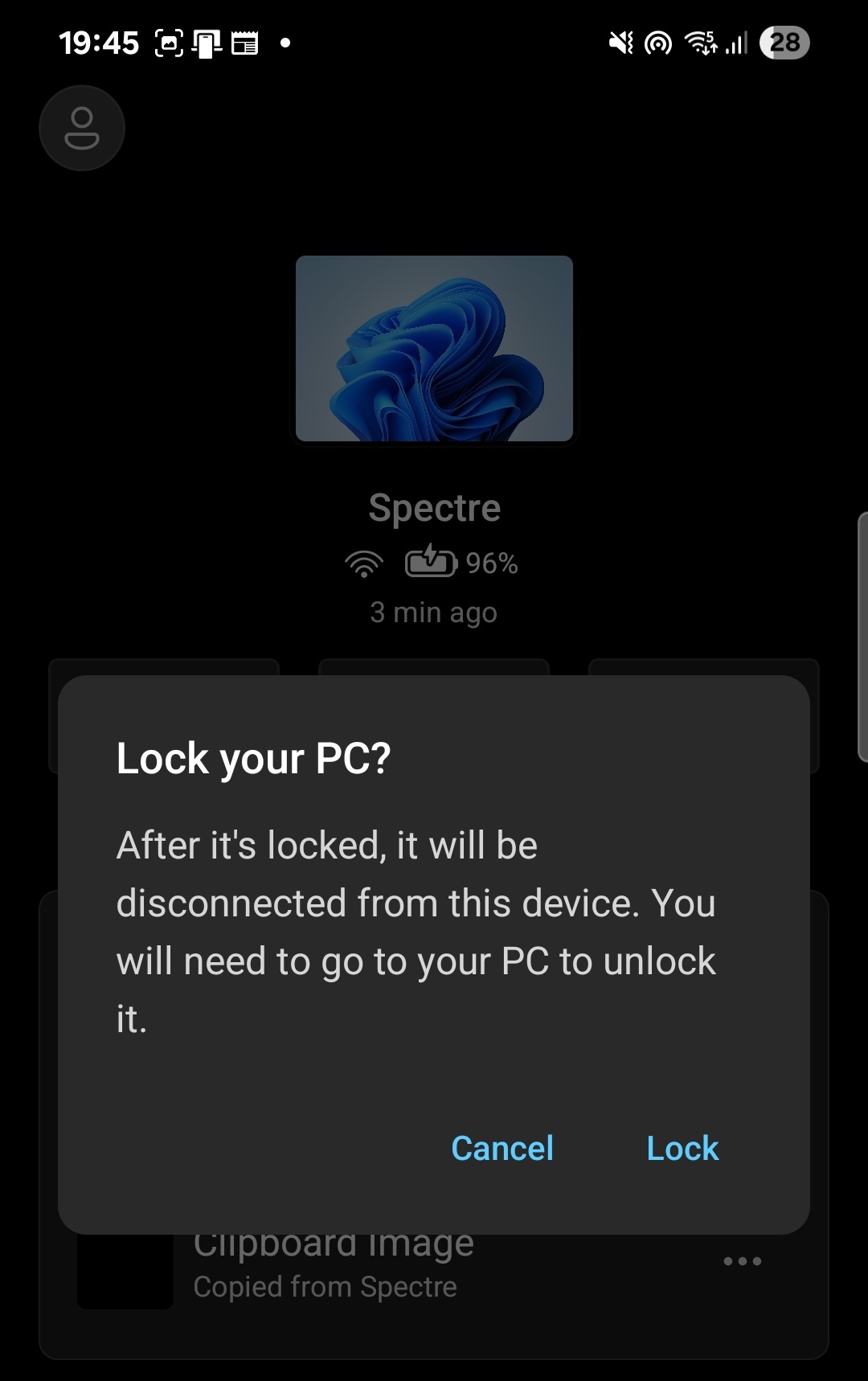
Link to Windows already lets you lock your PC from your phone, a feature Microsoft rolled out late last year. However, the ability to shut down or restart your PC from your Android smartphone is genuinely useful, and I can see myself using it daily after work as I take my phone to bed, while my laptop would be on, waiting for me to come back and shut it down…
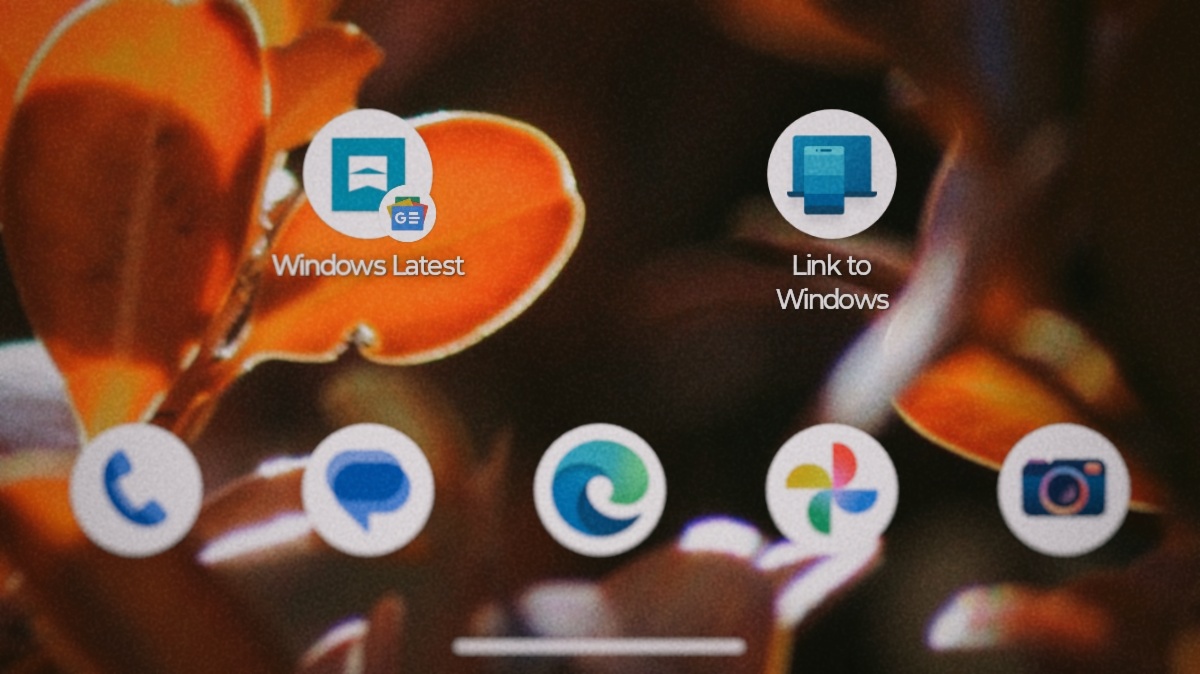
Phone Link is getting the ability to remote restart and shutdown your PC
While going through the Android APK for Link to Windows, Windows Latest found a batch of unused string resources connected to a component labeled RemoteControlManager.
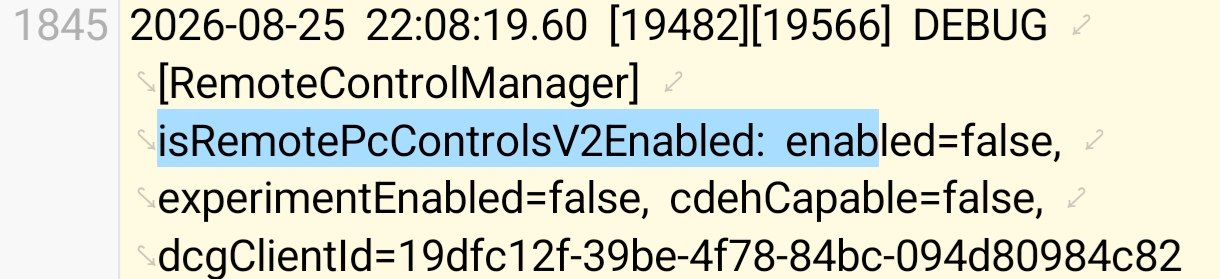
We generated a debug log for a build dated August 25, 2026, and it shows a flag called isRemotePcControlsV2Enabled set to enabled=false, along with experimentEnabled=false, confirming the feature exists in code but is not turned on for anyone using the app yet.
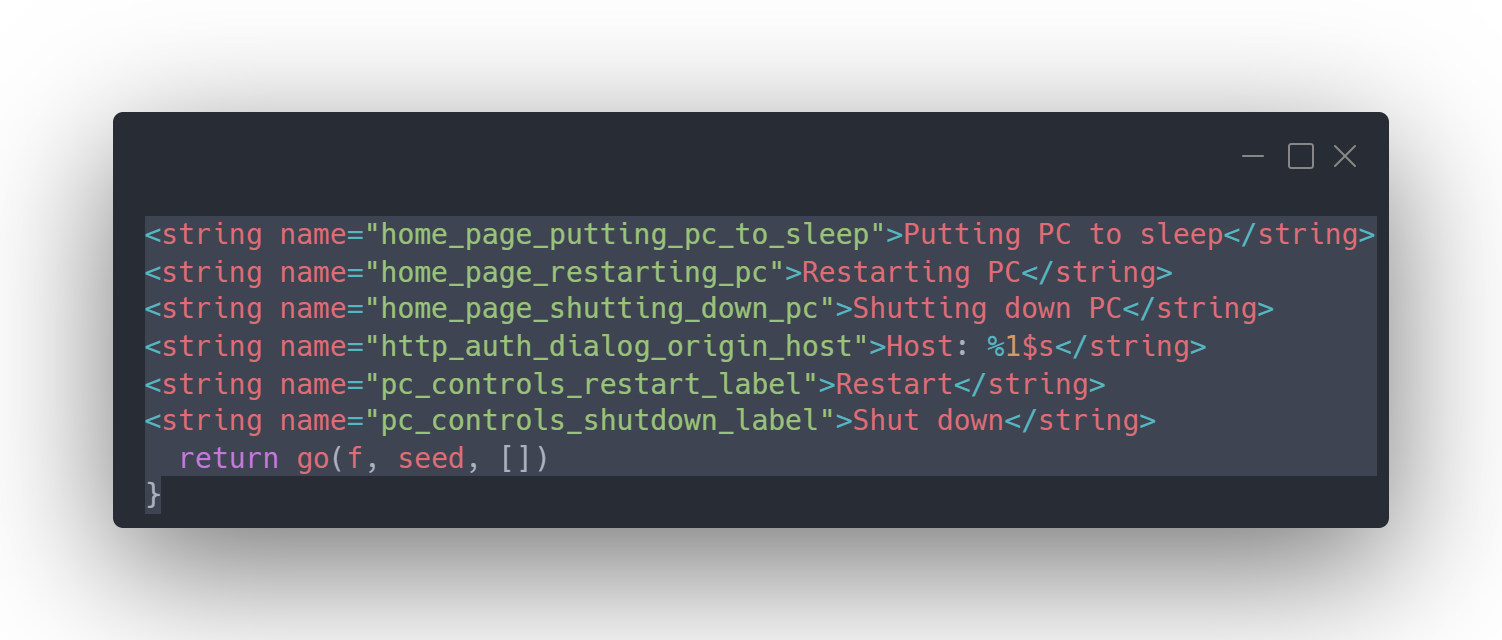
The strings describe a full set of new controls that complement the existing Lock PC button. Labels for pc_controls_restart_label and pc_controls_shutdown_label are for “Restart” and “Shut down.”
Two more labels, pc_controls_update_and_restart_label and pc_controls_update_and_shutdown_label, are for “Update and restart” and “Update and shut down,” which suggests Microsoft is building in Windows Update awareness directly into the remote controls instead of making these features in the Android app mere power switches.
A sleep option shows up too, and it comes with its own warning. The remote_sleep_dialog_message string shows, “After it’s asleep, it will be disconnected from this device. You need to go to your PC to wake it up,” in addition to a confirmation prompt titled “Put your PC to sleep?” That is a fair caveat, since a sleeping PC drops its network connection and cannot be woken remotely the way it can be locked or restarted.
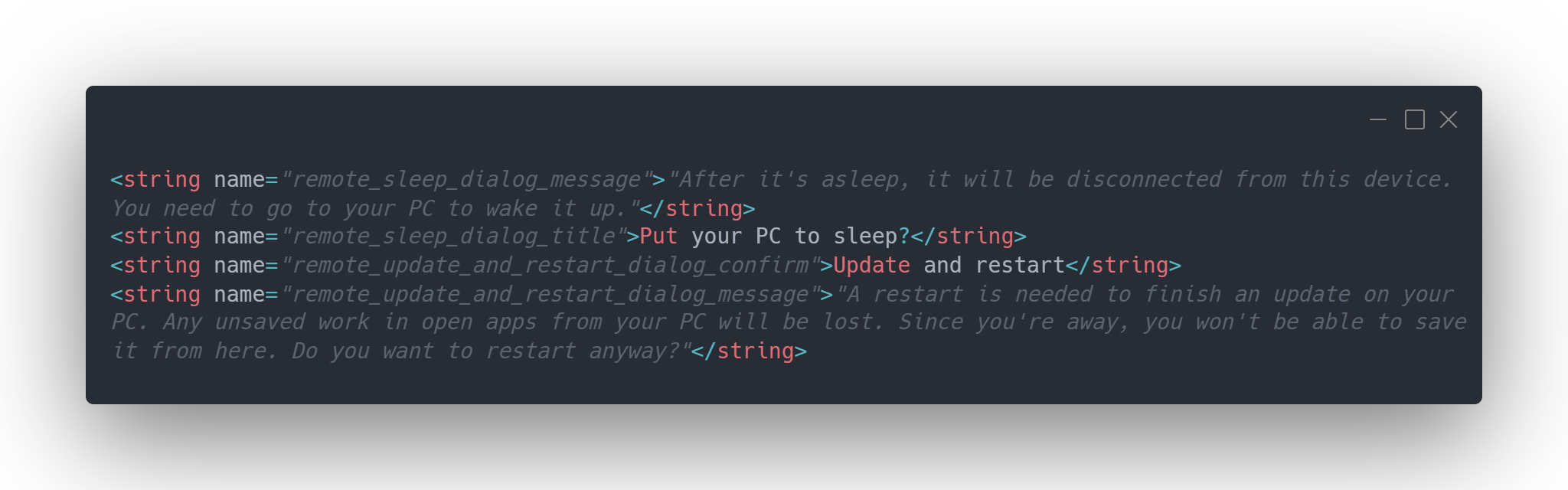
Restarting or shutting down mid-update has an expected heavier warning, though. The remote_update_and_restart_dialog_message string says: “A restart is needed to finish an update on your PC. Any unsaved work in open apps from your PC will be lost. Since you’re away, you won’t be able to save it from here. Do you want to restart anyway?”
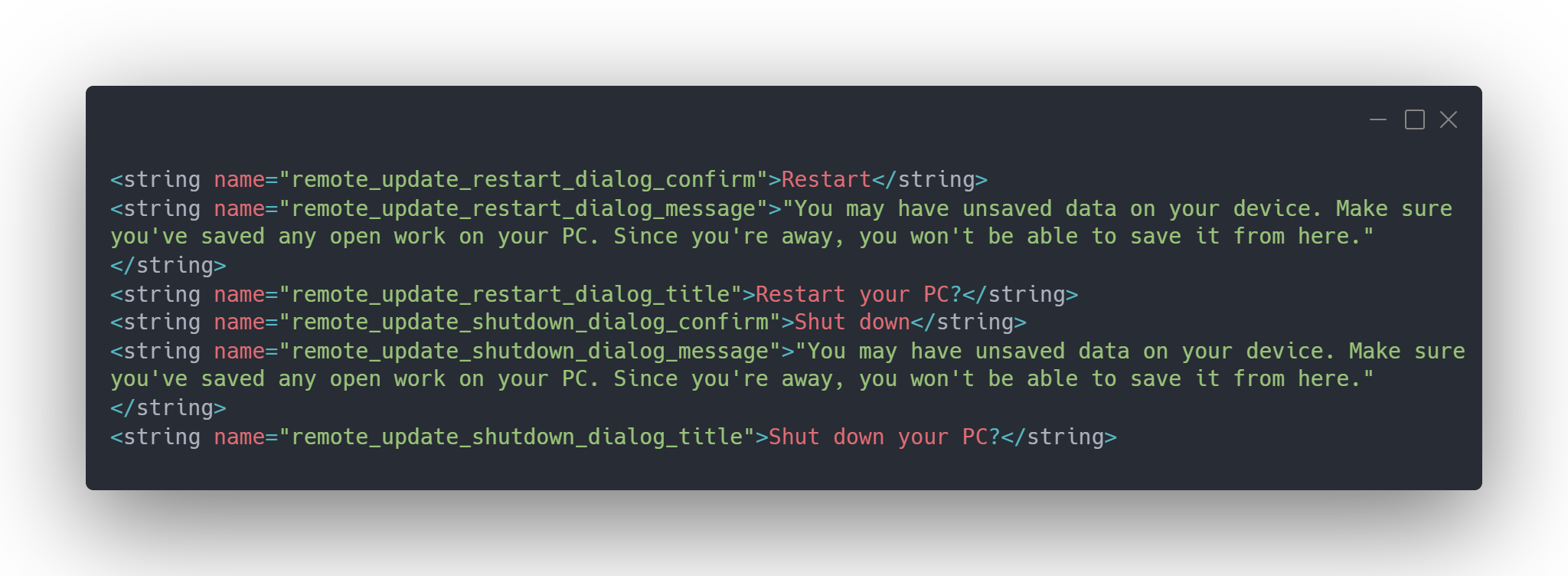
The shutdown version uses identical wording with “shut down” swapped in. A more generic remote_update_restart_dialog_message warns that “you may have unsaved data on your device,” asking you to confirm you have saved anything important before pulling the trigger from your phone.
As I said, these features are not live yet. There is no screenshot to show for the restart or shutdown buttons because the feature has not been switched on for any tester, us included. But the strings are specific enough, right down to separate confirmation dialogs for updates versus regular restarts, that this looks like a feature close to shipping.
If it ships the way the strings describe, this would be a good practical upgrade. Forgetting to restart a PC before leaving for the day, or remembering halfway through your commute that Windows still needs a pending update installed, are common annoyances that Windows Latest first covered when Link to Windows gained remote lock support, back when locking your PC in under three seconds from your phone was the extent of what Link to Windows could do.
Even Apple’s own Continuity features, which let an iPhone control plenty about a nearby Mac, do not include a consumer-facing way to shut down or restart a Mac from an iPhone without enterprise device management tools.
Link to Windows keeps closing small gaps
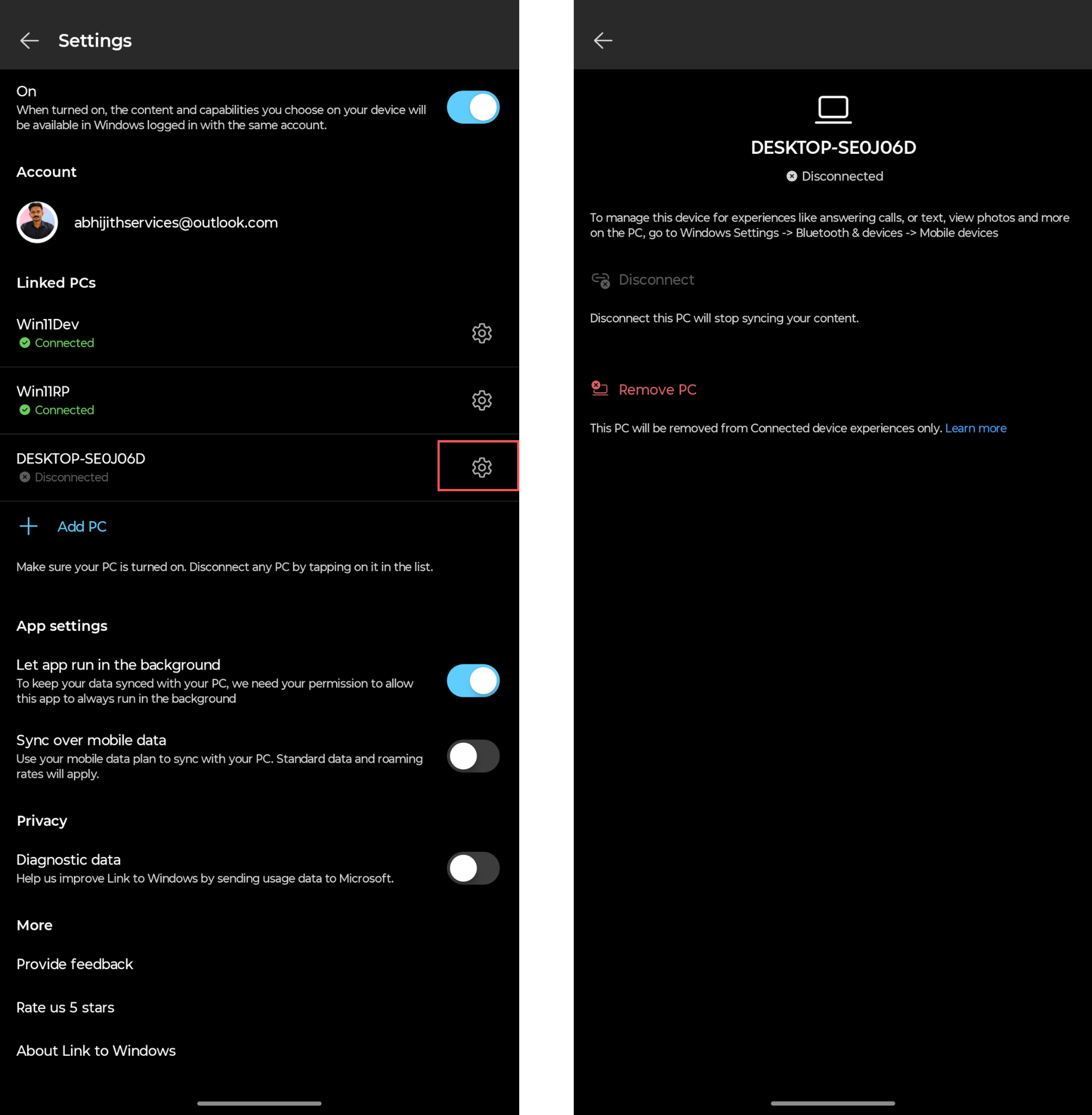
This isn’t the only recent change to the app. Microsoft recently added a way to permanently remove old linked PCs from the Android app, fixing a long-standing annoyance where disconnected or reformatted PCs stuck around in the Linked PCs list like ghosts with no way to delete them.
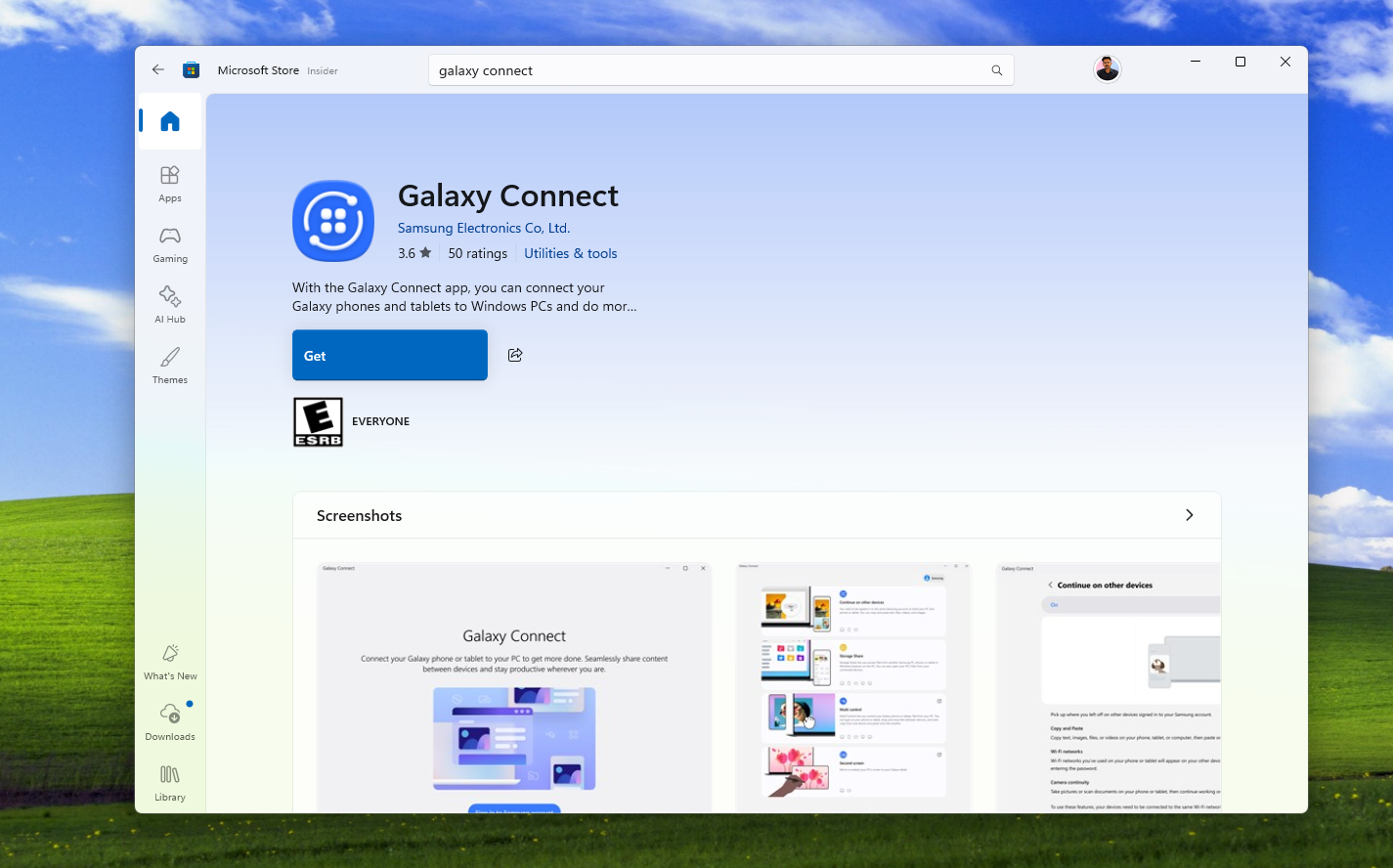
Samsung recently expanded its competing Galaxy Connect app to work with any Windows 11 PC, but Windows Latest’s testing found it far less reliable than Phone Link for basic tasks like cross-device copy and paste.
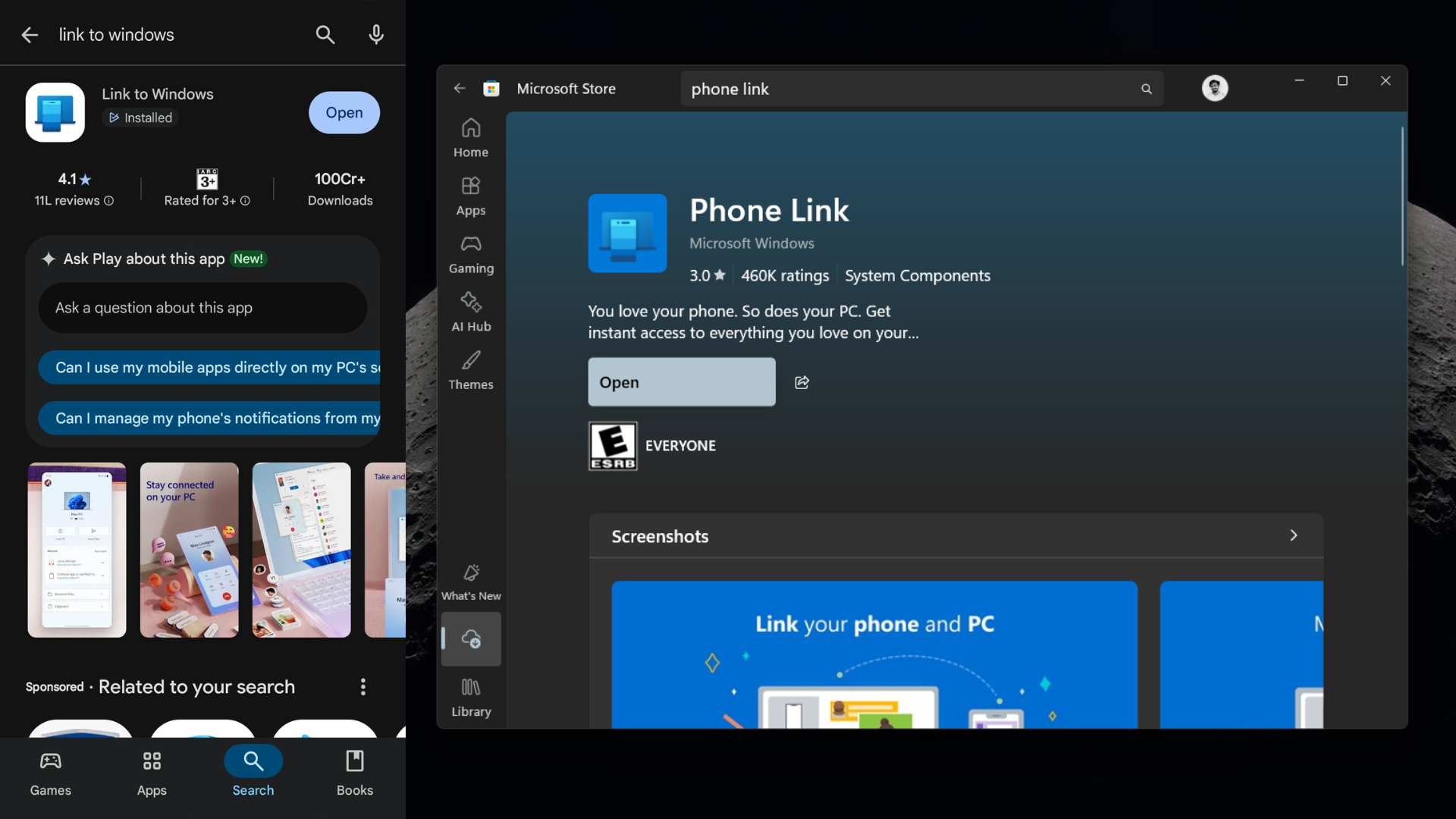
Phone Link and Link to Windows are Microsoft at its best
Phone Link and Link to Windows are two of the most capable apps Microsoft makes outside its productivity suite. They connect two operating systems with nothing in common architecturally, and somehow make locking, transferring files, syncing a clipboard, and soon controlling power state feel simple from either side.
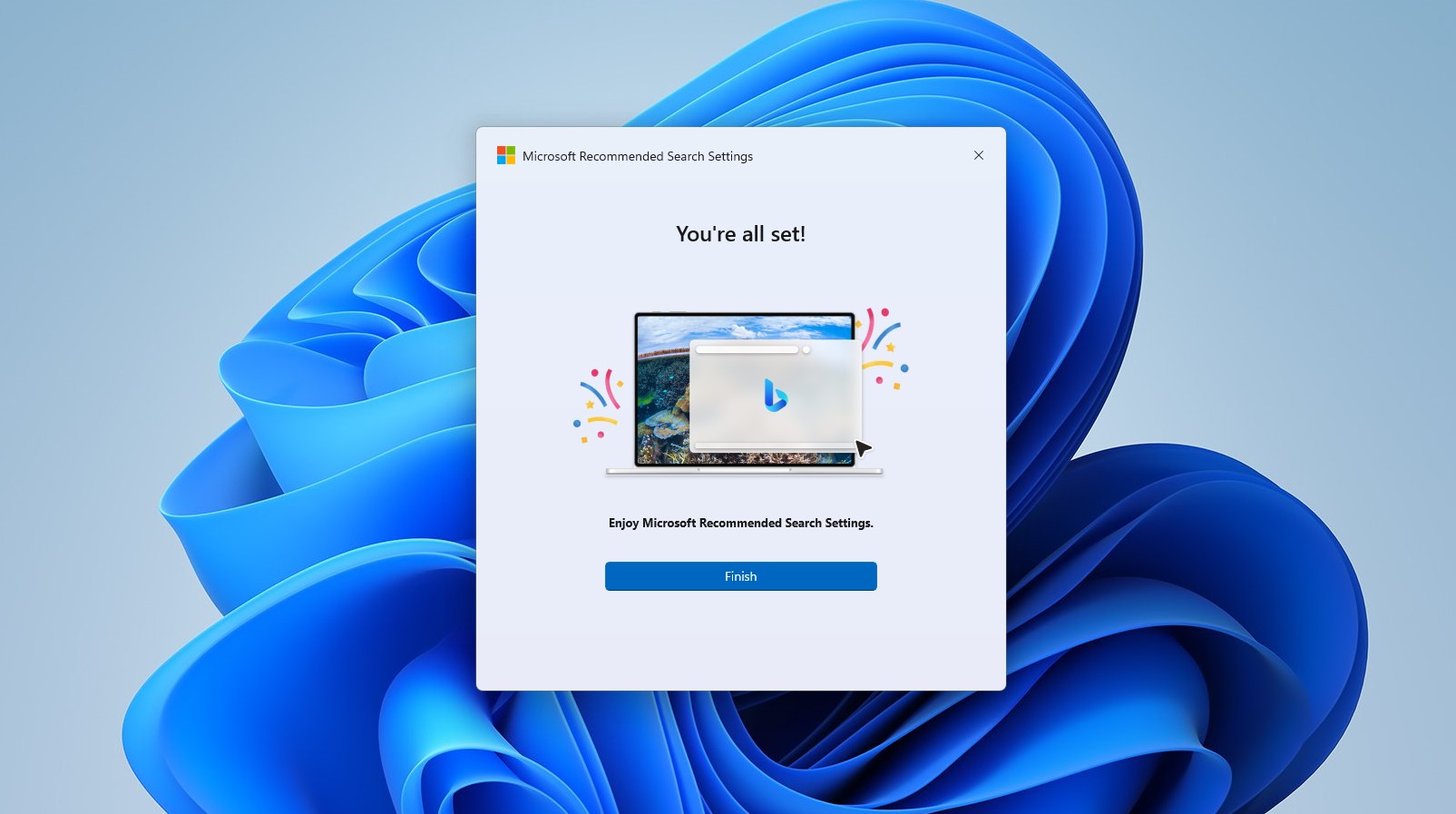
As you would know, this is a stark contrast to how much of Microsoft’s other software has shipped lately. The default Weather app burns through roughly 1.2GB of RAM, and the company recently built a standalone tool whose only job is switching browsers’ default search engine to Bing search, despite it being an optional app, as Microsoft told us.
Link to Windows, by comparison, keeps adding features people asked for, without the bloat or any Copilot. It is proof that a company as large as Microsoft can still build software worth using, even while some other teams in the same building seem to be doing the opposite!