




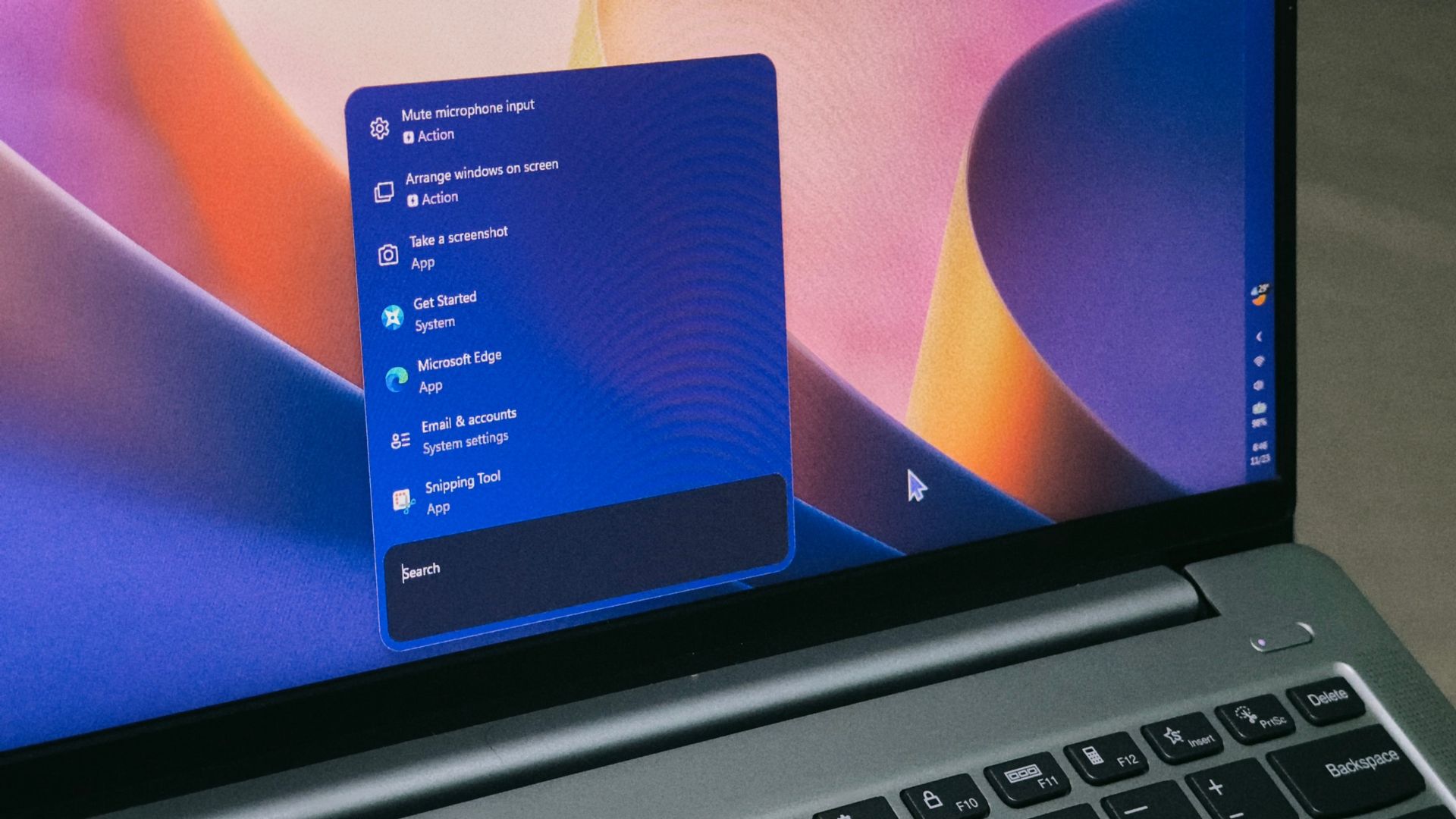
Microsoft’s November optional update finally brought the native WinUI 3 Search to regular Windows 11 PCs, but if you’ve moved your taskbar to the top or sides, Search still pops up at the bottom of the screen. Microsoft has now confirmed it’s working on a fix, though going by the roadmap, people with movable taskbars have to wait until next year.
Ironically, Microsoft took five years to bring back the movable taskbar, and when it finally did in September, Start and the old Search followed the taskbar wherever you put it. The new Search, which I love otherwise, doesn’t.
Microsoft confirms Windows 11 Search will follow vertical and top taskbars
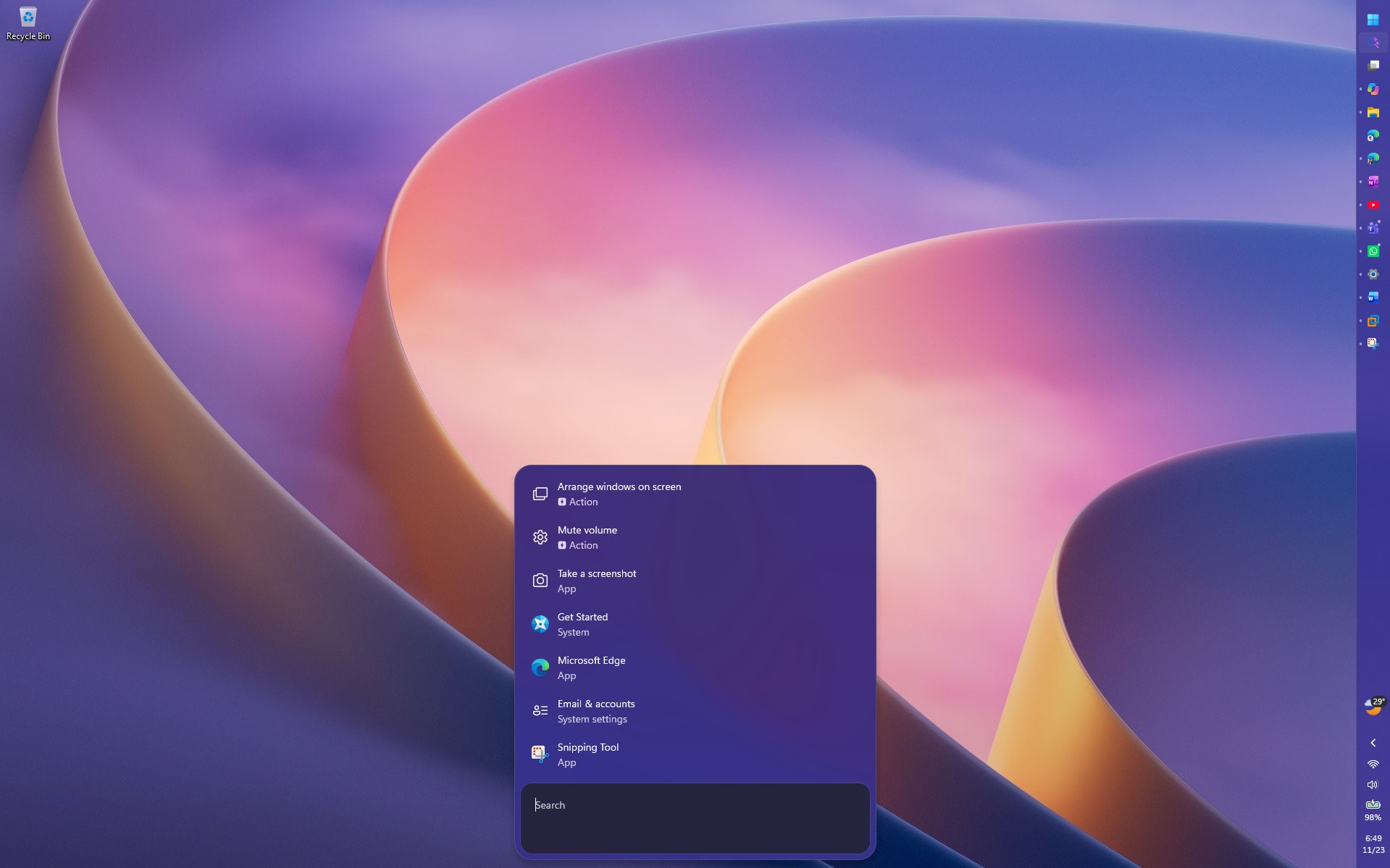
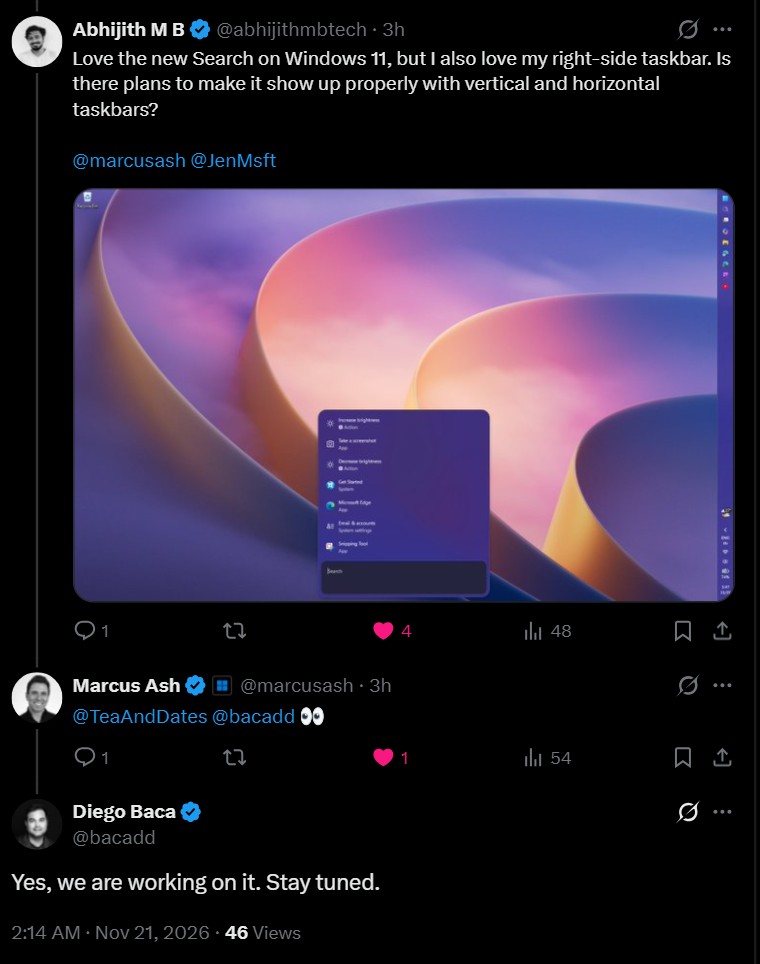
On November 21, I asked Windows design head Marcus Ash and Jen Gentleman on X whether the new Search would show up properly with vertical and top taskbars. Marcus looped in Diego Baca, Microsoft’s Vice President of Product Design, who replied, “Yes, we are working on it. Stay tuned.”
Truth be told, I knew that Microsoft already said in their October 7 Search for Insiders announcement that the work to make new Search follow movable taskbar was ongoing, among other things, but I was expecting a timeline. Back then, which was more than a month ago, under “What’s ahead,” the company said work is underway to bring the new experience to the Start menu and “have it adapt naturally to different taskbar positions and Windows configurations.”
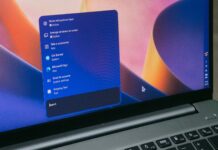
On my laptop, with the taskbar on the right, the old Search (with its lots of wasted space) opened at the top, right next to the Search icon. The new Search (with its compact WinUI design) floats at the bottom of the screen, as if the taskbar is still where Windows 11 originally kept it 5 years ago.
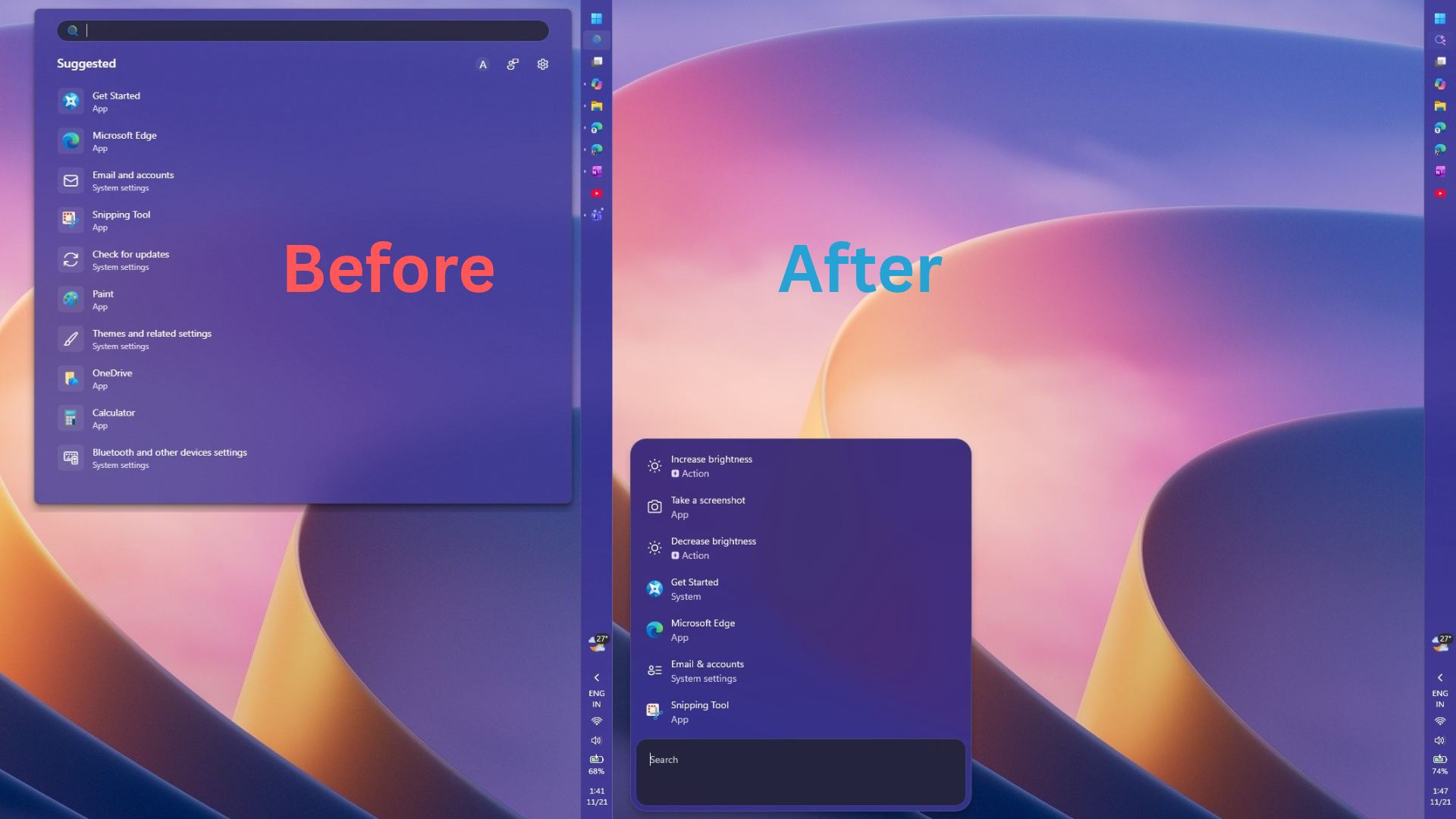
Microsoft brought the new Search to all PCs with the optional KB5132057 as a gradual rollout, so plenty of people won’t even know they have it, though you can manually enable it right now using ViVeTool. In our testing, it used just 26.3MB of RAM in Task Manager, which is a respectable difference from the old WebView2-based Search.
Windows 11 users with vertical taskbars might have to wait until next year
Last month, when I tested the new Search in Insider builds, I was positive Microsoft wouldn’t bring it to regular PCs until it also moved with the taskbar. Remember how the movable taskbar took years of begging from Windows users?
For me, the right-side taskbar is the best layout. My laptop already has a 16:10 screen for extra vertical space; I switched to Edge’s vertical tabs a few years back, and moving the taskbar to the right gave me even more room for reading and writing articles. My brother and a few of my friends have also switched to vertical taskbars, and some of them kept it on top.
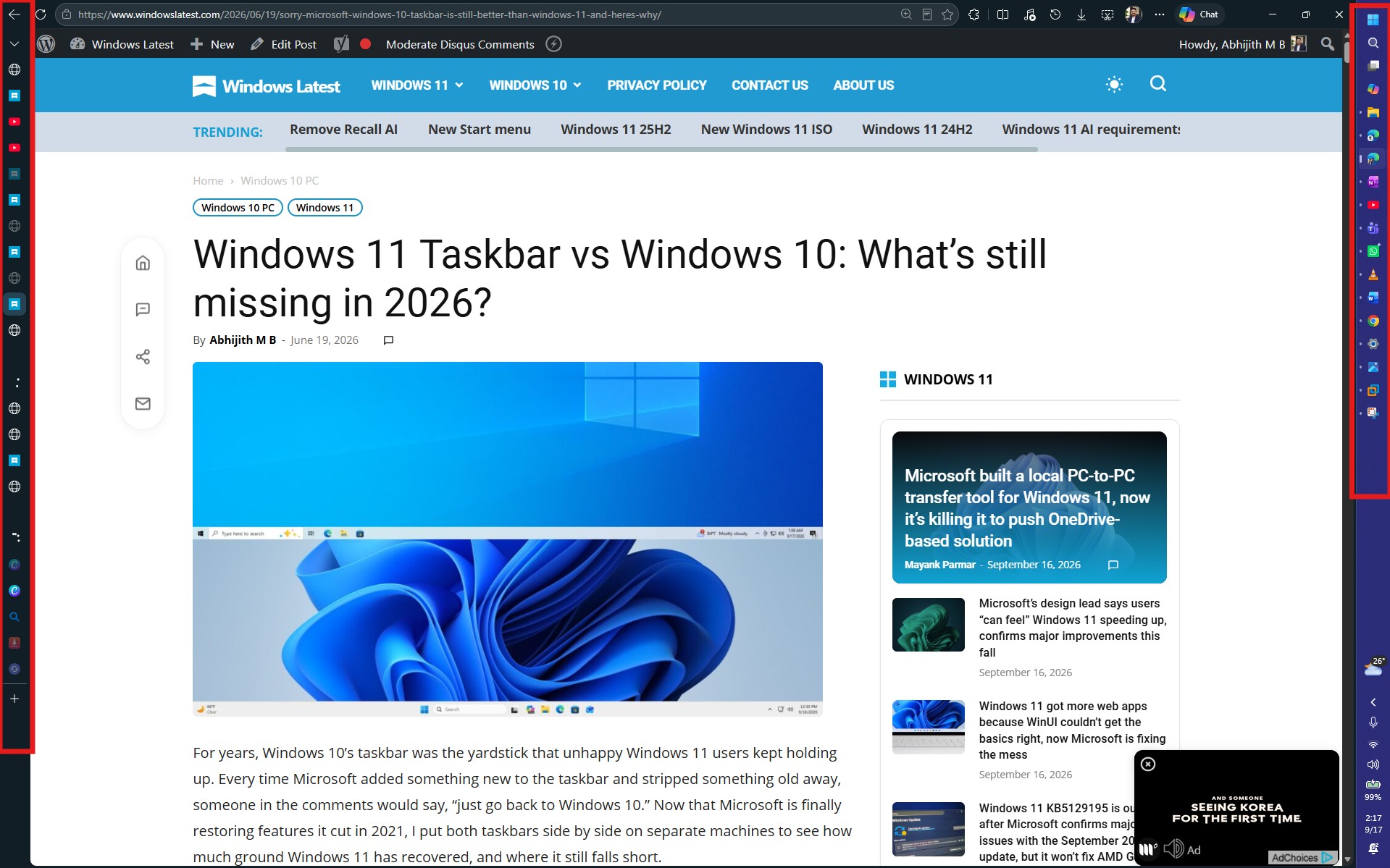
So, when is the new Search going to respect these new taskbar positions? Well, Microsoft’s update schedule may make us wait a bit.
- December 8, Patch Tuesday will bring the new Search to all PCs (gradually).
- Second half of December, Microsoft says there’s no optional preview update because of the Western holidays.
- January, normal monthly servicing resumes.
- Next year, Microsoft says Search will adapt to different taskbar positions, but there is no specific date.
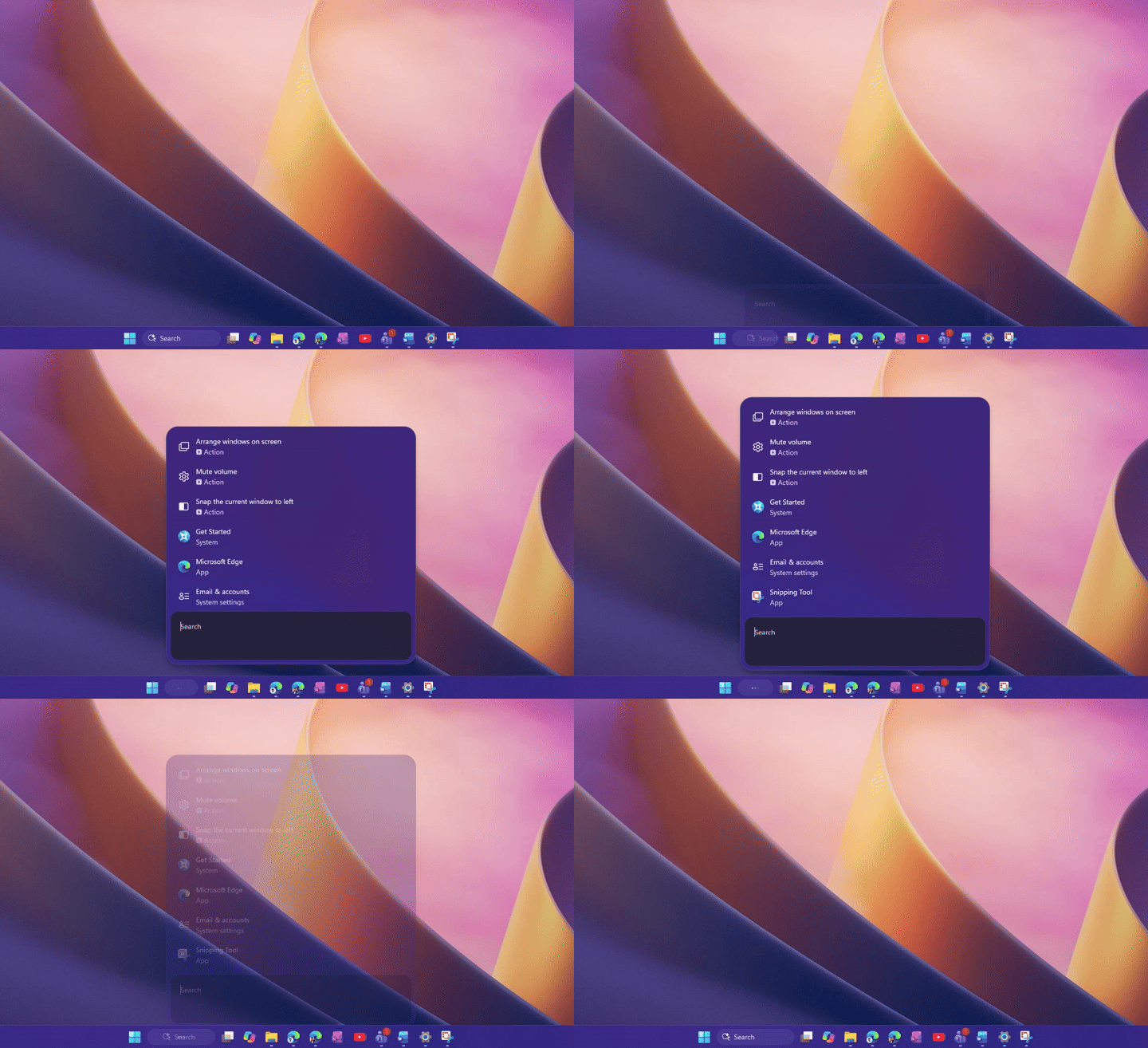
My concern is that even if the fix (because this looks like a bug, though it’s not) reaches Windows Insiders in January, it will take more time to come to regular PCs, and the gradual rollout scheme makes the wait longer. Until then, all of us who happily moved our taskbar will have to endure the otherwise beautiful Search at the bottom.
Microsoft wants the new Search in the Start menu, with Copilot in tow
Since I didn’t like the old Search in Windows 11, I was accustomed to searching from the Start menu, and this muscle memory still opens the old Search, because the new Search experience is coming to Start only next year, as Microsoft says.
I’d love it if Microsoft took this chance to move Start fully to WinUI.
Microsoft also wants “thoughtful integrations with experiences like Copilot” in Search. If you remember Ask Copilot, the floating search box Microsoft tested on the taskbar last year, the new Search looks a lot like it, even though Microsoft has since paused Ask Copilot to rework it.
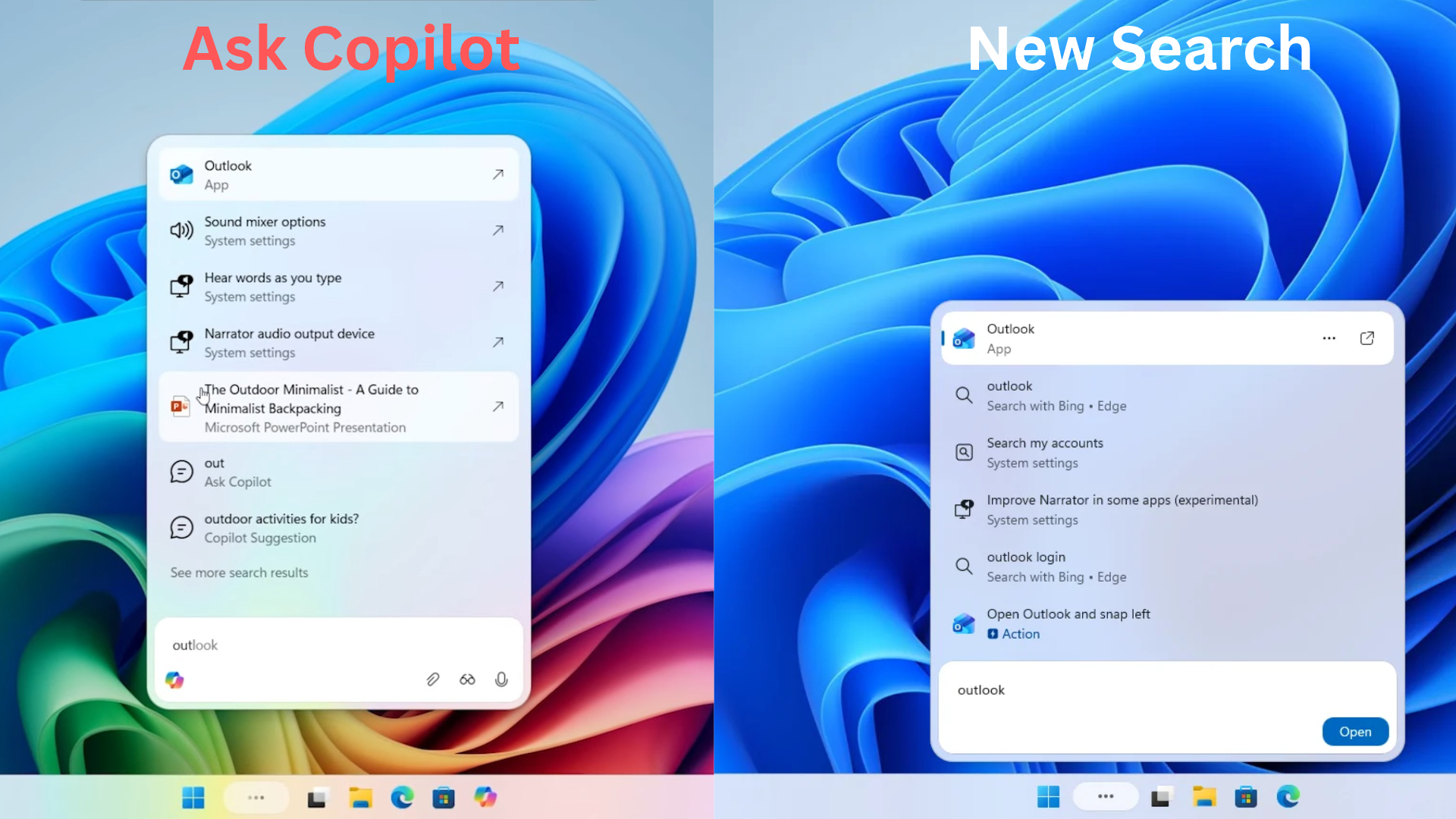
By now, the company might be aware that a Copilot logo is the last thing people want in Search. So, if at all such an AI integration is coming to Search, it should be as minimal as possible. But I would say that they should first make the Copilot app native WinUI and let it just be accessible from Win + C or its dedicated Copilot key.
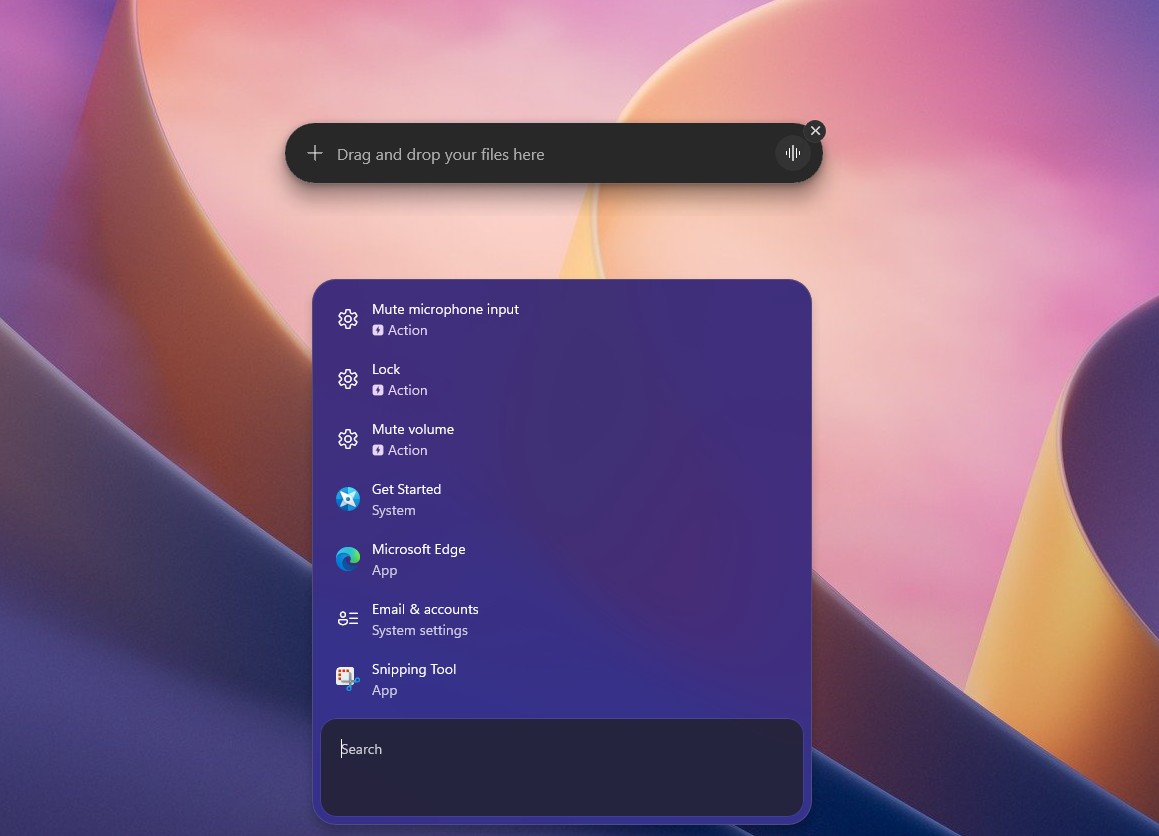
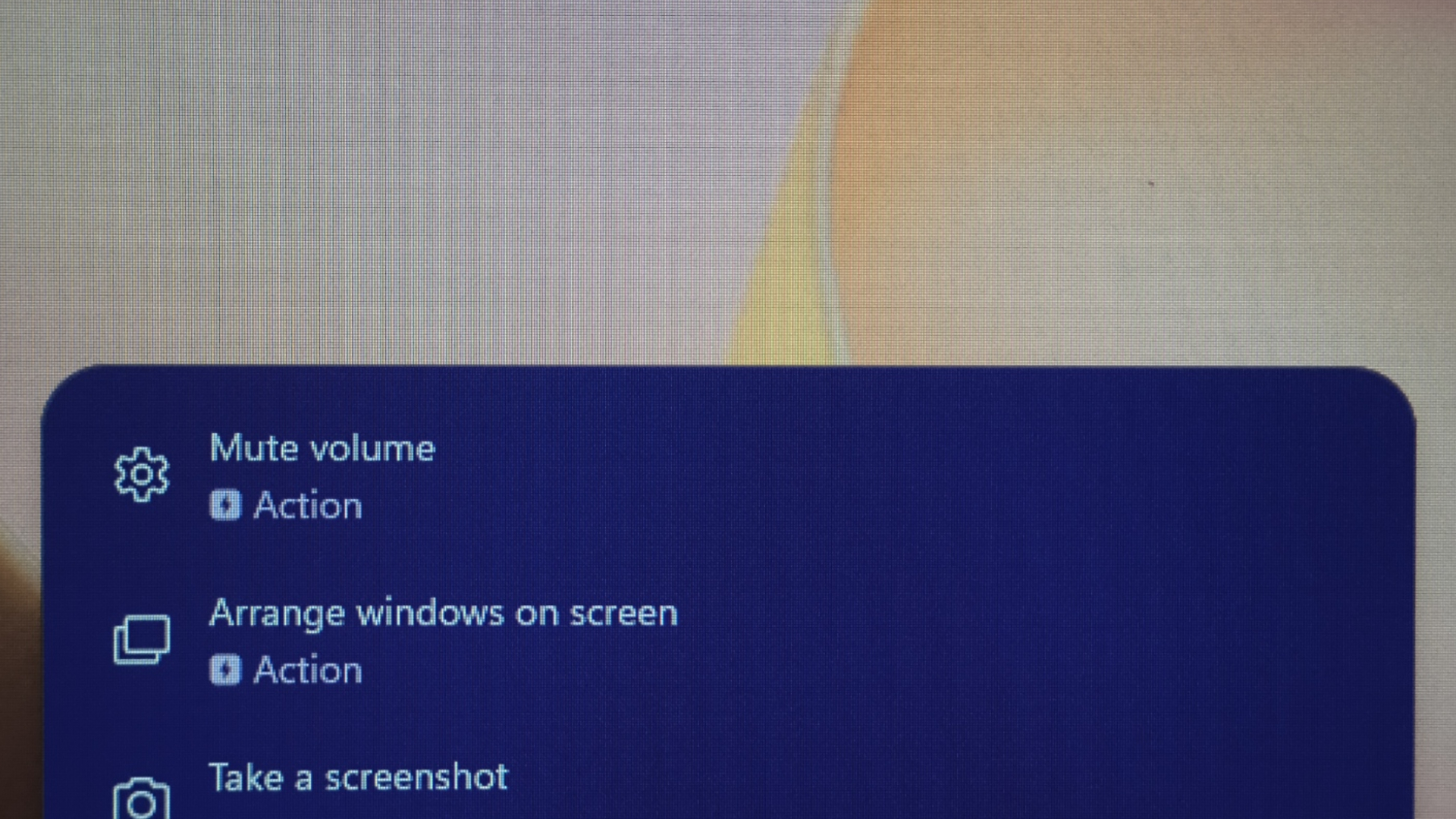
What I’d actually like is voice input. Inline actions can already change settings and snap windows, and saying “arrange windows on screen” is much faster than typing it, especially with an on-device small language model doing the work (some of us type faster than we talk, of course).
My other gripe is the design. The new Search is Fluent, but I want more of that Fluent polish, and while the corners are rounded, I can see slight pixelation on the edges. I’m nitpicking, sure, and the new Search feels great mostly because the old one set the bar so low. macOS users would probably laugh at us getting this excited for the new Windows 11 Search.
Either way, I still love it. If Microsoft gets it to follow my taskbar and into the Start menu next year, Windows 11 will finally have a Search worth bragging about.