






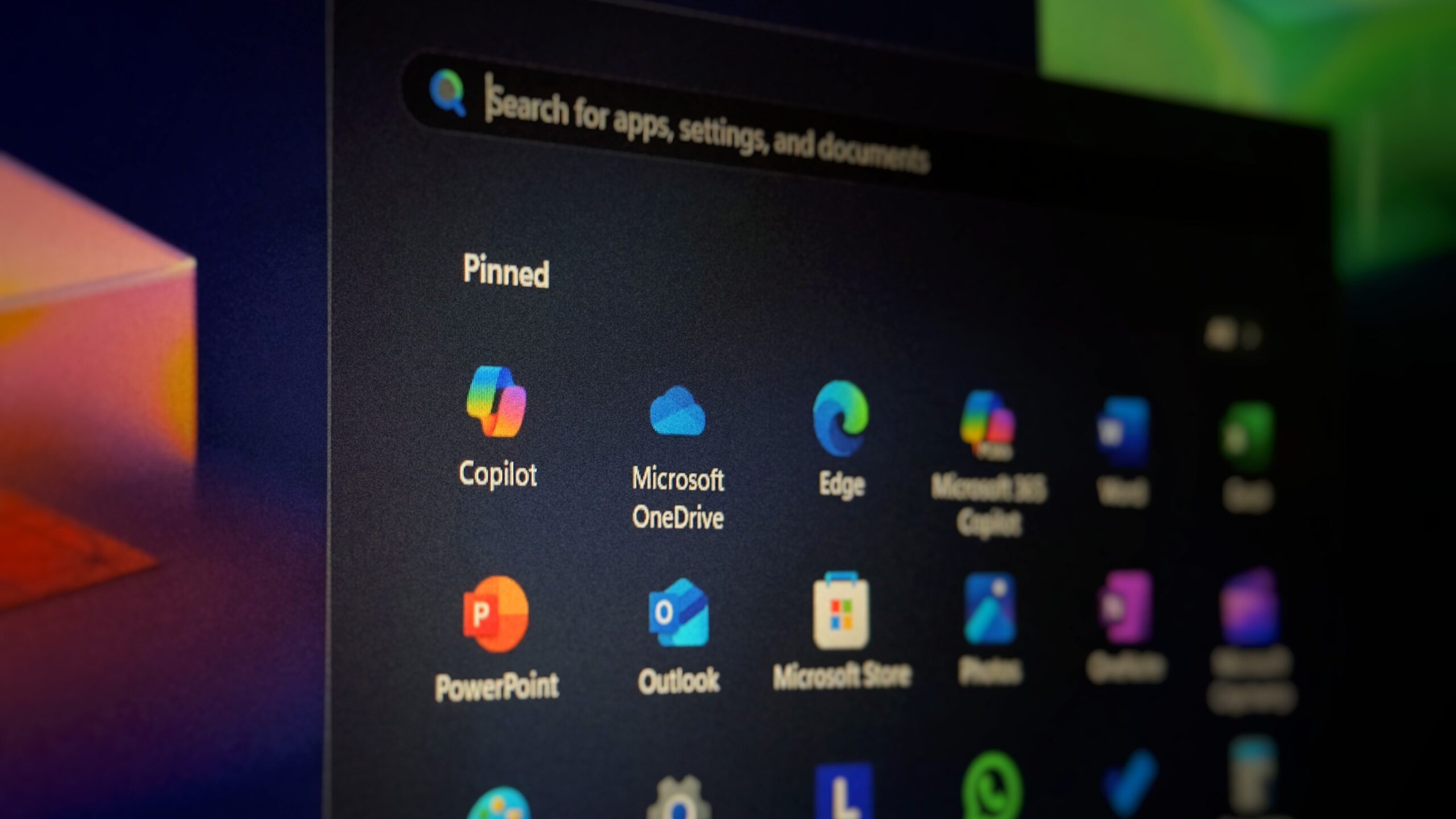
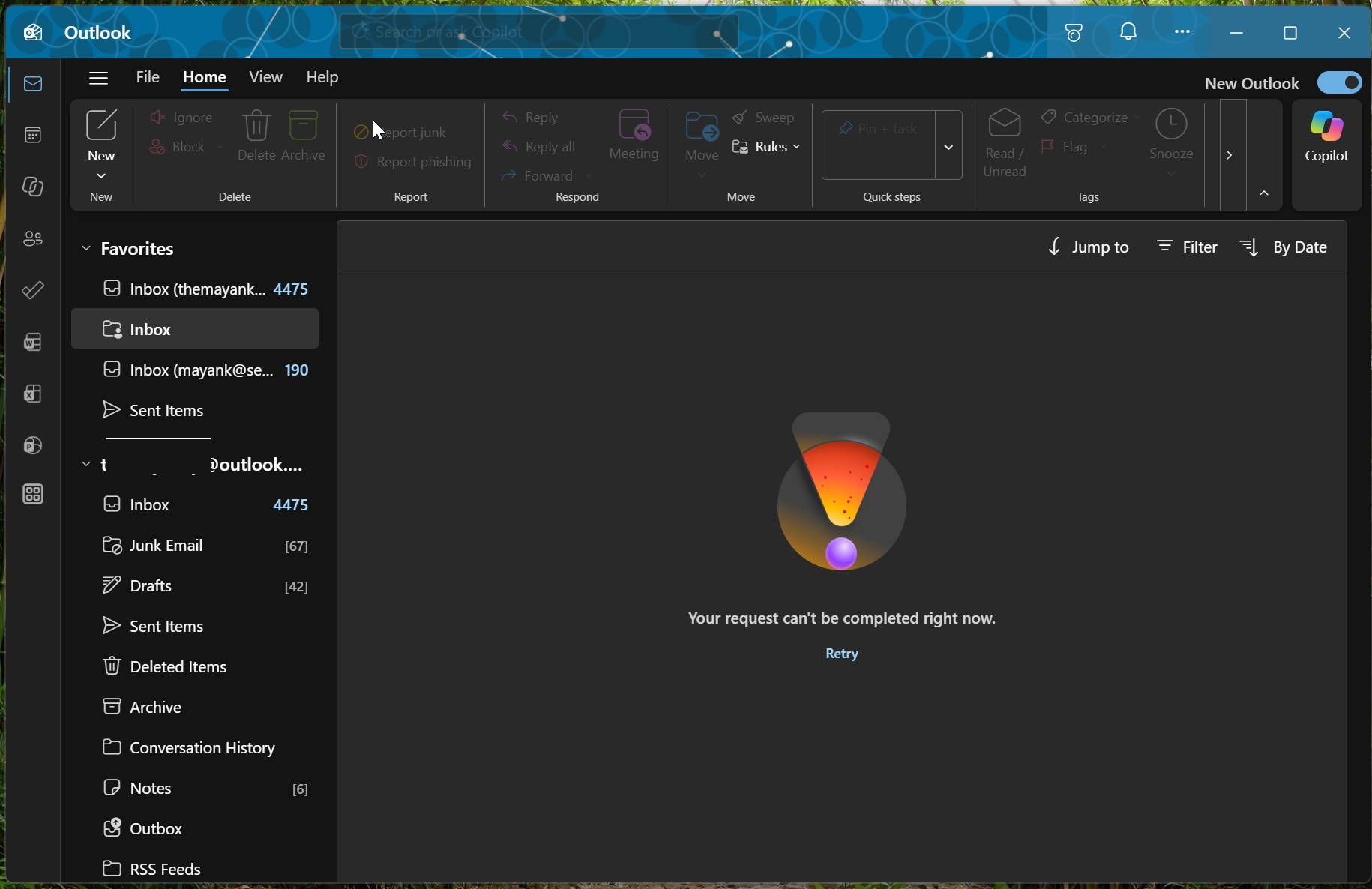
Microsoft 365 services have been offline for hours at this point, and I am still running into the “Your request can’t be completed right now” error when I open Outlook. At the same time, Copilot isn’t working at all, and Teams still feels slow. If you couldn’t get work done because Microsoft 365 services went down, you might be able to get some money back.
For those unaware, when you buy one of these premium services, whether from Microsoft or any other well-known company, you also sign up for a service level agreement, also called an SLA, which usually has a “commitment” clause. This allows customers to request a credit when a service fails to meet its uptime commitment.
On November 12, Microsoft 365 services experienced a major outage, and it’s still ongoing, with the company telling us it’s seeing some limited recovery. In our tests, we observed that nearly all Microsoft 365 services, including the barely used Copilot and popular services like Outlook and Teams, were offline.
Here’s the full list of services that went offline on November 12, according to our tests and user reports:
- Outlook
- Microsoft 365/Office
- Teams
- Copilot
- OneDrive
- Microsoft Store on Windows PCs
- Azure
Microsoft created an advisory, MO1550821, and added that services like Exchange Online, SharePoint Online, and Defender XDR are also offline. According to the same advisory, Microsoft says it’s been having issues since around 1:25 PM ET, but we’ve got credible reasons to believe the outage started much earlier in the day, although it was limited.
“We determined the elevated load isn’t driven by an increase in traffic, but by a number of servers being unexpectedly unavailable; straining the remaining infrastructure,” Microsoft said in a statement. Microsoft says it’s been trying to reduce the strain on the infrastructure, so it paused deployments, freed up memory, and also started rerouting traffic across its infrastructure.
Of course, Microsoft also rebooted its servers, as one should :)
Hours-long outage, and why I think many of you could be eligible for credits
Just because Microsoft 365 went offline, it doesn’t mean all customers are eligible for credits. But given the outage has been going on for hours, and the company officially acknowledges it, you’ve got a fairly good chance depending on how many users you’ve got and what you use.
I opened the April 2026 version of Microsoft’s volume licensing agreement, and I found that the Exchange Online availability terms list three credit levels:
- 25% credit if the applicable uptime percentage falls below 99.9%.
- 50% credit if it falls below 99%.
- 100% credit if it falls below 95%.
This does not mean you’ll get 25% or 50% off your entire Microsoft 365 bill, as these percentages only apply to the eligible service fees under the agreement.
“Service level agreement (SLA) credits from Microsoft are determined based on which services were affected,” Microsoft noted in a support document for licensing partners. “Credits are prorated based on the service affected and the duration of the outage.”
For example, Microsoft says that if a customer has an Office 365 suite and only SharePoint is affected, the credit is for SharePoint, not the entire plan.
Microsoft 365 has been offline for seven hours. Does that mean you’ll get a 50% credit?
I’ve had the opportunity to claim credits when Google Cloud experienced outages a long time ago, and I’ve had plenty of good experiences with it. If you’ve seen viral posts on the internet suggesting that the seven-hour outage means you’ll automatically qualify for a 50% credit, you’re in for a surprise, as it’s not quite that simple.
According to the April 2026 agreement, Microsoft says Exchange Online uptime is calculated using user-minutes. That’s based on the simple fact that a widespread global outage does not mean every single user was affected, so Microsoft considers both how long the service was unavailable and how many users were affected.
Let me explain it using an example. November has 30 days, or 43,200 minutes. If every licensed user experienced qualifying Exchange Online downtime for more than 43.2 minutes during the month, with no scheduled downtime affecting the calculation, the uptime would fall below 99.9%.
More than seven hours and 12 minutes would take it below 99%!
However, this calculation changes when you consider that only some users were affected, or the service worked intermittently. Just because the Microsoft 365 outage lasted seven hours or is still ongoing, it isn’t enough to assume that you’re eligible for a 50% credit for your organization.
But there’s a fairly good chance some people will be eligible for credits, and you should definitely try your luck because you agreed to the servicing agreement when you paid money to Microsoft!
How to request a Microsoft 365 outage credit
If you purchased Microsoft 365 directly from Microsoft, you can open a support request in the Microsoft 365 admin center.
In the support request, explain that you want Microsoft to review an SLA credit for the outage, and include the relevant incident ID, such as EX1550543 for Exchange Online or MO1550821 for the broader Microsoft 365 incident.
Before submitting the request, collect as much information as you can:
- Which services were affected and what users couldn’t do.
- When the problem started and when service was restored for your organization.
- The number and locations of affected users.
- Any relevant screenshots, error messages, support tickets, or troubleshooting steps.
If you purchased Microsoft 365 through a reseller or Cloud Solution Provider, contact that provider and ask them to submit or help with the claim. Don’t wait too long, as Microsoft requires you to submit the request within one month after the end of the billing month in which the incident occurred.
What about personal Outlook.com accounts?
If you use a personal account, you’re most likely not eligible for any credits, and I wouldn’t recommend wasting your time reaching out to Microsoft support.
This is a developing story….