






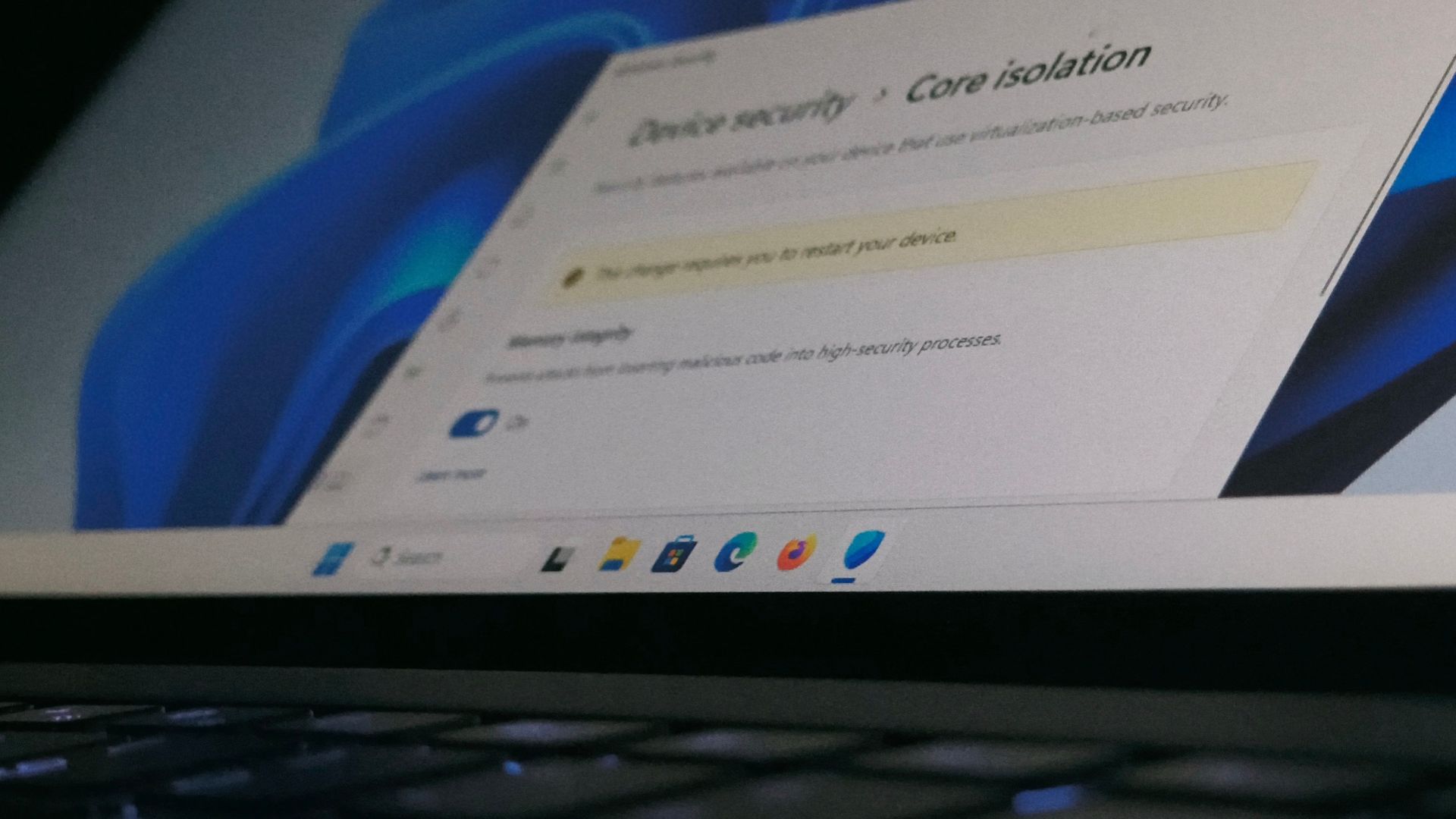
Microsoft is now turning on Memory Integrity automatically on more Windows 11 PCs with the November 2026 Windows 11 update. It’s a built-in security feature that stops malicious drivers from sneaking code into the core of Windows, and until now, it was mostly turned on only on new PCs and clean installs. But if you’ve already turned it off manually, Windows won’t switch it back on.
Funnily enough, four years ago, Microsoft published a support article telling gamers to turn off Memory Integrity for better performance in games. So why is Microsoft auto-enabling Memory Integrity now, and should gamers be worried about potential frame drops?
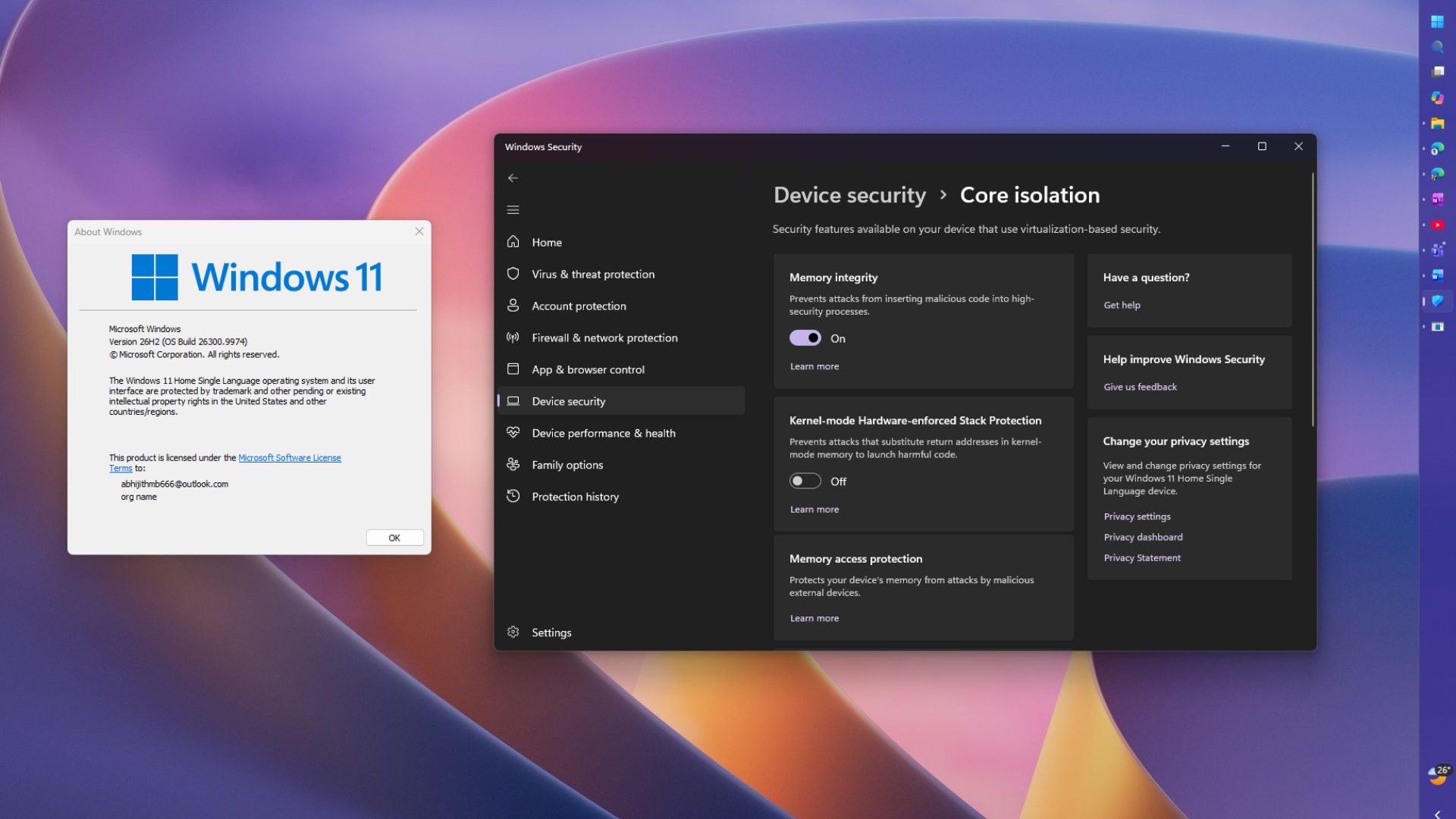
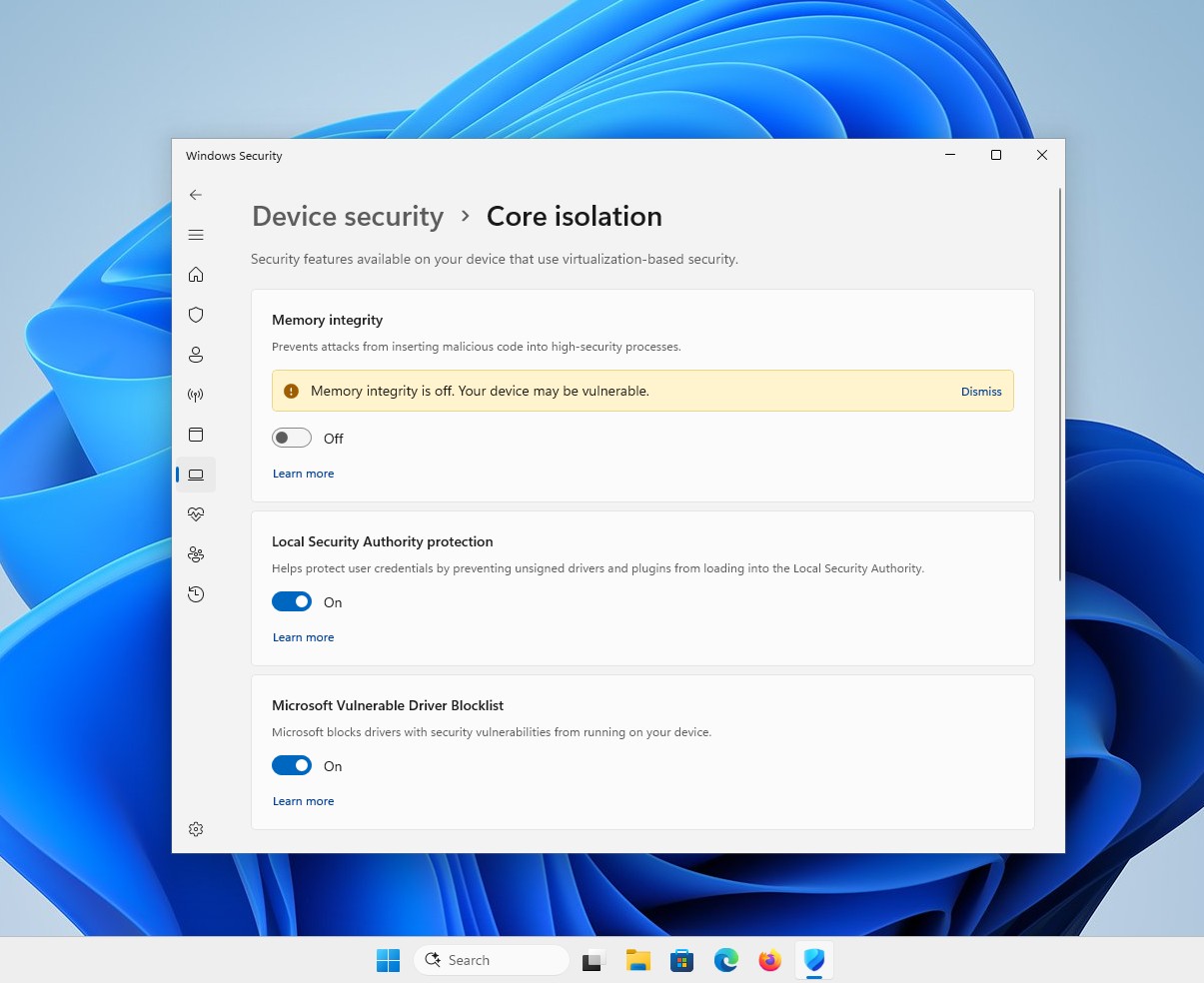
To turn off Memory Integrity in Windows 11, open Windows Security > Device security > Core isolation details. You’ll see the toggle here, but you may not want to turn it off just yet…
Windows 11 is automatically enabling Memory Integrity on more PCs
Microsoft first added the change to October’s optional KB5127936 update. According to the changelog, supported PCs “may now have memory integrity (HVCI) enabled during updates.”
If you skipped that optional update, November’s Patch Tuesday update, KB5132061, brings it to your PC as well, since it includes all of October’s improvements. But the change is listed only for Windows 11 25H2 and 26H2, not 24H2, because that version reached its end of updates last month.
In a Windows IT Pro Blog post, Microsoft’s Peter Waxman said that “security works best when protection is built in, not bolted on.” Before turning it on, Windows checks your PC’s hardware, driver compatibility, and performance. Some PCs will also get Virtualization-Based Security (VBS) turned on, which Memory Integrity needs in order to work.
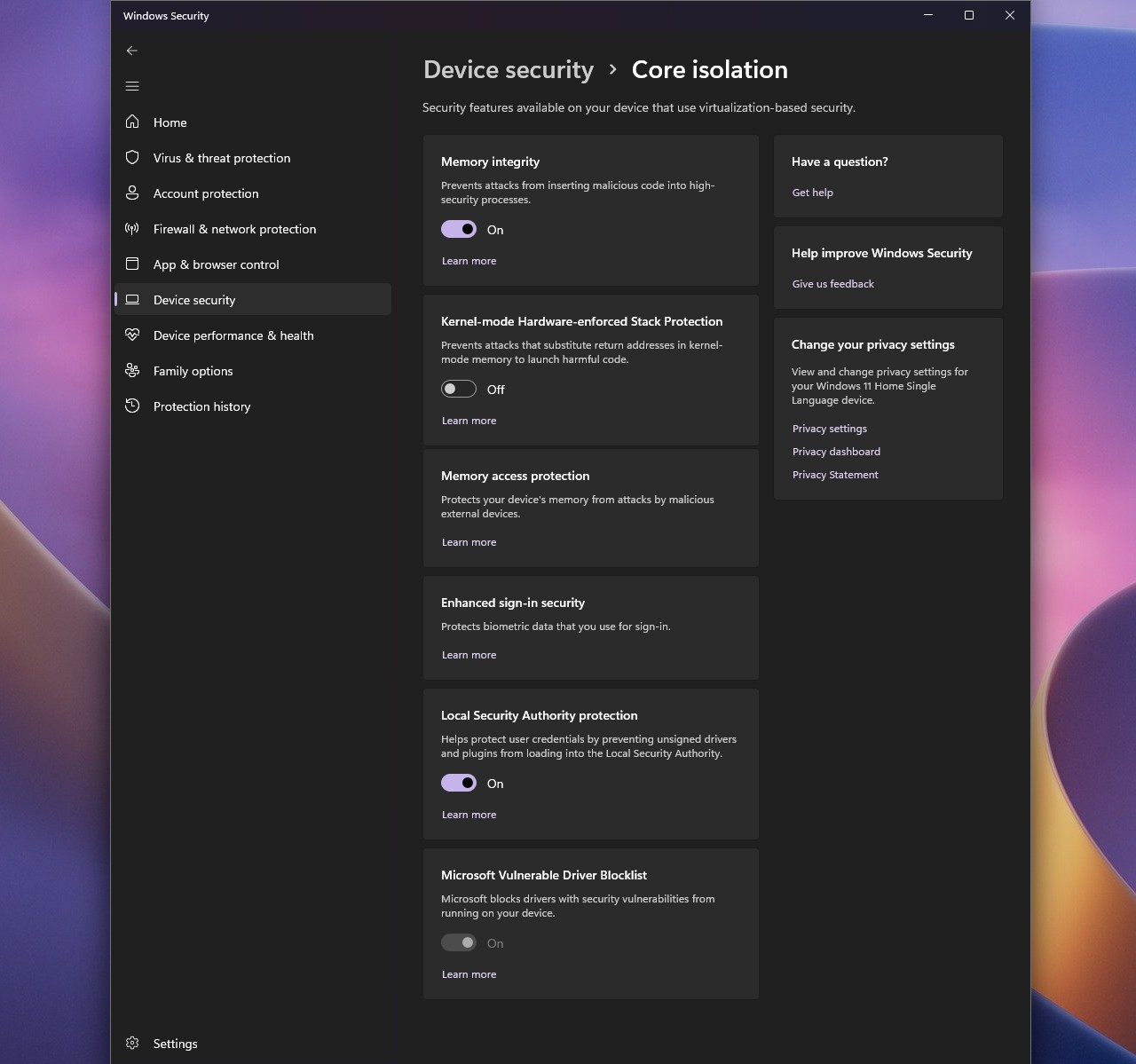
It’s a gradual rollout, so not all eligible PCs will get it immediately. And in the blog’s comments, Waxman confirmed that “enterprise policy takes precedence over the automatic enablement,” so IT admins still have the final say.
Memory Integrity protects the core of Windows, and it has been around since Windows 10
Memory Integrity, also called Hypervisor-Protected Code Integrity (HVCI), runs on VBS, which uses the Windows hypervisor (the tech behind virtual machines) to create a small space that’s walled off from the rest of the system.
Normally, the Windows kernel checks whether a driver or any other code is safe to run. But if malware takes over the unfortunate kernel, you can’t trust those checks anymore. With Memory Integrity on, these checks instead happen inside that isolated space, so a hacked kernel can’t simply run code that hasn’t been verified. Ingenious stuff, I would say!
Memory Integrity isn’t a Windows 11 thing, by the way. It started as part of Device Guard, and businesses have been able to enable it since Windows 10 launched in 2015, but it was rarely on by default.
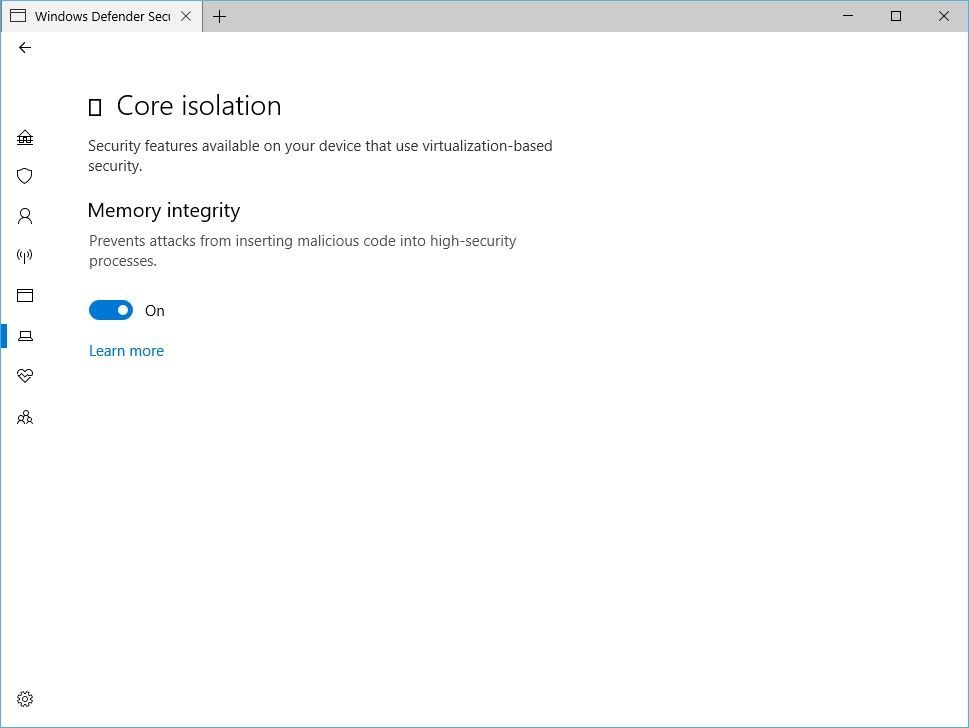
On Microsoft’s dead OS, which still has a bunch of holdouts, it was on by default only on Secured-core PCs and clean installs of Windows 10 in S mode (remember that?). In September 2022, Microsoft’s Security Blog said it would be on by default for all new Windows 11 devices, but Microsoft’s documentation notes that this applies only to clean installs, not upgrades.
So, if you upgraded from Windows 10, Memory Integrity most likely was off unless you turned it on manually. Considering how many people upgraded before Windows 10 support ended in October 2025, I’d guess that’s a ton of PCs!
Microsoft once told gamers to turn Memory Integrity off, so what changed?
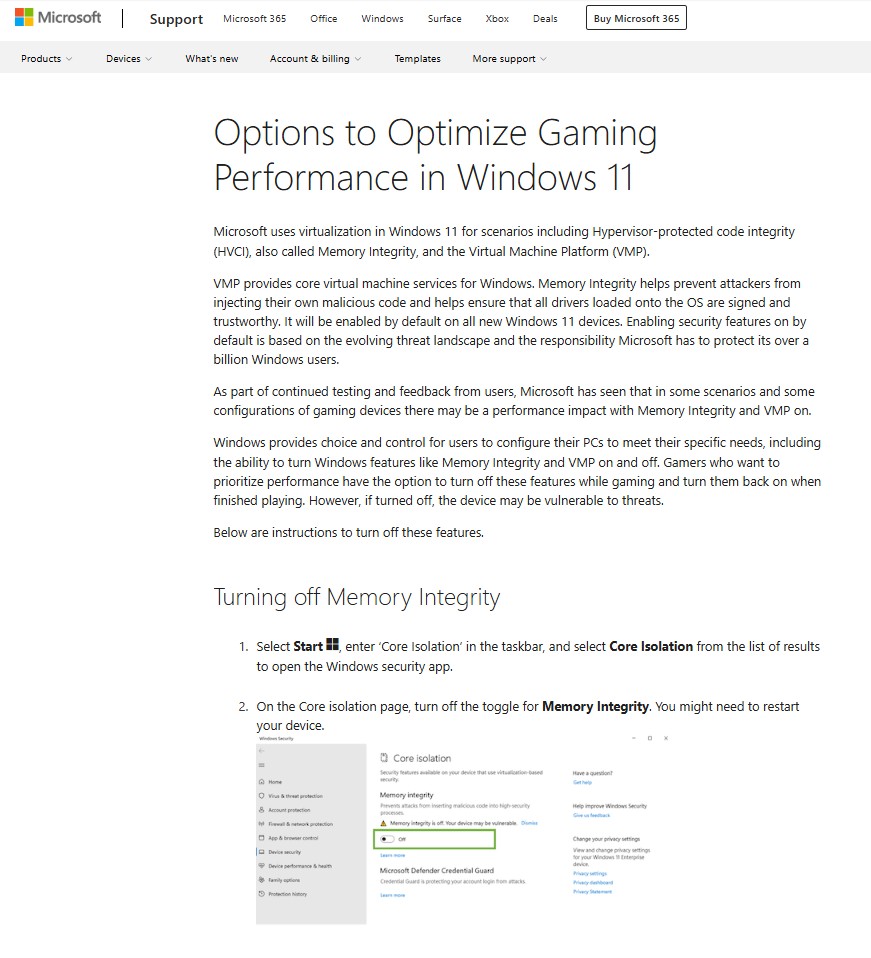
In October 2022, Microsoft published a support article called “Options to Optimize Gaming Performance in Windows 11,” where it admitted that “in some scenarios and some configurations of gaming devices there may be a performance impact” with Memory Integrity and Virtual Machine Platform (VMP) on. The software giant’s advice was to turn both off while gaming and turn them back on when you’re done.
When we tried to open the article today, Microsoft Support redirected us to its homepage, but of course, the good old Internet Archive exists. Even in 2021, Microsoft’s documentation said gaming PCs “may choose to ship with HVCI disabled,” as Tom’s Hardware pointed out.
So, what changed between 2022 and 2026? In my opinion, Redmond is now more confident about the hardware. According to Microsoft, Memory Integrity runs better on Intel 7th-gen (Kaby Lake) and newer processors, and AMD Zen 2 and newer, because they have built-in features (MBEC on Intel and GMET on AMD) that reduce the performance hit. Older processors don’t have them, so Windows has to emulate them, which slows things down more.
But the Intel and AMD PCs that qualify for automatic enablement need at least an 8th-gen Intel or Zen 2 processor, so all of them have this hardware support.
That said, it’s not like the performance hit has disappeared. Tom’s Hardware measured an average gaming drop of about 5% on an 11th-gen Intel chip in 2021, and their 2023 retest with a Core i9-13900K and RTX 4090 still found about 5%, going up to 10% in some games. Digital Trends saw less than 3% in their test.
I may not be a hardcore gamer, but I’m more worried about compatibility than frames. Microsoft’s driver compatibility page lists “anti-cheat solutions with gaming” among the software that has had problems with Memory Integrity. Mind you, some of the most popular PC games need anti-cheat software.
Fortunately, if your PC crashes during boot soon after Memory Integrity is turned on, possibly because of an incompatible driver, Windows can automatically turn the feature back off.
Ironically, Microsoft promised in December 2025 to make Windows the best place to game in 2026, and now it’s turning on a feature it once suggested gamers switch off.
To check whether Memory Integrity is on, go to Windows Security > Device security > Core isolation details. You can turn it off from there, but if your games work fine, I’d recommend leaving it on.
Memory Integrity works pretty much the way it did in 2022, but Microsoft now wants it on by default on every PC that can handle it. Have you noticed any frame drops with Memory Integrity turned on?