





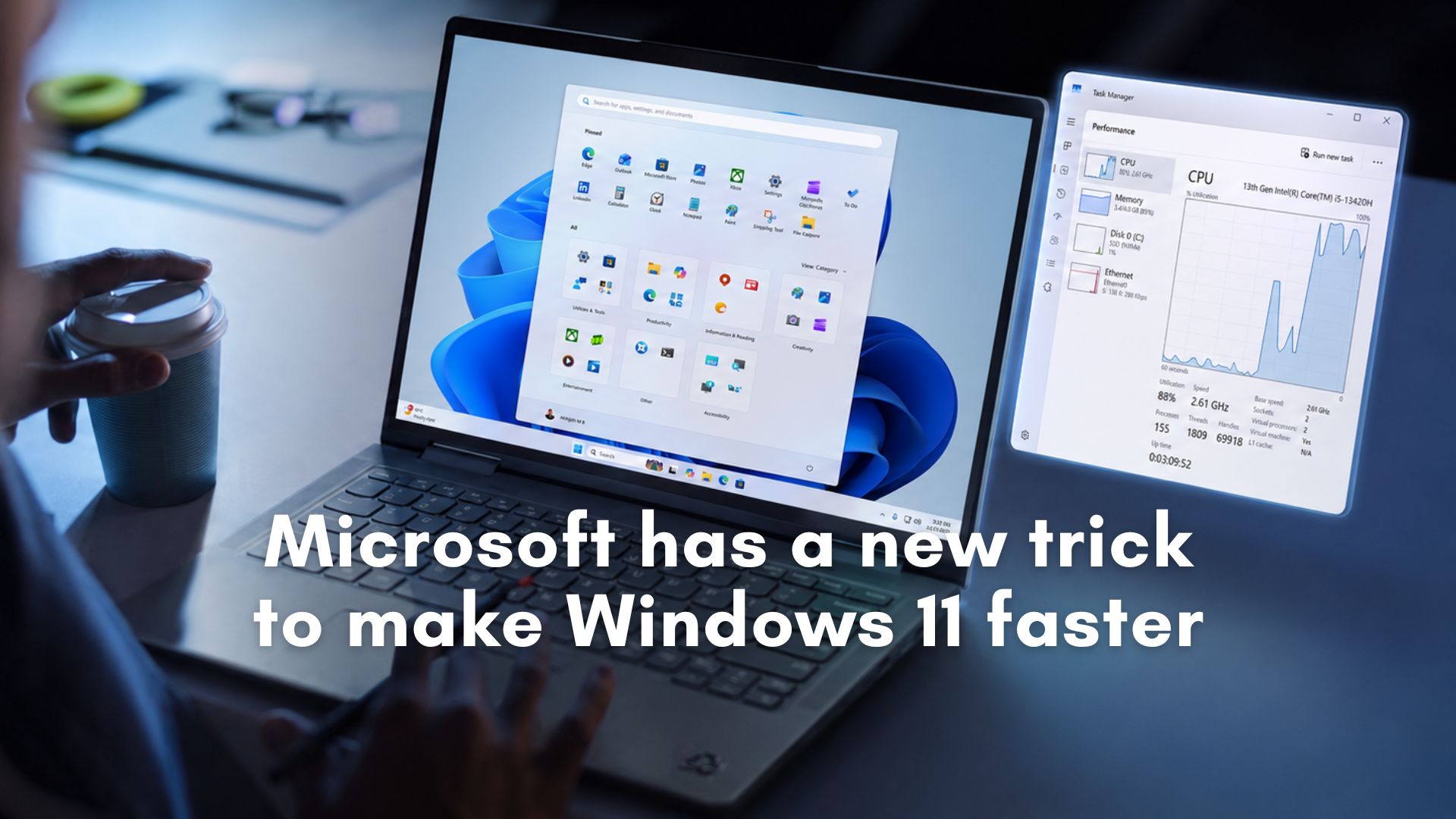
Microsoft told me that it’s rolling out Windows 11’s Low Latency Profile (LLP) to more PCs with the June 2026 optional update (KB5095093). But that doesn’t mean it’ll show up for everyone immediately. Microsoft is still gradually rolling this out this year, and today’s change only means it’ll reach more PCs. Of course, you can always force-enable it.
If you’ve been following Windows development, you would have heard about Low Latency Profile already. It’s one of the most discussed Windows features in 2026, but for those unaware, Low Latency Profile is a hardware-level CPU boost technology introduced by Microsoft.
Low Latency Profile isn’t a new “innovation.” In fact, macOS and Linux already have a similar feature. In our tests, we found that the feature simply increases your overall CPU utilization briefly to boost the performance of the Windows shell.
Low Latency Profile is a CPU scheduling technique that allows Windows UI, such as the Start menu, Notifications, Quick Settings, and other Windows Shell experiences, to feel snappy. It works by briefly increasing CPU utilization when you open Windows shell elements, such as the Start menu, Notification Center, and other areas.
The feature works entirely in the background, and the CPU utilization boost is so brief, less than 3 seconds, that it does not impact overall performance. In fact, in most cases, you’re going to love Low Latency Profile, especially if you own a low-end PC with 8GB of RAM and a low-tier processor, such as the Intel Core i3.
Until now, the Low Latency Profile was not available to most users, but starting with the June 2026 optional update, it’s rolling out to more users. But that doesn’t mean everyone will get it right away. In fact, the new Start menu, which began rolling out last year, has only now become available for 100% of users.
How do you verify if the Low Latency Profile is really working on your PC?
First and foremost, Microsoft’s official release notes state that the performance boost applies to OS elements and apps, but that’s not the case. While the OS elements are indeed faster, this feature isn’t live for apps yet, so you will not notice any visible difference when you launch apps after installing the update and force-enabling Low Latency Profile.
Windows Latest understands that the Low Latency Profile for apps will ship at a later date, likely in a month or two, and we’ll have more details soon.
For now, you will notice performance improvements or reduced stutter when you open the new Start menu, Notification Center, Quick Settings, and other features. But on high-end PCs, the difference would be barely noticeable. In its current state, Low Latency Profile is designed for low-end hardware, where performance changes are instantly visible.
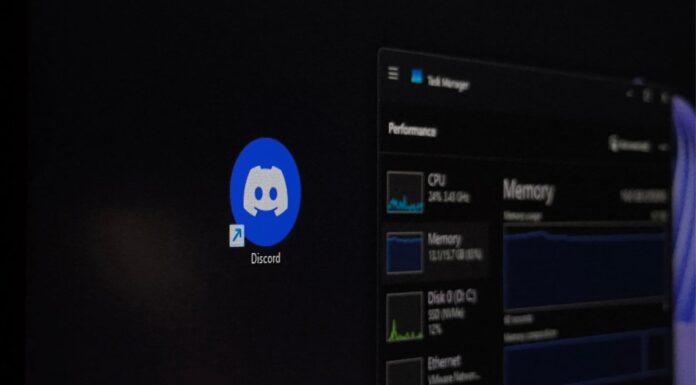
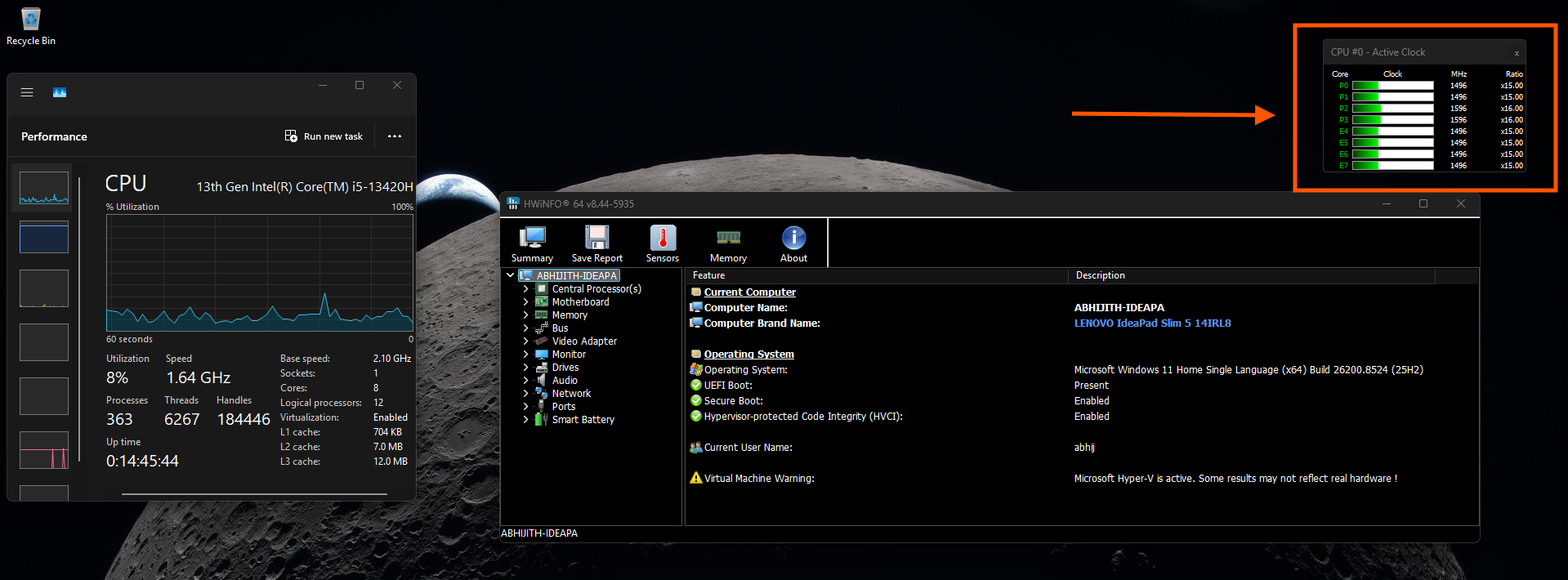
Regardless, you can verify if the Windows 11 performance boost is working by using a dedicated hardware monitor like HWiNFO. While Task Manager is excellent for monitoring overall system state, including performance of all cores, HWiNFO tracks rapid, transient per-core utilization spikes with the high-frequency polling necessary to catch a brief 3-second burst.
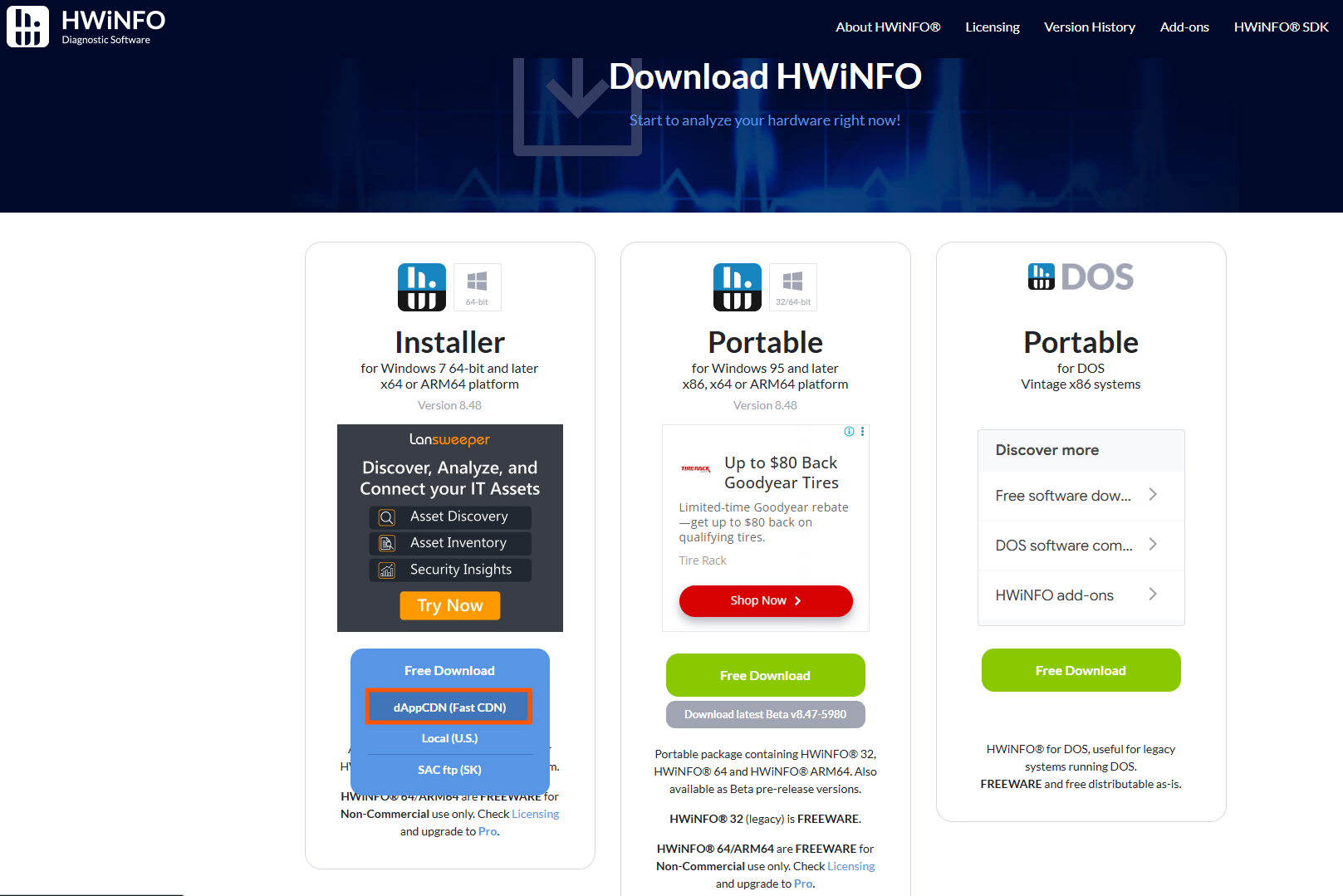
In HWiNFO, click Start after choosing between Full mode or Summary only, and CPU utilization will be visible on your screen. Finally, you need to open the Start menu or Notification Center and watch the CPU spike in HWiNFO.
If you observe a brief CPU spike when you launch the Start menu, Notification Center, or even a system flyout, Low Latency Profile is working.
In case you don’t see the CPU spike or any visible performance difference, you can always force-enable Low Latency Profile by downloading a third-party tool called ViveTool and executing the command:
vivetool /enable /id:58989092
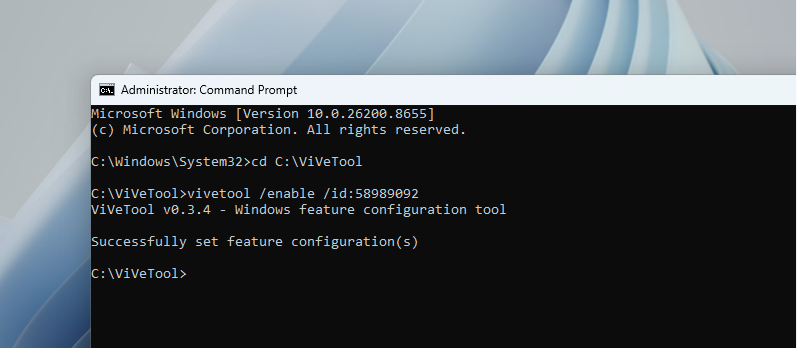
Finally, restart Windows, and you will notice that OS-level experiences now launch faster.
Start menu after enabling Low Latency Profile:
Windows Search after enabling Low Latency Profile:
Action Center after enabling Low Latency Profile:
As I noted above, Low Latency Profile performance changes are not visible even if the feature is turned on on a high-end PC.
We tested it on a 10-year-old PC with 8GB of RAM, and it felt almost like a fresh Windows 11 installation.
Low Latency can truly make older PCs run faster, and it doesn’t really hurt your CPU or overall system performance because the CPU utilization spike is brief.