






Microsoft promised to make Windows 11 more stable, but issues with recent Windows updates are hurting its reputation yet again. We previously found a bug that broke the cursor, which Microsoft later acknowledged. Now, Microsoft has confirmed another issue we reported, and this time Windows 11 is trashing desktop wallpapers and other personalization settings.
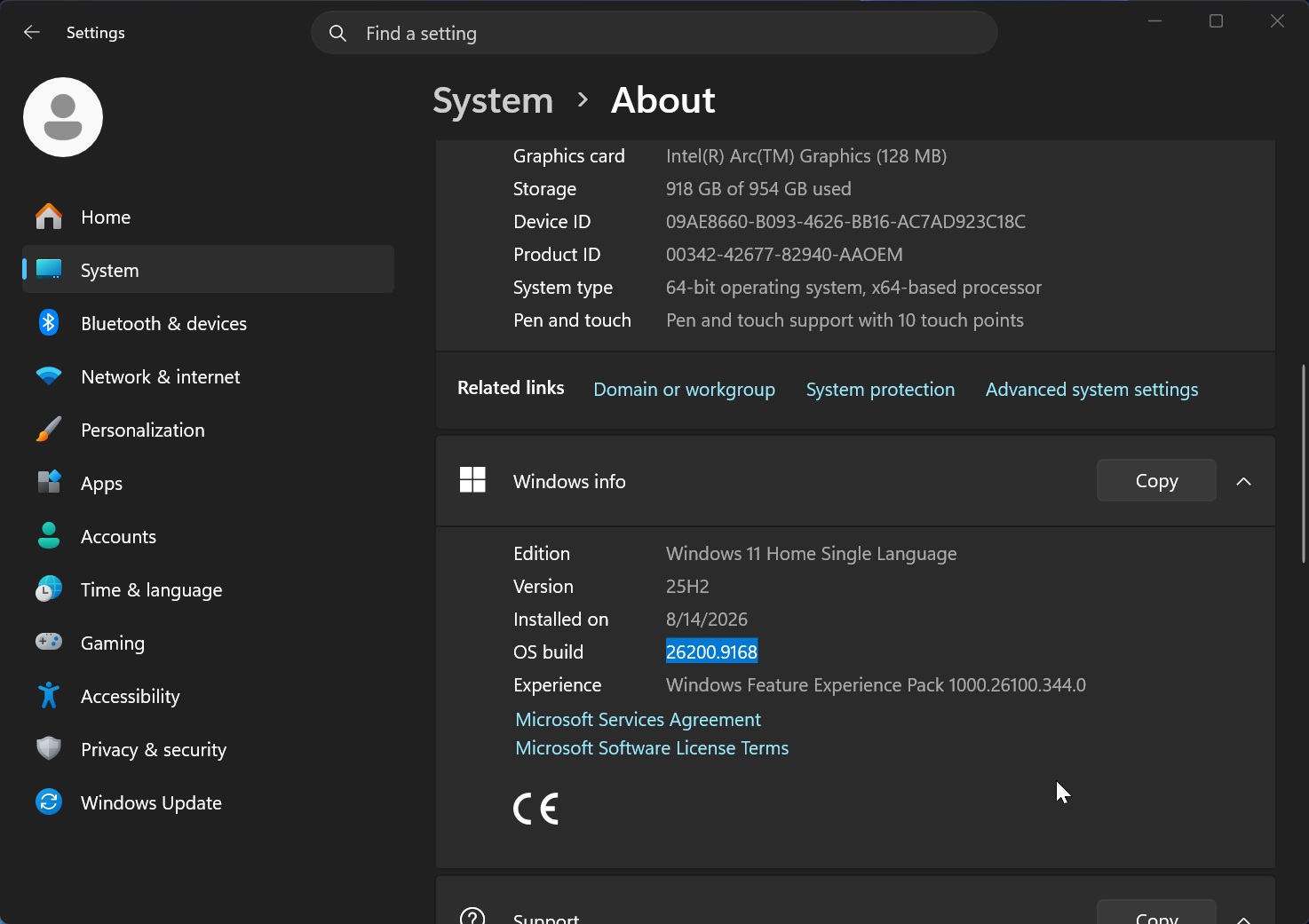
In our tests, we found that Windows 11’s latest update, Build 26200.9278 or newer, can reset the desktop background on every reboot or randomly. In some cases, you can end up staring at a black screen.
You can also run into other desktop-related issues where features such as the ability to hide icons may not work, or personalization settings could fail to load.
In an updated support document published earlier today, Microsoft finally confirmed that Windows 11 has a bug that resets the desktop background and other personalization settings.
“On affected devices, attempting to manually restore customized settings does not work. This is because the issue prevents the correct loading of settings, regardless of their value. In this case, a default black background is used instead,” Microsoft noted in the document.
Microsoft also warned that legacy Windows features such as slideshow settings and contrast themes can break after the update.
Windows 11 KB5120998 can break wallpapers, cursors, and even Outlook or Teams
This issue affects Windows 11 KB5120998 (Build 26200.9278), released on August 27, 2026, and includes a movable taskbar, Bing-free Search, and a resizable Start menu.
It’s one of the biggest releases of the year, but it can also break some of Windows 11’s most basic features.
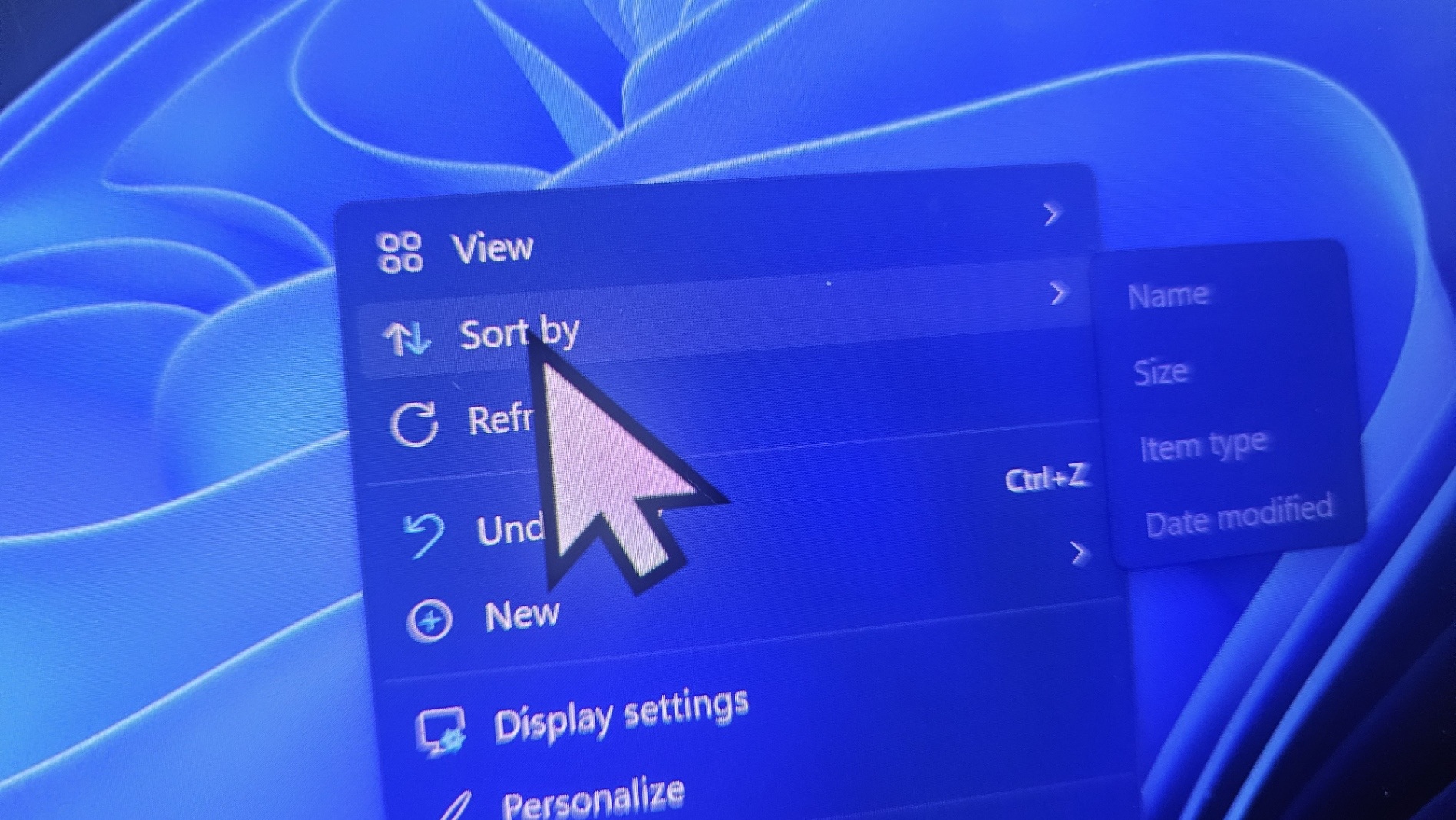
One bug can make the cursor too large, change its color, or reset personalization. Another can reset the desktop background and leave you with a black screen. There’s also a third bug that crashes Outlook and Teams, but it’s less widespread because it affects only ARM-based PCs.
However, these problems may not show up immediately after installing the update.
Everything in Windows 11 KB5120998 is rolling out gradually, and that includes the changes responsible for these known issues. Many users would not run into them immediately because the feature or change causing the bug may not yet be enabled on their PC.
The wallpaper bug may appear days after installing the update
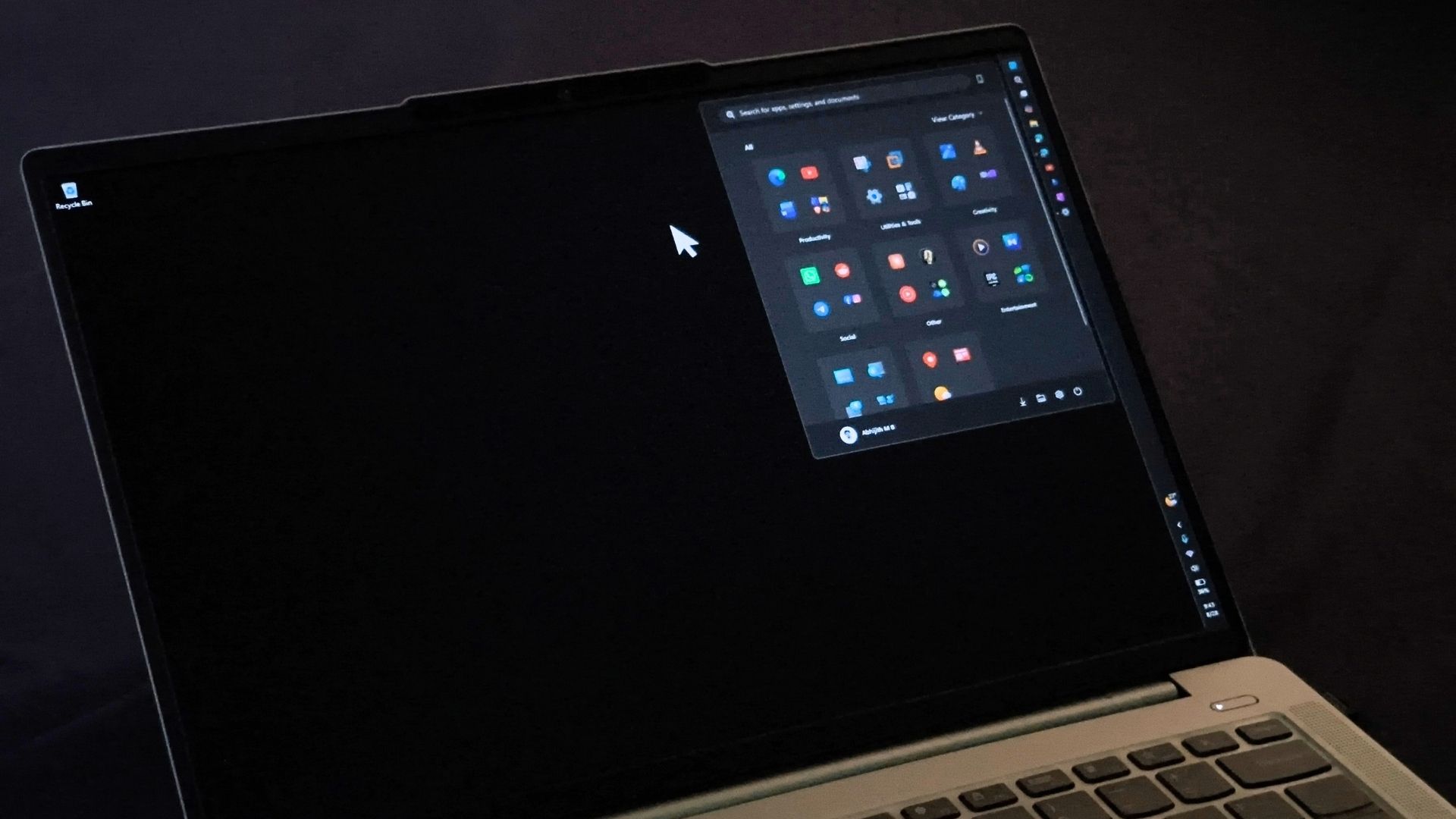
Microsoft rolls out new features gradually, so when a bug is tied to a certain change that is still rolling out, you won’t immediately have these issues.
This approach is officially called Controlled Feature Rollout (CFR), which is a phased and measured way to introduce new features in Windows 11.
In this case, if the particular change in Windows 11 KB5120998 that breaks the cursor, desktop background, or other settings has not yet reached your PC through CFR, you won’t have these issues.
Microsoft has clarified that it cannot roll back the broken cursor or desktop wallpaper. So when the affected feature is enabled on your PC, you could automatically run into the problem in the coming days.
It’s both a good thing and a bad thing. A phased rollout means you might not immediately get new features, but it also lowers the possibility of running into a bizarre bug. At the same time, things can go haywire when the buggy feature finally reaches your PC, and you suddenly find your desktop black or your cursor in a strange state.
Microsoft is rushing to fix it before Patch Tuesday
Microsoft says it’ll issue a fix as soon as possible, but I don’t think it’s coming before the next Patch Tuesday, which is September 8.
Patch Tuesday updates are mandatory, and Microsoft is rushing to fix the cursor and desktop bugs before the update reaches more PCs next week.
If you don’t like the idea of a broken desktop background or staring at a black screen, you should avoid Windows 11 KB5120998 until Microsoft patches it.
Otherwise, I don’t see much reason to skip the update because this specific release adds some of the most requested Windows 11 features.