







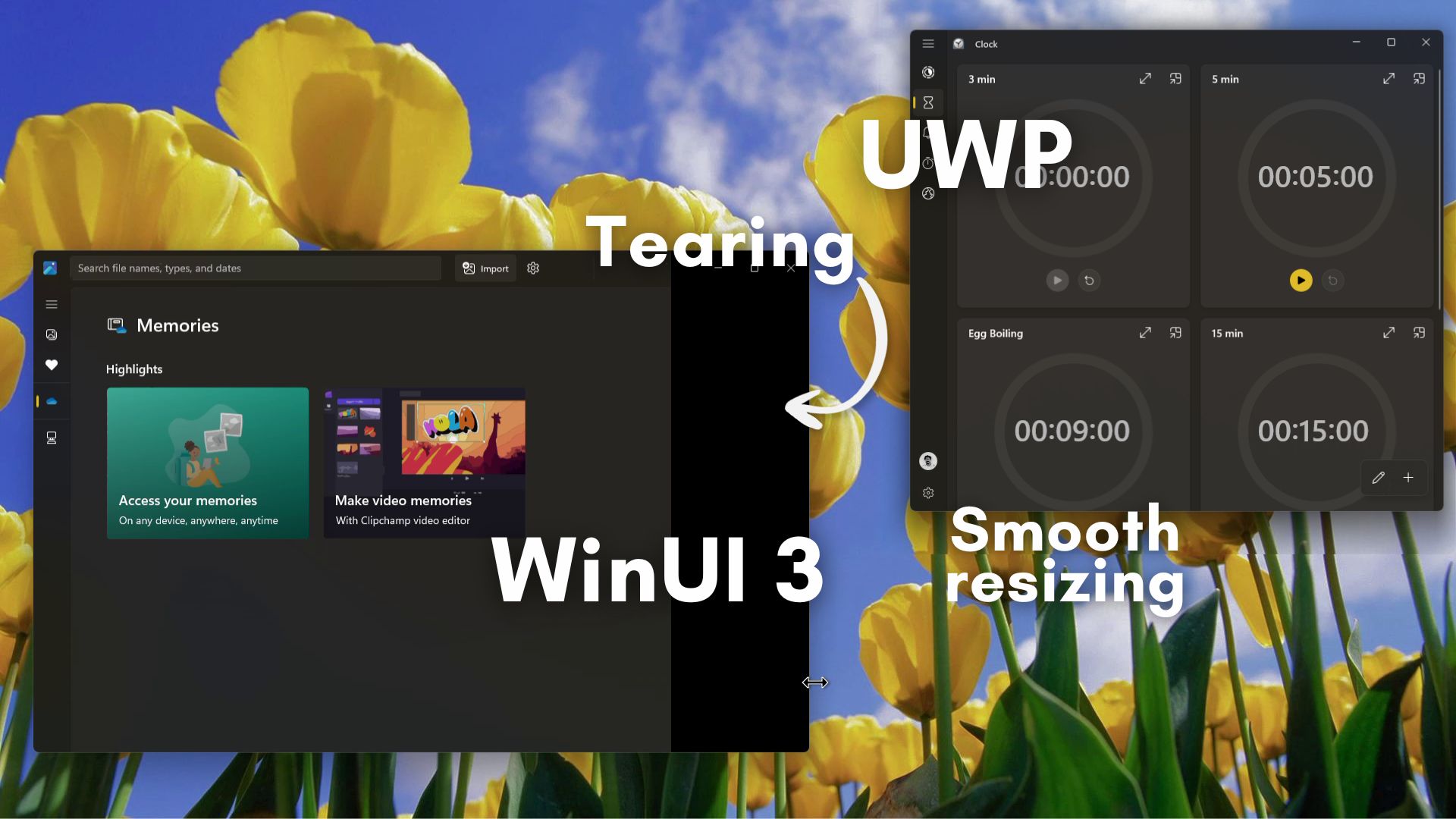
As part of Microsoft’s efforts to revive native app development in Windows 11, the company has now confirmed that WinUI 3 is getting smooth resizing similar to what UWP apps already have.
Windows 11 is currently undergoing a massive structural transition. For years, we have been tolerating a chaotic mix of ancient interface elements, sluggish web wrappers, and modern native applications.
On the developer side of things, one of the most anachronistic visual bugs is the unappealing black tearing at the edges that occurs when you try to resize a modern WinUI 3 app. Fortunately, Microsoft’s Partner Director of Design, March Rogers, says a fix is actively in development and will roll out to users very soon.
“We are working on platform improvements to solve the tearing….Will start rolling out over the summer.”
To be honest, I was unaware of the fact that WinUI 3 apps didn’t already have smooth resizing, and perhaps, the reason might be that the vast majority of built-in Windows 11 apps are UWP.
Here is the Clock app with smooth resizing, because it is a UWP app:
The Windows 11 Photos app, on the other hand, is a WinUI 3 app and hence has a very noticeable tearing during resizing, despite me already using a dark background:
However, this may change soon in a few months’ time…
Smooth resizing is coming to WinUI 3 apps this summer
On X, a developer reached out to the Windows design and engineering leads and asked if WinUI 3 apps could finally get the same smooth resizing that older Universal Windows Platform apps enjoy.
He pointed out that legacy UWP apps like the Microsoft Store and the Windows Clock resize flawlessly. However, a modern WinUI 3 application that they are working on suffers from severe visual glitches, leaving harsh black borders and tearing along the edges as the user resizes the app window.
March Rogers stated that the Windows team is currently working on platform improvements to solve the tearing issue. To ensure the highest level of stability, Microsoft is testing the smooth resizing code on native inbox apps right now. Once they are confident the fix performs well natively, they will push the update to the Windows App SDK. Rogers confirmed that the rollout will begin over the summer. This is a huge relief for power users and developers alike.
We are working on platform improvements to solve the tearing. We’re testing on our inbox apps to ensure it works well before we roll out to the Windows App SDK. Will start rolling out over the summer.
The thing I find most interesting here is March Rogers saying that they are testing it on inbox apps, which means we may also get native first-party WinUI 3 apps soon, which isn’t really surprising, as we have already reported that Rudy Huyn, a Partner Architect at Microsoft, was forming a team focused on building 100% WinUI 3 apps for Windows 11.
More recently, David Fowler, a distinguished Engineer at Microsoft, excitedly put up a post on X saying that, “Native apps are BACK!”
However, what baffles me is how a platform like UWP, which Microsoft has officially abandoned, feels so smooth while resizing when compared to WinUI 3.
That said, the developments around WinUI 3 are quite interesting…
The struggle to replace decades of legacy desktop code
When Microsoft first brought about Win32, they didn’t realize it would last a long time, and yet, Windows 11 is still built on that legacy code. Attempting to layer a modern, GPU-accelerated user interface framework on top of code that was written over three decades ago inevitably causes immense rendering issues.
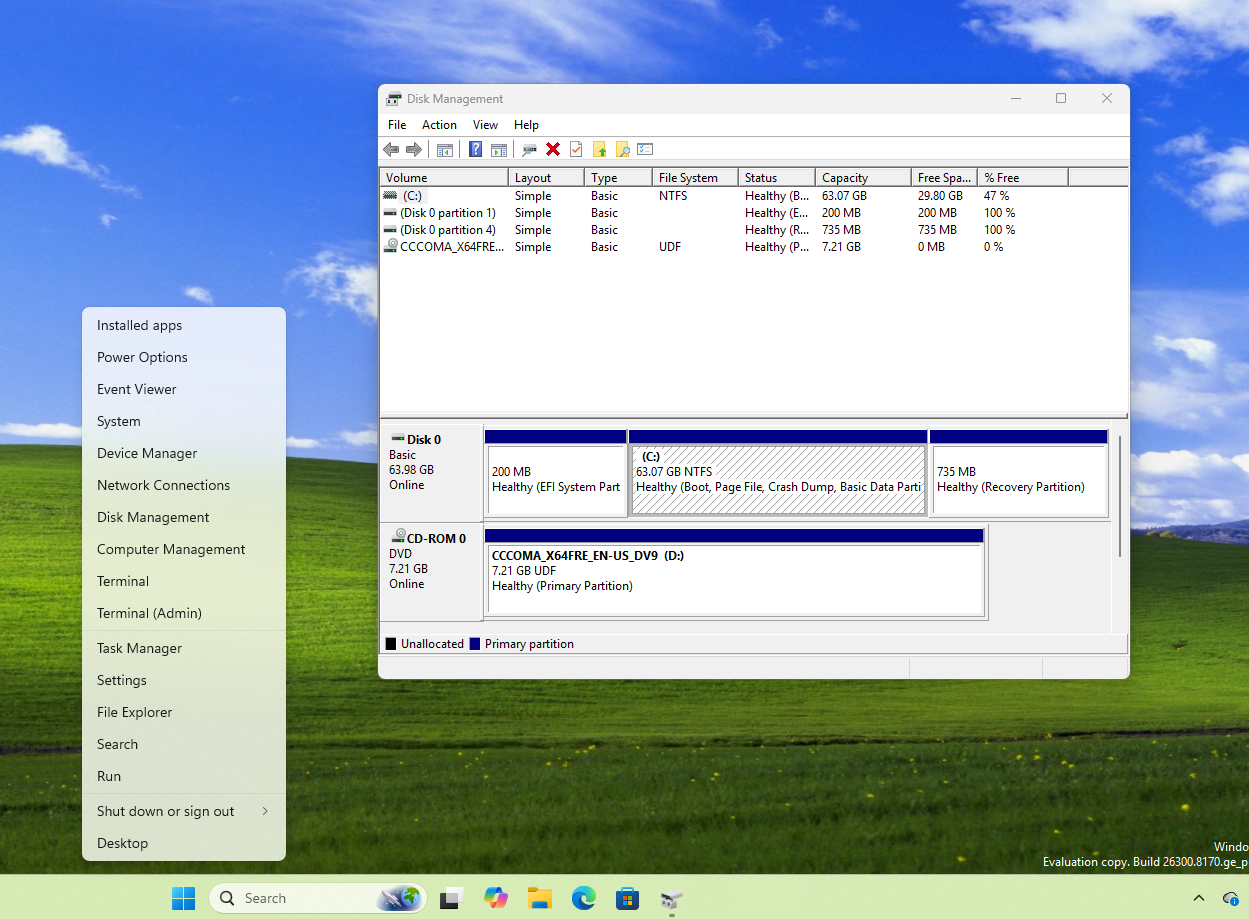
The internal design teams are acutely aware of these graphical inconsistencies. In a recent discussion, Microsoft says its finally focusing on Windows 11’s design starting with Settings app to replace the age-old Control Panel. March Rogers and his team are systematically hunting down these graphical bugs to create a truly cohesive desktop experience.
However, untangling this web of legacy code is a monumental task. We detailed this struggle when Microsoft explained why they still can’t fully kill the Control Panel in Windows 11. There are deeply embedded enterprise dependencies, registry keys, and complex COM objects that just cannot be rewritten overnight without breaking critical administrative tools.
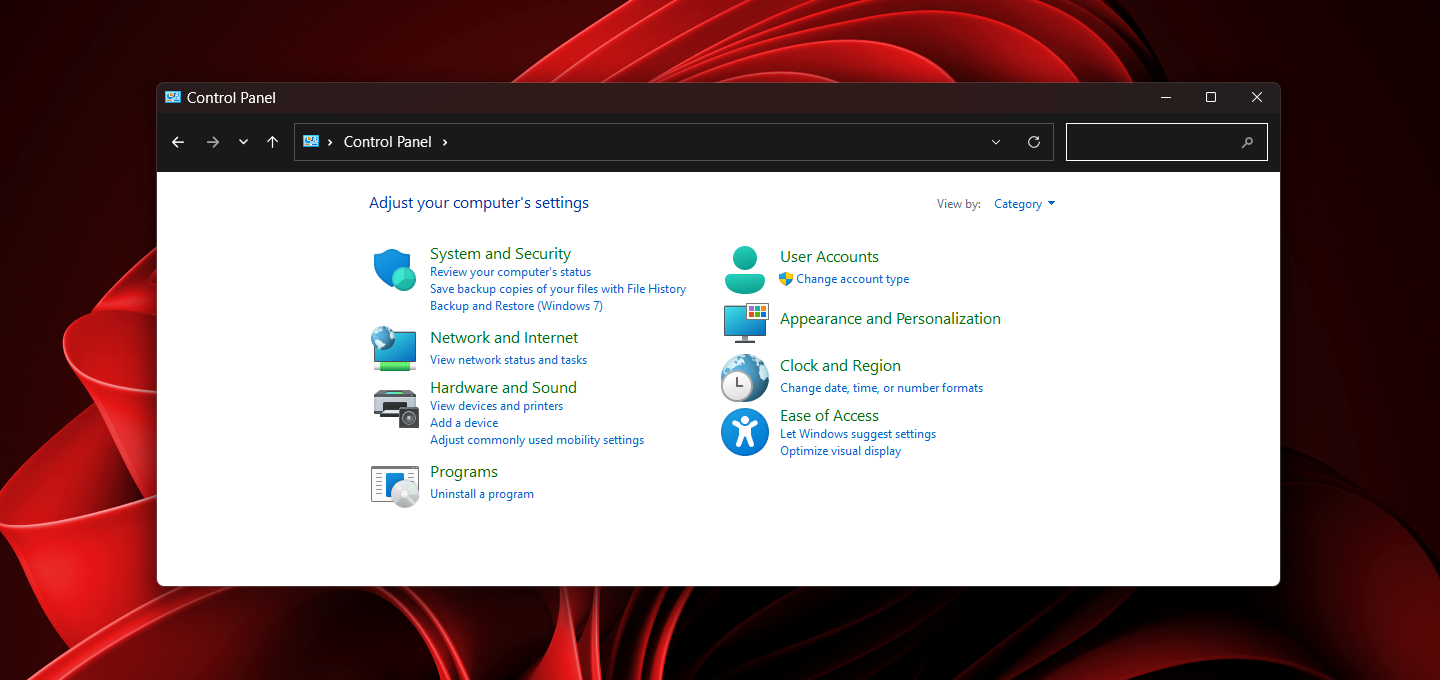
This slow migration creates a disjointed user experience where beautifully rounded modern elements sit right on top of outdated dialogue boxes. And it’s not just legacy code, even the ones from Windows 8 exists too, but fortunately, Microsoft confirmed that they are working on replacing old Windows 8 UI elements in Windows 11.
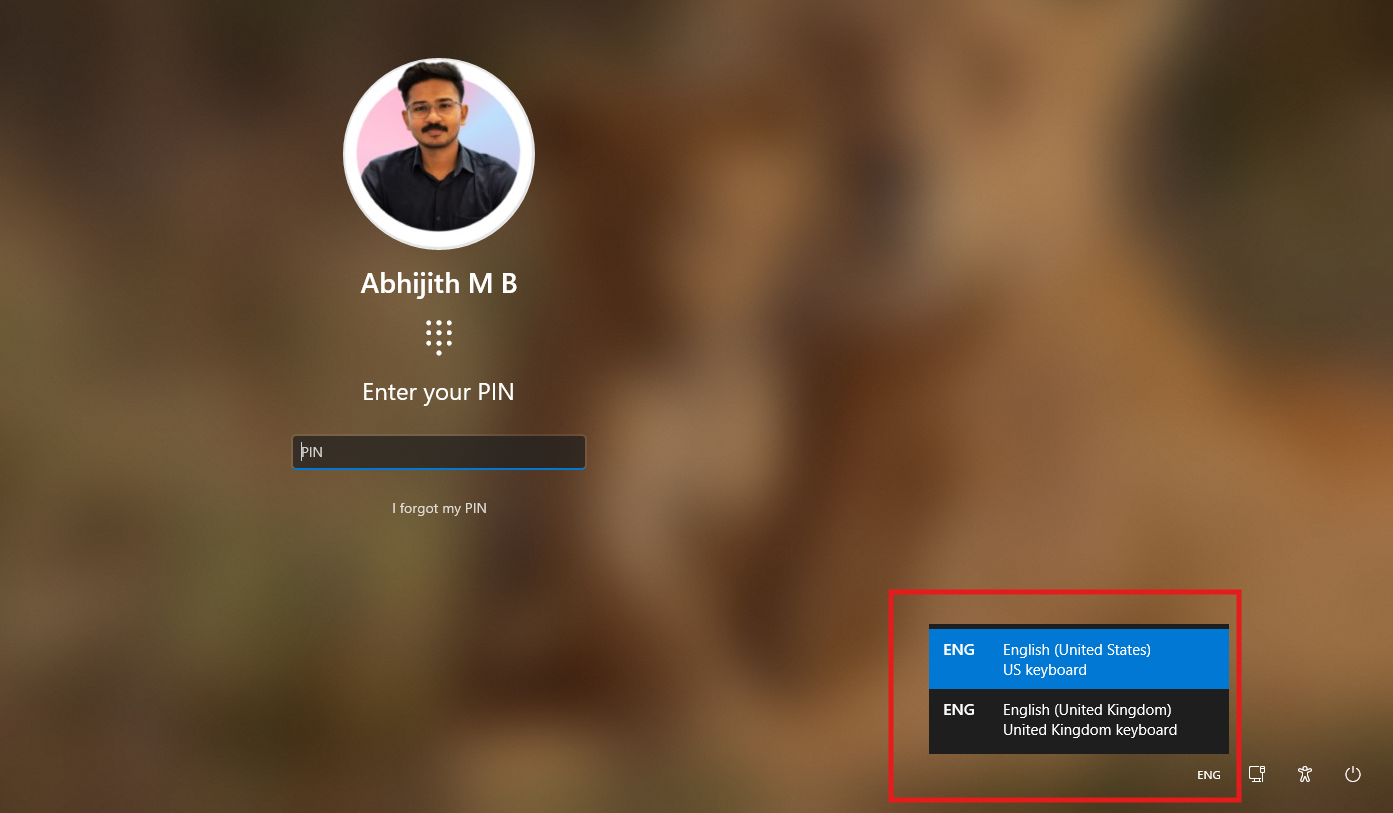
Native WinUI 3 applications are replacing sluggish web wrappers
In light of these issues, Microsoft is doubling down on WinUI 3 to rescue the operating system from a plague of bloated web apps. After years of backlash, the software giant is now pivoting hard away from heavy React Native and WebView2 architectures.
It’s tragic that something as fundamental as the Start menu isn’t running on native code. Fortunately, Microsoft has confirmed that Windows 11 Start menu is shifting to WinUI 3 from web-based React components.
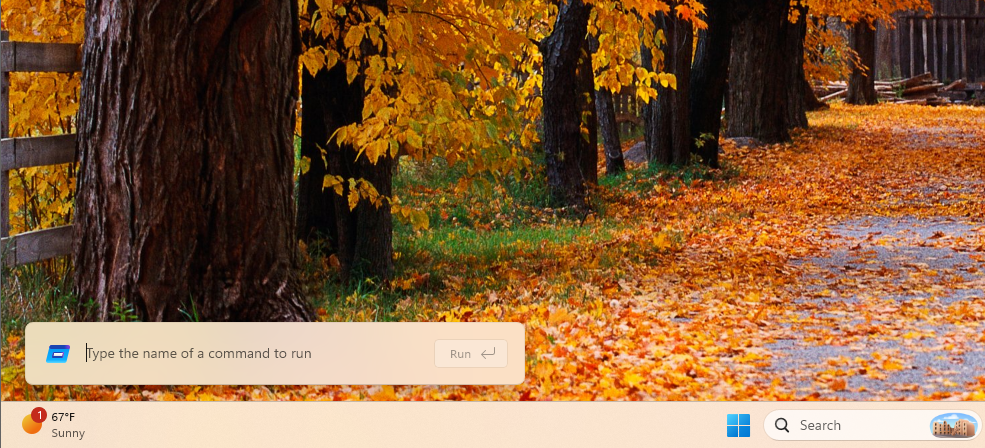
System-level dialog boxes are also receiving major under-the-hood upgrades. We’ve seen WinUI 3’s prowess, as the new Windows 11 Run dialog is faster than the Windows 95-era version it replaces. This directly proves that modern C# and WinUI 3 frameworks can easily outpace ancient Win32 code when engineered correctly.
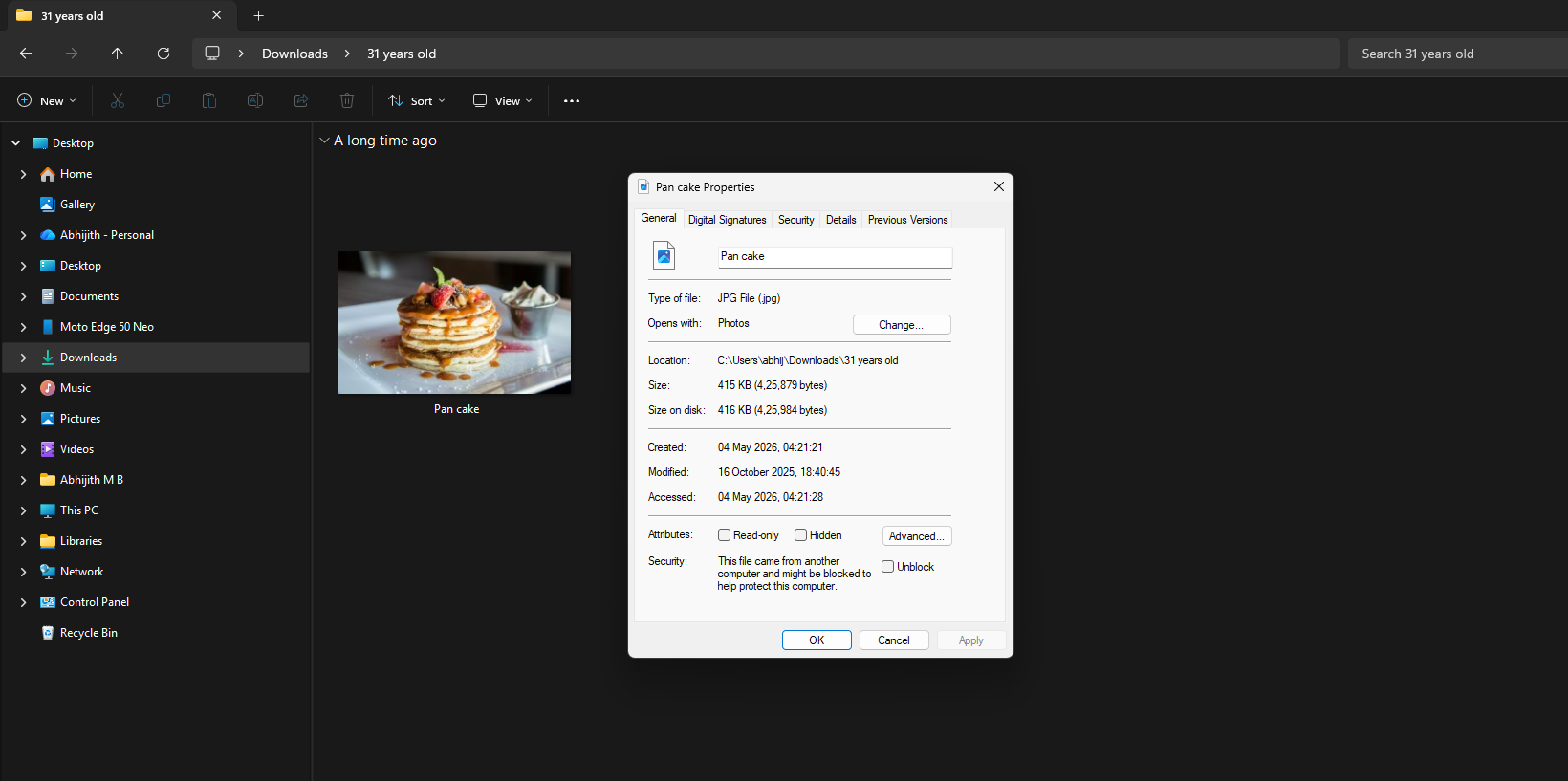
The momentum is continuing across the entire shell interface. The legacy File Explorer properties dialog is getting replaced with a WinUI 3 version, complete with a dark mode.
Yes, these developments, and the smooth resizing functionality coming to WinUI 3, are all well and good until we realise that the biggest hurdle is convincing developers to make native apps for Windows 11.
Rebuilding third-party developer trust with Windows App SDK 2.0
For Windows 11 to truly succeed as a platform, third-party developers must adopt WinUI 3. Currently, the desktop ecosystem is suffering. Even Microsoft has downgraded Copilot into a sluggish web app, although a new design is coming soon.
We recently published a report where a developer explains to us why Windows 11 keeps getting web apps instead of native apps. The issue is that Microsoft itself never committed to a single framework. The Windows App SDK has historically been buggy and difficult to navigate. Now we know that it also lacks basic visual features like smooth resizing. When developers see black tearing on their application borders, they lack the incentive to develop with native code and use Electron or WebView2 instead to ensure consistent visual quality. Also, it doesn’t help the fact that Microsoft experimented with a bunch of frameworks before settling on WinUI 3.

Meanwhile, macOS continues to receive highly optimized native applications because Apple UI frameworks work flawlessly out of the box.
Microsoft is aggressively trying to change this negative narrative. The recent launch of Windows App SDK 2.0 proves the company is listening to developer feedback. The SDK 2.0 release introduces new XAML capabilities, modernized Storage Pickers, semantic versioning, and expanded popup anchoring APIs.
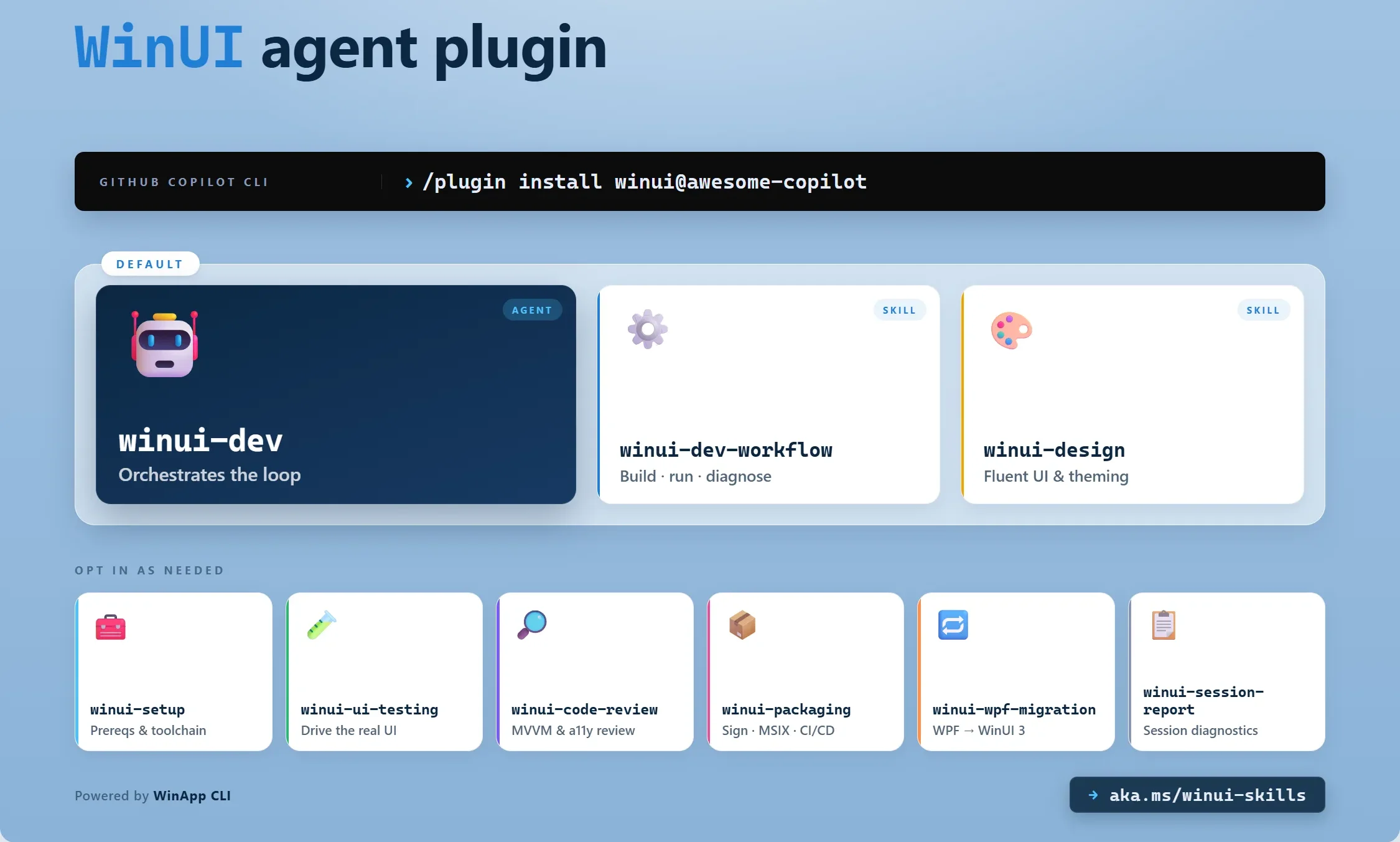
They are even making it significantly easier to build beautiful native Windows software via robust command-line tools.
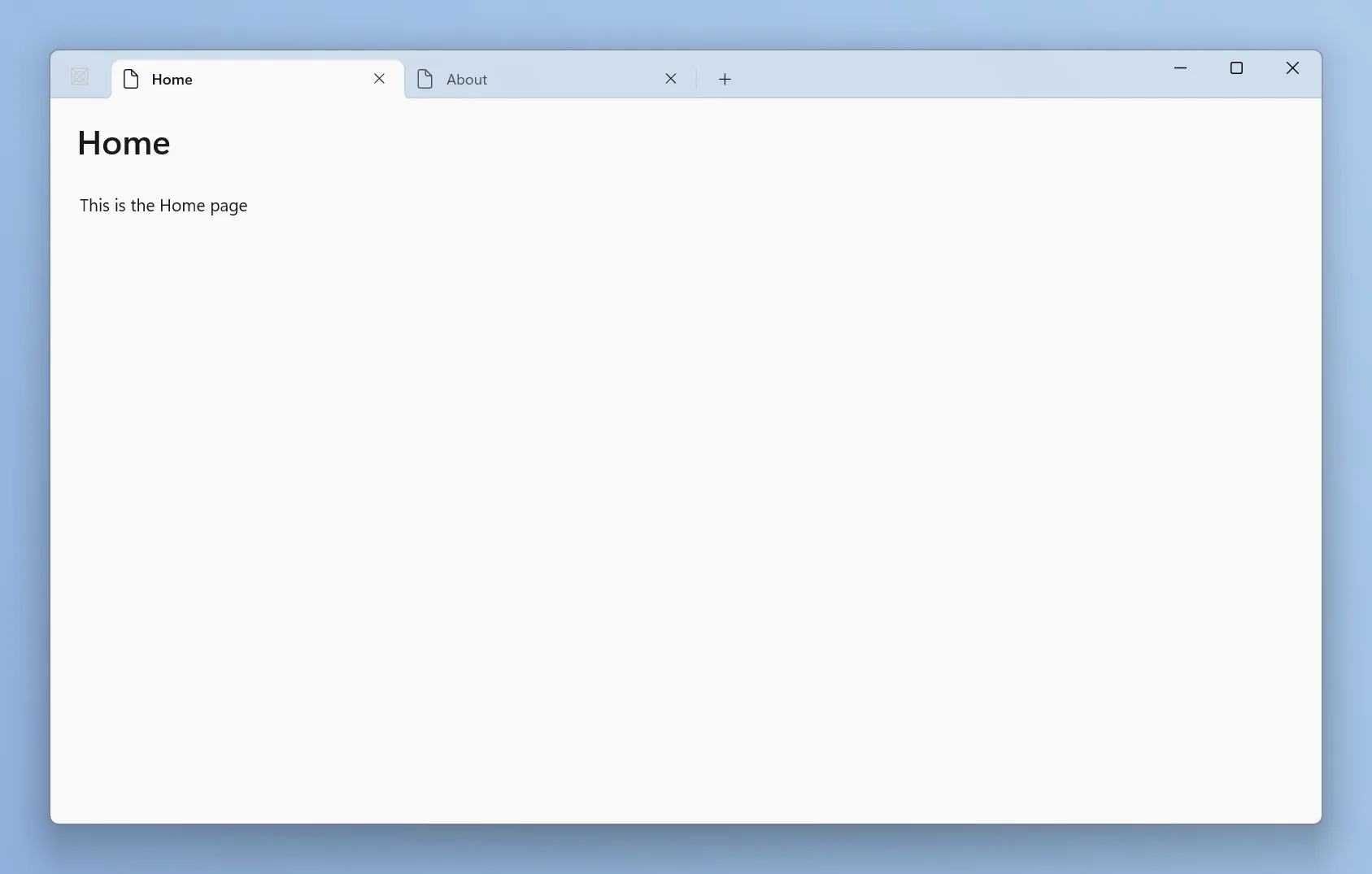
This highly refined developer toolkit, with the upcoming summer release of smooth window resizing, makes the future of Windows 11 look incredibly bright. Also, the hardware-level CPU boosts introduced by the new Low Latency Mode in the May optional update will make these native applications feel even faster as they launch.
The web app era is a dark time for desktop efficiency, but Microsoft’s revitalized commitment to native WinUI 3 code is precisely what the Windows platform needs to exude a premium feel.