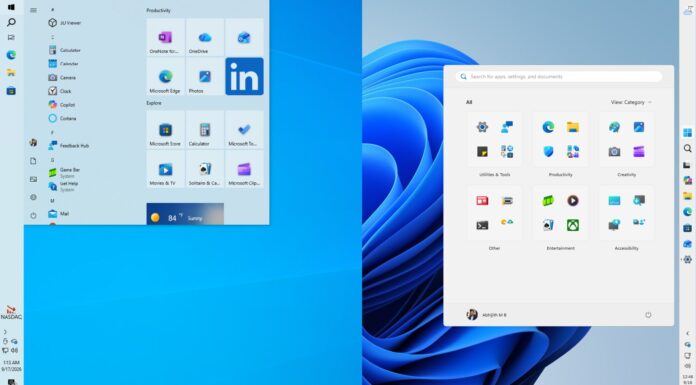






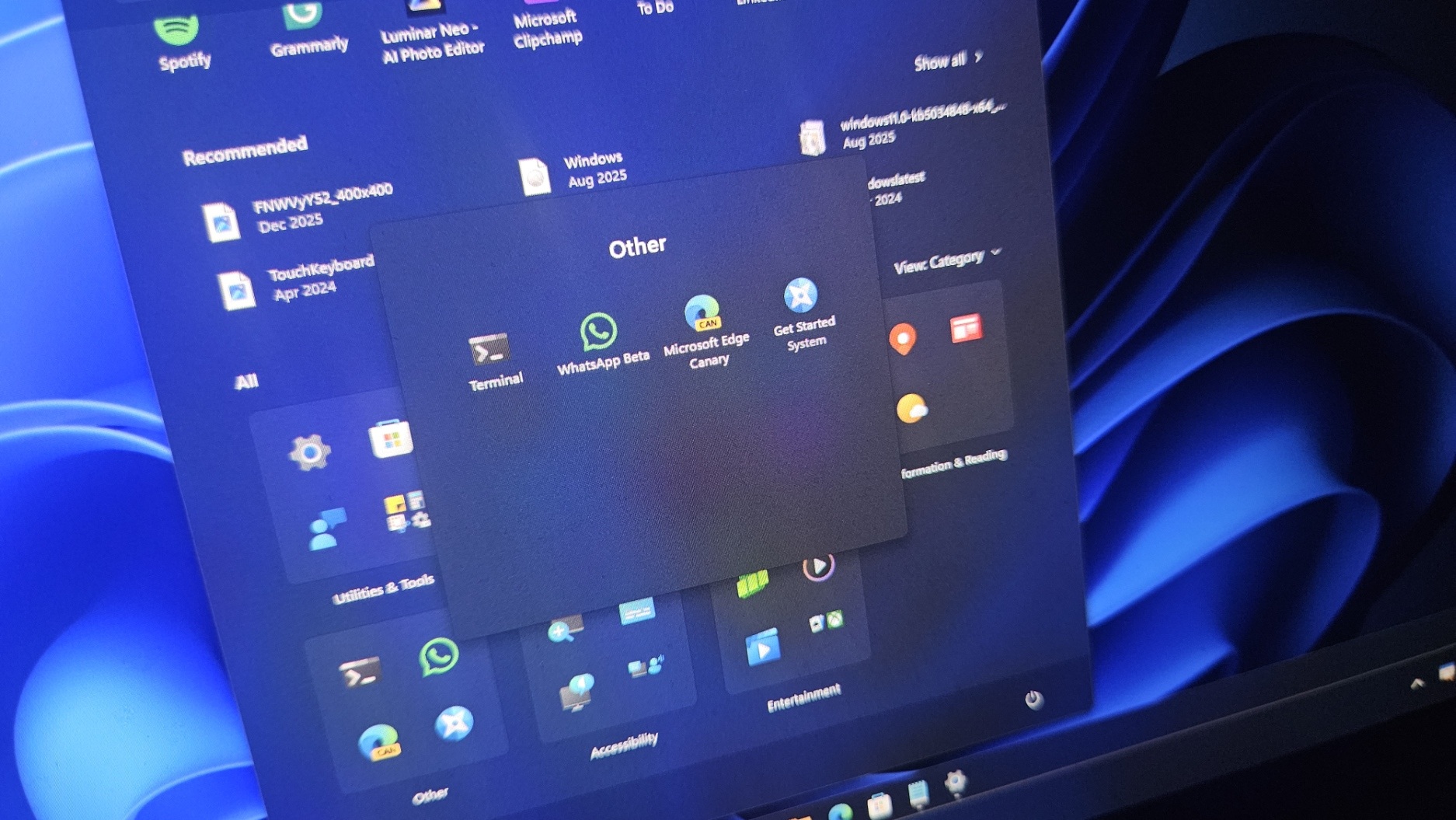
Microsoft has confirmed it’s moving more Windows 11 features and apps to WinUI as part of its efforts to reduce latency and make the OS feel faster. This change benefits features like the Start menu, as Microsoft plans to replace React shell with WinUI in the Start menu, at least for some parts.
For those unaware, React powers the Start menu’s Recommended feed, and even the All apps list. In 2023, at the Chain React 2023 event, Microsoft confirmed that it was betting on React native and “choosing to trust this platform with not only some experiences… but some of our key experiences for our users.”
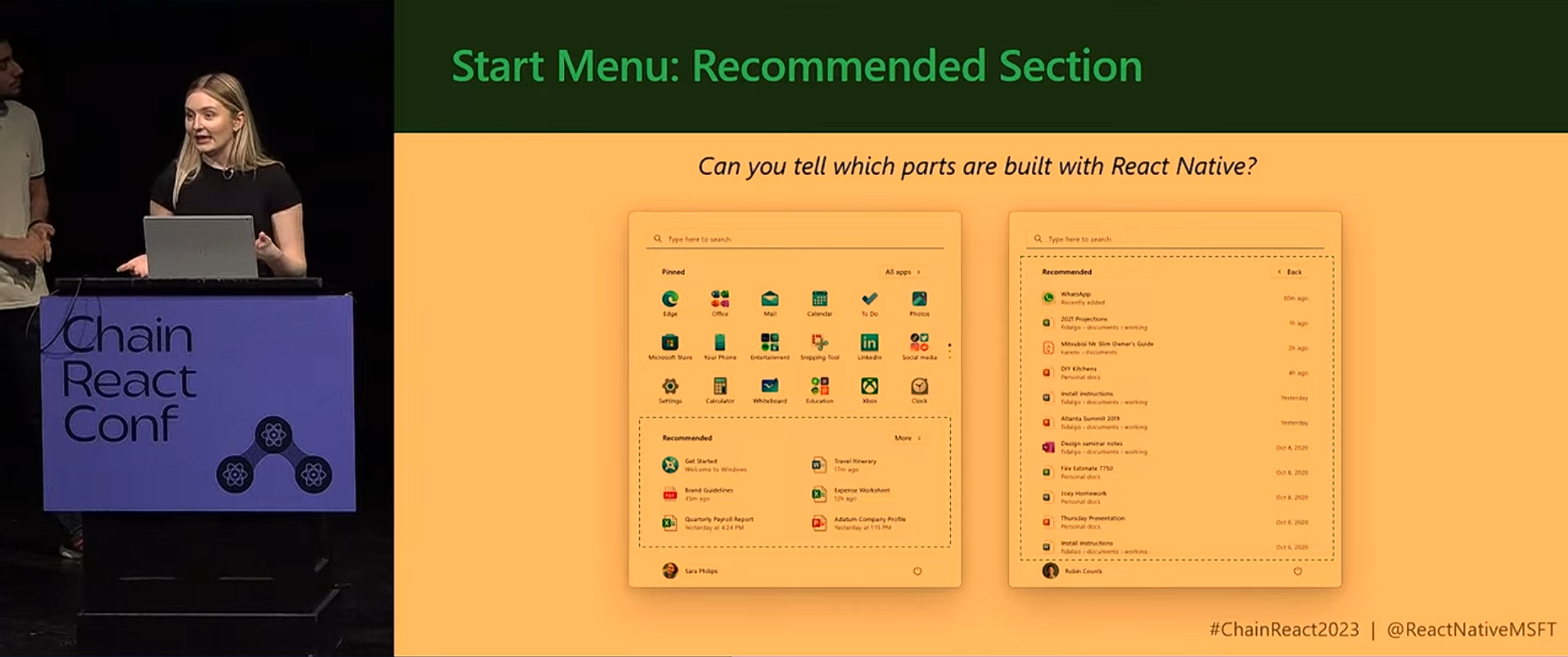
React isn’t necessarily bad. In fact, the Start menu is quite fast on modern hardware, but the catch is that these web-based components will always feel a bit slower than the native framework, like WinUI, even when they are done right. It’s largely because of latency, and it’s also because the web is not meant for everything.
Note that Microsoft moved to React to speed up development and make parts of Windows easier to iterate on.
Using React and its internal stack, including React Native XAML and Fluent UI, helped the company to bridge JavaScript-based UI with native Windows rendering, which in turn allowed it to ship updates faster and experiment with features like the Recommended feed.
React was responsible for the logic layer, while XAML was used to render native UI elements, which is how Microsoft maintained visual consistency across the OS.
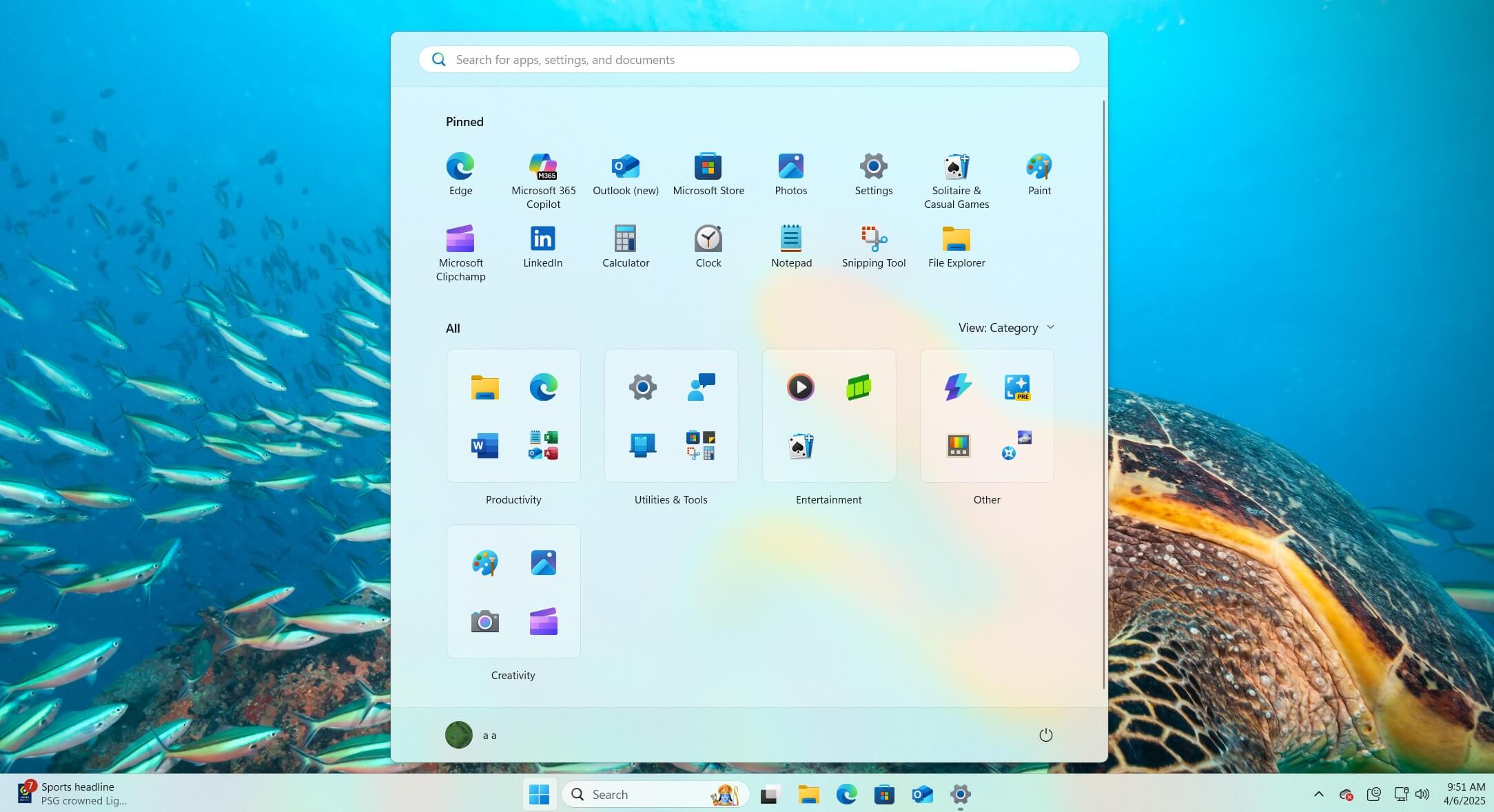
There’s no denying that the Start menu looks and feels native in Windows 11, but the trade-off is that it’s slower, and it’s because web-based layers introduce latency that native frameworks don’t. It’s no wonder the company needs to stop using React.
Microsoft’s leadership has now confirmed that it’s moving the “shared UI infrastructure” to WinUI to reduce interaction latency.
“[We’re] reducing interaction latency by moving core Windows,” Microsoft said, adding that the change should contribute to improved responsiveness.
“Improving the shared UI infrastructure that Windows experiences rely on, reducing interaction latency and overhead at the platform level,” the company added.
It wasn’t easy for Microsoft to make Windows work with React, as the company had to solve a few problems, including maintaining a native Windows look, which it calls “visual coherence.”
To achieve that, the company built tools like React Native XAML and Fluent UI React Native, so apps can still look and behave like proper Windows experiences even if they’re powered by JavaScript underneath.
However, Microsoft is now going back to the basics with a native framework over a web-based UI.
A better recommended feed in the Start menu
Microsoft is also testing a new ‘Recommended’ section in the Start menu that surfaces apps and content more intelligently.
It’s unclear how Microsoft pumped the Recommended feed algorithm in the Start menu, but Windows Latest understands that it’s going to show more relevant apps or recently viewed files, so you don’t actually see the space as “useless.”
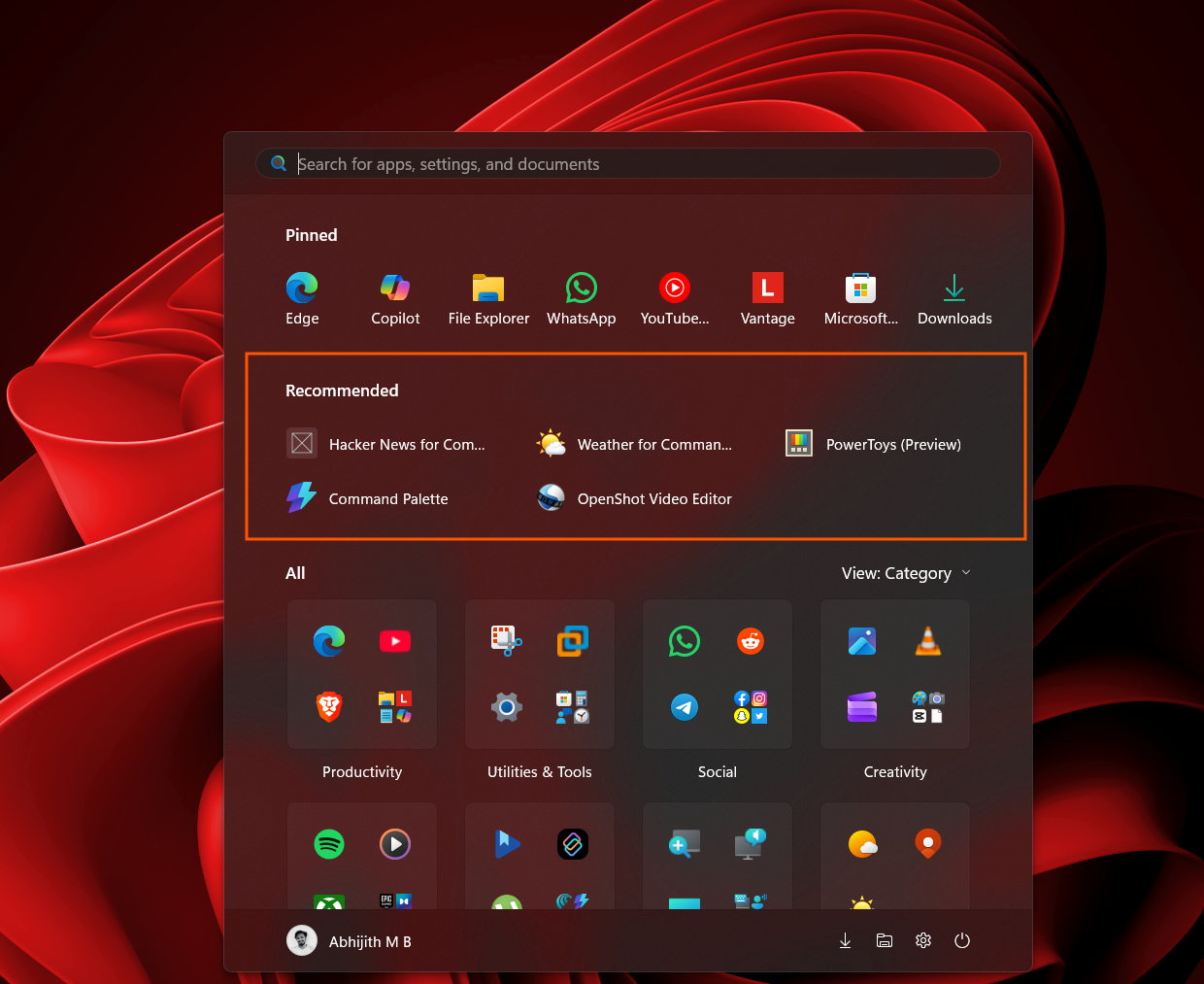
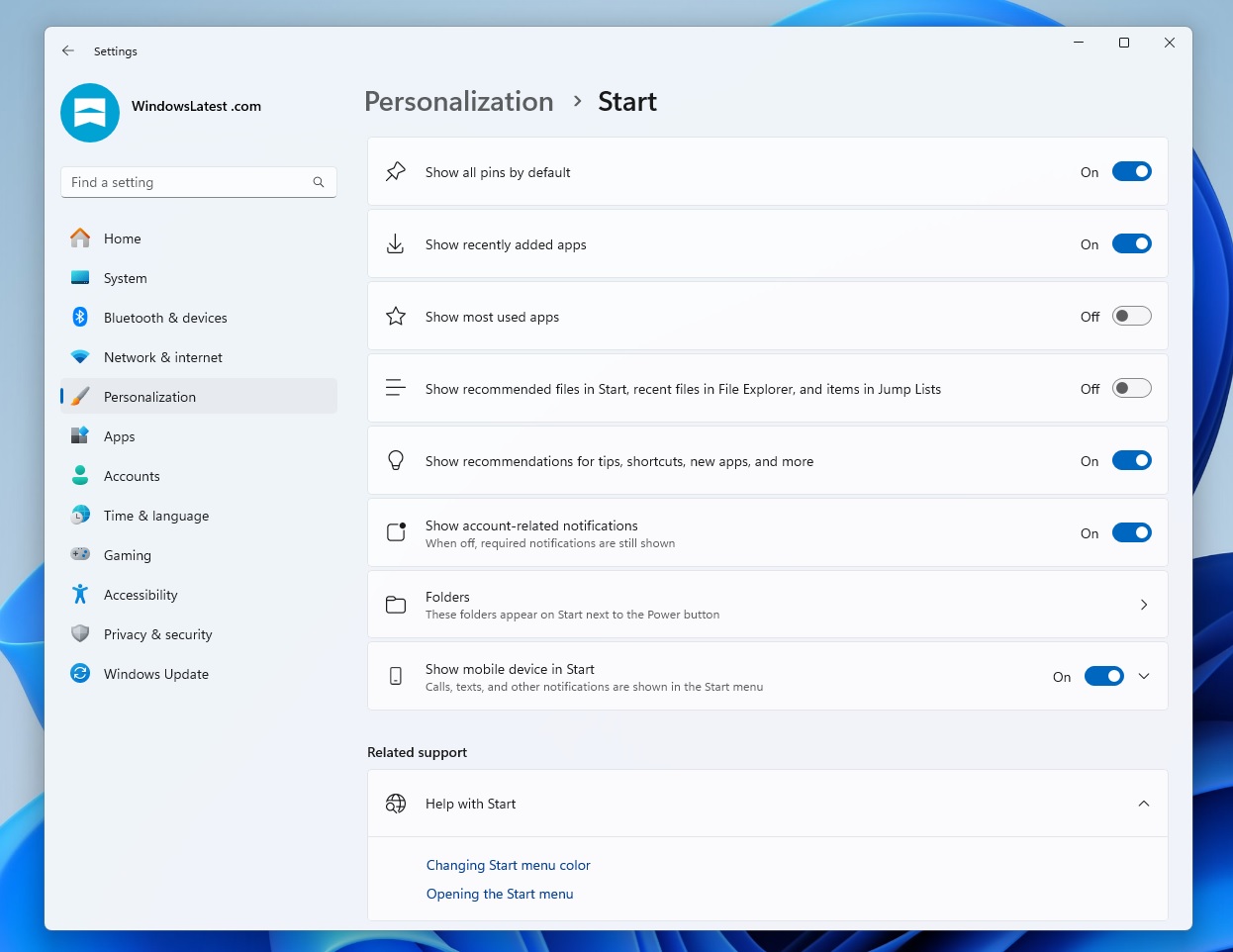
Regardless, if you hate the Recommended feed, it’s already possible to turn it off from Settings > Personalization > taskbar. From here, you need to turn off “Show recommended files in Start, recent files in File Explorer, and items in Jump Lists,” and the feed will disappear.
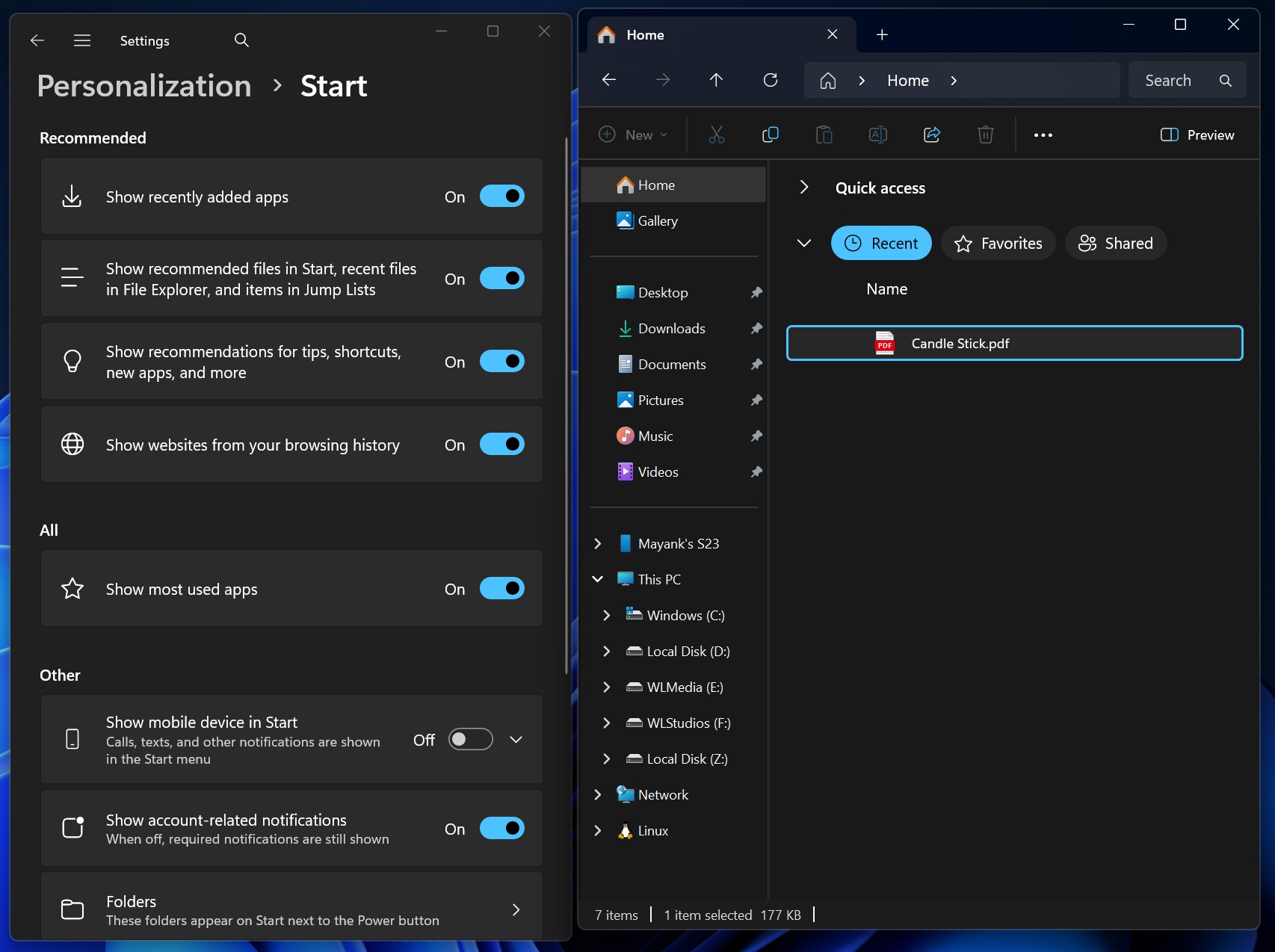
Unfortunately, when you turn off the Recommended feed in the Start menu, it also disables the ‘recent files’ in the jump list of the taskbar, and even removes the Recent section from the File Explorer.
I’ve asked Microsoft if it’ll give you greater control over the Recommendation engine in Windows 11.
Microsoft going back to WinUI for the Start menu is a silent admission from the company that the web-heavy approach wasn’t the right path for at least the core parts of Windows. For years, Windows 11 has looked modern but hasn’t always matched that with responsiveness. That gap largely comes from layering web technologies over core system experiences.
By reducing that dependency and moving back to native frameworks, Microsoft is prioritizing responsiveness
More importantly, this change corresponds to the company’s broader 2026 roadmap, where they’ll be focusing on improving Windows 11’s performance, reliability, and consistency.