






When you right-click a file in Windows 11 or launch a traditional desktop application, you are interacting with code that predates the commercial internet. The Win32 API, introduced all the way back in the Windows 95 era, is still a significant part of the world’s most popular desktop operating system. But according to Microsoft’s own leadership, this was never the plan.
First spotted by Windows Latest, in a recent video posted by the official Microsoft Dev Docs account on X, Mark Russinovich, Microsoft’s Chief Technology Officer of Azure and the legendary creator of Sysinternals, admitted that the survival of Win32 is one of the biggest surprises in the company’s history.
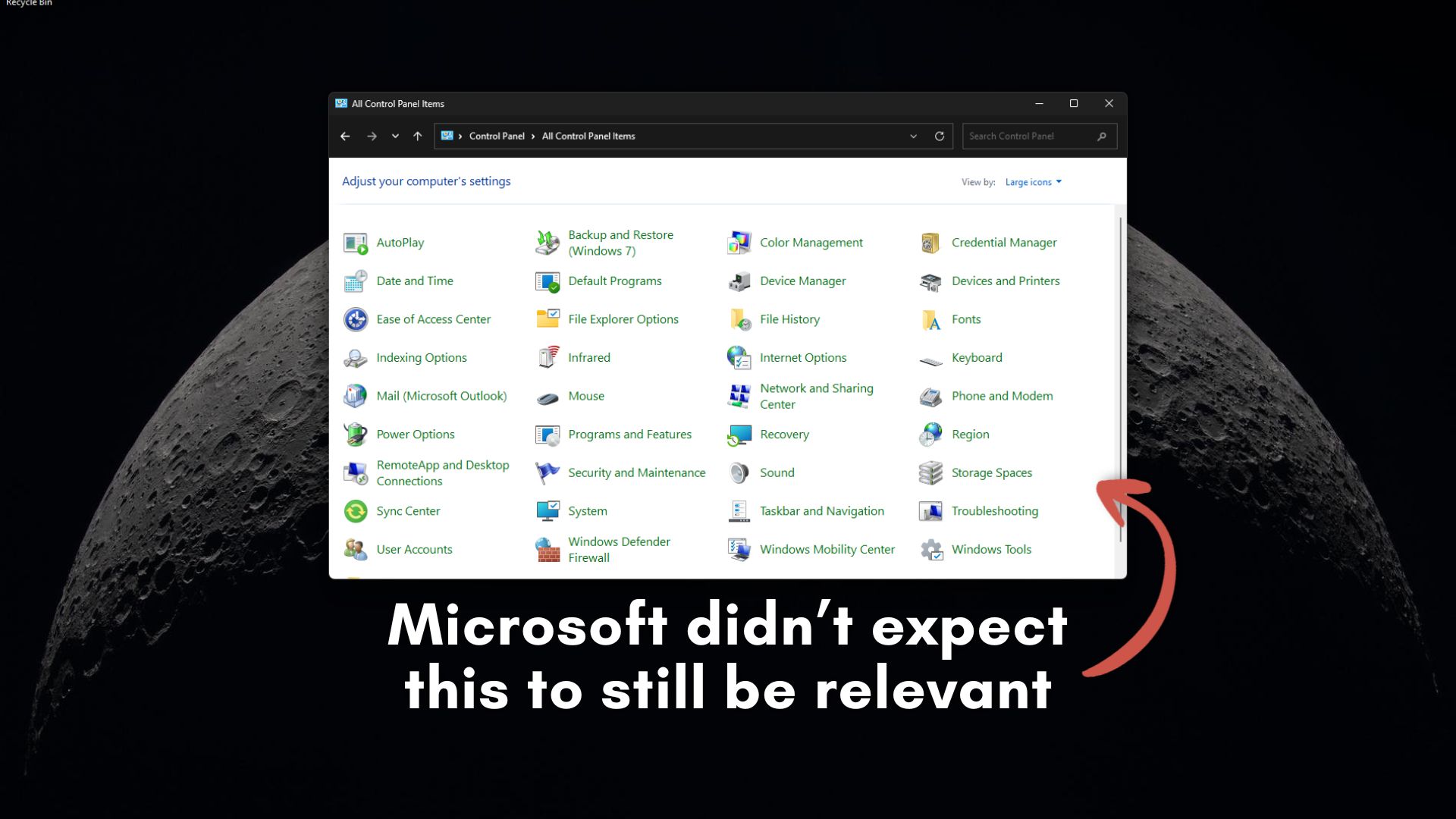
“Did anyone in the 90s expect Win32 to be a first-class API surface in the year 2026? And I think I can safely answer, no,” Russinovich explained. “Nobody, I think, would have expected that because we were thinking flying cars and, you know, moon stations by the year 2026, not Win32 that was designed back in Windows 95 days.”
Even as everything in the world has changed, it baffles me that computer code, as old as me, is still relevant when nothing around me feels the same as it did just 10 years ago.
So how did a 30-year-old API outlive decades of internal attempts to replace it? According to Russinovich, it all comes down to the massive ecosystem built on top of it. “I think that one of the reasons it’s got the staying power is it’s just a fundamental layer inside of Windows that so many apps have built on… it’s kind of bedrock,” he said.
Russinovich pointed to his own Sysinternals tools as proof. Founded in 1996, he noted that he would have “bet a million dollars” that his earliest tools wouldn’t be relevant in 2026. Instead, they are more relevant than ever. Sysmon, which became an inbuilt feature with the March 2026 update, is actively being integrated directly into Windows, and Zoomit, developed in the early 2000s, remains an incredibly popular utility inside PowerToys today.

Microsoft has a graveyard of Win32 replacements
Several years ago, when I came to know about Win32, the first thing I was told was how robust it was. So, if Win32 is such a capable bedrock, why has Microsoft spent the last twenty years trying to kill it?
Like many of you, I have more Win32 apps on my PC than web apps or apps built in a modern framework. Yes, they are incredibly fast and deeply integrated into the OS hardware, but the fact is, they are notoriously difficult to modernize visually. To keep up with modern user interface expectations, Microsoft desperately needed a new framework.
What followed was a decades-long graveyard of abandoned app frameworks. Microsoft tried MFC (a C++ wrapper), followed by WinForms for .NET developers. While these aren’t really Win32 replacements, they were abstractions on top of Win32.
Then came Windows Presentation Foundation (WPF), which was when the actual effort for replacement started and it introduced XAML and hardware-accelerated rendering.
WPF was supposed to be the definitive future of Windows apps, until Silverlight briefly took the spotlight as a cross-platform bet, only to be eventually killed off by the rise of HTML5.
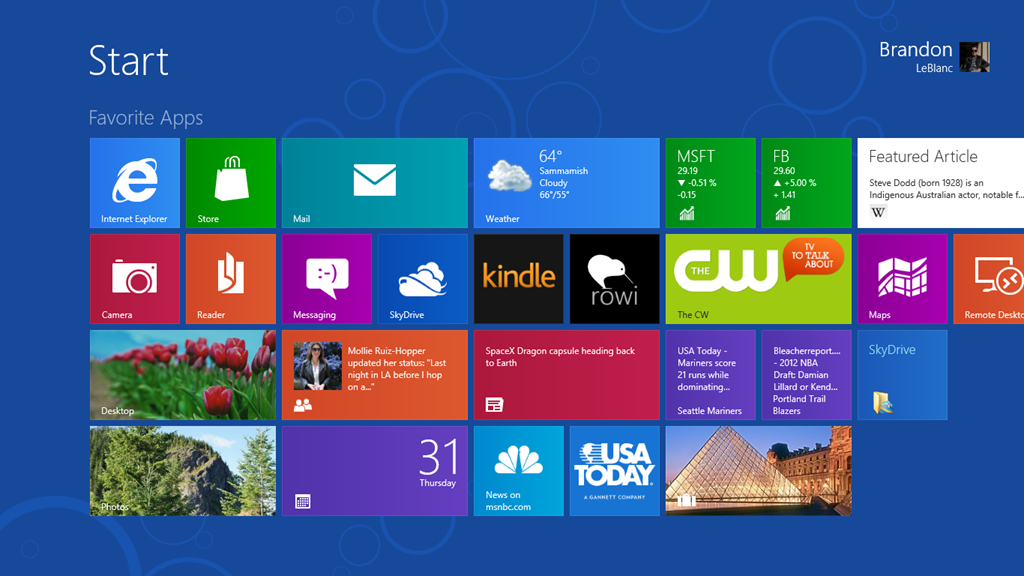
The most aggressive push to replace Win32 came with Windows 8 and the introduction of WinRT. Microsoft wanted developers to build secure, touch-friendly, full-screen apps.
When the Windows 8 UI failed, they redirected to the Universal Windows Platform (UWP) in Windows 10.
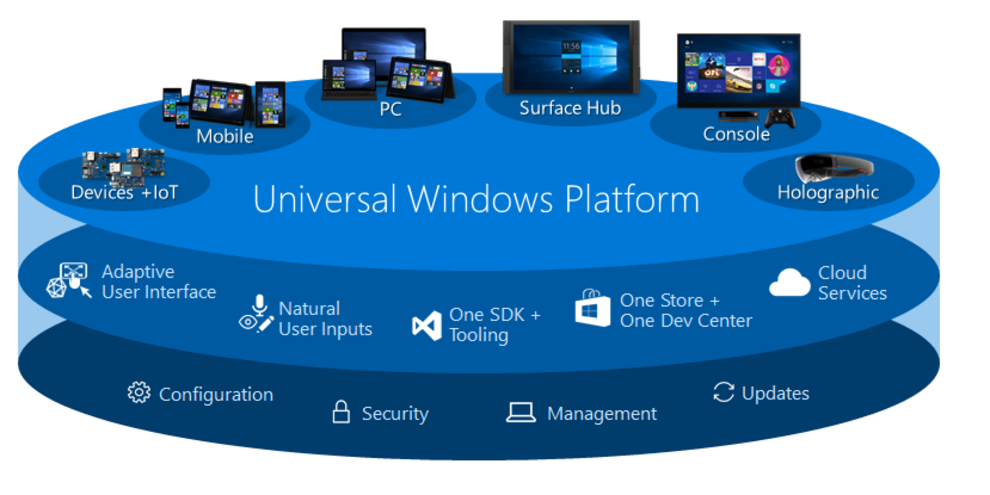
Back in my Windows 10 Mobile days, the one thing I used to tell everyone about the app situation in Microsoft’s mobile OS was that UWP would enable a powerful unified platform for apps that work across phones, Xbox, and PCs. Well, that didn’t age well.
Also, UWP was too restrictive, heavily sandboxed, and completely alienated traditional desktop developers who needed deep OS access.
As Russinovich noted in his video: “There’s been various times in Microsoft’s history where we thought we’d reboot the Windows API surface like WinRT that actually didn’t play out the way that a lot of people expected it to, given there’s still the separation between thick client and Win32 and the browser, which is HTML and JavaScript.”
Developers still prefer WebView2 for Windows amid the RAM crisis
I asked multiple developers why they continue making RAM-hungry web apps for Windows. That, too, was Microsoft’s fault.
Because Microsoft kept introducing and subsequently abandoning native frameworks, developers simply lost trust in the Windows platform. I explained this in detail in a Windows Latest report, where a developer told me why Windows 11 keeps getting web apps instead of native apps.
I was told that building a native Windows app started to feel like a massive liability. And they can’t be blamed. Why invest years into a framework that Microsoft might deprecate tomorrow?
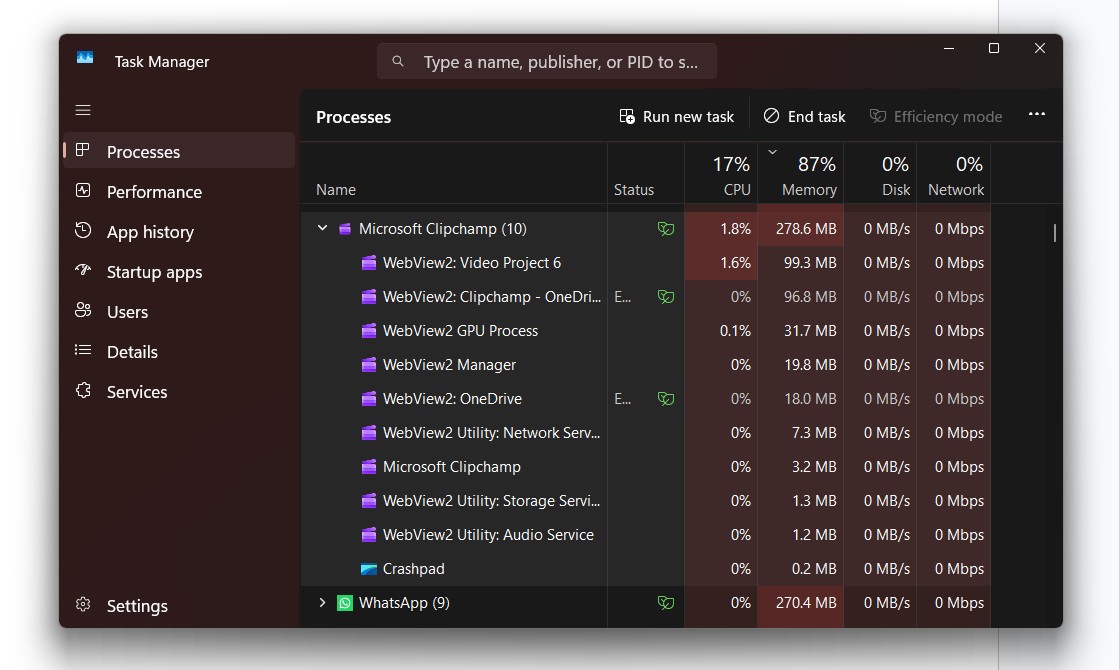
Funnily enough, it was Microsoft that pivoted to the web. Microsoft introduced WebView2, a developer control that essentially embeds the Chromium-based Microsoft Edge engine directly inside desktop applications. Suddenly, the entire OS was flooded with web apps, including Microsoft Teams, Clipchamp, the new Outlook, OneDrive, the Windows 11 Widgets board, and even the latest version of Copilot is a web app.
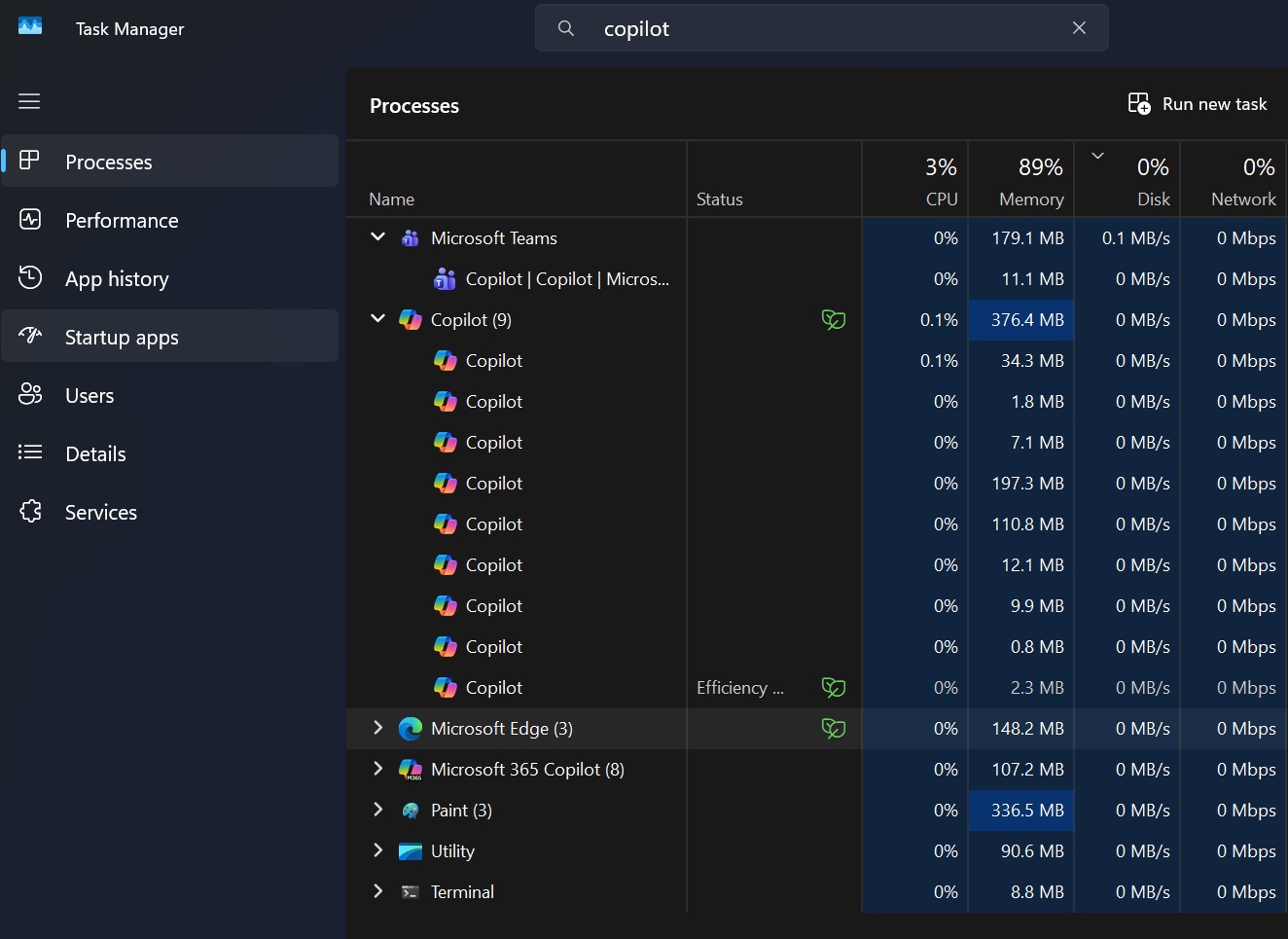
While web apps are cheaper to build and much easier to maintain across multiple platforms, they are fundamentally flawed for desktop computing. Embedding a full browser engine into every individual application is a recipe for disaster when it comes to system resources.
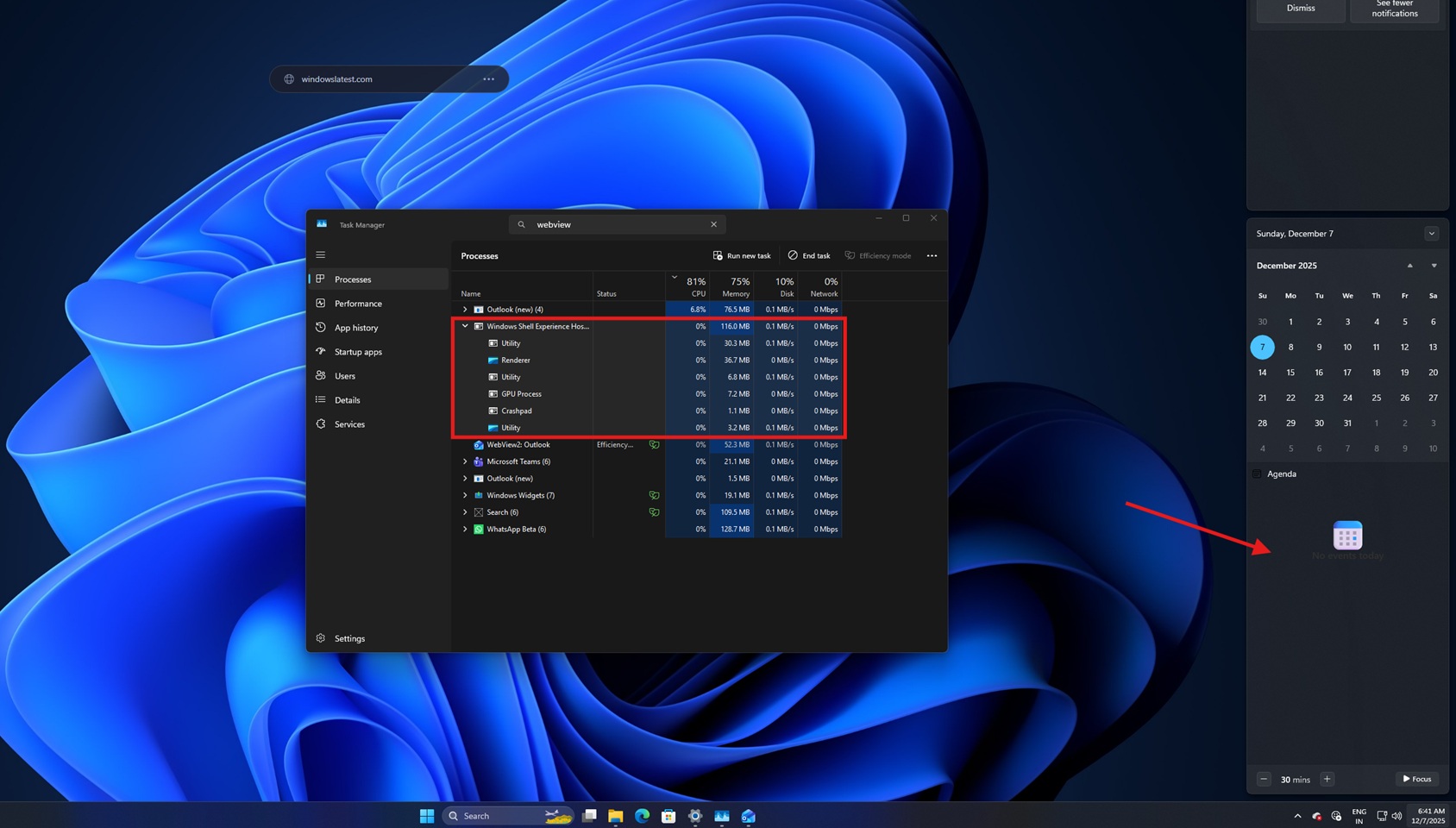
This love for WebView2 and Electron is the reason Windows 11 has become such a memory hog. I use the WhatsApp desktop app every single day, and it is an absolute disaster. In my testing, WhatsApp consumes an absurd amount of RAM when doing absolutely nothing, entirely because it uses heavy web wrappers instead of the lightweight native code it used to use in the UWP era.
Microsoft’s Clipchamp is another web app that I had to use for basic video edits, but I later left it because Microsoft’s built-in video editor now needs OneDrive sync to work!
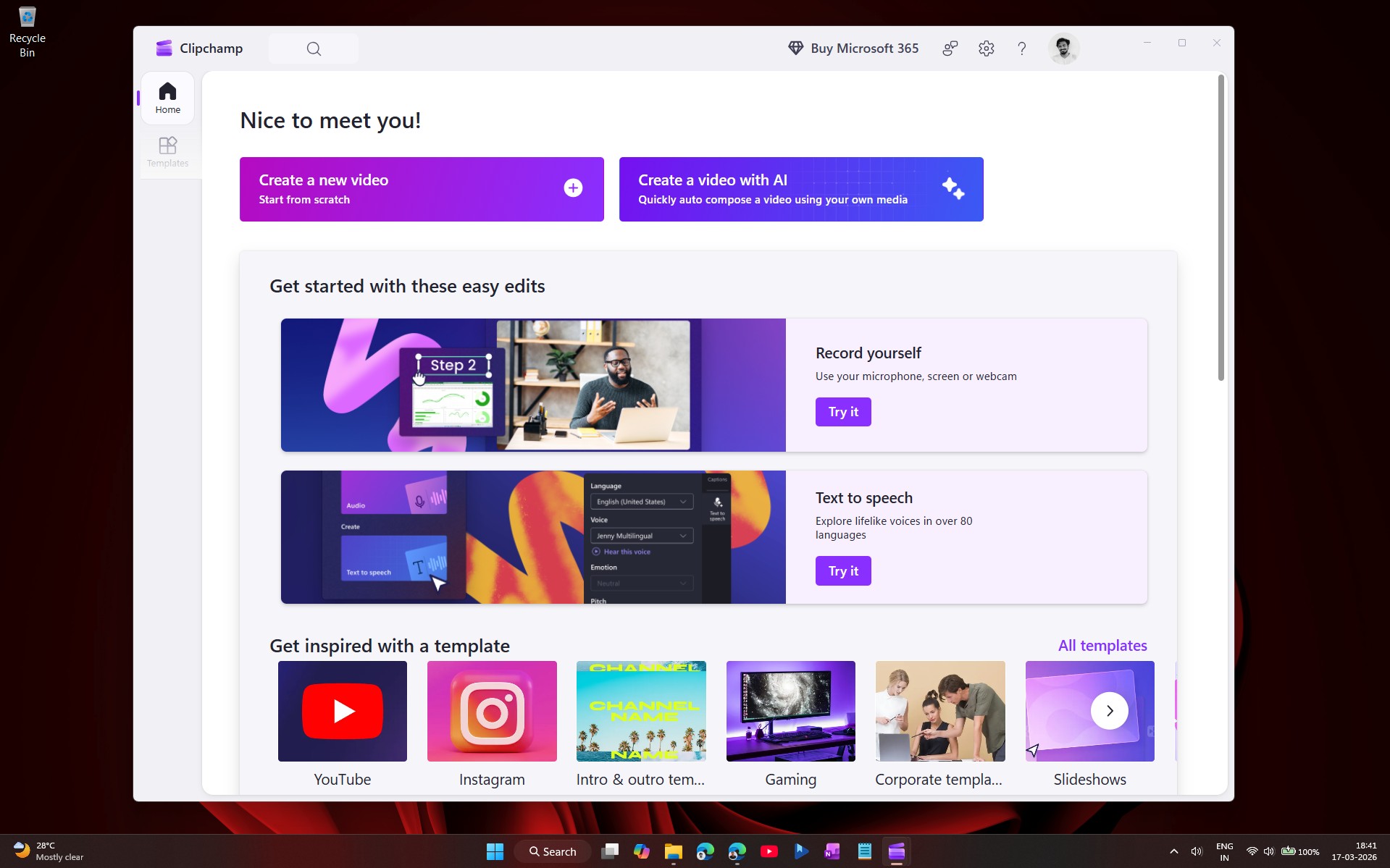
My frustration is compounded when I compare Windows to macOS. While Apple users enjoy highly optimized, native applications like iMovie or the dedicated Pages suite for free, loyal Windows users like me have no choice but to rely on web-based alternatives like Clipchamp that need a constant internet connection, lack deep OS integration, and eat through system memory.
Fortunately, Apple’s success with a sub $600 budget laptop forced the Redmond giant to rethink their app development priorities.
Microsoft is pivoting back to native apps with WinUI 3
Thankfully, the tide is finally turning. Microsoft has realized that making Windows into a glorified Chrome OS is alienating power users and actively destroying system performance.
A few months ago, Rudy Huyn, a Partner Architect at Microsoft, confirmed he was hiring a team dedicated specifically to building “100% native” apps for Windows 11. The focus has aggressively shifted toward WinUI 3, the latest native UI framework built under the Windows App SDK umbrella.
WinUI 3 is exactly what Microsoft needs to win back developers. It allows them to build gorgeous, modern, Fluent-designed applications that still have full, unrestricted access to the underlying Win32 “bedrock.” Just recently, Microsoft released a massive Windows App SDK 2.0 update, equipping developers with semantic versioning, a refactored Windows ML stack, and much-needed drag-and-drop support for bridging WebView2 content seamlessly into native WinUI 3 shells.
Microsoft is retiring legacy Win32 the right way
Microsoft is finally eating its own dog food and cleaning up Windows 11.
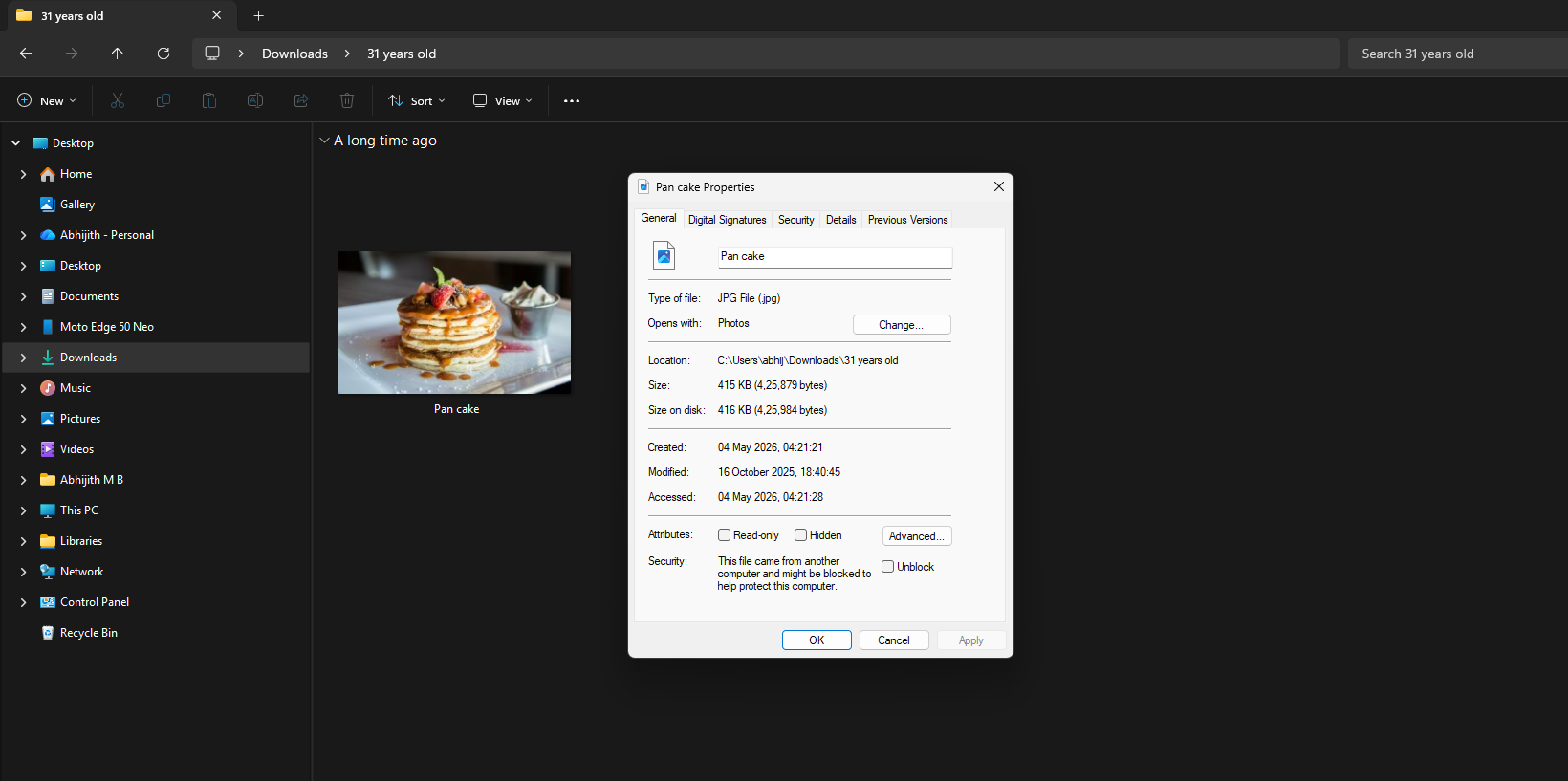
Rather than forcing a hard reboot as they did with WinRT, Microsoft is carefully etching out the oldest, ugliest (some might disagree) Win32 UI elements in Windows 11 and replacing them with highly optimized WinUI 3 native code. We recently discovered that the Windows 95-era File Explorer Properties dialog box is finally getting replaced with a modern WinUI 3 version, complete with full dark mode support.
The legacy Run dialog (Win + R) has been completely rewritten into a blazing-fast WinUI 3 application. After using both versions, I can confidently say that the new Run dialog is as good, if not better, than the old Run dialog, especially considering how beautiful it looks.
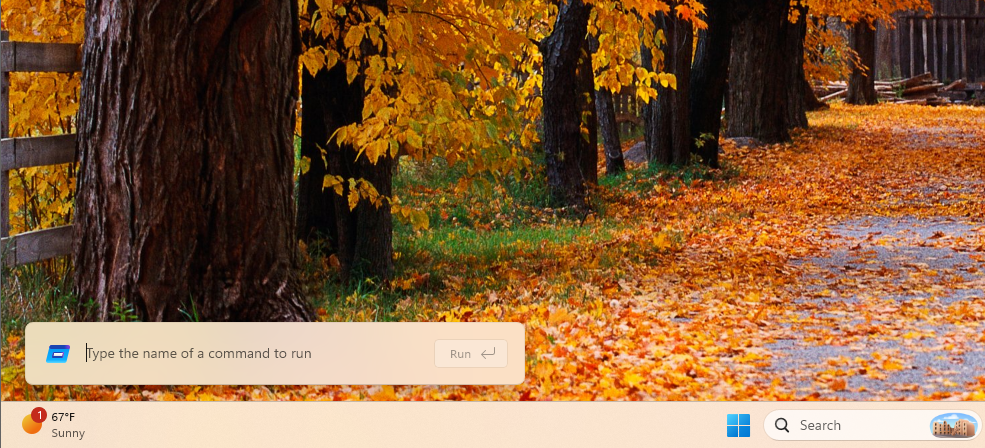
Compiled with .NET AOT, the new Run dialog achieves a staggering 94ms median time-to-show, which is surprisingly faster than the old Run dialog, and it proves that modern WinUI 3 frameworks can absolutely match the raw speed and efficiency of legacy Win32 code.
As Microsoft continues to replace heavy WebView2 wrappers with native WinUI 3 components, Windows 11 will inevitably stop consuming so much unnecessary memory. We may not have flying cars or moon stations in 2026, but after decades of missteps, we might finally get a fast, native, and consistent Windows operating system that respects its own legacy.