






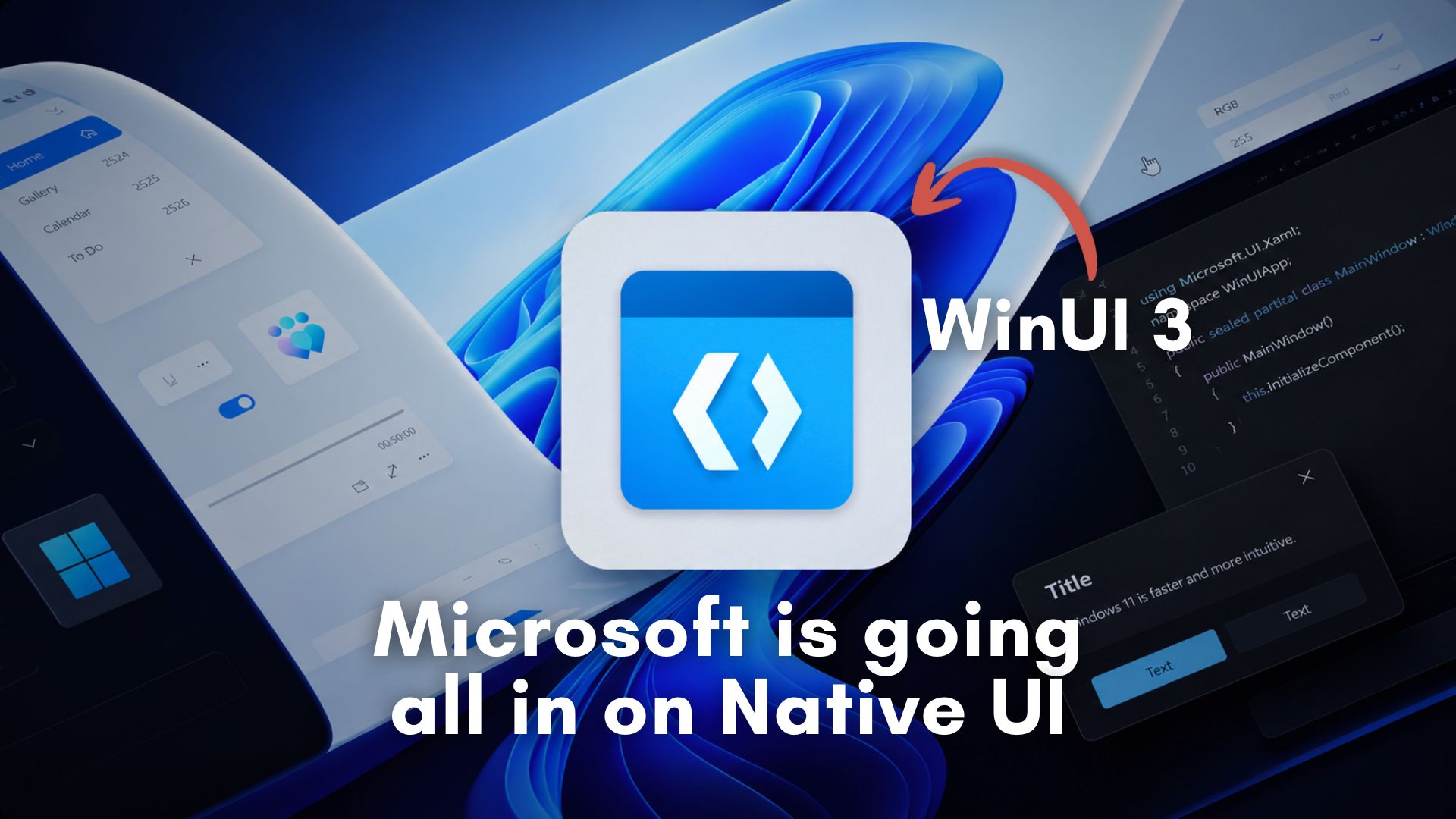
In a move that heralds a definitive return to native software, Microsoft is doubling down on the WinUI 3 framework to purge bloat from Windows 11.
The PC community has reached a breaking point with “web app slop.” For the past few years, developers have increasingly abandoned native Windows applications in favor of Progressive Web Apps (PWAs) or Electron-based wrappers. While these web-first frameworks make cross-platform development significantly cheaper for massive corporations, they are resource-heavy desktop applications that devour your RAM and drain your battery, even to display a basic UI.
This frustration boiled over recently when we tested Windows 11’s hidden Low Latency Profile, a background feature that temporarily spikes CPU frequencies to make the operating system feel instantly responsive.
Keyboard critics accused Microsoft of brute-forcing performance with hardware to compensate for bloated, unoptimized code. Microsoft VP Scott Hanselman fired back, arguing that temporary CPU boosting is an industry standard across macOS and Linux, and that Microsoft is simultaneously doing the hard work of optimizing the underlying software.
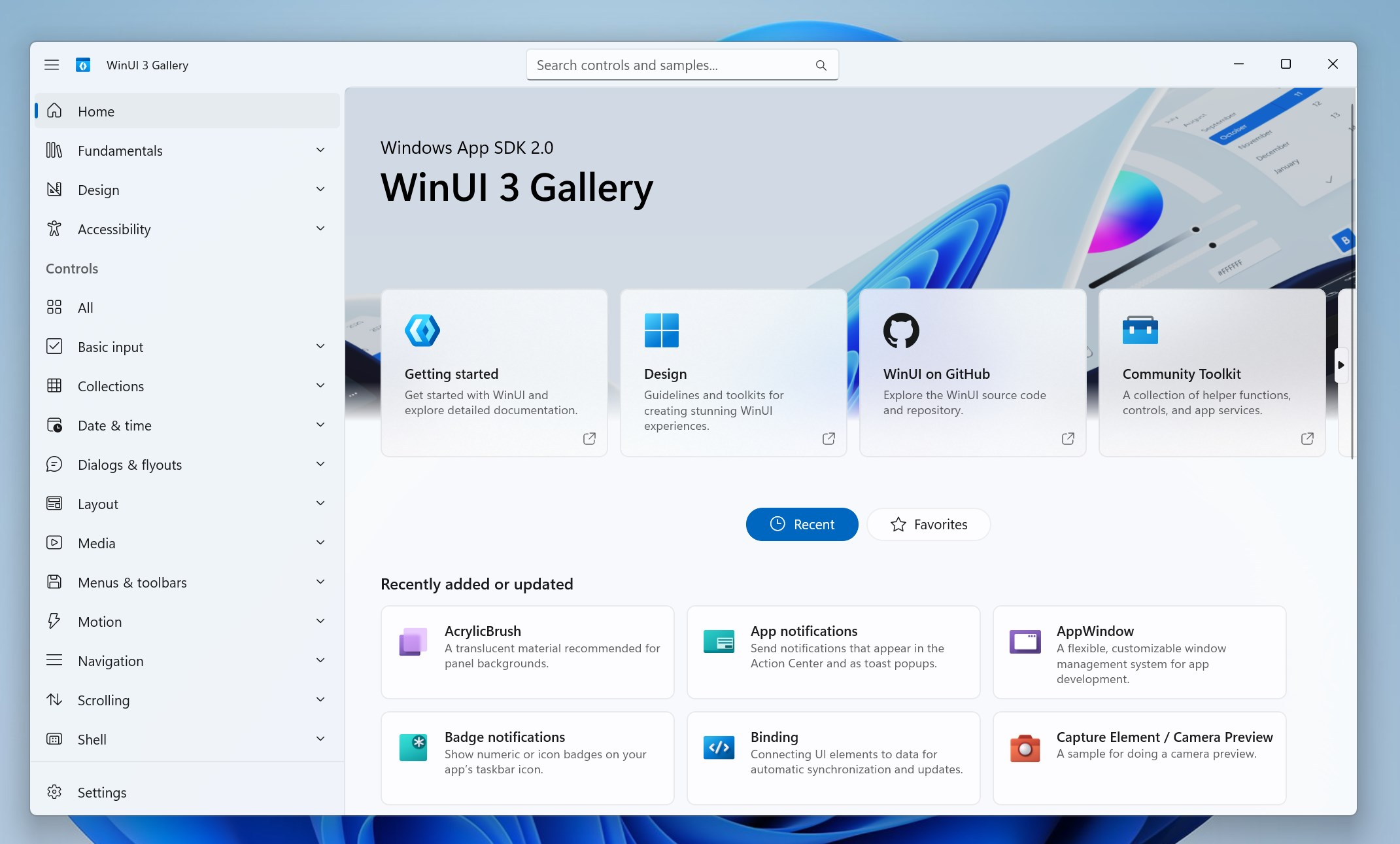
This week, we finally got the hard technical proof that Microsoft is keeping its promise. In a major move to restore both performance and developer trust, Microsoft has publicly doubled down on WinUI 3, announcing sweeping architectural changes and new developer tools that help Windows 11 shake off its negative reputation and, of course, its sluggishness.
Microsoft’s commitment to WinUI 3 will make Windows 11 faster
A new technical brief published by the Windows engineering team on GitHub shows massive performance leaps coming to the WinUI 3 framework. The software giant wants to “make WinUI 3 the best native UI platform for Windows experiences and apps.”
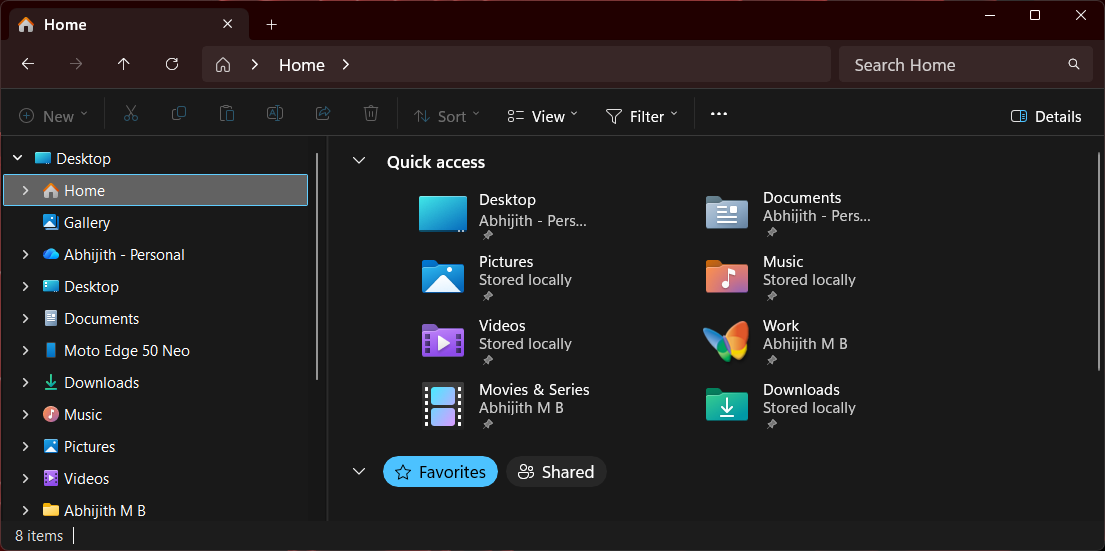
To prove they aren’t just blowing smoke, the development team zeroed in on launch times, using File Explorer and Notepad as their primary benchmarks. If you have used previous versions of Windows, the File Explorer in Windows 11 has consistently been sluggish for power users.
The preliminary benchmark results by the WinUI engineering branch are genuinely staggering. For the WinUI portion of a File Explorer launch, Microsoft has successfully achieved:
- 41% fewer allocations: This drastically reduces the memory overhead and the frequency of abrupt garbage collection pauses.
- 63% fewer transient allocations: Less temporary data generation means the CPU spends significantly more time executing tasks instead of cleaning up short-lived objects in the background.
- 45% fewer function calls: Simplifying the code path directly reduces execution time, so the UI renders faster on screen.
- 25% reduction in time spent in WinUI code: The user interface framework itself is getting out of the way faster, which can make the application become interactive almost instantly.
Combine these framework-level code optimizations with the “aggressive” hardware scheduling of Low Latency Profile, and you get a highly potent compound effect. This is what Hanselman meant when he said the engineering team was doing both.
Windows 11 is eradicating web wrappers from the core OS
For a long time, Windows 11 felt like it was drowning in its own web wrappers. Even essential system components were heavily reliant on WebView2, which naturally started showing microscopic but highly noticeable UI stutters when clicking through the interface.
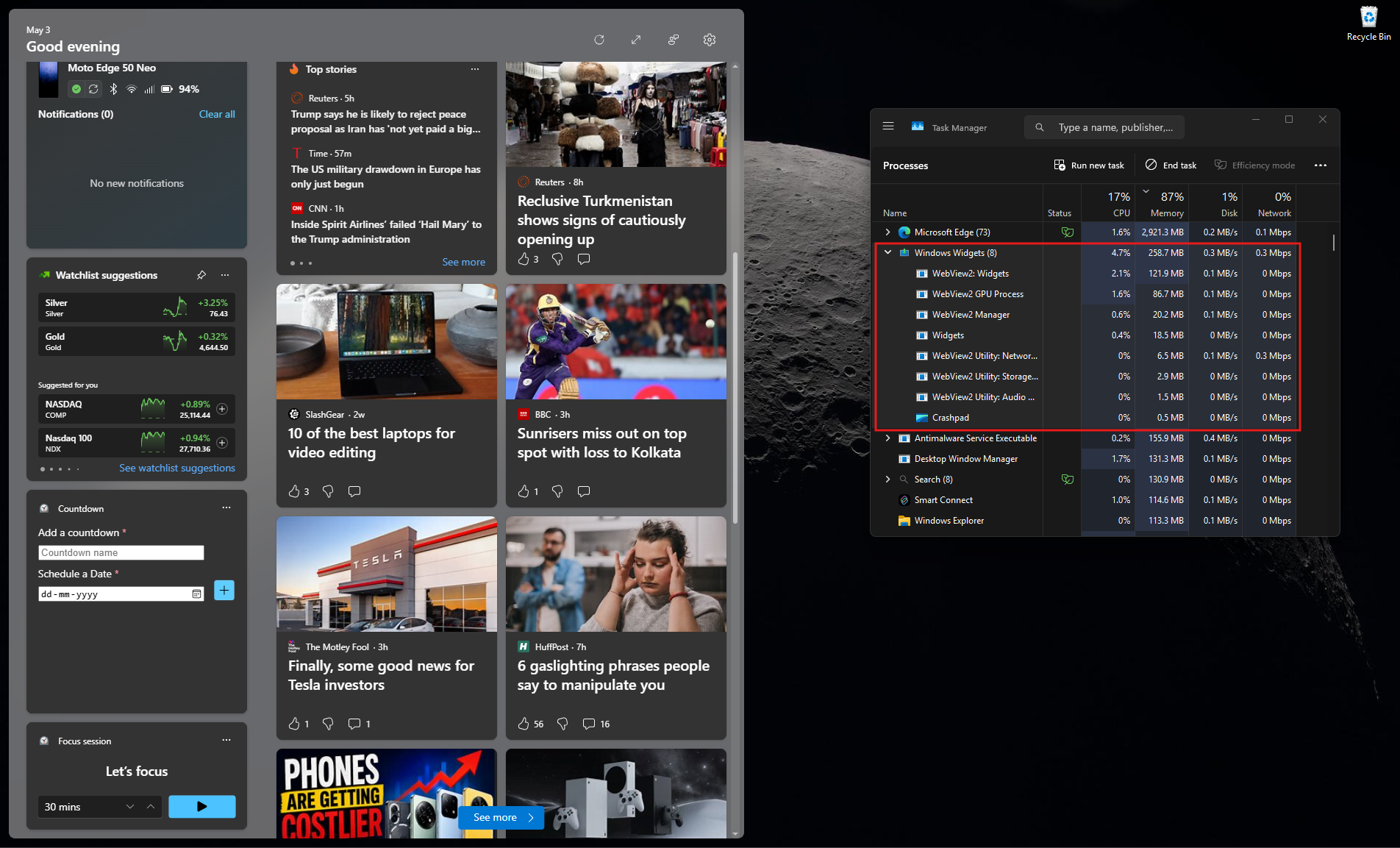
However, the tide is officially turning. We recently reported that Microsoft is actively shifting the Windows 11 Start menu away from React-based web components to pure, native WinUI 3 code.
When are WinUI 3 performance improvements coming to Windows 11?
The maintainers noted in their GitHub update that these framework improvements will soon migrate from the development branch to the main winui3/main branch, and eventually into the Windows App SDK (WinAppSDK) 2.x releases. They specifically mention that some of these changes “may be too risky or complex to deliver as servicing updates.”
Some WinUI 3 speed boosts are currently opt-in
Interestingly, Microsoft acknowledged that achieving this level of bleeding-edge performance requires some structural sacrifices. The company is introducing necessary breaking changes to default control styles.
Because these optimizations might break older applications that rely heavily on customized container elements within a control template, Microsoft is making these performance pathways “opt-in” for now. However, the ultimate goal is to switch these high-performance pathways to “opt-out” by default in WinAppSDK 3.0 or 4.0+, forcing the Windows ecosystem toward better efficiency.
Will File Explorer launch 40% faster?
It is important to understand that these reductions in memory allocations and function calls do not automatically translate to a one-to-one 40% reduction in app launch time. The benchmarked metrics specifically measure the WinUI framework’s portion of the File Explorer launch sequence, and not the end-to-end loading process.
Real-world speed gains require deep collaboration across multiple Windows development teams. However, dramatically stripping down the overhead of the UI framework itself is a mandatory first step in Microsoft’s long-term commitment to WinUI 3.
Microsoft says developers can build WinUI 3 apps using Command-Line tools and AI
Fixing first-party Windows apps is only half the battle. If Microsoft wants to eliminate web app slop, they have to convince third-party developers that building a native WinUI 3 app is just as easy as spinning up a bloated Electron project.
It makes absolute sense. As we reported, Windows 11 keeps getting web apps instead of native apps because developers lack the trust and the incentive in a platform like WinUI 3, which Microsoft didn’t even support until now. Not to mention how they continuously changed app development frameworks, without a proper strategy in place.
Traditionally, native Windows development required downloading the massive Visual Studio IDE and understanding incredibly complex XAML structures.
To completely dismantle this barrier to entry, Microsoft just announced a powerful new suite of open-source dotnet new project and item templates specifically for WinUI, proving once again their commitment to the framework.
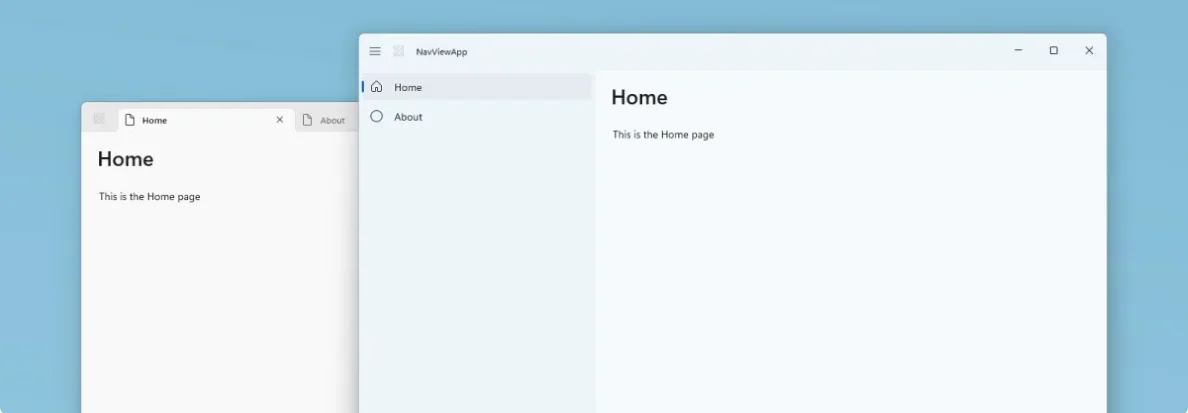
Developers can now scaffold, build, and run a fully packaged native WinUI app directly from the command line without ever touching Visual Studio. These templates are designed with modern Windows silhouettes in mind.
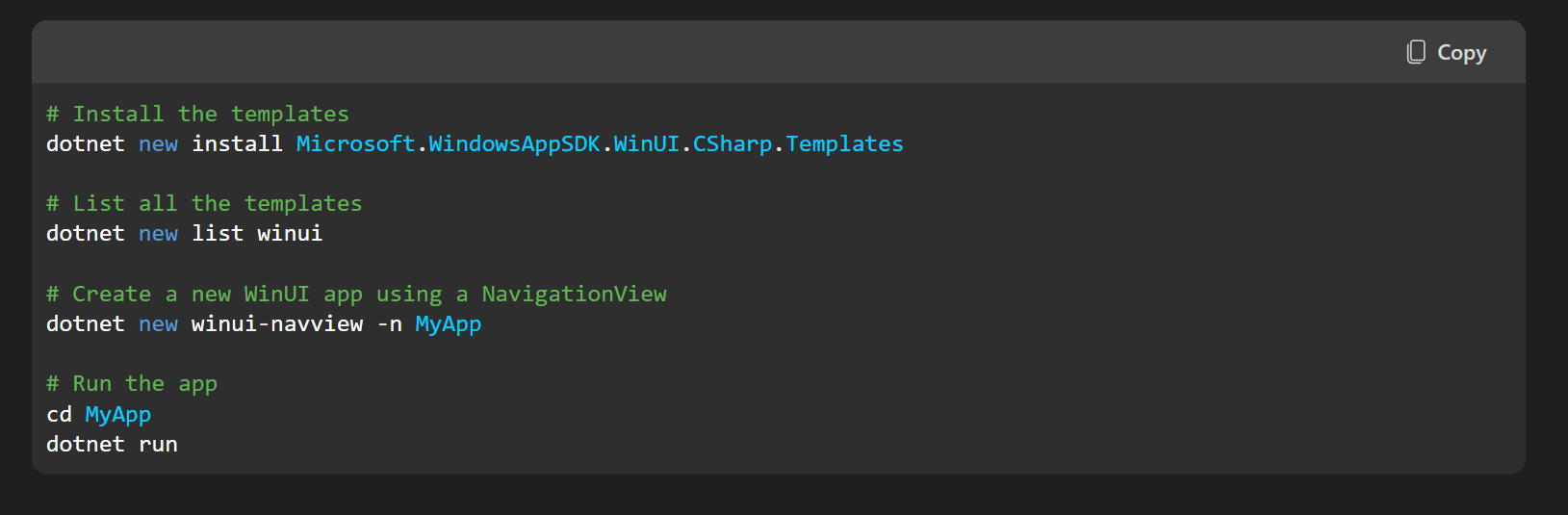
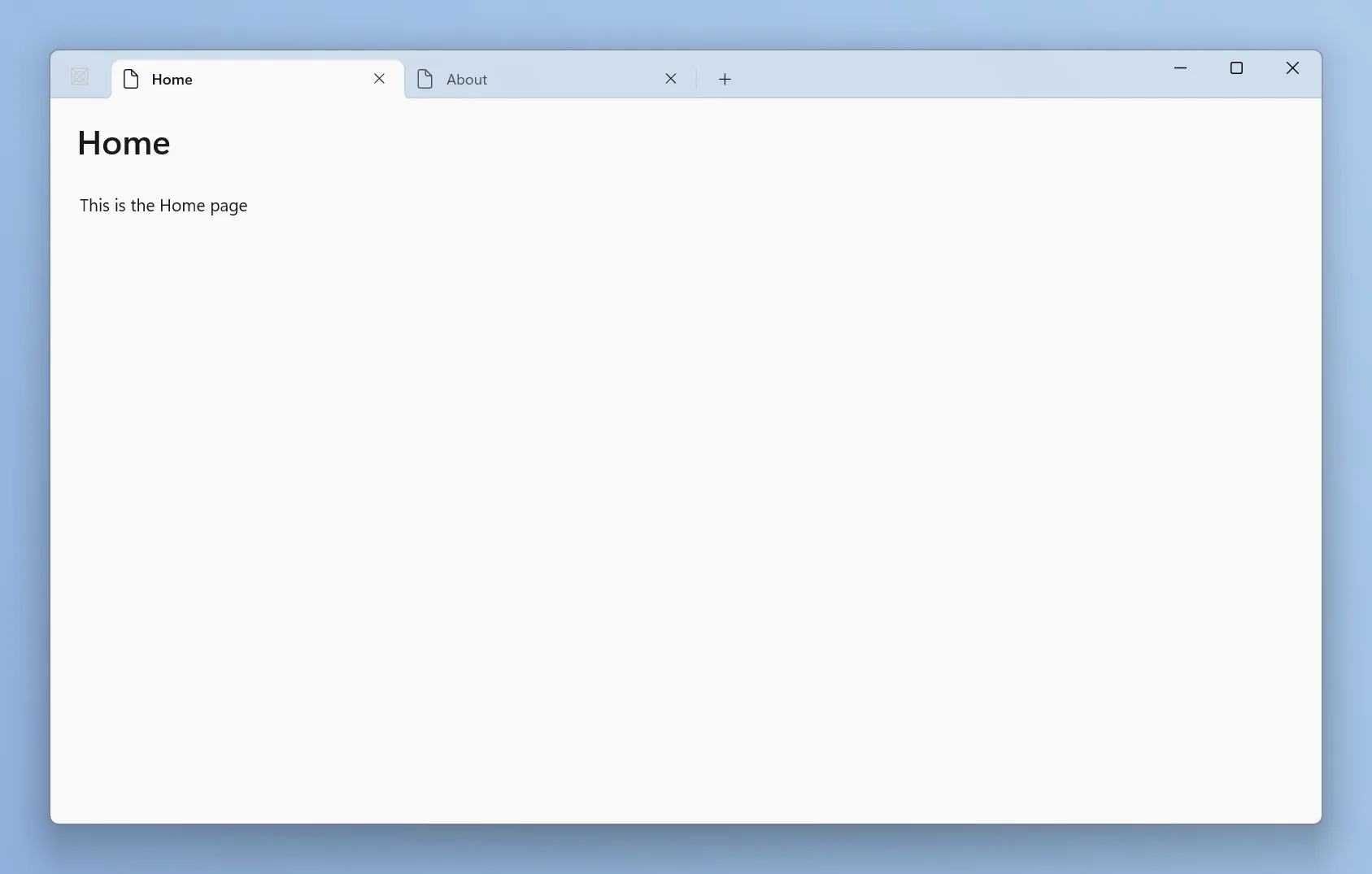
If you use the dotnet new winui-navview command, you instantly get a project wired up with a modern title bar, responsive navigation, and an architecture with Fluent Design patterns out of the box in both light and dark modes. Furthermore, these templates leverage the new WinApp CLI, which completely eliminates the historic nightmare of manual MSIX packaging and certificate management by handling loose-layout package registration instantly.
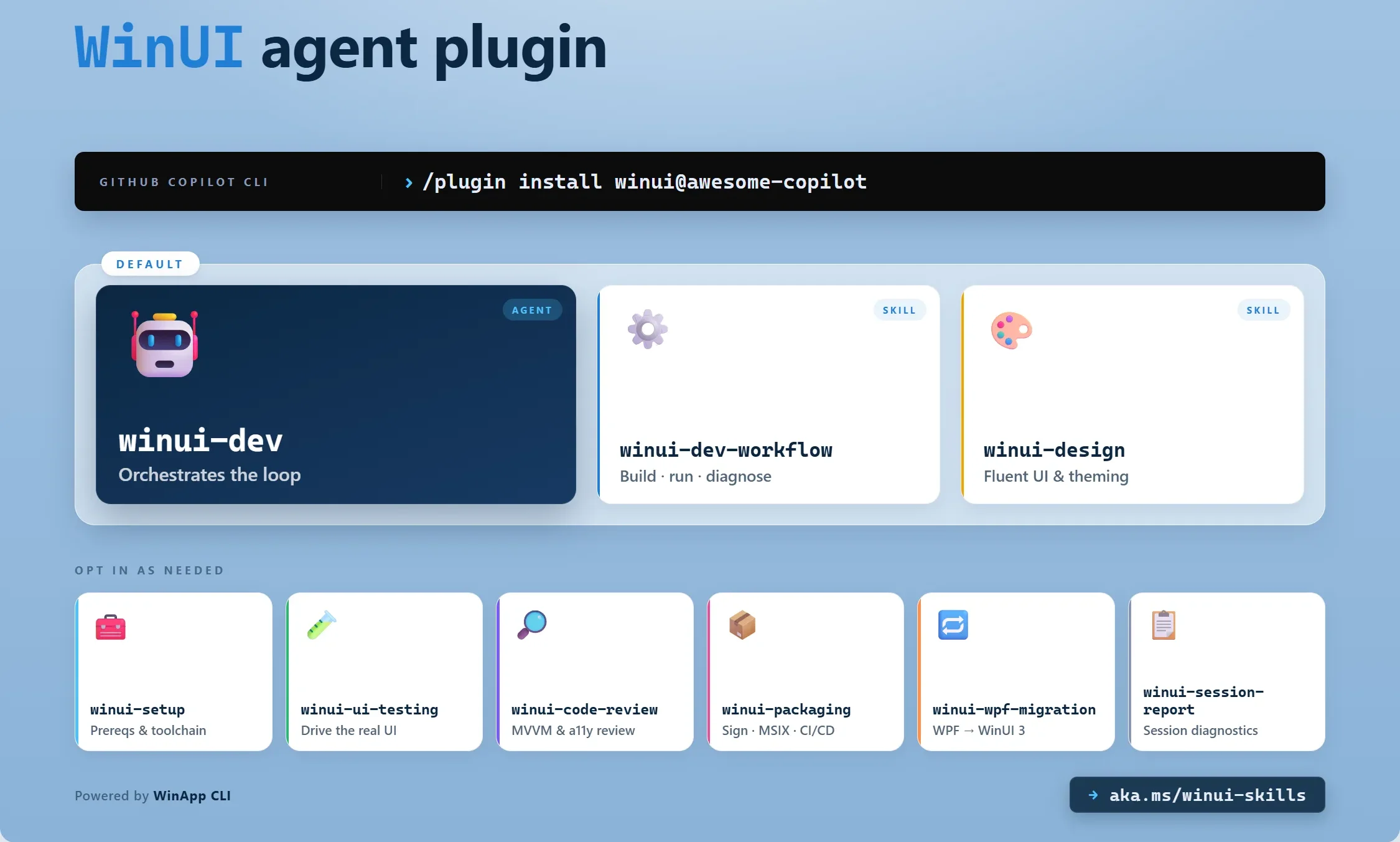
Microsoft also just introduced a dedicated WinUI agent plugin for AI assistants like GitHub Copilot and Claude Code. And I feel this is where native development gets incredibly exciting.
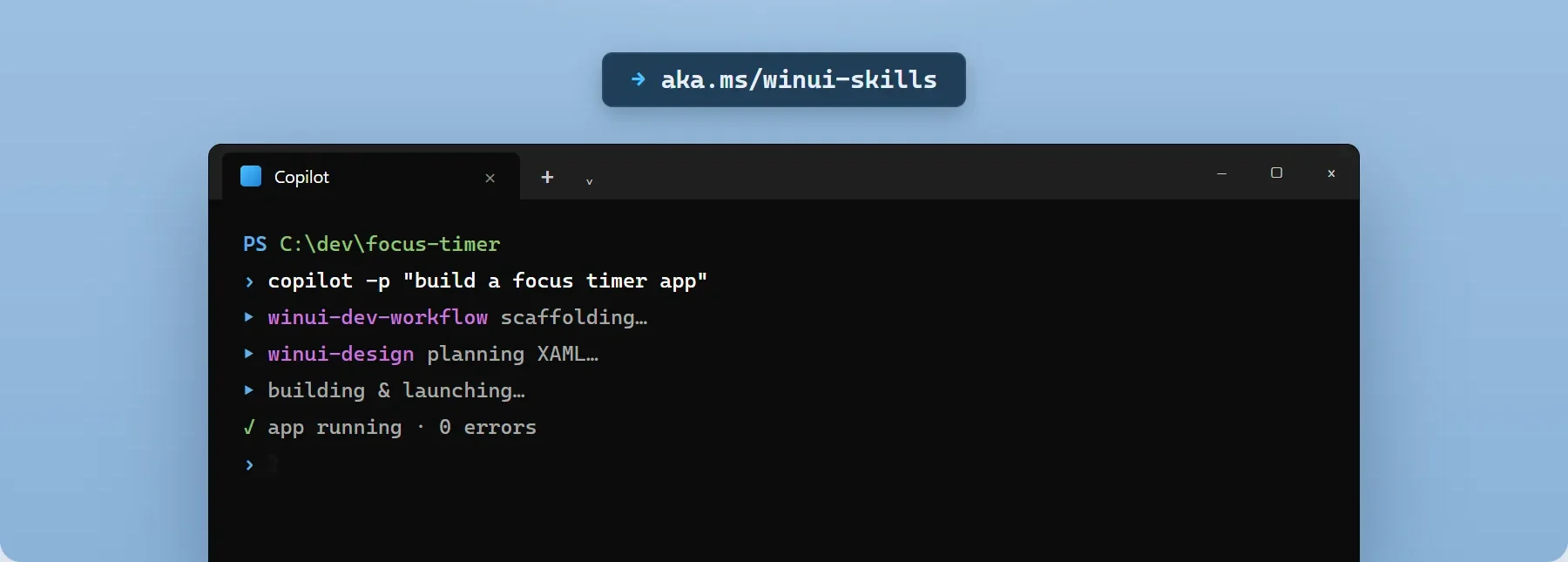
You can now open your command line and prompt Copilot with a natural language request, such as “create a WinUI 3 photo viewer with thumbnails and EXIF metadata.” the specialized winui-dev AI agent will automatically pick the right native template, write the MVVM (Model-View-ViewModel) architecture, generate the XAML layout, and automatically fix any compilation errors. It even features a deeply integrated winui-ui-testing skill that drives real UI automation from the command line to find and fix functional bugs without your intervention.
Microsoft is drastically reducing the time and cost required to build native software
By giving AI agents the deep, grounded knowledge of WinUI and the Windows App SDK, the company is completely negating the primary argument for using cross-platform web wrappers!
Microsoft is saying goodbye to Web apps
The industry pushback against memory-hogging web apps has never been louder. As global RAM prices are surging, and users are increasingly frustrated by chat applications that push beyond 1GB, software efficiency is an absolute necessity.
With the massive framework-level code optimizations, the architectural shift to native code for the Start menu, the critical quality-of-life fixes in the May 2026 Patch Tuesday update, and the brilliant new command-line developer tools, the message from Redmond is that they are finally providing the necessary infrastructure to help developers eradicate web app slop and make Windows 11 feel like a premium, highly responsive, and deeply native operating system.