








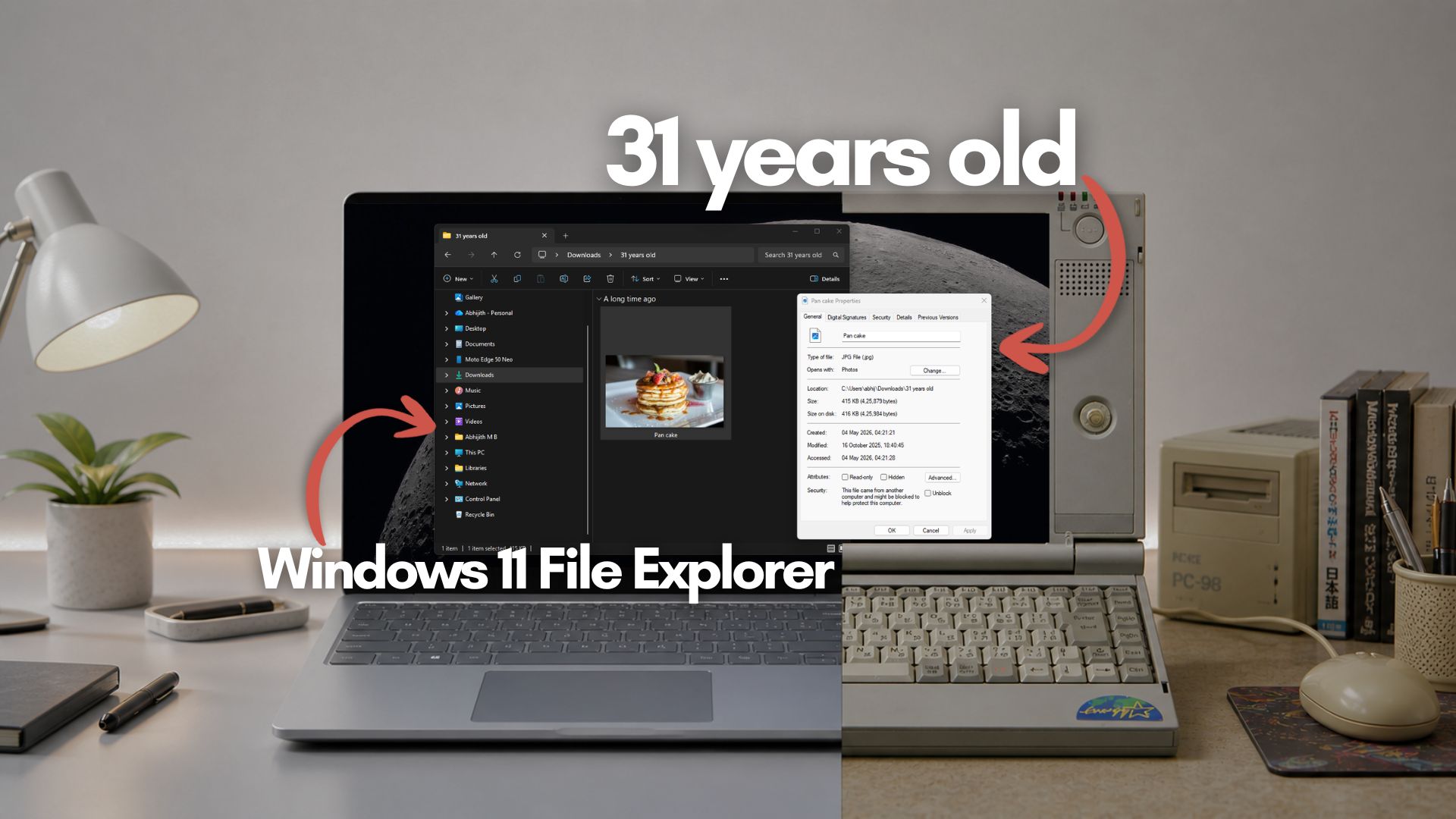
Microsoft is finally retiring the decades-old File Explorer Properties dialog box in favour of a new one powered by WinUI 3 as part of the company’s efforts to improve the performance and reliability of Windows 11.
With all its WebView2 UI elements, Windows 11 looks incredibly sleek and modern on the outside, but anyone who has dug just a little deeper knows that legacy interfaces are hiding everywhere.
One of the most glaring examples is in File Explorer. While the app itself has received tabs, a modernized address bar, and a sleek Gallery view with smooth scrolling, right-clicking a file and selecting “Properties” throws you straight back into the Windows 95 era.
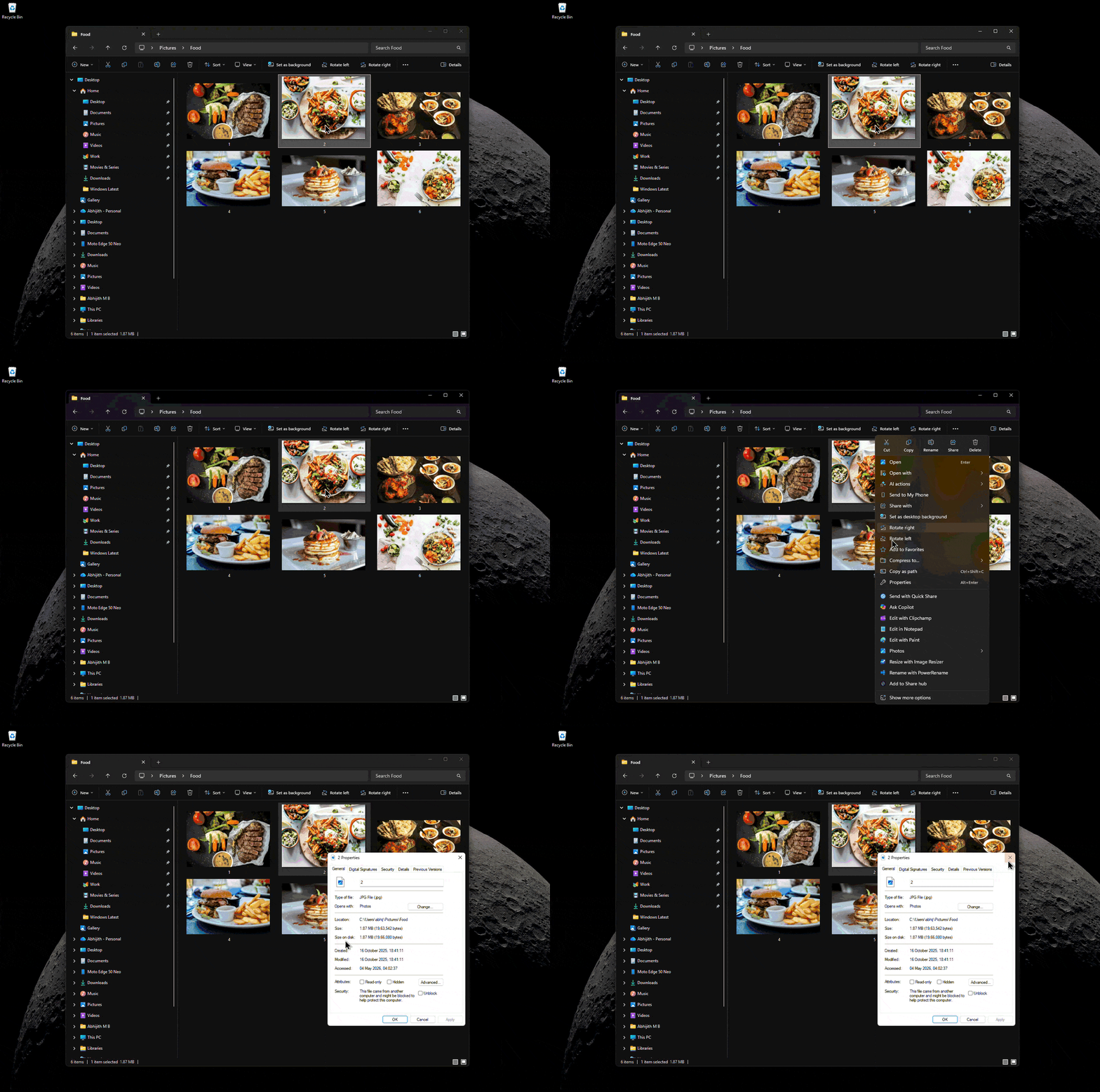
If you use Windows 11 in dark mode, the stark white background of the legacy properties dialog is practically a flashbang if you dim the lights in your room, as I do. But it seems Microsoft is finally doing something about it.
According to new findings in recent Windows 11 Insider builds, the software giant is actively working on a completely modernized, WinUI 3-based file properties dialog.
A modern WinUI 3 File Properties dialog is in the works
The discovery comes from prominent Windows watcher phantomofearth on X. After digging into the code of recent Insider preview builds, he spotted that several new strings for “DeletedFileProperties” were added to the MicrosoftWindows.Client.FileExp (which is the modern File Explorer framework) resources.pri file.
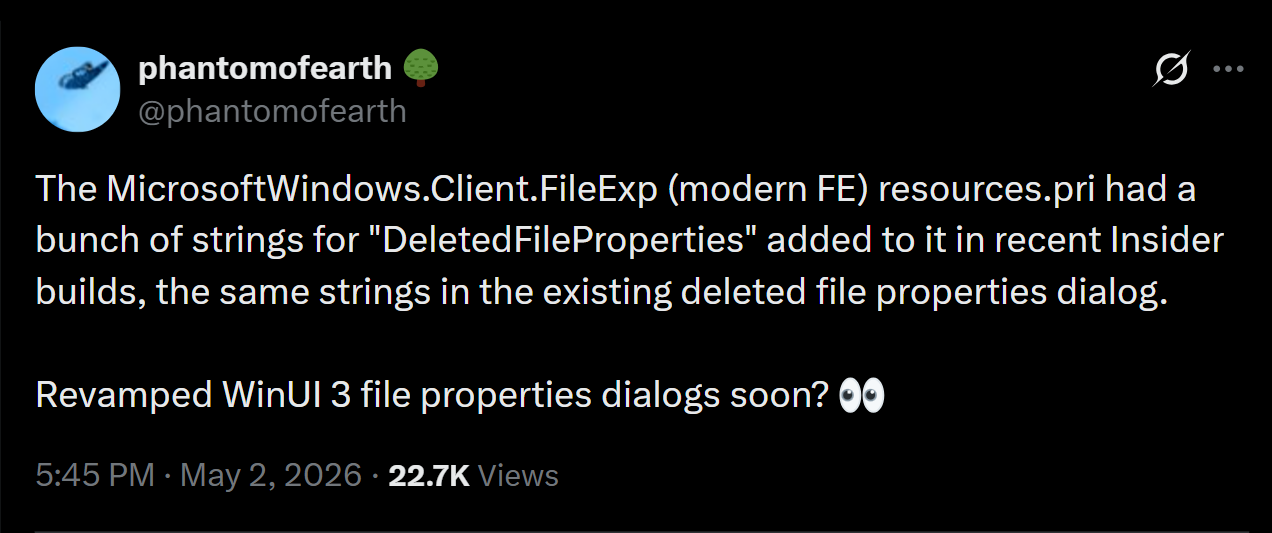
Crucially, these strings match the exact text found in the existing, legacy deleted file properties dialog. The fact that Microsoft is actively migrating these specific strings into the modern File Explorer resource package is a massive giveaway that the old properties dialog is finally getting replaced.
To get a clearer picture of what this means for the OS, Windows Latest reached out to phantomofearth for more details. When asked if it is almost confirmed that a WinUI 3 dialog is on the way, he told me that a modernized file properties dialog built with WinUI 3 is indeed what we are meant to get.
“At the time of tweeting, this was more of an educated guess, based on how I would genuinely be shocked if it ships and it isn’t WinUI 3,” he explained to me. “Given that the modern File Explorer bits (address bar, search box, command bar, details pane, home page, gallery) already use it, it makes no sense to use something else.”
He also made a very compelling point about the core development logic: “If there was no plan to modernize properties dialogs, there would be no reason to add their strings to the modern [File Explorer] bits.”
Solving the mystery of dark mode in File Explorer
I believe this finally answers a question that power users have been asking for years. Why doesn’t the File Explorer properties dialog support dark mode?
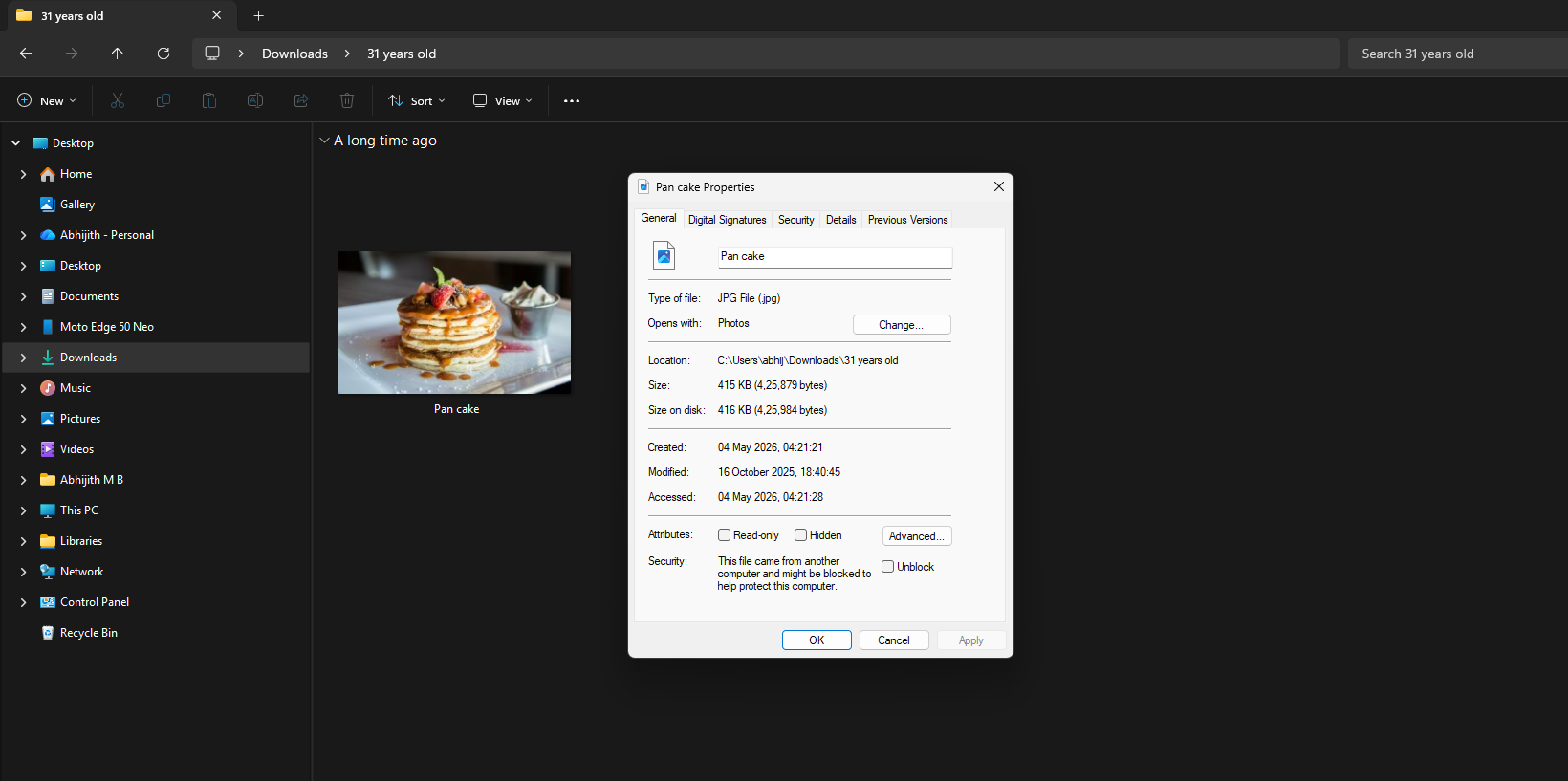
While other legacy parts of Windows 11 have received simple dark mode toggles or visual updates, the properties menu has remained stubbornly bright white. As phantomofearth pointed out to me, there is absolutely no reason for Microsoft to waste development time retrofitting dark mode onto a legacy Win32 properties dialog when the entire component is slated to be replaced by a native WinUI 3 version.
Windows Latest previously also confirmed that Microsoft is replacing old Windows 8 UI elements in Windows 11. Seeing Microsoft actively move these strings into the modern framework proves they are finally cleaning up the OS’s past.
Windows 11 is getting a major performance boost in 2026
A modernized WinUI 3 properties dialog untangles the messy, hybrid codebase that currently bogs down File Explorer.
Right now, File Explorer is a mix of old Win32 foundations layered with modern XAML and WinUI components, and this hybrid rendering is what causes the app to feel sluggish or display white flashes during navigation.
As we recently reported, Microsoft is keeping its promise to fix Windows 11 by rolling out sweeping foundational architectural improvements to File Explorer throughout 2026. The company plans to give consistent improvements in File Explorer performance, essentially meaning we’ll be seeing more WinUI 3 elements introduced incrementally.
Of course, transitioning the legacy properties dialog over to native WinUI 3 lines up with Windows Insider lead Marcus Ash’s recent commitments to deliver real performance, reliability, and craft improvements.
If the recent update to the Run dialogue box is anything to go by, I am hopeful that the Properties dialog will also have a modern, fluid look.

While the modernized properties dialog is still hidden deep in the Insider builds, its presence in the resource files means extended testing isn’t far off. We will likely see it roll out to the Experimental channel alongside other upcoming UI refinements later this year.
Are you eager to finally say goodbye to the glaring white legacy properties dialog? Let me know in the comments below!