









Microsoft has been quietly testing a Windows 11 AI app codenamed Project Pantheon, which works like a version of Recall that only saves what you choose. In the build I used, called Context Vault, you can save web pages, files, screenshots, copied text, audio, and video as “memories,” sort them into collections, and ask AI questions about them; the app can even share that context with Claude and Cursor through an MCP server.
Microsoft hasn’t announced Pantheon, and the app didn’t show up in normal Microsoft Store searches. I got it from the Store after the unlisted listing was discovered, without any invite or access from Microsoft, and used it over the summer, including to plan a beach trip. An easy way to think about this new AI app would be to call it a second brain.
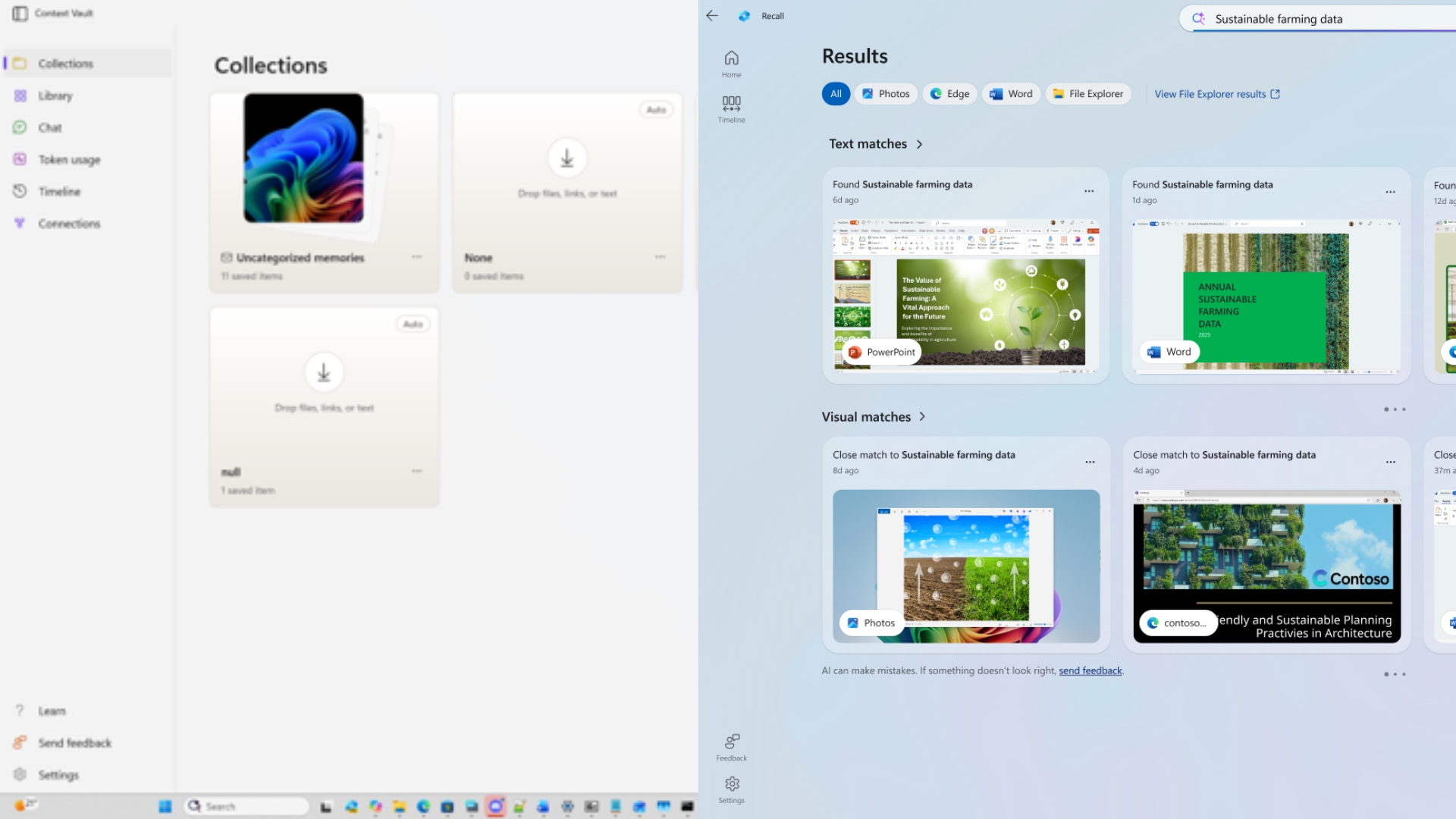
Project Pantheon is Microsoft’s AI app for saving memories on Windows 11
Pantheon has gone by several names. The app I tested is named Context Vault, the platform is called Context IO, and earlier versions used the name Projects, which still appears in Windows 11’s Settings app. Whatever the name, the idea is to help you save useful content, organize it, and come back to it later with AI.
Context Vault opens to a Collections page, with a sidebar for Library, Chat, Token usage, Timeline, and Connections. Anything you save without picking a collection goes to “Uncategorized memories,” which held 11 items on my PC.
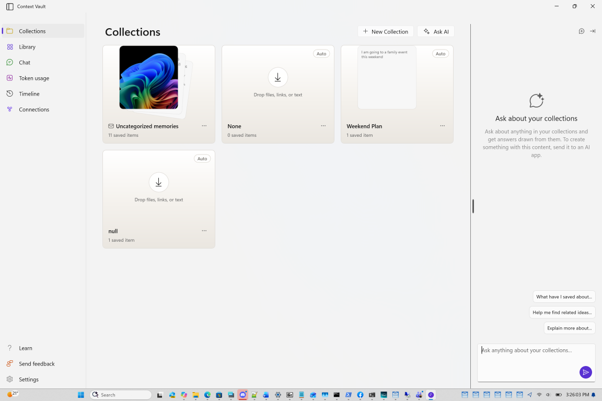
The app can also create collections by itself, marked with an “Auto” label. One of mine was a sensible “Weekend Plan” built from a single note, but two others were named “None” and “null,” which is a good reminder that you’re looking at an unfinished test app.
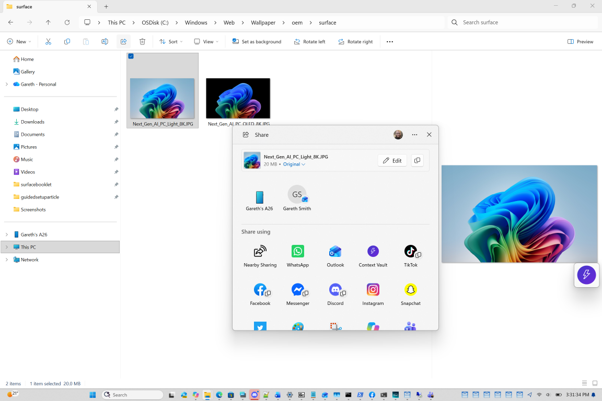
Pantheon integrates with the Windows shell, so you don’t have to open the app to save a file or a note. I could add memories from a browser extension, File Explorer, supported apps, the Windows Share menu, Screen Capture, Click to Do and the clipboard, and audio and video content could be included too.
In File Explorer, Context Vault shows itself in the Share menu next to WhatsApp, Outlook and TikTok, so saving a photo takes a couple of clicks.
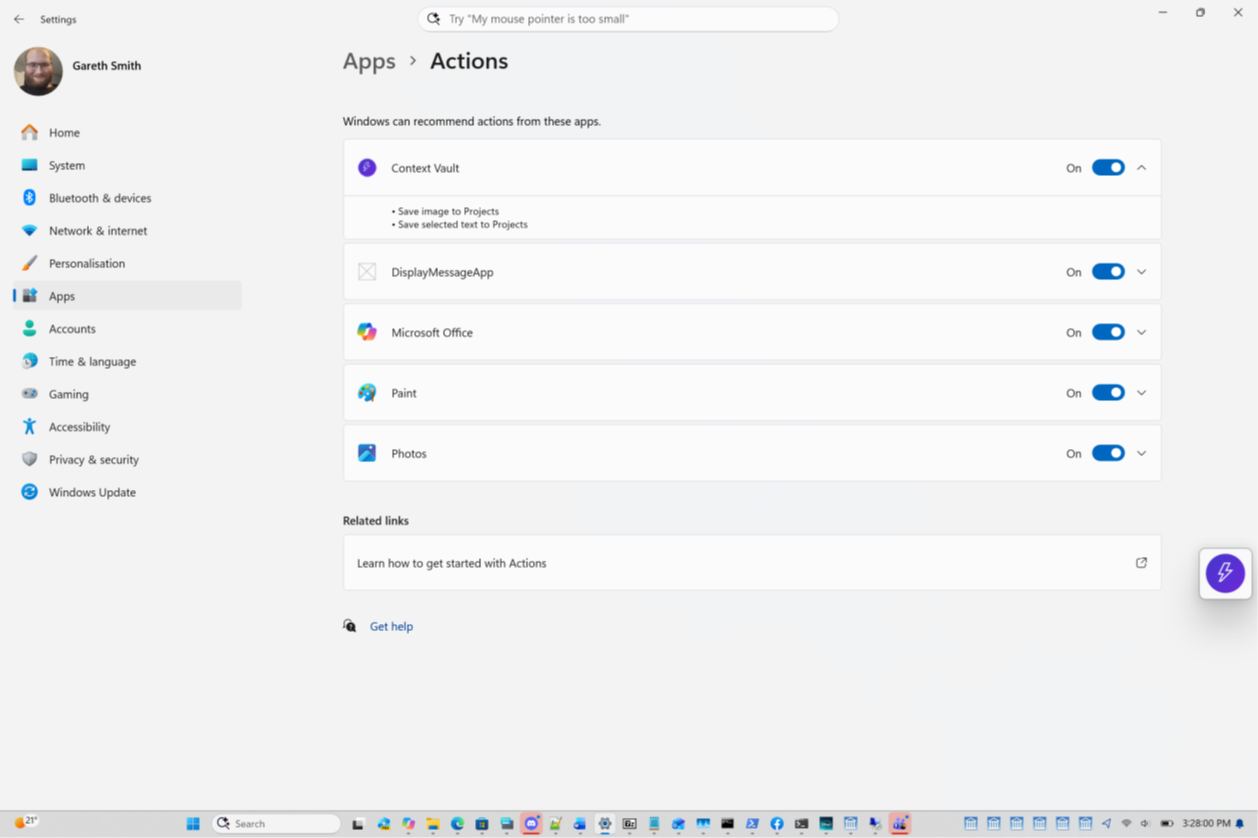
It also registers its App Actions in Settings > Apps > Actions, which is how it shows up in Click to Do. The two actions are “Save image to Projects” and “Save selected text to Projects,” using the app’s older name.
But what intrigues me is the MCP server. Model Context Protocol is an open standard that lets AI apps pull data from other apps, and Microsoft has been building it into Windows 11 since 2025. Using Pantheon’s MCP server, apps like Claude and Cursor could use the memories I saved, so the context wasn’t locked inside a Microsoft app, which is a good idea considering Redmond’s reputation with Recall.
Ask Context Vault’s AI about everything you saved
Once you have a few memories, the Chat page lets you ask questions about them. It suggests prompts like “List my collections,” “Summarize a collection,” “What have I been working on?” and “Draft using a collection,” and there’s a “Remember this” button next to the chat box.
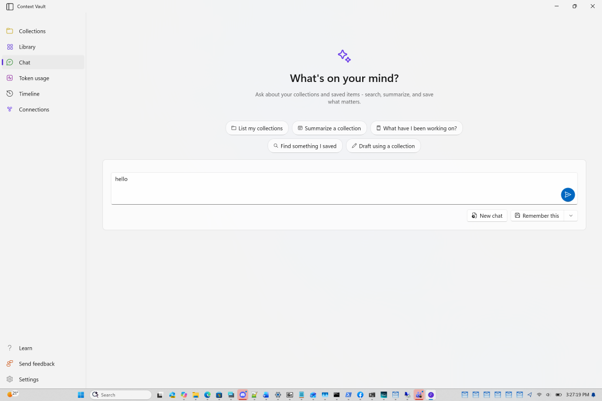
In my testing, Pantheon brought related material together without requiring me to remember where each item came from. Instead of searching through several apps and folders, I asked a question about the collection, and it worked surprisingly well.
The version I tested could also use cloud-based AI models, so it didn’t need an NPU. A Token usage page tracks how much you’ve used, which you won’t find in Recall or other on-device Windows AI features.
That said, an app that could be your second brain could be supercharged if it could utilize local AI models and run on-device, especially with powerful SOCs like the NVIDIA RTX Spark.
Project Pantheon vs Recall
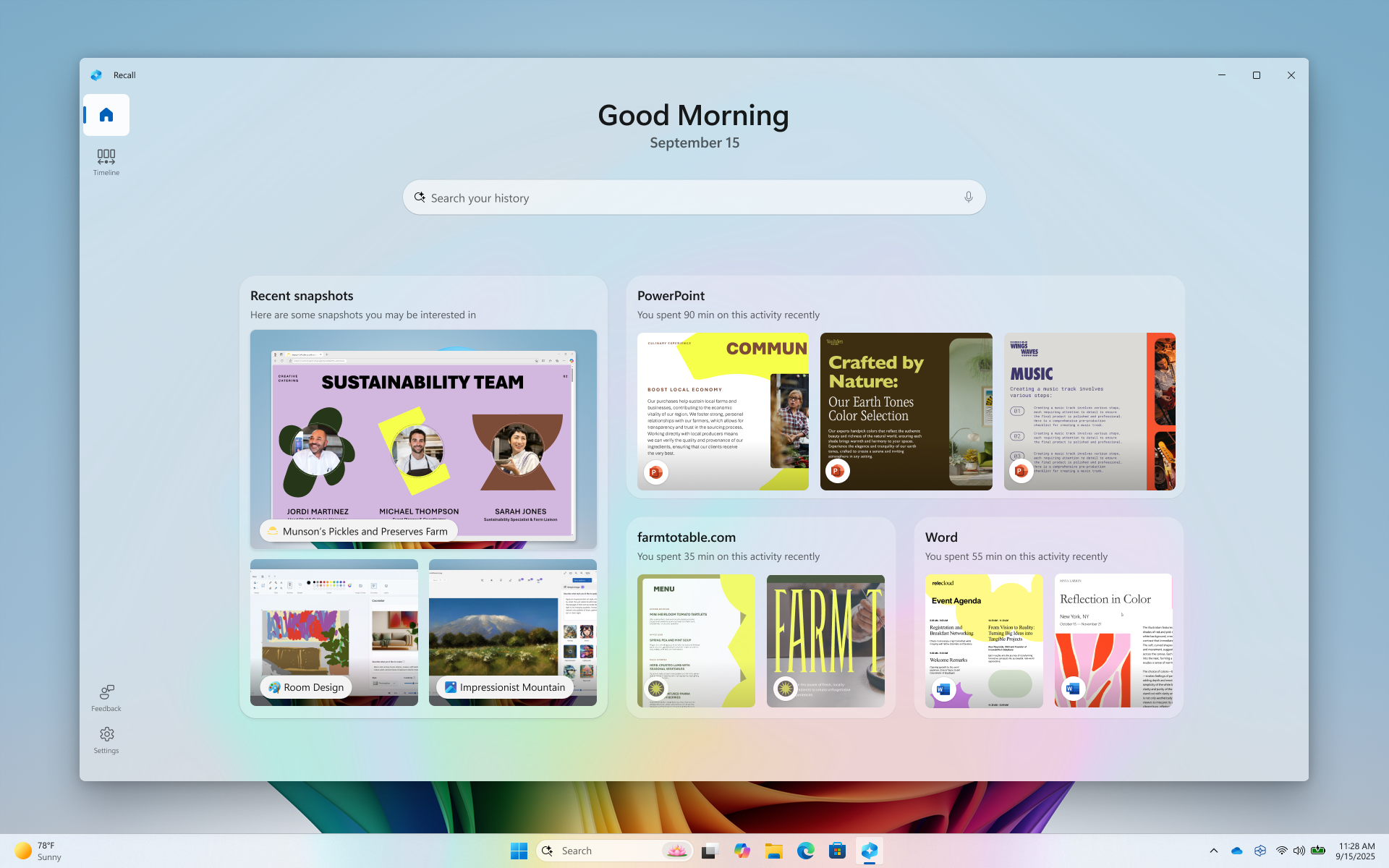
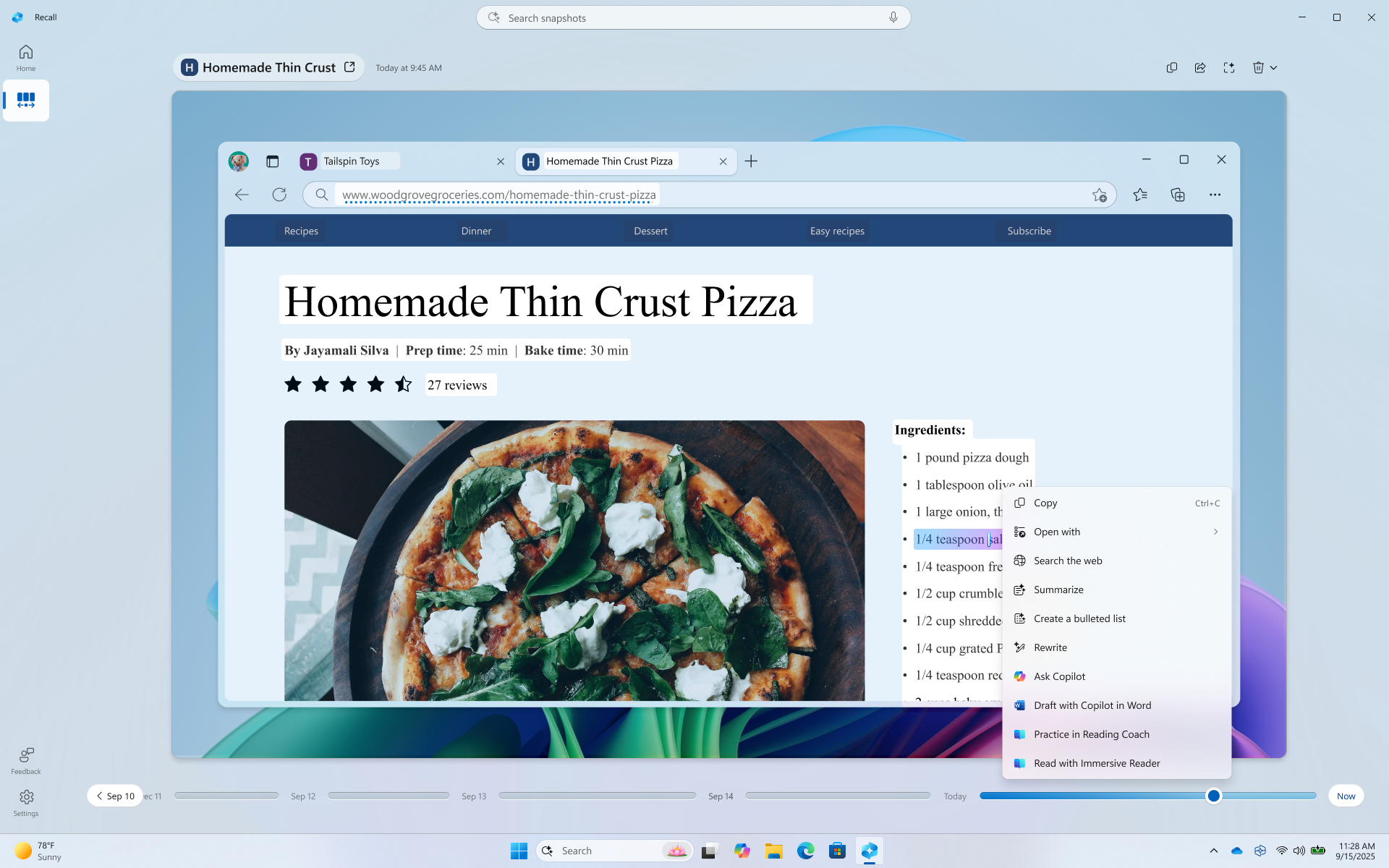
Saving memories may sound similar to Recall, but Pantheon required me to choose what was saved instead of capturing everything automatically. Recall takes snapshots of your screen every few seconds and only works on Copilot+ PCs, and its privacy problems made it one of Microsoft’s most criticized features.
Pantheon is also a separate download, while Recall is built into Windows. The manual approach gave me more control, but it also meant more work.
I used it to plan a trip to the beach this summer, and my main frustration was having to remember to save everything manually. Ironically, the one thing Recall does well, capturing everything in the background, is what I missed most. Larger collections were also harder to manage because the app lacked proper filtering, although I understand that’s being considered.
Also, the fact that I can give inputs (or memories) manually makes the case for both of these apps or features to coexist. I can’t help but think about Chinese smartphone maker Oppo’s Mind Space or Nothing’s Essential Space.
Microsoft is considering encryption, Windows Hello and IT controls
I understand that Microsoft has considered several additions that could make Context Vault safer and easier to manage if development continues. These include encryption at rest, per-app access controls, Windows Hello protection similar to Recall, user consent controls, IT policies to disable the app, Settings integration, and an API that would let other apps access your memories.
Microsoft hasn’t confirmed any of these, and it hasn’t committed to releasing Pantheon. But after Recall, the consent controls are the part I’d want first, especially since Microsoft already had to promise that Windows 11 will ask before AI agents read your files. Microsoft would also need to explain where memories are stored, when cloud services are used and how you can delete your data.
Is Project Pantheon useful?
Well, if you ever wanted to take the load off your brain’s memory and hand it over to a faster second brain, you’ll definitely find Project Pantheon helpful. After using it over the summer, I felt the same. Having one searchable place for material from the web, documents, screenshots, and copied text saved me time, and it felt better suited to focused work than Recall, which records everything whether you need it or not.
Still, Microsoft already has Recall, Click to Do, Copilot, and AI agents on the taskbar, and Pantheon would be one more AI feature asking for your data. If Microsoft does ship it, saving a memory has to be as quick as copying text, or most people will forget to use it, just like I sometimes did.
Also, knowing Microsoft, I would recommend the folks at Redmond be very careful while presenting Project Pantheon, or else Cupertino might come up with the same idea a couple of years later and call it a macOS breakthrough!