




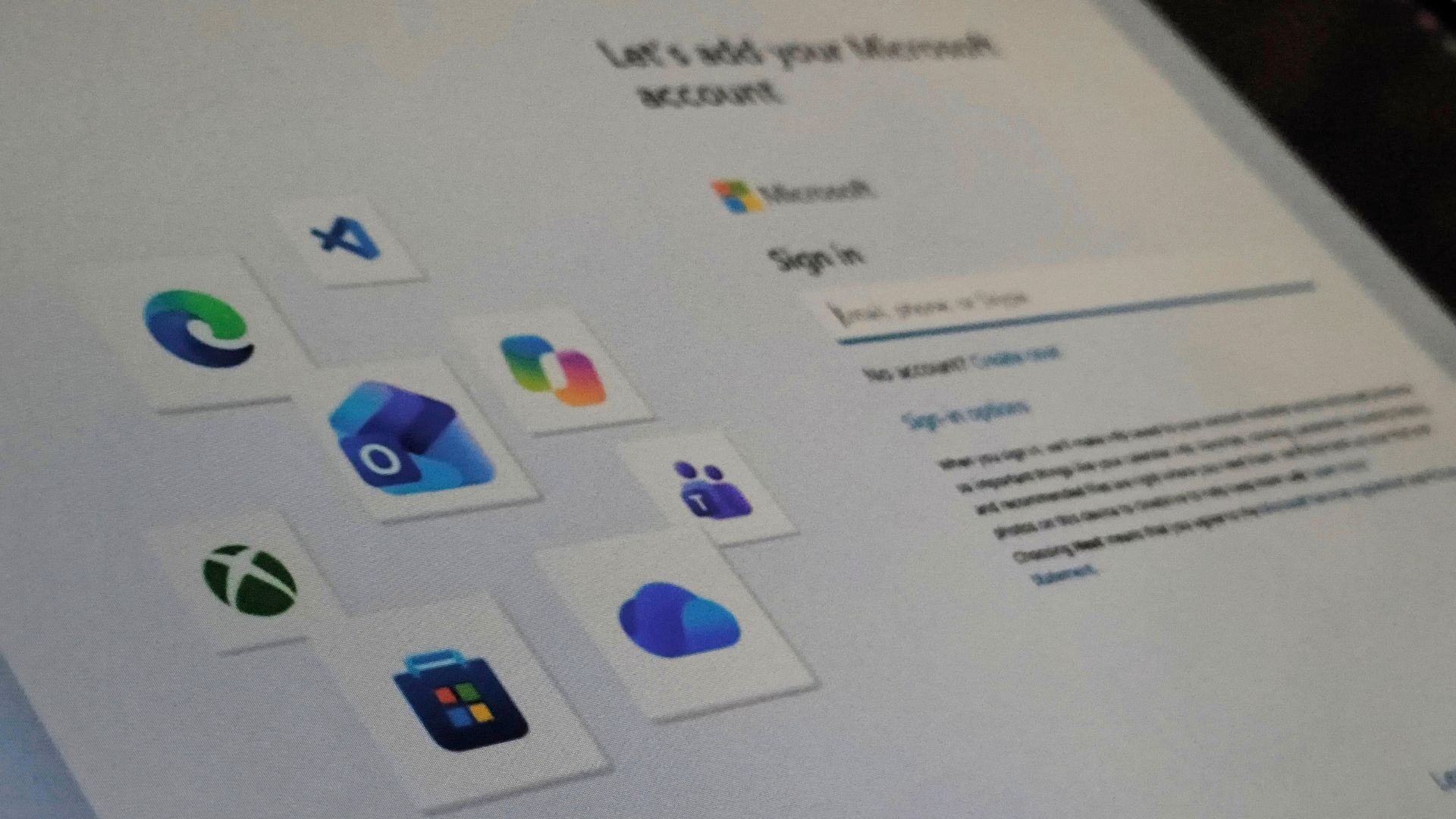
The small “Learn more” link on Windows 11’s Microsoft account sign-in screen no longer takes you to local account creation. On a fresh Windows 11 26H2 ISO, the link now opens the usual page about how Microsoft manages your data, and the only button there sends you back to the sign-in screen.
It was the easiest way to skip the Microsoft account during setup, with no commands, registry edits or disconnecting from the internet. It was the kind of bug I hoped Microsoft wouldn’t find. Unfortunately, they found it and fixed it so fast that I’m wondering what took them so long to fix other parts of the OS.
I tested the Windows 11 Microsoft account bypass again, and it no longer works
Last month, I wrote about how Microsoft blocked most account bypass methods except a link on its own page. On the “Let’s add your Microsoft account” screen, the paragraph about syncing your data and backing up files to OneDrive ends with a tiny “Learn more” link.
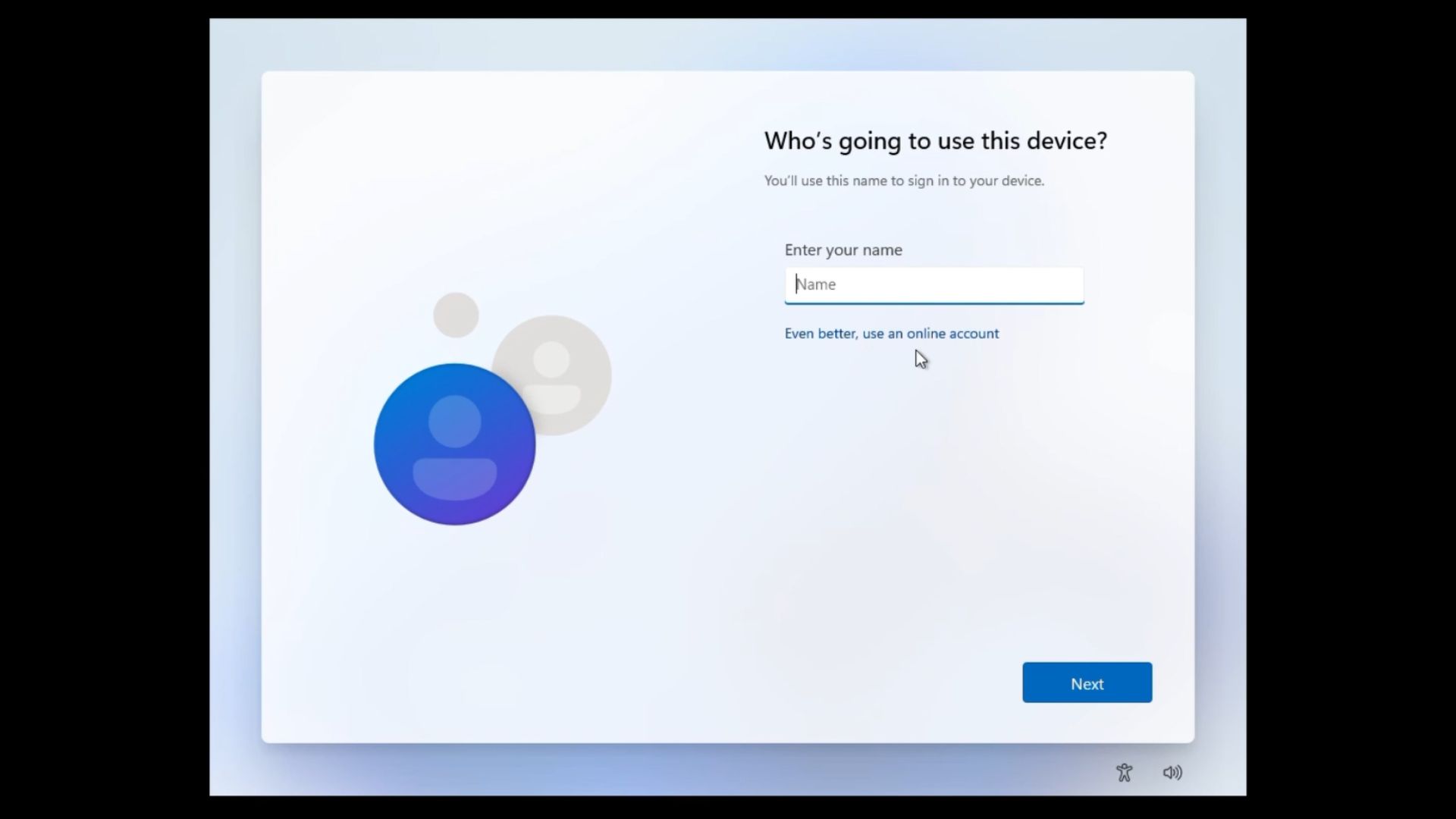
Clicking it opened a “See how your data is managed” page, and a few seconds later, Windows skipped to “Who’s going to use this device?” without us having to click anything else.
BEFORE: the Learn more link skipping Microsoft account sign-in:
Ironically, that data page tells you how to switch to a local account after setup, under Settings > Accounts > Your info. And the local account screen still nudges you with “Even better, use an online account.”
To check, I downloaded a fresh Windows 11 26H2 ISO directly from Microsoft’s servers, using our 26H2 download guide, and tried again. During the Windows installation, the link opens that data page again, but now, Windows stays there. The only button is Back.
AFTER: the Learn more link just takes to the Data page:
Bob Pony noticed the change on October 9, and it looks like Microsoft closed it server-side without mentioning it in any update notes.
Microsoft has spent a year blocking ways to skip its account requirement
In October 2025, Microsoft said it was “removing known mechanisms for creating a local account” in setup, because they “inadvertently skip critical setup screens” and can leave a PC “not fully configured for use.” When we tested that Insider build, oobe\bypassnro, start ms-cxh:localonly, the BypassNRO registry value and fake email addresses were all blocked.
Those blocks showed up in Insider builds first, so some older public ISOs may still accept the old commands. The Learn more link was good for everyone, as it worked on the latest Windows 11 Home media and even on Experimental build 29677.
Sadly (for us), Microsoft closed it in about four weeks, while the setup with “fewer pages and reboots” it promised in March still hasn’t shown up.
A Microsoft VP said he hates forced sign-in, too
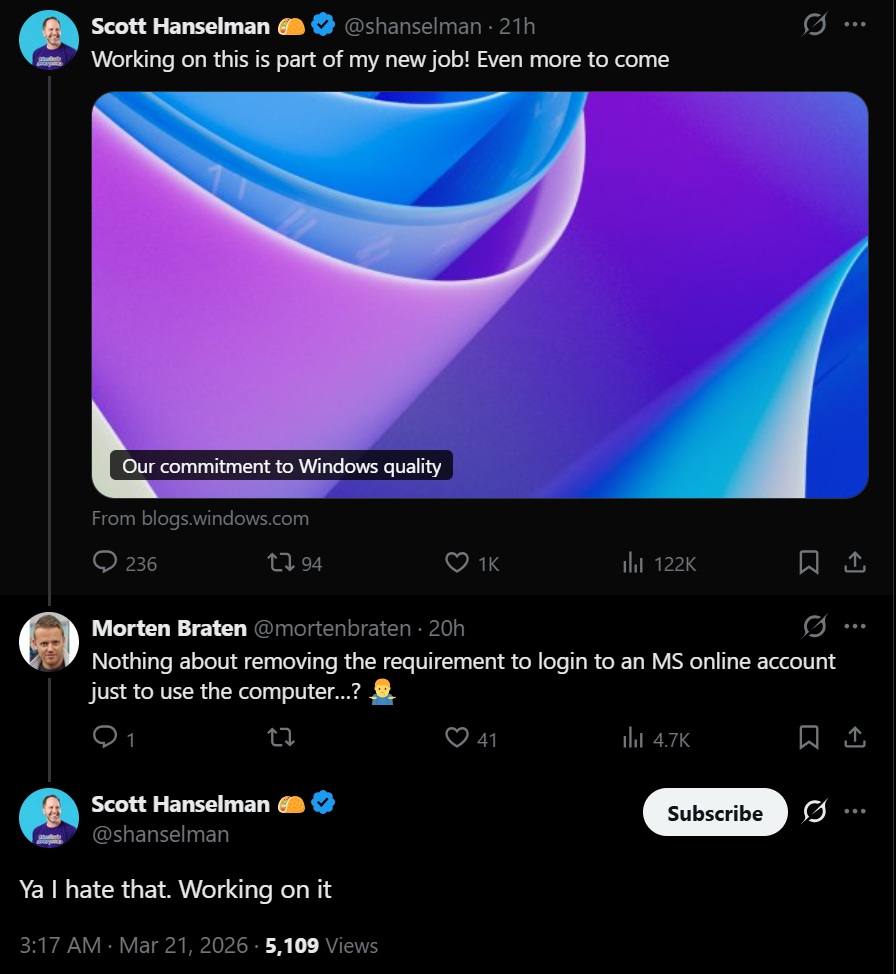
In March, Scott Hanselman, VP and Member of Technical Staff at Microsoft, replied to a complaint about the Microsoft account requirement with “Ya, I hate that. Working on it.” Around then, he also said “a calmer and more chill OS with fewer upsells is a goal.”
In July, Windows chief Pavan Davuluri also listed a “faster and more efficient out-of-box experience” as a focus area for the rest of 2026. But that update said nothing about dropping the Microsoft account requirement.
So, is Microsoft working on it, or working against it? Seeing this bug fixed so quickly makes me wonder how important the Microsoft account is to the company, and I’ve somewhat lost hope that it will let us skip it anytime soon.
Microsoft still hasn’t given Windows users a simple local-account option
A local account makes sense if you reinstall Windows often, set up virtual machines or test PCs like I do, or maybe you just don’t want your login linked to an online account in an OS that you paid for. Remember, Windows is not free, and they’re even planning to increase the licensing fees for OEMs.
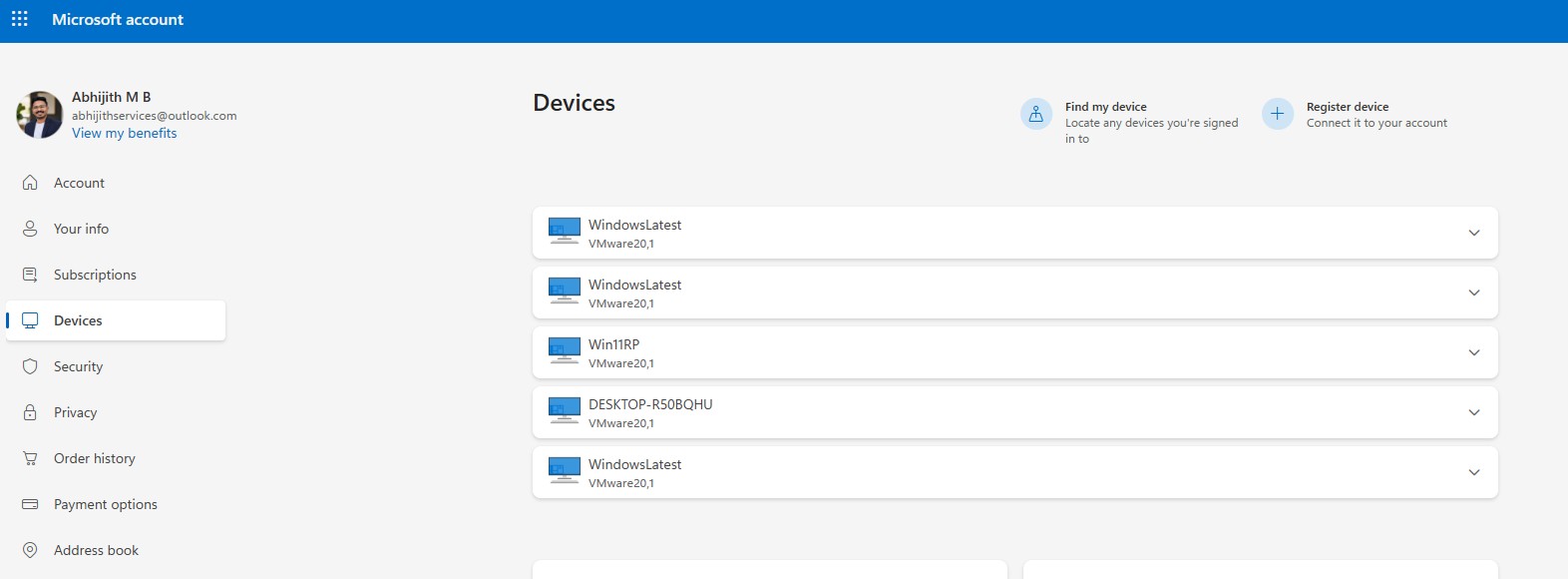
To be fair, a Microsoft account brings perks like Find my device and syncing, and plenty of people want those.
But Windows 11 setup already takes over an hour with updates, and squeezes in Microsoft 365, OneDrive and Xbox Game Pass promotions along the way. Is a “Use a local account” button on the sign-in screen too much to ask?
For now, if you want a local account from the start, you’re left with the clunky routes, like Domain Join on Windows 11 Pro or a custom ISO made with Rufus. Microsoft’s setup still isn’t making it easy.