



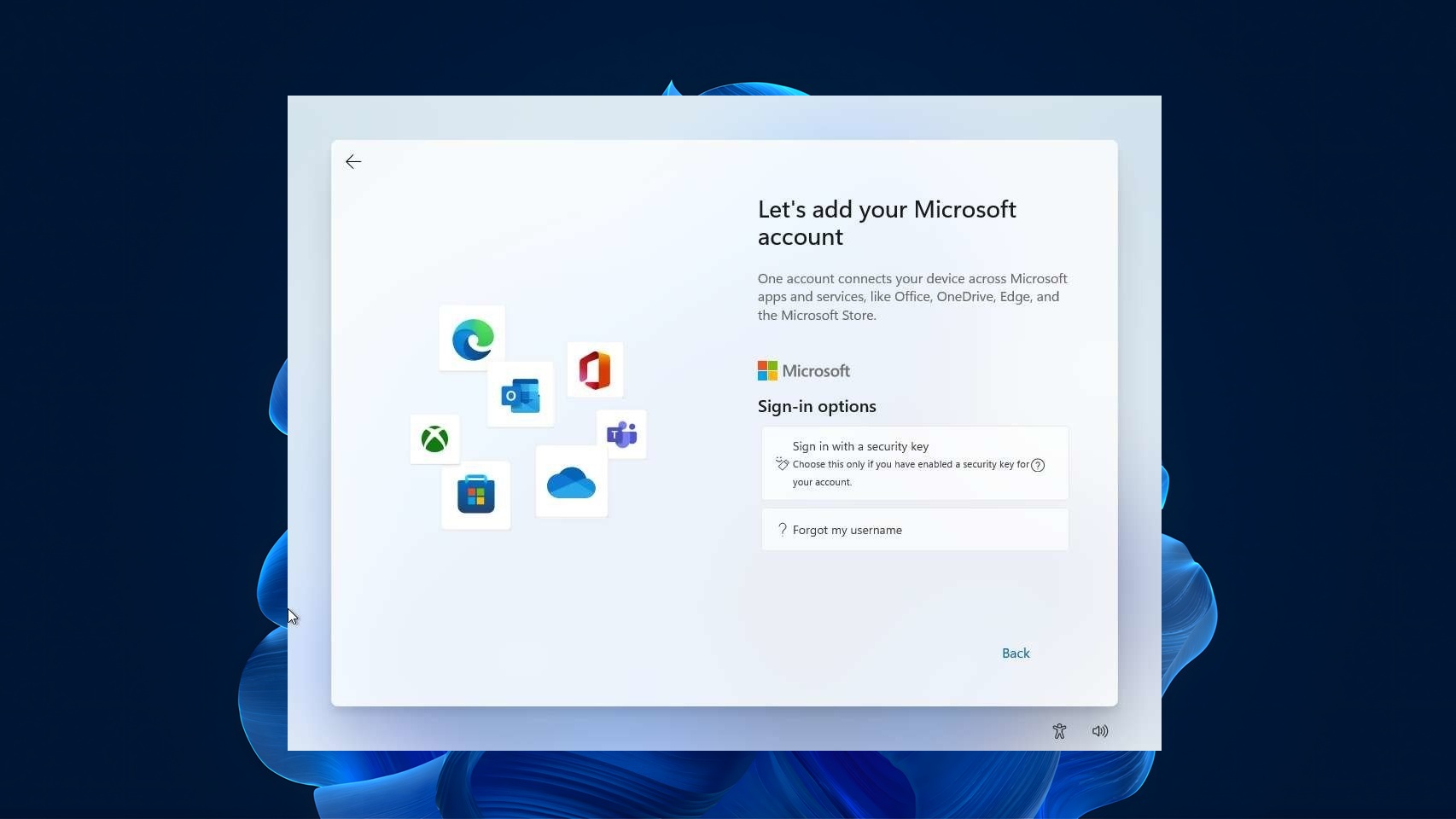
Microsoft just confirmed Windows 11’s out-of-box experience is getting faster and more efficient before the end of 2026. But Windows President Pavan Davuluri’s latest update doesn’t mention the one OOBE fix people have been asking for a long time: dropping the forced Microsoft account sign-in.
OOBE, short for out-of-box experience, is the setup process you see when you first start a new Windows PC or after reinstalling Windows. It’s supposed to be only the welcome screen that guides you through choosing your language, connecting to Wi‑Fi, setting up things like privacy and a PIN, so your computer is ready to use.
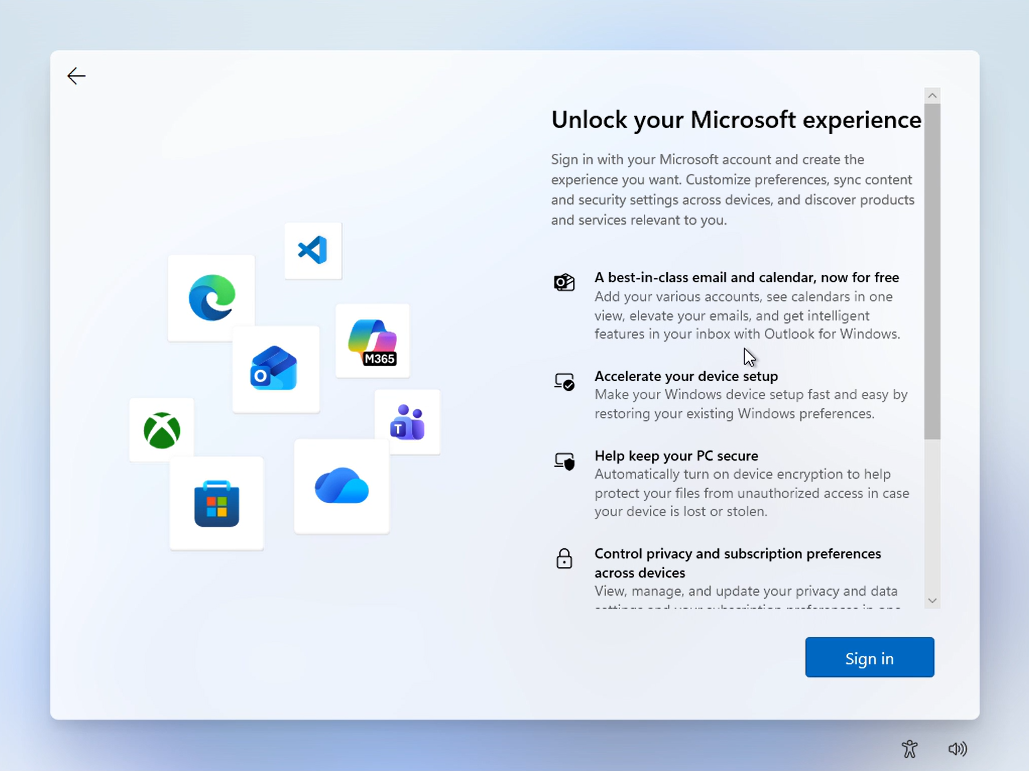
However, setup requires a Microsoft account and an internet connection to finish, with no built-in option to set up a local account, something every earlier version of Windows allowed. Not to mention the forced updates and a run of promotional pages along the way!.
OOBE has three problems, and Microsoft has only tackled one
Setting up a new Windows 11 PC has three huge pain points, and Microsoft is moving at a different pace on each.
- Updates: OOBE forces you to download and install pending updates first, taking anywhere between 20 and 50 mins.
- Ads: Setup is packed with promotional pages for Microsoft 365, XBOX Game Pass, OneDrive, and Phone Link, and some sketchy privacy toggles.
- Forced Microsoft account sign-in: Windows 11 requires an MSA and internet to finish setup, with no way to choose a local account.
The first problem is already partially fixed. Microsoft added a “Skip for now” option for updates during setup back in April. But updates shouldn’t be part of OOBE in the first place. Anyone who bought a new PC doesn’t want to wait 1 hour to see the desktop. It’s basic psychology!
Pavan Davuluri confirms OOBE is next for a faster, calmer setup
In a July 31 update on Microsoft’s Windows quality commitment, Davuluri named onboarding and setup as one of four new focus areas for the rest of 2026, writing that Microsoft is “delivering a faster and more efficient out-of-box experience.”
This is the full OOBE commitment in the post, with no further detail on what changes, just a timeline of before the end of the year.
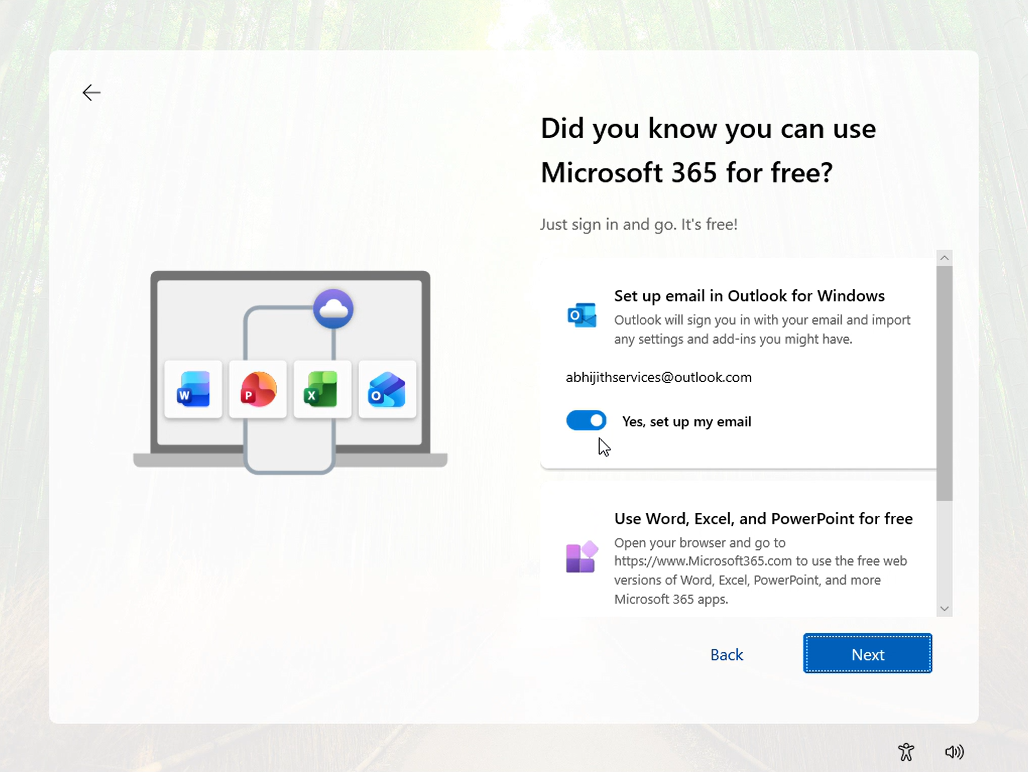
Based on Microsoft’s own admissions, “efficient” most likely means cutting down the ad-heavy portion of setup. Windows Latest tested a full OOBE run in March and it took over an hour, with a Microsoft 365 Personal ad followed immediately by a Microsoft 365 Basic ad, a Phone Link promotion, a OneDrive mobile app pitch, a request to access browsing data from other browsers, and an XBOX Game Pass promo, all before even reaching the desktop, where a WhatsApp suggestion was still waiting.
Microsoft’s March commitment promised setup would become “quieter and more streamlined, with fewer pages and reboots,” and Davuluri’s July update is a continuation of that promise.
I have watched multiple YouTubers who are all MacBook users unboxing and setting up premium Windows laptops and flagging Windows setup as frustrating enough to never switch to the OS, which is very bad news for struggling Windows OEMs. macOS setup takes only five minutes with no ads and an optional Apple ID.
No word on dropping the forced Microsoft account requirement
Local accounts were always an option in Windows setup, until Microsoft began blocking every known workaround, including oobe\bypassnro and the ms-cxh:localonly command, starting in October 2025.
Microsoft’s stated reason was that a device set up without an MSA is “not fully configured for use,” though the more likely explanation is that it also means fewer people slip through OOBE without a Microsoft account attached to advertise services to.
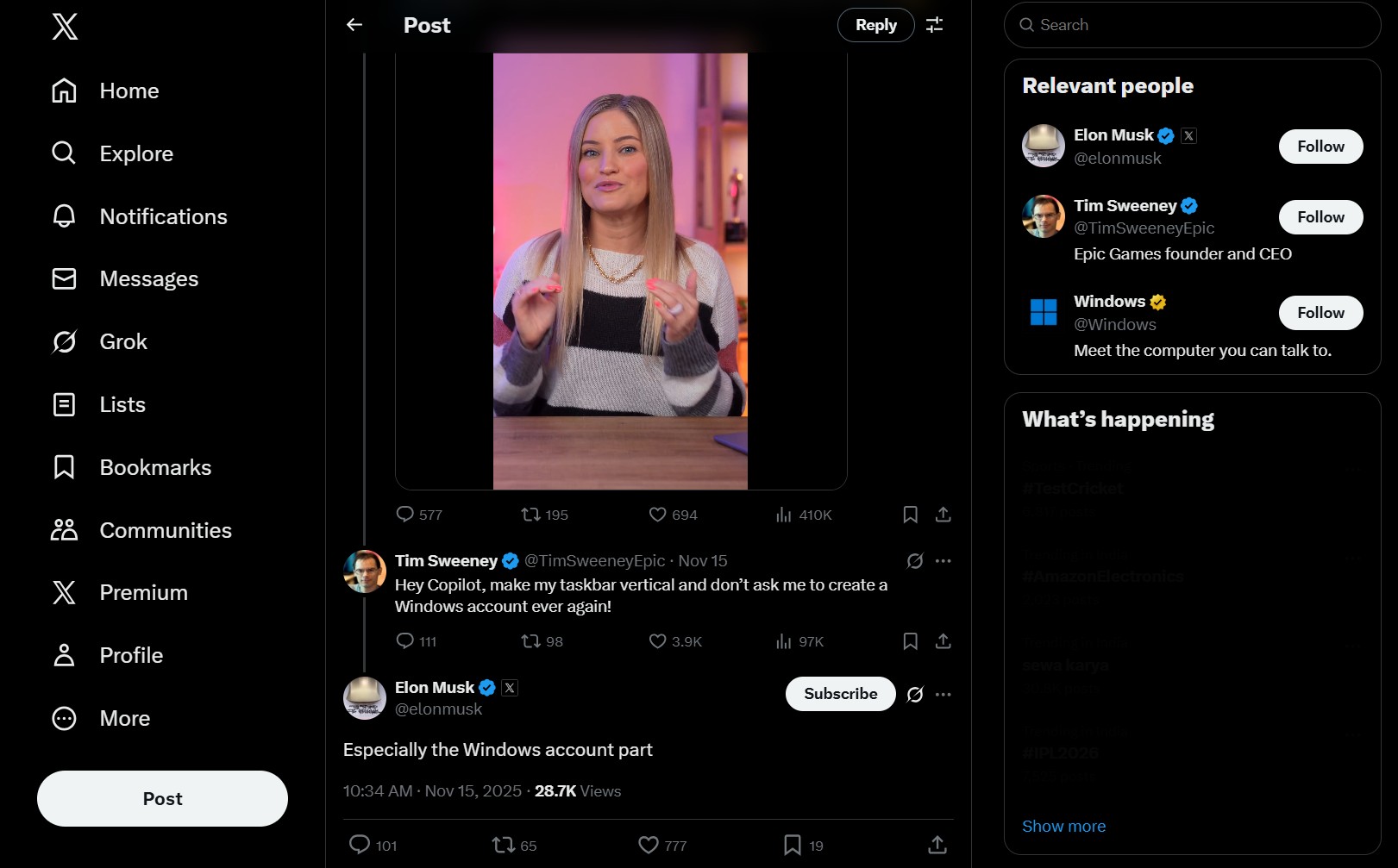
Removing the MSA requirement is one of the most requested Windows 11 changes there is, popular enough that Elon Musk and Epic Games’ Tim Sweeney both publicly called for it alongside other Windows 11 complaints.
Back in March, right after the landmark Windows commitment to quality press release, Scott Hanselman, VP and member of technical staff at Microsoft, replied to a post about the forced MSA requirement, saying the team was working on it.
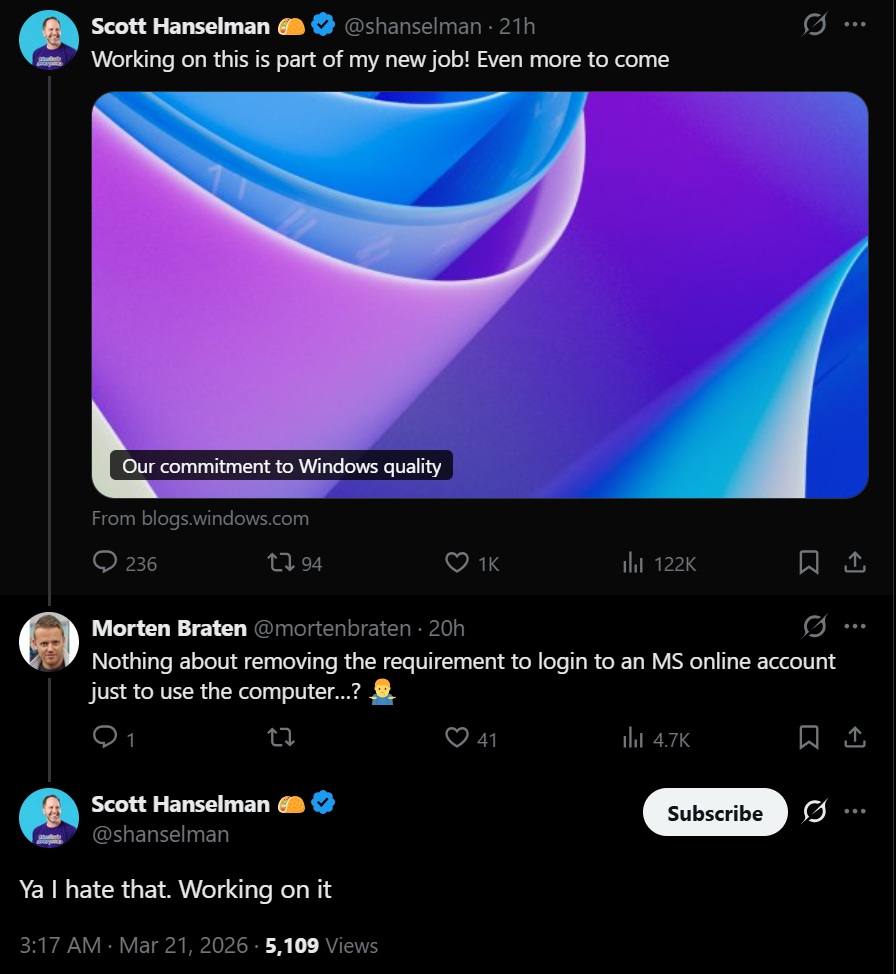
Almost five months later, with an already large list of shipped improvements, Microsoft’s update on that commitment doesn’t mention local accounts at all.
Microsoft has eased up on MSA requirements elsewhere, just not in OOBE
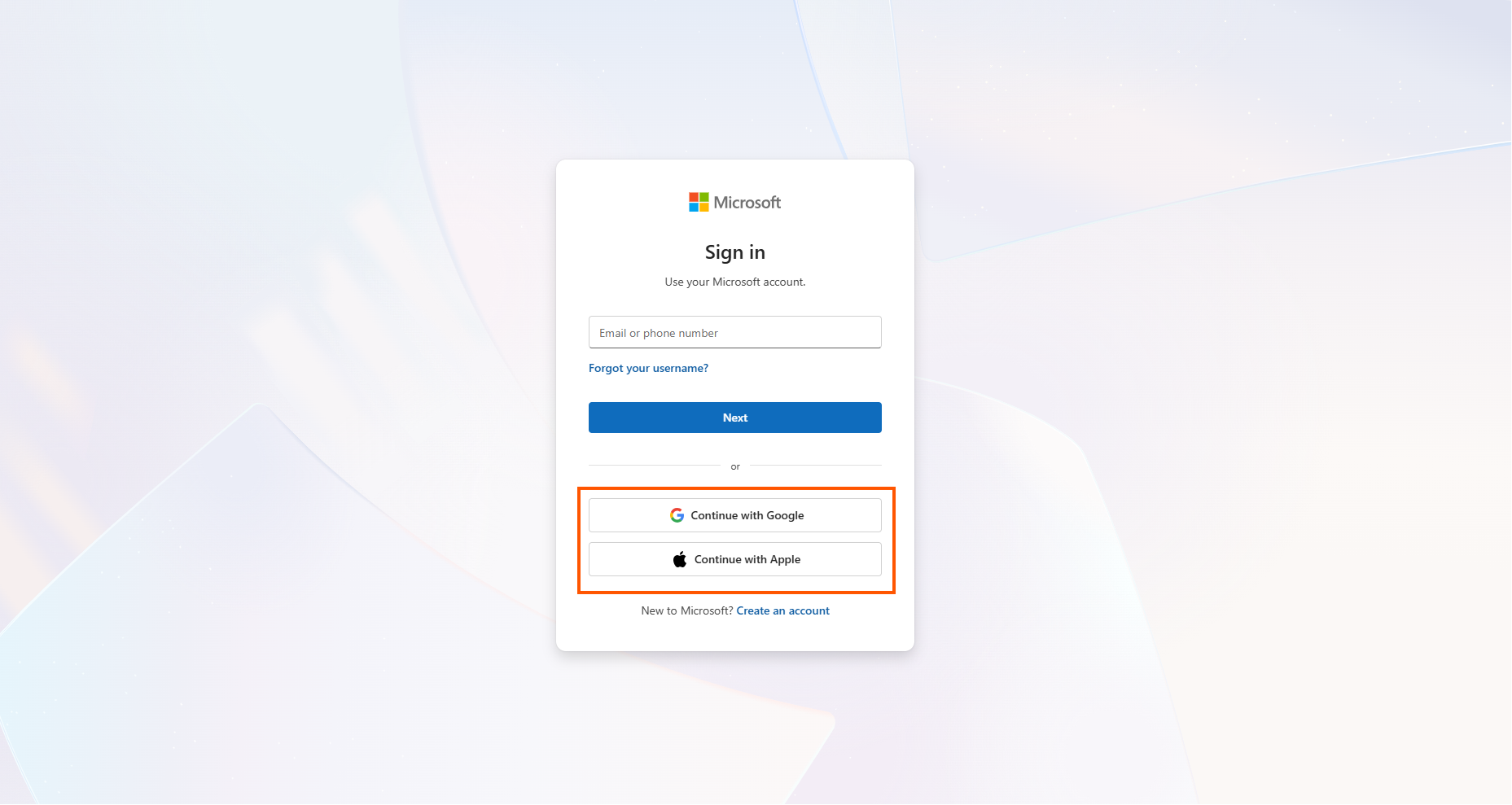
Microsoft has been quietly loosening its grip on Microsoft accounts in a few places. Bing now lets you sign in with a Google or Apple account instead of an MSA.
The redesigned Windows Search, which Windows Latest tested after Microsoft stripped out MSN and Bing, no longer pushes MSA-linked content the way the old version did.
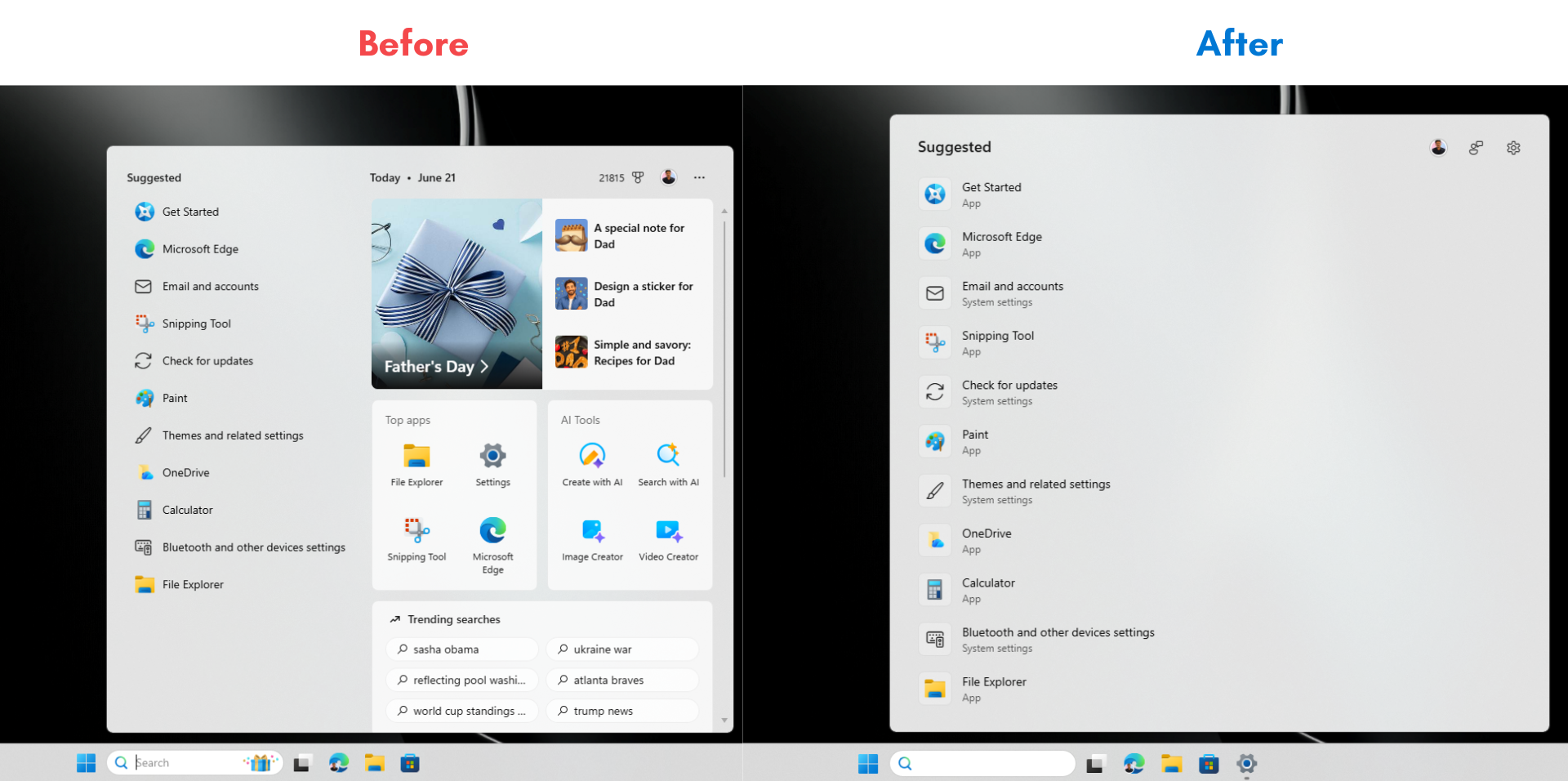
Widgets went through the same treatment, with MSN feed content and ads turned off by default as of May. 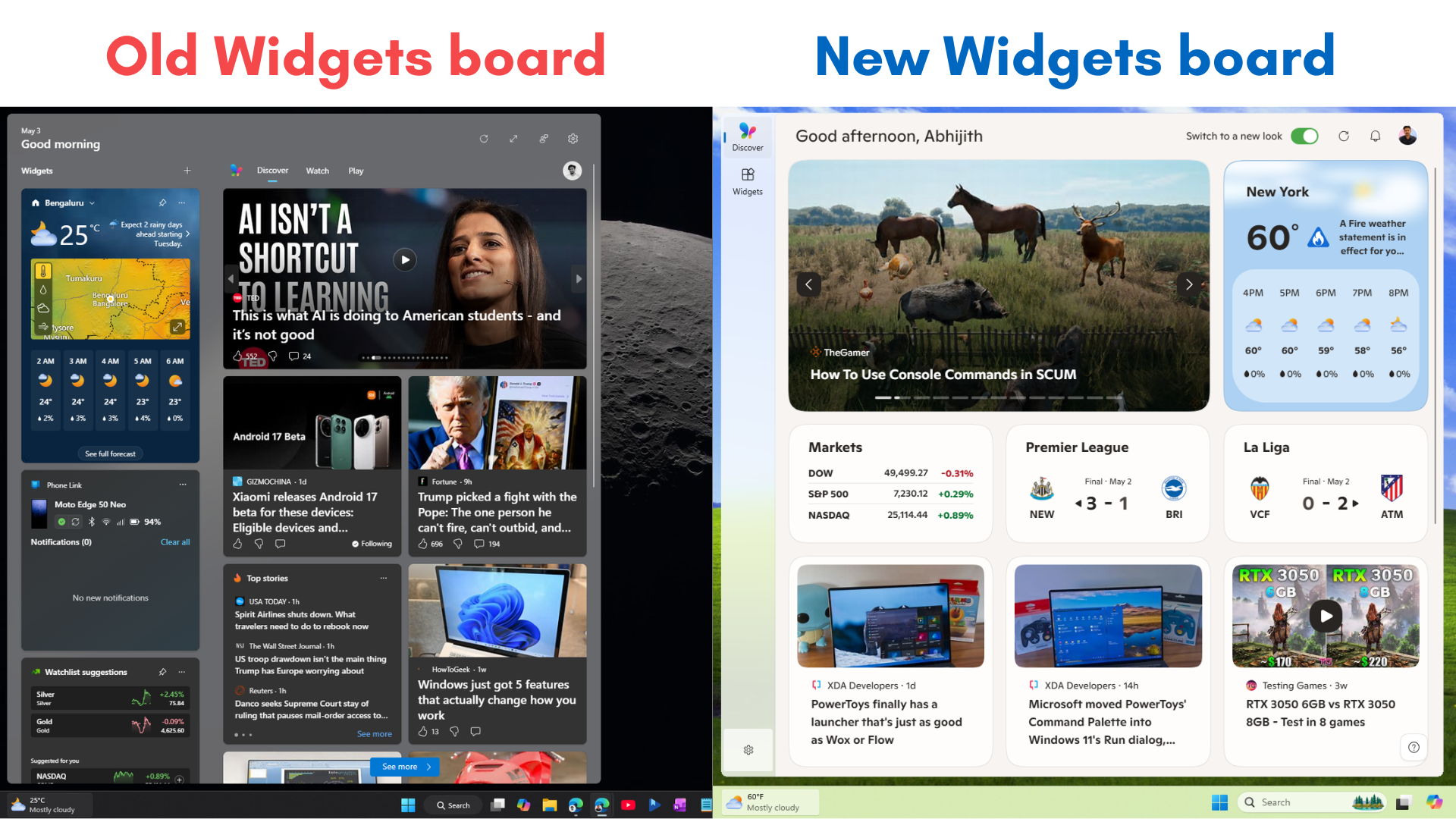
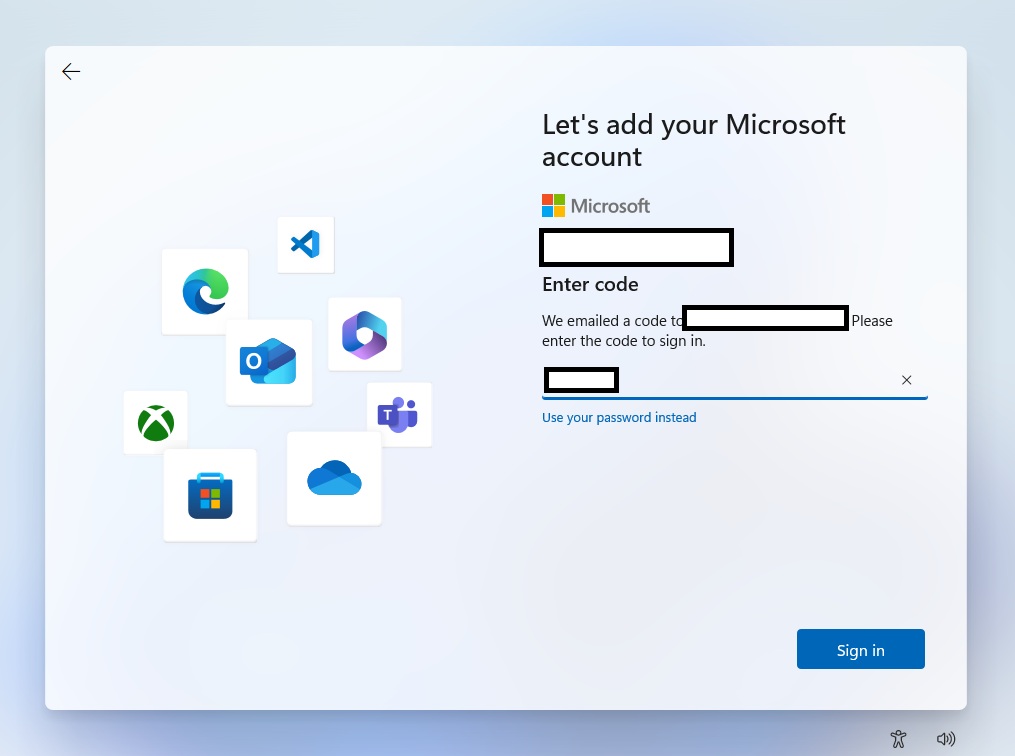
Signing into a Microsoft account hasn’t gotten any easier in the process, though. Microsoft killed SMS-based sign-in for Microsoft accounts this May, pushing everyone toward passkeys instead, which is more secure but a rockier transition for anyone setting up a new PC for the first time.
To be clear, a faster, less cluttered OOBE by the end of 2026 is a great improvement in Windows fundamentals. But until Microsoft puts a local account option back on that first screen, Windows 11 setup will still start with a requirement no other major OS asks for.