







Microsoft will start switching on memory integrity by default for eligible Windows 11 devices from October 2026, arriving through that month’s Patch Tuesday update on October 13.
The feature has existed for years, but plenty of PCs that qualify for it have not had it turned on, and this change closes that difference without anyone needing to flip a setting. Here is what you need to know:
What is Memory Integrity and why does Microsoft want it enabled?
Memory integrity is also called Hypervisor-protected Code Integrity, or HVCI. It runs in addition to Virtualization-based Security, using your CPU’s virtualization hardware to make an isolated environment that the rest of Windows cannot reach directly.
Kernel-mode drivers, the lowest-level software running on your PC, have to pass through this isolated checker before Windows lets them execute. Malware that tries to sneak in through a vulnerable or unsigned driver gets blocked at this layer instead of reaching the kernel.
Which PCs get Memory Integrity automatically enabled in October?
Not every Windows 11 PC qualifies, but Microsoft’s hardware requirements for automatic enablement are pretty lenient:
- Intel 8th-generation processor or newer,
- AMD Zen 2 or newer,
- Qualcomm Snapdragon 8180 or newer,
- at least 8GB of RAM on x64 systems,
- a 64GB SSD, virtualization enabled in firmware,
- and drivers that are already confirmed compatible with memory integrity.
Secured-core PCs, a certification tier Microsoft and OEMs apply to business and enterprise hardware, already ship with this turned on today.
Microsoft has also built in a safety check before flipping the switch. Windows will run a readiness assessment on each device first, instead of pushing the change to every PC that meets the minimum hardware.
If your device already has memory integrity turned off on purpose, whether through Group Policy, Intune, or a manual registry change, Windows Update will respect that and leave it alone. The rollout works as an opt-out by policy, and not a forced override.
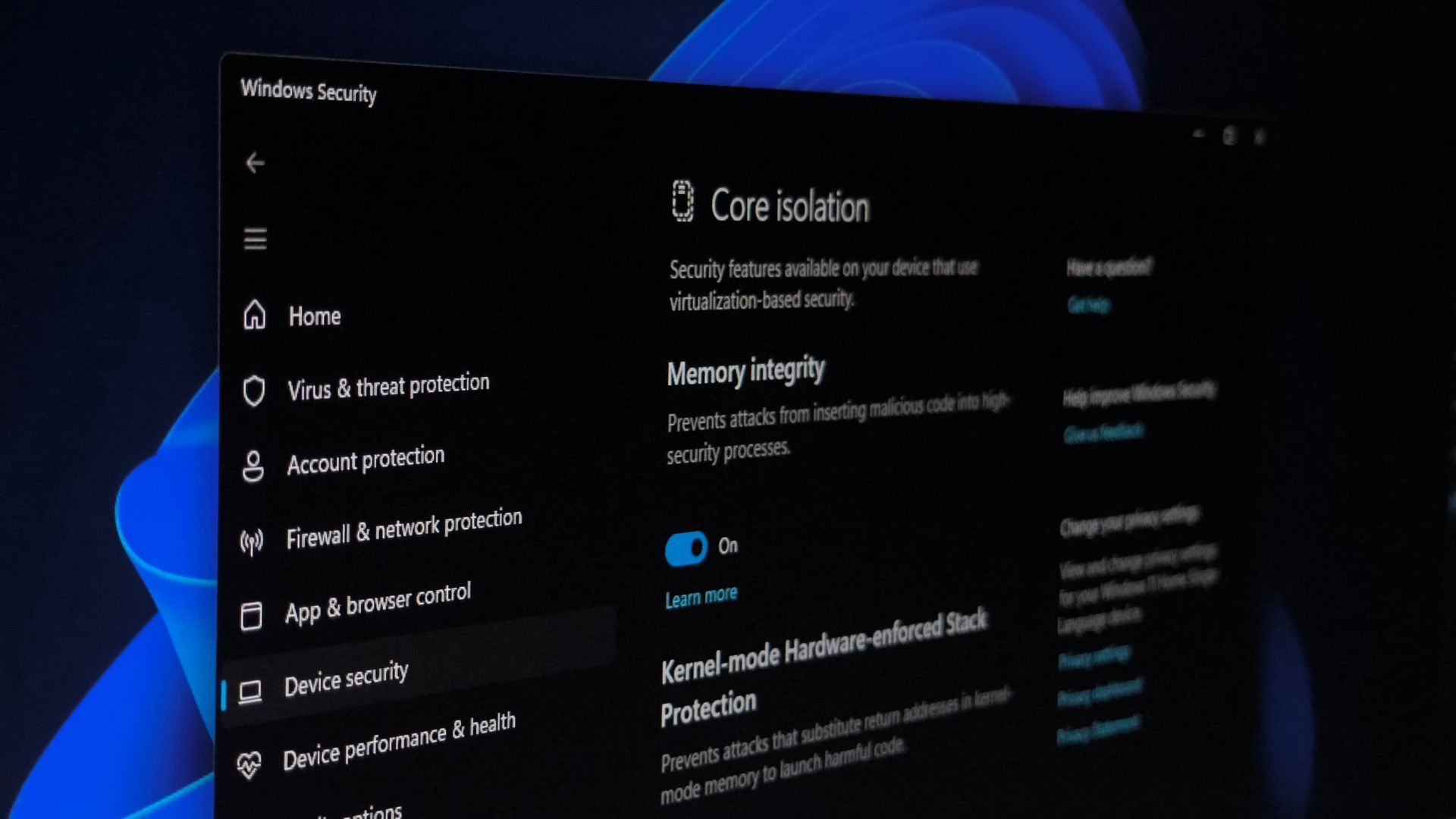
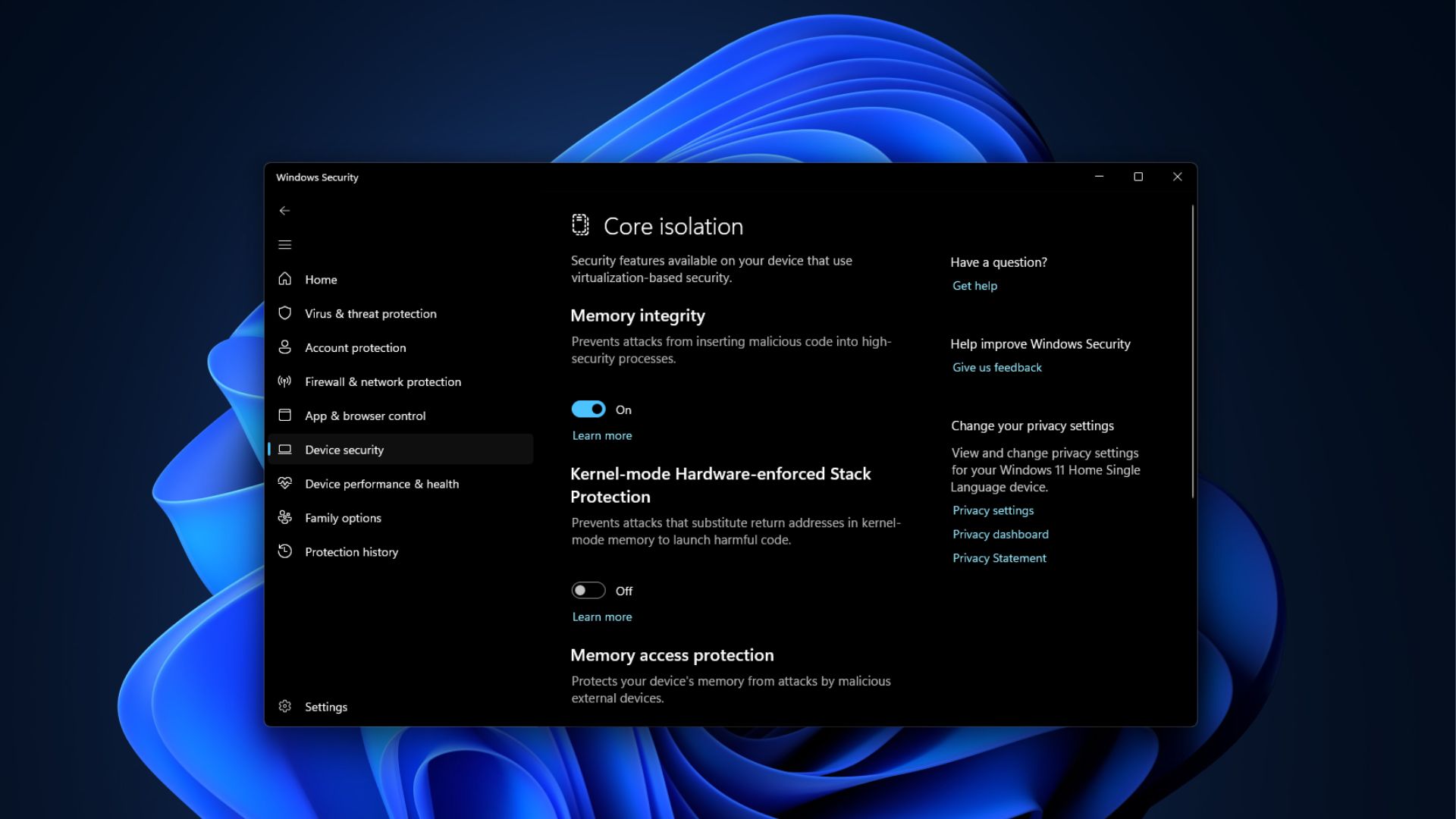
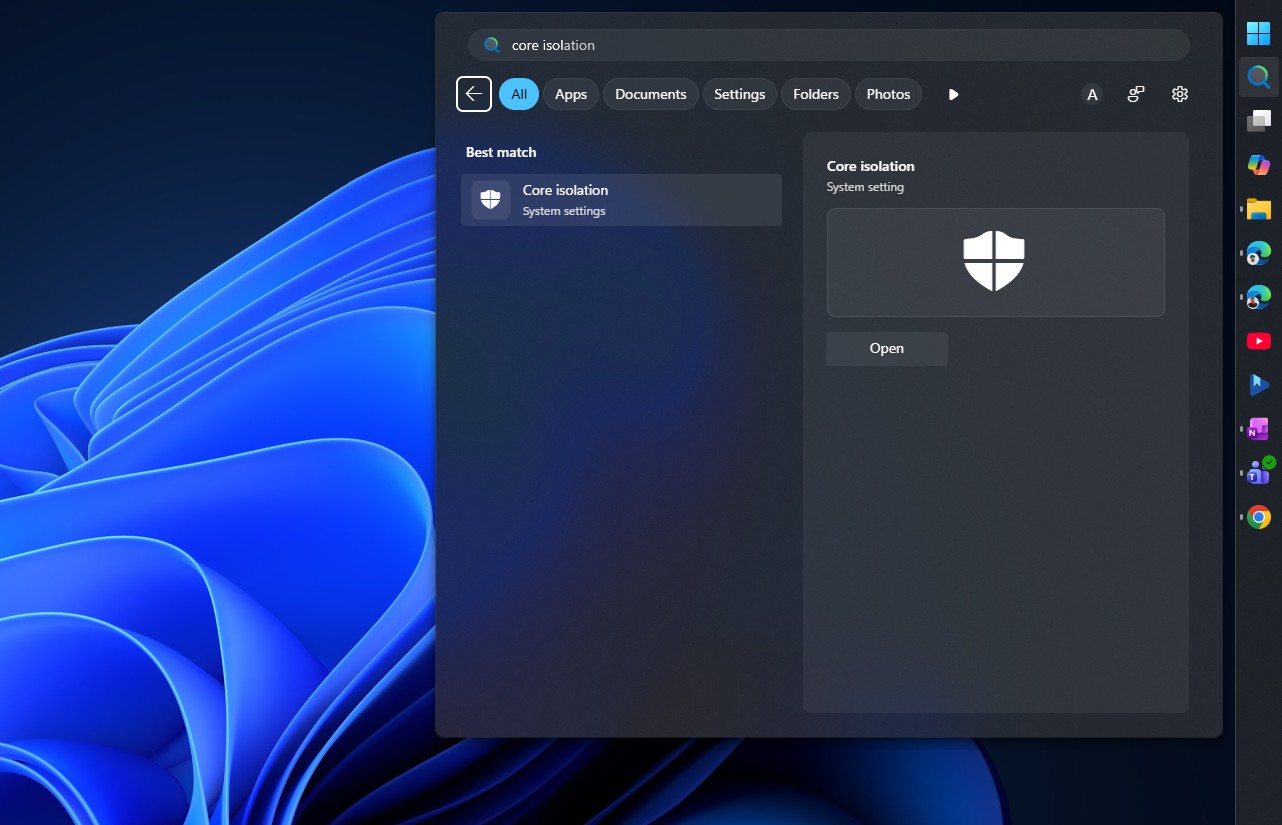
- Check whether memory integrity is on through Windows Security > Device security > Core isolation.
- The Memory integrity toggle shows On or Off directly on that page.
- IT admins can pre-configure the feature through registry keys under HKLM\System\CurrentControlSet\Control\DeviceGuard\Scenarios\HypervisorEnforcedCodeIntegrity, or manage it at scale through Group Policy and Intune.
Incompatible drivers are the main reason this has not been on for everyone already. A driver written years ago that pokes at memory in ways memory integrity does not allow will get blocked from loading, and in bad cases, that has caused boot failures on older hardware in the past.
Windows logs these conflicts under Event Viewer, in Applications and Services Logs > Microsoft > Windows > CodeIntegrity > Operational, tagged with Event ID 3087 when a driver gets flagged as incompatible. Check that log first if a PC starts acting up after this rolls out.
Why Microsoft is pushing this now
Windows security has been under a different kind of pressure lately. AI-assisted vulnerability research has gotten fast enough that researchers, and presumably attackers, can find kernel-level bugs in Windows far quicker than before.
Turning on a moderation that was already unused on millions of eligible PCs is a cheap way to close off a whole class of attack without waiting on a slower fix somewhere else in the OS.
Memory integrity was not a Windows 11 exclusive to begin with. It shipped as an opt-in VBS feature going back to Windows 10, and it became the default only on clean installs of Windows 10 in S mode and, later, Windows 11 on hardware that met the requirements.
Millions of PCs upgraded instead of being clean installed over the years, which are the kind of devices Microsoft is targeting with this October update. All these are hardware that has always qualified but had the protection switched off.
Should you turn Memory Integrity off? Usually, no
If your PC does get memory integrity switched on and something breaks, usually an older driver failing to load, Windows Security will flag it under Core isolation, and the CodeIntegrity event log will name the driver responsible.
From there, you just have to wait for an updated driver from the manufacturer or turn the feature off manually while you wait, which is a trade-off PCs with memory integrity already enabled have lived with for years.