





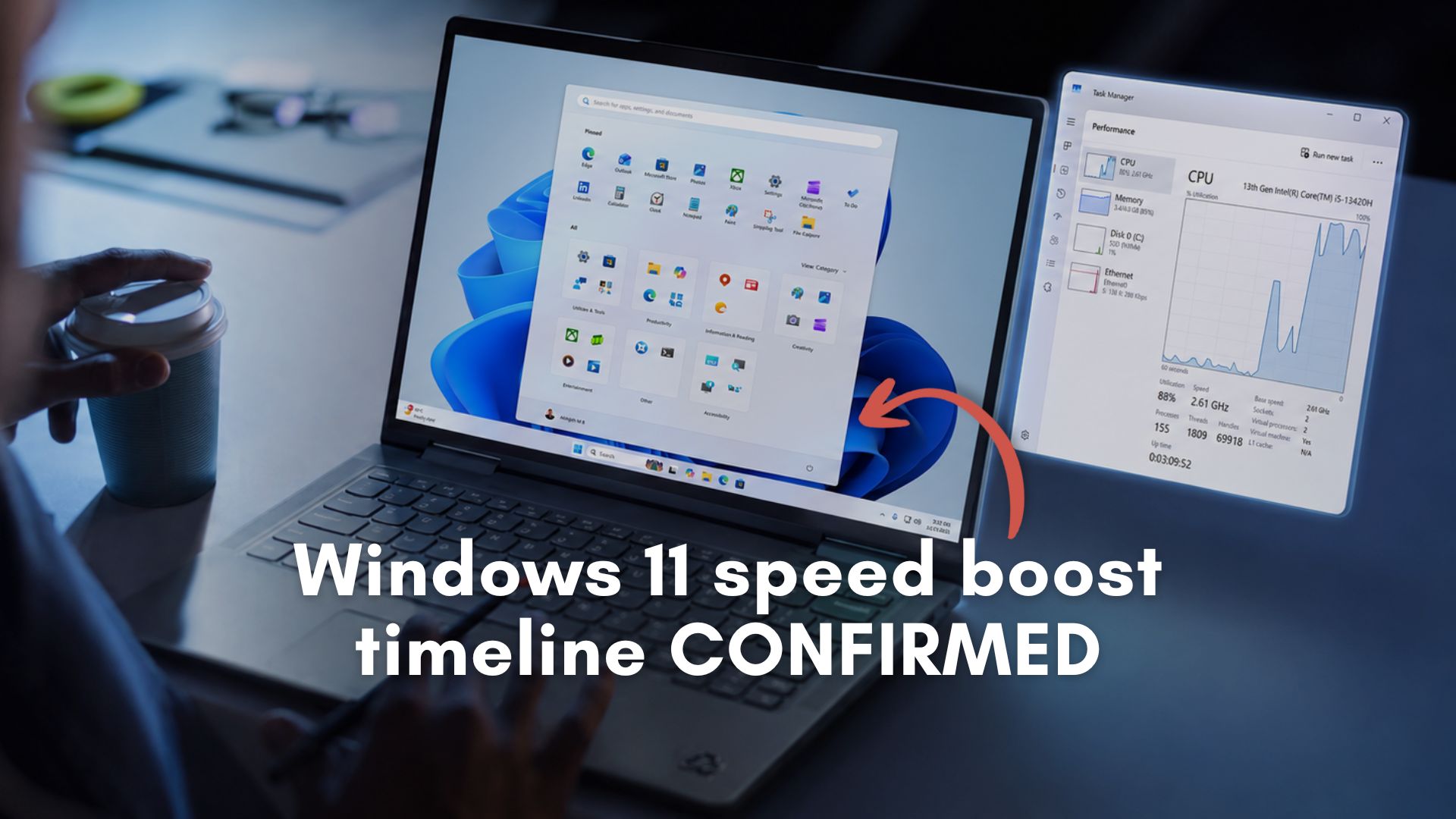
Windows 11 is finally about to feel significantly faster for millions of users worldwide. After weeks of leaks, rumors, and intense online debate, Microsoft has confirmed that a major macOS-like performance update, “Low Latency Profile,” that accelerates app launches and core Windows experiences, is heading to the general public in June 2026.
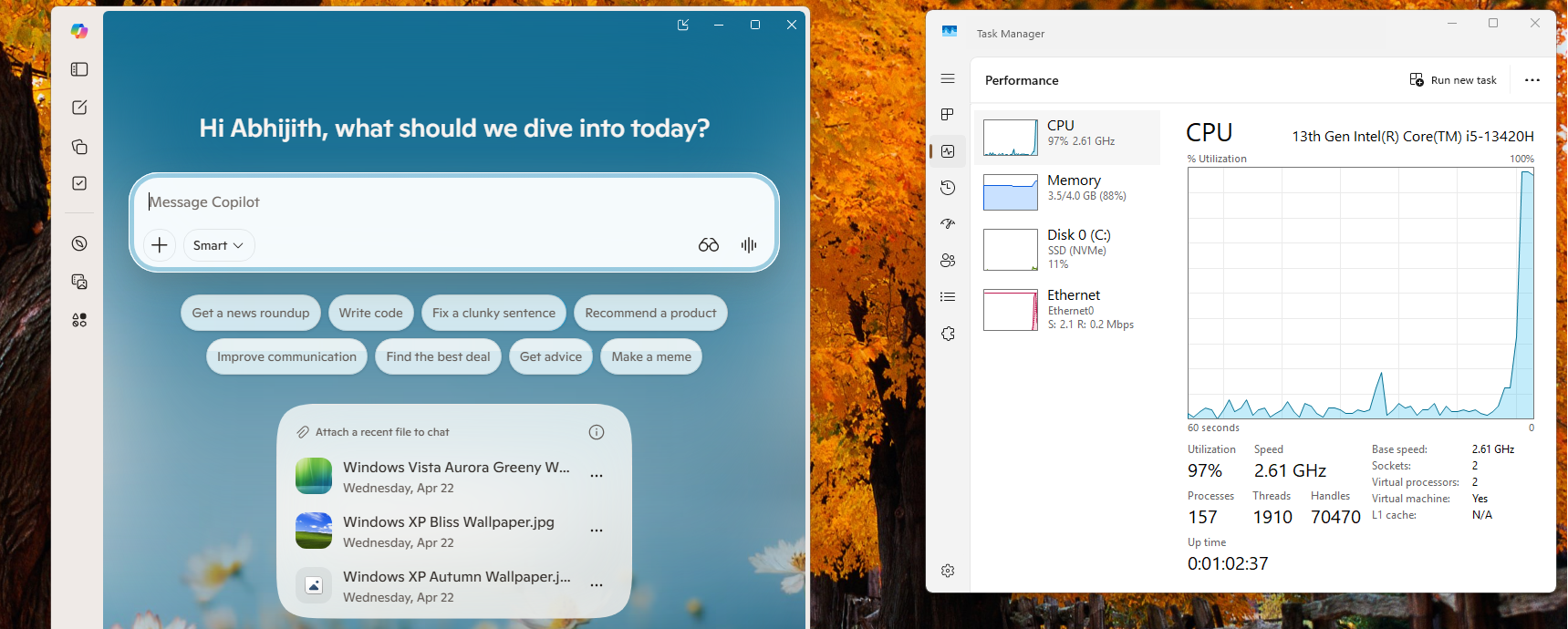
The feature in question is internally known as Low Latency Profile. It is a sophisticated addition to the Windows 11 scheduler that automatically maxes out your CPU frequency in short bursts (typically one to three seconds) whenever you initiate a high-priority task, such as opening an application, clicking the Start menu, or launching other system flyouts.
We have been tracking this CPU boost feature closely, and Windows Latest understands that Low Latency Profile is now live in the Release Preview Channel, which confirms imminent public rollout.
When is the Low Latency Profile CPU boost coming to all Windows 11 PCs?
On May 14, 2026, Microsoft published the release notes for the new Windows 11 Release Preview Channel updates (Build 26200.8514).
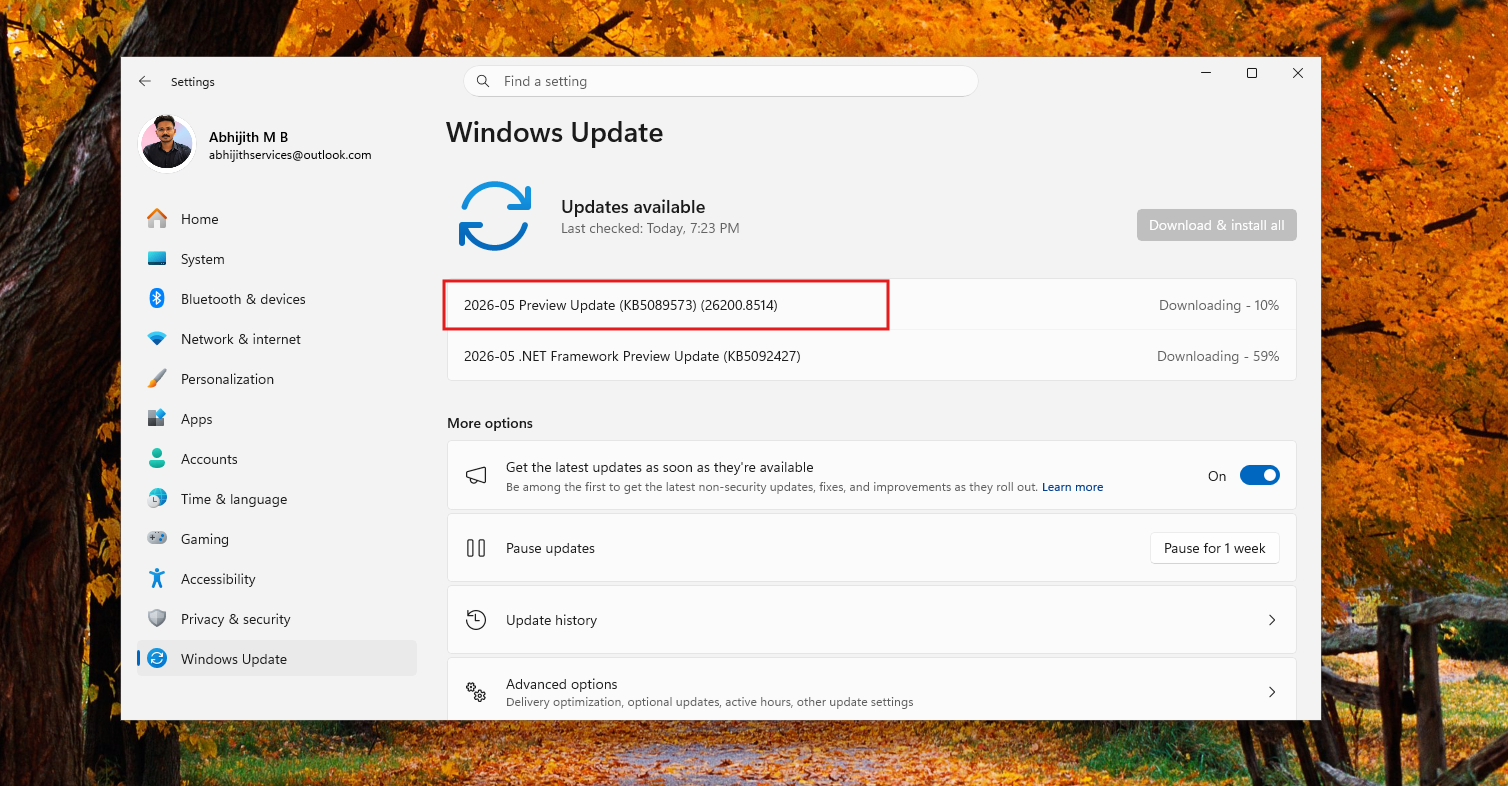
While Microsoft did not explicitly use the internal “Low Latency Profile” moniker in the public changelog, the company effectively announced the feature’s arrival under the gradual rollout section. The release notes say:
“[General Performance] This update accelerates app launch and core shell experiences such as Start menu, Search, and Action Center.”

Windows Latest understands that these improvements match the exact behavior of Low Latency Profile, and we also tested it in the Release Preview Channel build.
Because this feature is currently being tested in the Release Preview channel, which is the final validation ring before an update is pushed to the general public, we now have a firm timeline for its broader release to all Windows 11 devices.
Historically, features validated in the mid-month Release Preview builds are rolled out as optional, non-security preview updates at the end of the following month. This means eager users will be able to try the feature with May 2026’s optional update.
For everyone else, this CPU boost feature will automatically install as part of the mandatory June 2026 Patch Tuesday update.
We tested the Low Latency Profile in Windows 11, and the speed boost is undeniable
Before Microsoft officially acknowledged the rollout, we manually enabled the hidden CPU boost feature to see if the real-world performance matched the hype.
As detailed in our extensive coverage, I tested Windows 11’s hidden Low Latency Profile on a purposefully constrained virtual machine running on an Intel Core i5 with just dual-core operation and 4GB of RAM. The results were staggering.
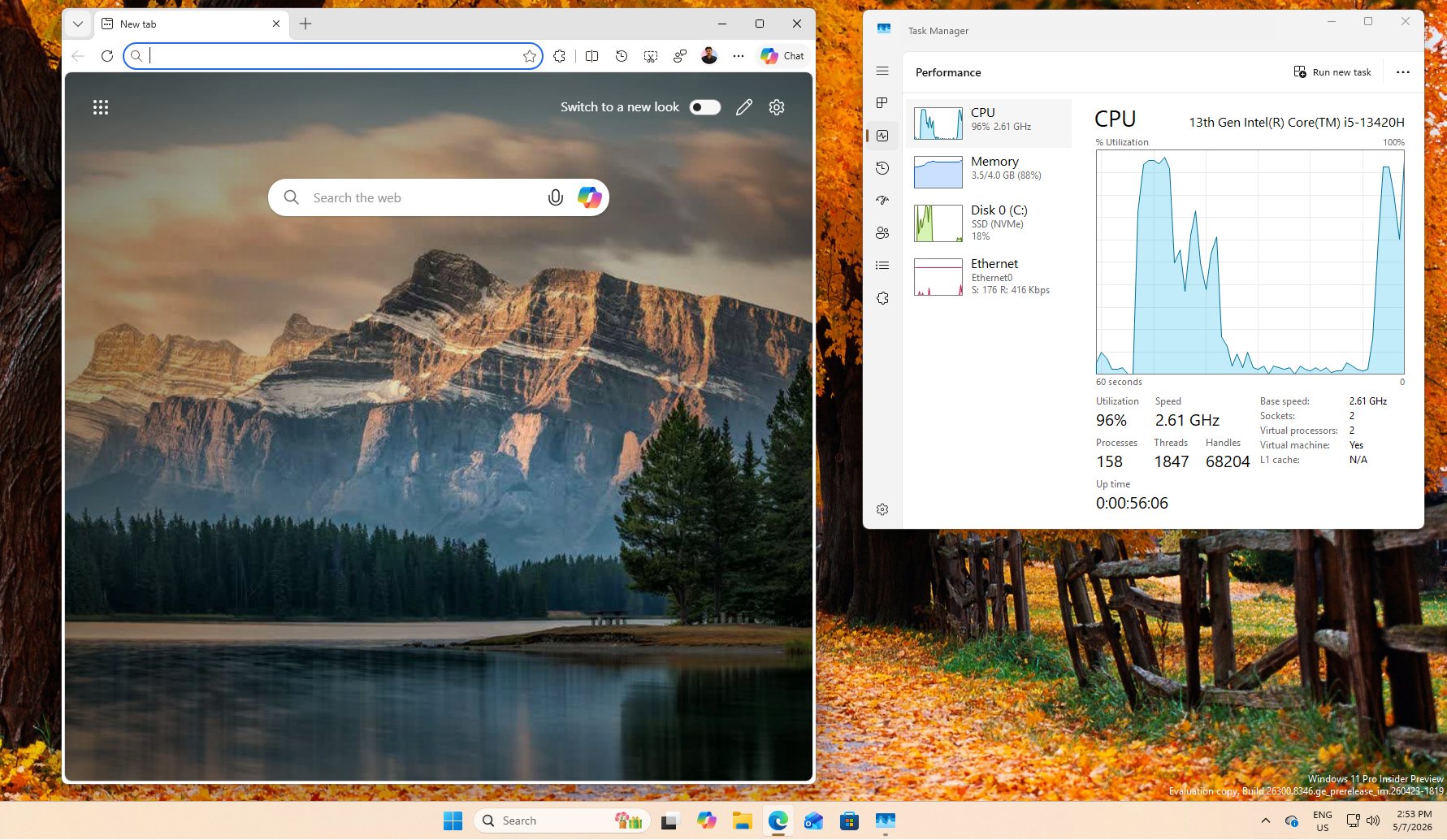
When I launched Microsoft Edge or Outlook, the CPU instantly spiked to ~96% utilization, the application window snapped open immediately, and the processor returned to a low-power idle state within exactly three seconds. It eliminated the microscopic “click-and-wait” UI lag that has plagued budget Windows 11 hardware for years.
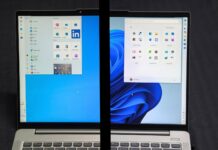
Before enabling Low Latency Profile:
After enabling Low Latency Profile:
Despite these undeniable improvements, the feature initially generated significant controversy. Across X and Reddit, armchair developers accused Microsoft of using a lazy “band-aid” fix, claiming the company was simply brute-forcing performance by aggressively overclocking the CPU instead of actually optimizing the operating system’s bloated code.
The backlash grew so loud that Microsoft’s Vice President and Member of Technical Staff, Scott Hanselman, publicly defended the feature. As we reported, the Microsoft VP fired back at Windows 11 CPU boost critics, explaining that this “race to sleep” behavior is an industry standard utilized by both macOS and Linux to give immediate UI responsiveness.
Microsoft’s CPU boost will complement native software optimization
Perhaps the most important context surrounding the June 2026 rollout of the Low Latency Profile is that it is not acting alone. Unlike what critics said, Microsoft is not throwing hardware power at a software problem. They are fixing the underlying code as well.
Just days before this Release Preview announcement, Microsoft engineers published a comprehensive breakdown of the immense performance improvements coming to the native Windows UI framework (WinUI 3).
As we said, Microsoft is committing to native UI for Windows 11 as users push back against web app slop. The company has managed to reduce memory allocations in File Explorer by 41% and cut the time spent executing WinUI code by 25%.
Essentially, Microsoft is making it easier for developers to make native WinUI 3 apps for Windows 11, while they themselves add it to Windows 11, like a new File Properties Dialog box, new Widgets board, WinUI 3 Start menu, and a lot more.
When Windows 11 gets the combined effect of optimized, lightweight native code with a smart CPU scheduler that instantly provides maximum processing power in milliseconds, what we get is a compounding effect that makes Windows 11 faster in 2026.
Windows 11 has struggled with a reputation for feeling sluggish compared to its predecessors and its rivals. However, with the Low Latency Profile officially set to arrive on millions of PCs by the end of June, alongside sweeping native software optimizations, Microsoft is finally delivering the premium, responsive operating system that PC users have been asking for.