





Microsoft has quietly launched a new “Windows Insider Panel” that gives a selected group of Insiders direct access to the Windows and Devices Research team. While they might frame it as an exclusive opportunity, I see it as an acknowledgment from Microsoft that it desperately needs first-hand UX feedback to fix Windows 11.
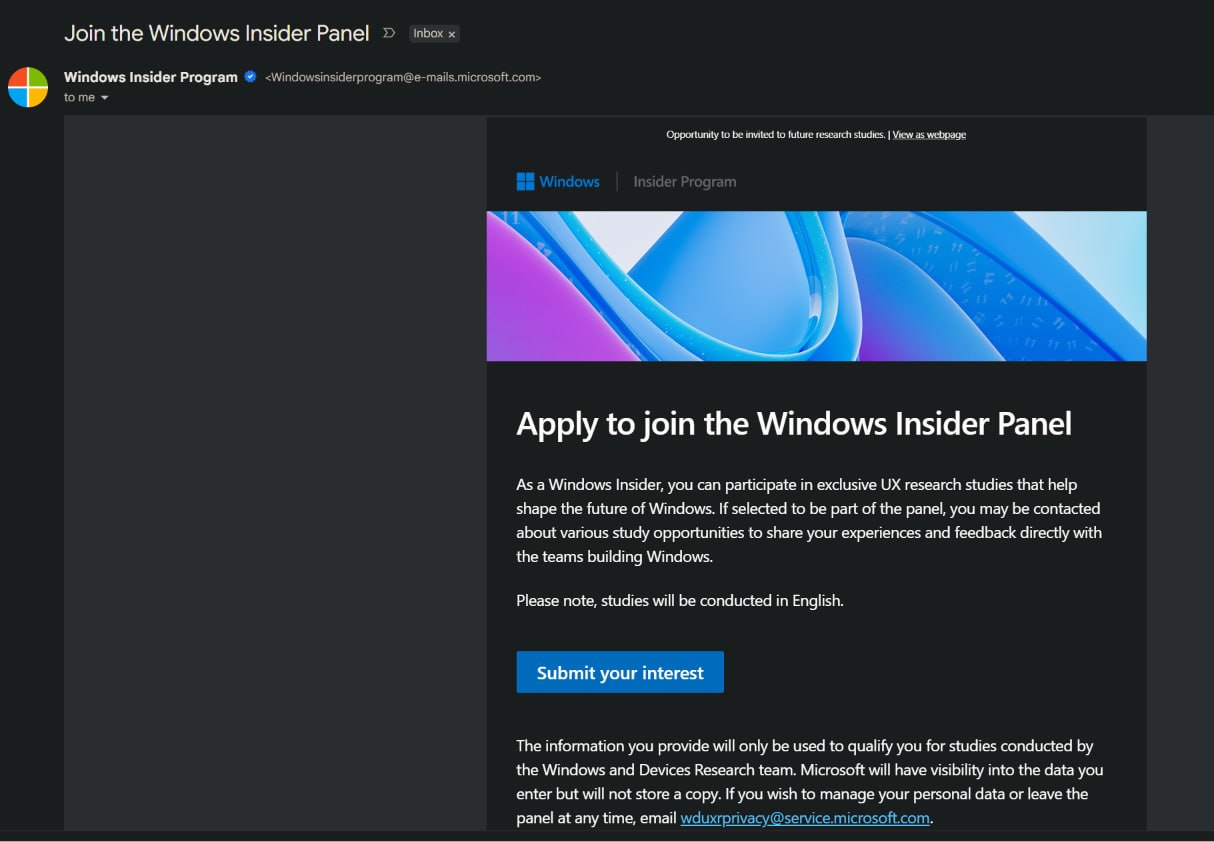
Either way, Windows Latest has already submitted our request, and we feel this is a brilliant move by Microsoft, considering that it’s genuinely difficult to get users to like or even accept an OS user experience.
Over the past few days, Microsoft began sending out targeted emails to active Windows Insiders. The email states, “Join the Windows Insider Panel” inviting users to participate in exclusive UX research studies to “help shape the future of Windows”.
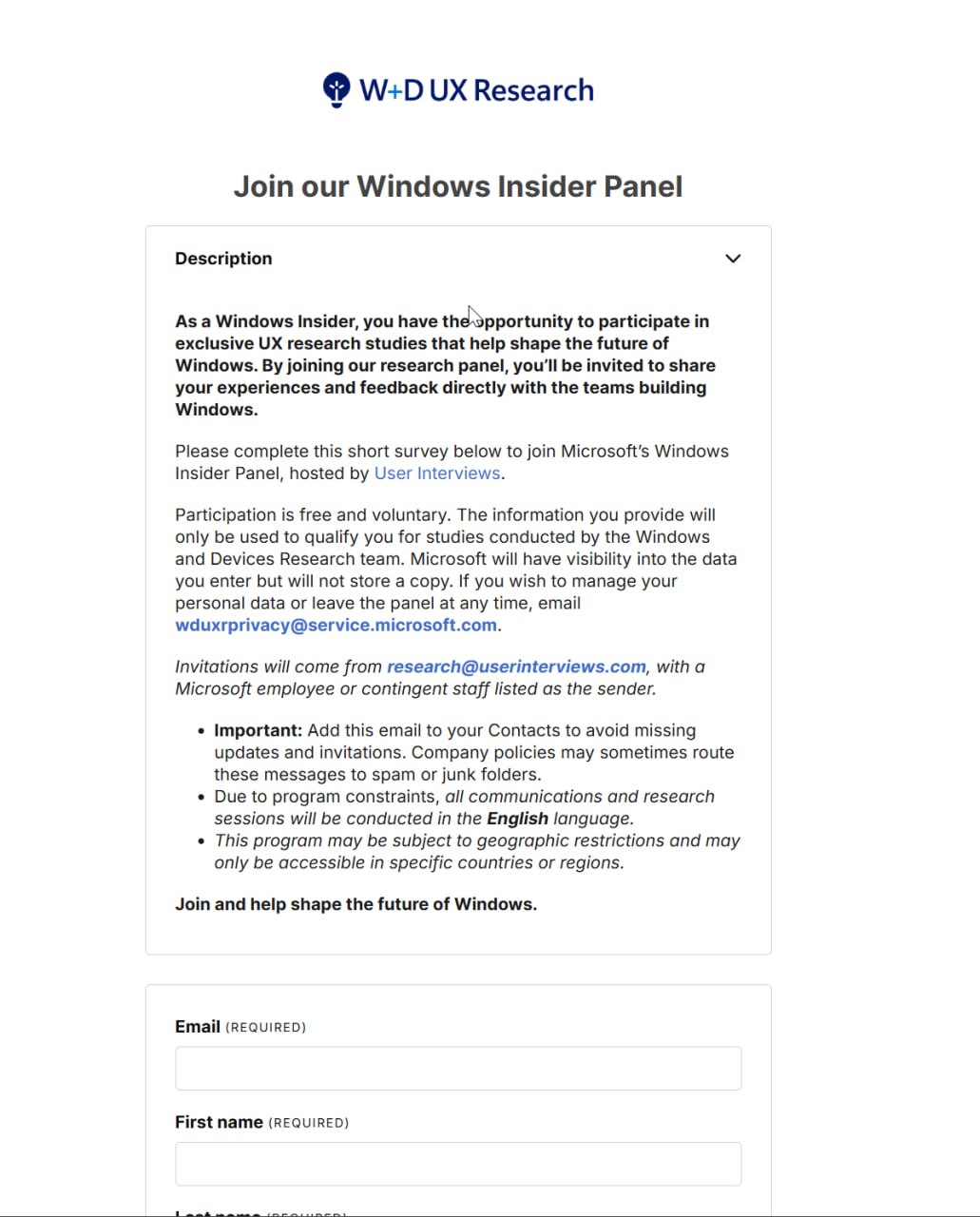
Clicking the link takes you to a survey hosted on the “User Interviews” platform. The questionnaire starts by asking what devices you primarily use, with options ranging from Windows desktop and laptop to Apple Laptop, iPad, Chromebook, Linux systems, iPhone, and even Android phone (Yes, this part confused me too)
It then asks you a set of activities that you do on your computer a few times a week, including productivity tasks, software development, IT support, Creative work, or intense PC gaming. There is also a separate option that asks you if you do any software, website, or app development weekly.
The next steps are about your engagement with the Windows Insider Program and the build you’re currently on. Note that we now have only two primary Insider channels, including Experimental and Beta. Then, Microsoft wants to know where you discuss feedback and issues you experience with Windows.
The survey wraps up with standard demographic questions, asking users to indicate their gender and their current employment status.
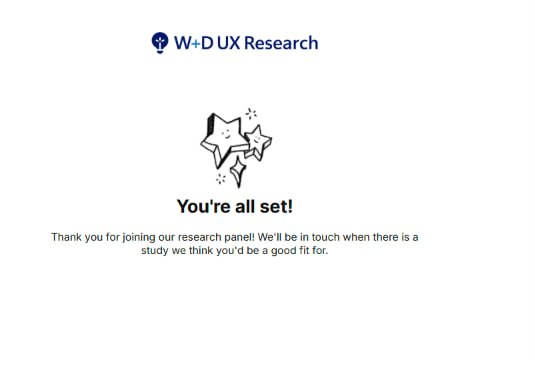
Once completed, you see a confirmation screen, officially joining you to the Windows + Devices UX Research panel. Microsoft says they’ll contact you when there is a study that could use your input.
If you want to join, keep an eye on your inbox, as the invites for Insiders are currently being sent directly via email.
The lost charm of Windows UX
Windows 11 has undoubtedly lost the charm that previous generations possessed. While some parts of the OS look undeniably modern, the overall user experience is riddled with inconsistencies.
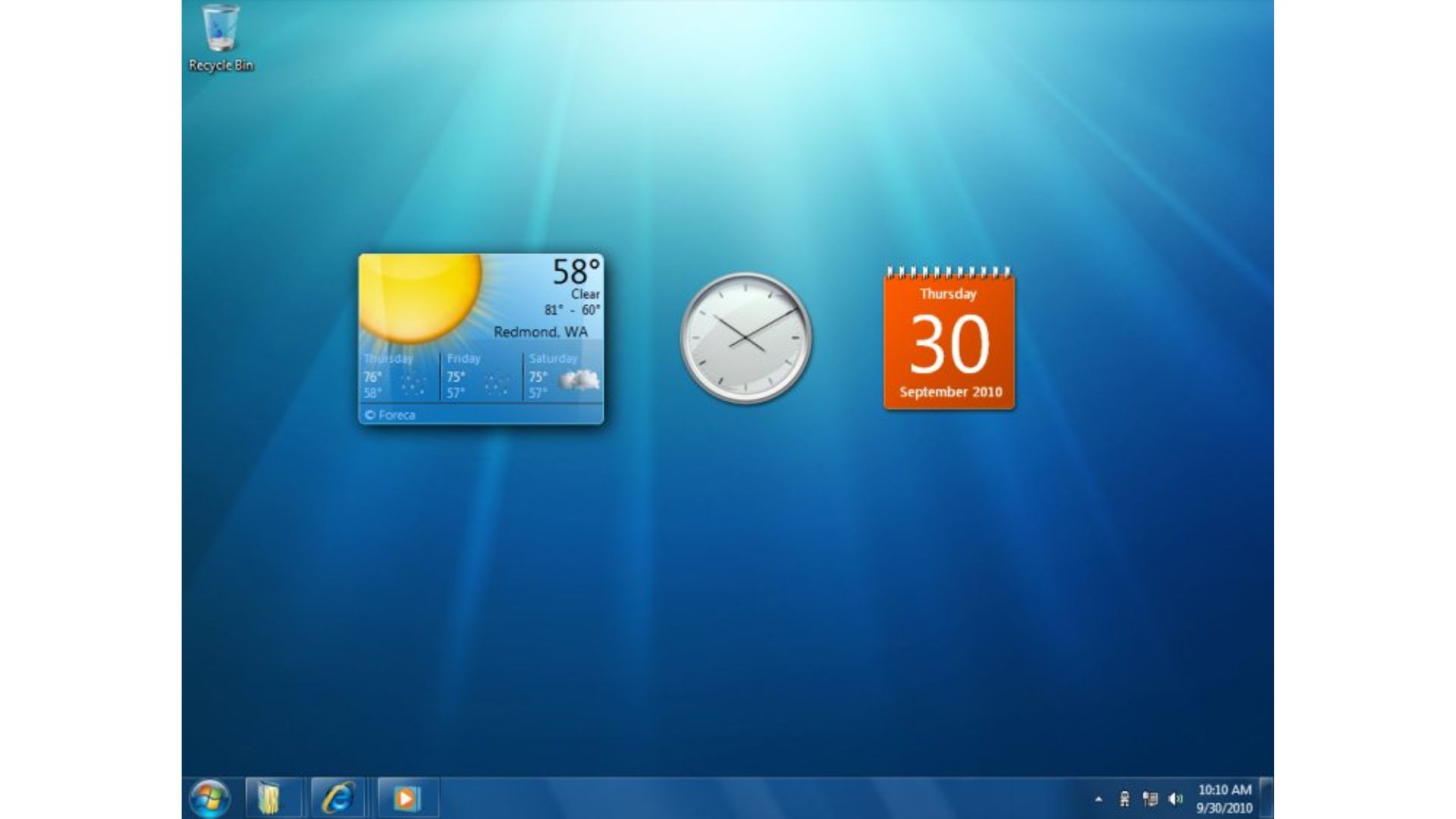
Unlike Windows XP or Windows 7, which were universally loved for their intuitive designs, it is genuinely difficult to get people to love using Windows 11. Even today, social media is flooded with users praising the cohesive, Aero-glass user experience of Windows 7.
When Windows 8 launched with its touch-first Metro UI interface, the user backlash was so severe that Microsoft was forced to walk it back and reintroduce the classic Start menu.
Today, we are seeing a similar, albeit quieter, frustration with Windows 11, especially after the aggressive, rushed integration of Copilot disrupted the desktop workflow.
Despite the undeniably huge market share, Windows 11 does not exist in a vacuum. The macOS user base has been steadily rising, but the launch of Apple’s budget-friendly MacBook Neo has completely leapfrogged the competition, prompting Microsoft to commission a report claiming Windows 11 laptops beat the MacBook Neo.
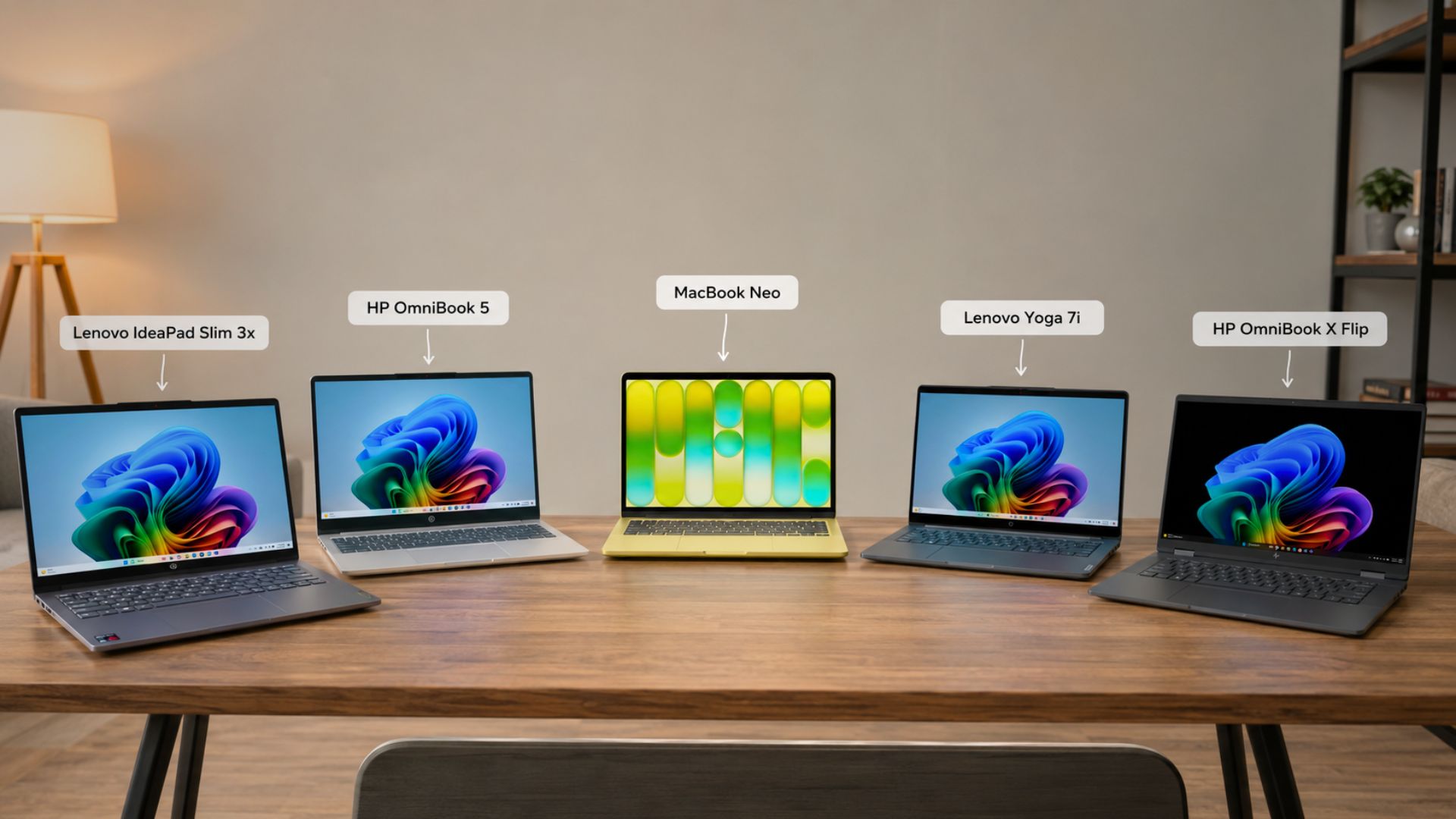
Compounded by the current global RAM price boom, Apple’s hardware is ironically starting to look like an incredible value-for-money proposition.
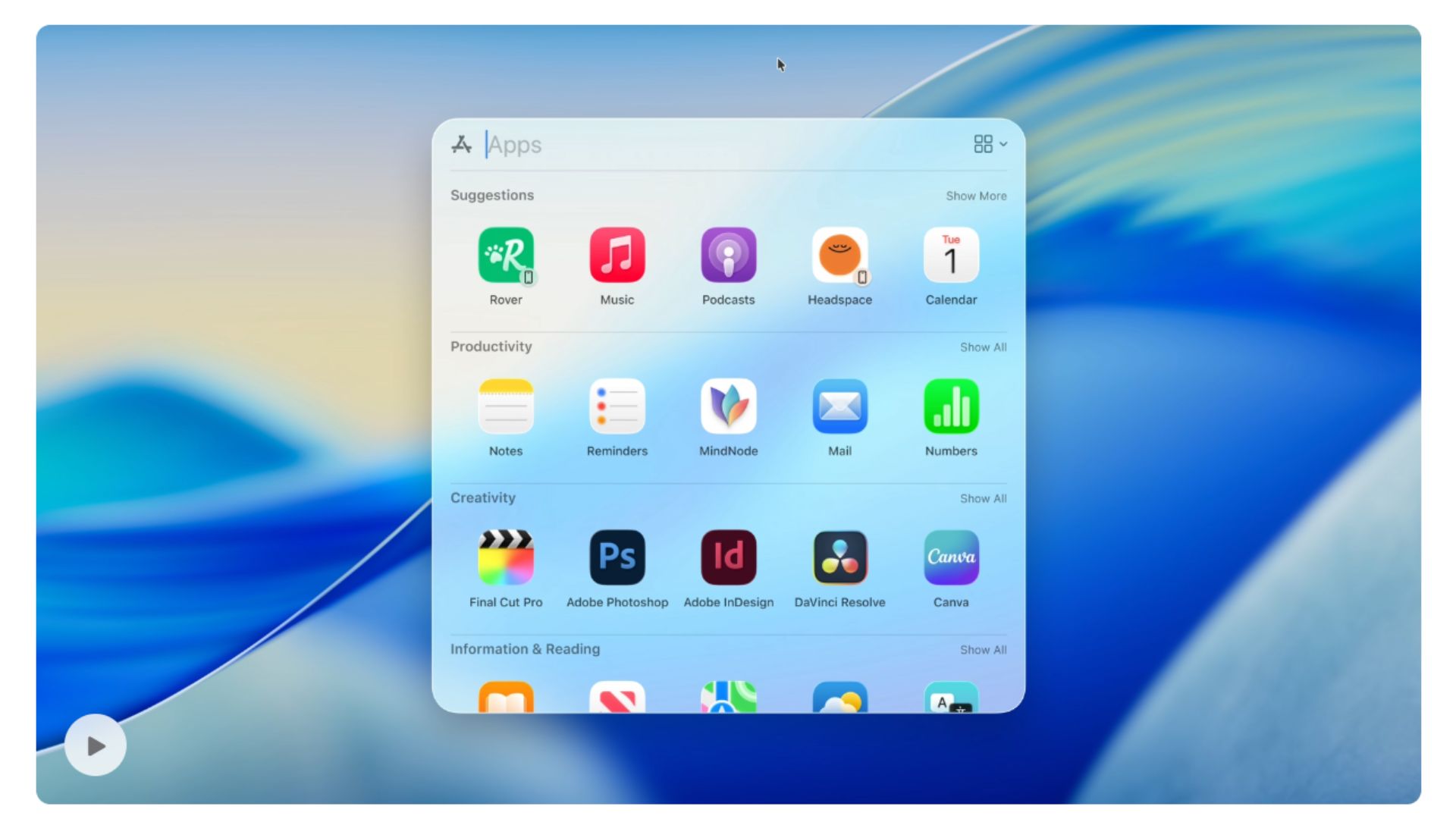
As more users make the jump to macOS, they are quickly appreciating the cohesive, deeply polished user experience of the Mac, making Windows 11’s messy UI look even worse in comparison.
Like many users, I would also prefer to see, or should I say hear, some new system sound effects for Windows 11.
Microsoft is finally cleaning up the mess in Windows 11
To their credit, Microsoft is slowly but systematically replacing legacy interfaces that have haunted the OS for decades.
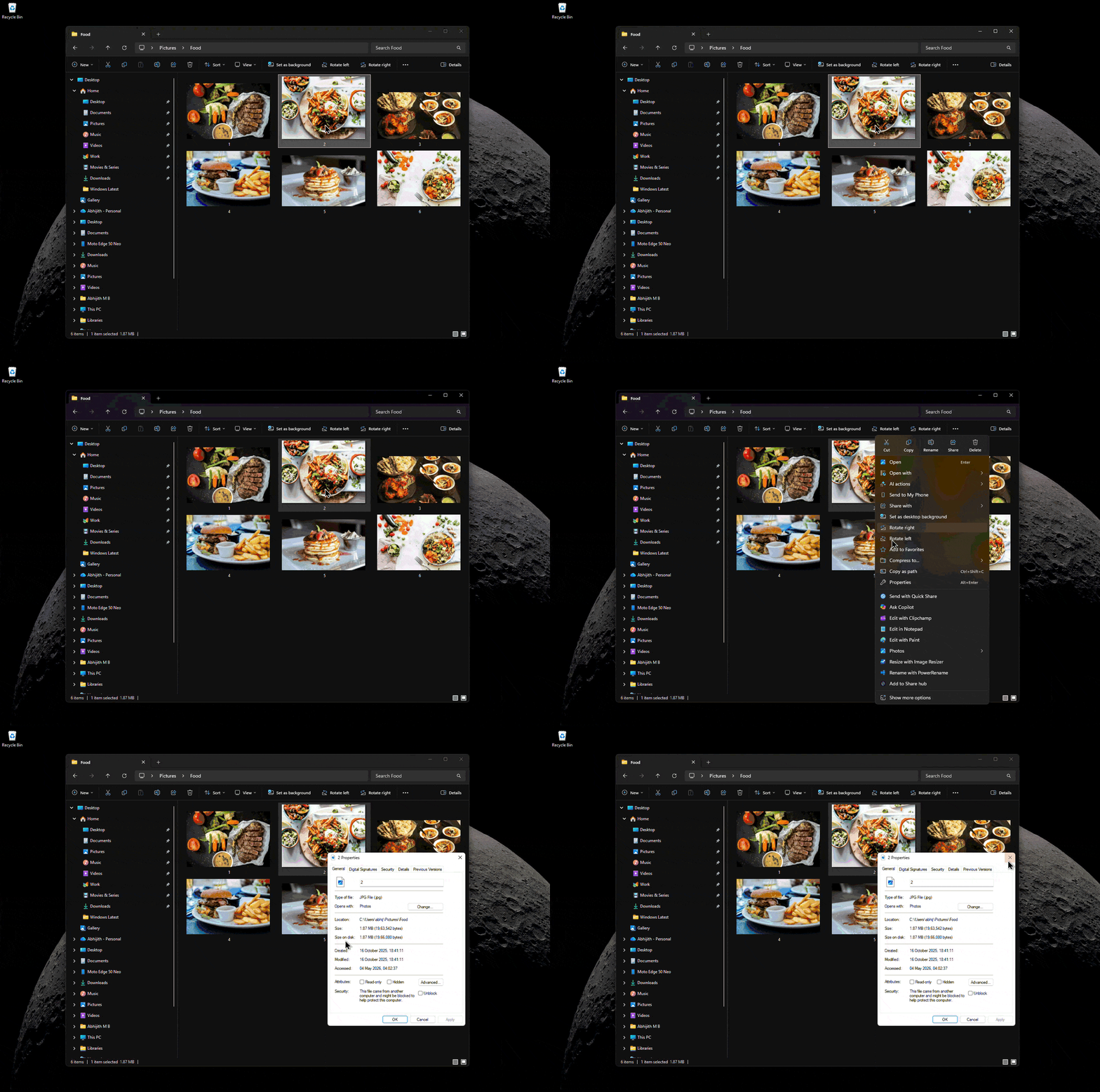
We recently reported that the ancient Windows 95-era File Explorer properties dialog box is getting replaced with a modern WinUI 3 version.
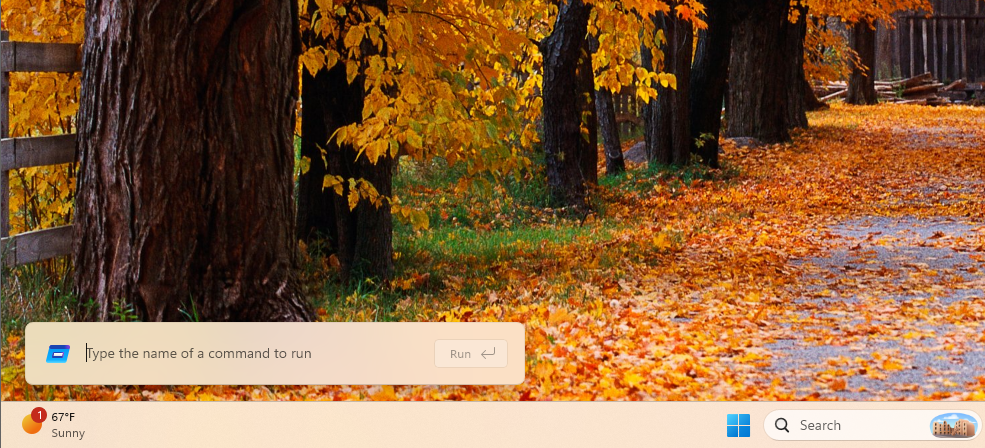
Similarly, the decades-old Run dialog (Win+R) already got a slightly faster modern refresh.
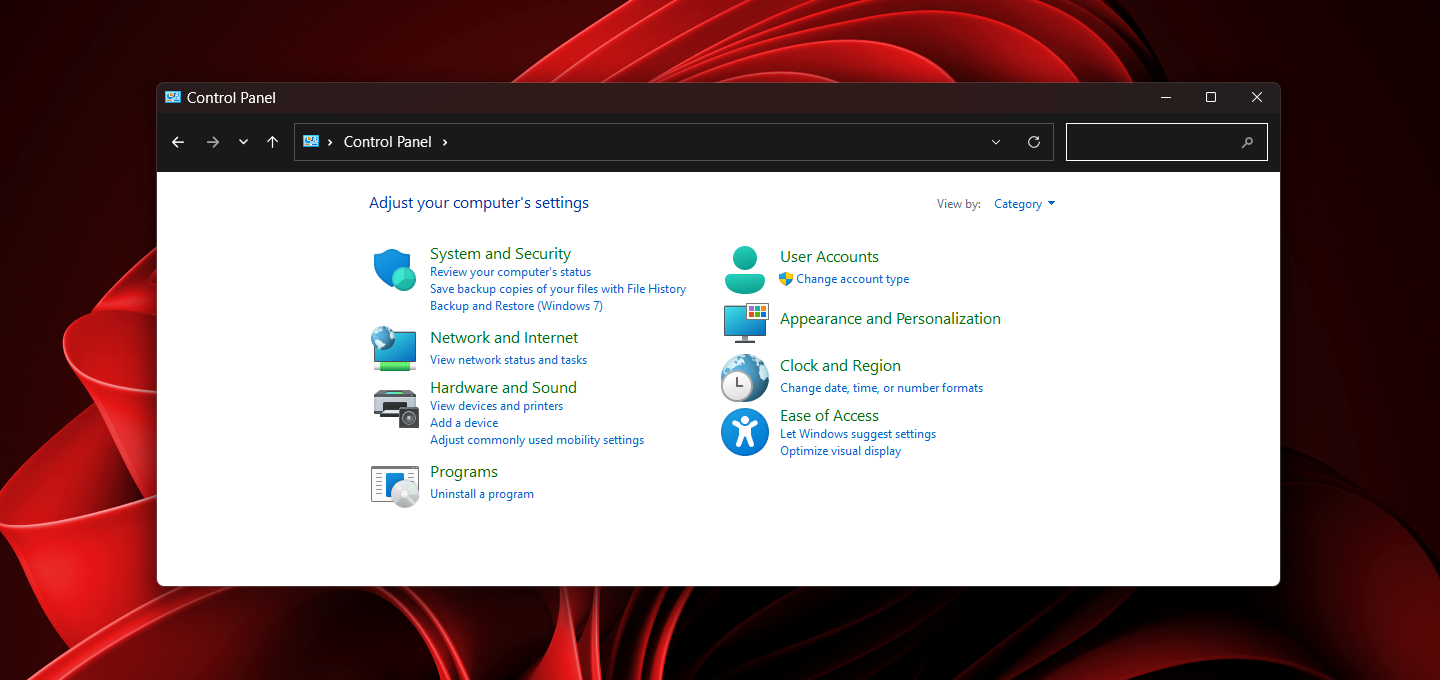
Microsoft is also actively working to migrate legacy Control Panel features into the modern Settings app.
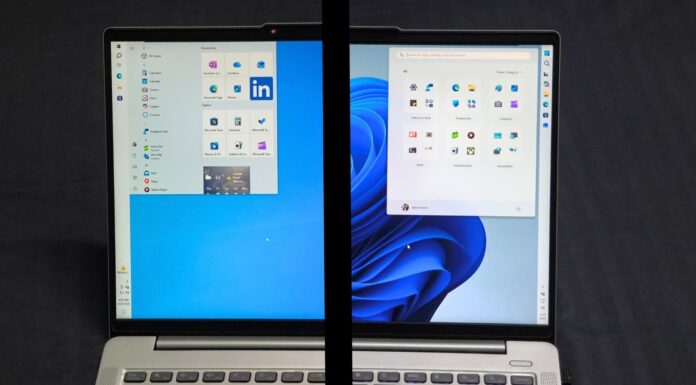
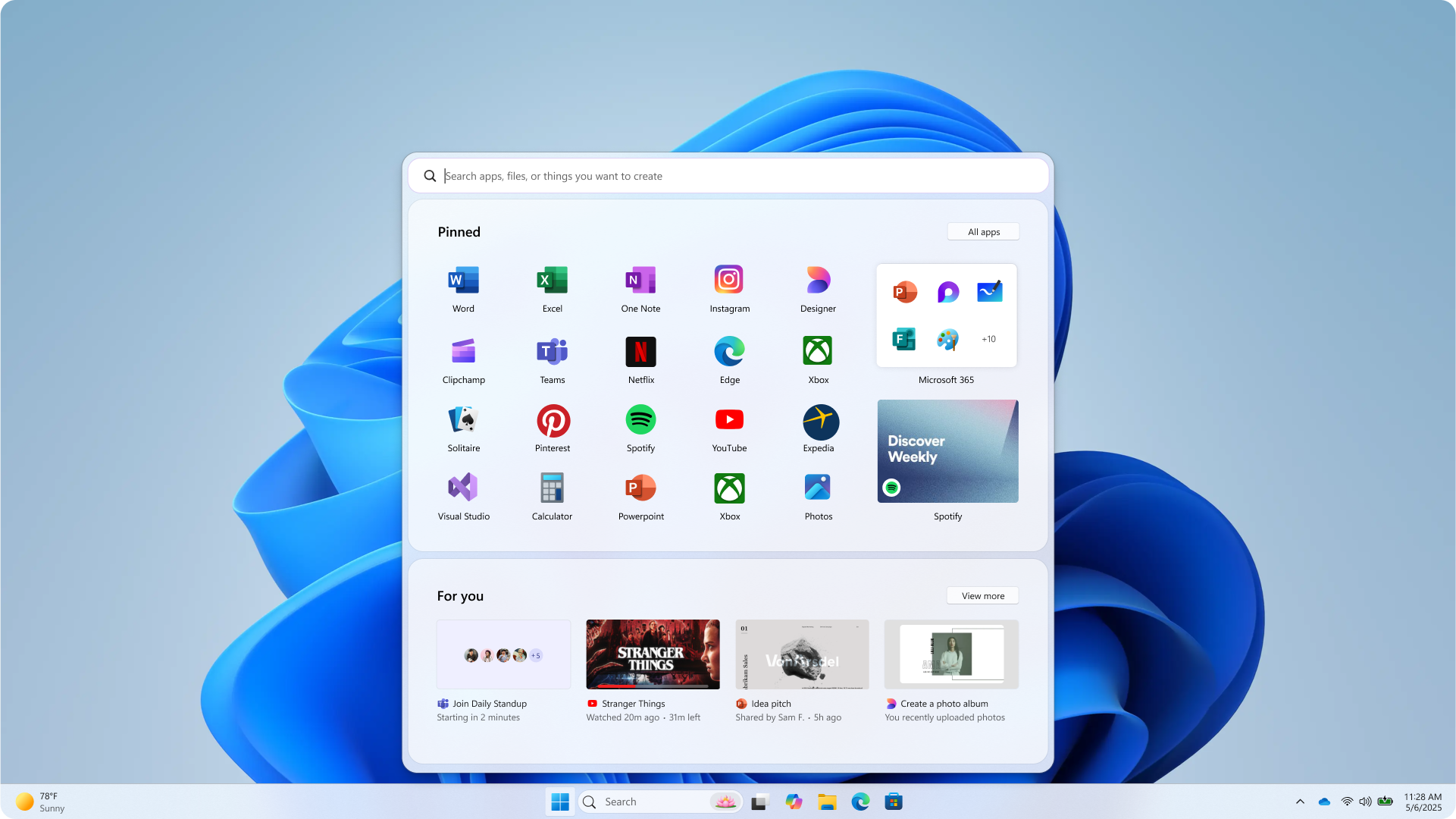
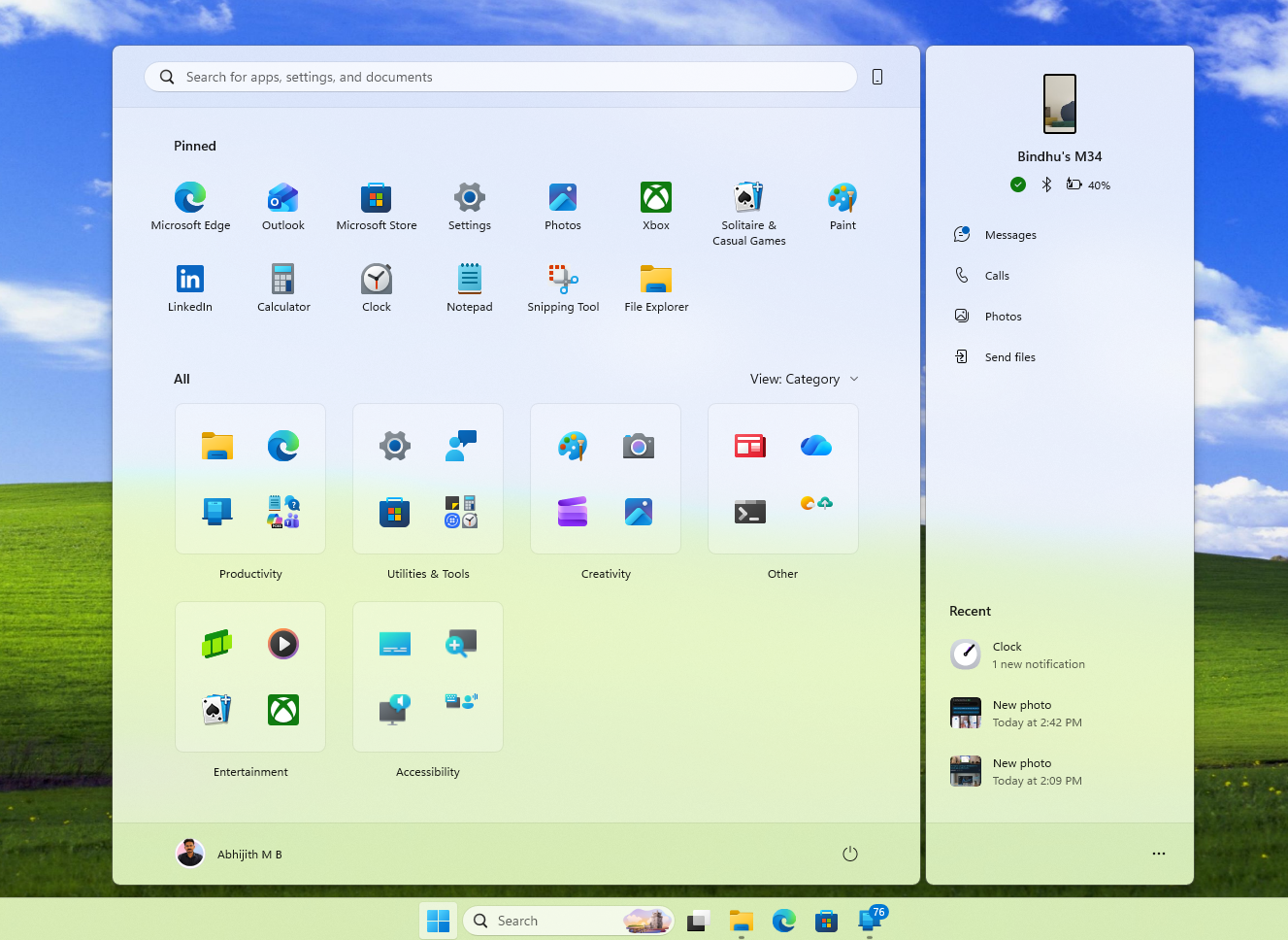
The Start menu is also under the microscope. We recently showed that Microsoft tested five completely different Start menu designs before settling on the current iteration. While the newer category views are decent, they are hardly groundbreaking. There is still a lingering feeling that something is missing from the Windows desktop.
Are widgets in Windows 11 the missing piece?
A recently leaked video of Google’s upcoming Aluminium OS prominently featured widgets in its desktop UI, and macOS has already successfully integrated desktop widgets to great acclaim.
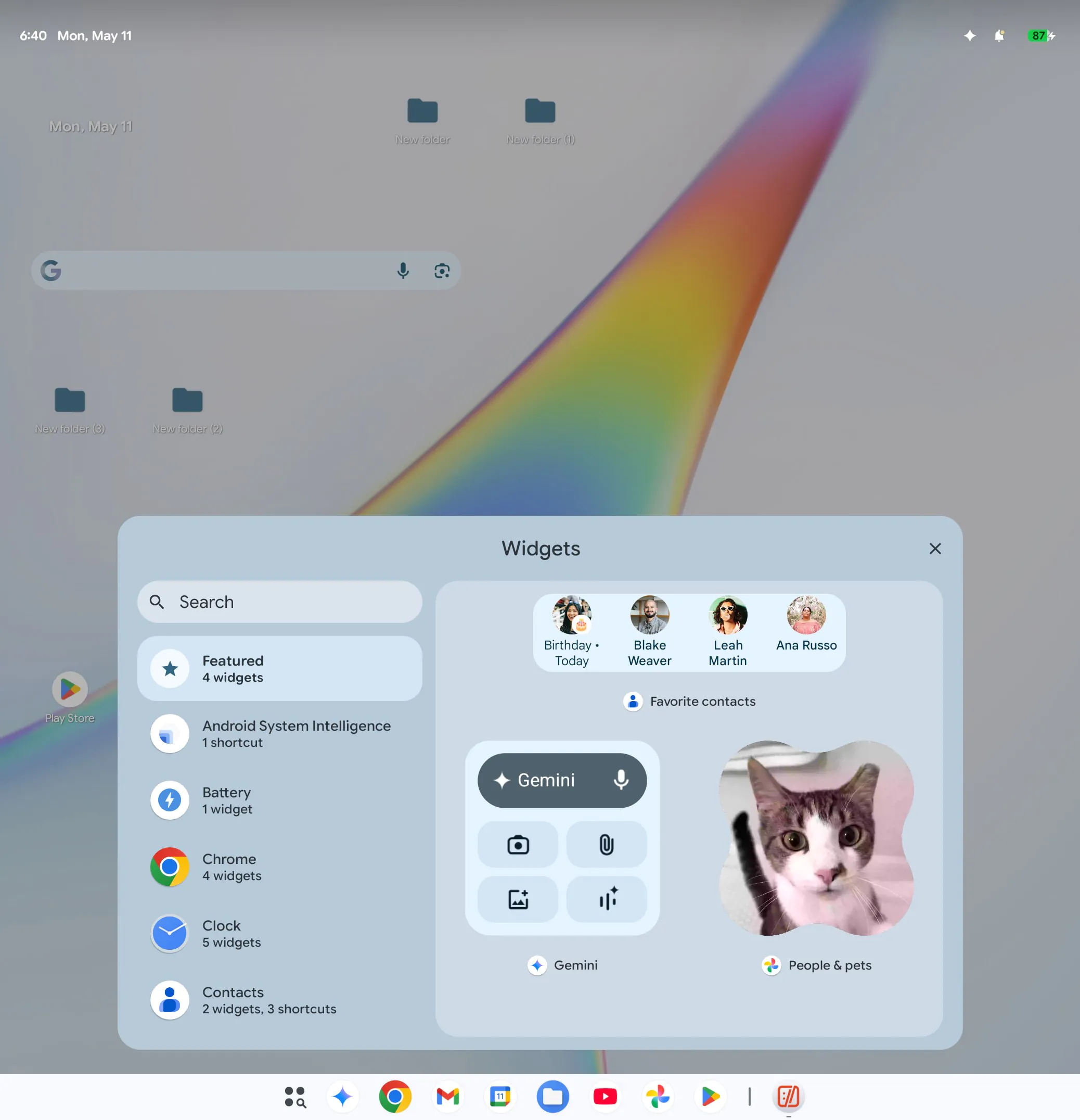
People genuinely want glanceable information, yet Windows 11 widgets have largely failed because they were built on clunky, resource-heavy WebView2 wrappers. Thankfully, Microsoft has recognized this mistake and is shifting core OS elements, including widgets, to native WinUI 3 code.
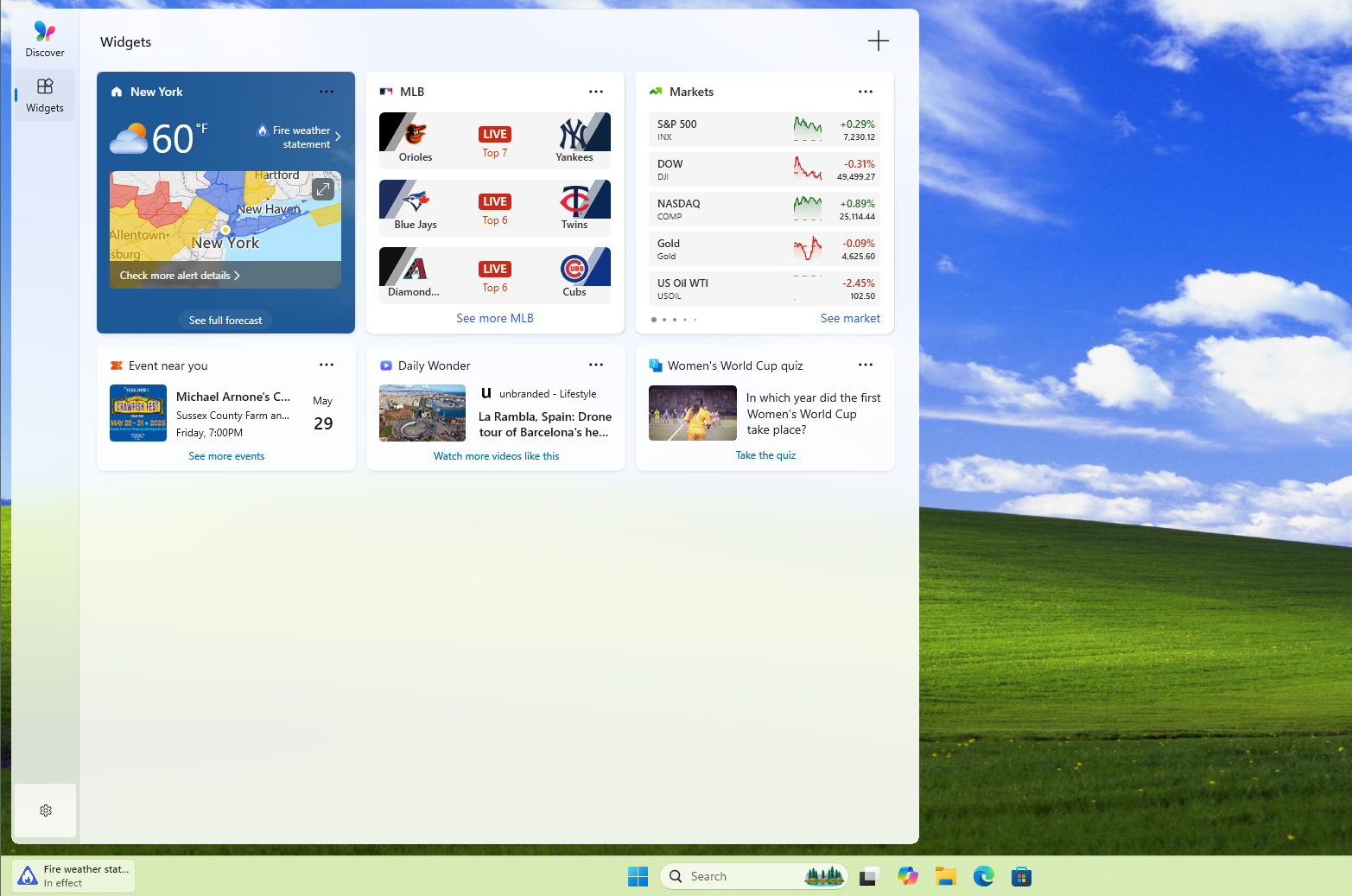
However, I really wish the Windows 11 Start menu had customizable widgets!
There is also the question of what exactly this new UX panel is testing for. While the email strictly mentions the “future of Windows,” there is no explicit mention of Windows 12. As we have documented, the rumors of an upcoming Windows 12 AI OS are entirely fake.
Microsoft is laser-focused on fixing Windows 11, and this panel is clearly designed to crowdsource the necessary design course corrections for the current OS.
That said, launching the Windows Insider Panel is absolutely the right way forward. For all of its current UX flaws, Windows remains the most popular desktop operating system in the world. Choosing to actively involve the community in its core design decisions is highly commendable, and it is something Apple would never think of doing.
Now that the severe Windows 11 performance issues are actively being patched, fixing the user experience is the logical next step, and it finally looks like Microsoft has a genuine plan to make it happen.