







Microsoft has quietly confirmed that Windows Update has been downgrading user-installed graphics drivers. This means that if you manually download and install GPU drivers from an OEM’s website, overriding the existing drivers on your PC, there’s a chance a future Windows Update could revert your system back to an older driver version.
When I purchased my HP Spectre, I noticed I was missing newer drivers, including Intel’s new graphics software, and that is when I realized Windows Update was still pushing older drivers. I’ve always been aware of that, but I was hoping a premium flagship like the high-spec Spectre wouldn’t have the “drivers” problem. I was wrong, and I manually replaced the OEM drivers.
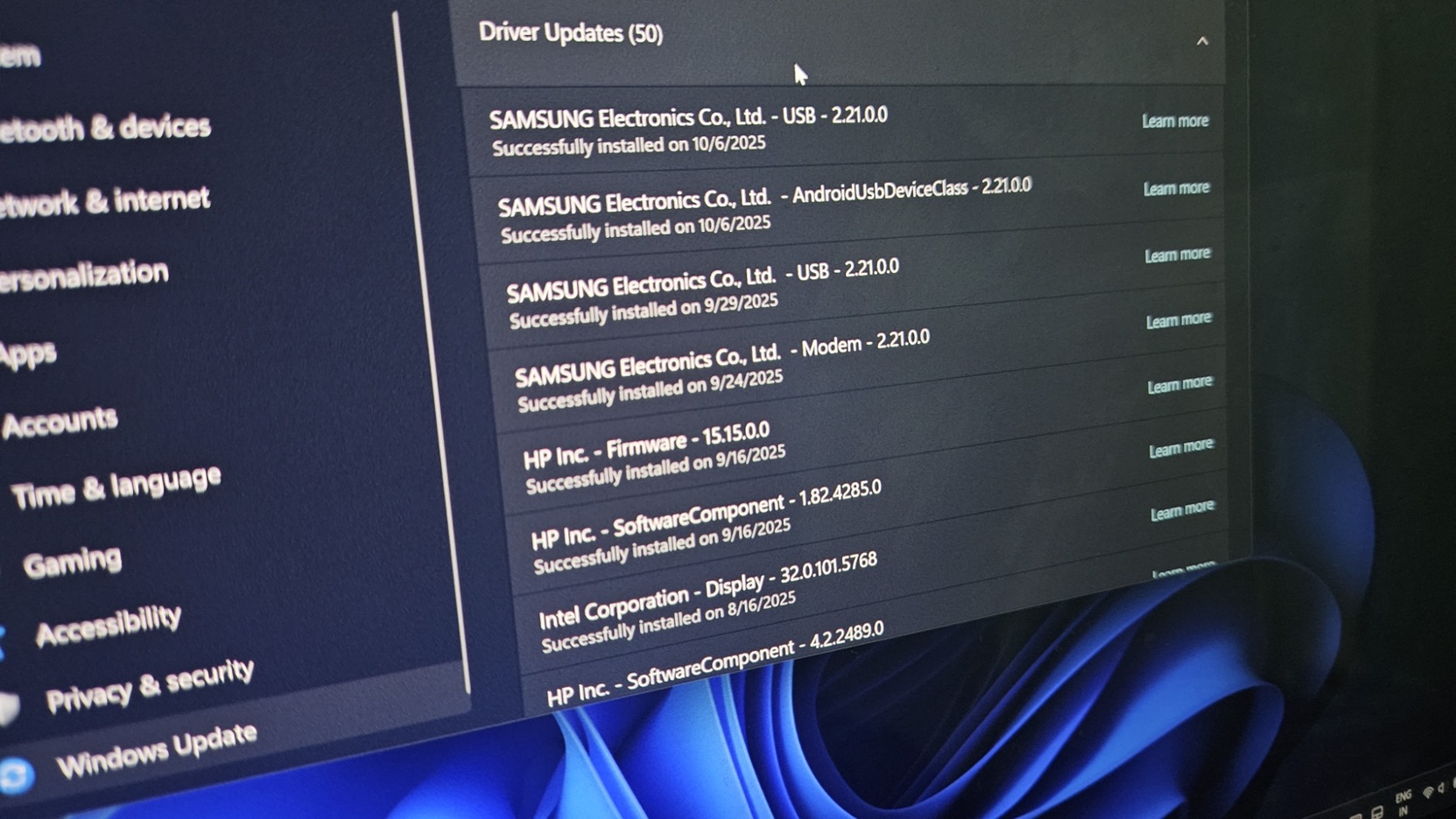
To manually replace OEM drivers, you just need to download newer drivers from the chipmaker’s website, such as Nvidia, Intel, or AMD, and run the .exe setup. This begins replacing your existing OEM drivers with the latest drivers directly from Intel/AMD/Nvidia. This can visibly improve your PC’s performance until a Windows Update reverses it.
Users want Microsoft to stop downgrading drivers
In our tests, Windows Latest has observed that Windows Update can replace your April 2026 driver with a version as old as 2024, or even older, depending on what’s being pushed out via the Windows Update Catalog.
The current experience is annoying, and users have been protesting for years, with some requesting that Microsoft consider making all GPU drivers an optional update.
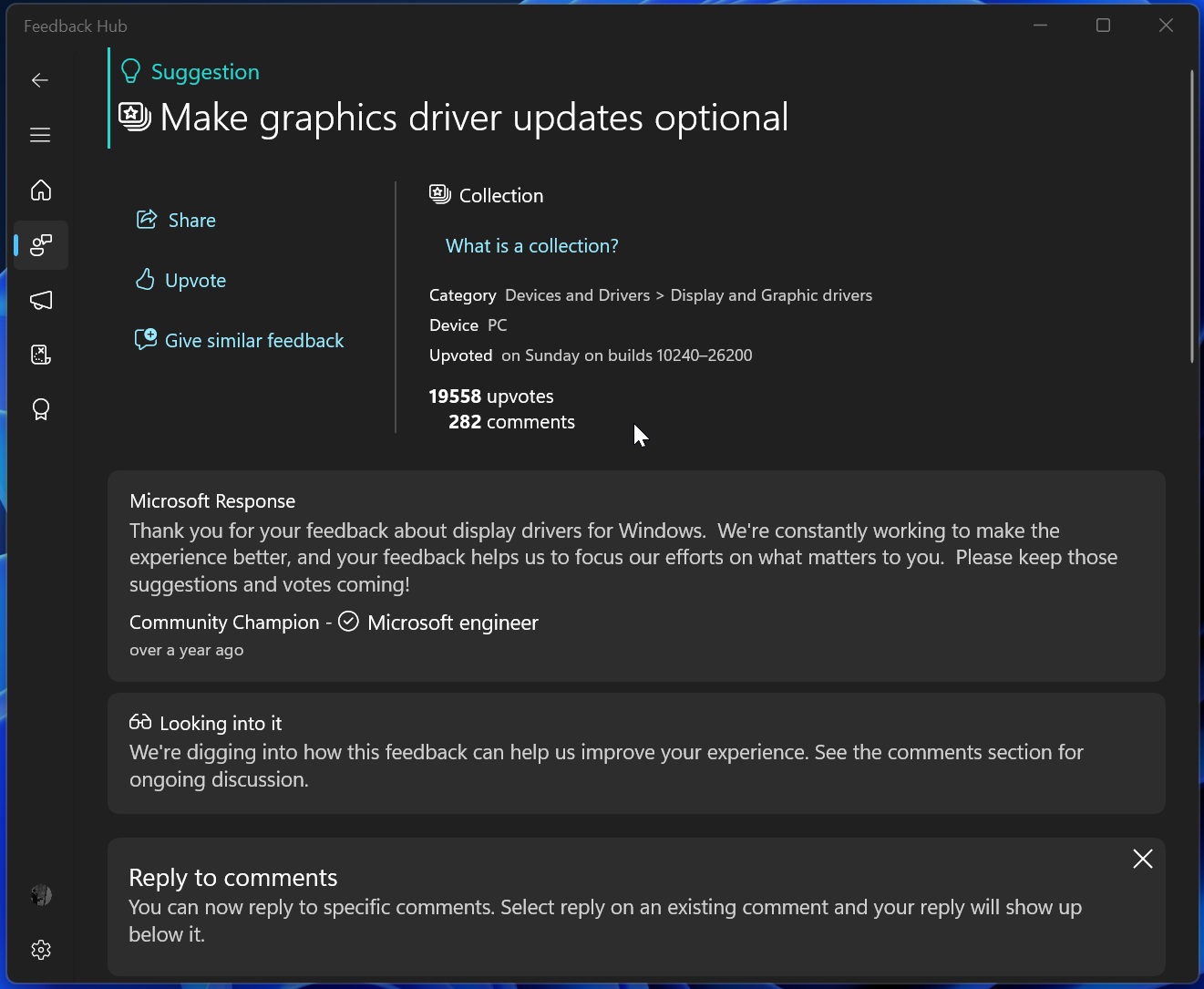
In a Feedback Hub post with over 20,000 upvotes, one user notes that there are multiple cases where updating Windows drivers is either not required or causes problems.
“In this modern world, it is hard to see why Microsoft can’t be kept up to date with all the latest, proven drivers. However, even if they can’t, when offering a driver update, how difficult would it be to show the user that they have a later one installed and give the option to ignore this update? I guess this is something that Microsoft doesn’t feel is necessary,” one user argues.
“This really has been going on too long. Newest AMD driver installed. Windows replaces it with its own driver. The AMD Adrenalin software no longer works. So I reinstalled the newest AMD driver to get things back on track. If my drivers were old, an update wouldn’t be that bad, but Windows overwriting the most up-to-date drivers from AMD itself is very annoying,” another frustrated Windows 11 user explained their situation.
I can relate to these complaints and agree with the sentiment. Most of us who care about the drivers installed on our PC can relate to this. But the million-dollar question is…. why is Windows Update pushing older drivers when it can identify that newer drivers with newer version numbers are already present on the system?
Why does Windows Update push older drivers?
I asked Microsoft for more details, and I’ve been told that it happens because of how Windows Update currently ranks and targets display drivers.
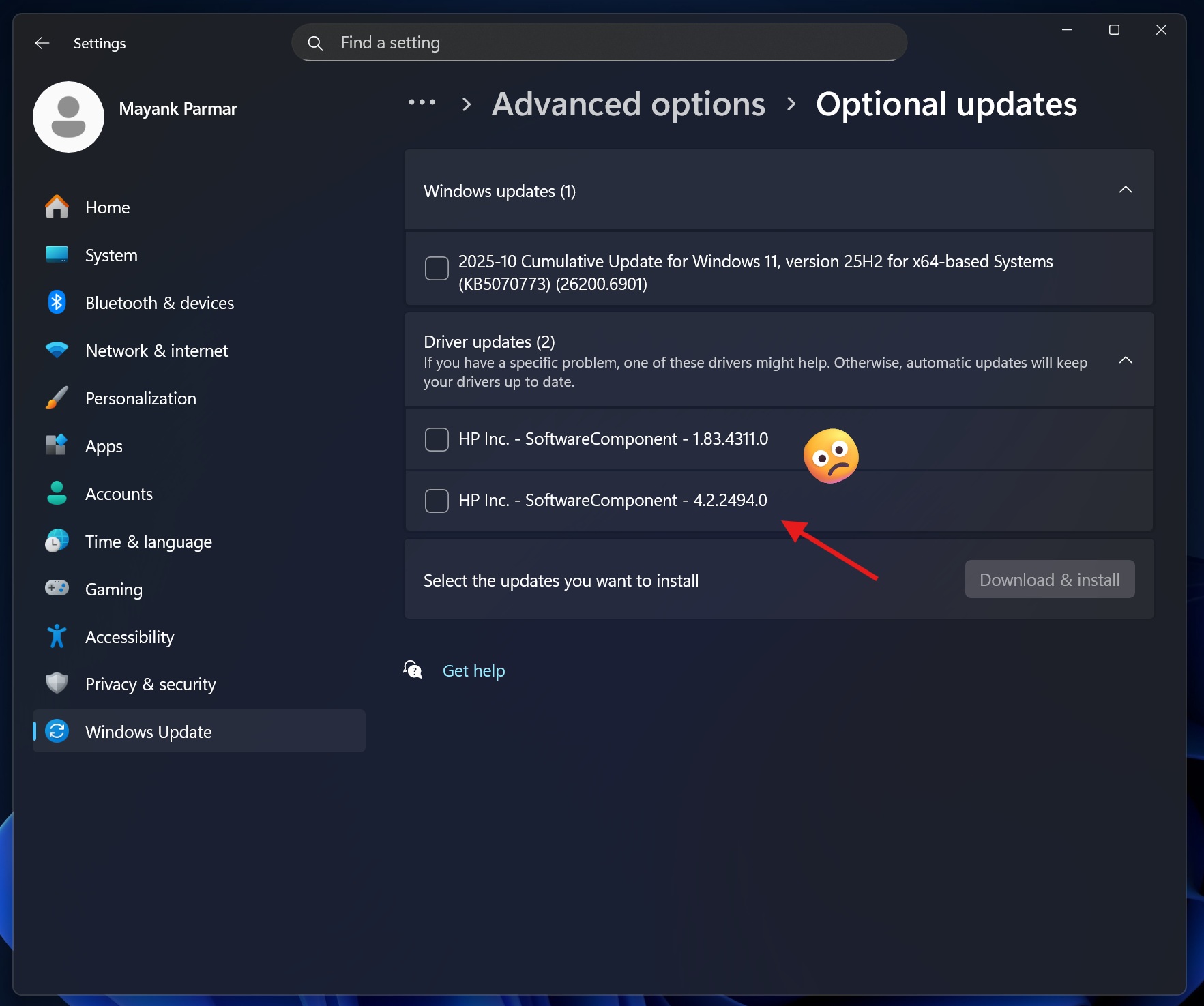
Right now, OEMs publish their drivers to the Windows Update Catalog, and they’re approved by Microsoft.
These drivers use 4-part Hardware IDs, but the catch is that the targeting is too broad, which means Windows creates a “highest-ranked driver” on Windows Update for a device class, and it applies to all devices, even those that do not need the driver immediately.
For example:
- You own a PC with Intel GPU drivers, which you manually downloaded from Intel’s website. It’s the latest version and is maintained via Intel’s Driver Assistant software.
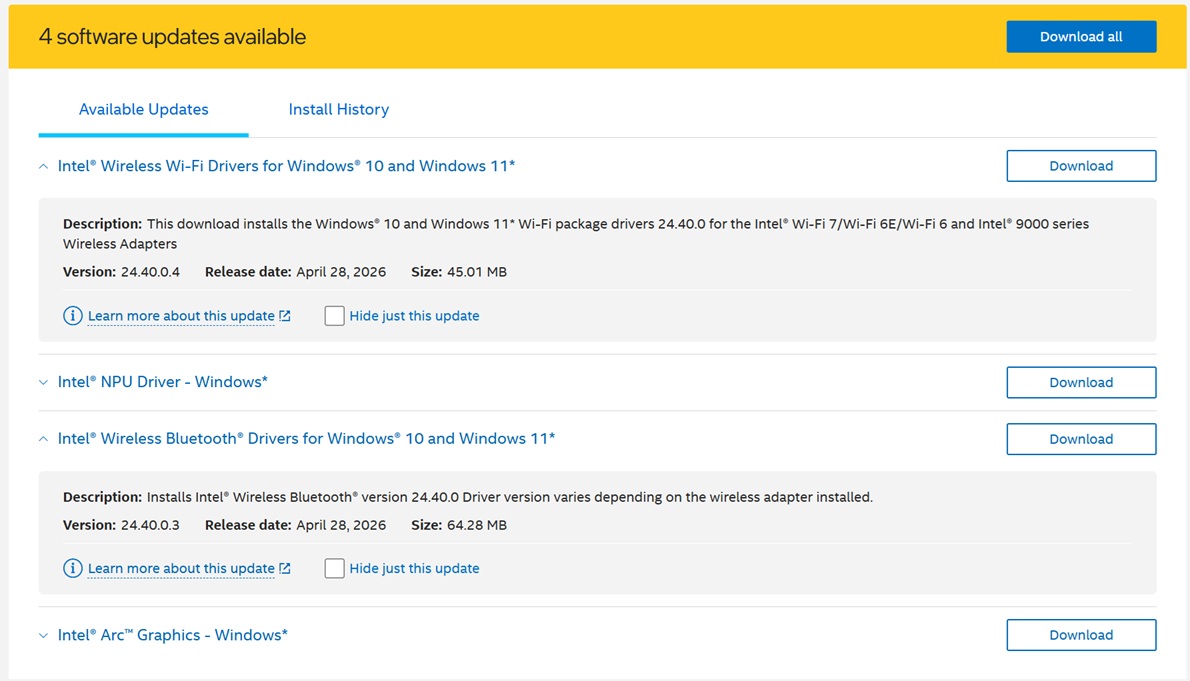
- When Windows Update finds an OEM-approved driver for the Intel GPU, it pushes it through Windows Update.
- That driver can either be marked as optional or mandatory. If it’s optional, you’re golden, as it won’t get installed. In the latter case, Windows Update will automatically begin downloading the driver.
- Windows Update looks at the 4-part HWID, or Hardware ID, as part of the ranking system, and it treats the driver as the best-ranked driver, even if it’s older than the one already installed on your PC.
Windows Update isn’t simply looking at the version number or date when it replaces your newer drivers with older ones. It only looks at the published driver as the best-ranked match for the hardware, and it may ignore the driver you manually installed, including newer drivers from Intel, AMD, Nvidia, or even the OEM.
“This broad targeting establishes a highest ranked driver on Windows Update, including devices where the customer installed a preferred driver version of their choice,” Microsoft noted in a support document spotted by Windows Latest.
“The result: customers who actively manage their display drivers experience unwanted downgrades through Windows Update,” the company explained.
Microsoft says Windows Update won’t downgrade your drivers most of the time after a new change
Microsoft can’t simply patch up the problem without changing the entire update process in Windows 11, but it’s trying to make it less annoying.
Starting this year, Microsoft says display drivers for new devices can use a two-part targeting system, including 2-part HWIDs and CHIDs. CHID refers to a specific computer model or hardware configuration, so this helps Windows Update better understand when a driver should target a specific PC.
Microsoft is replacing the very broad targeting system with a more specific one, which should reduce the likelihood that your newer graphics drivers will be replaced.
“With this policy change, display drivers for new devices can be published using 2-Part HWIDs combined with Computer Hardware IDs (CHIDs) where appropriate,” the company noted. “This narrower targeting model ensures that driver updates are scoped to the specific systems they are intended for, reducing unintended driver replacements across the ecosystem.”
However, the catch is that this change applies to new display driver submissions targeting new devices, and existing drivers may still get downgraded. It’s also worth noting that the new policy update currently only applies to GPU drivers, and we don’t know when it’ll cover other hardware, such as wireless drivers (Bluetooth and Wi-Fi).
Microsoft says the pilot runs from April 2026 to September 2026, with broader enforcement planned for Q4 2026 to Q1 2027.
In addition, Microsoft has plans to make driver names easier to understand, so it’s less confusing when you want to remove the nasty update.