




In an era where a simple to-do list application can effortlessly consume 500MB of your system memory, it is easy to wonder where software development went wrong. Compared to decades ago, we have very powerful hardware, yet our OS (Windows 11 in particular) and daily applications feel heavier and more sluggish.
Steven Sinofsky, who served as the president of the Windows Division at Microsoft from 2009 to 2012, recently took to X to share a fascinating look into the company’s early engineering culture. His revelations explain why legacy software was so incredibly fast and why modern software struggles to keep up.
In a response to a viral post criticizing the current state of memory efficiency, Sinofsky implicitly credited Microsoft’s early software success to a very literal hardware tool. According to the former Windows boss, every single engineer at Microsoft was handed a physical stopwatch back in the day.
“From 1980 to 2000, half of software engineering was managing resource (clock time, disk, and ram) usage,” Sinofsky explained. “For the first ten years, every Microsoft engineer got a stopwatch. Extras were in the supply room. Tough to express just how much effort went into this. All of us have stories.”
Measuring every single millisecond
What exactly were the engineers timing? When asked on X, Sinofsky bluntly said: “Everything. Scroll speed. Boot. Exit. Save. Compilation. Print.”
During the early days of MS-DOS and the first iterations of Windows, developers were working with incredibly strict hardware limitations. Programmers spent hours tweaking configurations like hymem.sys and qemm.sys just to maximize the base 640KB of memory available on early PCs. Every byte and every CPU cycle mattered.
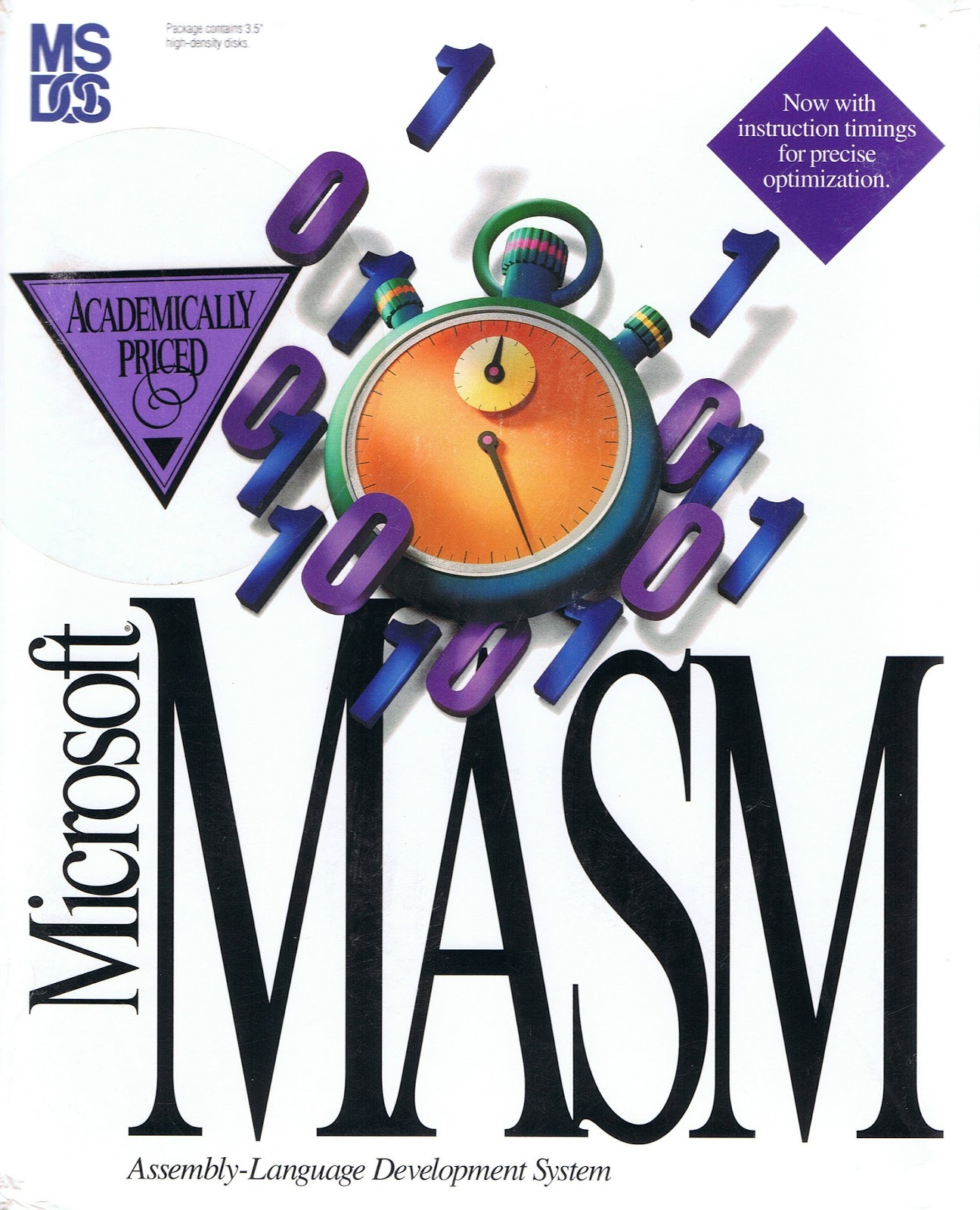
In fact, if you look at the vintage retail box art for the Microsoft Macro Assembler (MASM) from that era, a stopwatch is featured prominently right on the cover, serving as a badge of honor for the optimization it provided.
However, raw speed was not the only thing Microsoft was measuring. Sinofsky shared a brilliant anecdote about the psychology of performance during his time working on Visual C++ 1.0.
Despite stopwatch metrics proving that the new VC++ 1.0 compiled code faster than the previous version, users complained that it felt slower. To fix this perception issue, Sinofsky’s team added a “whizzy spinning line counter made of random numbers” to the user interface.
Technically, generating these random numbers slowed the actual compile speed down by a few percentage points, but the visual feedback made users feel like the software was working faster. As Sinofsky noted, he hated the compromise, but they left it in because user perception is more important.
Why modern apps consume a lot of RAM?
The simple answer is that there was a drastic shift in market pressures and a rapid advancement of hardware.
The PlayStation 2, for example, had a mere 32MB of RAM. Yet, developers were able to build sprawling, visually stunning open worlds like Grand Theft Auto: San Andreas within those absolute limits. They had no choice.
Today, the situation has completely flipped. Hardware has become so fast and so affordable (well, not any more!) that the market pressure to optimize software has largely disappeared.
For modern tech companies, shipping a new feature quickly is vastly more profitable than spending months optimizing it. When users complain that an application is lagging, the most rational business response is just to tell the user to upgrade their RAM.
Even Microsoft recently said that 32GB RAM was the “no-worries” zone for gaming in Windows 11. A very vocal backlash later, the company deleted that blog.
This mindset was what gave birth to the era of Electron apps and web wrappers. Instead of building fast, native applications specifically optimized for Windows, developers package entire web browsers into their desktop applications so they can run the same code across Windows, macOS, and Linux.
This is why having 16GB of RAM feels cramped when you have a few browser tabs and a chat application like WhatsApp open.
How Microsoft is fixing Windows 11 in 2026
The extreme dependence on web wrappers did more harm to the Windows 11 user experience than to third-party developers.
Ever since the launch of Windows 11, we have seen the OS getting flooded with Progressive Web Apps (PWAs). Major services like Netflix and Meta replaced their native Windows desktop applications with web-based alternatives. Even several of Microsoft’s own first-party apps in the Microsoft Store were essentially just websites in a box.
Fortunately, after years of negative reaction, or the rise of competitors like macOS and even Linux, the industry is waking up to the bloat, and Microsoft is pivoting back to its roots.
As we have covered extensively, the software giant has made massive promises this year to fix the core performance of Windows 11. The company is leaning heavily into developing true native desktop apps, largely fueled by the capabilities of WinUI 3 and .NET 10.
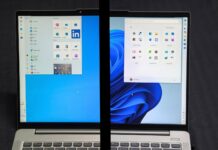
This native push is happening at the very core of the operating system. As we reported, Microsoft is moving vital parts of the Windows 11 Start menu away from heavier React-based web components to highly optimized, native WinUI code.
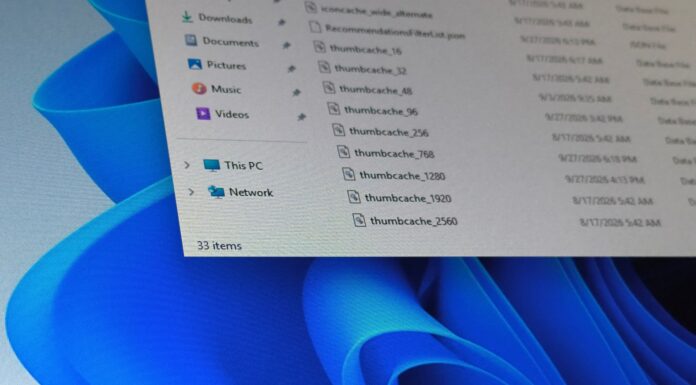
The commitment to performance does not stop there. We have also tracked major under-the-hood performance fixes for File Explorer, ensuring dark mode renders instantly without jarring white flashes, and much more optimizations in the recent May 2026 Patch Tuesday update.
Amazingly, the company is actively testing new CPU scheduling profiles designed to aggressively boost clock speeds the exact millisecond you click a system menu, eliminating the microscopic UI lag that has frustrated users for years. It’s called Low Latency Profile, and Windows Latest has already tested it.
It is fascinating to see the tech industry come full circle. Four decades after Microsoft handed out stopwatches to save every kilobyte, the rise of massive, memory-hungry AI features that shook up RAM and chip prices is finally forcing developers to care about efficiency again.
While we might not see physical stopwatches return to the Microsoft supply room anytime soon, the revived interest in native Windows 11 performance is a change every PC user can celebrate.