




A few weeks ago, a developer told us they used AI to help get iOS 26 running on Microsoft’s abandoned Surface Duo 2, which shipped with Android. And now, the Google AI Studio boss himself has stepped in, upped the game, and shown off Windows 11 on Apple’s foldable iPhone using Gemini.
Ammaar Reshi, who heads product and design at Google AI Studio, used Gemini 4 Carbon to help get Windows 11 running on the iPhone Duo and show the potential of the large language model.
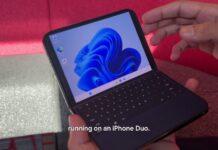
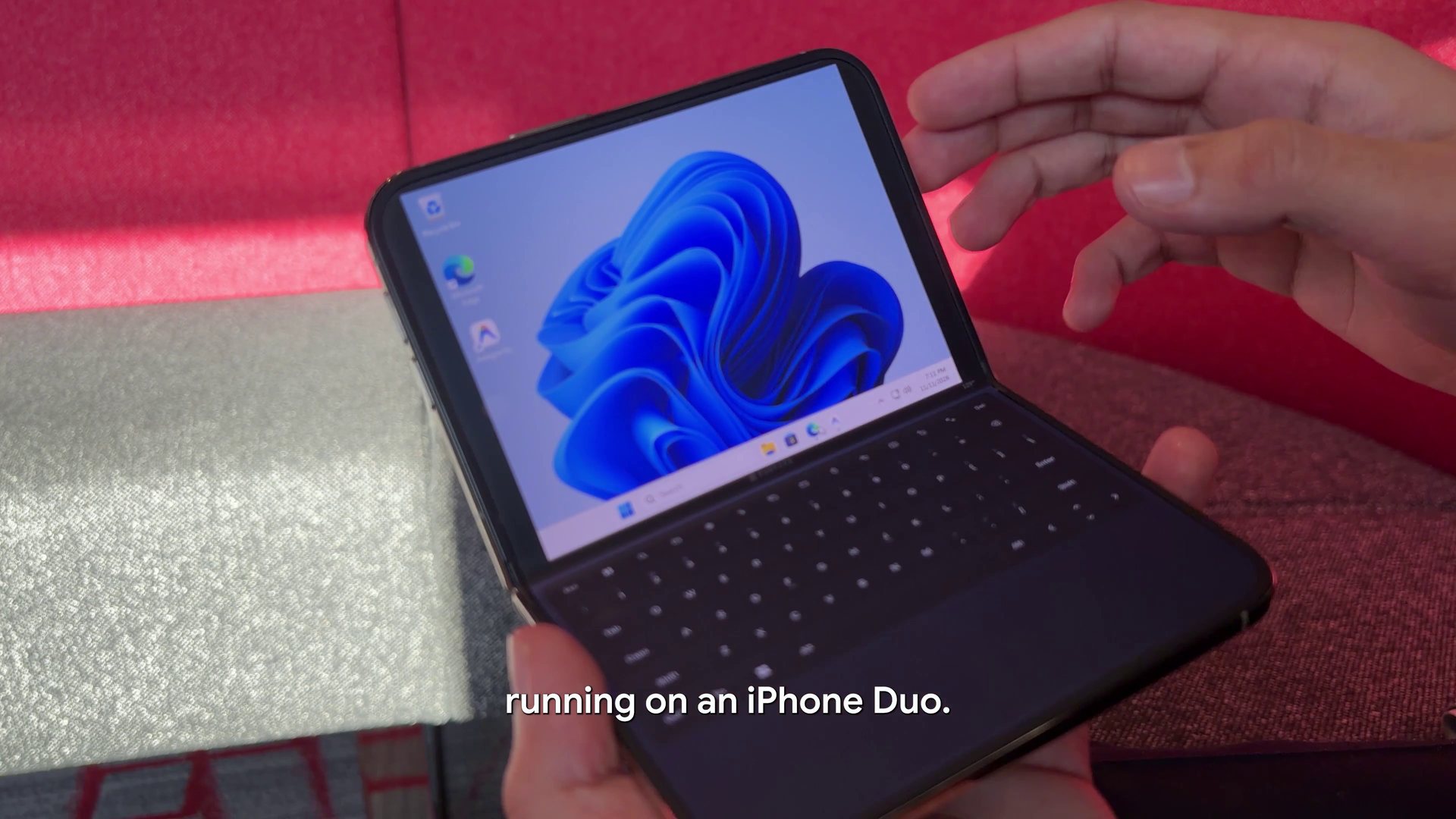
Ammaar also shared a video of Windows 11 running on the iPhone Duo, and it looks like it works really well:
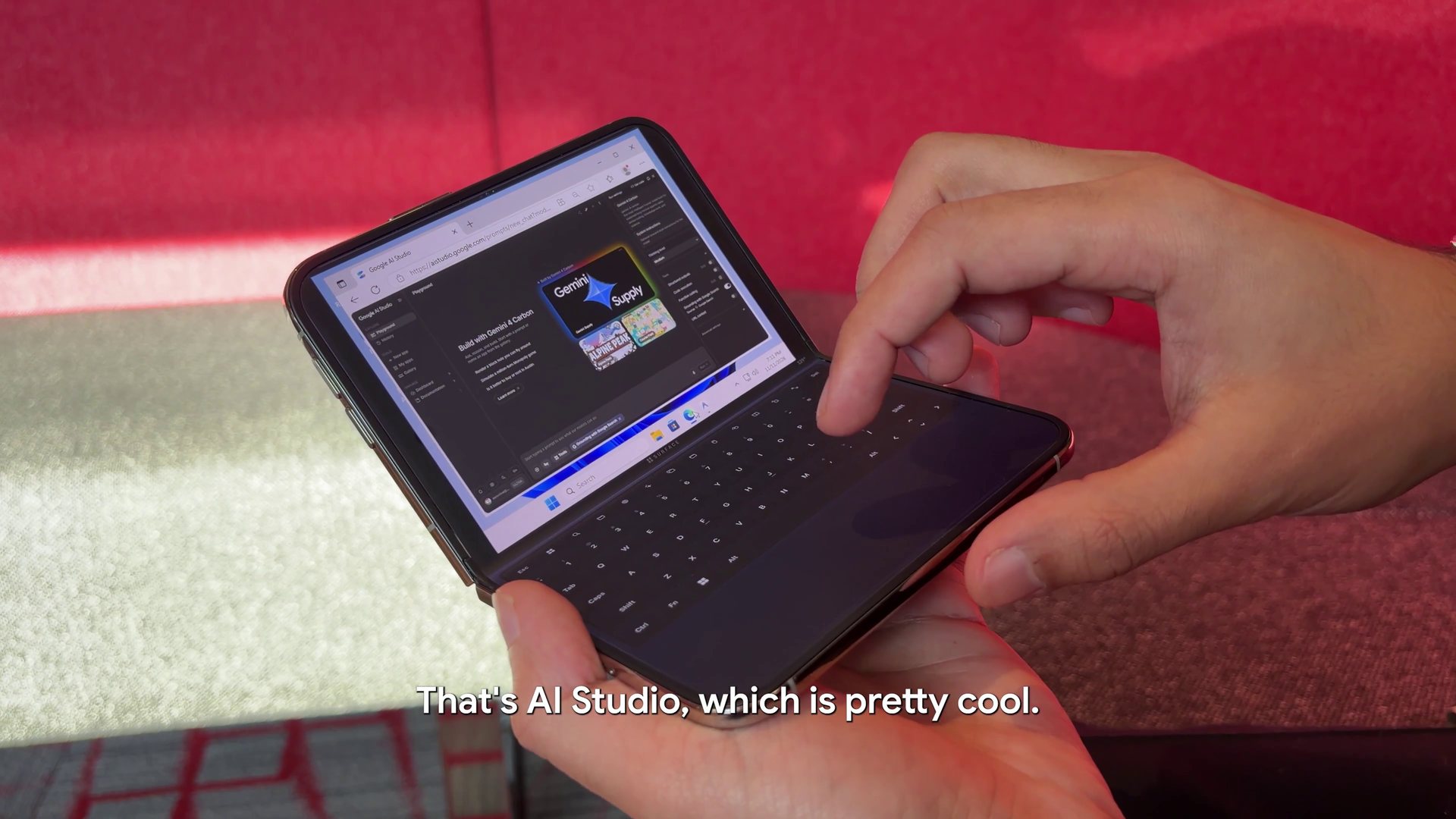
Google’s AI Studio boss used the ARM version of Windows 11 24H2 to run it on the iPhone Duo via a virtual machine with touch controls. That means he is not using cloud streaming or a remote connection.
“I used Gemini 4 Carbon to get Windows 11 running on my iPhone Duo!” Reshi wrote in a post showing the project. He also said the setup runs the desktop ARM version of Windows locally with touch controls.
Ammaar calls it “WindowsiOS” project, and it’s fully open-source, so if you own an iPhone Duo, and you’d like to run Windows on it, you can!
I haven’t tested WindowsiOS myself, so I can’t say how well it performs in everyday use. But the idea of unfolding an iPhone and seeing a full Windows desktop is hard not to love, even if it’s not a particularly practical idea given that Windows 11 is not Windows 8 and isn’t really optimized for touch, let alone foldables.
A foldable iPhone becomes a tiny Windows laptop
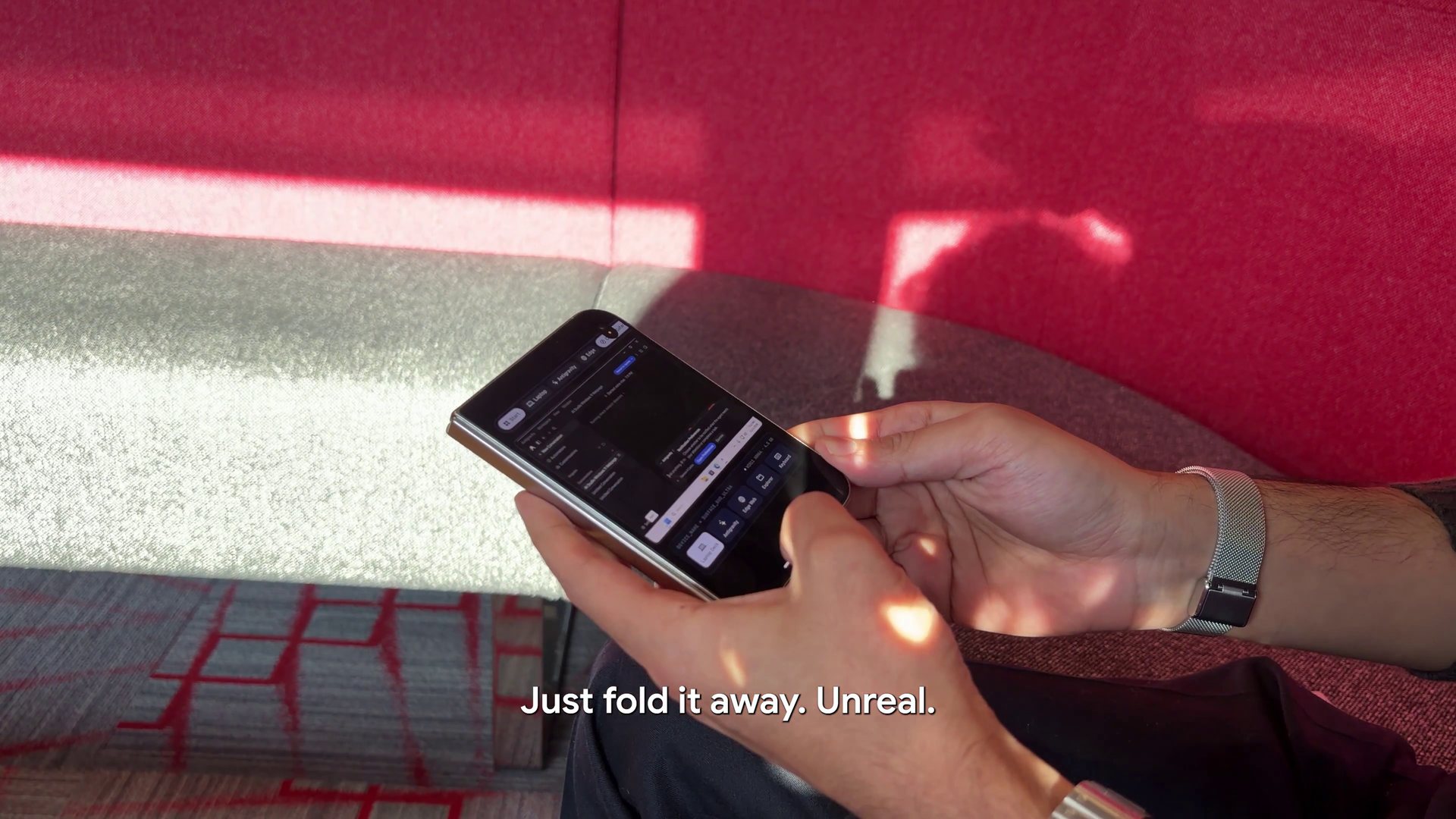
WindowsiOS makes use of the iPhone Duo’s folding display. When the phone is fully open, Windows can fill the screen. When it’s partially folded, it can switch to a laptop-like layout.
The top half shows Windows, while the bottom half has an on-screen keyboard and trackpad, so the Duo almost feels like a full-fledged laptop.
The on-screen keyboard also includes a Copilot key. Google’s AI boss describes it as a “6-row chiclet keyboard (F1–F10, Copilot key, stacked Up/Down arrows)” with a multi-touch trackpad.
Apple’s foldable has a 7.6-inch inner display, so this is still a very small Windows PC. You probably wouldn’t want to write a 2,000-word article on the virtual keyboard, but that’s not really the point. It’s a full desktop operating system running on a device you can fold and put in your pocket, and that was once a dream for many who used a Windows phone!
How Google used Gemini to run Windows 11 on an iPhone Duo, and why it’s a big deal
It’s not the first time we’ve seen Windows 11 running on an iPhone, but this project is particularly interesting because Reshi used Gemini to help build it.
WindowsiOS provides a virtual machine environment with components that Windows can recognize, including firmware, storage, a network adapter, USB input devices and audio hardware.
For example, the GitHub project shows that Windows is given access to a virtual Ethernet adapter when it’s running on the iPhone Duo. This allows Windows to use the iPhone’s internet connection while seeing it as an Ethernet connection.
One of the challenges when running Windows on an iPhone is the lack of Windows drivers for the phone’s hardware. To get around that, WindowsiOS provides a virtual audio device that Windows can use with its built-in drivers.
According to the project, this allows sound from Windows to play through the iPhone Duo’s speaker and passes microphone input back to Windows.
The iPhone Duo is not jailbroken, so Windows 11 uses a software approach
The iPhone Duo isn’t jailbroken. Instead, WindowsiOS uses a software approach, including just-in-time, or JIT, translation, to run ARM64 code without relying on Apple’s restricted hardware virtualization framework. It also means you can go back to iOS without losing personal files or apps.
But can you run traditional Windows apps on Windows running on the iPhone Duo? The project says it supports Prism, Microsoft’s translation layer for compatible x86 and x64 apps on Windows on ARM. That could allow some traditional Windows apps to run, but obviously, not all apps or games are guaranteed to work.
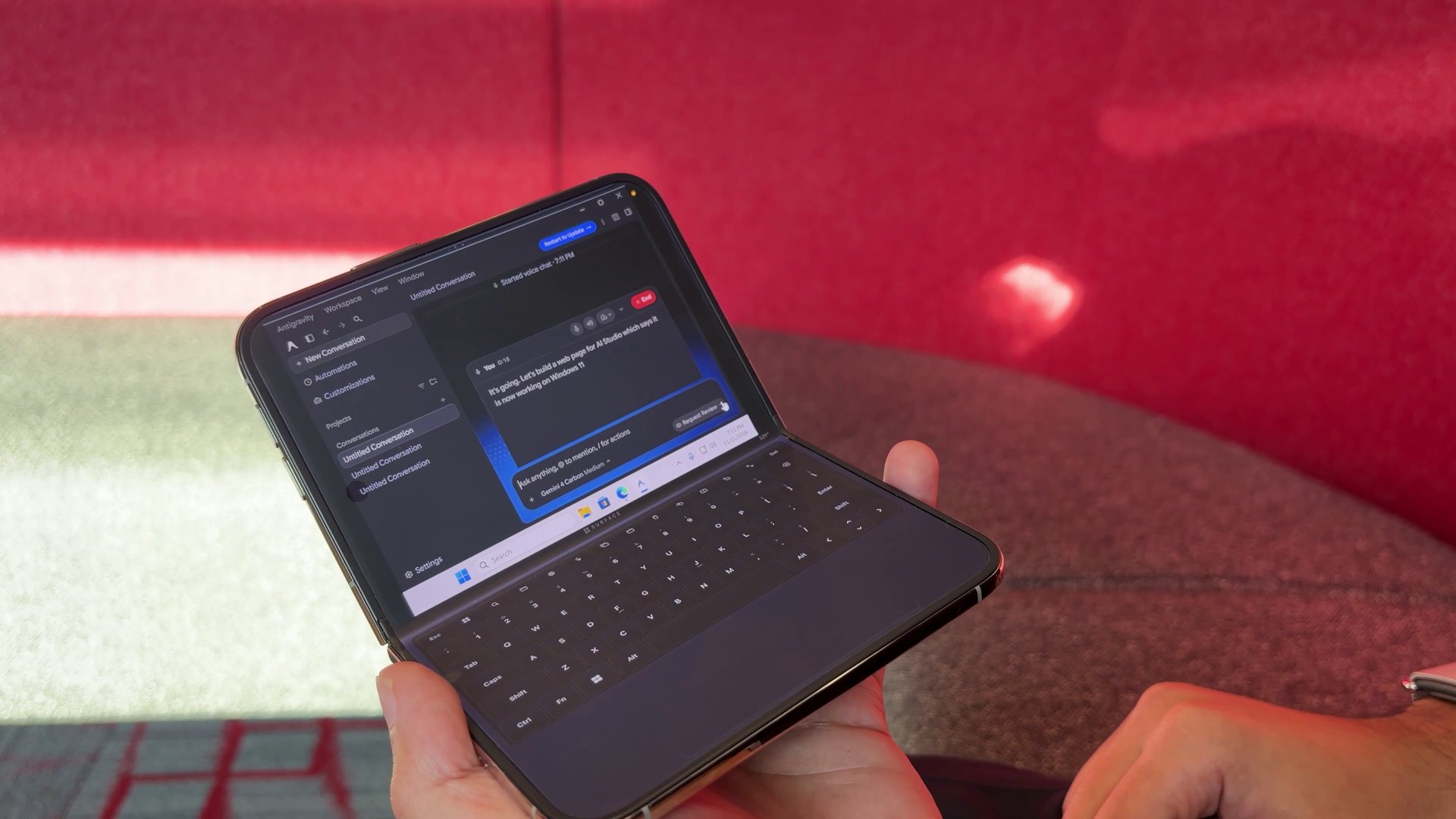
The Google AI Studio boss claims the Gemini-assisted WindowsiOS project runs at “near-native” speed, but he did not share comparative benchmarks.
When asked how long the agents worked on it, Reshi replied: “Agents cooked for 2 hours with Swarm!” He also described the installation as approximately 12GB.
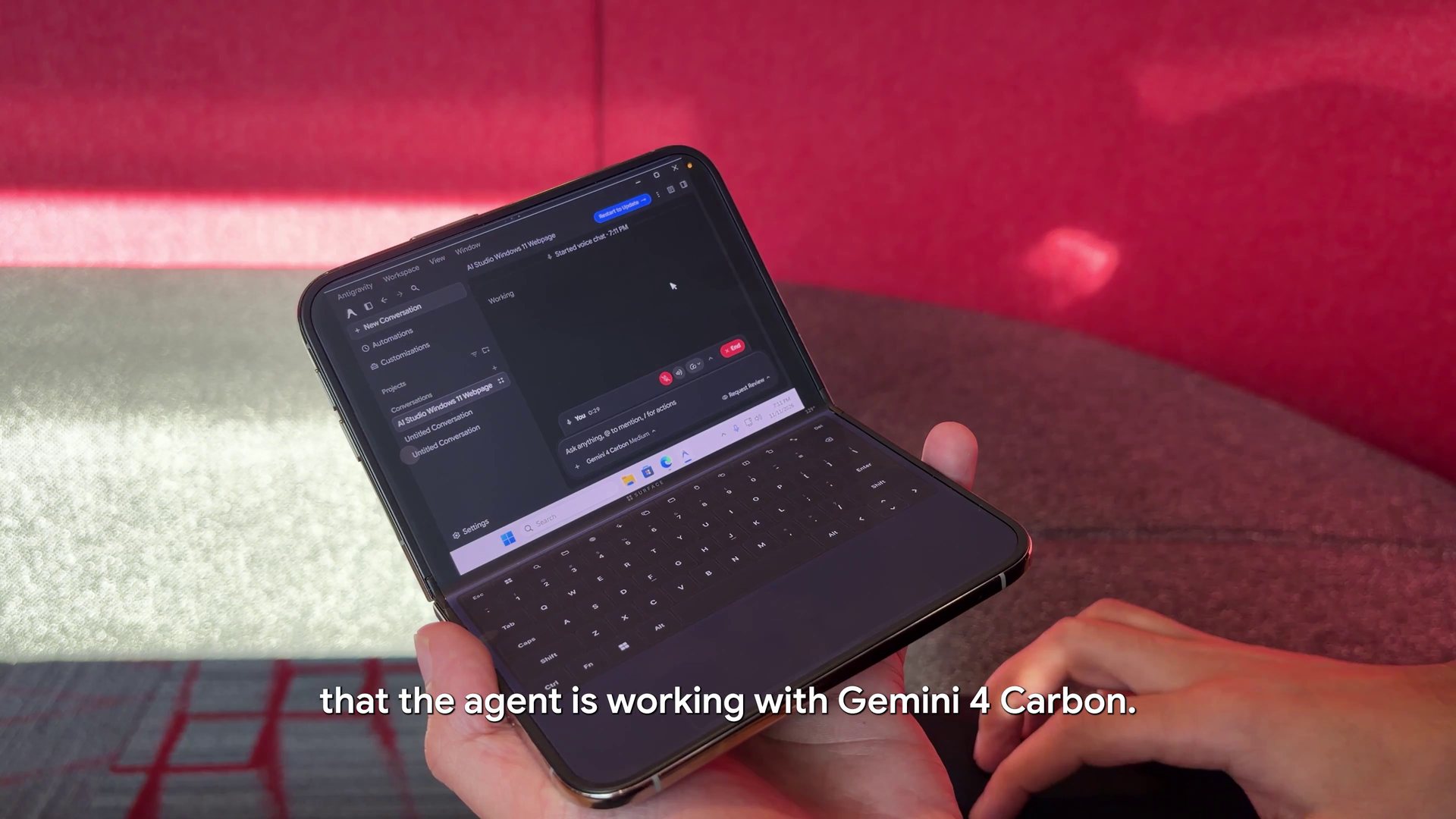
There is one more catch if you’re thinking of trying it yourself. The documented setup requires an Apple Silicon Mac, development tools, and a Windows 11 ARM image. It also uses an optimized Windows image, and the optimization script disables features including Defender real-time protection and Windows Update background services to reduce resource use.
What do you think about running a full-fledged Windows on your mobile? Let me know in the comments below.