







You’ll no longer find “OneDrive Photos” in the Start menu apps list or in Windows Search results, as Microsoft appears to be quietly hiding the app while it figures out a way to make the experience less intrusive.
OneDrive Photos is the same app that was force-installed on PCs running Windows 11 and 10, including enterprise devices where it doesn’t even launch.
After the rollout, Microsoft called it an accident and noted that it did not intend to release the app so broadly.
“We are incubating a new photos experience in OneDrive that went more broadly than it should have in Windows,” Microsoft’s Jeff Teper wrote in a post on X. “We’re fixing that. Windows Photos will always give you the option of local and cloud photos and the choice to use OneDrive or not.”
Microsoft also argued that it’s listening to feedback and will improve how OneDrive displays photos across desktop, web, and mobile.
In other words, Microsoft has no plans to give up on this new client, even though it overlaps with the existing OneDrive and Photos integrations on Windows 11. Instead, the company now appears to be hiding the standalone app from Start and Search while it works on making the experience less intrusive, including adding a way to remove it separately.
What is this new OneDrive app?
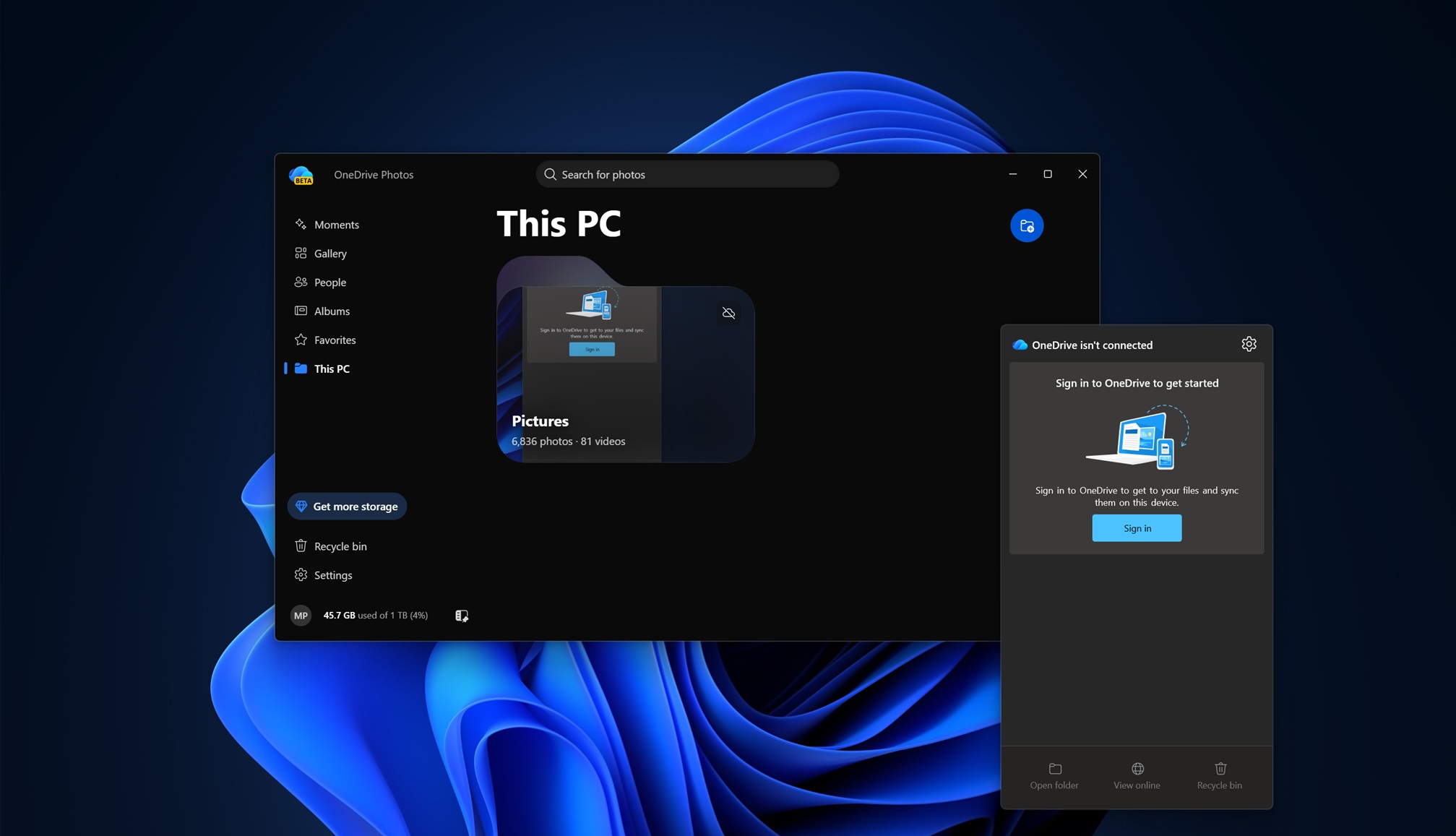
For those who were never offered the OneDrive Photos app during the accidental rollout, it’s a new web-based (WebView2) client that allows you to browse local photos and those stored in the cloud.
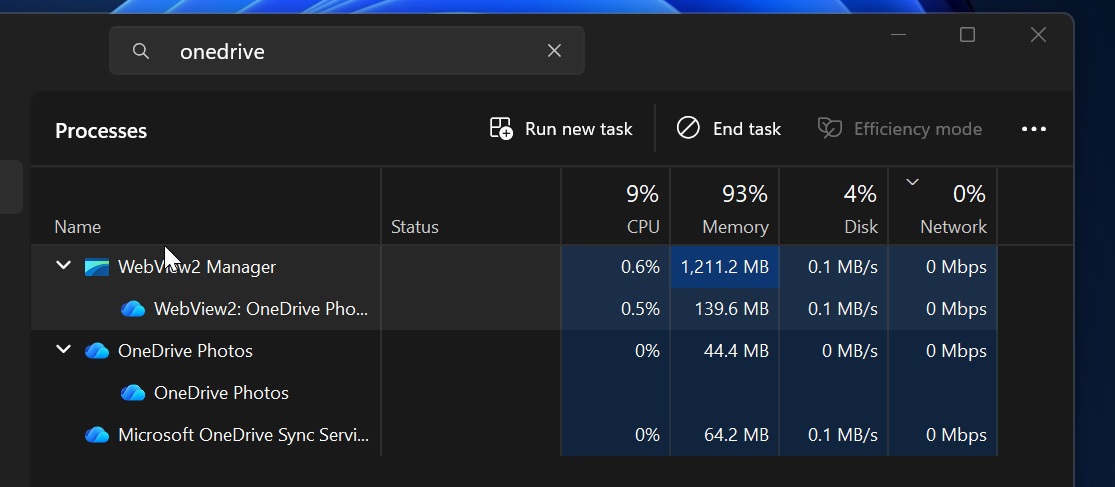
This means the app essentially loads OneDrive.com’s Gallery with access to your local storage. In our tests, we found OneDrive Photos to be more than decent, as its RAM usage typically stays below 1GB, which is still better than Microsoft’s usual standards, considering we have apps like Weather consistently using more than a gigabyte of memory.







OneDrive Photos also does a pretty good job of being a gallery app. It automatically finds photos stored across your PC’s folders, and you have the option to manually exclude or include locations. At the same time, you can easily use it to access photos in the cloud and move or copy files back and forth.
However, OneDrive Photos still feels unnecessary because you can already access everything in OneDrive directly in File Explorer, or you can simply use the Microsoft Photos app.
When OneDrive Photos was added to PCs, we noticed it wasn’t easy to remove because it was tied to the main OneDrive sync client, which is pre-installed on Windows PCs.
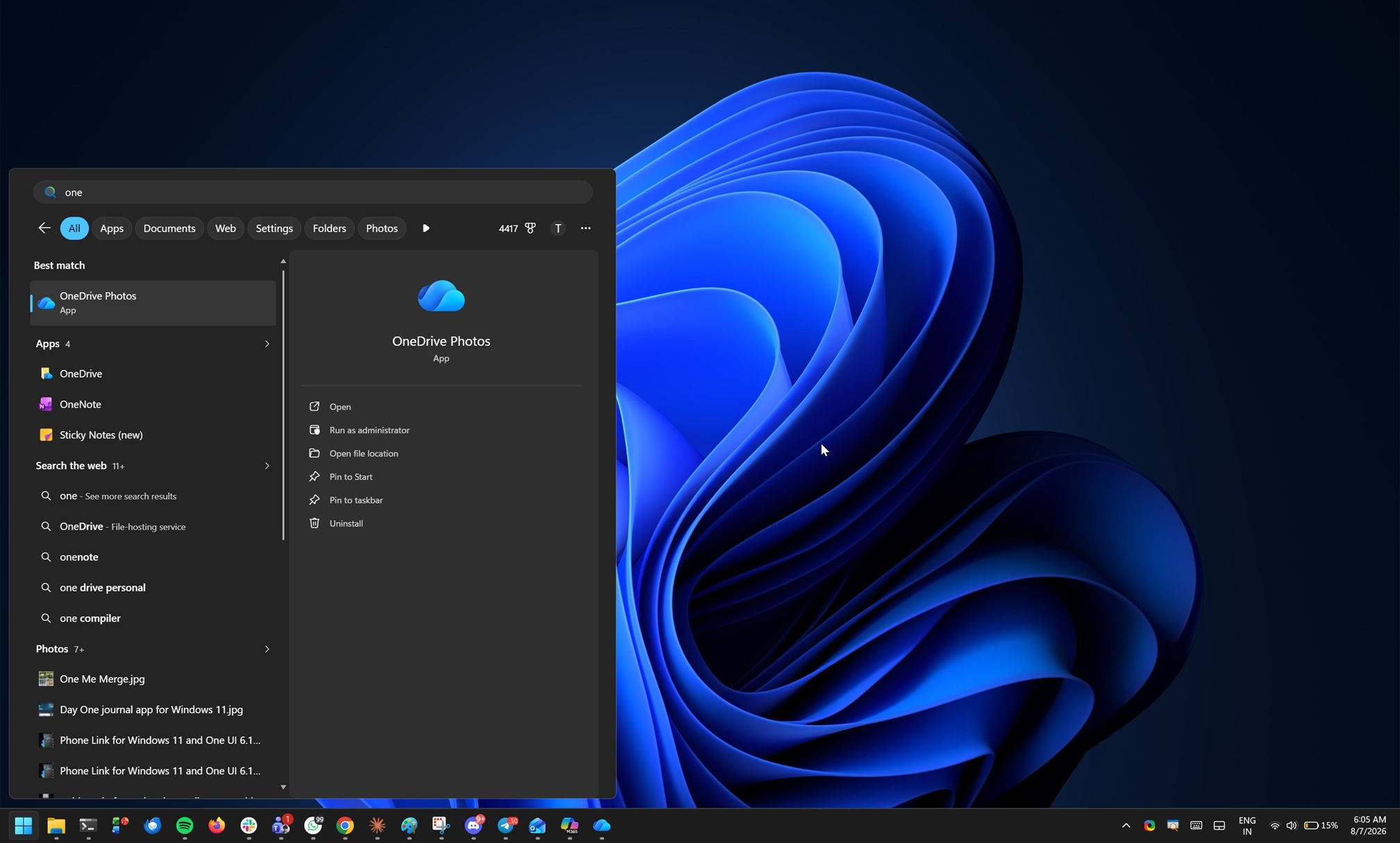
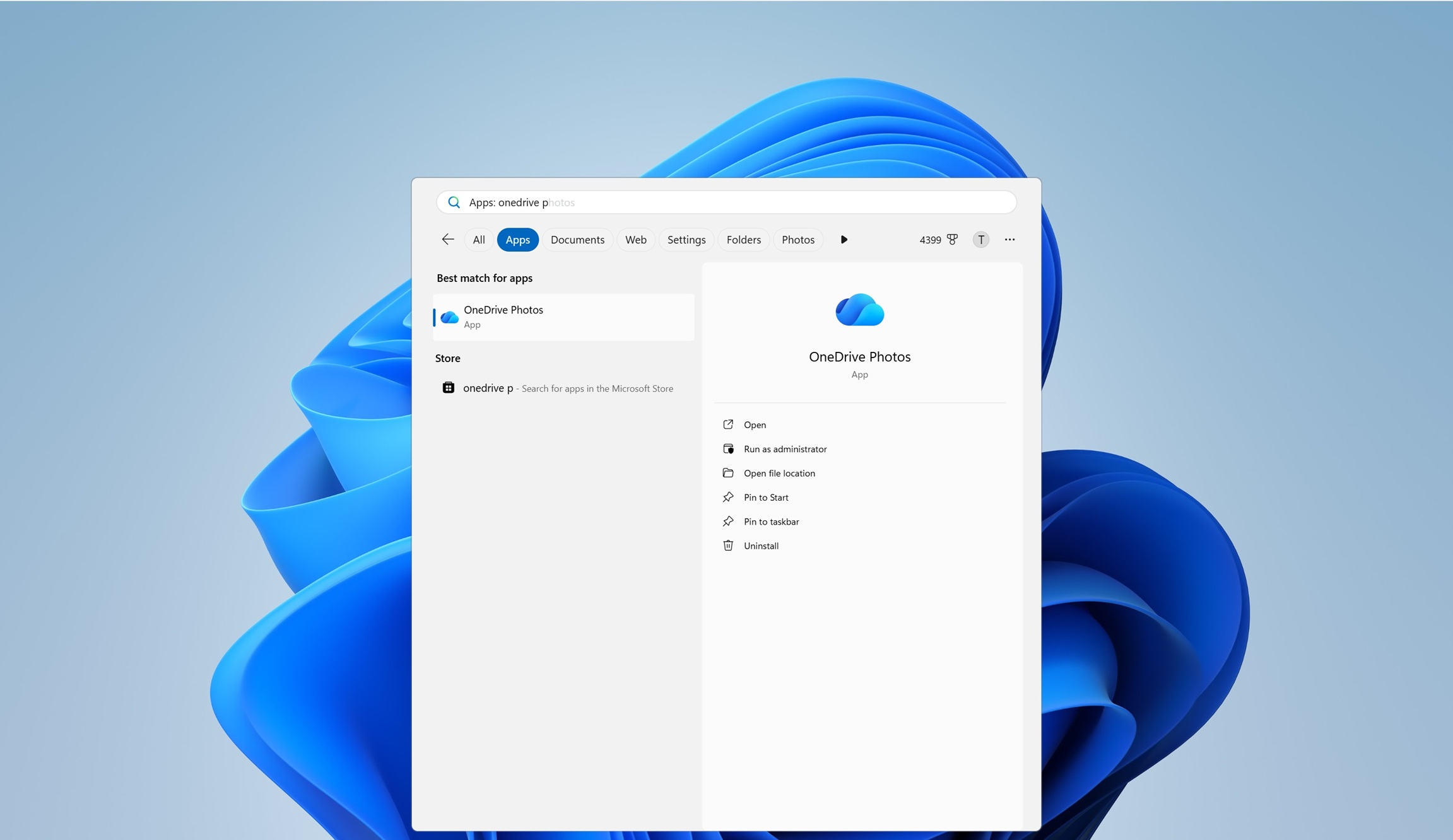
If you clicked the Uninstall button in the search results for “OneDrive Photos,” you’d be redirected to the Windows Settings app, where you’d see the OneDrive sync client listed, not the Photos experience you actually wanted to remove:
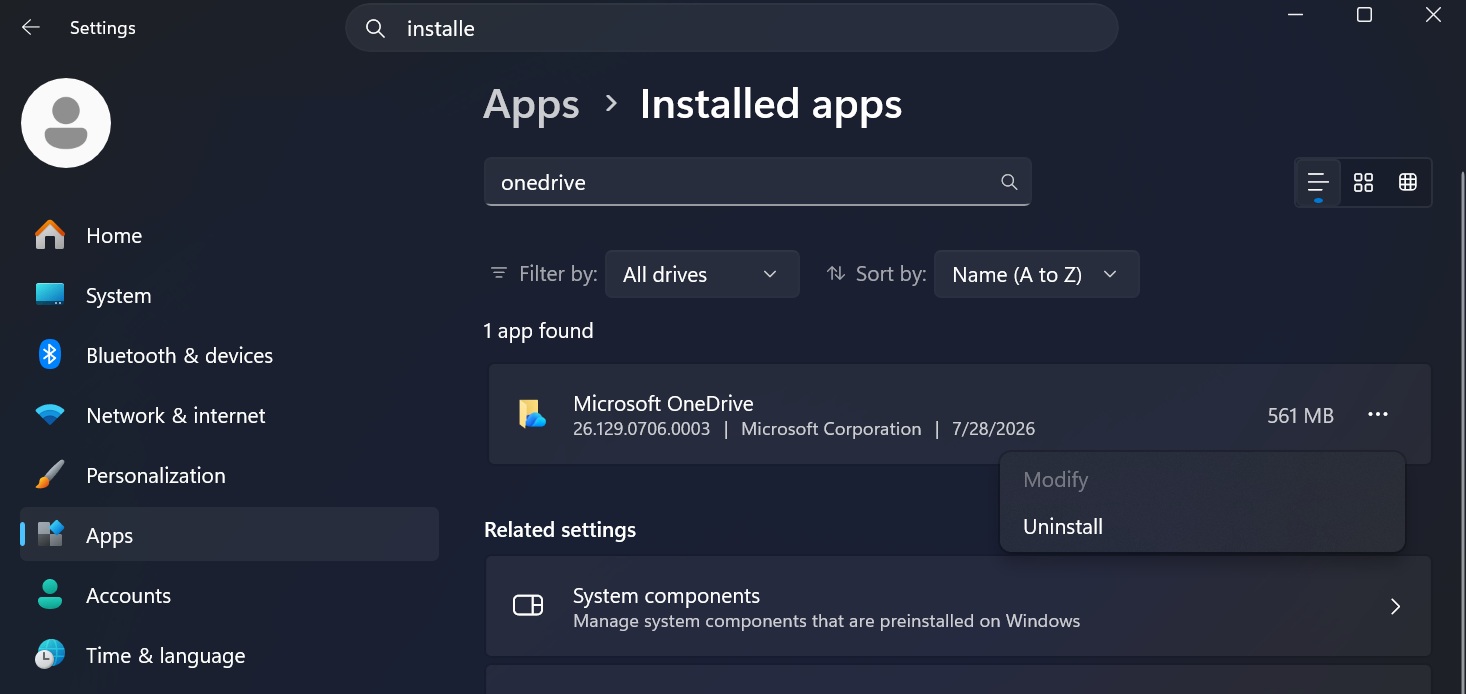
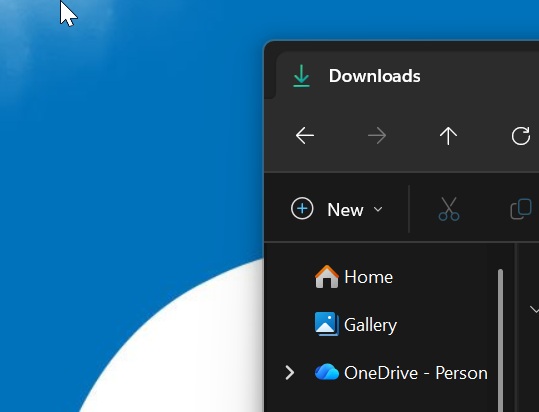
The problem is that if you uninstall the OneDrive sync client just because you don’t want the new Photos app, you risk breaking OneDrive shortcuts in File Explorer and other places, as well as interrupting cloud sync.
For example, if a file is synced to the cloud and isn’t present locally, but you think it is, removing the sync client could leave you without the local access you expected.
Microsoft later admitted that it should have provided an option to remove OneDrive Photos without affecting the OneDrive sync client and said it’ll be rolled out later this year. But that didn’t calm the backlash, and Microsoft is now hiding the app while it works on giving users greater control over it.
OneDrive Photos is now hidden from Windows Search and Start
In our tests, OneDrive Photos no longer appears in the Start menu’s apps list, and searching for “OneDrive Photos” in Windows Search doesn’t bring it up either.
For example, the app showed up alongside the OneDrive sync client when you searched for Photos before today’s update. Now, if you search for it, you’ll only see the sync client, which was already pre-installed on Windows PCs unless you removed it after setting up Windows.
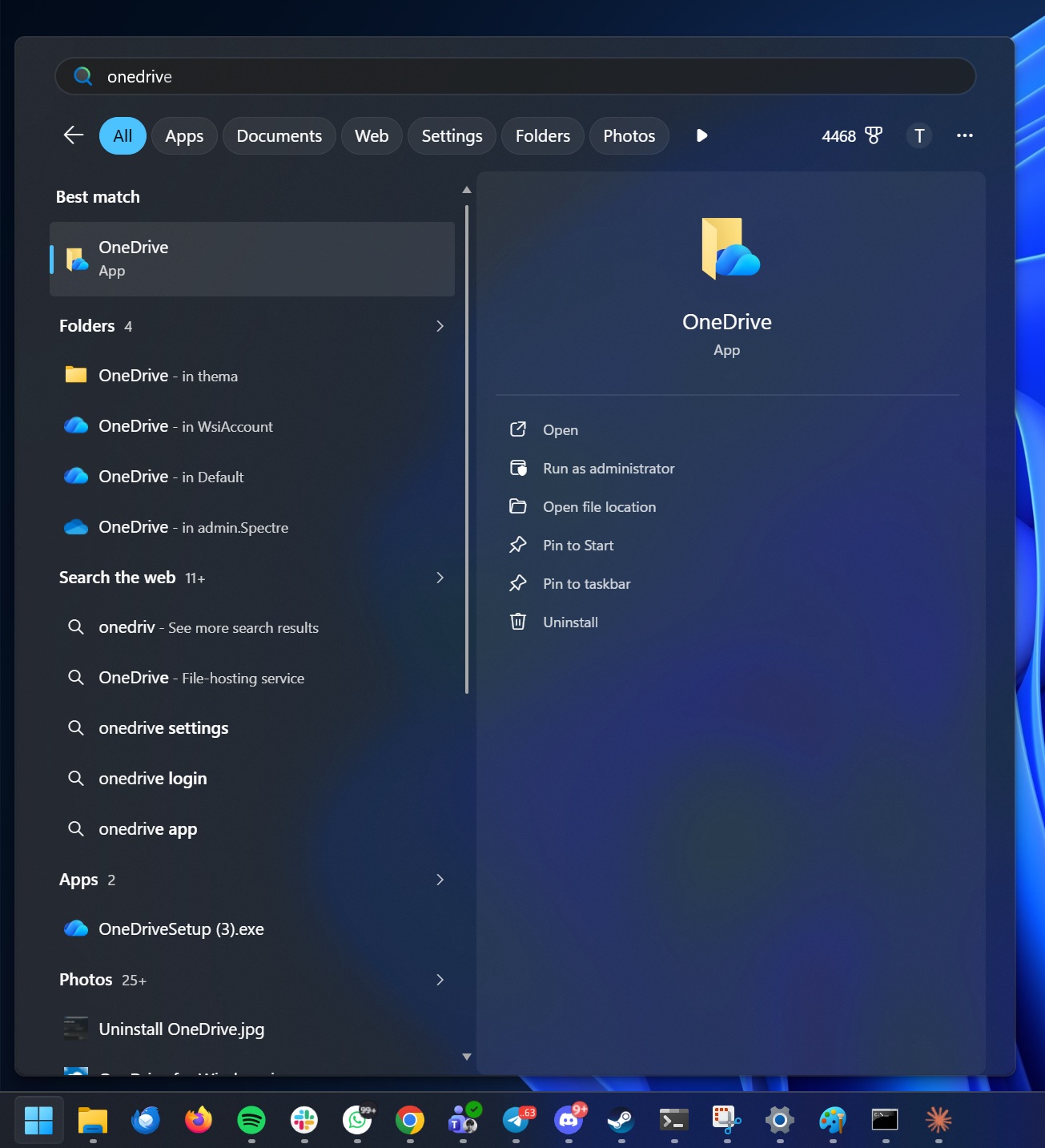
But the OneDrive Photos app is still quietly sitting inside your PC.
Our tests confirm that the app itself remains installed and can still be launched through other entry points, such as by opening the OneDrive installation folder and double-clicking OneDrive.App.exe:
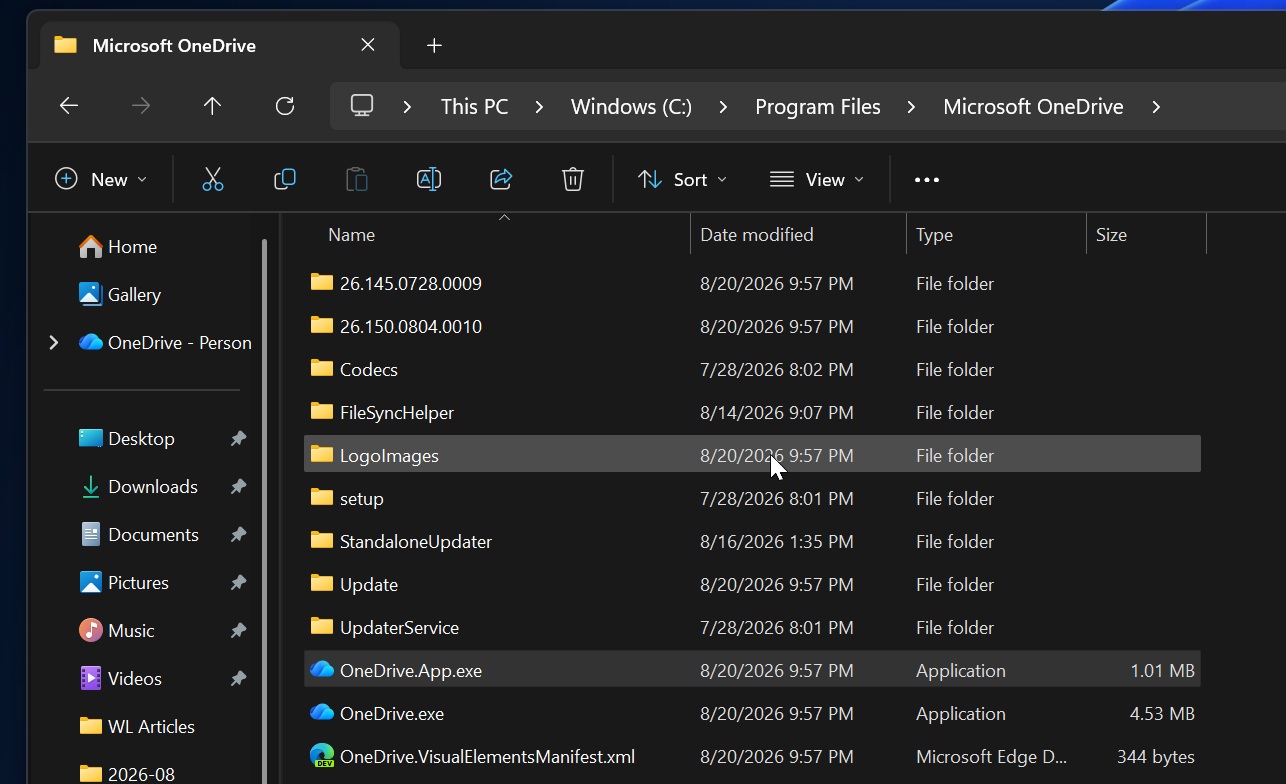
That means Microsoft hasn’t actually removed it. It has simply stopped presenting OneDrive Photos as another standalone app on your PC.
That’s probably a better approach than putting yet another Photos app in the Start menu, especially when Windows already ships with Microsoft Photos and OneDrive is deeply integrated into File Explorer. But it also makes the whole rollout even stranger.
OneDrive Photos now quietly lives on your PC and can read your local photos, but it won’t show up in Search or the Start menu. I assume this is part of Microsoft’s effort to limit the backlash while it works on adding a dedicated uninstall option.
“We’re adding controls to remove the OneDrive Photos experience separately from the OneDrive app,” Microsoft previously noted in an update to its admin portal.
“OneDrive is giving people more control over their Windows experience by allowing them to uninstall the OneDrive Photos experience independently. Removing the Photos experience does not uninstall the OneDrive app, interrupt file sync, or delete photos and files. This provides a clear removal option for people who prefer to manage their photos with another app,” the company explained.
It’s only a matter of time before OneDrive Photos returns more visibly, but when it does, you’ll at least have the option to remove it easily.