




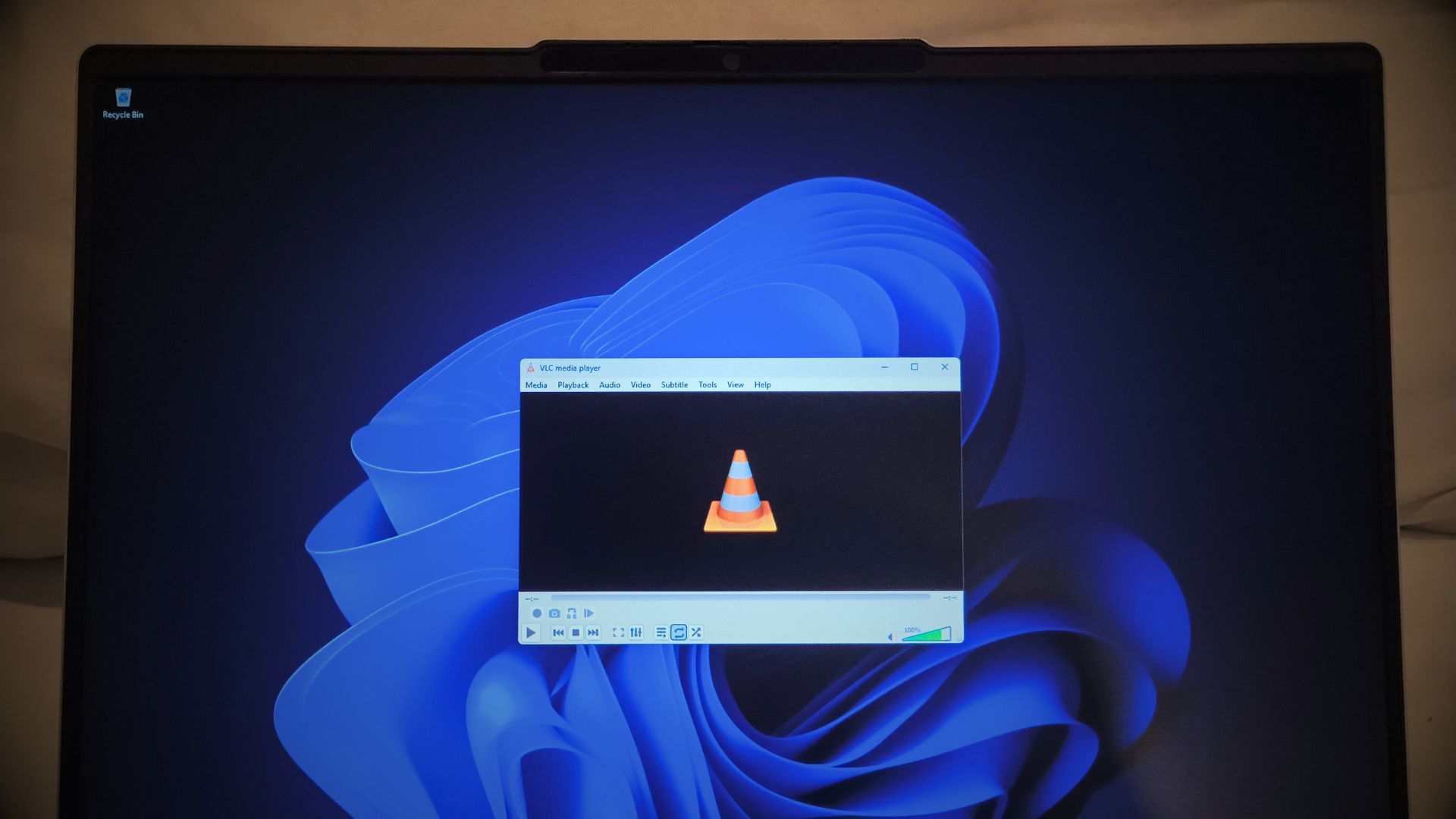
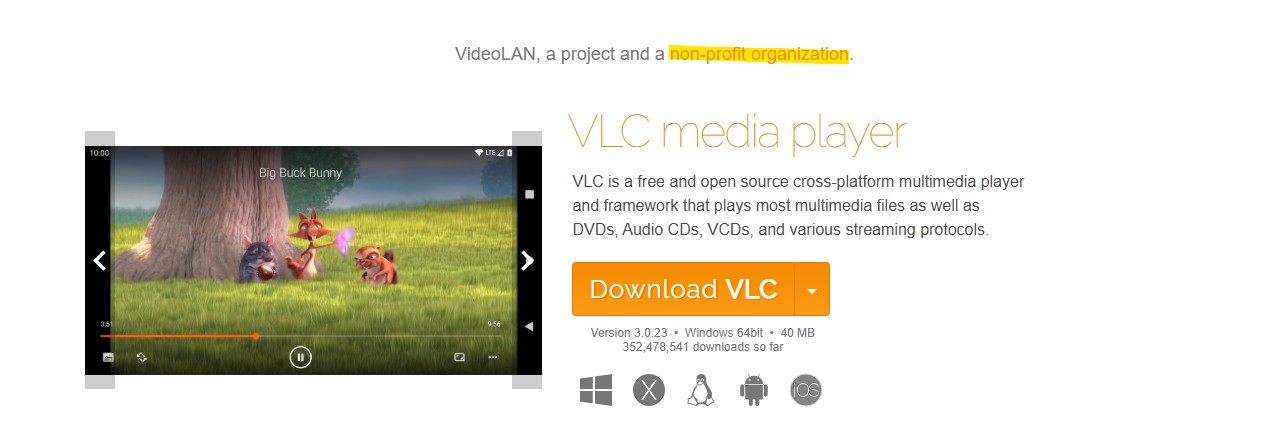
VLC can take 33 seconds to start playing an MP3 on some Windows PCs, and VideoLAN, the developers behind the open-source media player, says a Microsoft Defender bug is to blame.
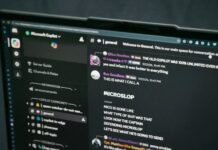
Jonathan Blow, the game designer and programmer behind Braid and The Witness, said he had finally switched from VLC to Microsoft’s Media Player because the former had become painfully slow, then used the moment to declare that “a large sector of open source software is in a truly embarrassing place now.”
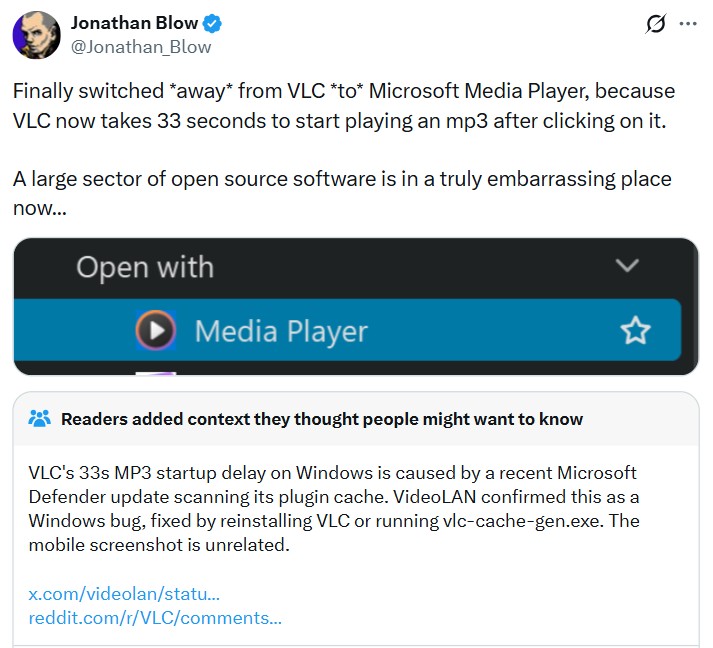
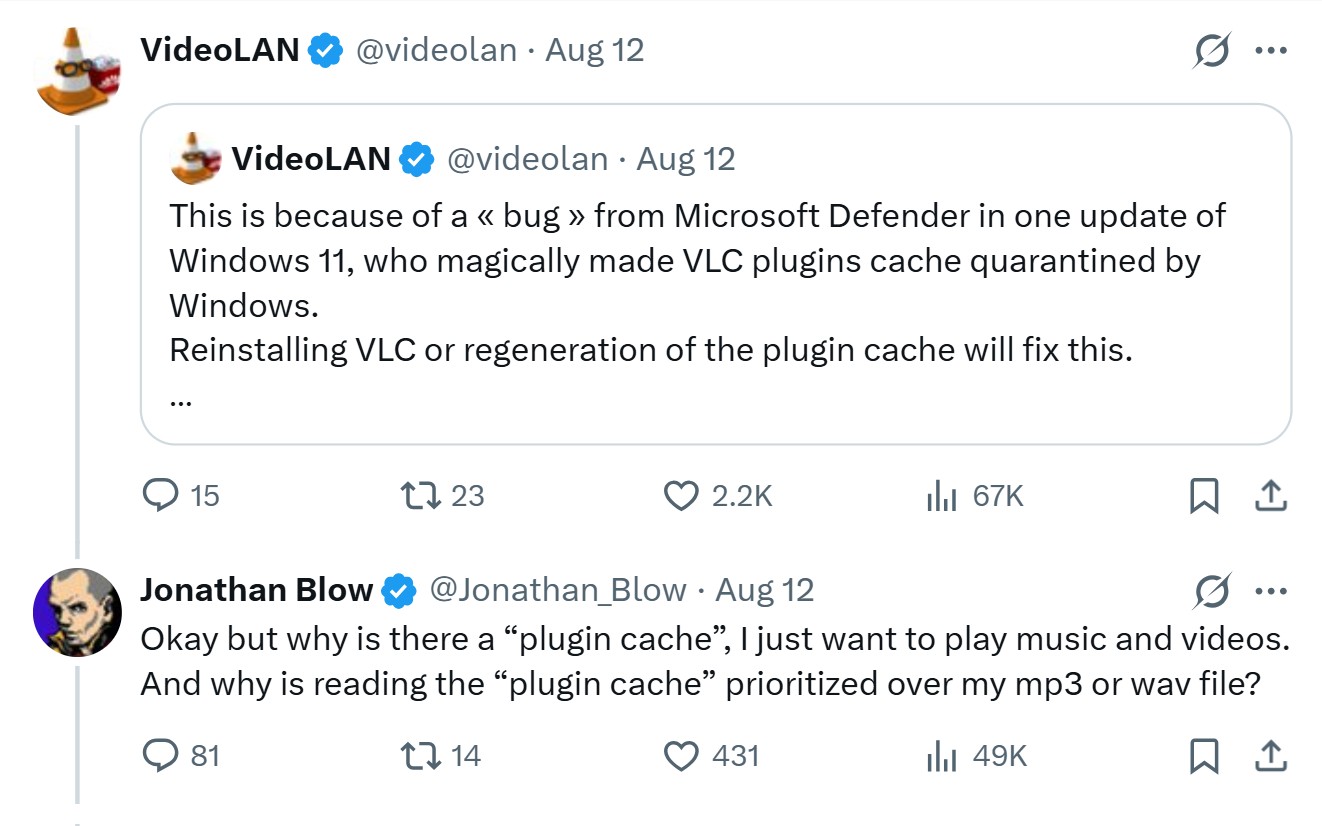
VideoLAN couldn’t let this criticism slide and accused Microsoft, saying a Windows 11 Defender update was interfering with VLC’s plugin cache. However, we checked VLC’s bug reports and found several users on Windows 10 and Windows 11 describing the same startup problem.
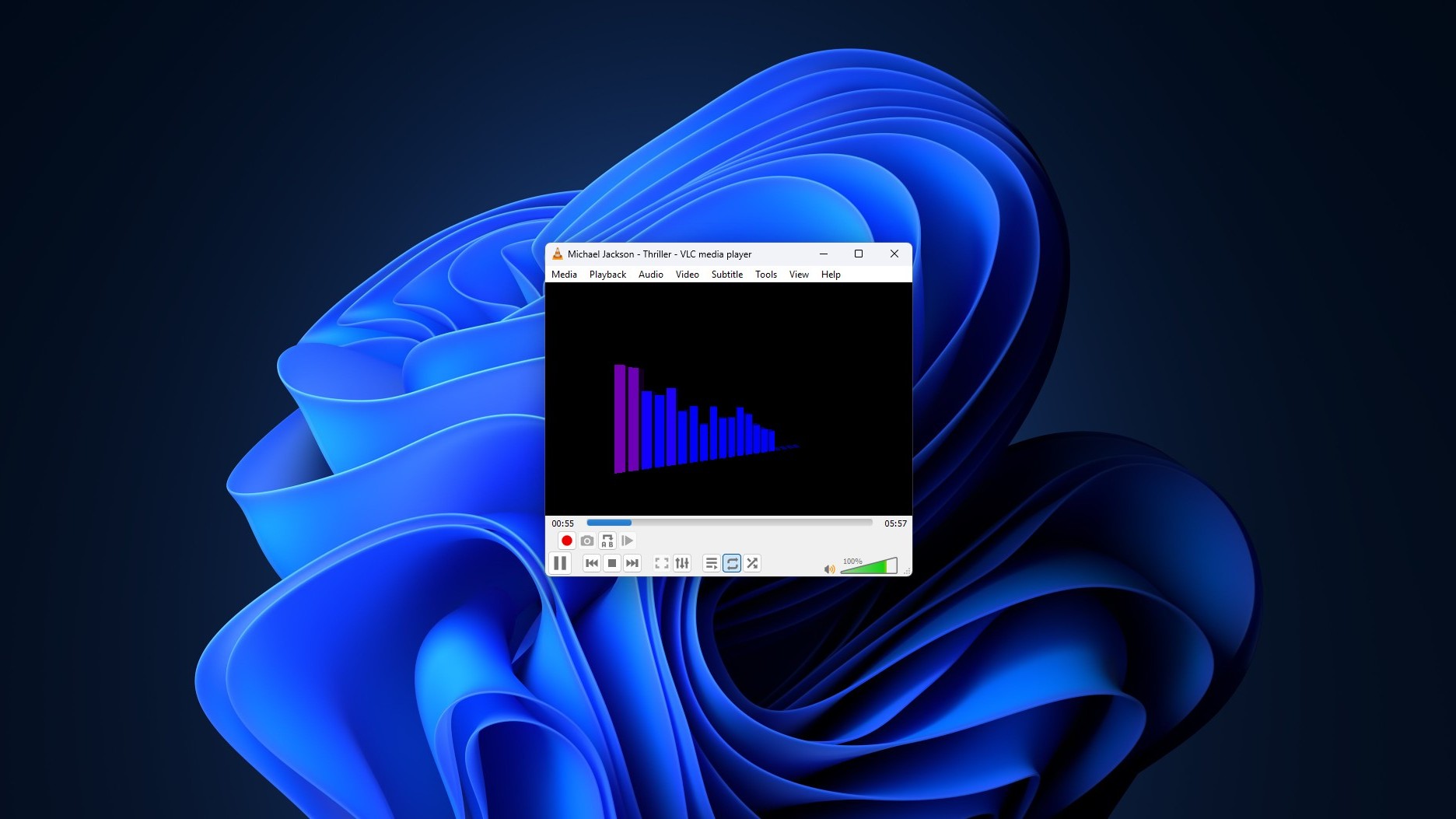
VLC says Microsoft Defender is behind the 33-second delay
Note that the criticism is for MP3 files and not videos, which is what VLC is typically associated with. I have already sold my soul to streaming services like Spotify, and didn’t have any experience of a delay like this despite using VLC every other day.
But for those of you who use VLC to listen to music and have experienced a 33-second delay, the supposed reason is VLC’s plugin cache.
But why VLC needs a plugin cache in the first place?
This was Blow’s follow-up question to VLC, and it piqued my interest as well, because why does a media player need a cache at all just to play one MP3?
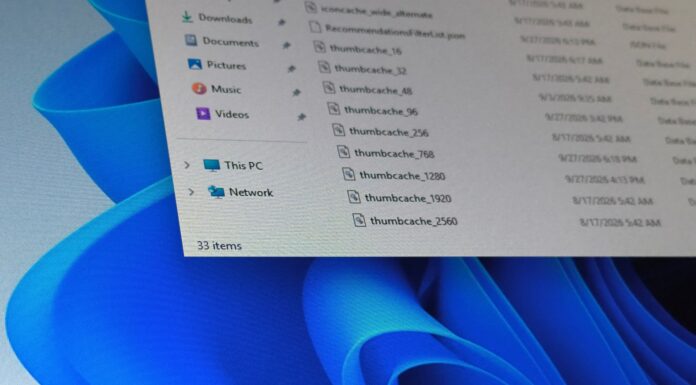
Well, as it turns out, VLC is built almost completely out of plugins, codecs, demuxers, input and output modules are all loaded on demand instead of coded into one binary. All of these are listed in a file named plugins.dat.
The cache exists so it doesn’t have to re-scan the whole plugins folder every time you open a media file. It’s a reasonable design, but becomes a single point of failure when something, Defender or otherwise, gets between VLC and that file.
VLC also includes vlc-cache-gen.exe, which can regenerate the cache, and doing so or reinstalling VLC should fix the problem, according to the organization.
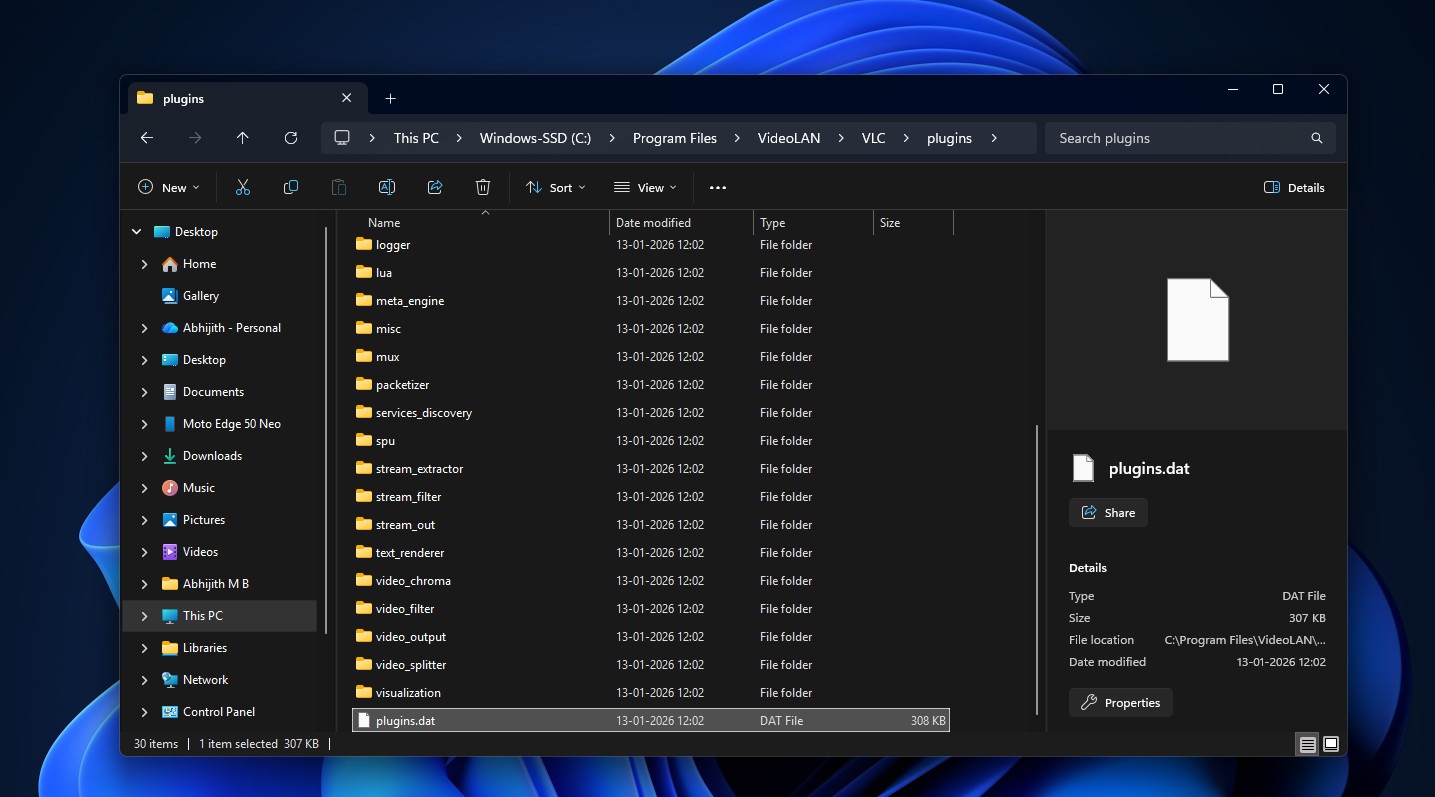
Here’s the thing, though. I went looking through VLC’s public issue tracker instead of taking either side’s word for it, and I found that the picture is a lot less clean.
VLC’s bug report shows this isn’t just a Windows 11 problem
Slow VLC startups on Windows are not new. Forum threads on this complaint go back well over a year. One user on Windows 10 described a 24 second delay that vanished as soon as VLC had been opened once, then came back after the PC sat idle for a while.
On VLC’s tracker, one user said swapping out a Qt plugin didn’t fix anything, but regenerating plugins.dat did. Another Windows 11 user running a Ryzen 9 9800X3D and 32GB of DDR5, hardly a machine that should struggle to open an MP3, said refreshing the cache solved it too. Multiple people confirmed the same workaround on their machines.
The original bug reporter pushed back on regenerating the cache, though. He said plugins.dat already existed on both of his affected machines, and when he swapped in a known-good cache file, the startup delay went away. It’s a meaningfully different failure mode than the missing cache, which is why VLC’s maintainers reopened the issue and kept digging into how the cache and Windows Defender interact.
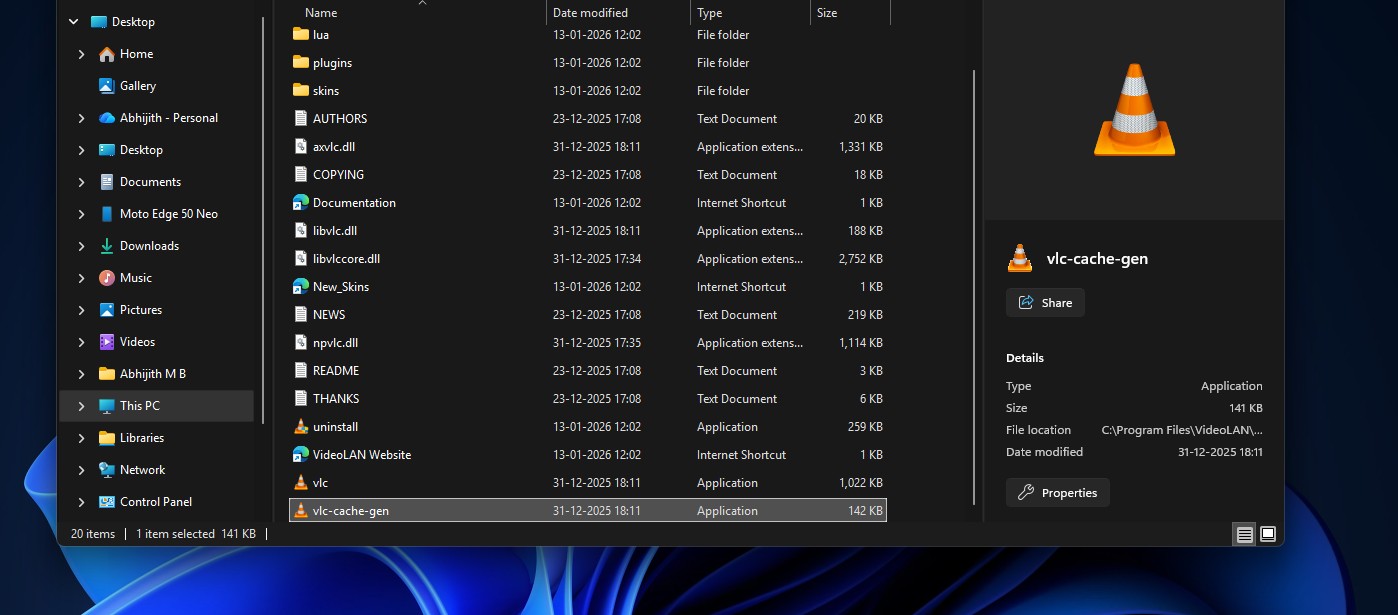
One VLC developer eventually came to the same conclusion as VideoLAN’s tweet, that the slowdown looks like it’s caused by Windows Defender regardless of what state the plugin cache is in. Another had marked the whole thing “fixed” earlier because regenerating the cache seemed to solve it for them. Both were right, for different users. Some people found that excluding the whole VLC folder from Defender worked when excluding just vlc.exe didn’t, which tells you Defender is involved here somewhere for real, even if nobody’s pinned down the mechanism yet.
So no, this isn’t a made-up excuse. But it’s also not the one that got flattened on social media saying Microsoft broke open source.
How to fix VLC when it takes forever to start on Windows
If VLC suddenly takes 10, 20, or 30 seconds to open, try these steps before disabling Microsoft Defender:
- Regenerate VLC’s plugin cache with vlc-cache-gen.exe from the VLC installation folder, targeting the plugins directory.
- Reinstall VLC using the official installer so the plugin cache is generated again.
Several users have reported that regenerating the cache fixes the problem, while others found that excluding the VLC folder restored instant startup. The results are not identical for everyone, which is another reason not to treat one workaround as universal.
Calling open source embarrassing is a bit too easy
Blow’s not wrong that waiting half a minute to play an MP3 on a modern PC is absurd. Where he loses me is turning one bug into a verdict on open source software as a category. VLC has a real cache problem its own developers are still working through, and VideoLAN also has real evidence accusing Defender.
However, there’s some irony in what Blow switched to, as well. Windows Latest has already looked at Microsoft’s Media Player and found it’s the slower, heavier option, taking noticeably longer to open a video than VLC does, using around 377MB of RAM at idle, and still choking on formats like HEVC that VLC opens without a second thought.
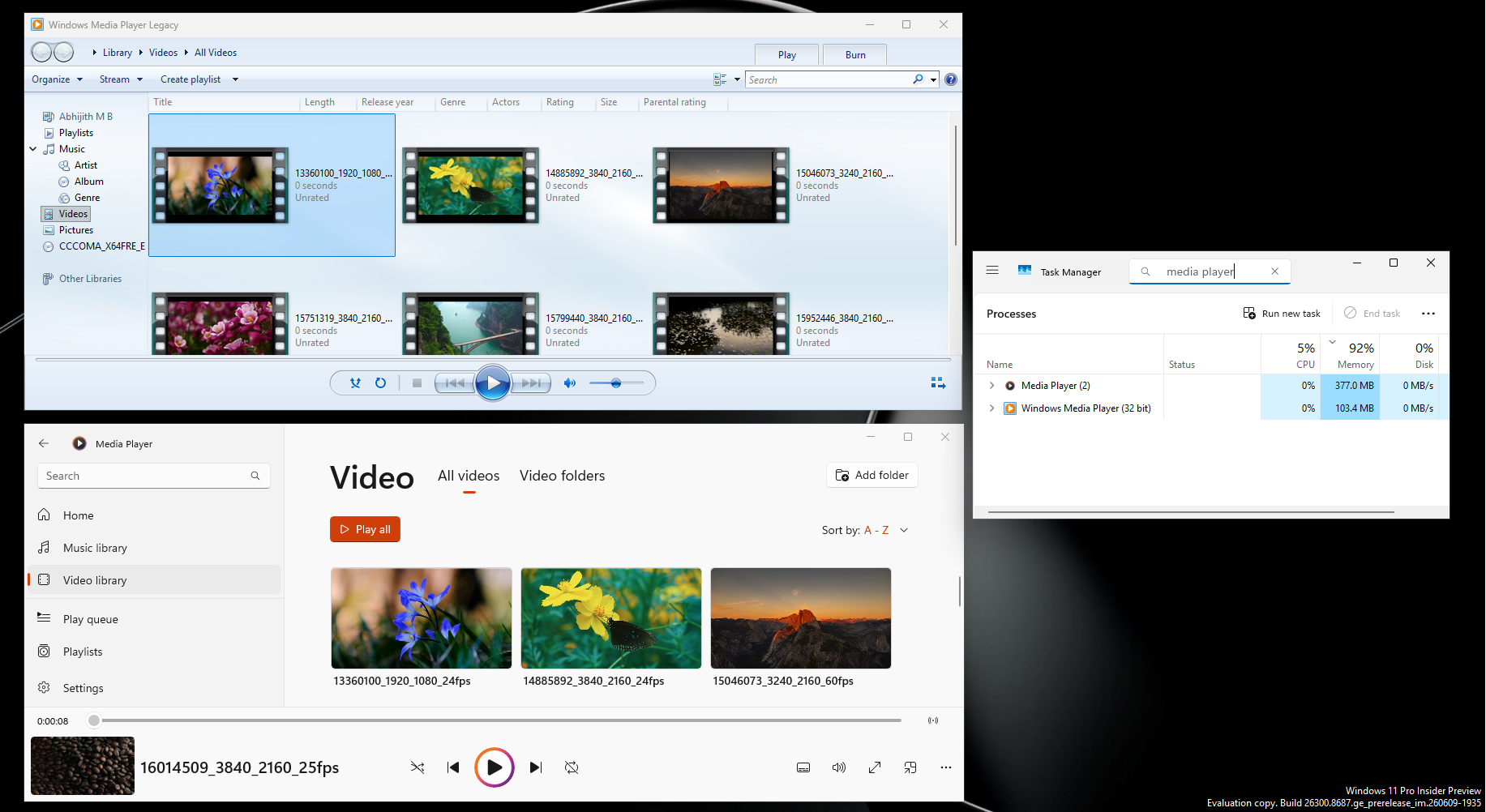
Either way, VLC has to work around whatever Windows throws at it, especially considering that it isn’t the only good media player in the market.
If you want a faster open-source player, try mpv
We would not tell everyone to abandon VLC because of this bug, especially when yours truly still uses it to this day. But if you are already looking for something lighter, mpv is worth trying.

mpv is a free, open-source media player with a deliberately minimal interface and a strong focus on performance and flexibility. It is less friendly for beginners than VLC, and the UI may take time getting used to, but that simplicity is also part of the appeal.
For most people, VLC is the easier recommendation because it gives you a familiar interface and almost every playback option in one place. But after a 33-second wait to play an MP3, nobody can blame a Windows user for trying something else.