








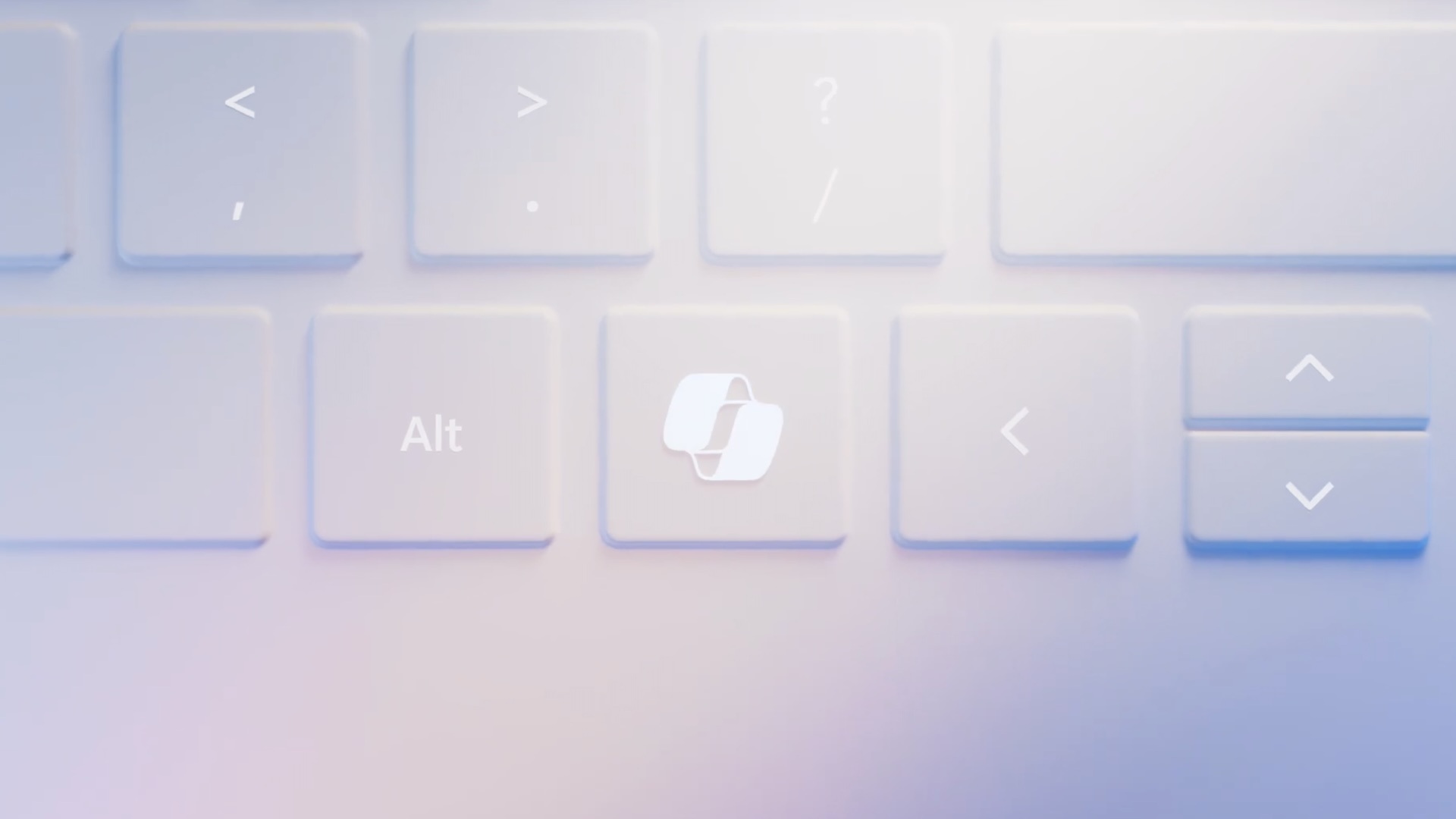
On January 4, 2024, Microsoft kicked off the “year of AI-powered Windows PCs” by adding a Copilot key to keyboards, and it actually went ahead with the plan. Nearly two years later, all newer PCs, including mini PCs, come with a Copilot key, but I am afraid Microsoft has created a new problem for itself, as the Copilot key is already starting to look outdated.
Today, Microsoft formally confirmed it’s merging Copilot and Microsoft 365 Copilot, so you only have one app to deal with. It’s actually good news for all parties involved, including Microsoft, pro-AI, and anti-AI consumers. You now have a single Copilot Super app to remove or a single app to use, so you don’t have to switch back and forth.
But there’s another important piece of news buried in the announcement, and that is a new logo for Copilot.
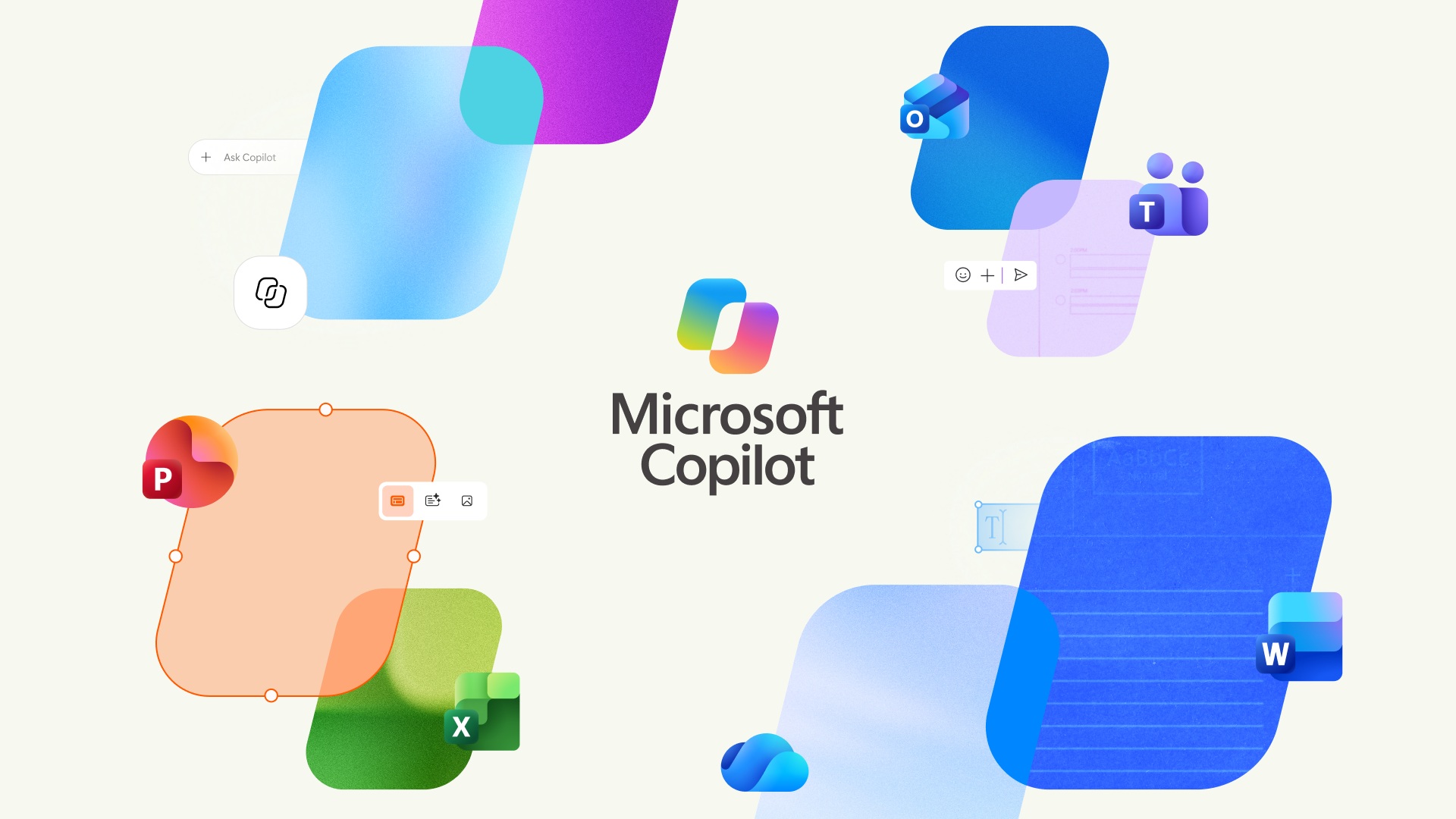
Microsoft is quietly rolling out a new Copilot logo everywhere, starting with the new app, and it will eventually ship on upcoming PCs as well.
I previously spotted the new Copilot logo in the Android app, and I wasn’t expecting it to become the default in less than two weeks of beta testing, but here we are:
Software giants shipping new logos to reflect product changes isn’t a new thing, but in this case, Copilot is also a physical key present on millions of PCs shipped over the last two years, or that will ship in the coming months/years.
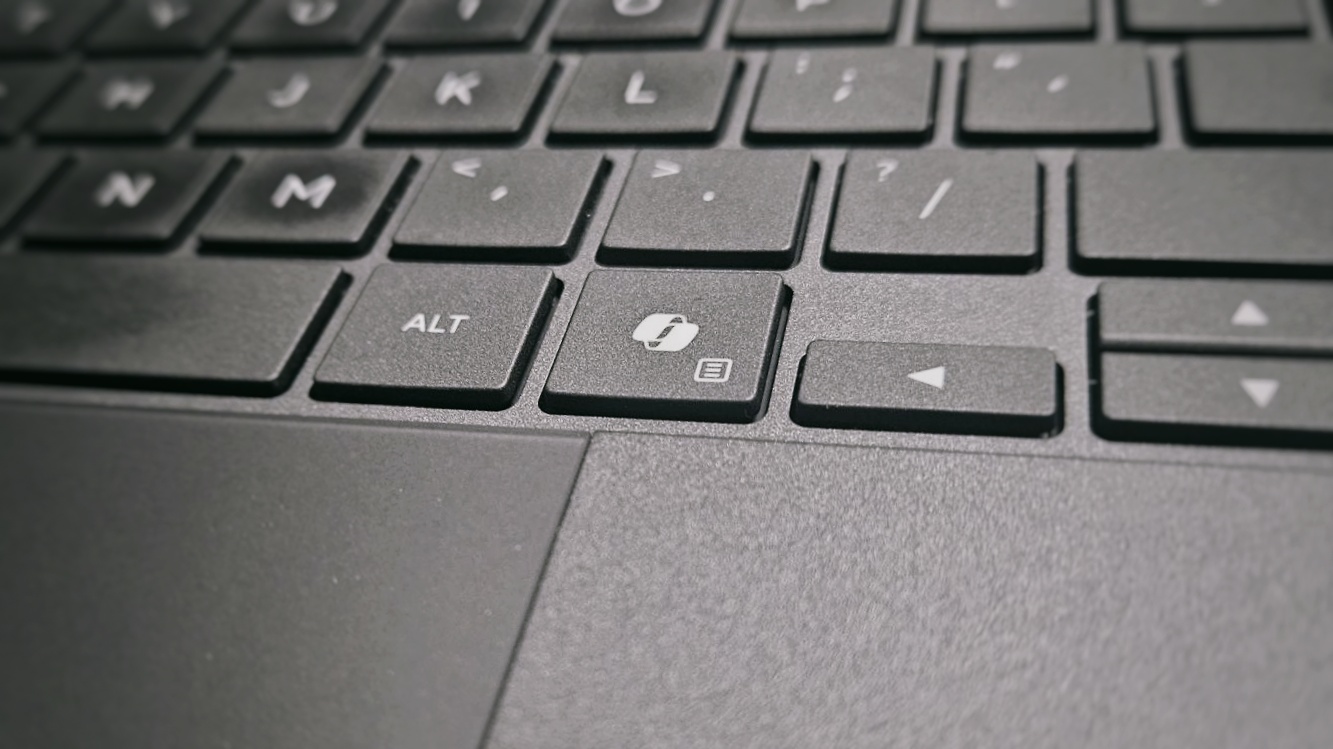
This change means Microsoft could soon update the Copilot key on newer PCs as well, and you can expect more of these in the coming years.
Microsoft also has a similar problem to deal with when it changes its Start menu icon every once in a while, but in the history of Windows, it has only changed the visual design of the Start button/icon approximately five major times since its introduction in 1995.
On the other hand, the Copilot icon has already changed three times, as it first started with Bing, later got its own colourful icon, and now has a slightly different icon, which feels “modern.”

Microsoft never acknowledged changing the Start icon and making it outdated on older hardware as a problem. In fact, it celebrated it as a revolution or reflection of the modernization of Windows, such as with Windows 8 or even Windows 11. And I wouldn’t be surprised if the company has a similar take on the Copilot key.
But when will the new Copilot icon begin shipping on new PCs? We don’t know yet, as Microsoft hasn’t officially shared a timeline. It’s likely still several months away, as we have not spotted this new icon on newer PCs.
OEMs are planning to launch new Copilot+ PCs at IFA 2026, but based on the renders we obtained, they do not come with the new icon, so that means most PCs should start shipping with the new Copilot icon in 2027 or 2028.
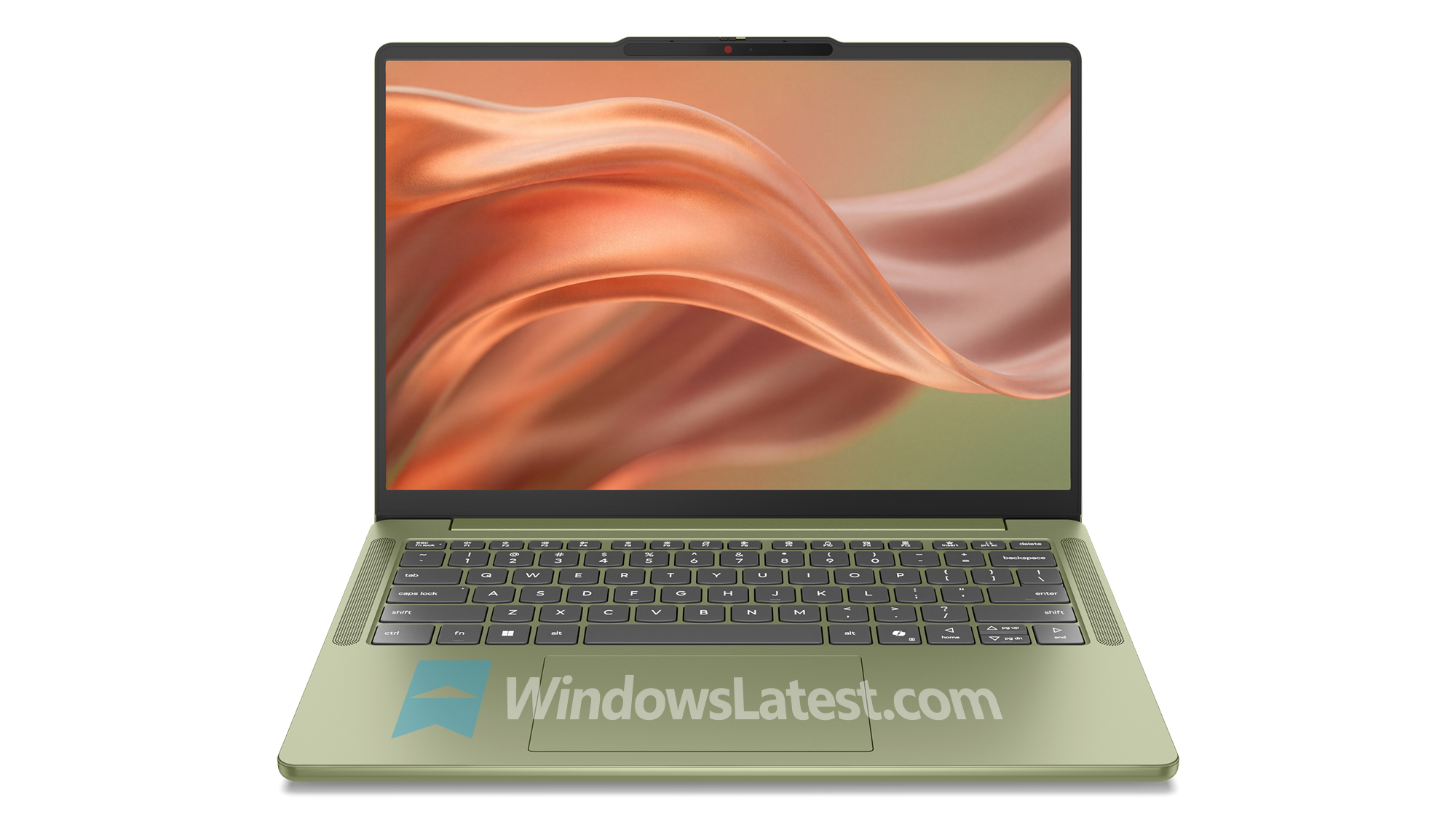
Copilot+ PCs won’t start using a colourful Copilot icon, but the design would look different from how it looks today, and you can see the difference in the image I shared above.
You’ll be able to remap or entirely disable the Copilot key on Windows 11 PCs
Microsoft is not going to call the Copilot key a mistake, and it remains committed to it for all the reasons it has, but it recently admitted that the key created problems for some of its customers, including those who used to rely on the Right Ctrl key or Context Menu key for assistive technologies, such as screen readers.
“Customers who rely on the Right Ctrl key or Context menu key for keyboard shortcuts or assistive technologies (such as screen readers) experienced some challenges to their workflows when using these devices,” Microsoft noted in a support document we spotted earlier this year.
Microsoft later explained that ‘these devices’ refer to all the new PCs that started shipping with the Copilot key in 2024.
“Starting in 2024, hardware manufacturers released new Windows 11 devices that include a dedicated Copilot key that provides quick access to Copilot experiences in Windows. This Copilot key sometimes replaces the Right Ctrl key or Context Menu key on select devices,” the company noted.
Ironically, Microsoft argues that the Copilot key “sometimes” replaces the Right Ctrl key, but that’s far from the truth. All newer PCs come with the Copilot key, including those that do not even meet the requirements of a Copilot+ PC due to having 8GB of RAM.
You can’t even escape the Copilot key on a mini PC, and if you don’t believe me, look at this new hardware from ASUS:
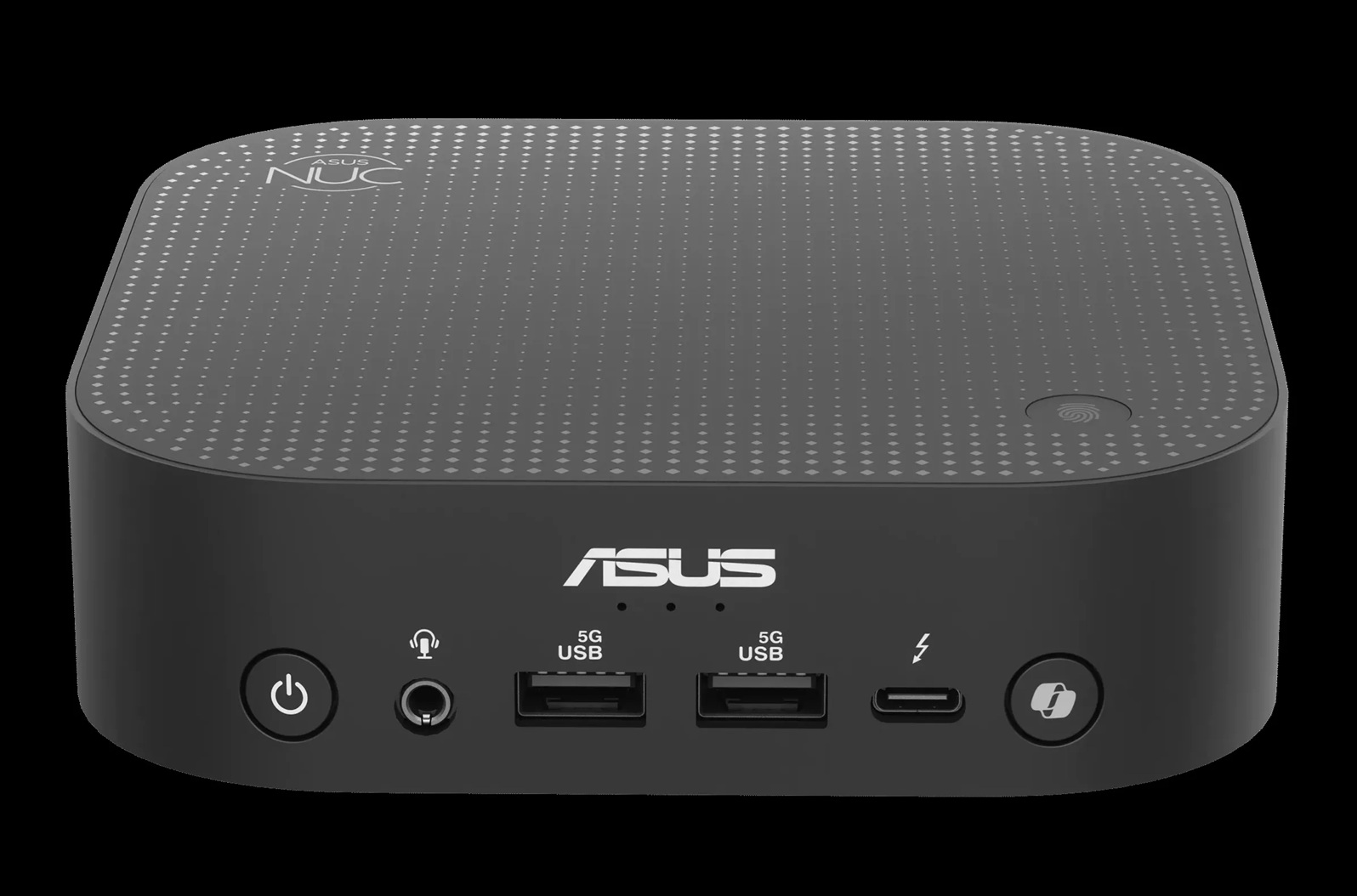
You can’t escape the Copilot key because it’s a requirement for OEMs, but if you hate the idea and want to restore the Right Ctrl key, I’ve got some news for you.
A Windows update that begins rolling out later this year will add a new toggle that lets you remap the Copilot key to Ctrl or another third-party app, such as ChatGPT or Claude.
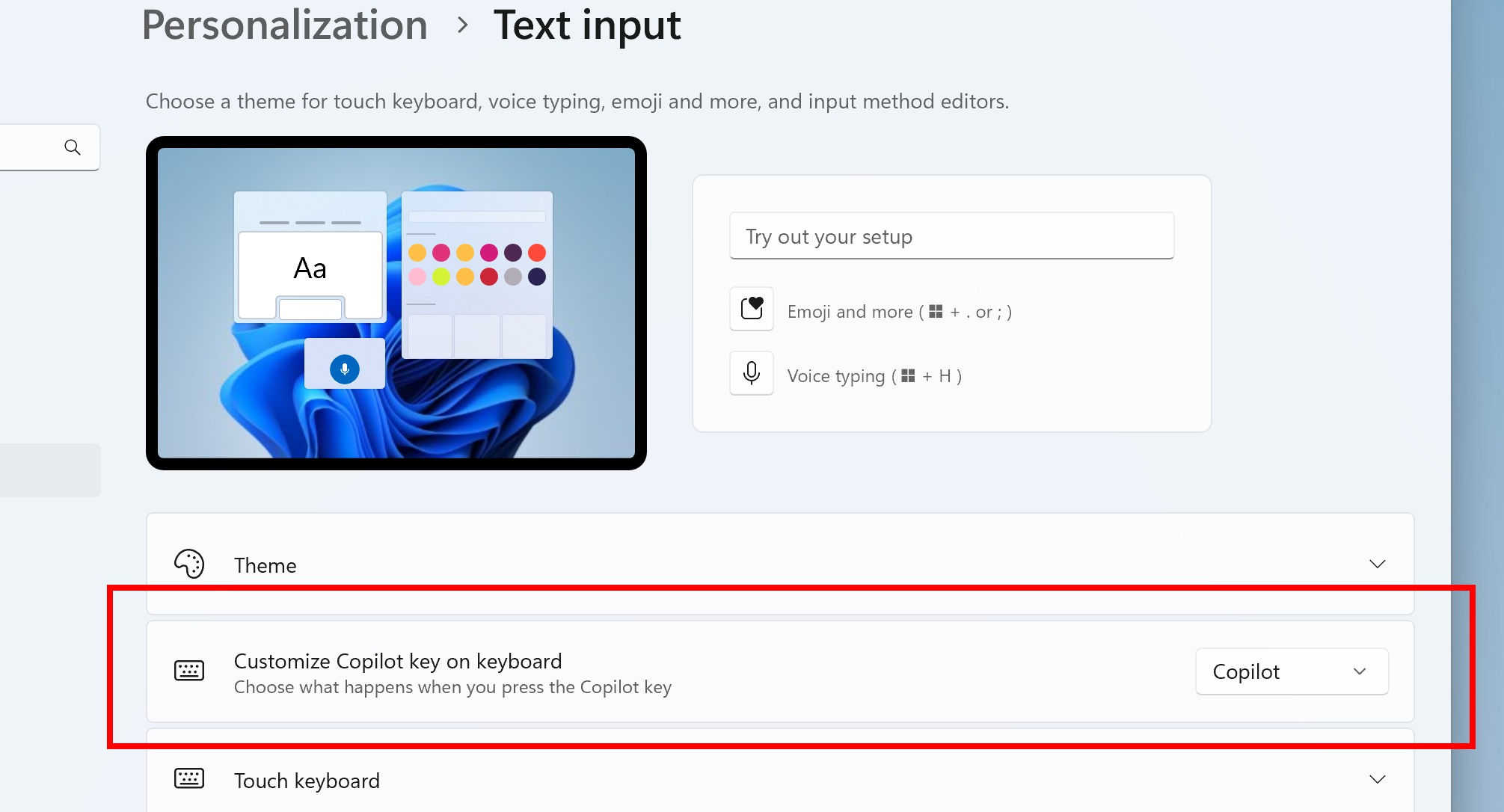
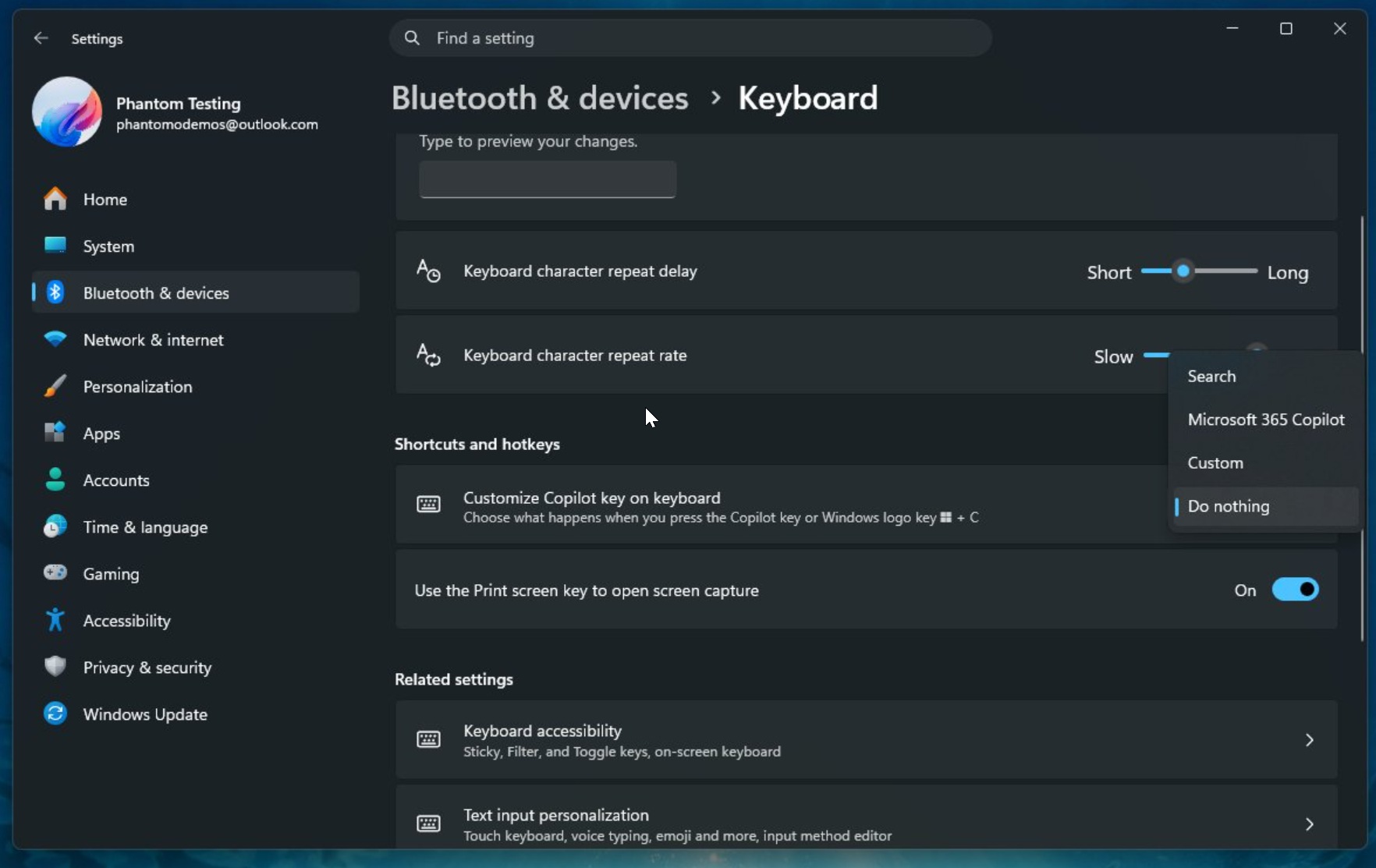
“A Windows 11 update will ship later this year that will add a setting option to let you remap the Copilot key to act as the Context menu key or Right Ctrl key,” Microsoft noted in the document, and said you’ll find the toggle in Settings > Bluetooth & devices > Keyboard.
We’re also told that newer preview builds include references to “Do nothing for Copilot key.”
This means you can entirely disable the Copilot key so you don’t accidentally click it and open a random chatbot.
Of course, you won’t be able to remove a physical key, and if Copilot ever enters Microsoft’s graveyard, like Windows Phone, you’d likely need a sticker.
Do you use the Copilot key or Copilot on your PC? Let me know in the comments below.