




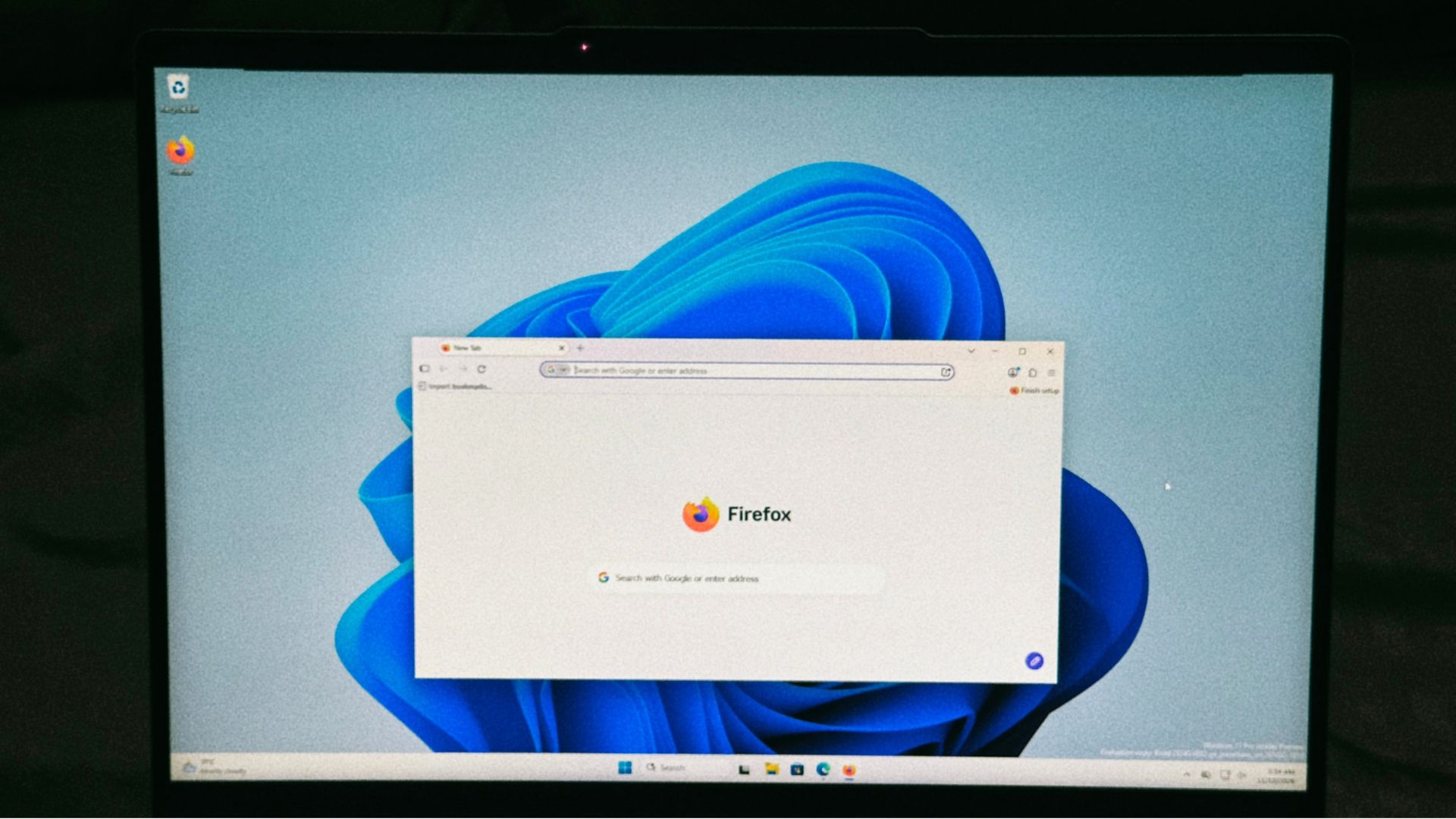
If Firefox is your browser of choice on your Windows 11 PC, you’ll be glad to know that it may soon open faster. Mozilla is working on a Firefox change that lets Windows 11 hand links and Start menu launches straight to an already-open Firefox window, and in an early test, a link reached the browser in about 3ms instead of 70ms.
Microsoft built the feature first for Windows 11’s often-despised default Edge browser, and we tested it in October when it was still limited to Release Preview Insiders. Edge has had the feature enabled on regular PCs since the optional KB5127936 update in late October, and it works pretty much as advertised.
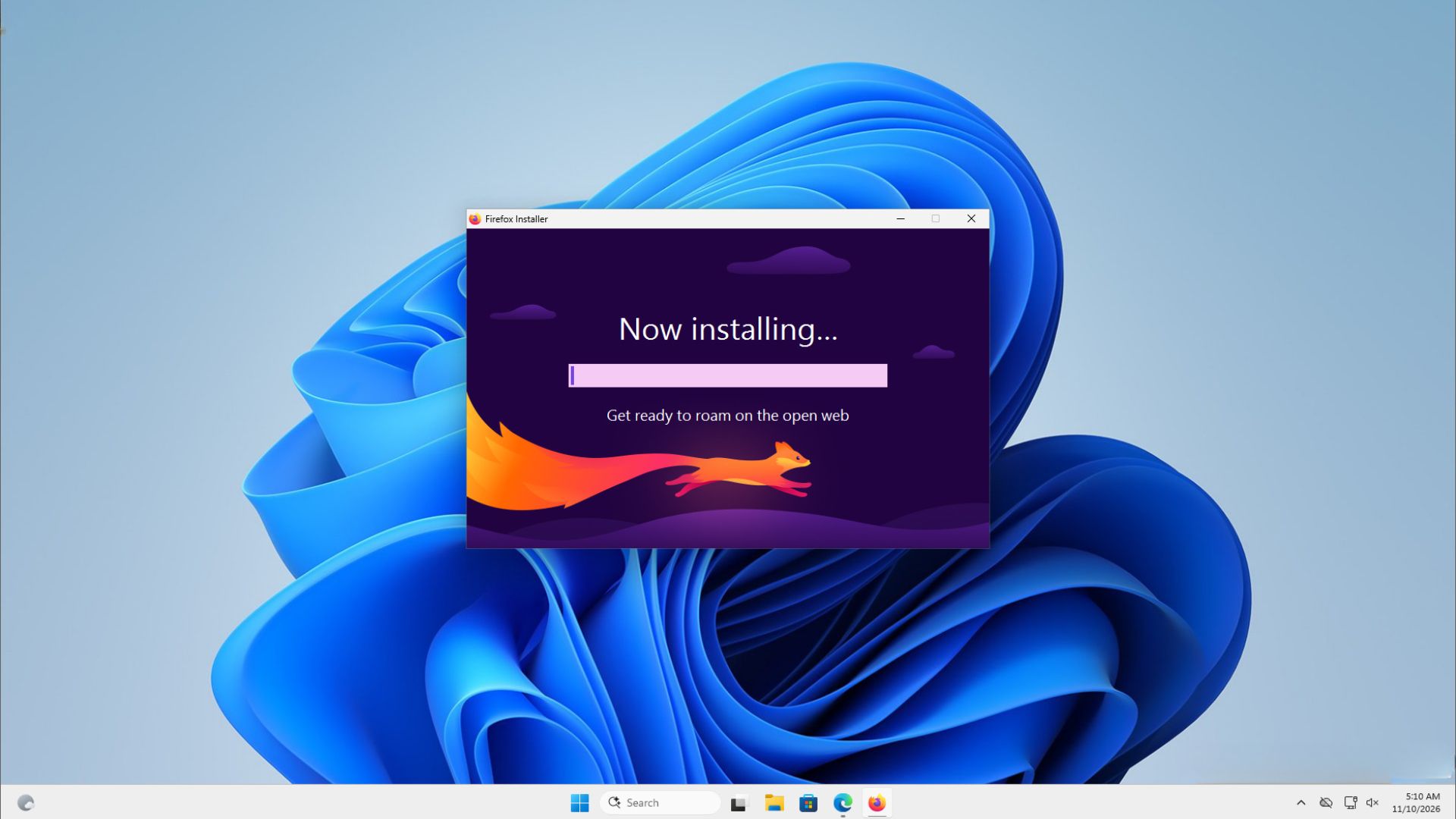
Firefox is testing a way to open links without starting another firefox.exe
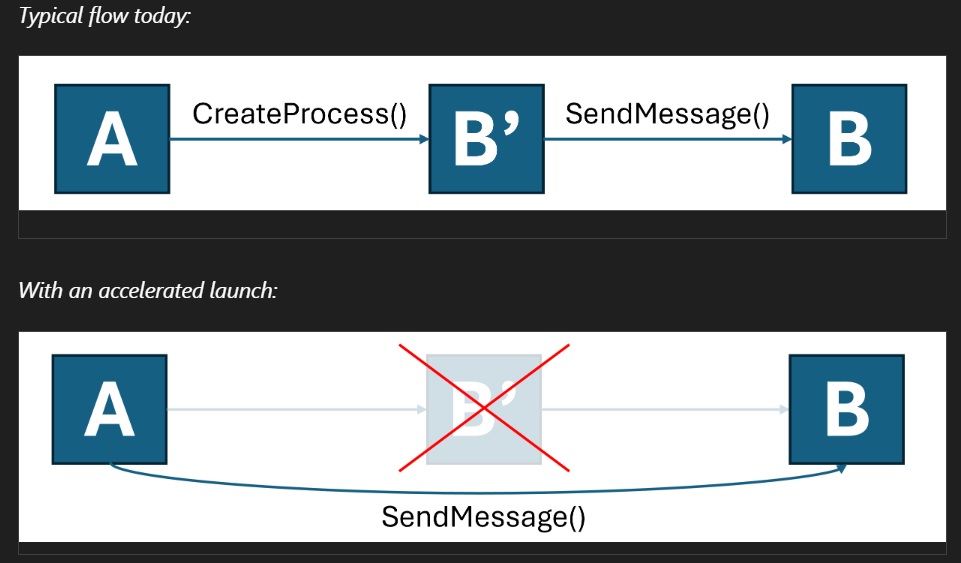
In the present state, if Firefox is already running on your PC and you click a link in another app, or open Firefox from the Start menu or taskbar, Windows starts a brand new firefox.exe. The new process, including the launcher, finds the running Firefox, passes on your request, and exits. It’s an extra step!
David Rubino, who works as the Senior Staff Product Manager for Firefox, points out in Bug 2087194, filed in late October, that it’s “the normal case for anyone who keeps Firefox open, and launch on login makes it more common.”
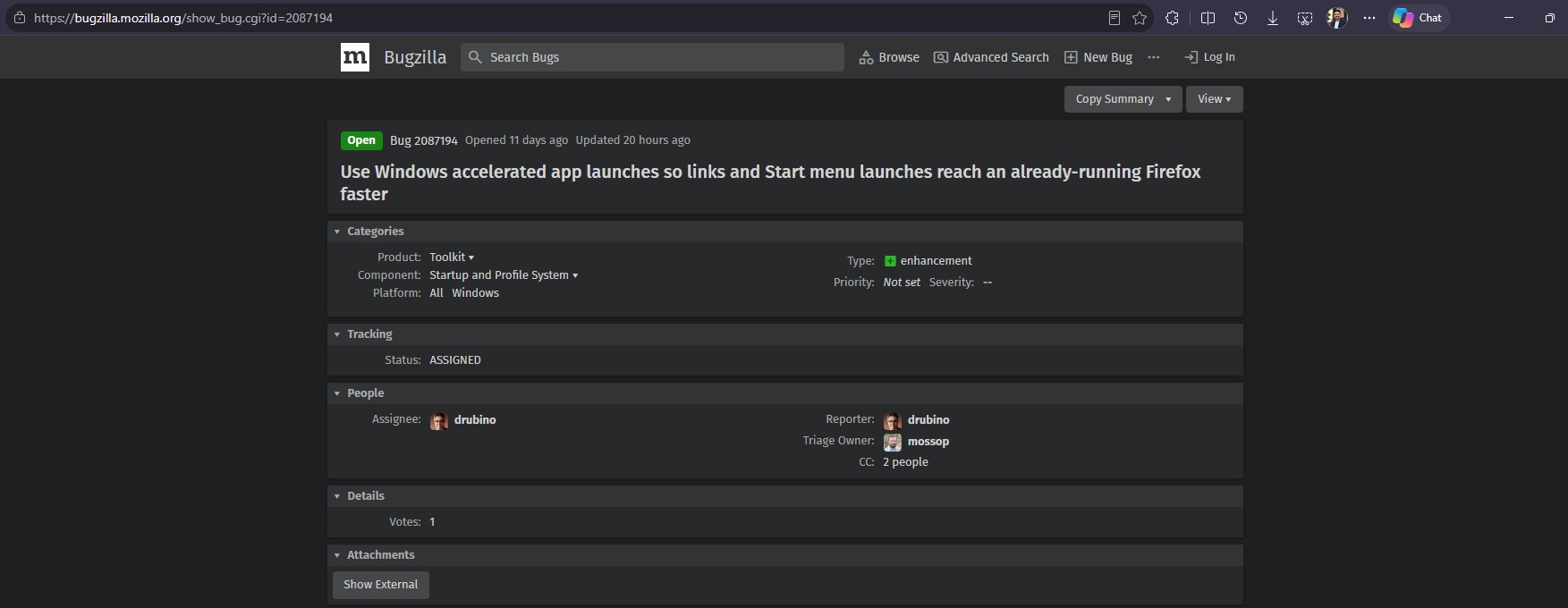
Interestingly, Rubino worked at Microsoft for more than 16 years, starting with Windows Explorer, moving to Internet Explorer, and then more than 8 years as the Senior Product Manager of the Microsoft Edge Team.
Anyway, the fix uses Microsoft’s accelerated app launch API, which is a Limited Access Feature, so developers need an unlock code from Microsoft to use it. Funnily enough, Firefox didn’t need a new one, as the code it already uses for pinning itself to the taskbar unlocks this too.
The 3ms figure comes from the developer’s quick test with a local build, where Start menu launches also went straight to opening Firefox. To be clear, 3ms is how long Windows takes to hand over the request, so don’t expect Firefox to load pages 23 times faster.
Sadly, you can’t try it yet. The work-in-progress patch is hidden behind widget.windows.accelerated_launch.enabled, which is off by default and controlled by Mozilla’s Nimbus experiments system. The developer is also yet to figure out which Firefox should take a launch when several profiles are open, and whether Microsoft wants a heads-up before Mozilla uses the feature.
Edge already opens faster on Windows 11 because there’s no middleman
Microsoft calls the feature “accelerated warm launches” in its developer documentation. When a single-instance app like a browser starts, it registers its running window with Windows, and from then on, Windows notifies that window when you open the app from the Start menu or taskbar, or click a link the app is the default handler for.
Before:
After:
According to Microsoft, skipping the temporary process “reduces overall latency.” But the API “doesn’t cover every kind of launch, from every source application, on every version of Windows,” so apps still need their old single-instance code as a fallback.
Edge 150 and later uses it on Windows 11 25H2, 26H1 and 26H2 with the October 2026 non-security update or later, and the Edge team says most users will see launches about 15% faster, and up to 33% faster under heavy multitasking. Those aren’t small numbers, so to check the claims, we tested it.
In our October tests on a virtual machine with a mere 4GB of RAM, opening Edge from the taskbar while Microsoft Store and Paint were open went from sluggish to surprisingly snappy after the update. The first launch after a restart was no faster, because there’s no running Edge for Windows to hand the request to.
Of course, Startup Boost keeps Edge running in the background anyway, and with way too many tabs open all day on my laptop, practically every link I click is a warm launch.
Interestingly, the final KB5127936 release notes list the Edge change under Normal rollout, which Microsoft describes as a release to all eligible devices at once, after a gradual rollout in Release Preview. Clearly, Microsoft is confident about this one.
Since the update was optional, you had to install it yourself. But as you would know, the features and changes from last month’s optional update will reach all PCs in this month’s mandatory security update, and accelerated app launches for Edge are coming to your PC with the November 10 Patch Tuesday update. Once your PC installs the security update, Edge should open faster with no extra input needed from you.
Chrome, Brave and other Windows apps could be next
Yes, Edge has been ridiculed by social media users for several reasons, including the fact that it’s based on Google’s Chromium. But Microsoft has been among the top contributors to the open-source platform, and accelerated app launches is also on the list.
So, Chrome, Brave, Vivaldi and other Chromium browsers could get the improvement, but none of them has announced support yet. This is fairly new, though. Firefox, being built on Mozilla’s own Gecko engine, needs its own implementation.
Of course, the API isn’t limited to browsers. Messaging apps, music players and email clients that run as a single instance could use it once they get Microsoft’s unlock code, although no one has confirmed plans. The Edge team says it’s also working with Windows on other scenarios, like opening PDF files.
For years, Microsoft’s answer to slow launches was to keep more things loaded in the background, from the likes of Startup Boost for Edge and Word to preloading File Explorer. Accelerated launches just remove the redundant work Windows didn’t need to do, and I’m all for it.
The question now is how many Windows developers besides Mozilla will ask Microsoft for that unlock code.