






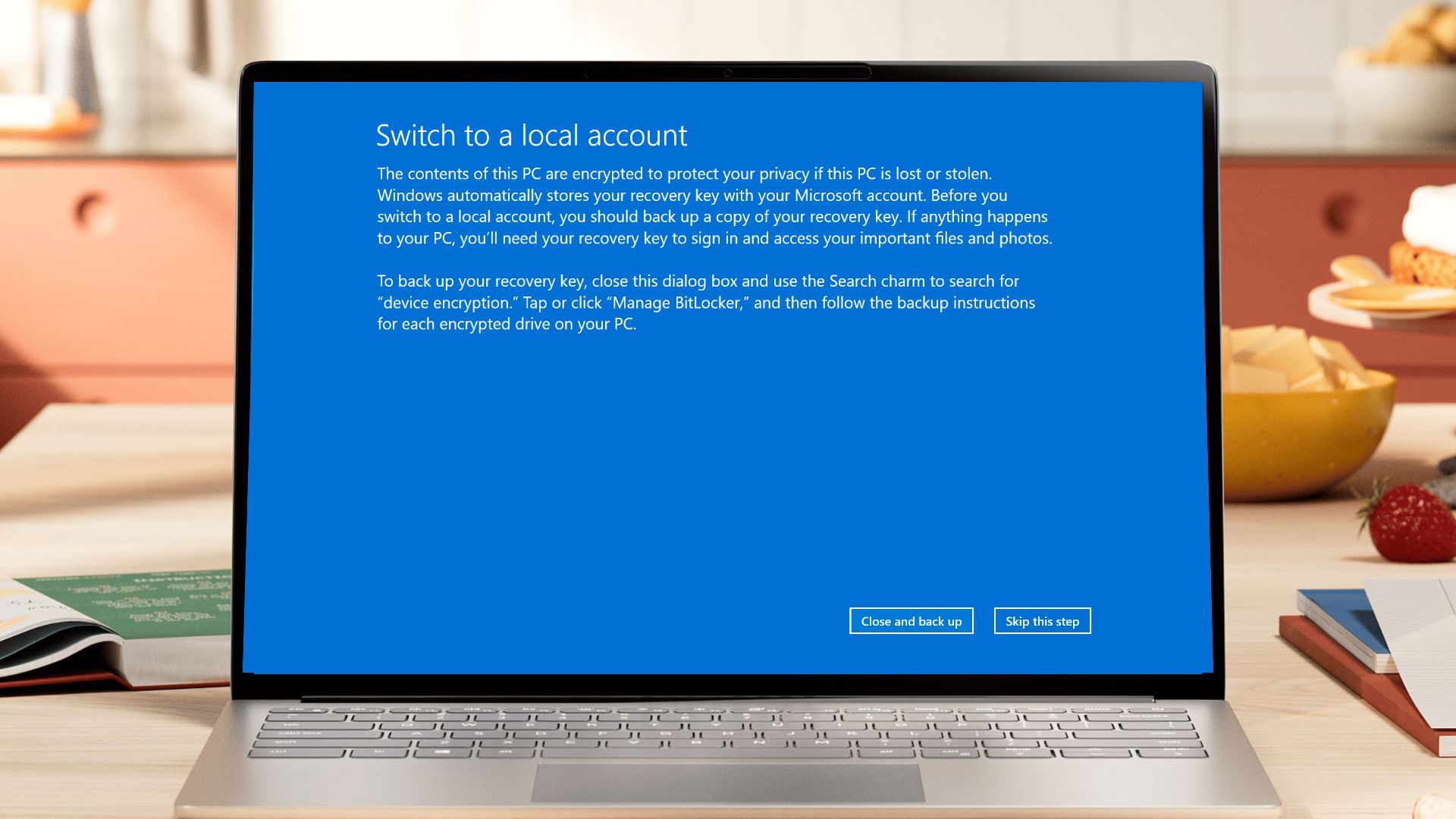
Marcus Ash, who leads Design and Research for Windows and Devices at Microsoft, has confirmed that the “Switch to a local account” dialog, the one that still tells you to use the Windows 8 “Search charm,” is now on the company’s list for rejuvenation.
The confirmation came after a user posted a screenshot of the dialog from Windows 11 25H2 build 26200.8655 on X, tagging Ash. His reply also says that Microsoft is working on updating a long list of classic dialogs in Windows 11.
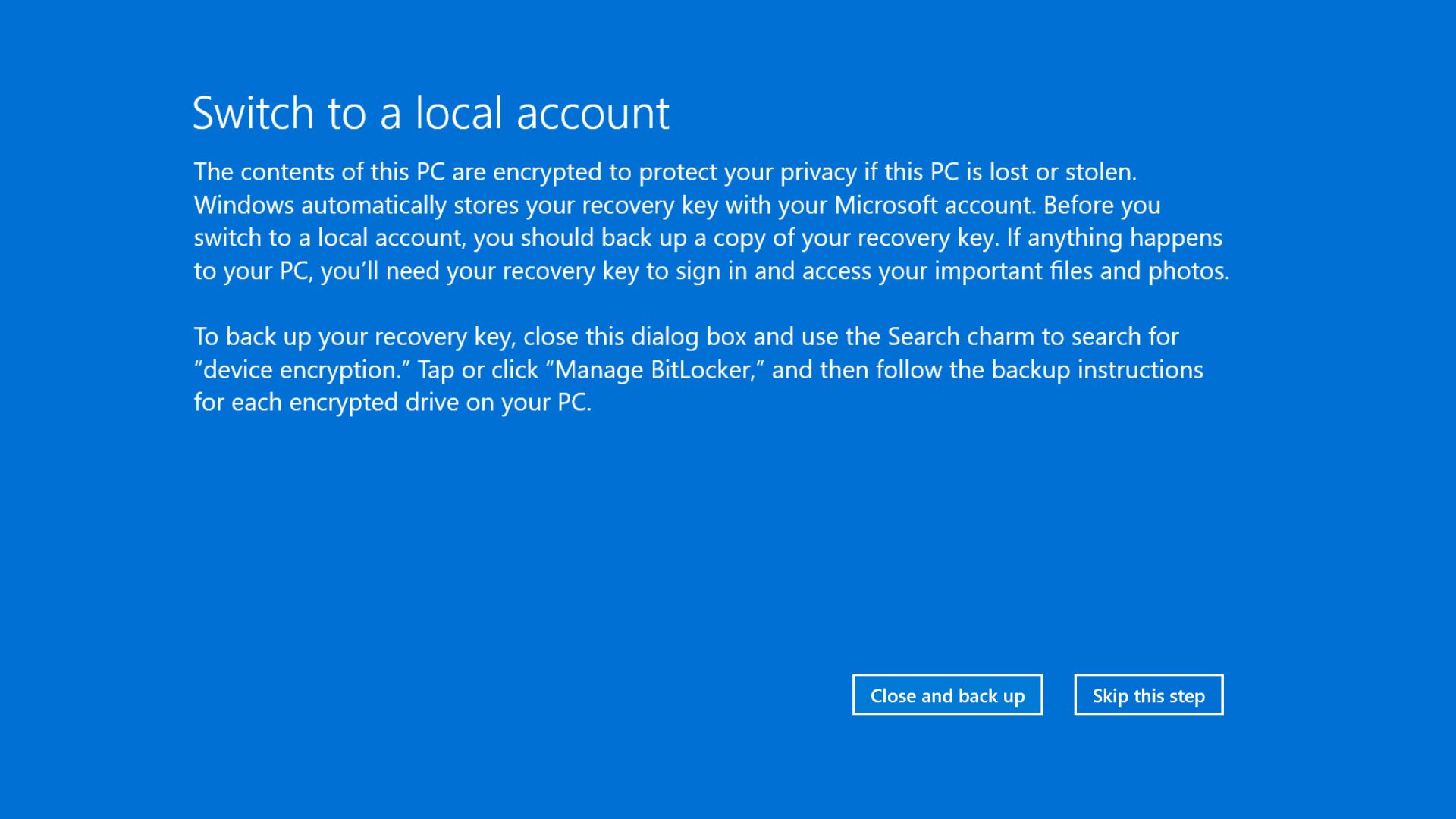
Windows 11 still tells you to use a Search charm that died with Windows 8
If you have ever switched your Microsoft account to a local one on a device with BitLocker or device encryption turned on, you have probably seen this dialog before backing up your recovery key.
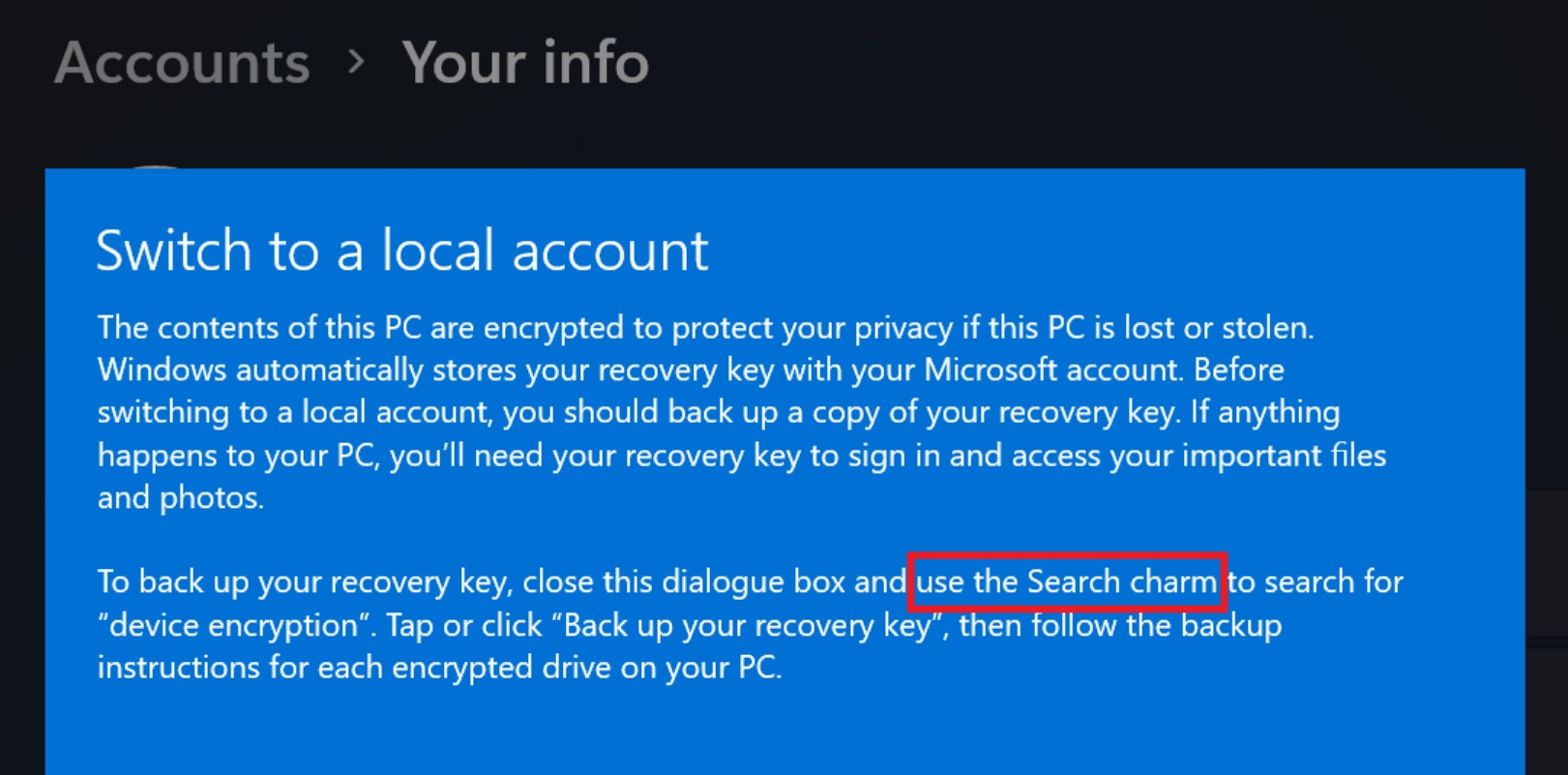
It reads, “To back up your recovery key, close this dialog box and use the Search charm to search for “device encryption.””
The Search charm hasn’t existed since Windows 8.1. It was part of the Charms Bar, a strip of five icons (Search, Share, Start, Devices, and Settings) that showed up when you swiped in from the right edge of the screen or pressed Win+C. Windows 10 killed the Charms Bar in 2015, replacing it with taskbar search and the modern Settings app.
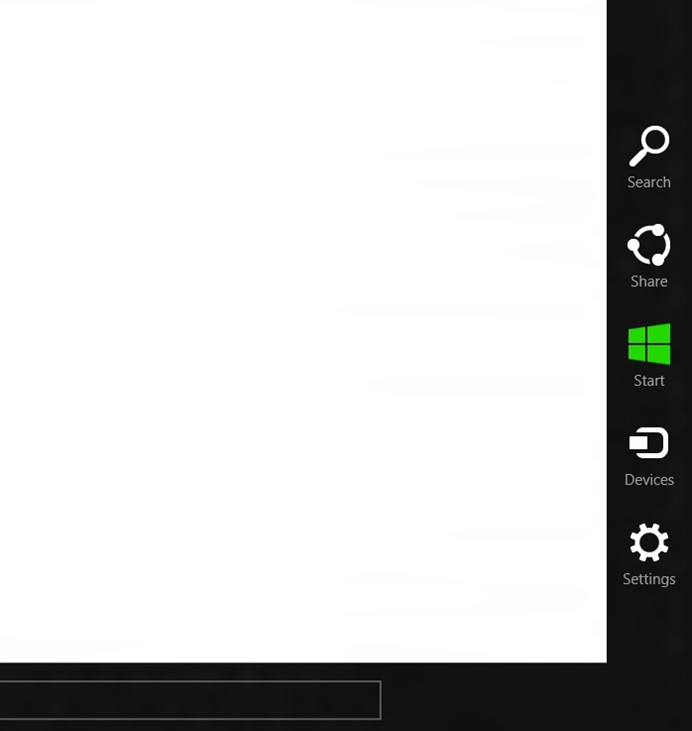
Unsurprisingly, this isn’t the first time someone has noticed Microsoft being lazy to update an old dialog. Back in 2023, we reported that Windows 11’s Settings still referenced the Windows 8 Charm feature. Three years later, the dialog is unchanged with the same wording.
The X post that reignited the conversation came from a user who spotted the dialog on 25H2 build 26200.8655 and tagged Ash, joking that “someone missed this dialog for rejuvenation.” Windows historian Albacore chimed in too, pointing out that apart from the old design, the phrase “Search charm” itself is the giveaway that tells the language is from an interface that stopped existing a long time ago.
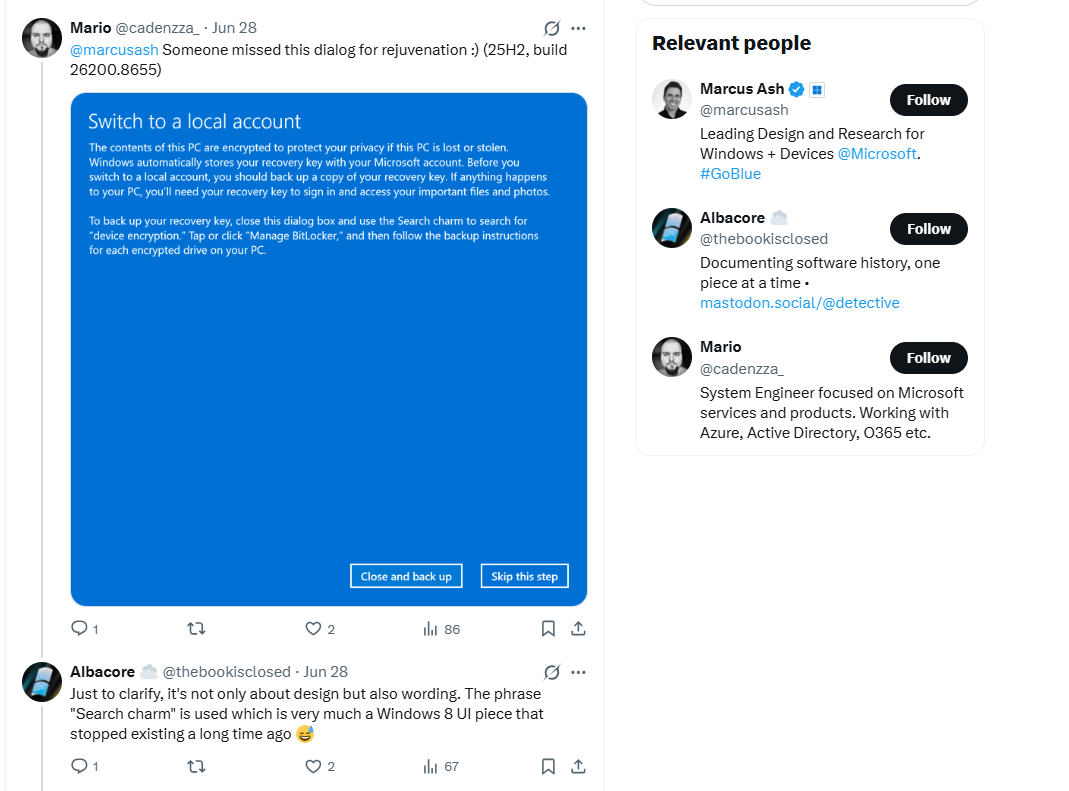
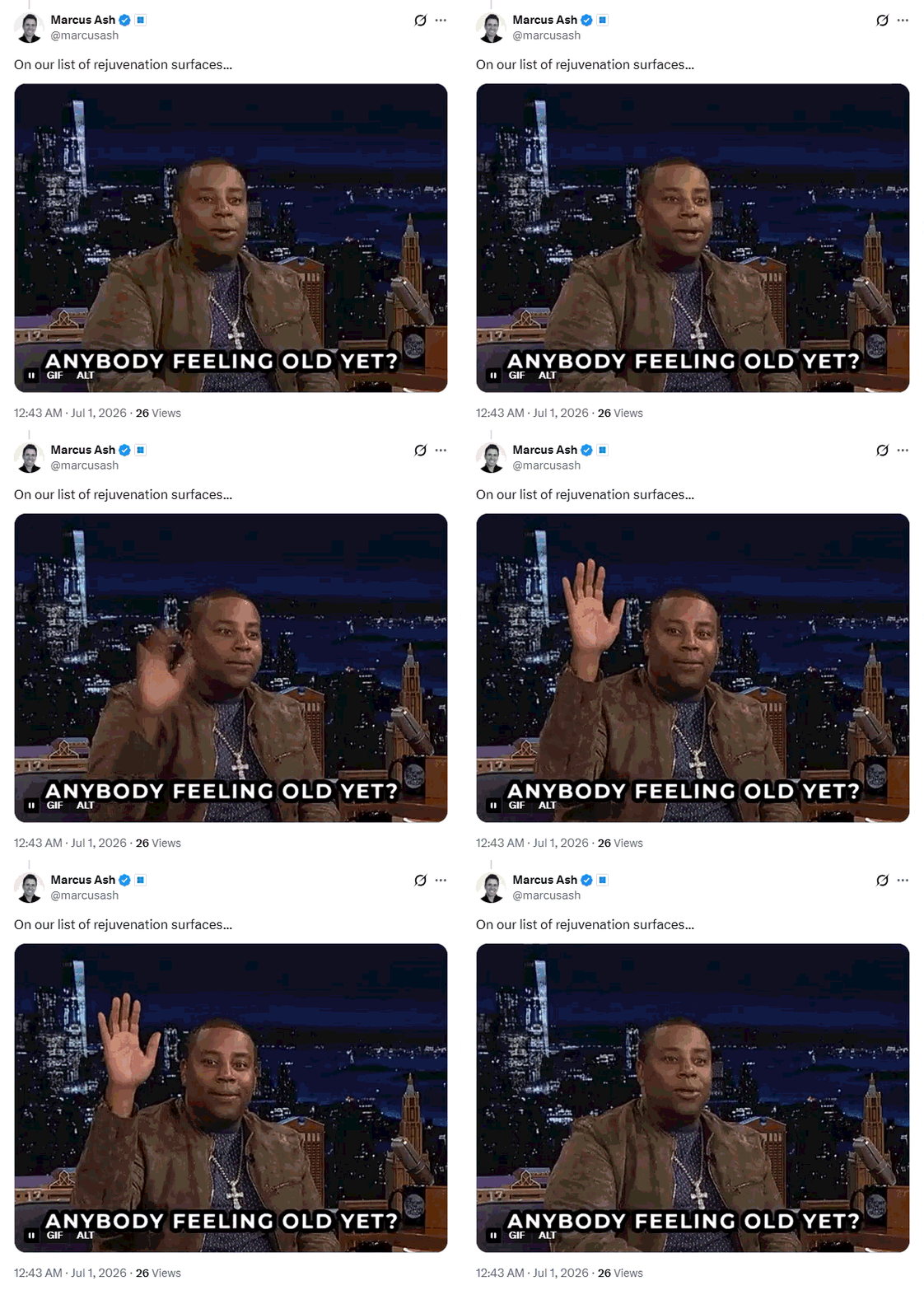
Marcus Ash replied that the dialog is now “on our list of rejuvenation surfaces,” and continued with the same vibe by attaching a meme about how the Windows 8 reference makes people feel old.
It’s not hard to guess why this particular dialog slipped through the cracks for so long. Microsoft has never been enthusiastic about local accounts to begin with, and the company has spent years nudging, and at times outright forcing, people toward Microsoft accounts during setup. A screen that only shows up when someone tries to leave that ecosystem was never going to be a priority.
Every legacy dialog Microsoft is being rewritten for Windows 11
“Rejuvenation” is Microsoft’s internal shorthand for modernizing old UI surfaces (dialogs, icons, wording, and layouts) that hasn’t received the Fluent Design treatment Windows 11 promised back in 2021. Based on what we’ve tracked over the past several months, the local account dialog is just the latest addition to a list that keeps getting longer.
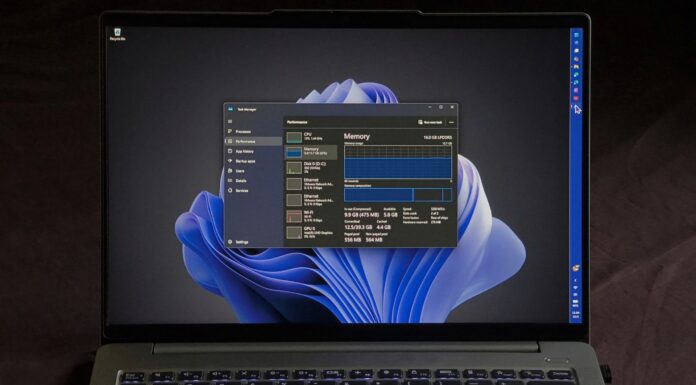
One of my favorite examples is the Run dialog. Windows Latest reported in April that the hidden modern version of Win+R was getting a slimmer design ahead of rollout, and by May, Microsoft had detailed the engineering behind it. The new Run box is built with WinUI 3 and .NET AOT compilation, and it loads faster than the Windows 95-era version it’s replacing, 94 milliseconds versus 103ms on the legacy tool, according to Microsoft’s own telemetry.
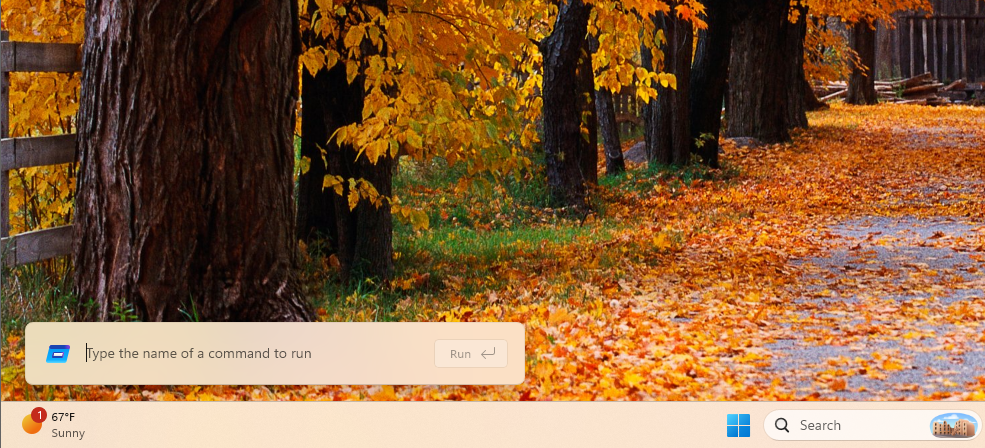
It’s still an opt-in feature buried in Settings > System > Advanced. But the fact that Microsoft managed to make a modern Run that is faster than the fully optimized legacy Run gives me more hope in this “rejuvenation”.
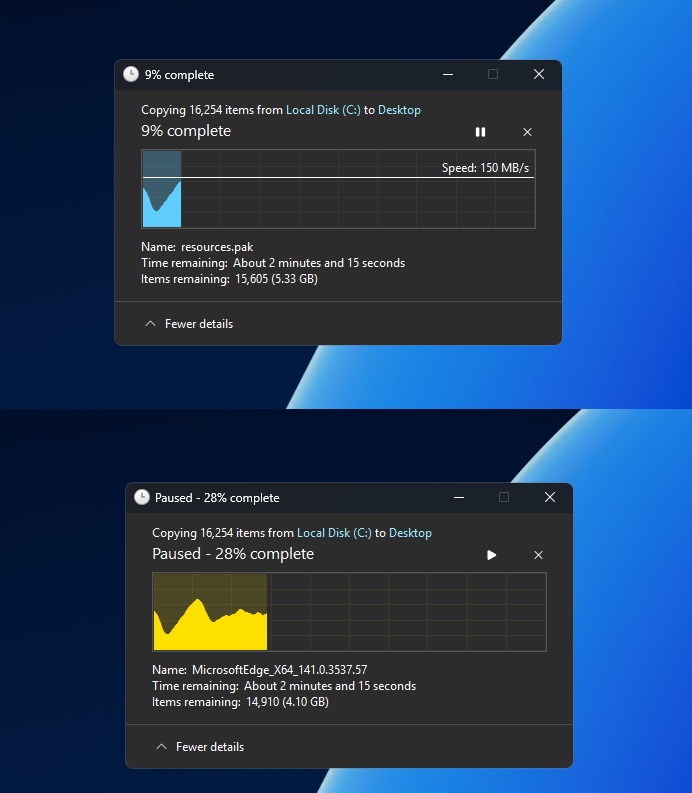
File operation dialogs got there first. Copy, move, delete, and cut dialogs picked up dark mode support months ago, and Microsoft has since confirmed that the file copy dialog has been fully rewritten in WinUI 3. March Rogers, Partner Director of Design at Microsoft, said as much on X in May, when a user pushed back on the idea that modernizing Run was enough while dialogs like the common file open box were still stuck in Win32. “We are working through our list of all older dialogs and rewriting them in WinUI 3,” Rogers wrote. “The file copy dialog is already done, the common file dialog is on our list.”
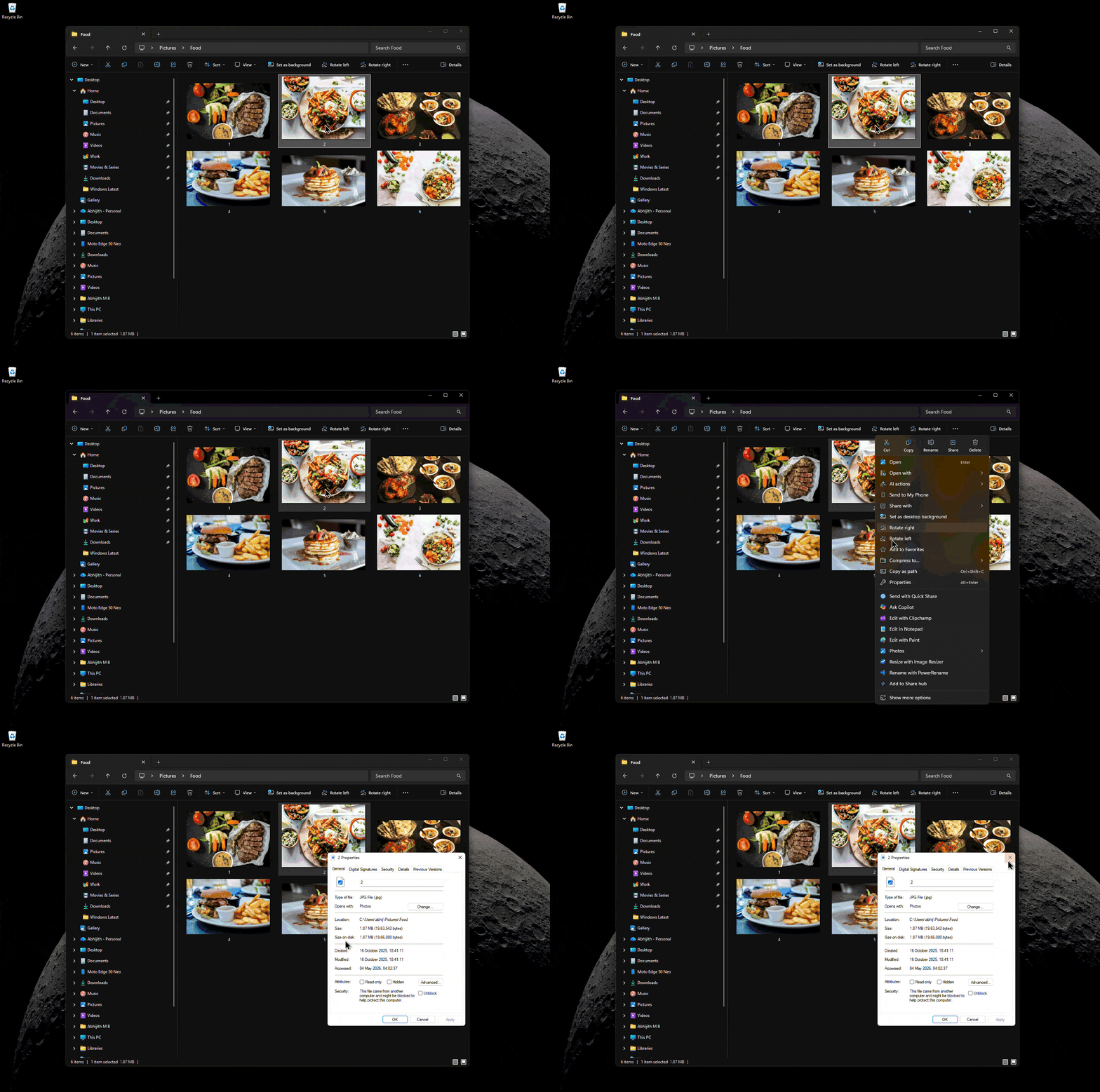
The File Explorer Properties dialog is next in line. Windows Latest found references to modern “DeletedFileProperties” strings quietly added to File Explorer’s resource files back in May, a strong signal that the Windows 95-era Properties box, the one that still refuses to respect dark mode, is being rebuilt in WinUI 3 too.
Rogers has had to answer for old UI showing up in new places before. In April, a user flagged that the input method switcher on the Windows 11 login screen still used Windows 8-style design. Diego Baca, Windows Design Director, picked up the thread and promised to pass it along, and Rogers confirmed it had been added to the team’s internal “craft list.”
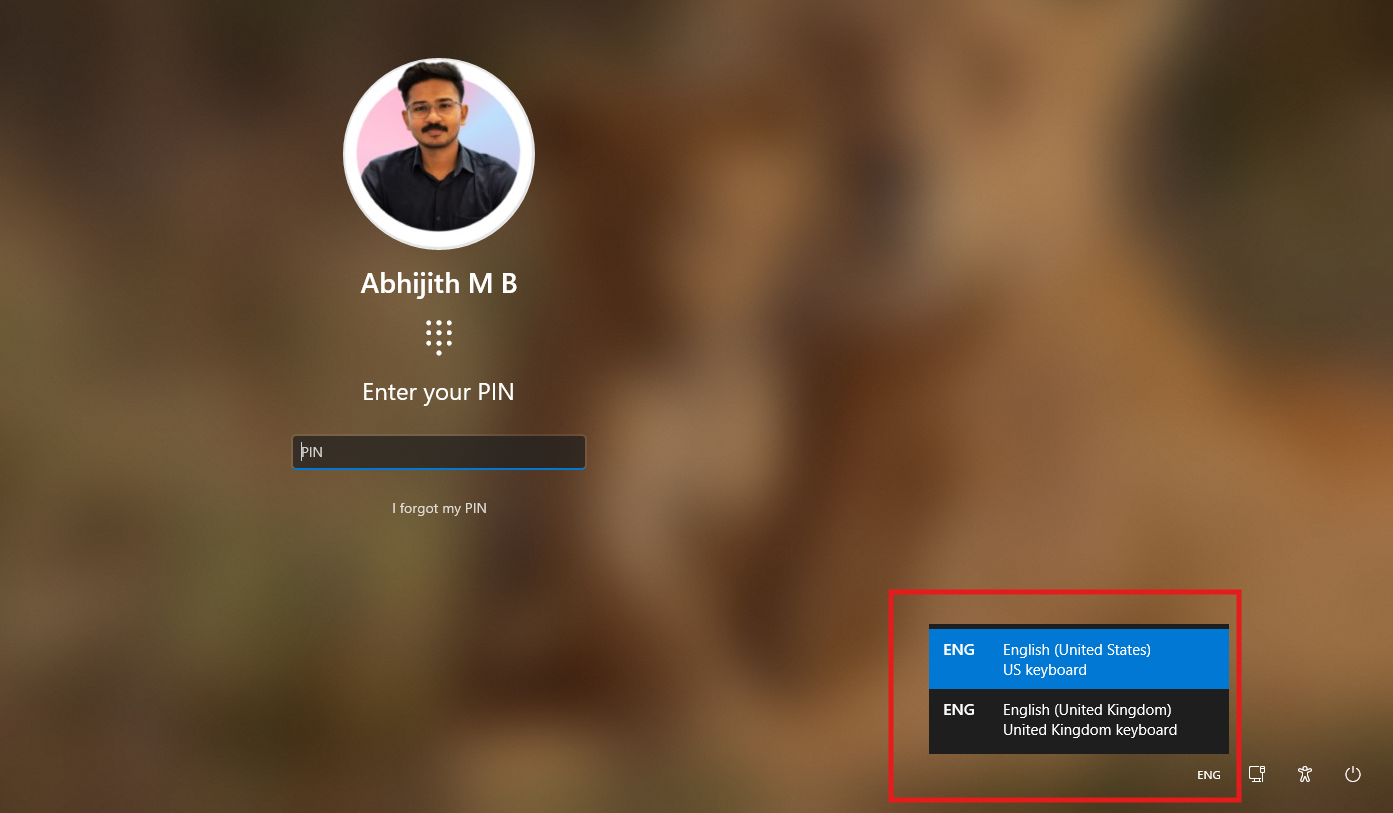
We still have WinRE, the recovery environment you land in after a failed boot, and the old “Please wait” screen with its spinning dots, both of which still look like they escaped from 2012.


Back in March, responding to a similar thread about gaps in dark mode, Ash wrote that Microsoft “started with extending dark mode in the Run dialog and various File Explorer surfaces,” and that the team is “building out tooling to scale modernizing other dialogs across Windows 11 that were built in legacy frameworks.” That last part is the important bit suggesting that Microsoft building a repeatable process for finding and replacing old Windows elements.
Interestingly, rejuvenation isn’t limited to visual aesthetics. Ash also mentioned in a separate exchange that the sound designer who worked on the original Windows 11 startup chime has rejoined his team, which hints at a refreshed set of system sounds down the line. Windows 11’s notification tones, error alerts, and other system sounds haven’t really changed since launch, so it would be exciting to hear what Windows 11 would sound like.
Windows 11 is finally cleaning up after itself
You might be thinking that none of these fixes are glamorous, and I agree. Microsoft should’ve removed all Windows 8 references before their Windows 11 keynote. But now, we’re getting a solid idea of where Windows 11 is headed in 2026.
We’ve been tracking such belated fixes elsewhere in the OS, too. Microsoft finally addressed File Explorer’s cluttered right-click menu with a new Split Context Menu design.
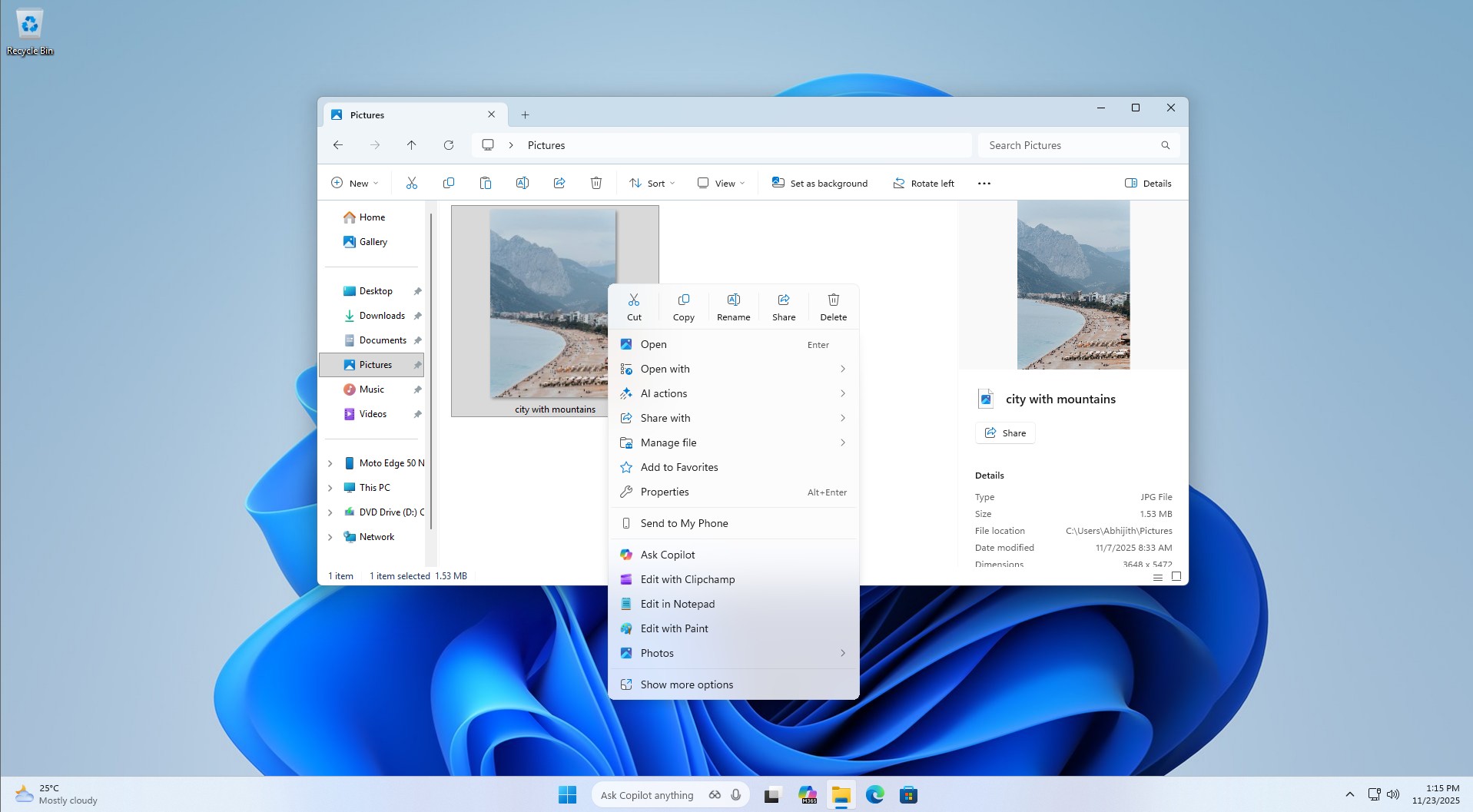
The company is rebuilding the Start menu on native WinUI instead of the web-based components that made it feel sluggish. As WinUI takes helm, more parts of the UI will be smoother, like how the File Explorer scrolls smoothly in some views and not others.
That said, the local account dialog was never going to break anyone’s workflow. It’s just wording nobody bothered to update since the Obama administration. But Ash confirming it within days of being tagged, and it already being part of the “rejuvenation” list along with Run, file dialogs, and the Properties box, is a decent sign that Microsoft is keeping it’s promise of fixing Windows 11.