








Windows 10 KB5099539 is rolling out as part of Microsoft’s July 2026 Patch Tuesday for any PC enrolled in the Extended Security Updates (ESU) program. Microsoft has also posted direct download links for KB5099539 offline installers (.msu), but like every ESU-era Windows 10 patch, they won’t work unless your device already has ESU active.
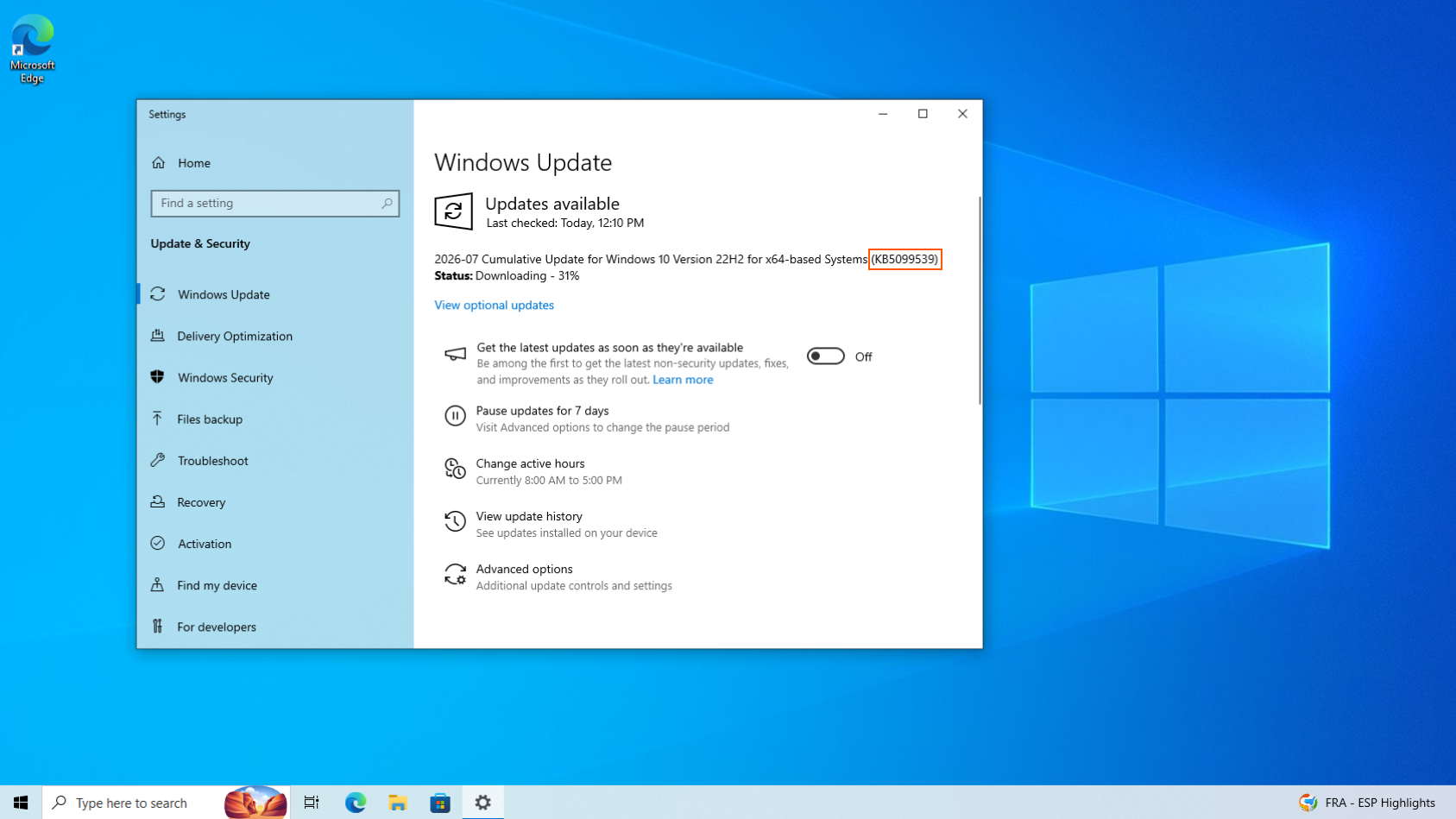
If you haven’t checked for updates yet, this patch is labeled as “2026-07 Cumulative Update for Windows 10 Version 22H2 for x64-based Systems (KB5099539)“.
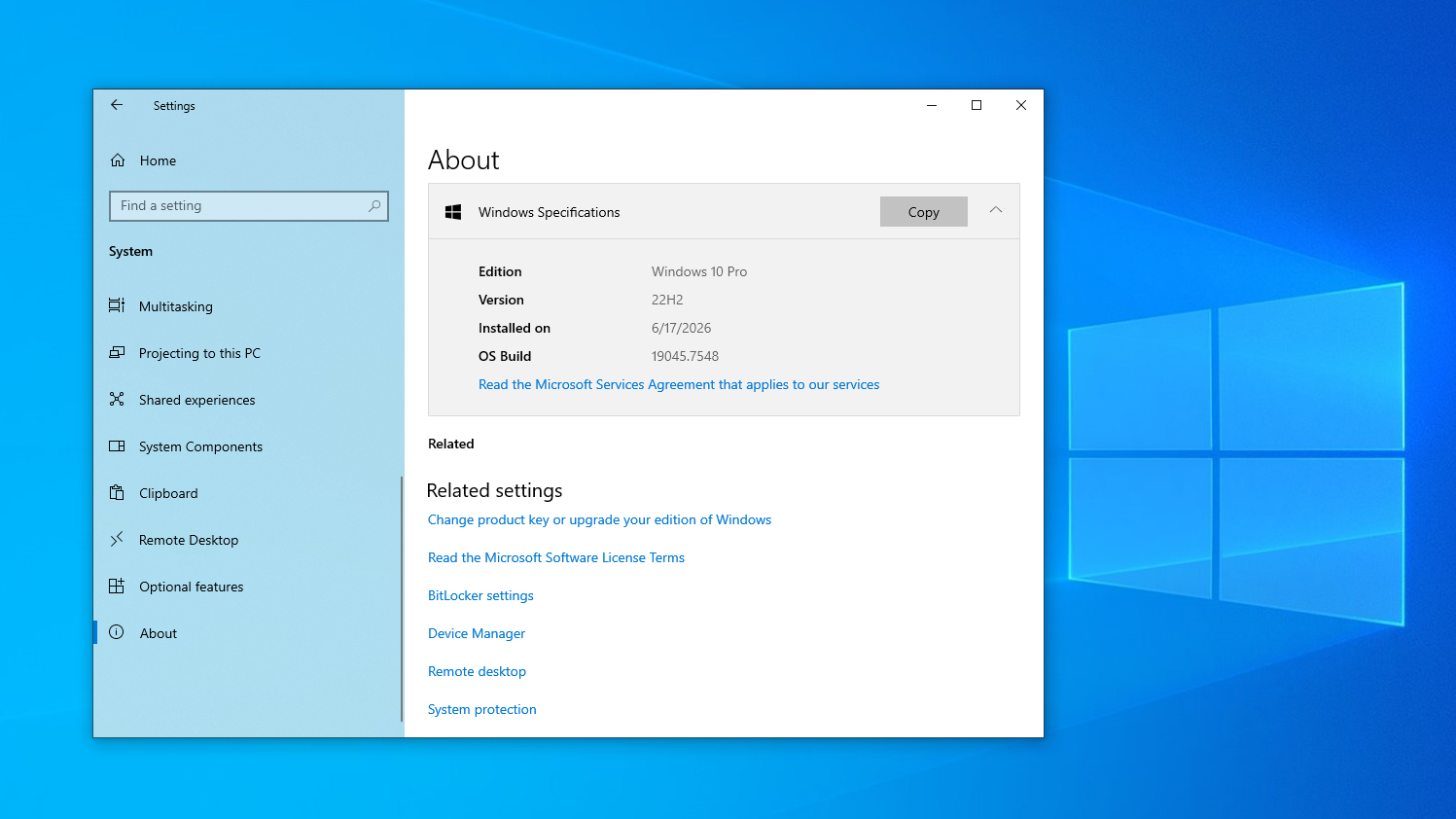
In our tests, Windows Latest observed that Windows 10 KB5099539 takes just a few minutes to download and install. After installing, it bumps the OS to Windows 10 Build 19045.7548, while Windows 10 Enterprise LTSC 2021 moves to Build 19044.7548.
Download Links for Windows 10 KB5099539
Windows 10 KB5099539 Direct Download Links: 64-bit and ARM-64
This opens the Microsoft Update Catalog, where you can grab the .msu offline installer. The download size is around 1067MB. Most of you should just let Windows Update handle it, though. Update Catalog is really for people managing several PCs who prefer installing offline, or for when Windows Update itself starts throwing errors.
You can download and install the Windows 10 July 2026 update from Settings > Updates & Security > Windows Update.
What’s new in Windows 10 Build 19045.7548?
Windows 10’s patch comes alongside Microsoft’s record July 2026 Patch Tuesday for Windows 11 (KB5101650), which fixed 570 security flaws across its products, including two zero-days already being exploited in attacks. We already have a full breakdown of that release, including features and fixes in our July 2026 Patch Tuesday coverage.
KB5099539 brings all of the Windows 10-relevant fixes from that release into one cumulative update.
1. Remote Desktop gets a security upgrade
The biggest change in Windows 10 KB5099539 is on the Remote Desktop side. Microsoft has added support for SHA-2 certificate thumbprints for trusted RDP publishers. SHA-1 support sticks around for backward compatibility, for now, but Microsoft has confirmed it’s planning to remove it down the line.
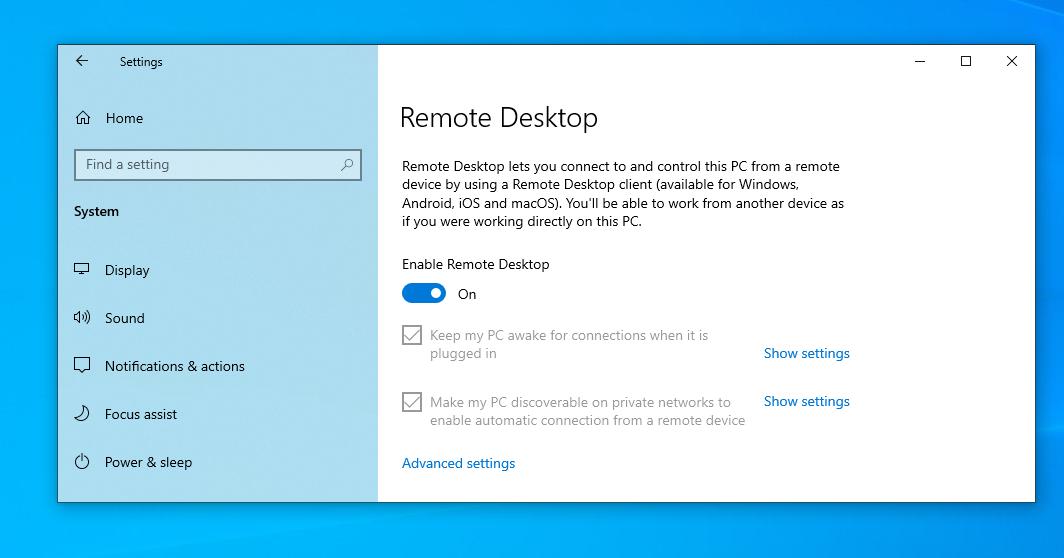
Microsoft has also published new guidance for managing RDP file security through Group Policy, letting organizations control which .rdp files users are allowed to open in the first place. It’s aimed squarely at phishing, since a malicious .rdp file is a fairly common way attackers trick people into handing over access to their PC.
If you’re an IT administrator still using SHA-1 thumbprints for RDP publishers, Microsoft wants you to migrate to SHA-256 or something stronger soon, before SHA-1 support goes away for good.
2. A networking change could break some third-party software
Yes, not exactly a feature or improvement, but, in fact, the opposite! Windows 10 KB5099539 also introduces a security hardening change that enforces TDI transport registration requirements.
Apps that use sockets over unregistered third-party TDI transports might stop working after installing this update. Registered TDI transports aren’t affected, though. So, most people won’t notice anything.
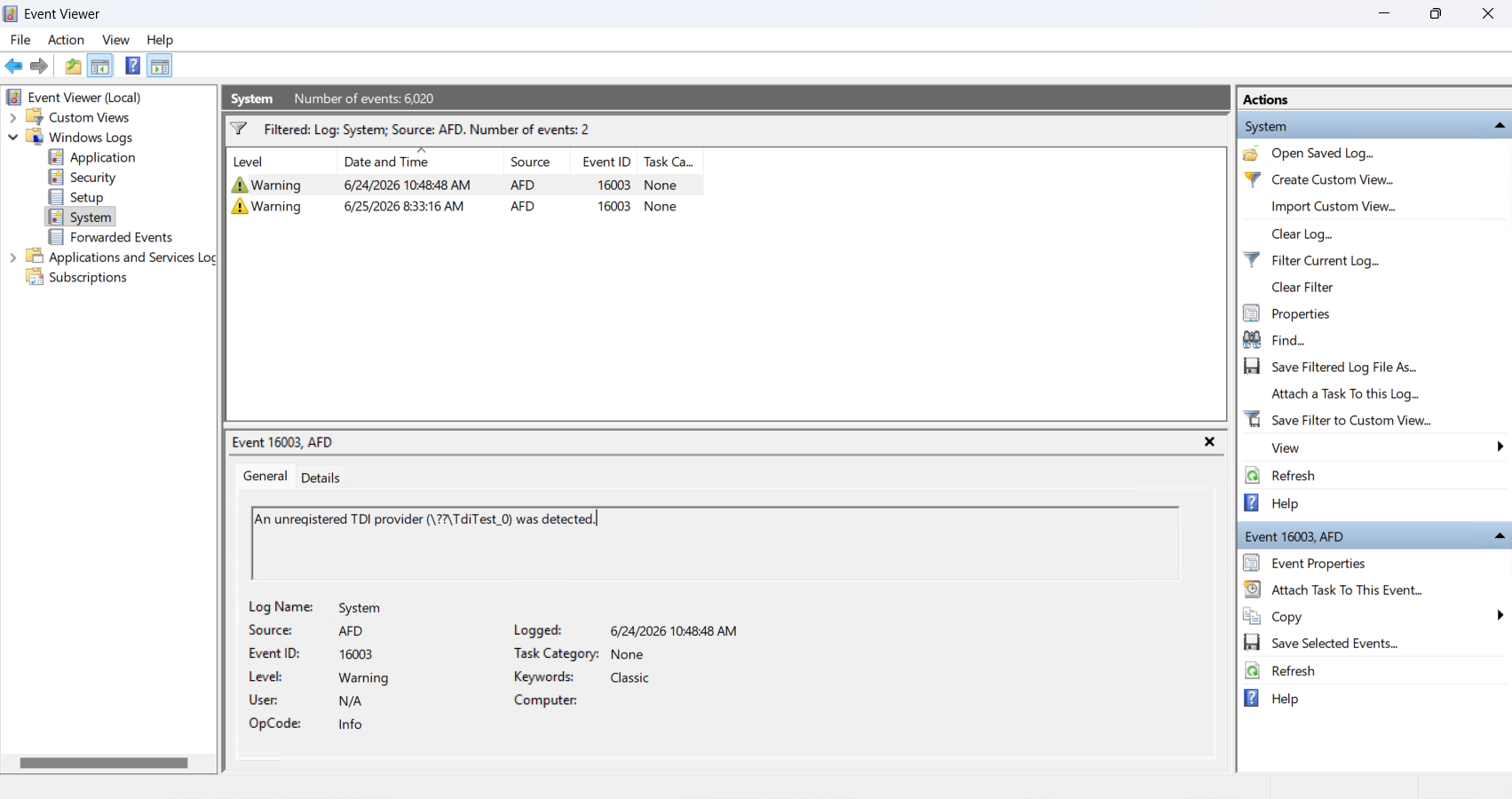
It mostly hits older networking or VPN software that skipped registering itself properly, which, funnily enough, is exactly the kind of software that tends to hang around the longest on Windows 10 machines. Microsoft has a support document for third-party TDI transports if you run into this after installing today’s update.
3. File Explorer, Recycle Bin, and OLE Automation fixes
Apart from the security side, Windows 10 KB5099539 also squashes a handful of smaller bugs.
Some apps that use the IDispatch::Invoke method to call COM methods with BYREF parameters sharing the same storage were failing with parameter marshalling errors, a compatibility issue in oleaut32.dll introduced by June’s security update. It’s fixed now.
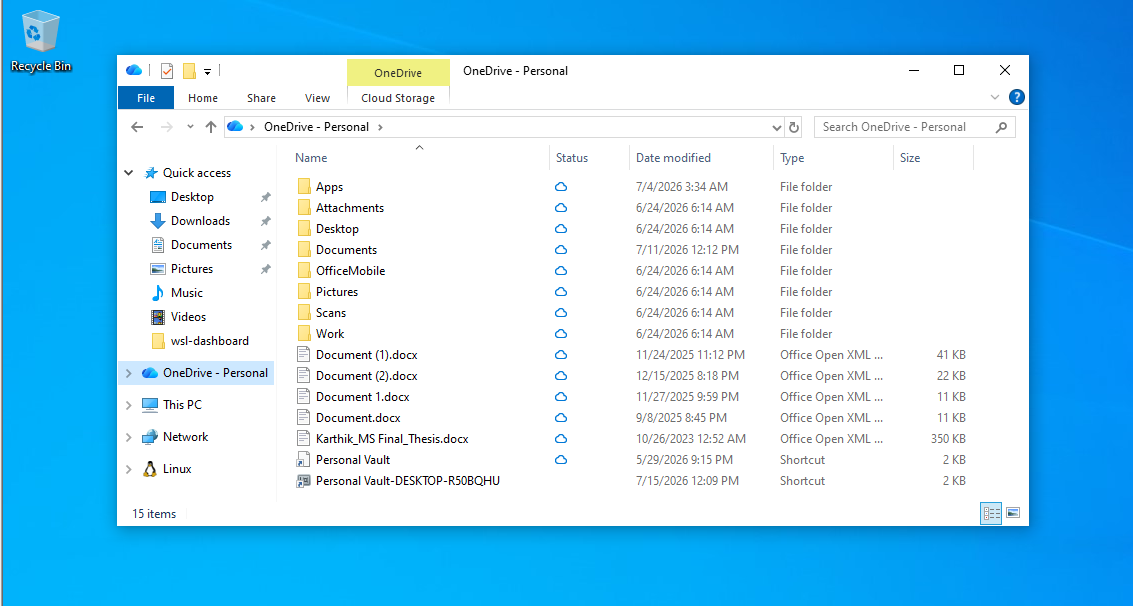
The OneDrive shortcut in File Explorer was also breaking whenever File Explorer ran in administrative mode, and that’s fixed too. Same goes for a Recycle Bin bug where the confirmation dialog for permanently deleting a file sometimes showed an internal Recycle Bin file name instead of the file’s own name.
Microsoft also changed how hotkey unregistering and cleanup work. In rare cases, this means some built-in Windows experiences might briefly stop responding to certain keyboard shortcuts. Restarting the affected app should sort it out, and if it doesn’t, Microsoft wants you to report it through Feedback Hub.
4. Secure Boot certificate rollout keeps moving
Secure Boot certificates on most Windows devices started expiring in June 2026, and Microsoft has been pushing updated 2023 certificates to PCs for months now.
Windows 10 KB5099539 continues that rollout and enables dynamic status reporting for Secure Boot states inside the Windows Security app, along with more high-confidence device targeting data to widen the pool of PCs that qualify for the new certificates.
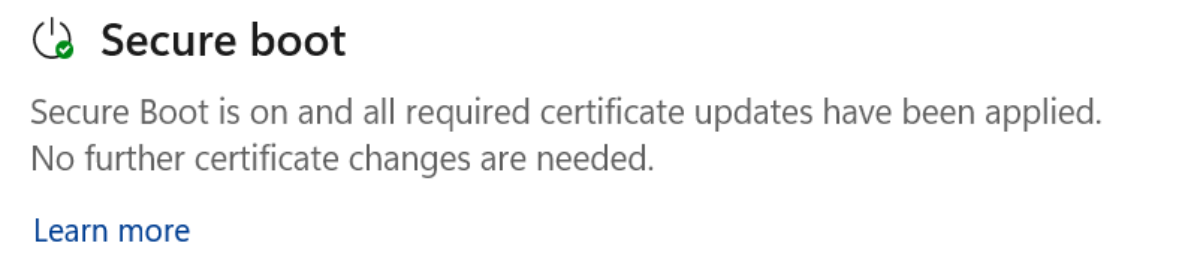
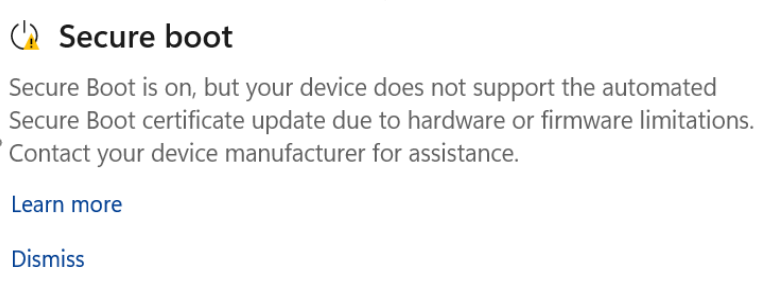
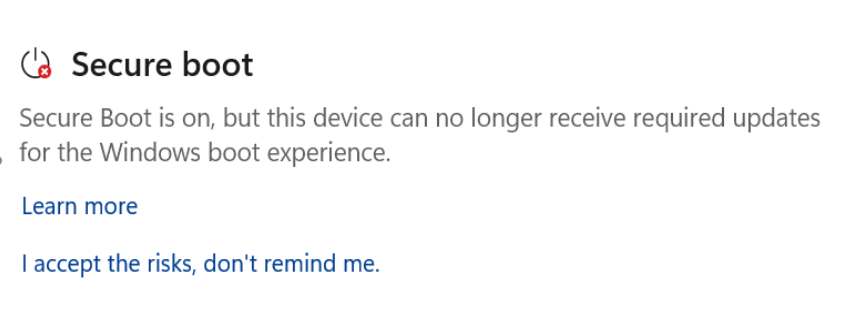
Note that devices that haven’t received the newer certificates yet will still keep starting up normally, and regular Windows updates will keep installing without issue.
Microsoft says they will keep rolling out the new certificates via Windows Update over the coming months. If you want to check your own PC’s status, open Windows Security, go to Device Security, and scroll down to the Secure Boot section. We covered this feature in more depth when it showed up on Windows 10 KB5087544 back in May.
5. OneDrive sync app is losing support on older Windows 10 versions
Microsoft is also ending support for the OneDrive sync app on Windows 10 version 22H1 and earlier, starting August 15, 2026. Devices on Windows 10 22H2 will keep getting sync app updates through October 10, 2028, but anything older loses feature updates, bug fixes, and security patches for OneDrive once that date hits.
The app won’t stop working right away, but Microsoft isn’t promising it’ll keep functioning properly, and the fix is the one Microsoft keeps pushing, which is to update to 22H2 or Windows 11.
Servicing Stack Update and deployment
As usual, Microsoft has bundled the latest Servicing Stack Update, KB5104021 (version 19041.7546), with this cumulative update. SSUs improve the reliability of the update process itself, and this one includes enhanced logic to verify whether a device is hosted on Azure, using an updated certificate chain for validation.
If you’re deploying this update to an existing Windows image offline, and that image doesn’t already have the July 2023 (KB5028244) or later LCU, you’ll need the standalone October 2023 SSU (KB5031539) installed first.
For WSUS deployment or standalone installs from the Update Catalog, devices without the May 2021 (KB5003173) or later LCU need the standalone August 2021 SSU (KB5005260) first.
Are there known issues in Windows 10 KB5099539?
Microsoft says they aren’t aware of any new issues with this update, so you should be fine installing it right away. Given how many vulnerabilities got patched this Patch Tuesday, I wouldn’t sit on this one.
Make sure you’re enrolled in Windows 10 Extended Security Updates
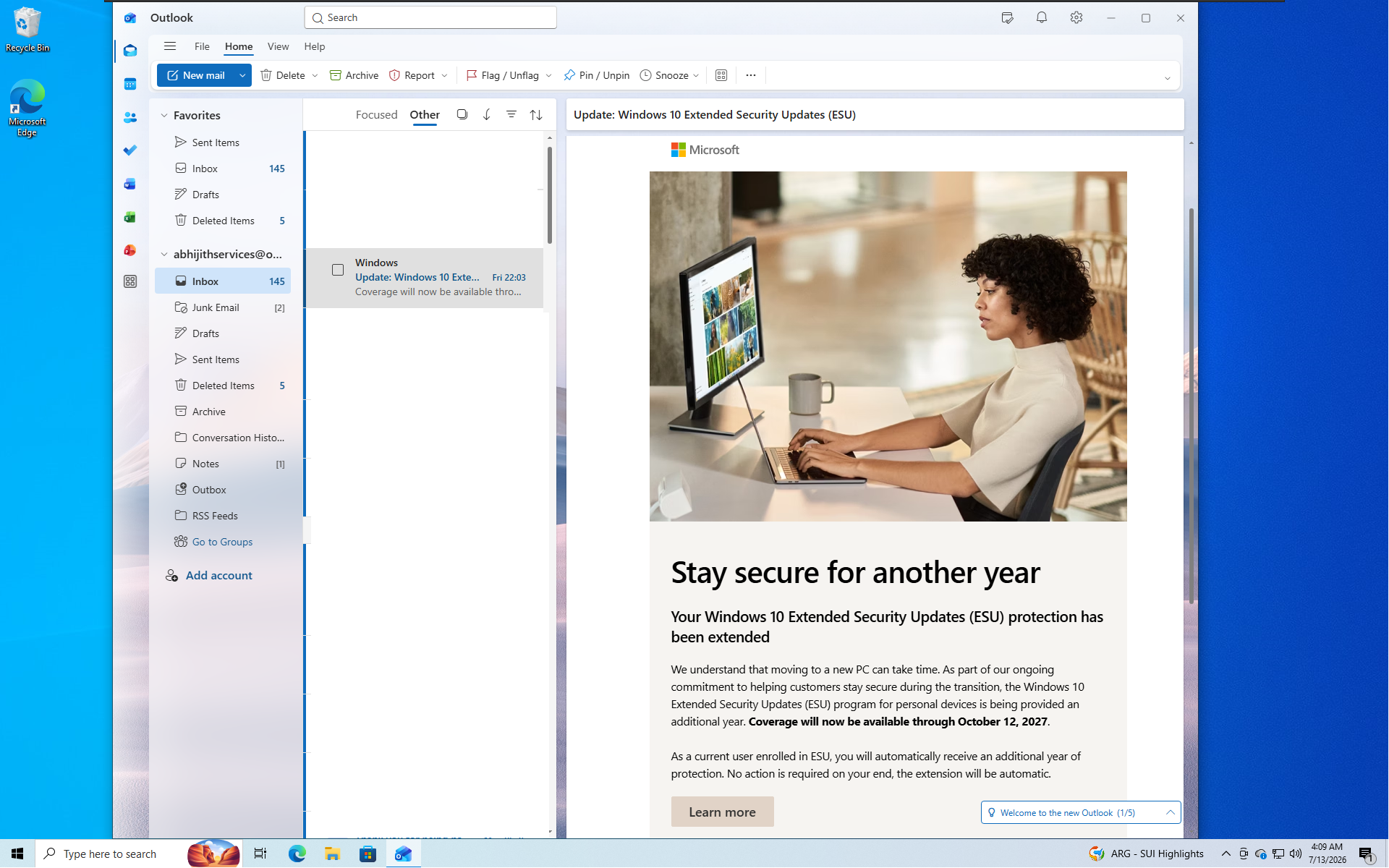
Windows 10 reached the end of support back in October 2025, and without ESU, your PC won’t get KB5099539 or any security update going forward. The good news is Microsoft recently extended the consumer ESU program by an extra year, so coverage now runs through October 12, 2027 instead of stopping this October as originally planned.
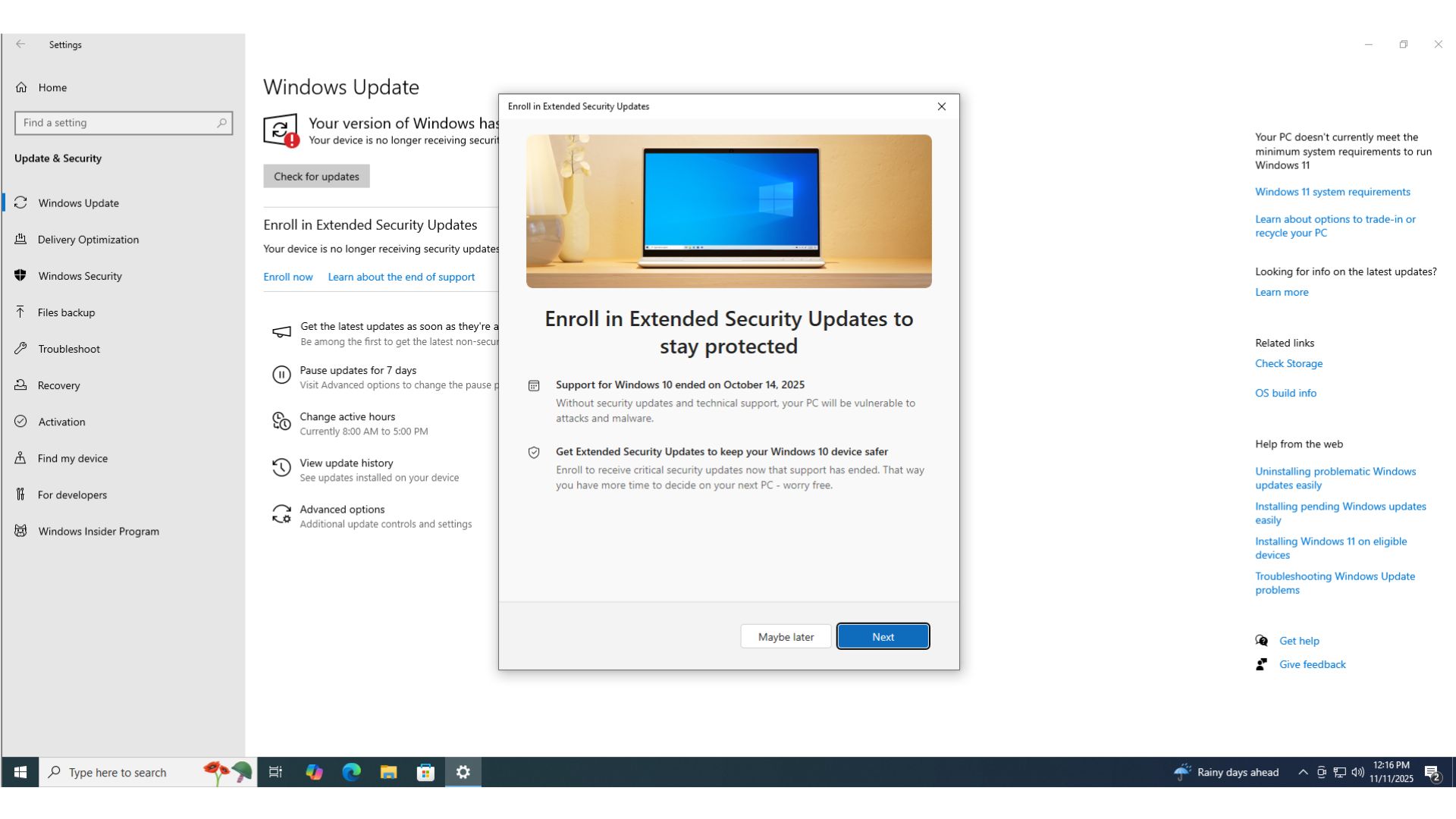
If you’re already enrolled, there’s no need to do anything. Microsoft has been emailing users directly to confirm the extension, though that note hilariously has a habit of landing in Outlook’s Other folder instead of your Focused inbox.
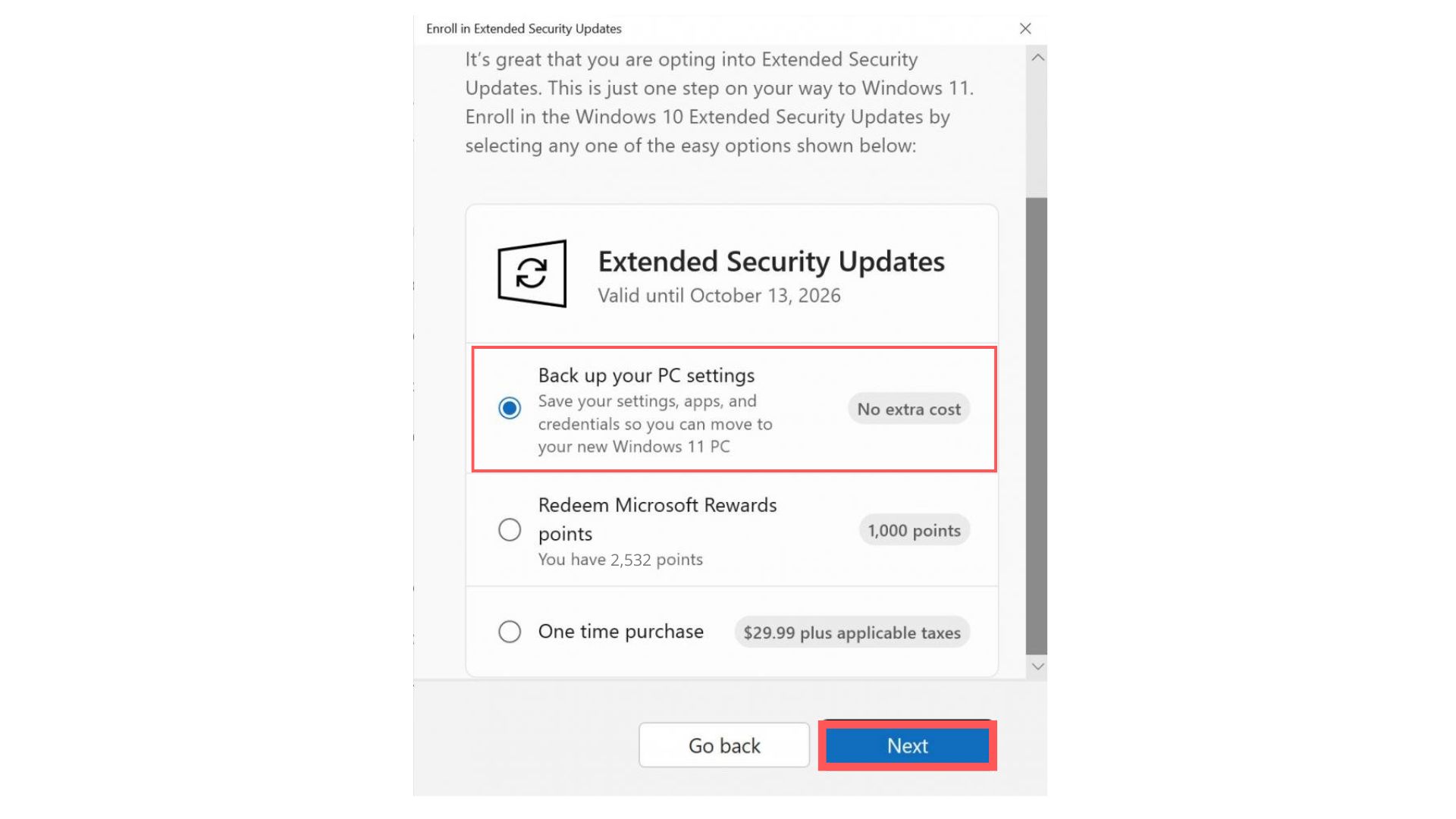
If you haven’t enrolled yet, open Settings > Update & Security > Windows Update and click Enroll now. ESU is free if you sync your PC settings to a Microsoft account. Otherwise, you can redeem 1,000 Microsoft Rewards points or pay a one-time fee of $30 USD. One license covers up to 10 devices.
Windows 10 sticking around this long isn’t just people forgetting to switch either. Millions are choosing to stay, and Microsoft keeps shipping Windows 10 developer conveniences like WSL Containers well after the OS reached end of support.
If you’ve already moved to Windows 11, Microsoft rolled out a big update today too. Check out our full coverage of the Windows 11 July 2026 Patch Tuesday update for everything new in KB5101650.