






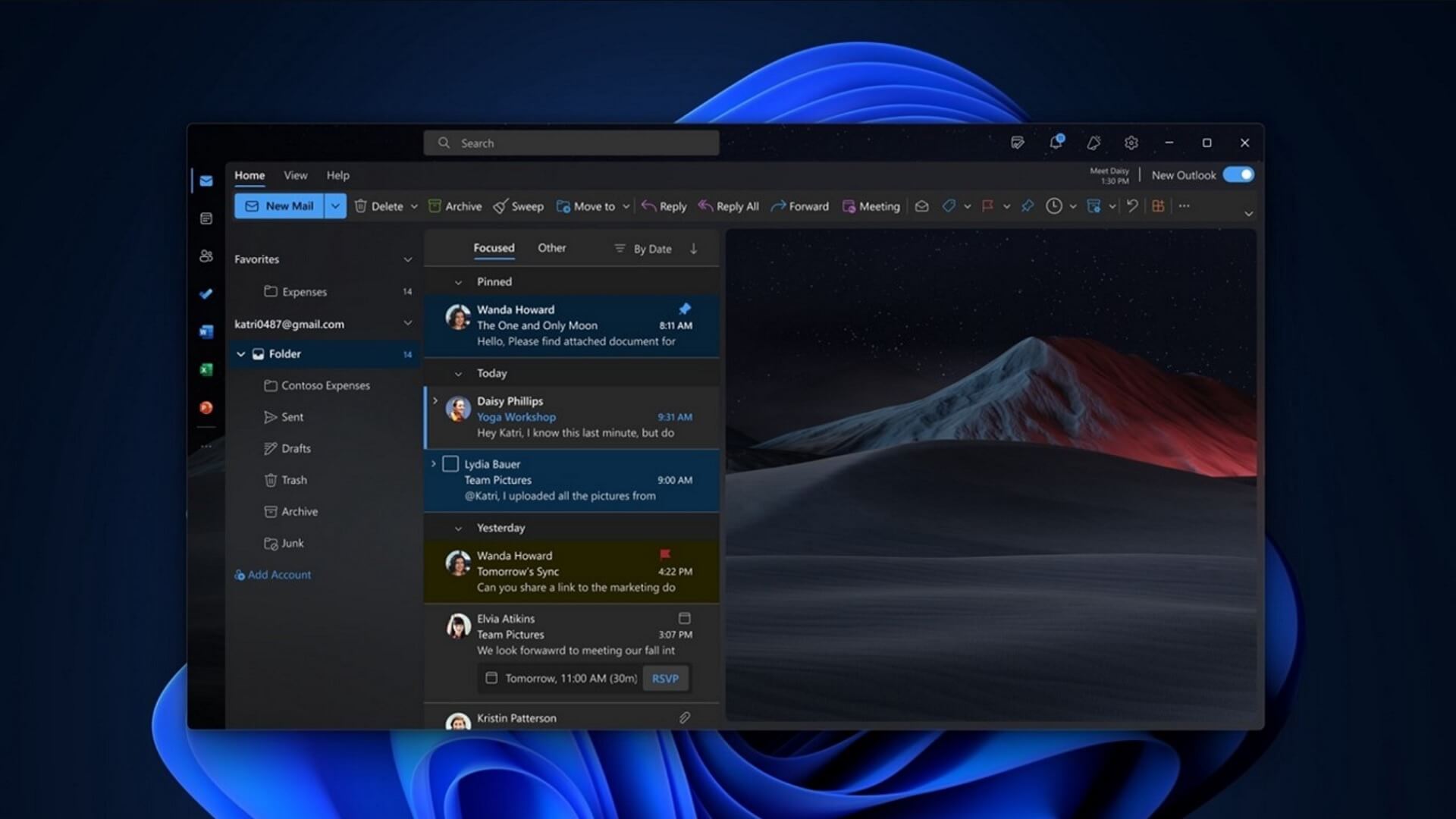
Microsoft has confirmed that three new features are coming to the new Outlook for Windows, and there’s one change that might make it a bit more useful than the Classic version. New Outlook is testing a feature that will send a warning or notification if you reply to an old email while a newer one is available.
Right now, if you have an active email conversation, you might often lose track of new replies and end up responding to an older email, which could mean missing out on new details. That could hurt your productivity and slow down the progress, particularly if you’re in a conversation with multiple people.
Windows Latest found that Microsoft is quietly testing a new feature where Outlook will alert or warn you when you are not responding to the most recent message in an email thread. Right now, this feature is being tested in New Outlook for Windows 11 and Windows 10, and we spotted references in the most recent update.
I wasn’t able to force New Outlook to send me a notification for responding to an old reply in a thread, but when I checked Microsoft’s official roadmap, I noticed that the company quietly confirmed it’s testing the feature as of July 7, and it plans to roll it out to those on Windows by the end of August 2026.
This feature will be turned on by default, and it’ll automatically check when a conversation has a new reply. If you are responding to an older email or have not seen the new one, Outlook will alert you.
“With this change, users can now be more confident that they are responding to the right message in an email conversation,” Microsoft said, adding that it’ll also roll out the feature to Outlook.com.
Outlook is testing auto-reply with a template in rules
Starting September 2026, you will be able to create a rule that responds automatically to new emails with a template you’ve already set up.
Right now, Outlook supports templates, which was one of the most used features in Outlook Classic, but there are limitations around how you can use it.
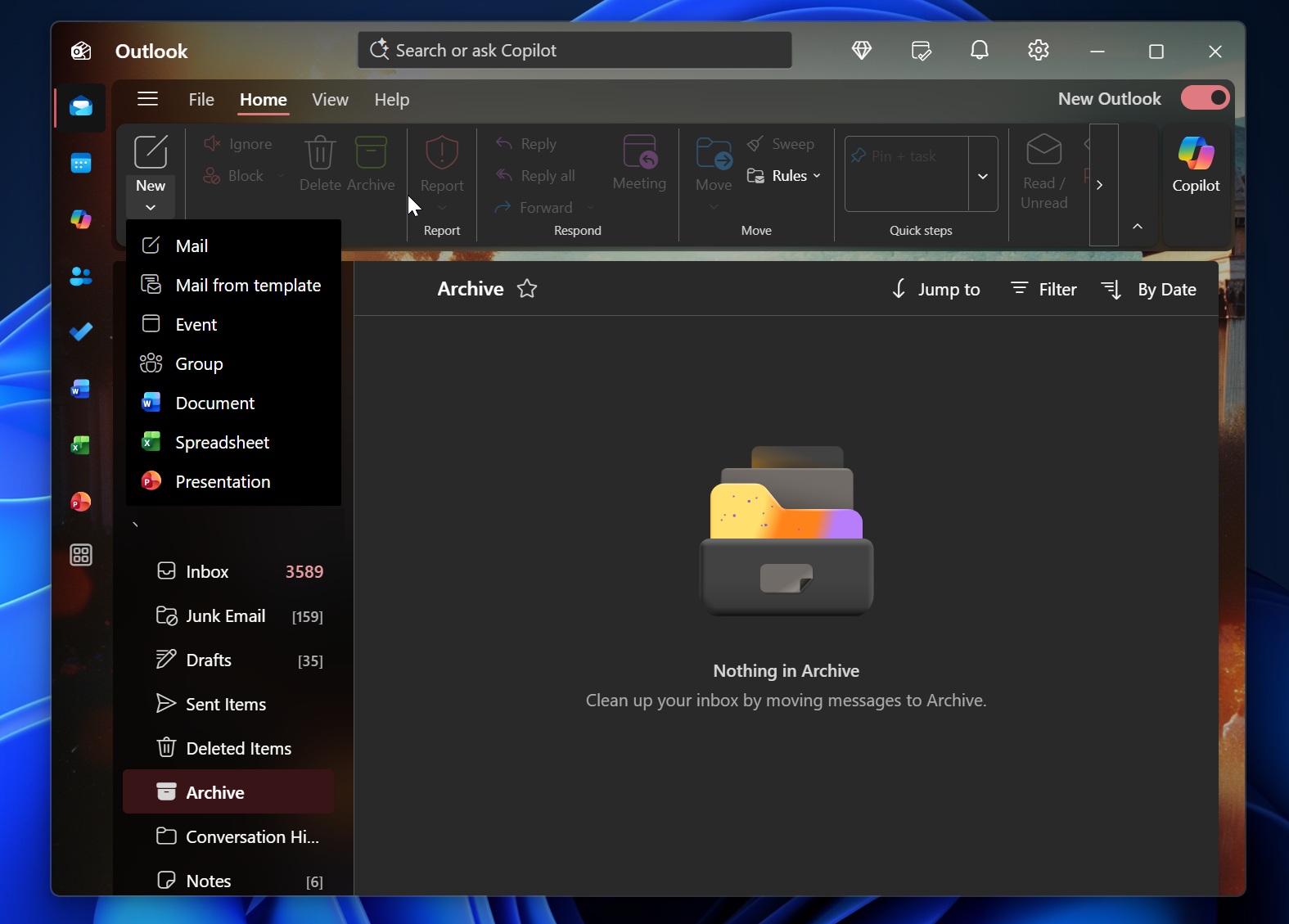
If you want to create a mail from a template, you just have to click on the arrow below the “Mail” button and choose “Mail from a template.”
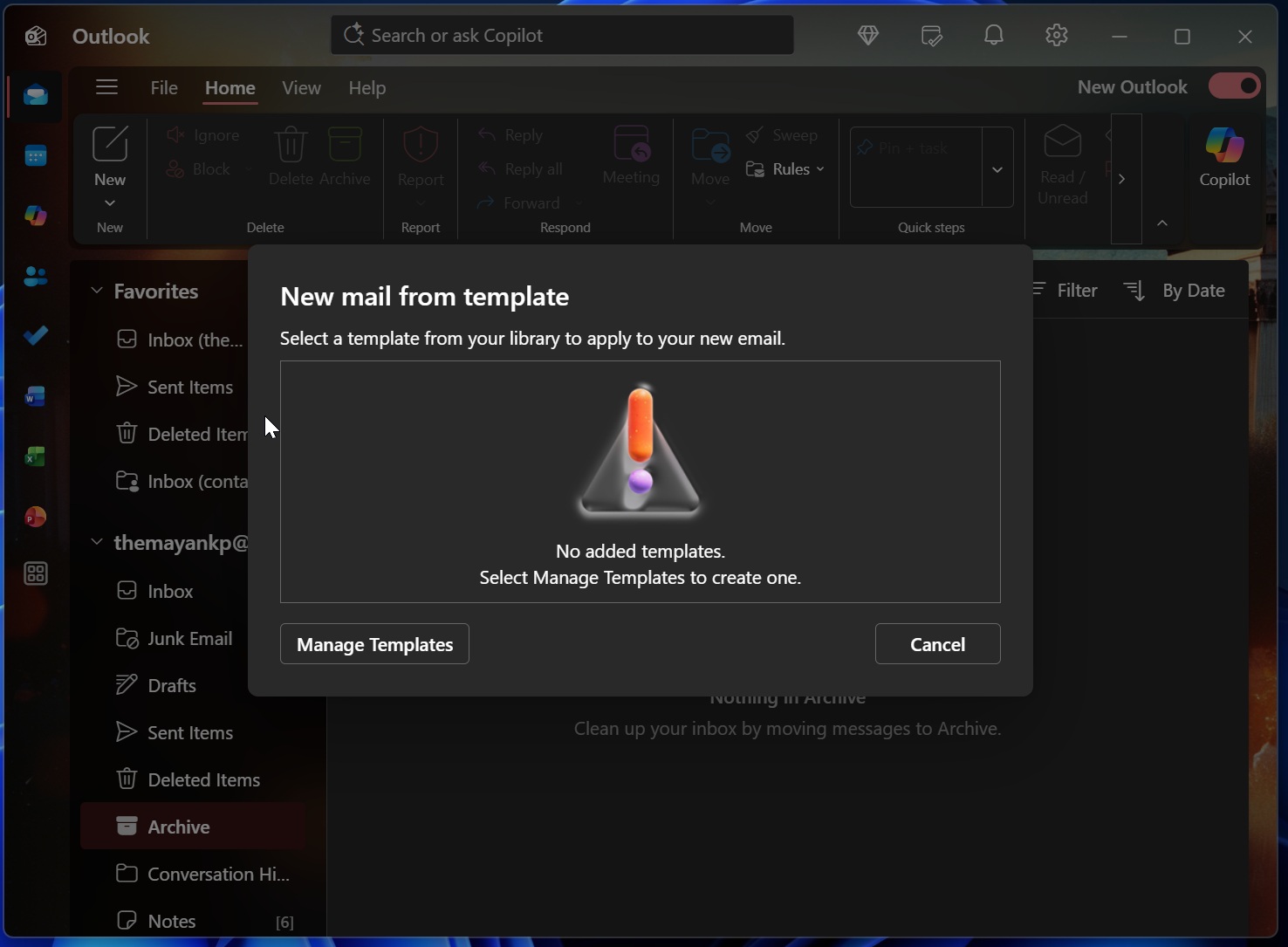
Finally, you have to go to the Manage templates page and set up one before you can use it. However, you can’t fully automate it yet. This could change soon, according to Microsoft’s updated roadmap.
Once you have a template, you can soon configure a new rule that automatically uses it in replies to upcoming messages. Since we’re talking about rules, you’ll be able to set conditions where the template is used, and emails are automatically answered.
This could help you become more productive by offloading some Outlook emails to the app itself, and it’s not powered by AI. Outlook templates are handled by rules, including the conditions you’ve set.
Categories are getting better in the New Outlook for Windows 11
There are a lot of reasons to hate New Outlook for Windows, and my personal grudge is how bad the notifications and personalization options are. Thankfully, Microsoft is taking care of some of the problems, and making it easier to categorize folders in the New Outlook.
After a new update, you can create categories by right-clicking an email, opening the Categorize menu, and picking a label. You’ll also be able to add a category to your Favorites list and simply drag emails onto it.
For example, if you have a category called Invoices, you can pin it to Favorites. When a billing email arrives, just drag that email onto Invoices, and Outlook will automatically apply that category.
All these features will become available by the end of September 2026, alongside other improvements, such as advanced .PST, unified inbox, notification grouping, and up to 15 other minor changes.