






Ever since Microsoft discontinued Windows Movie Maker back in 2017, I have been left adrift and wandering between heavyweight professional platforms such as DaVinci Resolve, or cloud-dependent modern alternatives such as Filmora, and Adobe Premiere.
Fortunately, Windows Movie Maker 6.0 has resurfaced thanks to the efforts of @skylerdagirl on Twitter, which provides me and others a place to do my quick edits and transitions without all the bloat of a flagship production experience or the budget-sipping leash of a cloud-enabled editor.

I didn’t expect to spend part of my afternoon downloading Windows Movie Maker 6.0 in 2026; however, I couldn’t pass up the modder’s good intention of preserving Windows history.
For anyone who remembers MTV’s TRL might remember the legendary Movie Maker software as well. Movie Maker wasn’t just an in-box utility; it was a rite of passage for most aspiring amateur videographers. Like Paint, Movie Maker was an easy identifier of a Windows user who wore it as a badge of ironic pride. A generation of Windows users who fancied themselves an amateur Spielberg or Nolan cut their teeth learning basic editing with those iconic white fonts on blue title cards, crossfade transitions, and simple timeline manipulation, thanks to Microsoft including Movie Maker for free.
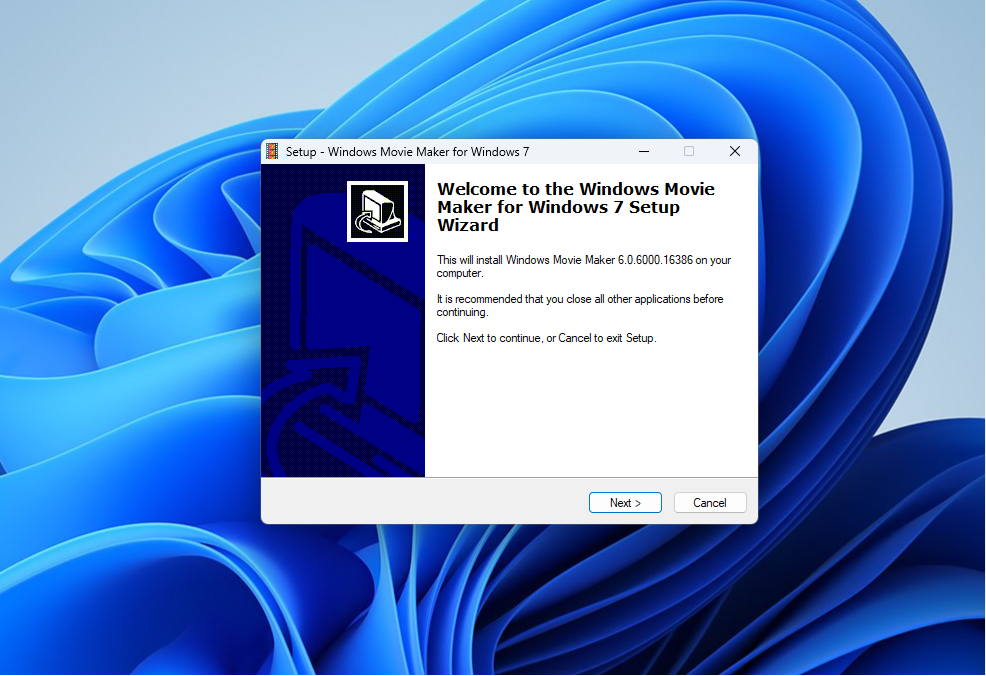
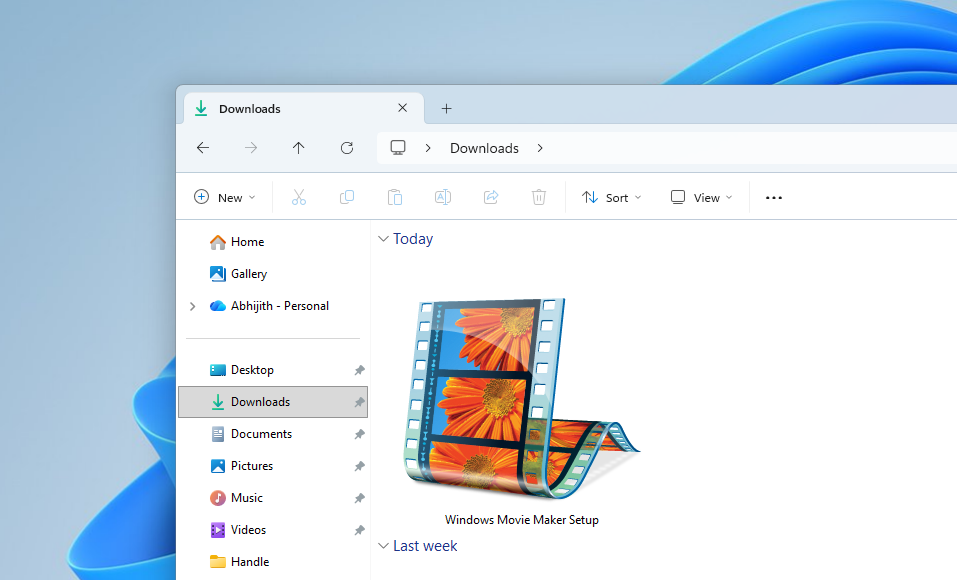
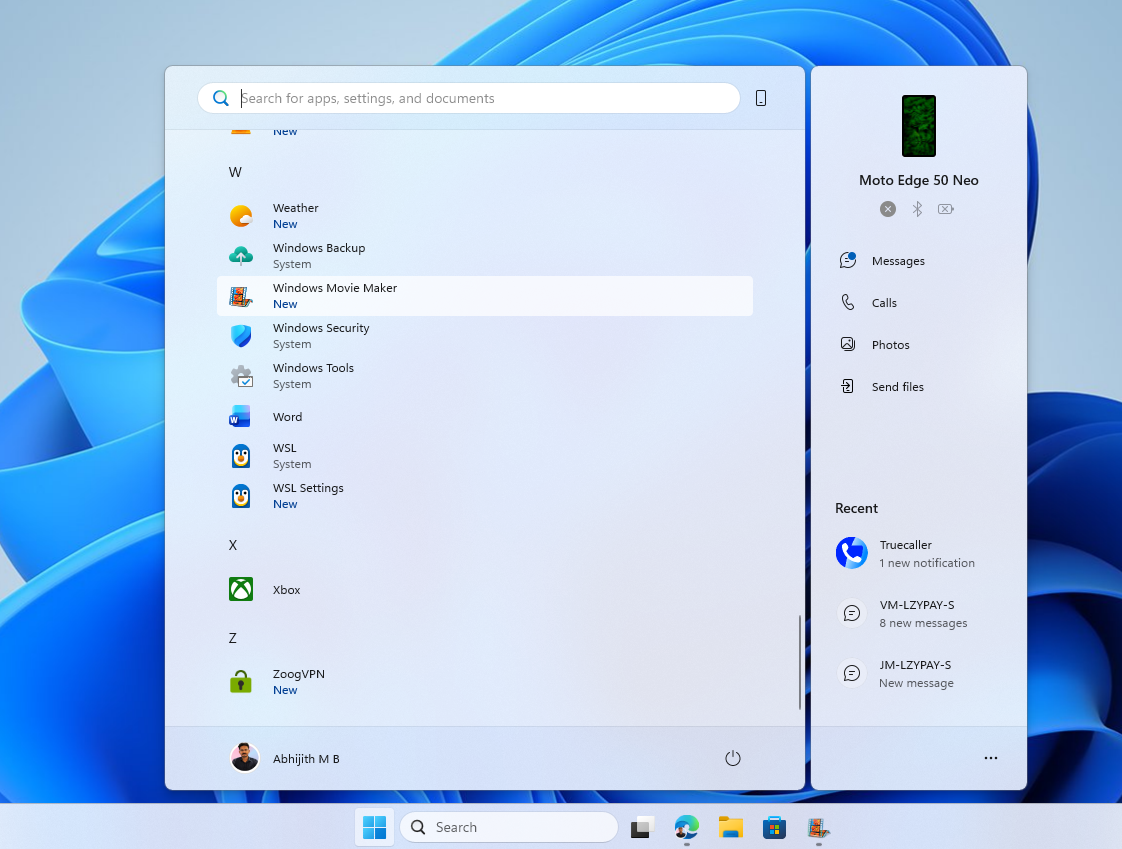
The installation experience was almost jarring in its simplicity. Thanks to most modern app experiences requiring sign-in, account validations, or credit cards, I was thrown by how straightforward the download was. No account creation, no “this will be added to your Microsoft Store library.” Just the 8.8MB installer, a double-click, and I was up and running in less than 2 minutes.
Without so much as a tutorial, I knew intuitively to drop in clips, add transitions between them, and get creative with title cards to introduce or conclude my video masterpiece.
With Movie Maker 6.0 resurfacing, its appearance highlights the widening gap in modern Windows experiences that feels more like the OS is offloading much of its native experiences to 3rd party platforms.
Microsoft dumped Movie Maker, and now pushes Clipchamp
For a quick minute, Microsoft had no legitimate successor in line when it cut Movie Maker from its in-box apps suite, and I was left scrambling between getting an Adobe license, testing a bunch of open-source solutions, or jumping platforms to macOS for iMovie or Final Cut.
However, over the past few years, Microsoft has offered up Clipchamp as its reasonable, casual editing platform. While Clipchamp started as the ideal lightweight basic video editor, Microsoft has steadily added features that have also increased the platform’s number of dependencies. Unfortunately, the minute Microsoft tied its OneDrive cloud storage service to Clipchamp was the same time it stopped being a lightweight and free video editor for me.
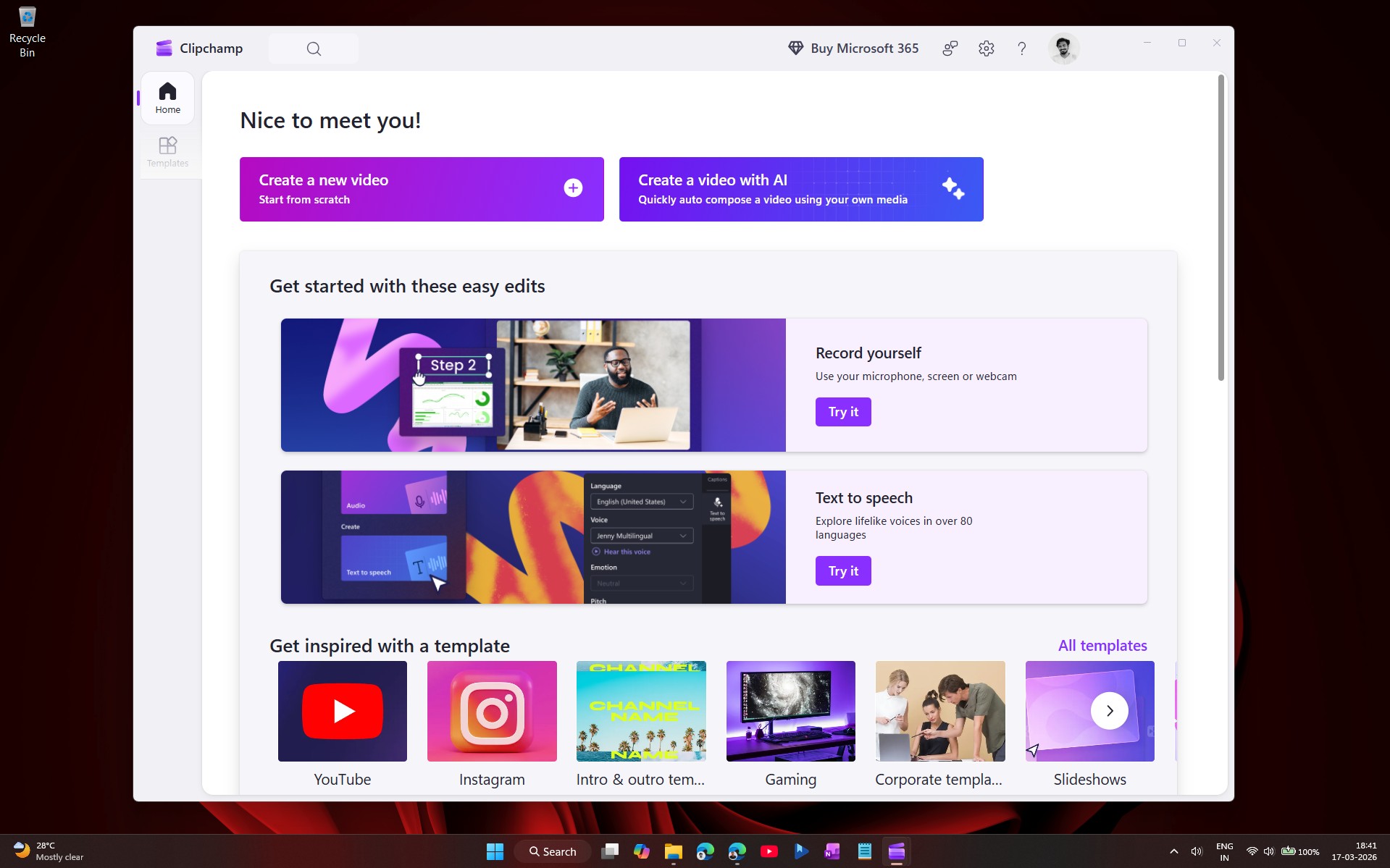
It’s becoming apparent that Microsoft’s decision isn’t sitting well with other Windows users, who are looking for a video editor that leverages local files, local saves, and doesn’t require a sign-in or account.
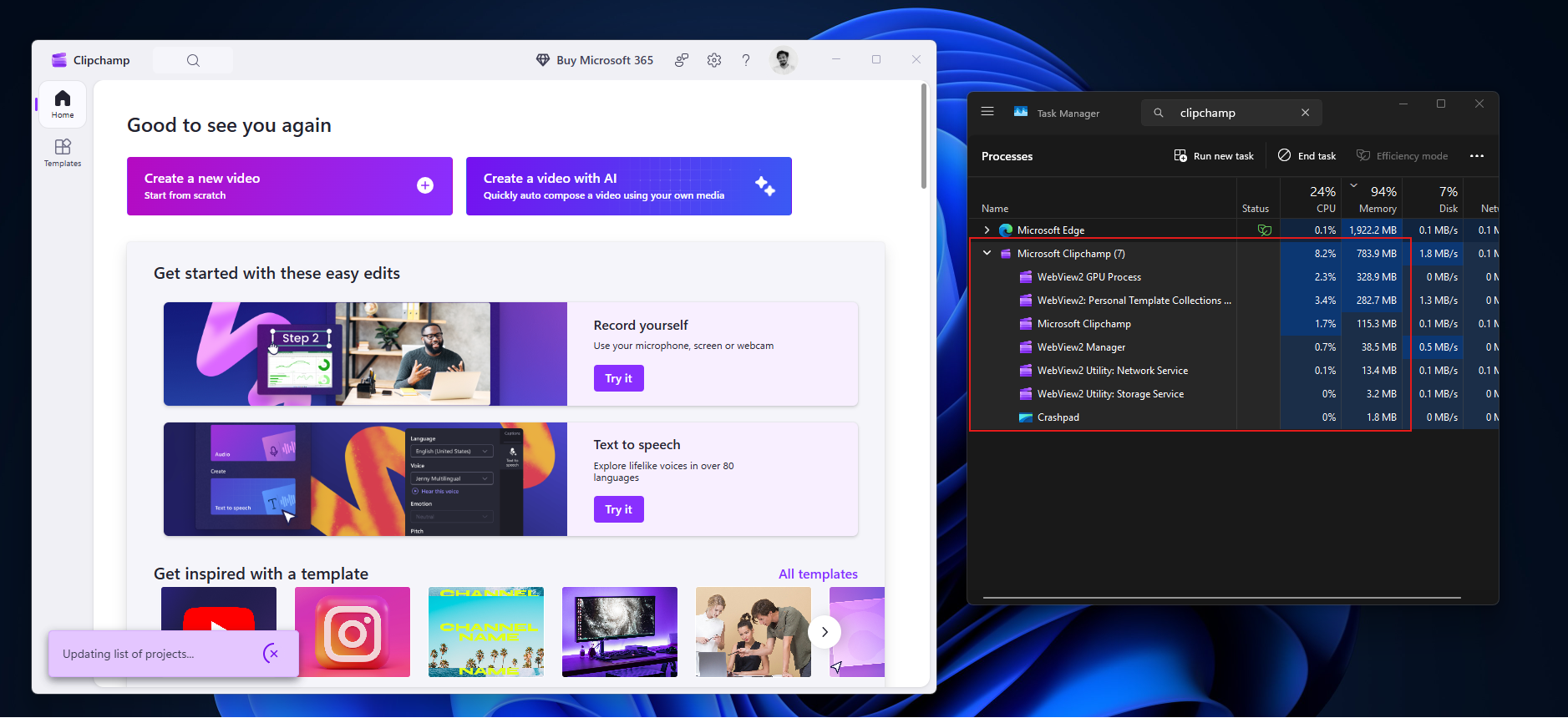
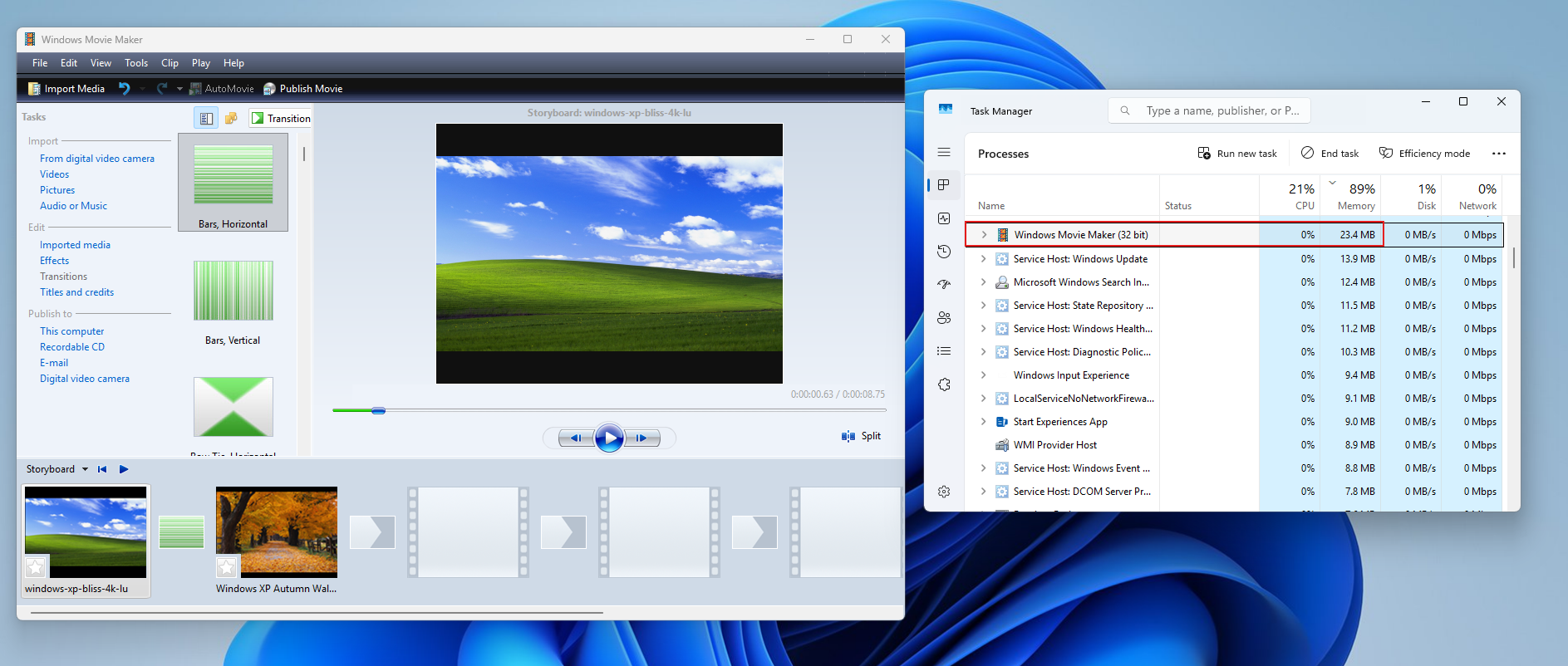
Thankfully, Movie Maker 6.0 is back to deliver on all those notes of being lightweight, fast, and best yet, self-contained.
The file is small, so the download is almost instant. The modder notes that they used this smaller installer for years and uploaded it specifically to avoid losing access if the original hosting links ever vanished.
While it may feel like a bit of nostalgia and rose-tinted glasses-wearing by a super niche Windows audience to fawn over the return of Movie Maker 6.0, keep in mind millions of people regularly use iMovie for similar experiences.
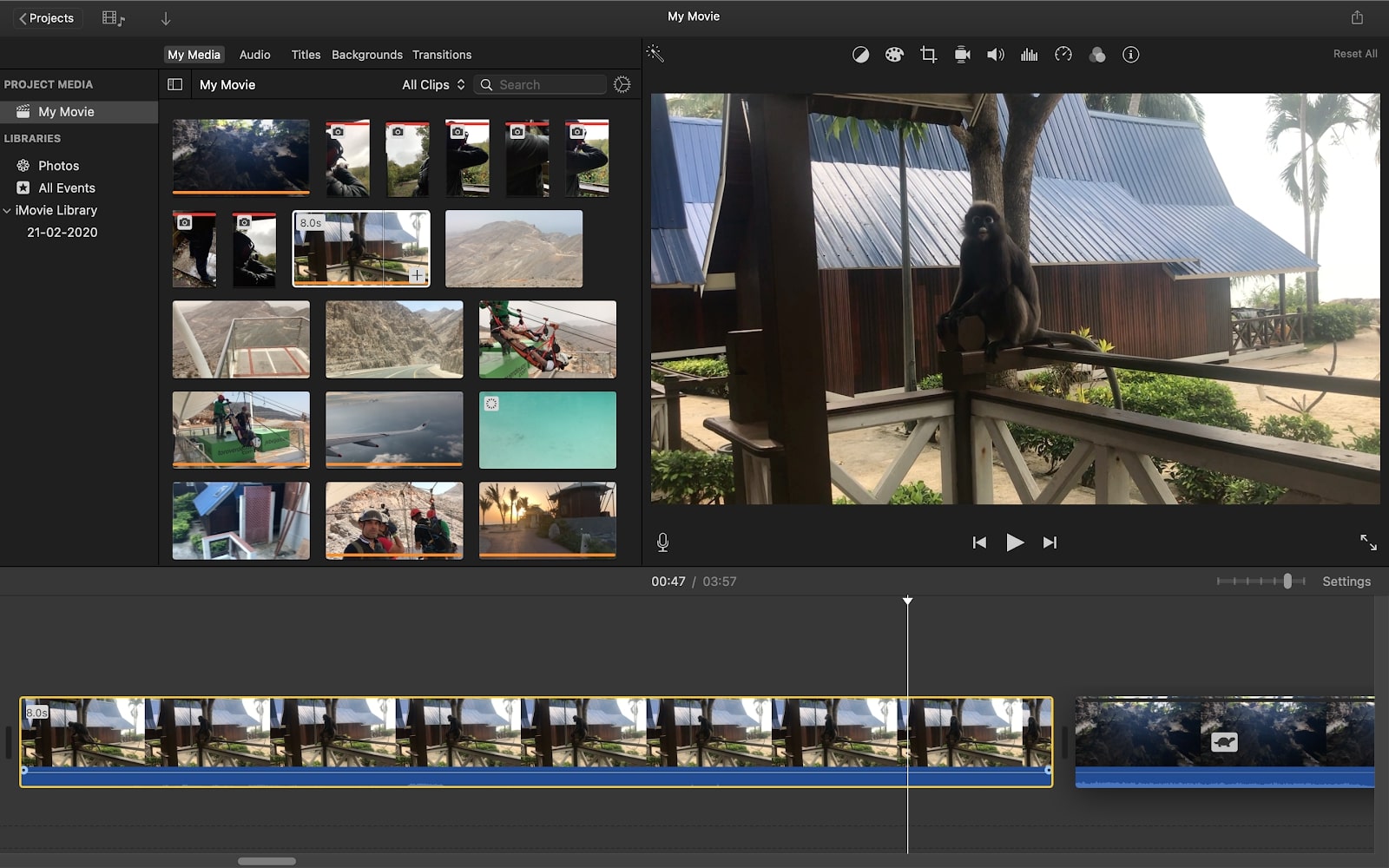
iMovie and Movie Maker stemmed from similar concepts of ecosystem conveniences that fostered a no-fuss editing experience that came with Windows and macOS. Over time, Apple managed to add features, improve performance, and modernize iMovie’s interface without losing the core concept of being a quickly opened, intuitively used, and offline experience for its users.
On the other side of the fence, Microsoft chose not to evolve Movie Maker, but instead, scrapped it for Windows Live Movie Maker and eventually settled upon a cloud-linked Clipchamp experience. Unlike iMovie, which feels like a native experience because of a shared UI and UX across the board, Clipchamp feels like an add-on or intermediary between your local files and a 3rd party app experience.
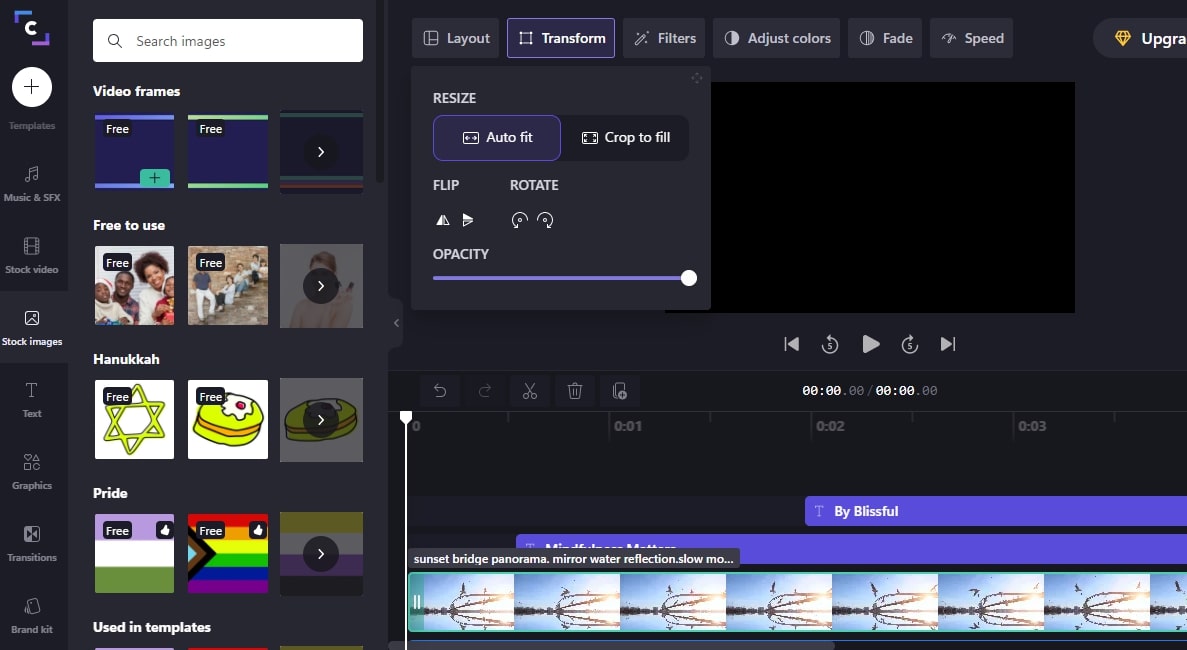
To avoid sounding hyperbolic about Clipchamp, here is a features breakdown of what you get with Microsoft’s old video editor, its new solution, and even iMovie.
| Category | iMovie | Movie Maker 6.0 | Clipchamp |
|---|---|---|---|
| Core Philosophy | Native macOS editor focused on simplicity, offline use, and cinematic polish | Classic Windows editor designed for fast, frictionless, fully local editing | Cloud‑first Windows 11 editor built around templates, online workflows, and social‑ready exports |
| Availability | Preinstalled on macOS, updated via App Store | No longer bundled with Windows, now preserved on The Internet Archive | Preinstalled on Windows 11, updated via Microsoft Store |
| Offline Use | Fully offline for editing and exporting | Completely offline with no accounts or syncing | Partial offline support, with saving, templates, and autosave, often tied to OneDrive |
| Learning Curve | Beginner-friendly with modern UI and modest advanced tools | Extremely simple drag‑and‑drop workflow | Easy to start, but template‑driven design and cloud behaviors add complexity |
| Timeline and Editing Tools | Multi‑track magnetic timeline, precise trimming, clip snapping | Single‑track timeline with basic trim and split | Multi‑track timeline with drag‑and‑drop editing |
| Color and Visual Tools | Exposure, saturation, temperature controls, filters, stabilization | No color correction or stabilization | Filters, color presets, basic correction tools |
| Advanced Effects | Green screen, picture‑in‑picture, cinematic transitions | Basic transitions only, no advanced effects | Transitions, overlays, animated text, and AI‑powered features |
| Audio Features | Multiple audio tracks, EQ presets, audio ducking, noise reduction | Single audio track, basic volume control, simple fades | Multi‑track audio, AI voice generation, auto‑captions, noise reduction |
| Media Support | MP4, MOV, HEVC, ProRes, 4K support | Best with WMV and older AVI formats, limited modern codec support | MP4, MOV, WebM, modern web‑friendly formats, social aspect ratios |
| Stock and Templates | Built‑in sound effects and music, limited templates | No templates or stock media | Large template library, stock video, stock audio, social‑focused layouts |
| Recording Tools | Voiceover recording, direct import from iPhone | Basic audio import only | Webcam recording, screen recording, AI voiceover |
| Performance | Optimized for Apple Silicon, fast rendering, smooth playback | Extremely lightweight, instant launch, fast rendering | Performance varies with cloud connectivity, slower on low‑end hardware |
| Export Options | Local exports up to 4K, predictable file sizes, direct sharing | WMV exports, limited resolution options, and very fast rendering | MP4 exports, platform‑specific presets, and cloud‑dependent saving paths |
| Ideal Use Cases | Casual creators, students, educators, and users who want polished offline editing | Users who want a tiny, offline, no‑frills editor for quick projects | Social media creators, template users, and Windows 11 users are comfortable with cloud integration |
Once Movie Maker 6.0’s icon appeared on my desktop, I was just a double-click away from a straightforward setup wizard and a 10-second-long progress bar, away from my first retro video edit.
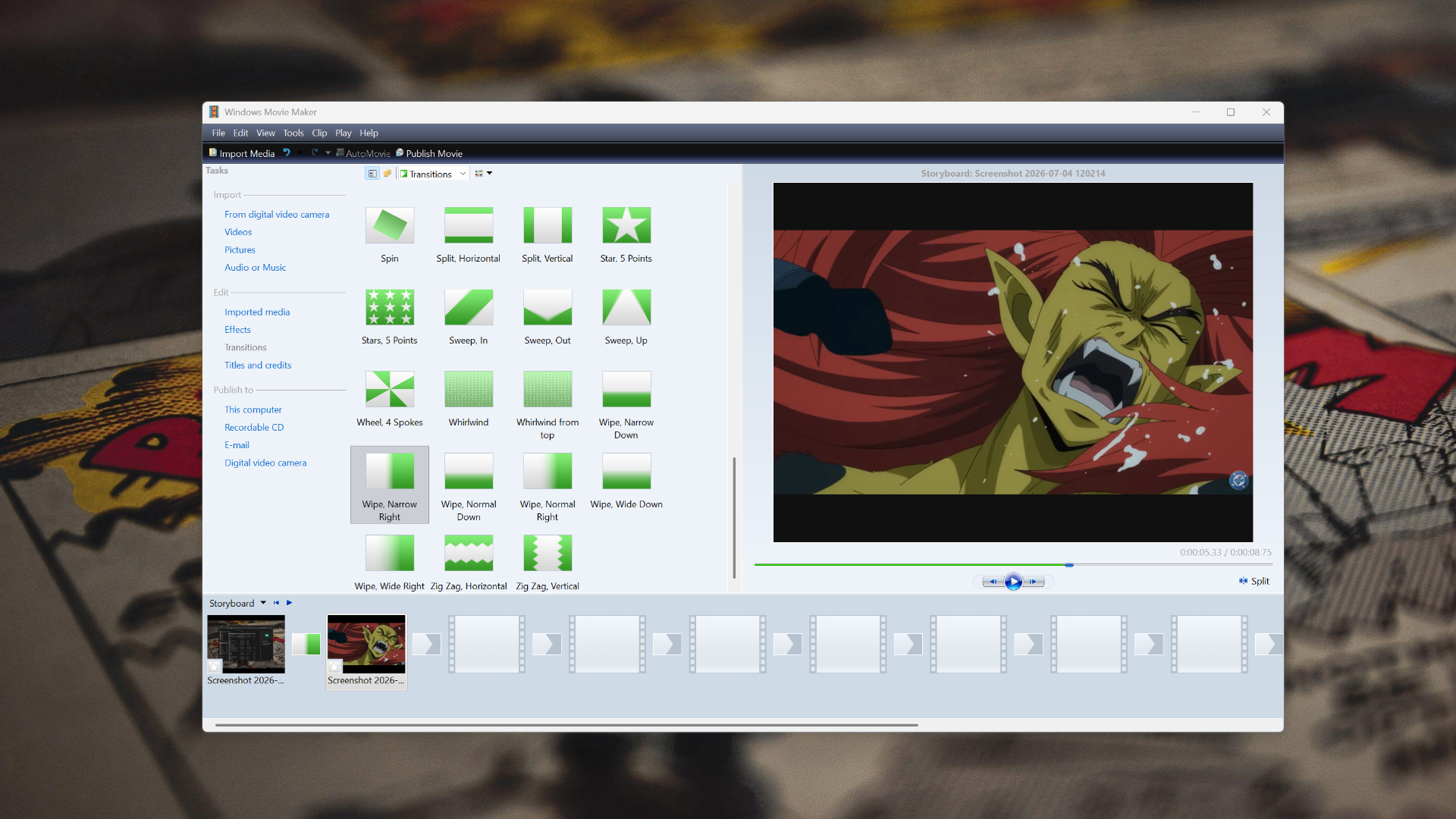
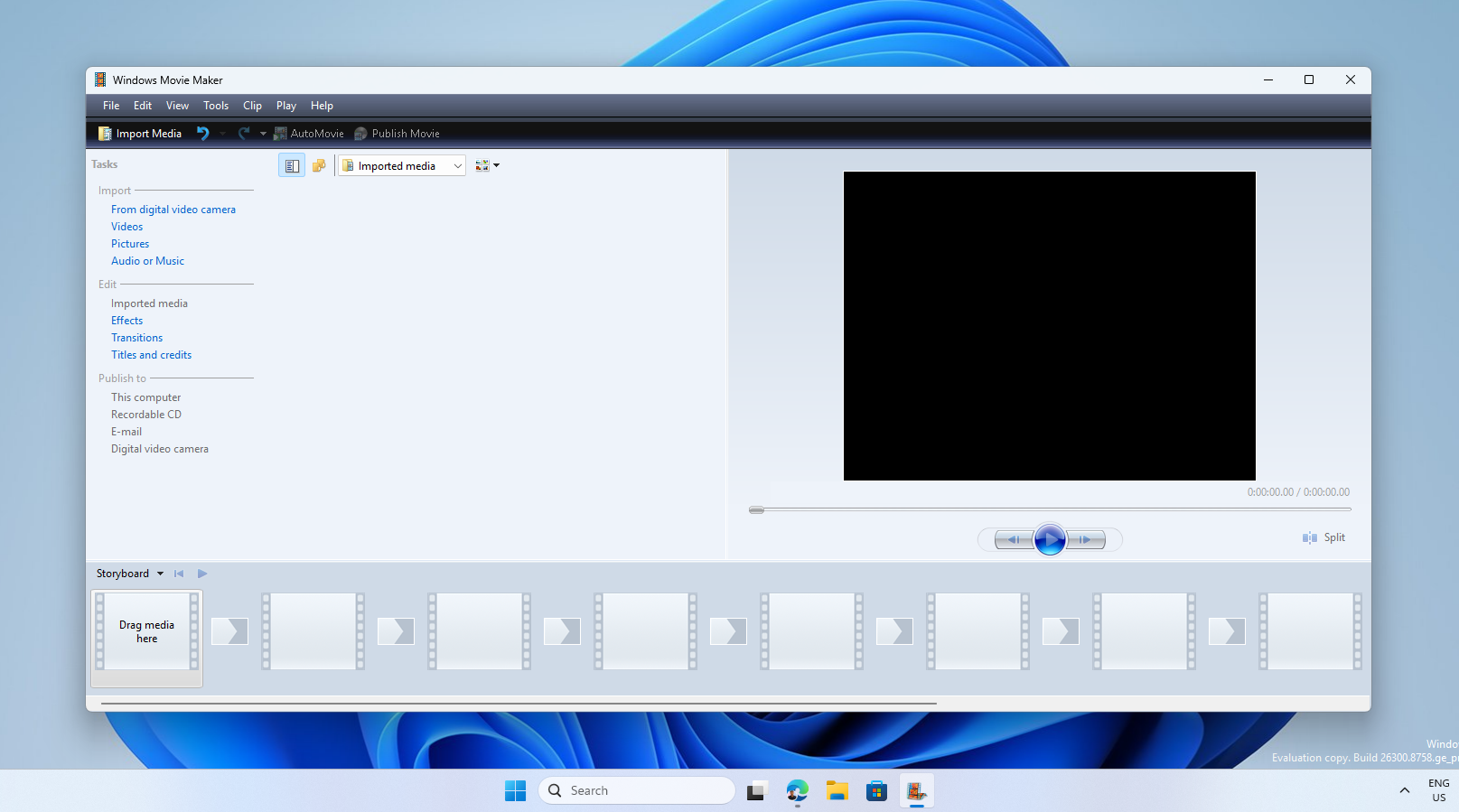
The iconic Windows Movie Maker remained unscathed by time and instantly recognizable to me. Instead of being met with a shadow box or click-and-follow tutorials, I was left with a basic timeline, simplistic viewing window, basic media inputs, and 49 built-in transition options.
Intuitively, I dragged clips from my media pool into the timeline that comes equipped with a designated transition slide separating your video. All of this feels just like it did in 2007.
By the time I finished my test project, I remembered why I chose to write about this news. It was a reminder of the good old days when a piece of software did the one or two things it was designed to do, and did it well without having to resort to the cloud to enable additional features, export without watermarks, or any of the myriad of subscription-based nickel-and-diming SaaS has become known for.