







Microsoft is once again ringing the death knell of Office 2021, this time with an End of Support for Office 2021 reminder on its Microsoft Support document.
In an updated support document spotted by Windows Latest, Microsoft reiterates that it will officially end support for Office 2021 on October 13, 2026. As of now, the company seems steadfast on the EoS date and doesn’t appear to be offering any last-minute reprieves or concessions for die-hard Office 2021 fans.
After October 13, 2026, you will be operating Microsoft’s 2021 Office Suite without patches, fixes, or official security support from the company.
While Microsoft may be eager to push more users toward its subscription-based productivity offerings, many users of Office 2021 view this solution as the last ‘buy once, own forever,’ stable, predictable version of Office that doesn’t bog down productivity with a bunch of beta AI tools as add-on services.
However, if you’re looking to stay in the warm embrace of Office 2021 beyond the October 13, 2026, deadline, here are a couple of suggestions.
How to Stay Safe on Office 2021 After October 13
Keep Office offline
While a risky up-front gambit, running Office on a device that can’t call back to the internet is the most clear-cut way to keep Office 2021 secure. As impractical as it may sound, you might be someone who handles heavy archival work, legacy business systems, or receives data via offline means, and you could find this method not only useful but already in place.
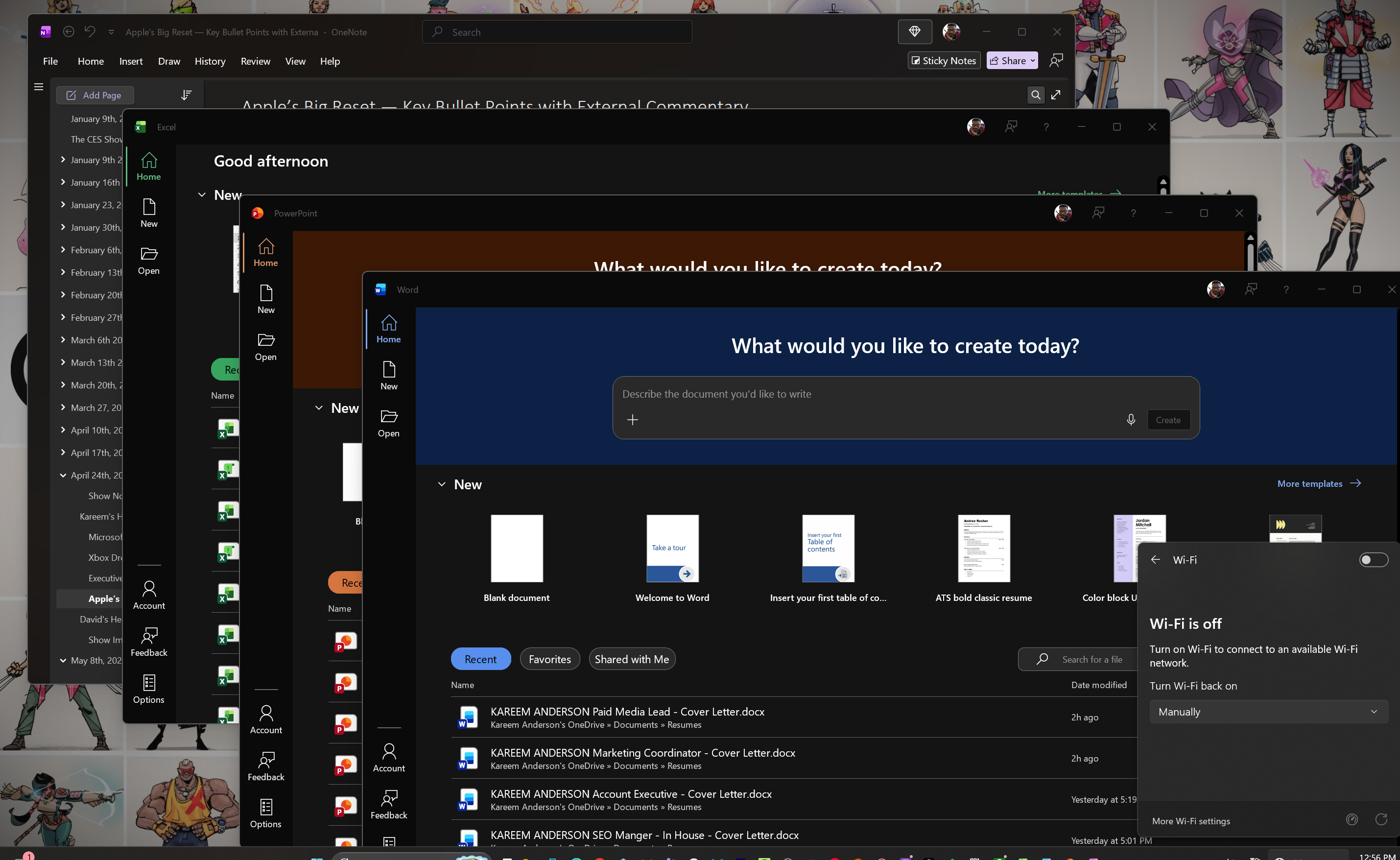
Not everyone uses the internet to get work done!
Practice safe document handling
If you must remain chained to the internet, practice safe document retrieval. Avoid opening documents and attachments directly from cloud storage or emails.
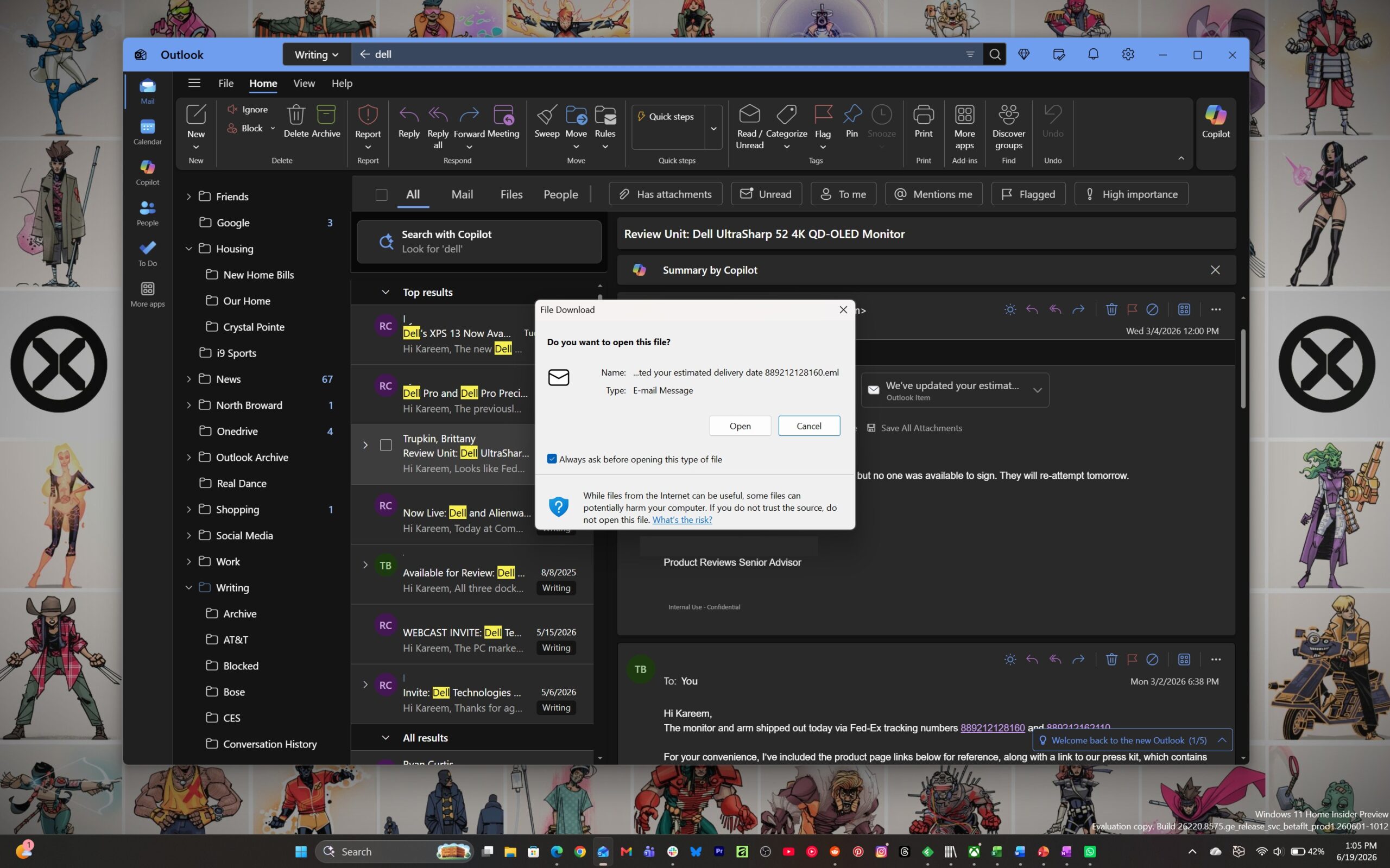
Download files first to the desktop, allow your given OS to scan them, and then open them directly from your local device storage. Once again, this is a mitigation practice to help reduce your exposure to potential malware that would normally be scrubbed or flagged by Office.
Keep Windows Security updated
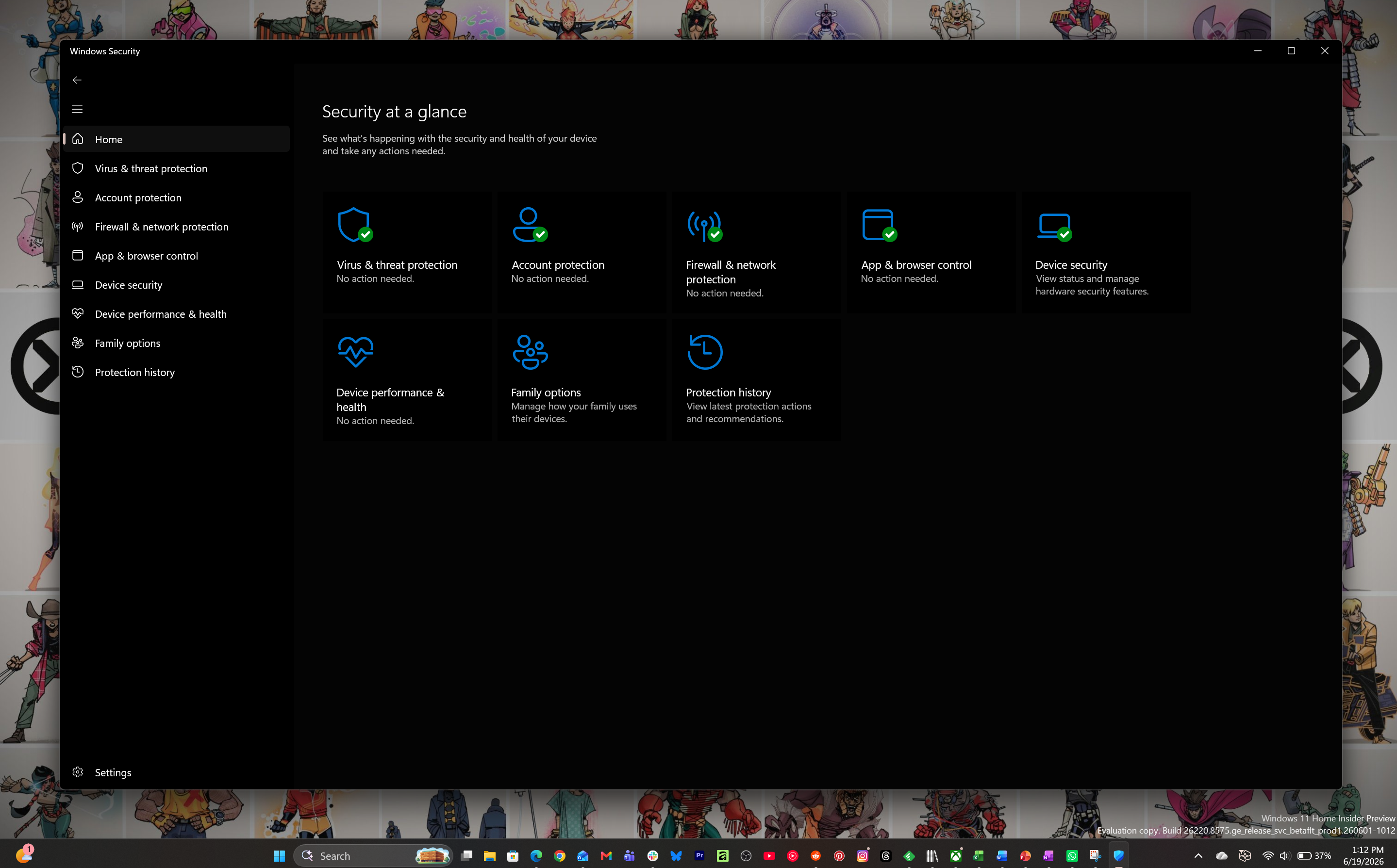
Windows offers free antivirus protection and regularly delivers operating system-level security patches with each of its subsequent Windows updates. It would behoove those who choose to stay on Office 2021 to make sure they keep these multi-channel defense options up to date, if you can’t completely exist completely cut off from the rest of the world.
Freeze your add-ins and scripts
It’s a little more of a manual process, but you could also be diligent about refusing to implement new add-ins, new company-mandated automation scripts, and stop installing new OS upgrades.
Have a hybrid backup plan
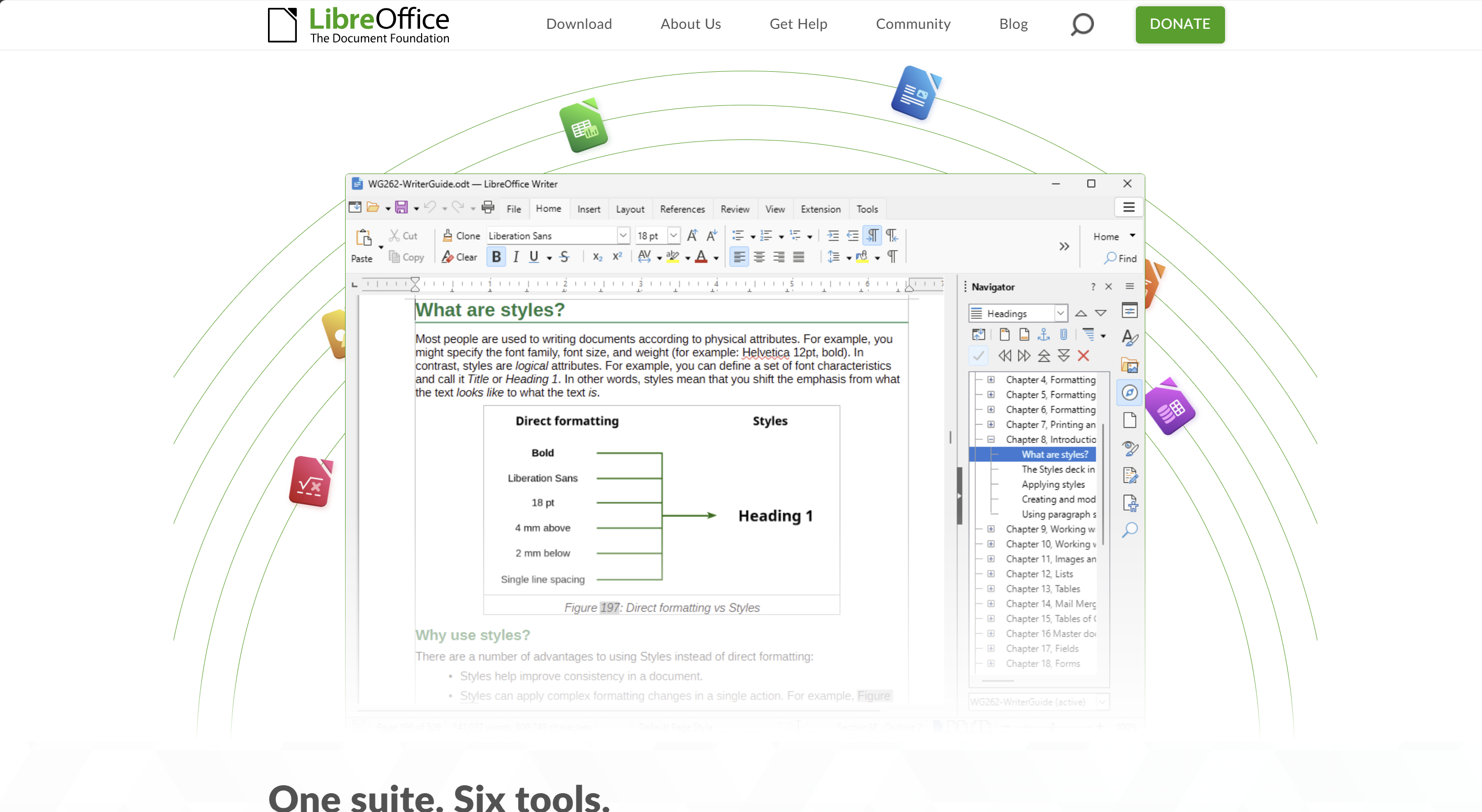
When all else fails, you can start incorporating a workflow that could include starting a document offline but using some temporary online resources to finish the project. Some users may prefer to run into the welcoming embrace of LibreOffice for emergency file access, followed by Office Online for compatibility checks, or keep teasing Microsoft with the use of a trial M365 subscription.
Microsoft wants you to upgrade to Office 2024 or Microsoft 365
If all of that sounds and feels too complicated, or you have decided now is the time to bite the bullet, there is always the simple upgrade to Microsoft 365 or Office 2024. Both upgrades will eliminate the ticking time bomb of EoS as well as guarantee the security of the productivity suite in perpetuity.
Whatever your plan is regarding Office 2021, you’ll be on your own, with roughly four months from now, to execute an exit strategy or your own secure productivity workflow.