







Windows 11’s Windows Update page can show a “Restart now” button while the monthly security update is still installing. Microsoft says the button is there on purpose, for people who want to restart as soon as a specific update is ready, but they’re now looking at changing the experience after a Microsoft MVP said he keeps falling for it, and it keeps happening to others too.
If you click Restart now too early, your PC still has to finish the remaining installation, and depending on what’s pending, you may need another restart later, which takes even more time!
Windows 11 asks you to restart even with the security update at 2%
Nathan McNulty, a security solutions architect and Microsoft MVP, posted on X: “The number of times I’ve clicked Restart Now thinking updates were finished while updates were still installing… I don’t understand why we can’t grey that option out while updates are in progress.”
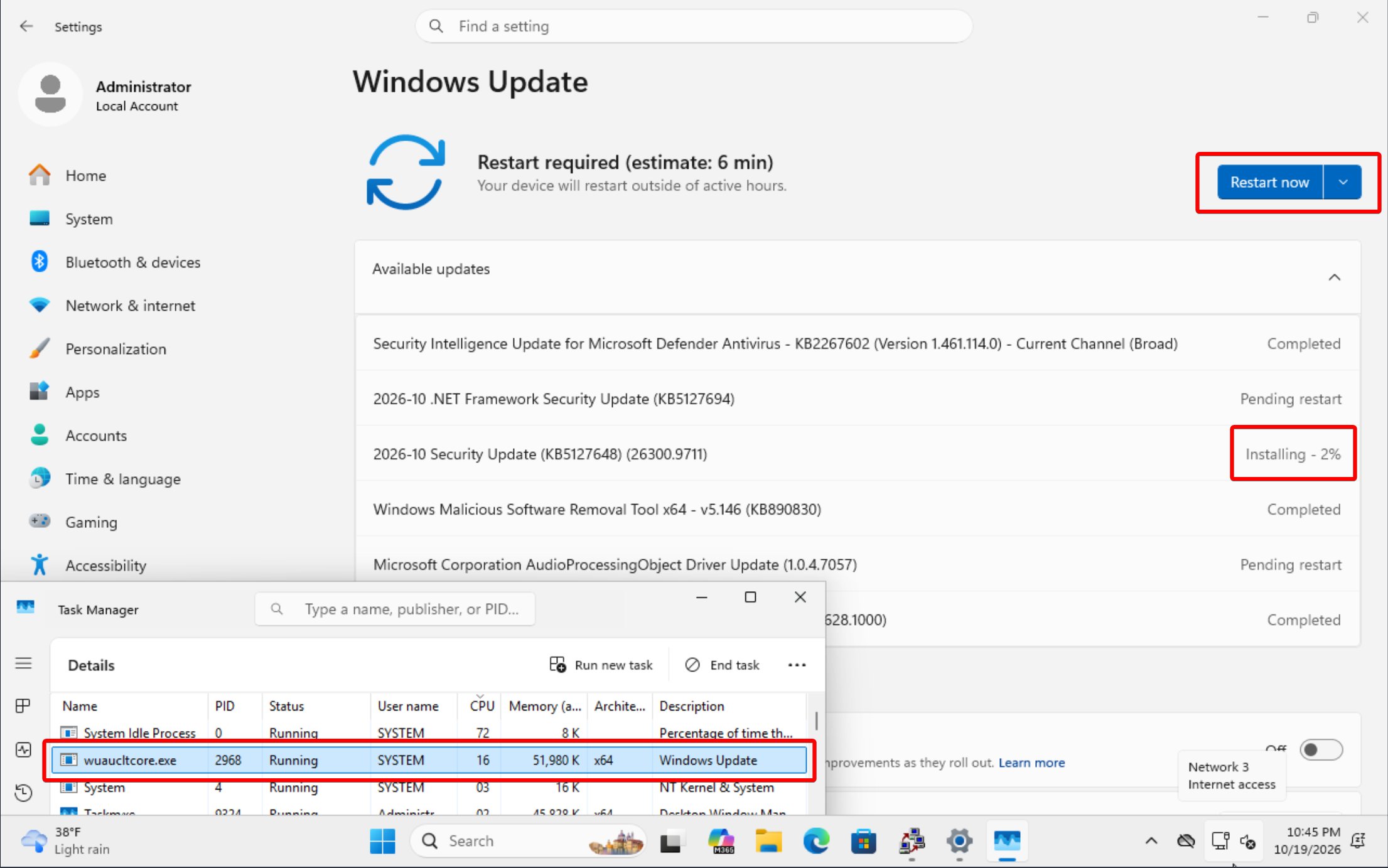
In the screenshot he shared, the October 2026 Security Update (KB5127648) shows “Installing – 2%,” while a .NET Framework update and an audio driver update are at “Pending restart.” Above them, Windows Update says “Restart required (estimate: 6 min),” with a big blue Restart now button, tantalizing enough to make users want to click it.
That said, the problem isn’t new. In December 2020, a Windows 10 user on Microsoft’s forum asked why “Restart now” appeared while cumulative updates were still installing, and later noticed it happened after the .NET update finished first. “Apparently no one from Microsoft wants to respond to this,” he wrote. More than 30 people upvoted they had that question too.
Almost six years later, Microsoft has finally explained why.
Microsoft says some people want to restart before everything installs
Microsoft’s Jen Gentleman explained under McNulty’s post, “Some of the updates are ready, if you wanted to restart immediately to install them.”
Aria Hanson, a Principal Group Product Manager working on Windows management, including Windows Autopatch and Intune, added that some people, and certain test cases, do want that. According to Hanson, most people who open the Windows Update settings page are advanced users, or open it from a notification, which only shows up after everything installs. Microsoft MVP James Robinson made a similar point in the thread.
But AskWoody publisher Susan Bradley pointed out that .NET updates “sometimes indicate that it’s ready to reboot and the main Windows patch is still coming,” and McNulty’s screenshot shows the .NET update doing that.
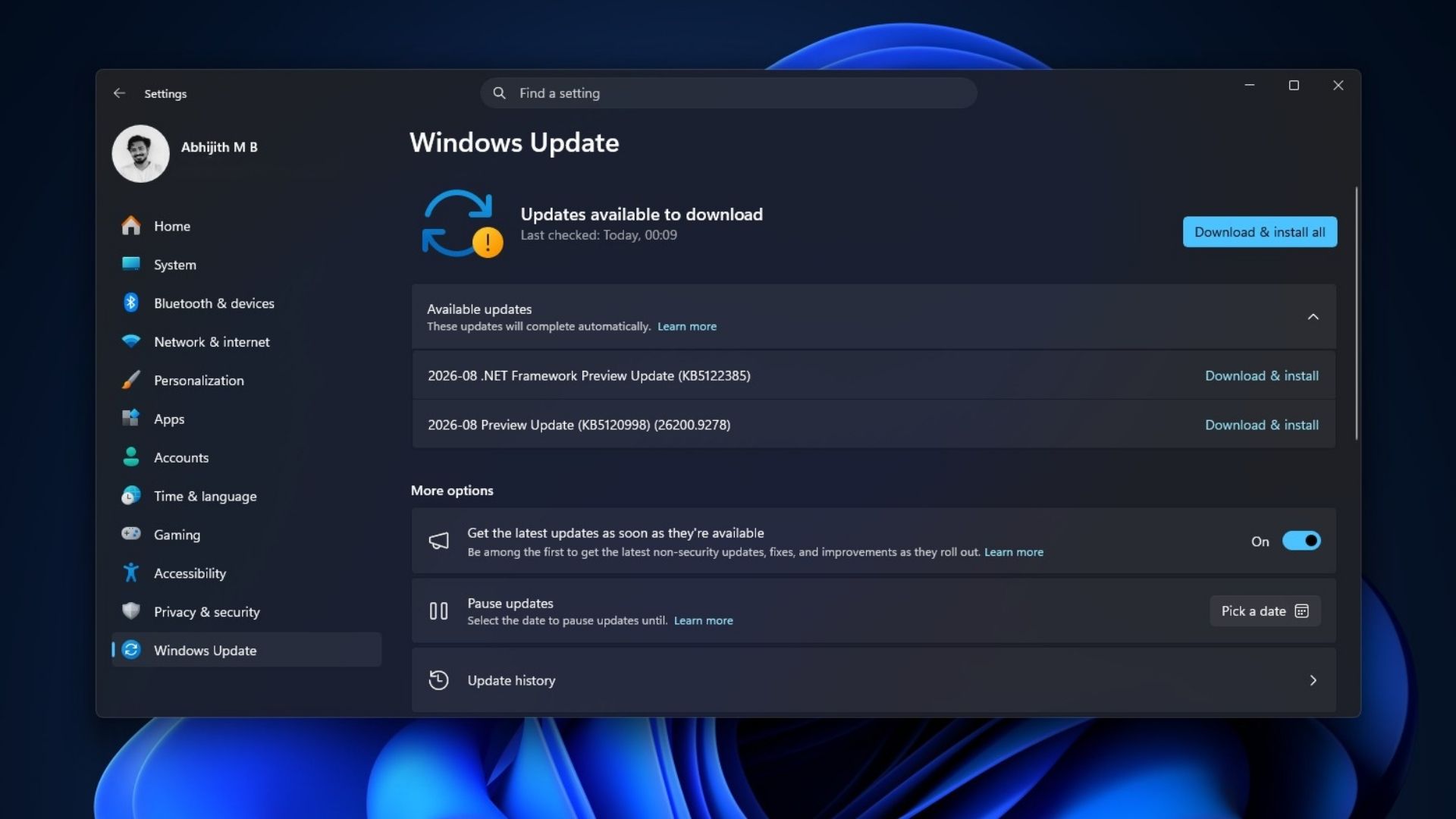
Since July 28, 2026, Microsoft has been holding .NET, driver and firmware updates on personal PCs so they install with the monthly security update and share one restart. So, it’s no surprise to see them waiting at “Pending restart” next to a cumulative update that’s still installing.
Microsoft is looking at changing the Restart now experience
In a reply to McNulty, which we spotted on X, Hanson said Microsoft is already looking at it.
“Appreciate the feedback, we’re looking at changing this to better enable the users on both sides (restart ASAP since the thing I care about is ready / don’t restart till everything is installed). In either case, we will not notify you about restarting till everything installs. :)”
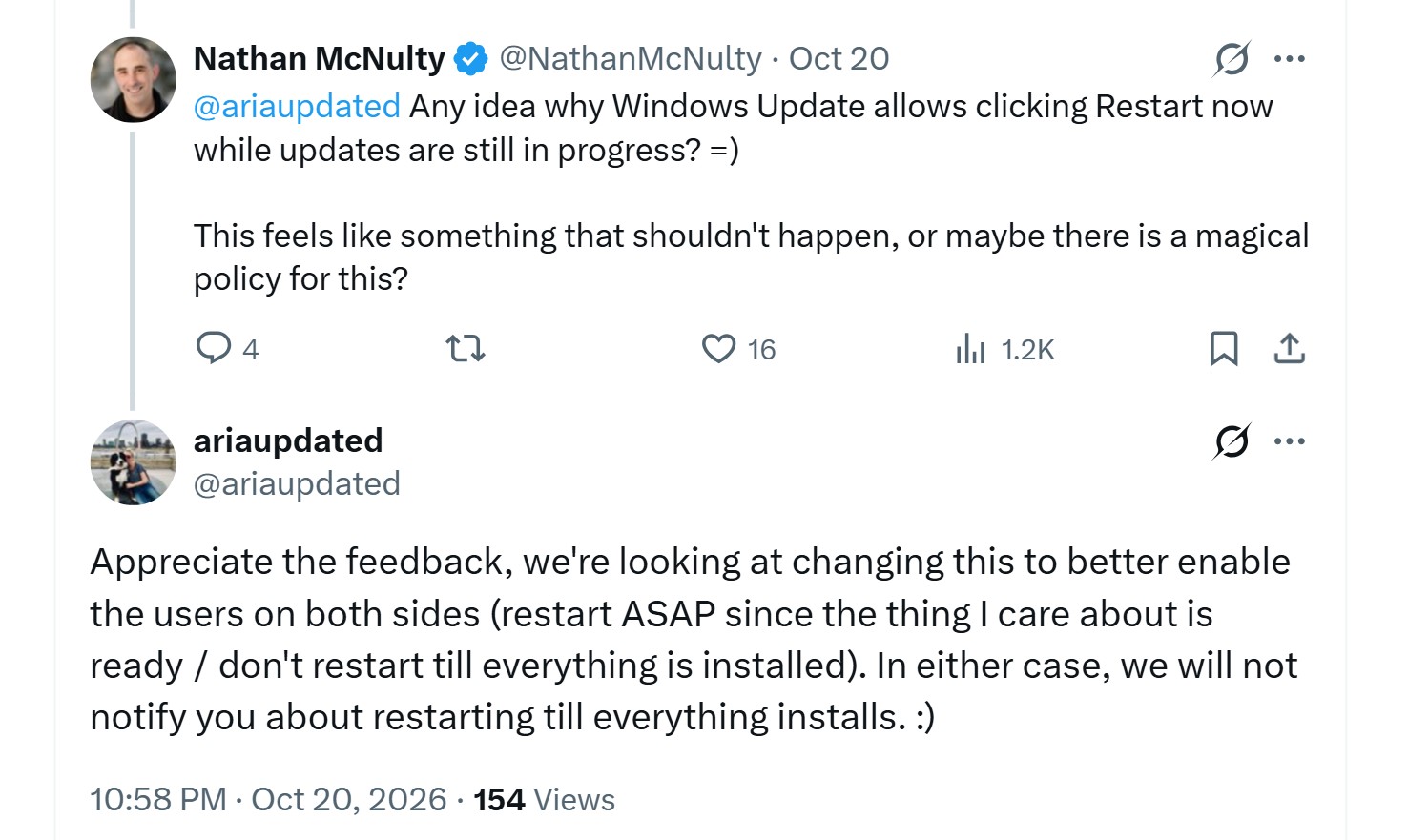
To be clear, Microsoft hasn’t shared how the new experience will look or when it will roll out, only that it wants to keep the early restart for people who need it.
“Love to hear it,” McNulty replied. “Promise I’m not complaining, just flustered every time I restart before it was ready.” And it’s not just McNulty. The replies that came under his post is proof. Of course, for someone like me, who waits for Windows updates and watches the percentage rising, this is a non-issue.
One early click can mean a long wait or a second restart
In a follow-up to his original post, McNulty asked, “why would I want to reboot after checking for updates and in the middle of the big update still applying?” He said it’s easy to do “when you bounce between lots of windows,” which, as someone who checks for updates and goes right back to writing, I can relate to.
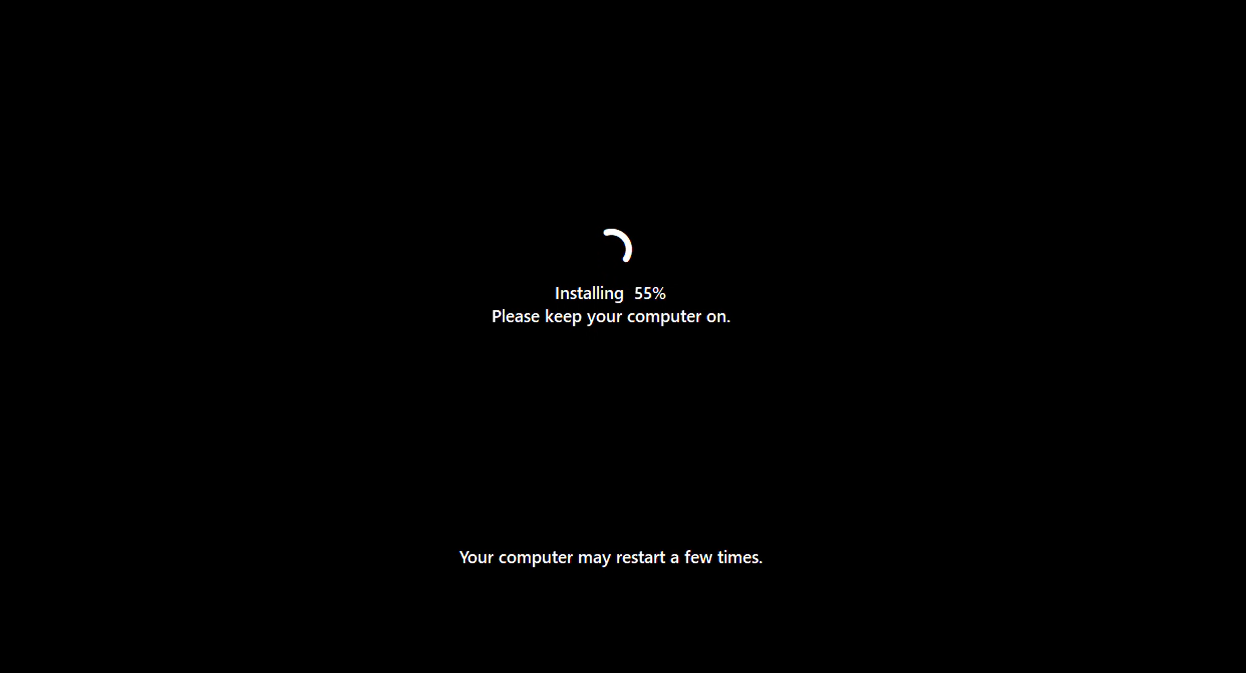
Joel Coehoorn (also a Microsoft MVP) noted that the big monthly cumulative update is usually the one still in progress, and when you restart, it has to finish before the PC is ready again, leaving you with an unusable machine “for sometimes > 1/2 hour.” Adam Juelich, who is an IT Professional with experience in Microsoft Intune, added that “Now you may end up with two reboots,” and Stephen Morning (also an IT Professional) said the restart icon in the system tray also shows up early.
Windows Update needs to show what’s still installing
I replied to McNulty’s original post suggesting a different color, like orange, while updates are still installing, and blue only when everything is at “Pending restart.”
McNulty’s idea is even simpler. Windows could show “Installing updates” and move “Restart anyway” to the dropdown, which, by the way, is already right next to the Restart now button.
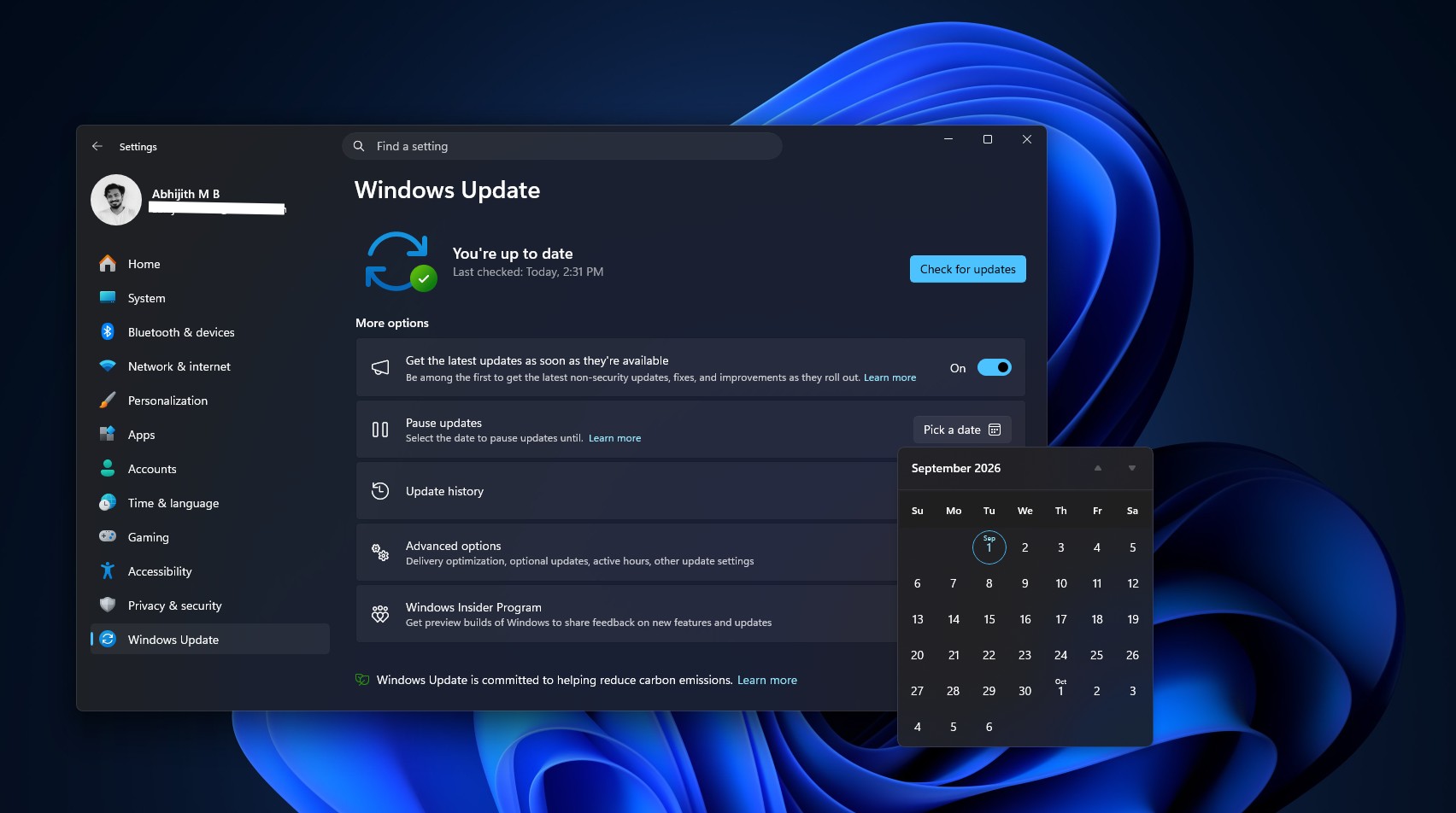
Ironically, Microsoft has spent 2026 giving us more control over Windows Update. You can now pause updates for as long as you want, shut down or restart without installing pending updates, and Microsoft has explained why some updates take longer to install even after a quick download.
But control only helps if Windows tells you what’s happening. Until Microsoft brings the change, expand the list of updates before you click Restart now, and make sure nothing says “Installing.”