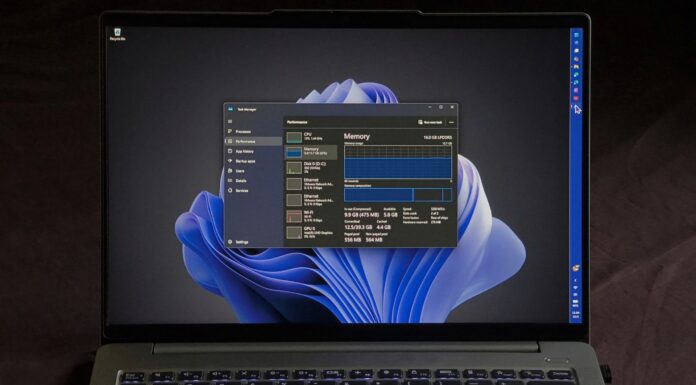




How many of you have experienced odd taskbar freezes or a blank desktop when you turn on your PC? Microsoft says a known Windows 11 issue causes the taskbar to freeze immediately after you sign in. This issue also affected right-clicking on the desktop and the taskbar. Thankfully, Windows 11’s May 2026 Update patches these problems.
Microsoft has committed to quality improvements for Windows 11 in 2026, and we’re already seeing some of the changes. For example, Windows 11 now lets you reposition the taskbar and change its size. There are plans to introduce a fully customizable Start menu, and now we’re seeing early signs of massive reliability improvements.
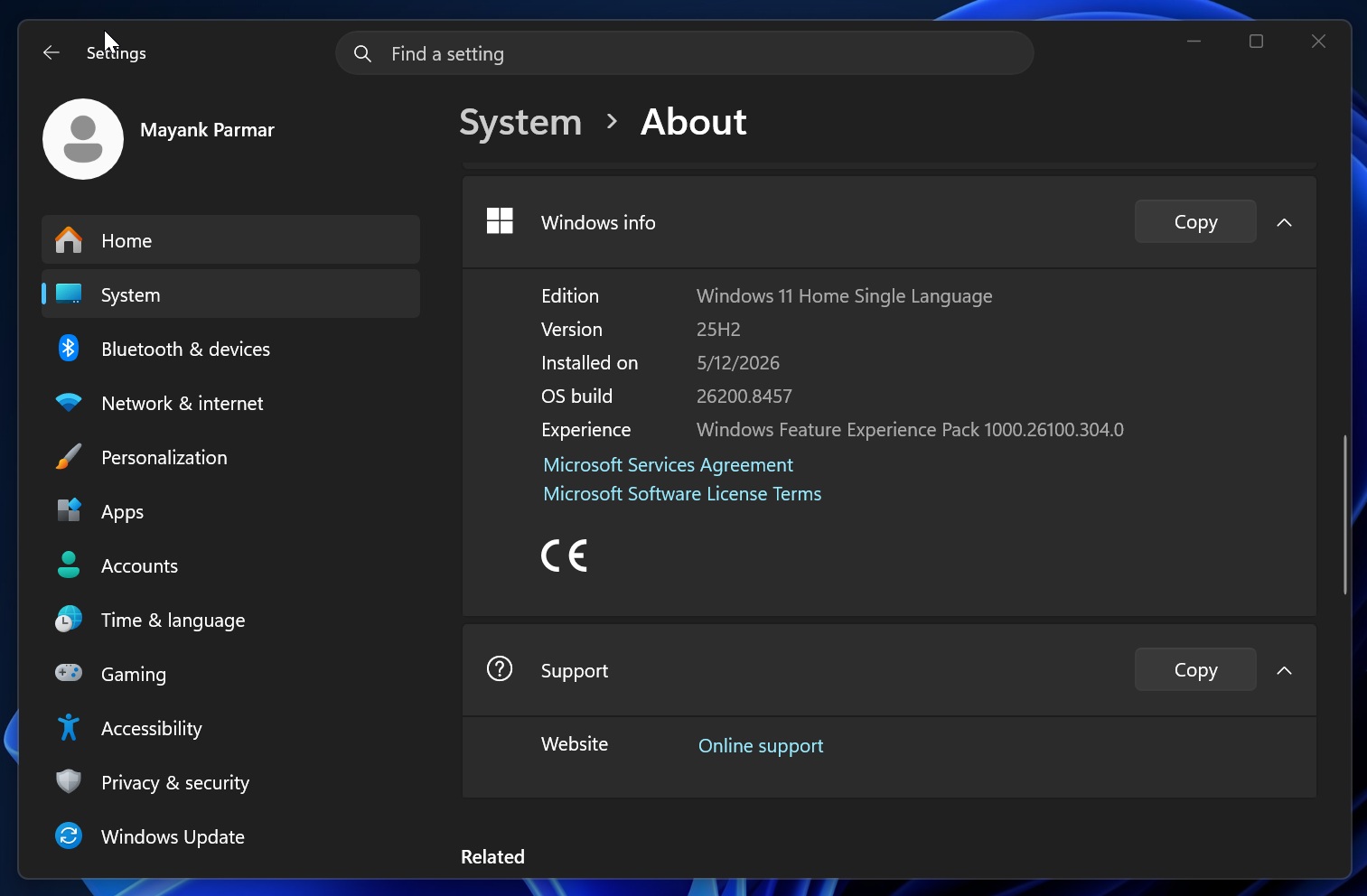
On May 12, Microsoft rolled out Windows 11 KB5089549 (May 2026 Update), which fails to install on some PCs. However, if you manage to download it, you are in for some real quality improvements. I installed the update and noticed visibly better performance, especially after sign-in.
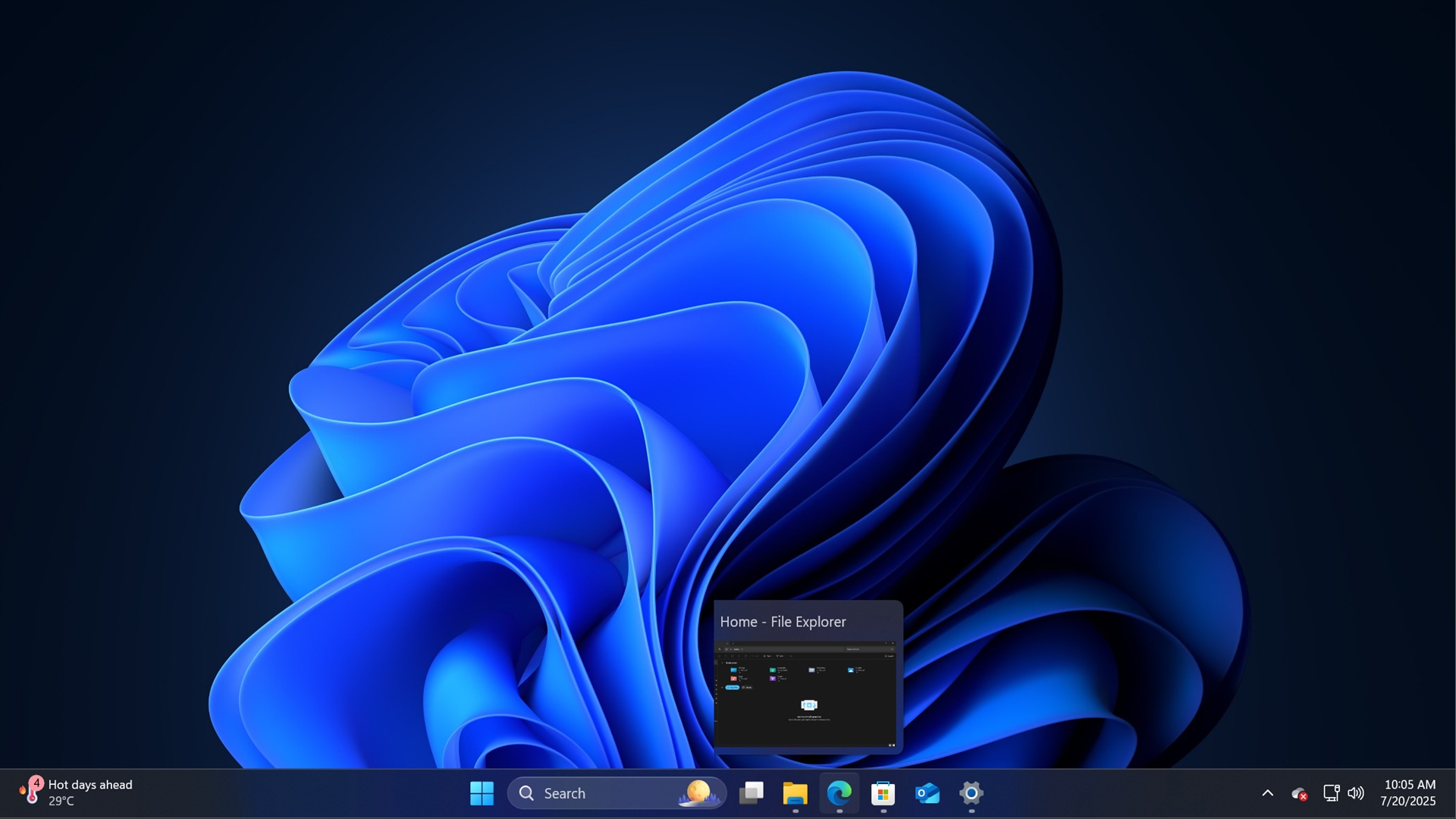
I have a high-spec laptop, but I have almost always run into a slow desktop or delayed right-click menus after I sign in to Windows 11. On the lock screen, I authenticate myself using Windows Hello, and when the desktop finally loads, the taskbar is missing.
When the taskbar does show up, and I right-click on it to open Settings, the right-click menu doesn’t respond.
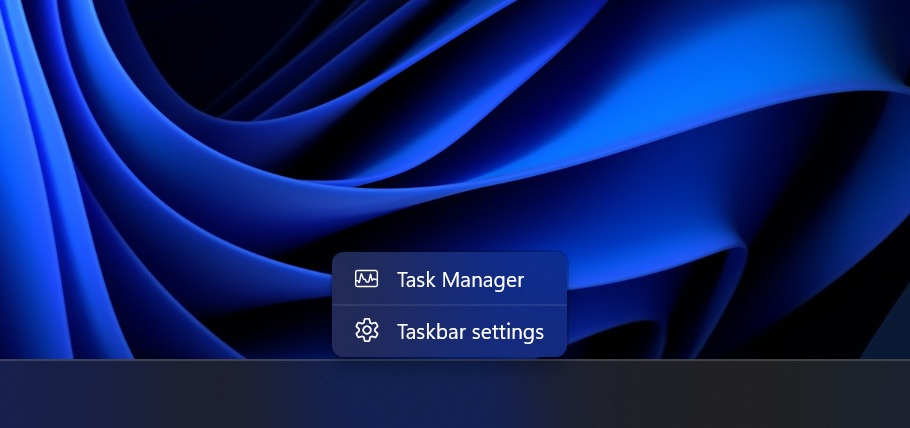
You might have also experienced similar issues, or another bug where Task View doesn’t respond, and unpinning items from File Explorer’s Quick Access does nothing.
Turns out these were known issues, and Microsoft clubbed them as a “general reliability” problem.
I asked Microsoft, and it told me that Windows 11 KB5089549 patches these problems, but the catch is that the changes won’t show up immediately. The company redirected me to the official changelog.
“This update brings underlying changes to help improve explorer.exe reliability, including at sign-in, when interacting with taskbar menus and Task View, when unpinning items from File Explorer’s Quick Access, and more,” Microsoft noted in the release notes.
Microsoft says startup apps will now launch faster
By default, Windows 11 does not launch your apps or third-party background processes automatically, but certain apps register themselves as startup apps. For example, Google registers Chrome Updater as a startup app, which is a valid move because it ensures the browser is updated in the background.
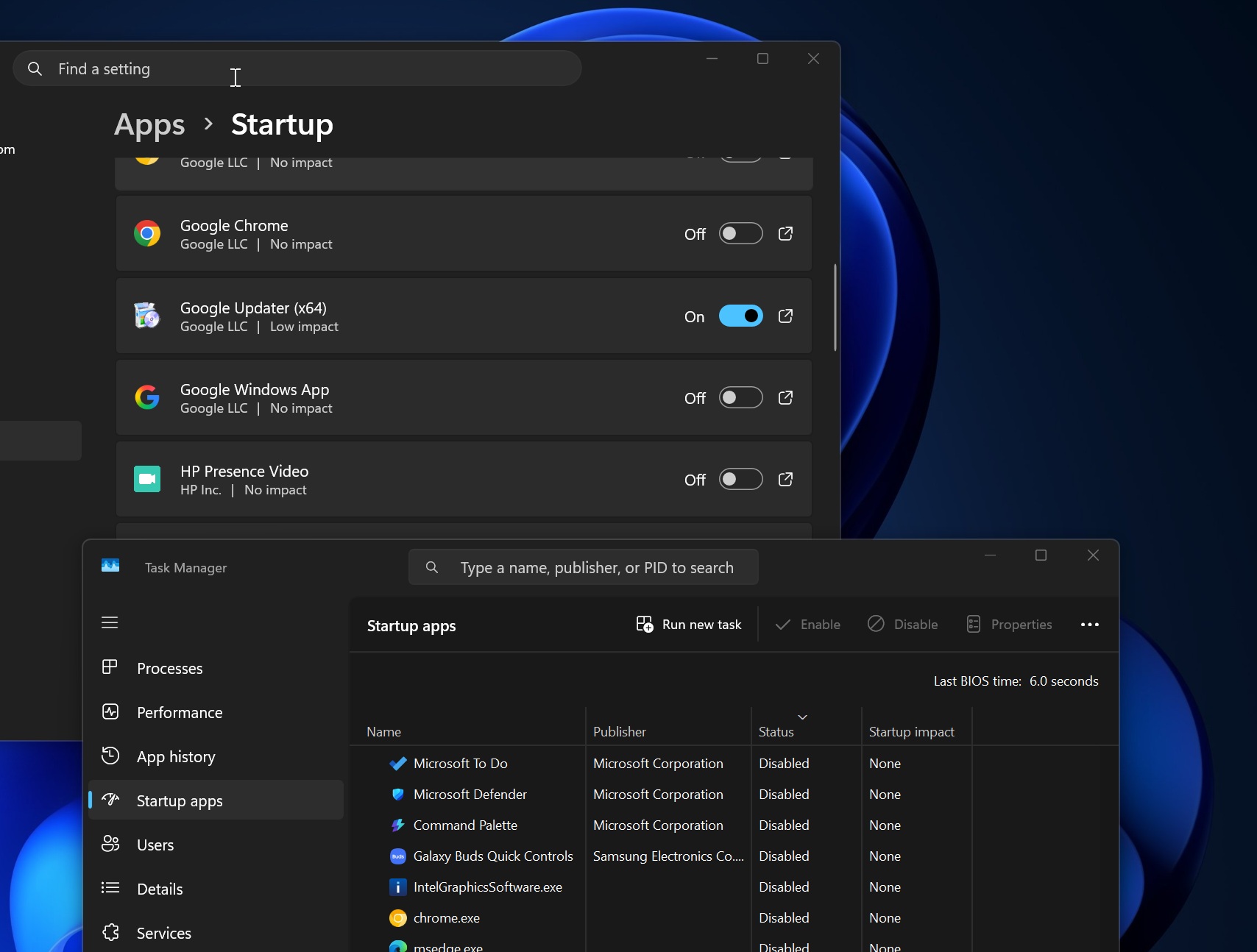
However, startup apps can make your PC run slower, and some apps launch slower even when they’re configured to open immediately.
Microsoft is not trying to make each app launch faster if they’re registered as a startup app. Instead, Microsoft is improving how startup apps launch on Windows, so they do not fight for CPU, disk, memory, and network resources, which often makes Windows 11 feel sluggish.
“[General Performance] This update improves the performance of launching startup apps after starting your device (apps listed under Settings > Apps > Startup),” Microsoft explained in the release notes.
This change likely means Windows 11 will feel less sluggish immediately after boot, and it makes sense when you look at other changes shipping alongside.
Microsoft is also making the system tray of the taskbar faster, improving Windows Hello, and testing a new Low Latency Profile that should launch all apps or core OS elements faster on low-end hardware.