







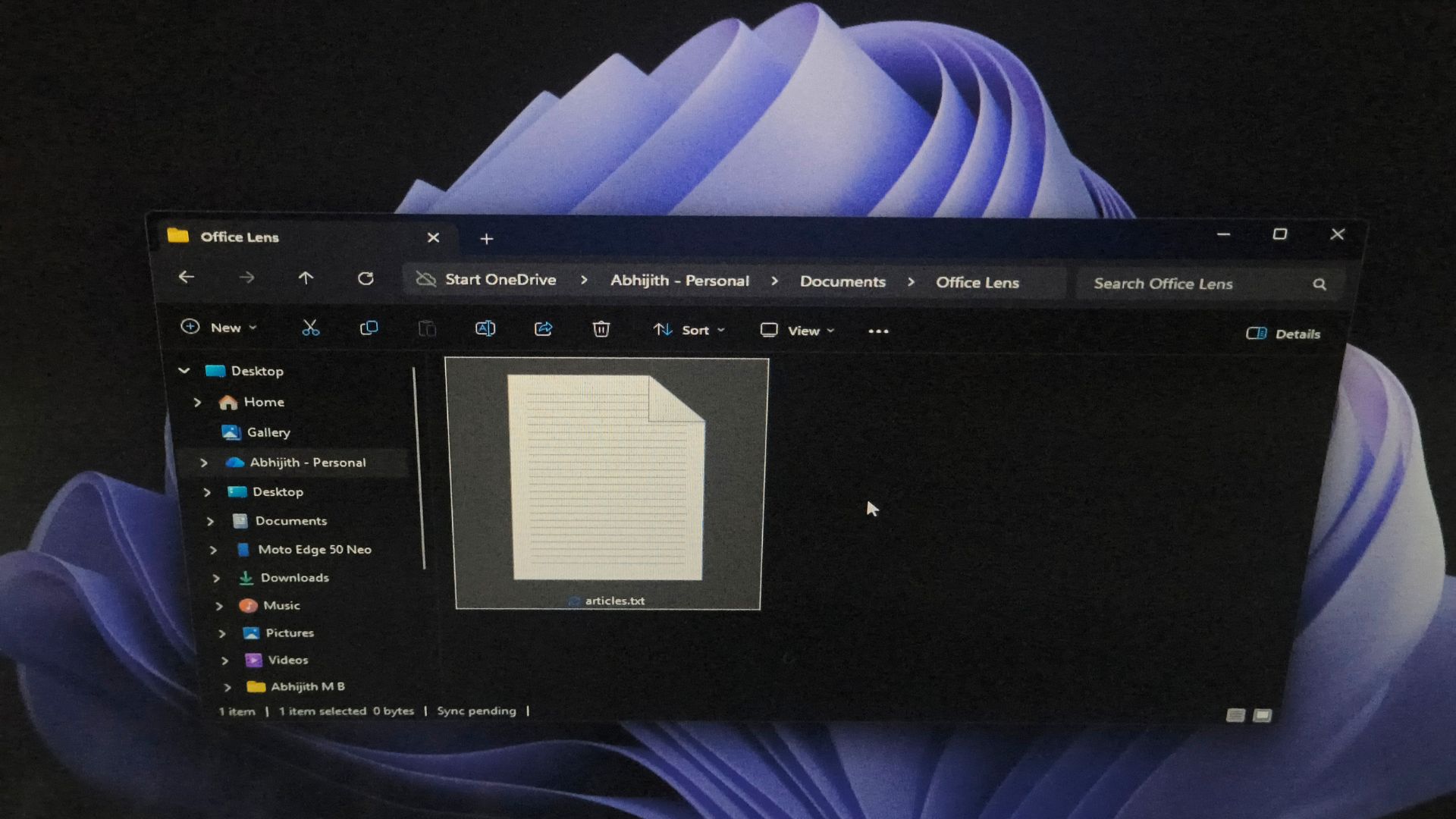
Suppose you have a file named articles.txt that you created yesterday. You delete it. A few seconds later, you create a completely different file named article.txt in the same folder. Then, strangely enough, when you open its Properties, Windows tells you that the new file was created yesterday!
Like many things in Windows, this too is decades old and not a bug, and it even has a catchy name: tunnelling.
The actual name is File System Tunnelling, and it is a feature of NTFS and FAT where, if you delete or rename a file and then quickly create another file with the same name in the same folder, the new file inherits metadata (like the original file’s creation timestamp or short/long name mapping).
But why would Windows knowingly make a brand-new file look like an old one? We went through a bunch of official documentation to find the answer.
Windows can remember a deleted file for a short time
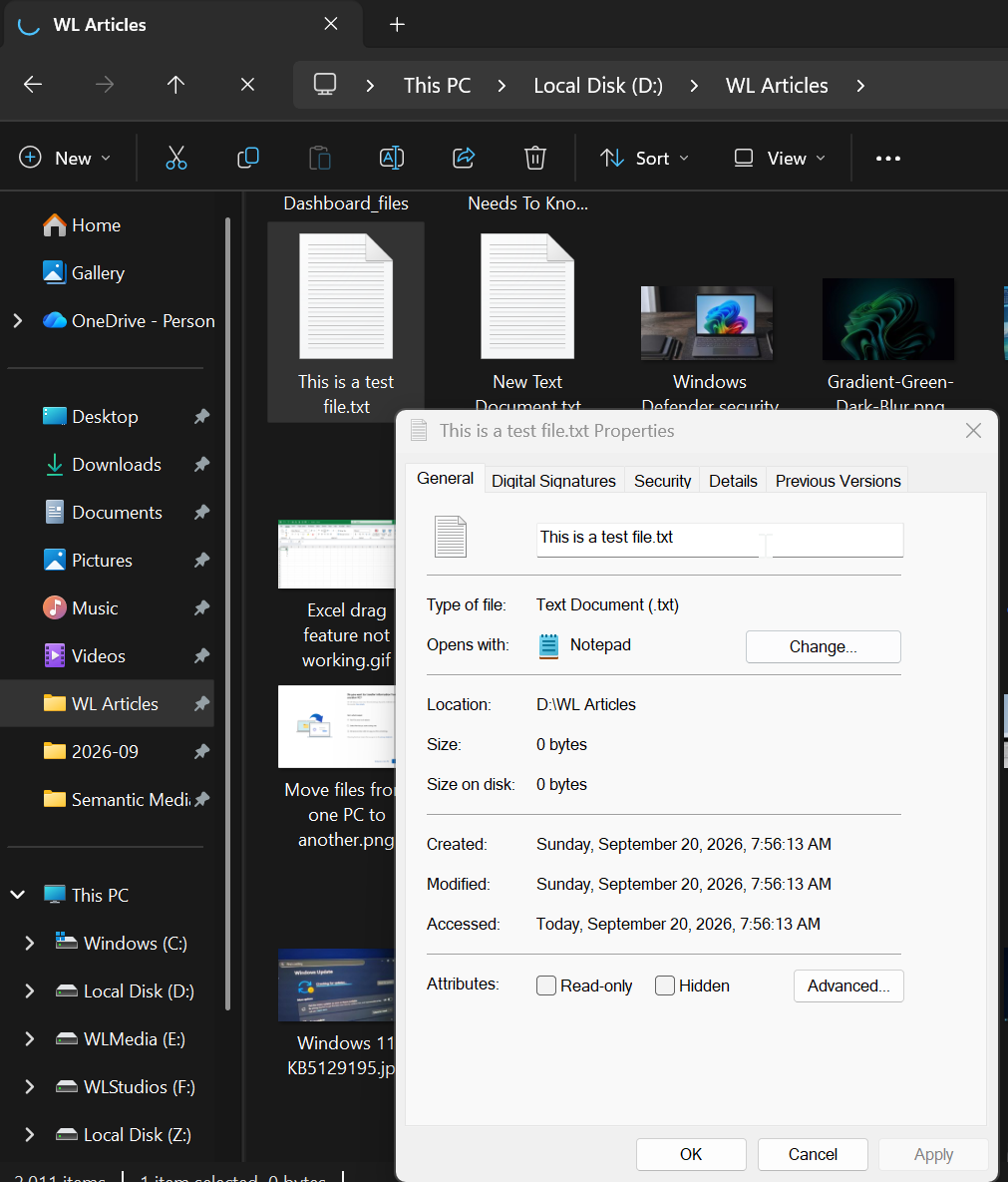
Microsoft’s FileSystemInfo.CreationTime documentation says “NTFS-formatted drives may cache file meta-info, such as file creation time, for a short period of time. This process is known as file tunneling.”
Microsoft Engineer Raymond Chen wrote about this in 2005 and made a fun analogy to quantum tunnelling, from which the name was taken.
In quantum mechanics, tunnelling is when a particle can appear on the far side of an energy barrier it should not have had the energy to cross.
Chen joked that Windows’ file metadata pulled the same trick, where it got deleted on one side and reappeared on the other.
“In the case of file system tunneling, it is information that appears to violate the laws of classical mechanics. The information was destroyed (by deleting or renaming the file), yet somehow managed to reconstruct itself on the other side of a temporal barrier.”
He also mentioned that the Windows 95 developer who built the feature got carried away with the analogy and named the internal data structures quarks!
How File System Tunnelling works?
- When a file is deleted or renamed, Windows creates an entry in the tunnel cache.
- If you create a new file with the same name in the same directory within a short time window, Windows applies the cached metadata (creation time, SFN/LFN mapping) to the new file.
- This cache is per‑volume and automatically clears older entries when full.
Before you get privacy and security concerns, note that the deleted file is gone and its contents do not come back. What Windows preserves for 15 seconds is the metadata, which includes the creation time and the association between a file’s long filename and its 8.3 short filename.
Also, the cache does not last forever. It belongs to the directory, is temporary, and only kicks in when the right create or rename operations happen within its window. A new file will not automatically inherit an old timestamp just because it has the same name of something deleted last month.
If you are really concerned about someone recovering deleted files after resetting Windows, Microsoft has a new Data Sanitization option in Cloud Rebuild.
Anyway, the real question is: why does file system tunneling even exist?
Microsoft didn’t create file tunneling to confuse you
When we use a program like Word to edit a document we created yesterday and then save it, we would expect the file to retain its original creation date, because we were editing the file instead of creating it.
However, as Chen said, “But internally, many programs save a file by performing a combination of save, delete, and rename operation”
This means many applications do not modify an existing file in place. A program may create a temporary file with the updated content, delete the original, then rename the temporary file to the original name. This is called the Safe save method.
To us, it looks like editing and saving a document. But Windows saw a file created, deleted, and renamed.
If tunnelling wasn’t there, the replacement file would suddenly get a brand-new creation date, even though we didn’t create a new document.
This isn’t the only reason, though. Chen’s other example involves older programs that only understood 8.3 short filenames. If one of those replaced “File with long name.txt” without preserving the long and short name association, the file could lose its friendly name completely and end up looking like its DOS-era short name instead.
In 16‑bit applications, only short file names (SFN) are usable. Tunneling preserves the link between SFN and LFN (long file names) when files are renamed or recreated.
Basically, File system tunneling exists to support the safe save pattern used by applications and to maintain 8.3 short name/long name compatibility.
Which paired operations can cause the file name “name” to be tunneled
Microsoft’s FltGetTunneledName documentation describes the mechanism as a per-volume tunnel cache.
It lists the operation pairs that can trigger tunneling.
- delete(name) / create(name)
- delete(name) / rename(source, name)
- rename(name, newname) / create(name)
- rename(name, newname) / rename(source, name)
If you’re interested, an older Microsoft KB article, originally written for Windows NT and XP, mentions how to adjust or disable the 15-second default cache window for tunnelling through the registry.
So, the next time a new file claims to be several days old, Windows probably is not broken. It may just be doing exactly what Microsoft designed it to do.