






We all know Microsoft is trying to modernize Windows for the billionth time, and by modernization I mean moving legacy features to WinUI, the current flagship native UI framework. From the Properties Sheet to the AutoPlay dialog to Windows Run, everything is getting a modern redesign with dark mode, but what about performance?
I don’t think Microsoft gets enough credit for making WinUI more stable over the last few months, and one perfect example is the Run dialog.
As you may be aware, Windows Run is getting a WinUI-based redesign, and it’ll replace the legacy Run dialog (Win+R) if you choose to turn it on from Settings > System > Advanced.
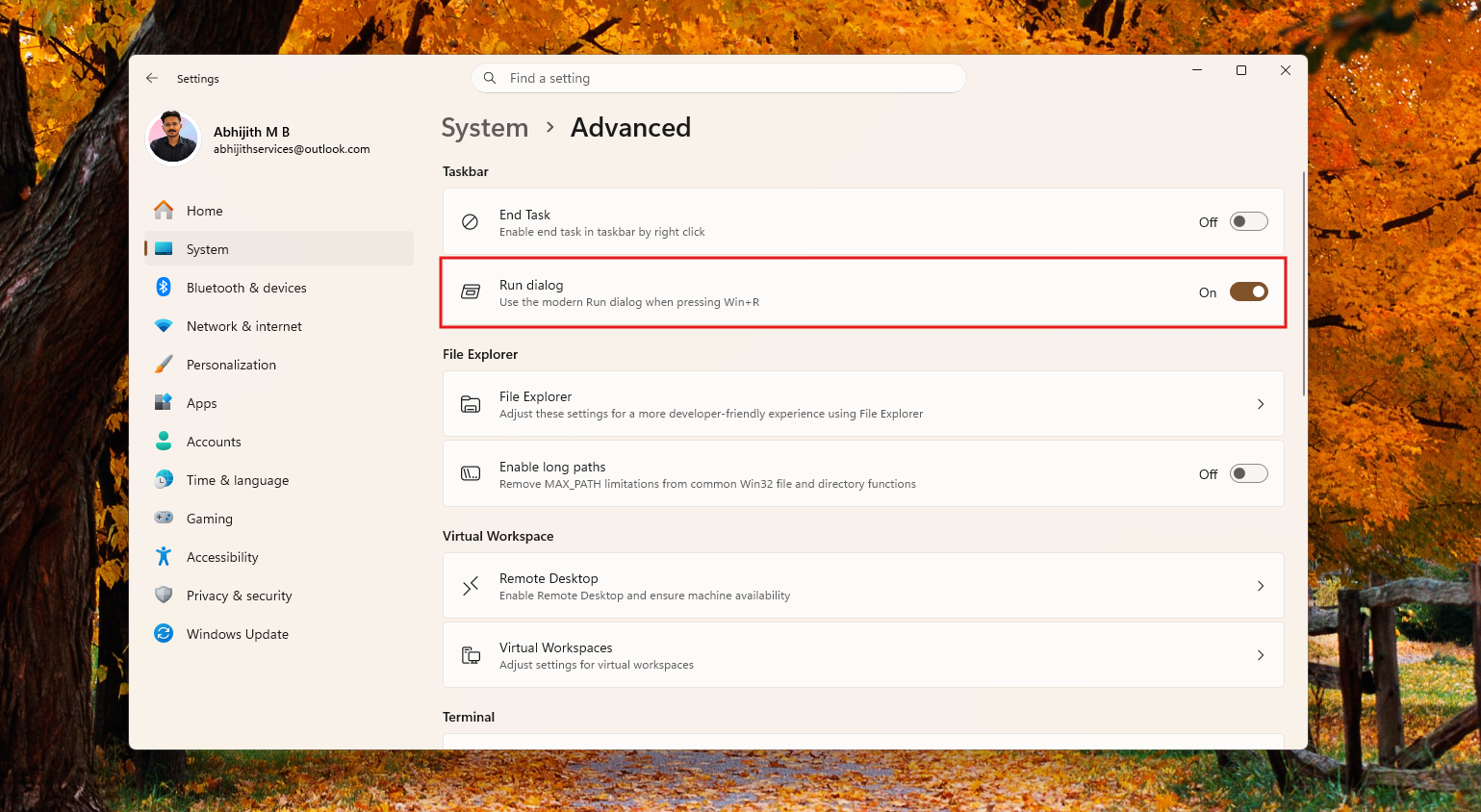
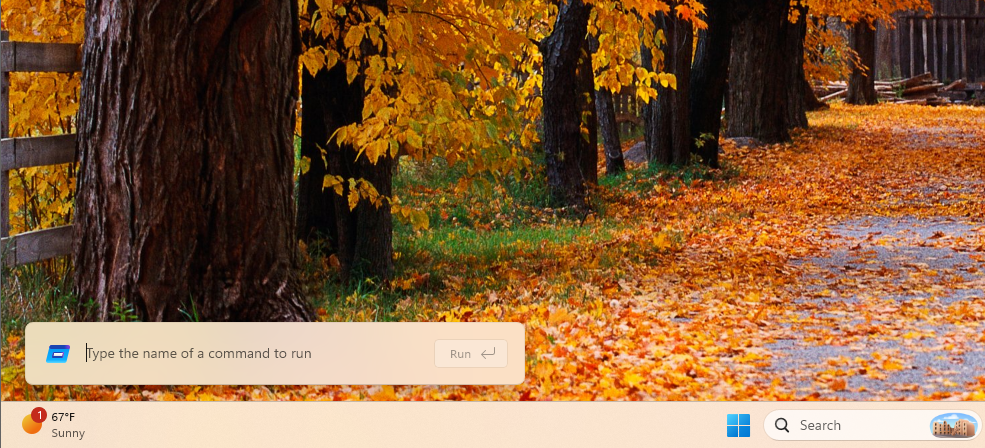
Windows Run retains the familiar experience, supports dark theme and modern icons/elements, and is interestingly faster than the current implementation. And if you haven’t tried it out yet, here’s what it looks like:
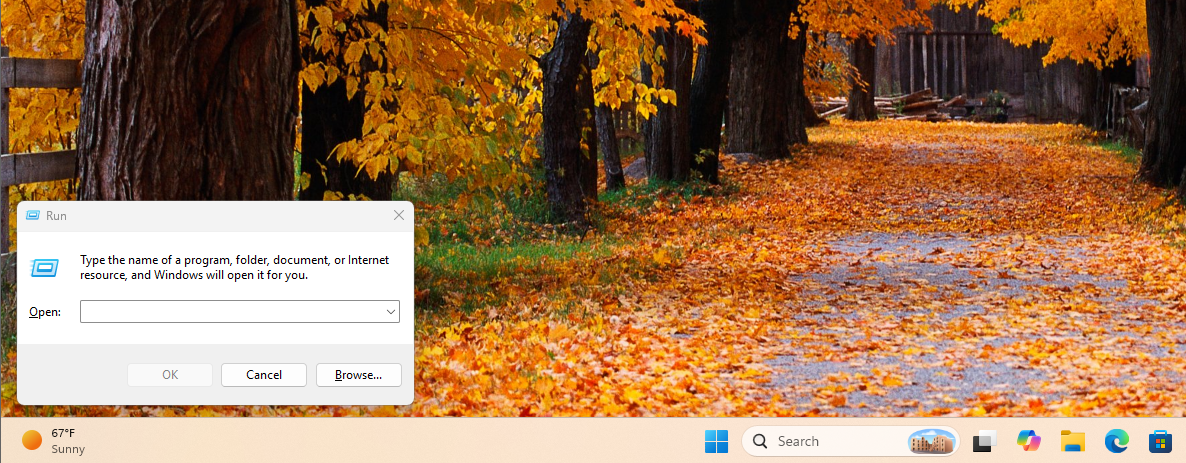
For comparison, here’s the old/current Run dialog:
Microsoft says performance was one of its priorities when rebuilding Run
This new Run dialog, which is built using a modern C#/WinUI 3 implementation, is actually a bit faster than the legacy one. It may be hard to believe, but it is.
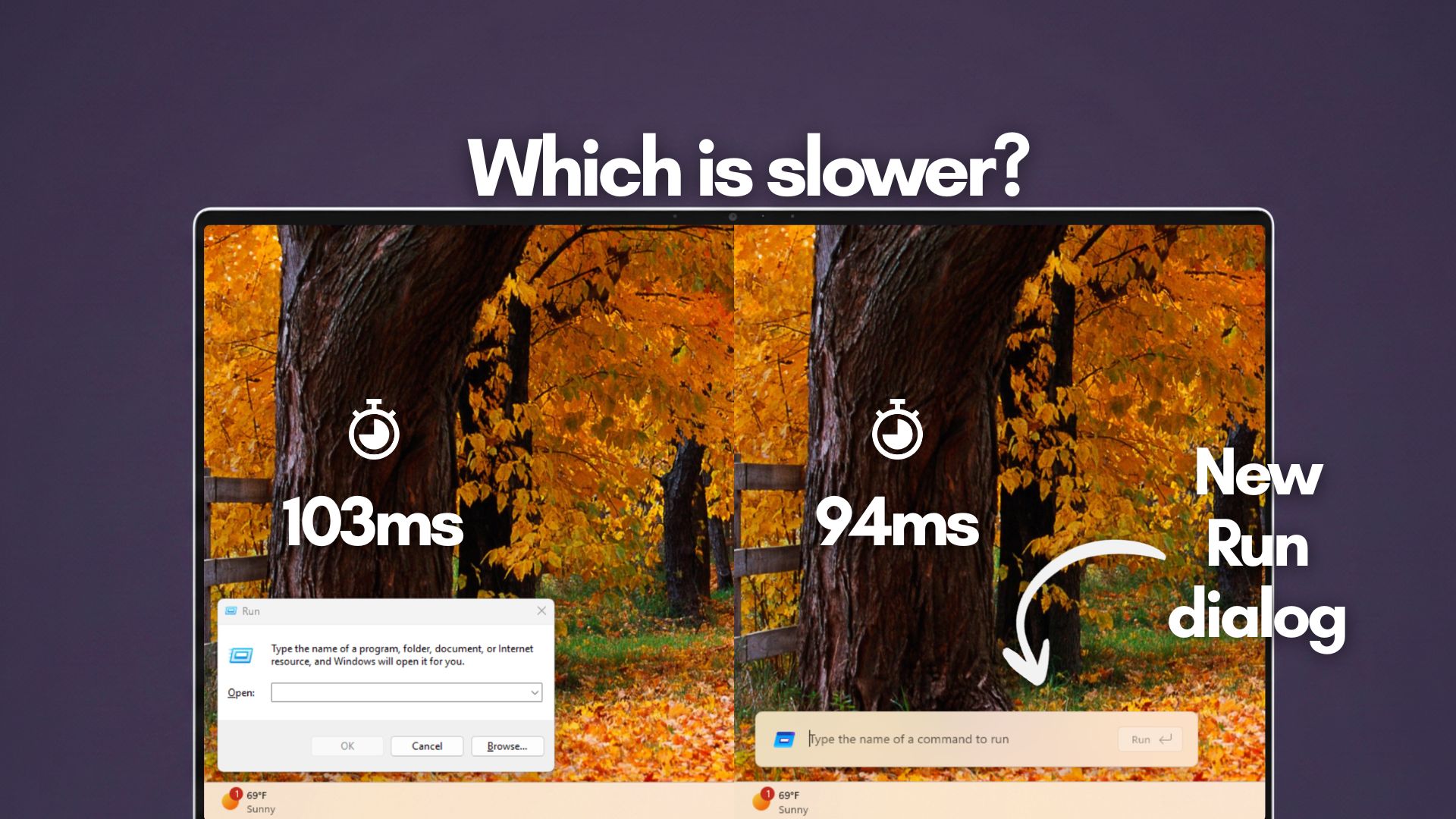
“Perf was top-of-mind when rewriting Run, and with a 94ms median time-to-show time it’s faster than ever before,” Microsoft argues in a document, where it also shared some numbers based on internal benchmarks.
The existing Run dialog, built using Win32, has a 103ms median time-to-show, but Microsoft’s benchmark for the new Run dialog comes in at 94ms. Mathematically, we’re getting a 9ms improvement, which means the WinUI implementation is about 8.7% faster than the legacy version.
Of course, this isn’t a situation where simply applying WinUI would make any legacy dialog or app faster. In fact, it’s most certainly going to be the opposite in some cases, and Microsoft itself has acknowledged that WinUI needs serious performance work.
One part of Microsoft’s approach with Run is .NET AOT (Ahead-of-Time compilation). The new Run dialog is a native WinUI 3 app written in C#, but it’s compiled ahead of time instead of waiting for the normal .NET JIT compiler to compile its code when you launch it. Microsoft says this gives it “the blazing speed of native code” while retaining C# and WinUI 3.
Microsoft also says it worked closely with teams across the Windows platform to get these UI surfaces loading quickly, so the result isn’t simply WinUI being faster than Win32 by default.
Microsoft can make a modern Windows 11 without sacrificing performance
There’s been a long-running perception that replacing Win32 with WinUI/XAML interfaces makes Windows slower, and it’s not exactly false. If you compare the new Task Manager against the old one, it’s noticeably slower on low-end PCs.
And let me not even get started on File Explorer, which was incredibly slow until Microsoft started working on performance upgrades. It’s still not as fast as the Windows 10 version. For example, you can literally watch the context menu load items when you right-click in a folder on Windows 11:
Run is an interesting test for Microsoft’s modern Windows UI
Microsoft has long avoided modernizing some older legacy dialogs because WinUI has had performance issues, and Run is almost the worst possible feature to modernize if your framework has noticeable startup overhead because the old dialog already appeared instantly.
“We knew the existing dialog was fast,” Microsoft said. If it wanted to modernize Run to match Windows 11, Microsoft says it had to “maintain the same performance” while keeping the interface minimal.
You’re probably not going to notice the difference between 103ms and 94ms with your eyes, but that’s not really the interesting part.
Microsoft took an extremely lightweight Windows surface that’s been around for more than 30 years, rewrote it using its modern C#/WinUI 3 stack, and did not introduce the performance regression you might normally expect from modernizing something that was already fast. Instead, according to Microsoft’s measurements, it made it slightly faster.
And Microsoft believes there’s still room for improvement. More importantly, the company says the work wasn’t limited to optimizing Run itself.
“Improvements we’ve made to the platform don’t just make Run fast, but they help make the whole OS more efficient,” Microsoft says.
If those improvements translate to other parts of Windows 11, Run could be an early example of Microsoft finally modernizing Windows without accepting worse performance as part of the deal.
If anything, a better WinUI is good news for everyone because there’s no going back to Win32, and the other alternative is WebView, which nobody wants.