






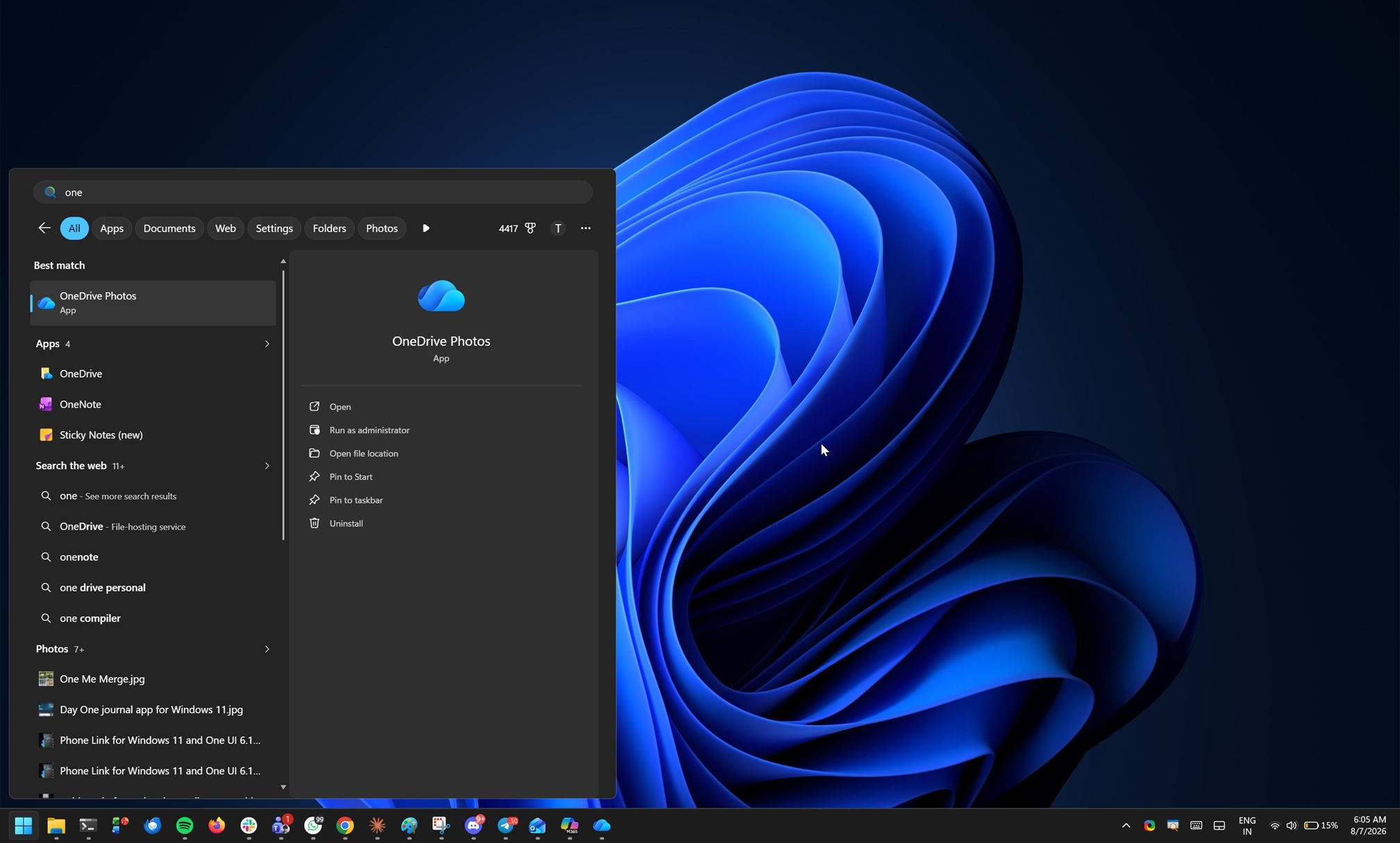
We [force] installed OneDrive Photos on your PC; Microsoft effectively told Windows Latest in a statement when I asked why the app suddenly showed up on PCs. The company also offered a bit of explanation about what exactly is happening.
“OneDrive Photos is part of the OneDrive app, so it arrived with a OneDrive update rather than as a separate download,” the company explained. “It brings the OneDrive photo experience from the web and mobile apps to the Windows desktop.”
Over the past few weeks, I’ve been tracking the mysterious OneDrive Photos app, which showed up on production Windows 11 PCs even if you don’t use a personal Microsoft account. That immediately caused outrage, and until now, Microsoft had refused to explain the rollout, maintaining complete radio silence. I’ve finally heard back from the company.
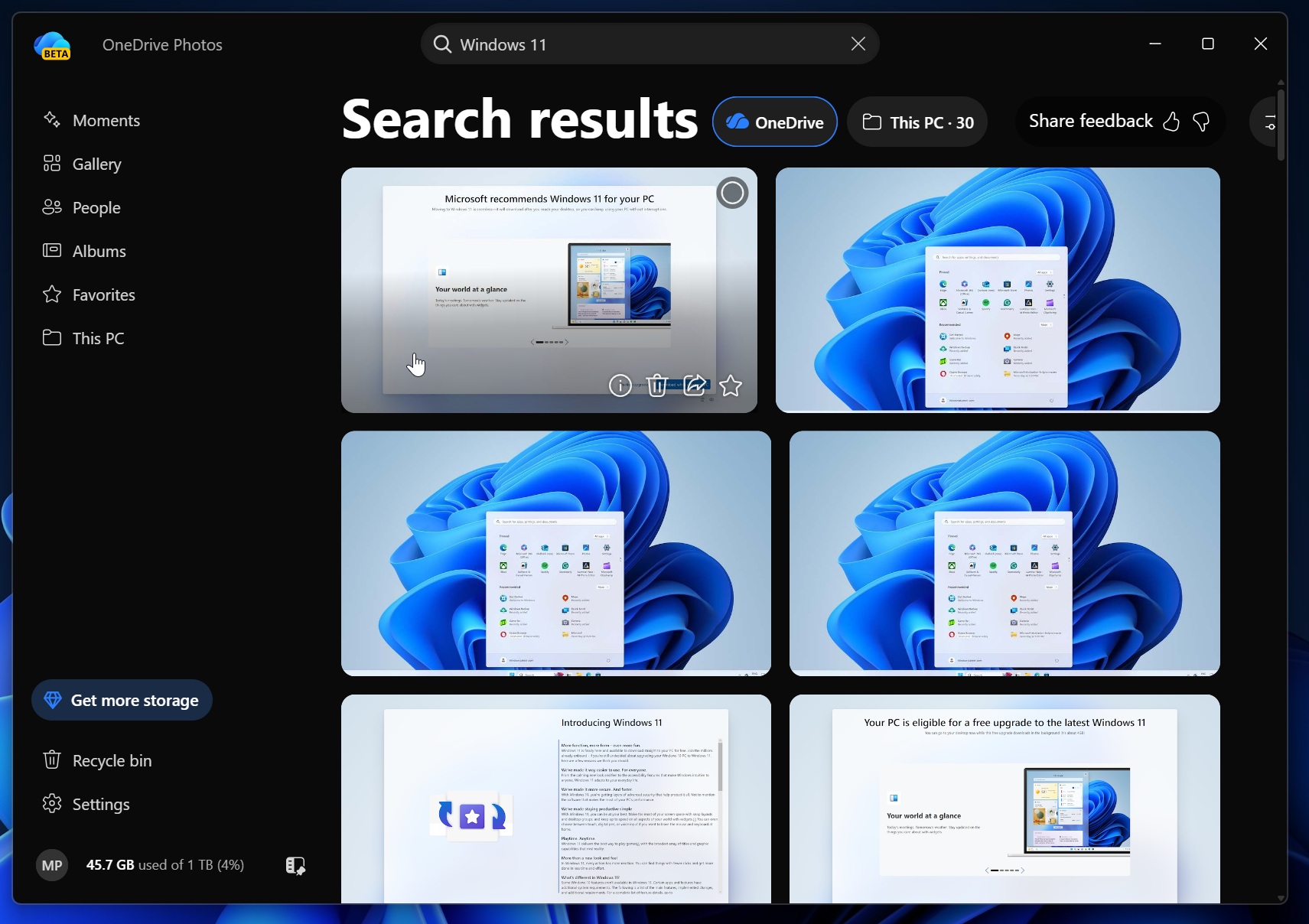
There are two important things to understand here. Microsoft admitted that it force-installed the OneDrive Photos app on Windows 11 PCs, but it would not acknowledge that the app was also being pushed to enterprise PCs managed through Intune.
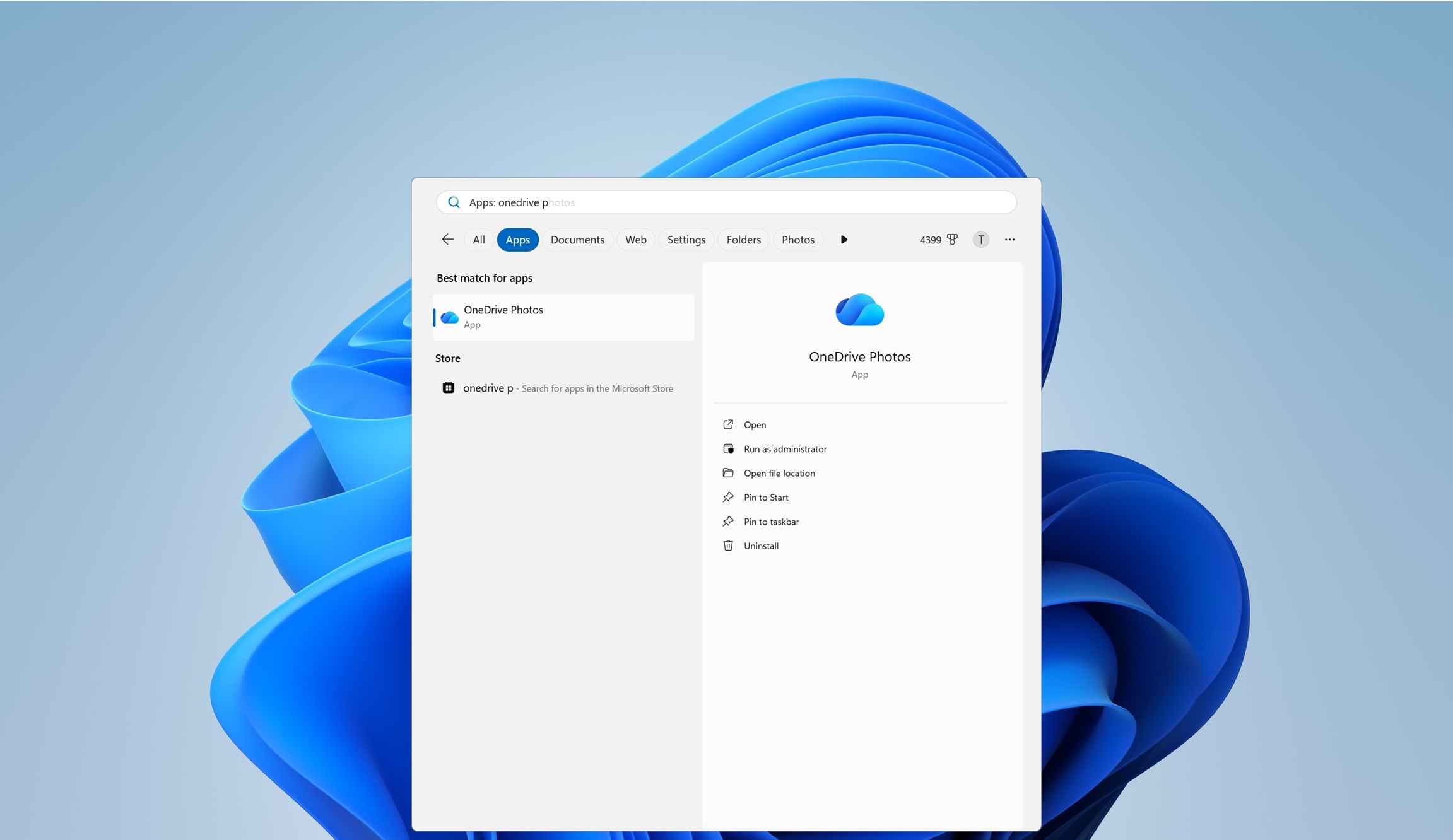
Since OneDrive Photos works only with a personal Microsoft account, it never made sense for the app to appear on enterprise PCs. Yet it did, leaving IT admins confused about how to remove it because it’s tied to the OneDrive sync client. You either have to remove OneDrive entirely or keep both.
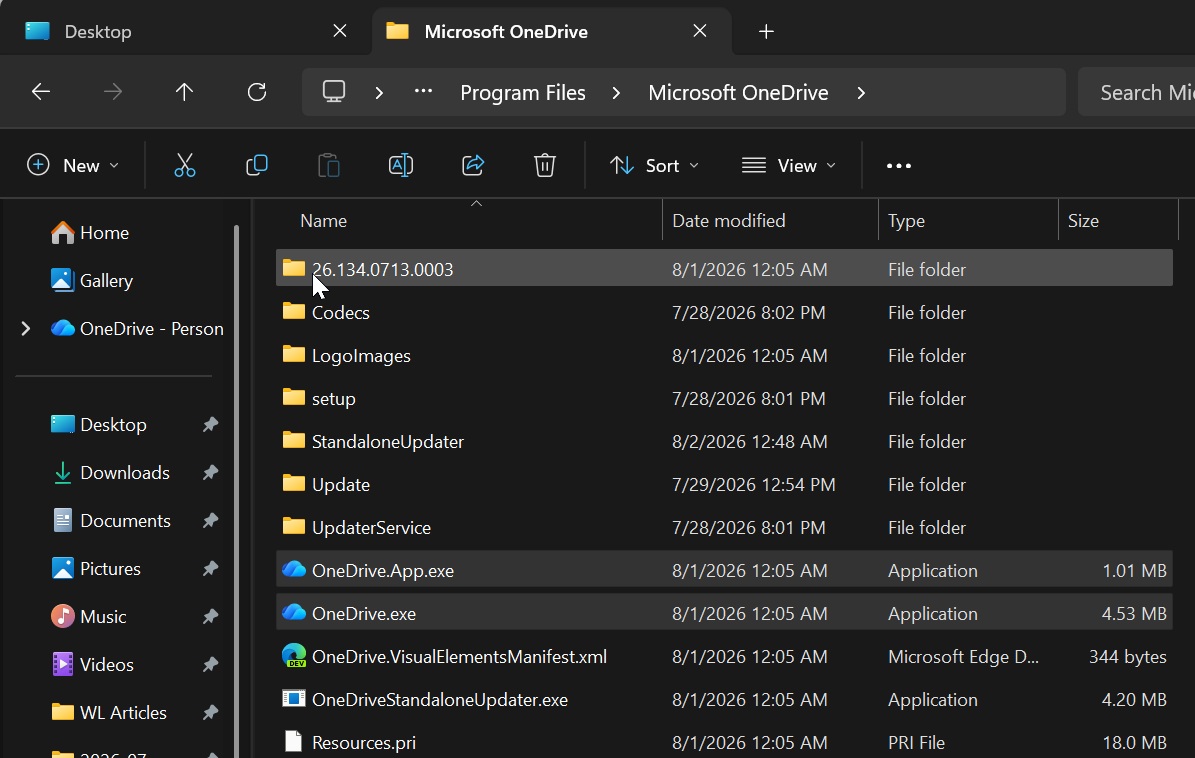
This app is installed at C:\Program Files\Microsoft OneDrive\OneDrive.App.exe, while the primary OneDrive is present at C:\Program Files\Microsoft OneDrive\OneDrive.exe:
Unfortunately, Microsoft told me it had nothing more to share about enterprise PCs, even after I repeatedly pressed the company for an explanation.
However, Windows Latest understands that the rollout to enterprise PCs was not intentional.
Microsoft apparently intended to force-install OneDrive Photos only on consumer PCs, but it also ended up pushing the app to enterprise devices. I’m still hoping the company will acknowledge the mistake and communicate it to its business customers.
How does the OneDrive Photos app actually work, and when will it auto-install on Windows 11?
Microsoft told me that OneDrive Photos is automatically added to all Windows 11 PCs where the OneDrive sync client is present. OneDrive is already pre-installed on all PCs, and whether you choose to sync or not, it’s still present unless you manually delete OneDrive entirely, but many of us actually do not notice.
OneDrive is also already integrated into File Explorer, and yet Microsoft is adding the OneDrive Photos app to all PCs.
The company argues that OneDrive Photos brings all photos stored on your PC, and it’s true, as the app already had access to all images on my PC, including screenshots when I first opened it.
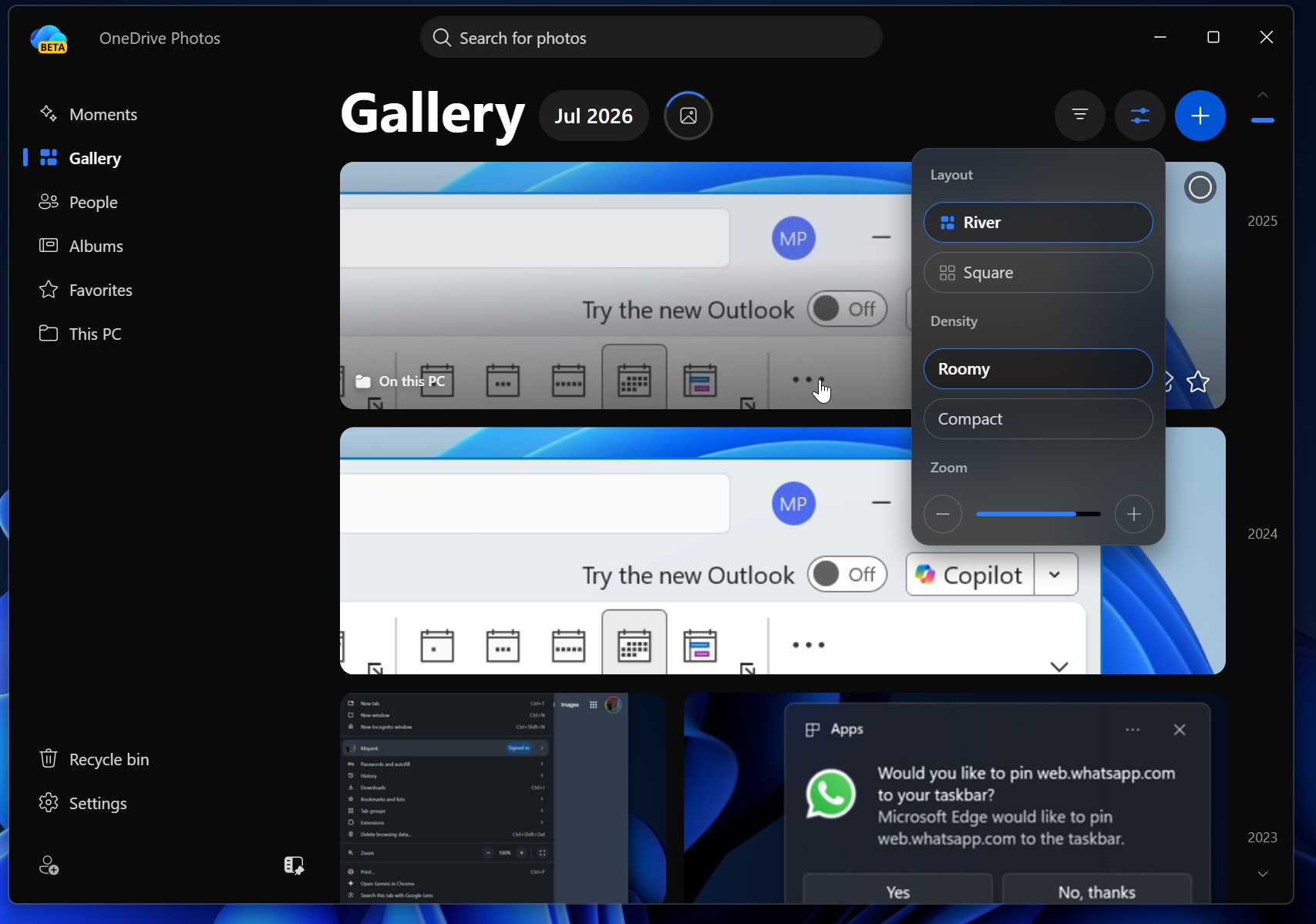
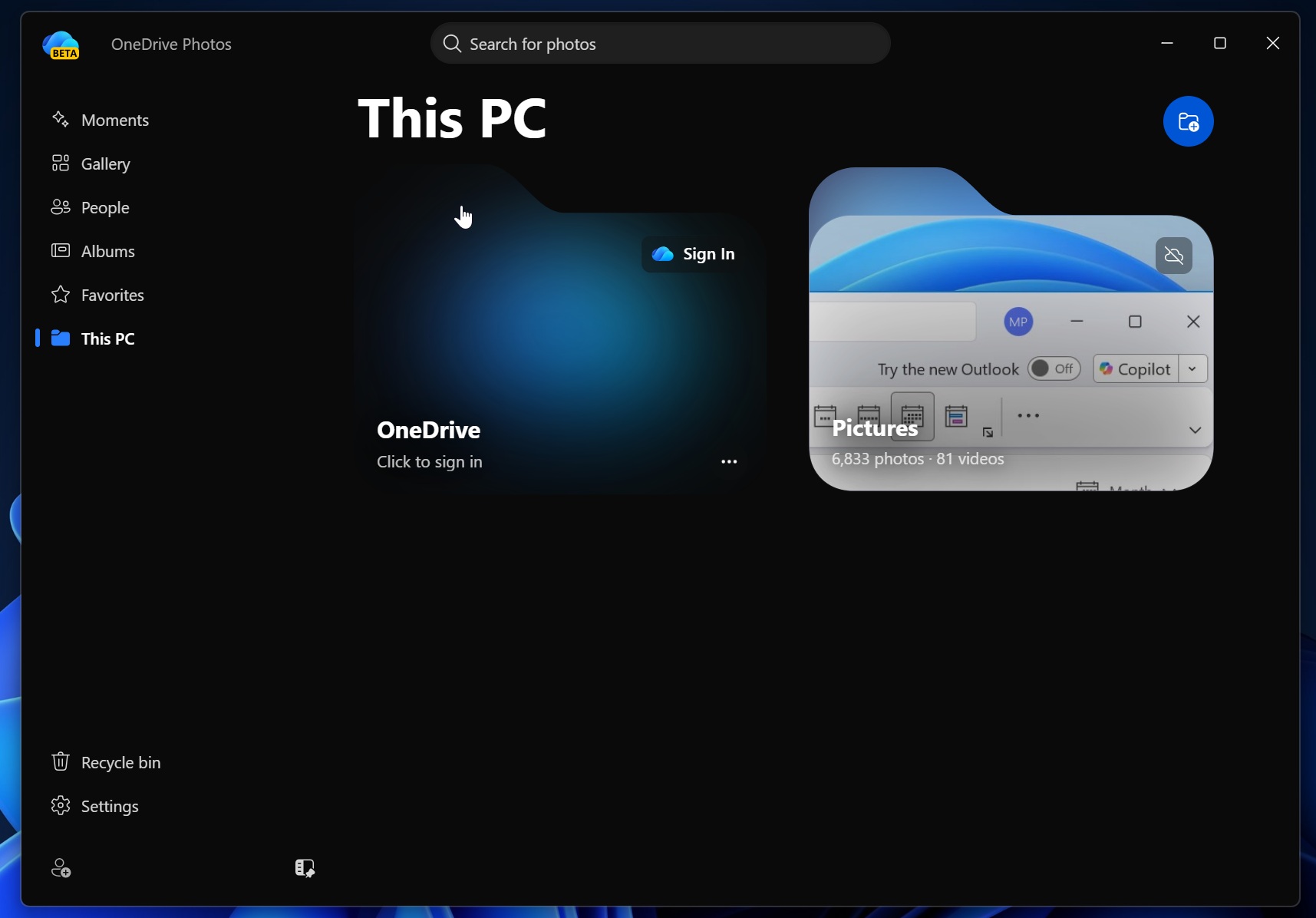
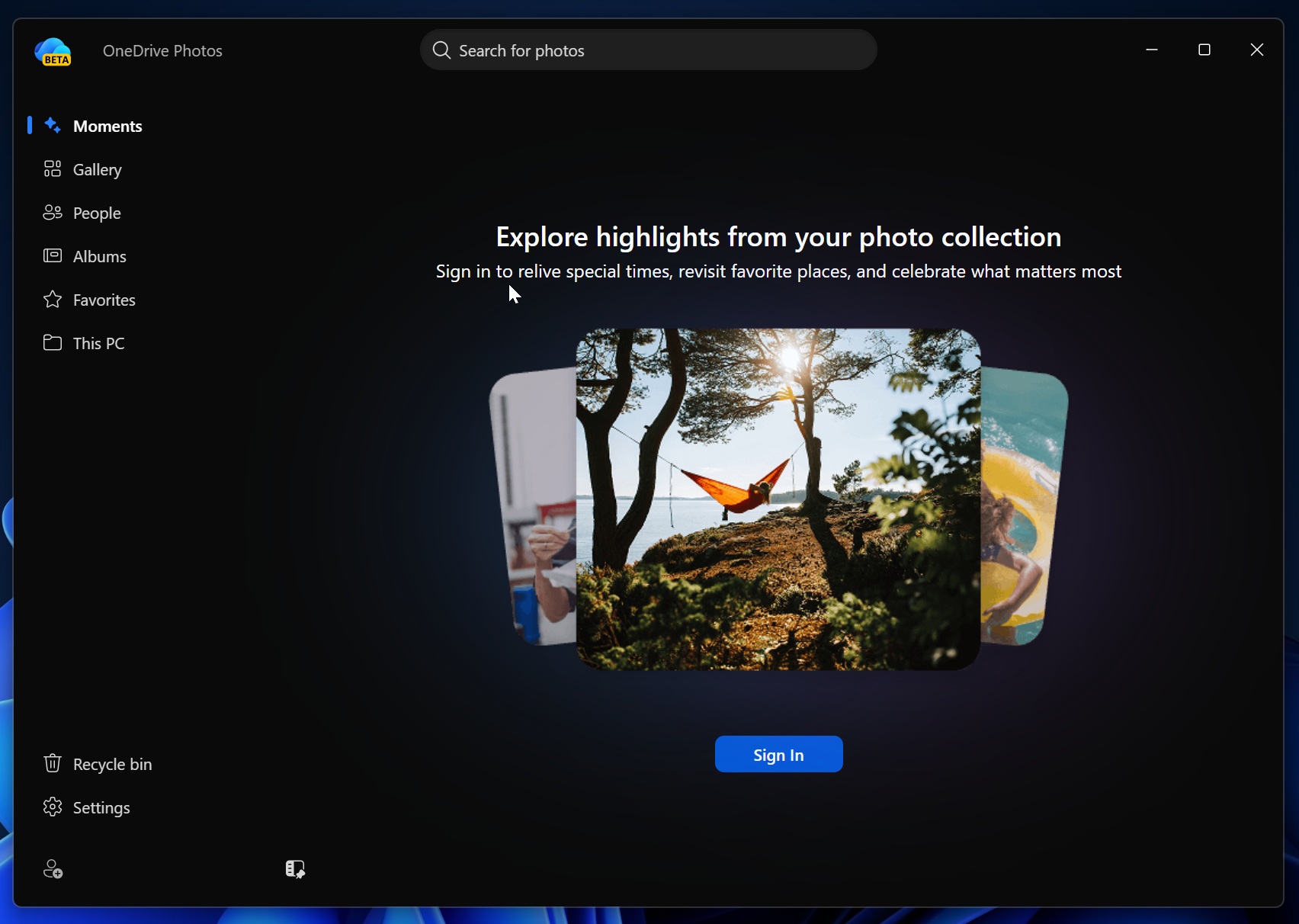
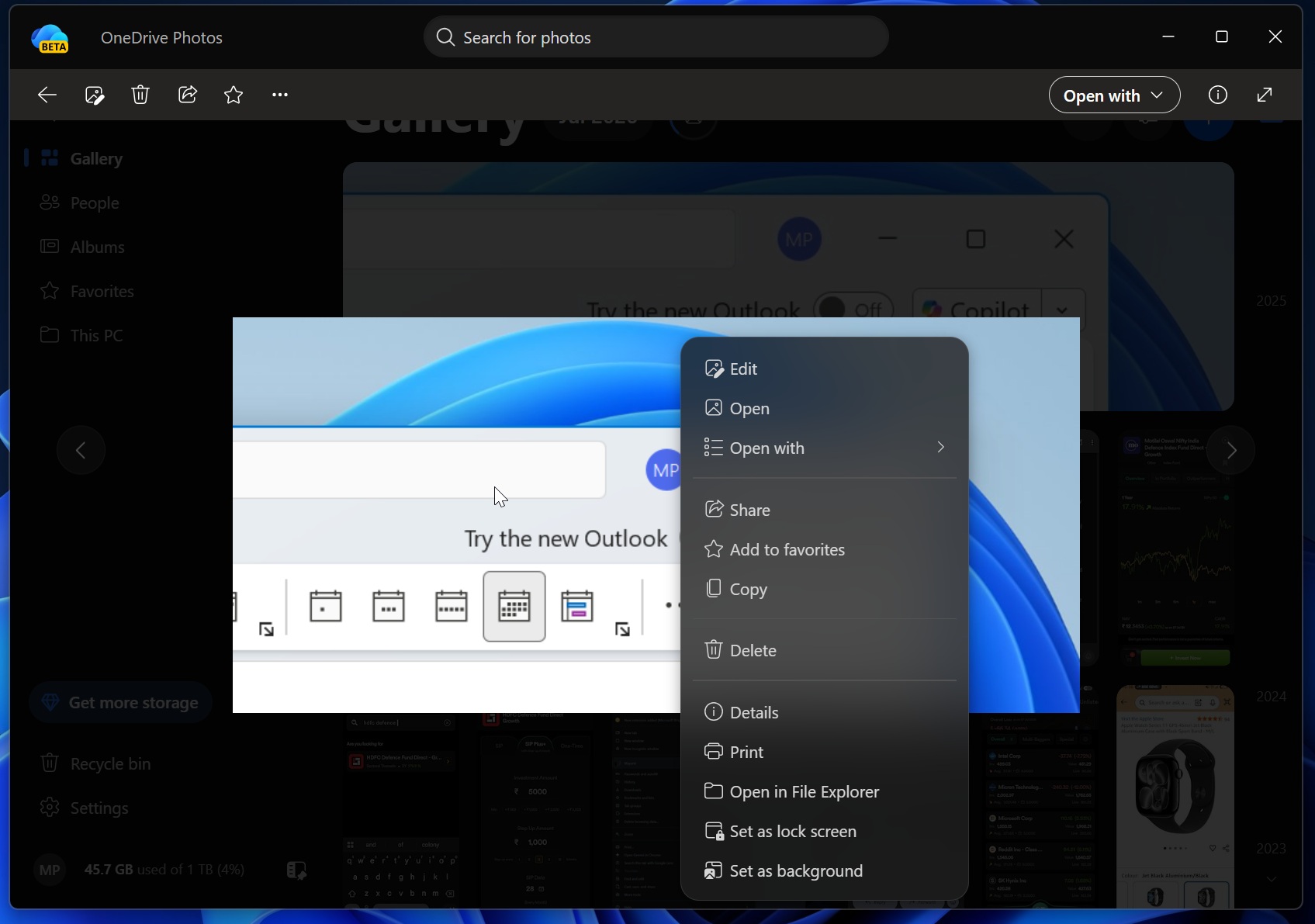
It also comes with the usual OneDrive features, such as Moments, where Microsoft surfaces random collections from your history.
We’re not training AI on your faces, trust us, says Microsoft
OneDrive has always been part of Windows. It’s integrated into File Explorer, available through the OneDrive sync client, and accessible on the web. But unlike the existing OneDrive integration, the new OneDrive Photos app goes a step further with an AI-powered “People” feature.
Microsoft told Windows Latest that OneDrive’s new People feature on Windows 11 is turned off by default and that it does not train AI on your photos.
The People feature raised eyebrows because the new OneDrive Photos app already had access to images stored locally on the PC. Some users feared that OneDrive might use AI to group faces in the background, potentially train its models, and display the grouped photos when the feature is enabled.
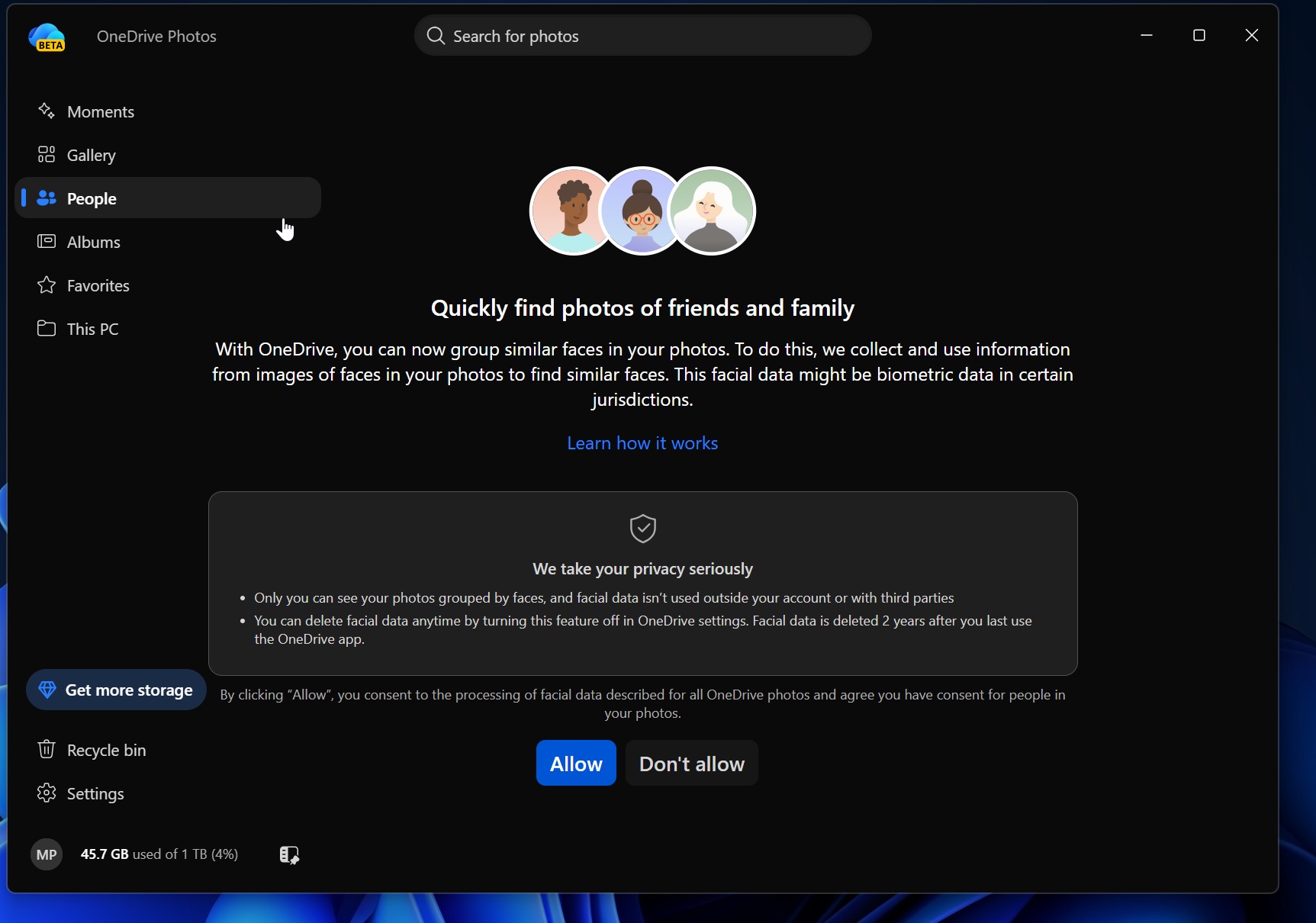
However, Microsoft denied this.
“Face grouping runs in the cloud and only on the photos in your OneDrive,” Microsoft told me. “Photos that are only on your PC aren’t processed.”
The company also said that any data collected for OneDrive face grouping is permanently removed within 30 days after you turn off the feature.
Microsoft says it uses AI responsibly and is not training its models on your face.
If you don’t have the new OneDrive Photos app yet, you’ll get it in the coming days, and you currently won’t be able to remove it separately.
Microsoft told me that it’s not possible to remove OneDrive Photos without deleting OneDrive entirely, including the sync client. The company says it’ll roll out an update that allows you to remove only the OneDrive Photos app.
However, I don’t understand why Microsoft force-installed the app on everyone before providing a way to remove it separately.