





Microsoft’s leadership, including CEO Satya Nadella, has admitted that Windows 11 needs serious “quality work,” and we’re already seeing some progress, but most of the changes have focused on UI/UX. We’ve been told a faster Windows is coming, but how does the company plan to figure out why a PC is running slowly? AI-powered diagnosis.
Windows already has performance tools that the company’s engineers, third-party developers, and OEM partners use to determine why PCs are slow or acting up.
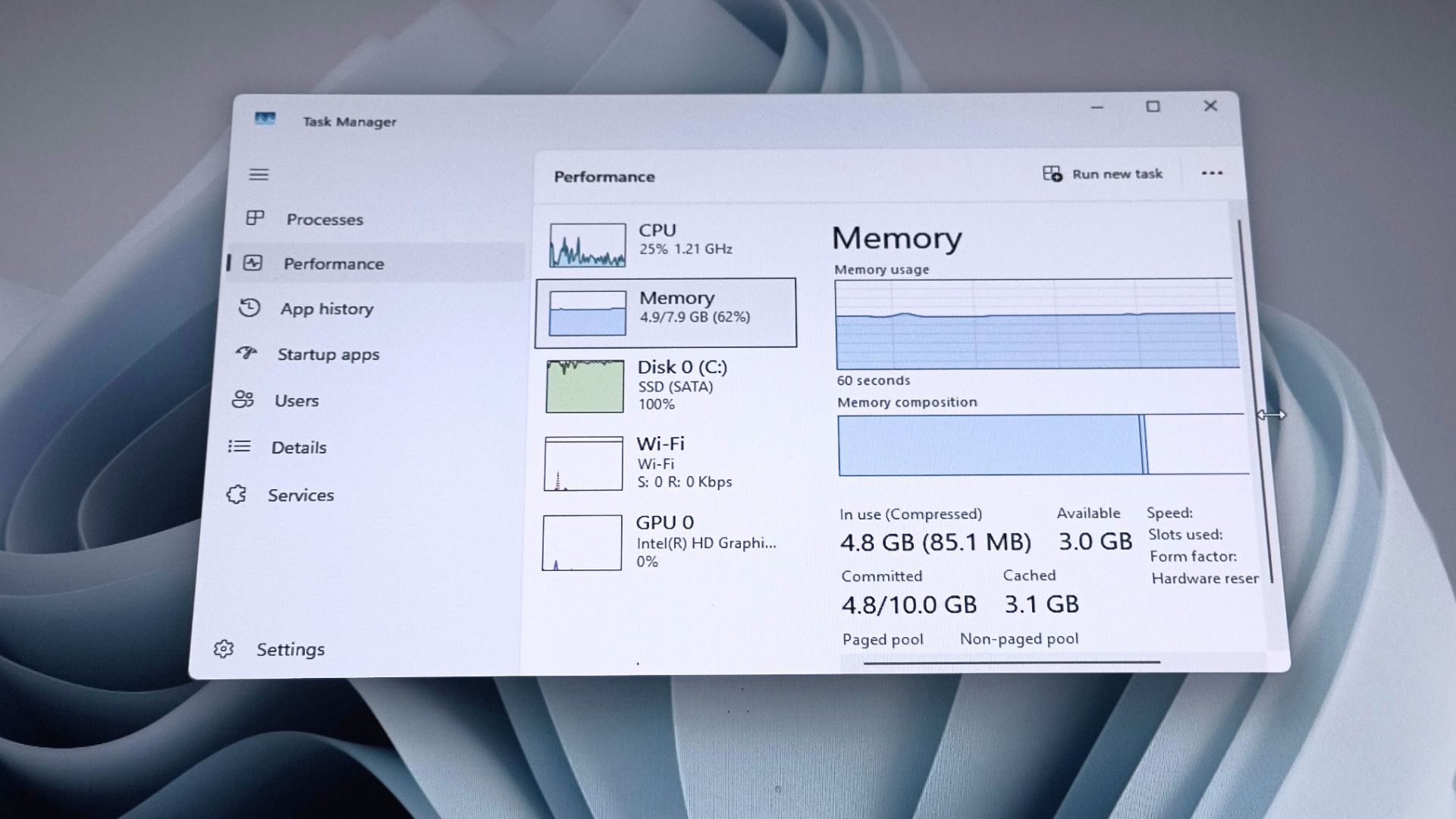
Right now, you can’t easily connect AI to Windows performance tools and ask questions such as, “Why was this PC slow?” You need to manually search through data, including tables, processes, call stacks, and more.
Microsoft says it’s testing AI integration in Windows Performance Analyzer (WPA). The company argues that WPA is one of the most important tools for analyzing performance issues on a PC, and it’s used by developers who work directly on Windows, as well as partners such as Intel and AMD.
The company has built a new MCP for Windows Performance Analyzer, so its developers or anyone else can use an AI tool such as GitHub Copilot to ask why the CPU spiked, what’s using the disk, or why scheduling is acting up. There are many other areas of Windows that you can monitor or benchmark using WPA, and all of them are getting AI integration.
What is MCP, and how is it going to help Microsoft and its partners make Windows faster?
MCP stands for Model Context Protocol, and it allows AI to connect to tools such as Windows Performance Analyzer. In a way, it’s similar to add-ins for Excel, but it’s far more powerful. In this case, GitHub Copilot can communicate with Windows Performance Analyzer and answer your questions.
Of course, it’s not meant for regular users because you cannot necessarily fix Windows issues just by asking AI what caused them. It’s intended for Windows developers, including those who work at Microsoft, Intel, and other partners.
Nobody should be surprised that Microsoft is using AI to optimize Windows, and it’s not exactly a bad idea because the integration is actually quite useful.
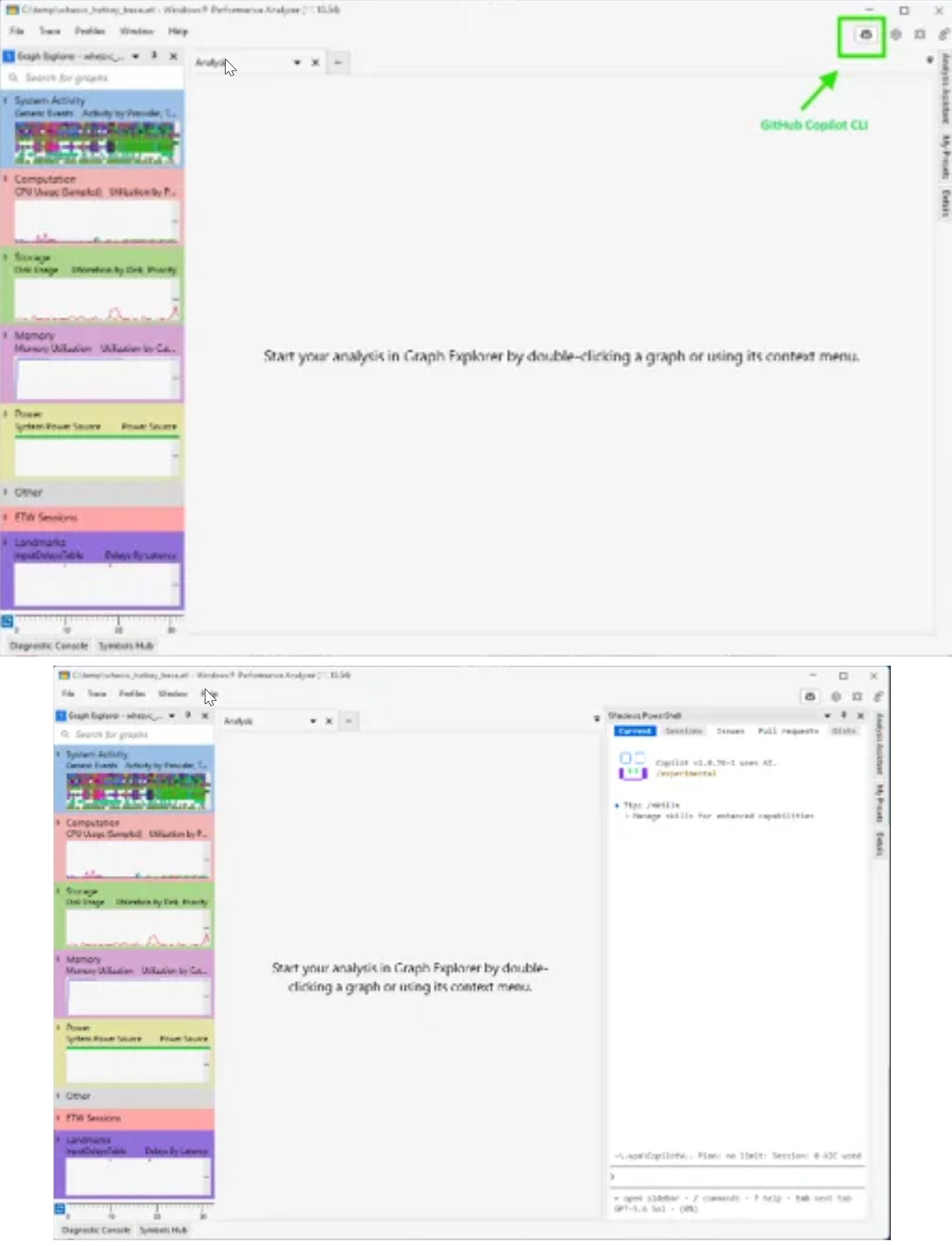
When you turn on WPA MCP, you can use GitHub Copilot CLI inside the WPA trace-analysis workflow. You don’t have to dig through graphs and tables to determine what caused the problem because AI does the heavy lifting, and you can ask questions in natural language. You can also use AI to generate a summary of its findings.
For example, developers can open Windows Performance Analyzer and ask whether a slowdown was caused by CPU starvation, disk activity, memory pressure, paging, or a driver.
“Performance analysis is often bottlenecked by expert knowledge. Experienced WPA users can move quickly, but new or occasional users may not know where to begin,” Microsoft noted in a document. “Even experts can spend significant time correlating activity across views before they reach a useful conclusion.”
Microsoft has been using WPA’s AI tools internally to investigate Windows performance concerns, and it makes sense to bring it to everyone.
The integration can also help anyone who develops apps, drivers, or hardware for the operating system identify input delays, regressions, CPU activity, memory activity, scheduling issues, and other problems using natural-language questions.
However, Microsoft warns that WPA MCP is an early preview, and it’s not a finished product, so it supports only GitHub Copilot and requires an active subscription. One more thing about the feature is that it can make mistakes, and findings can be incomplete or incorrect, so developers still need to verify everything at the end of the day.
Windows 11 is testing 8GB RAM optimization
In addition to an AI-powered performance analyzer, Microsoft is optimizing RAM usage for Windows 11 and its apps, including apps built using WinUI. There’s no denying that RAM prices have soared, and companies that control the supply chain have warned that prices are not going to come down anytime soon.
In fact, there are concerns that they could get worse in the coming months and become the new normal. Microsoft doesn’t control the supply chain, but it believes it can optimize Windows 11 for better performance on PCs with 8GB of RAM.
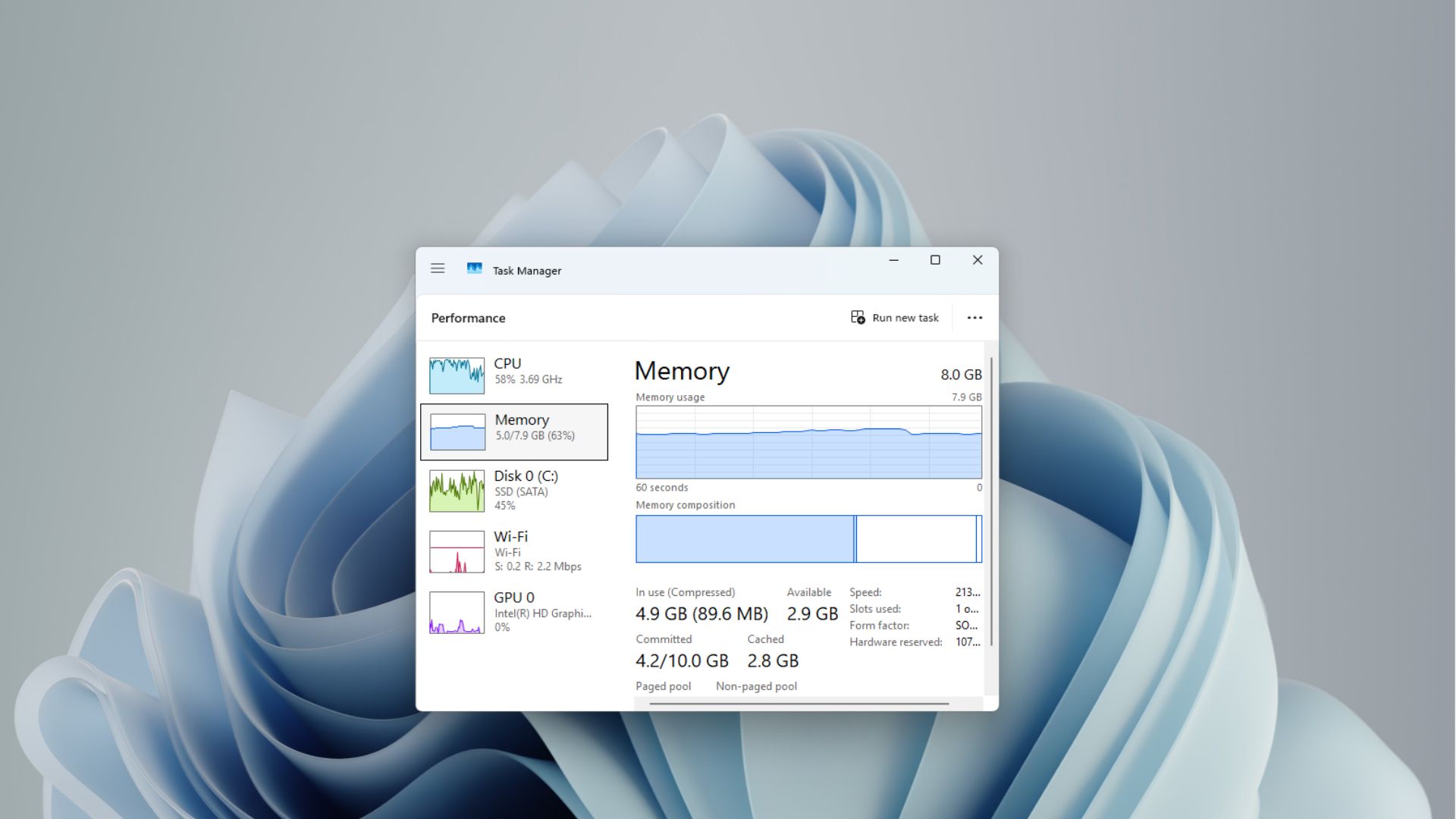
Microsoft says it’s working on scheduling and memory optimization improvements to help Windows run faster on PCs with 8GB of RAM. These changes will roll out over the coming months rather than as a single “performance boost drop.”
At the same time, Microsoft is also testing Low Latency Profile for Windows 11, which gives a small CPU frequency boost to the Start menu and other areas of the OS on low-end PCs, so they don’t stutter. I’m told that Low Latency Profile is also coming to apps, which means Outlook and Teams will eventually launch faster.