






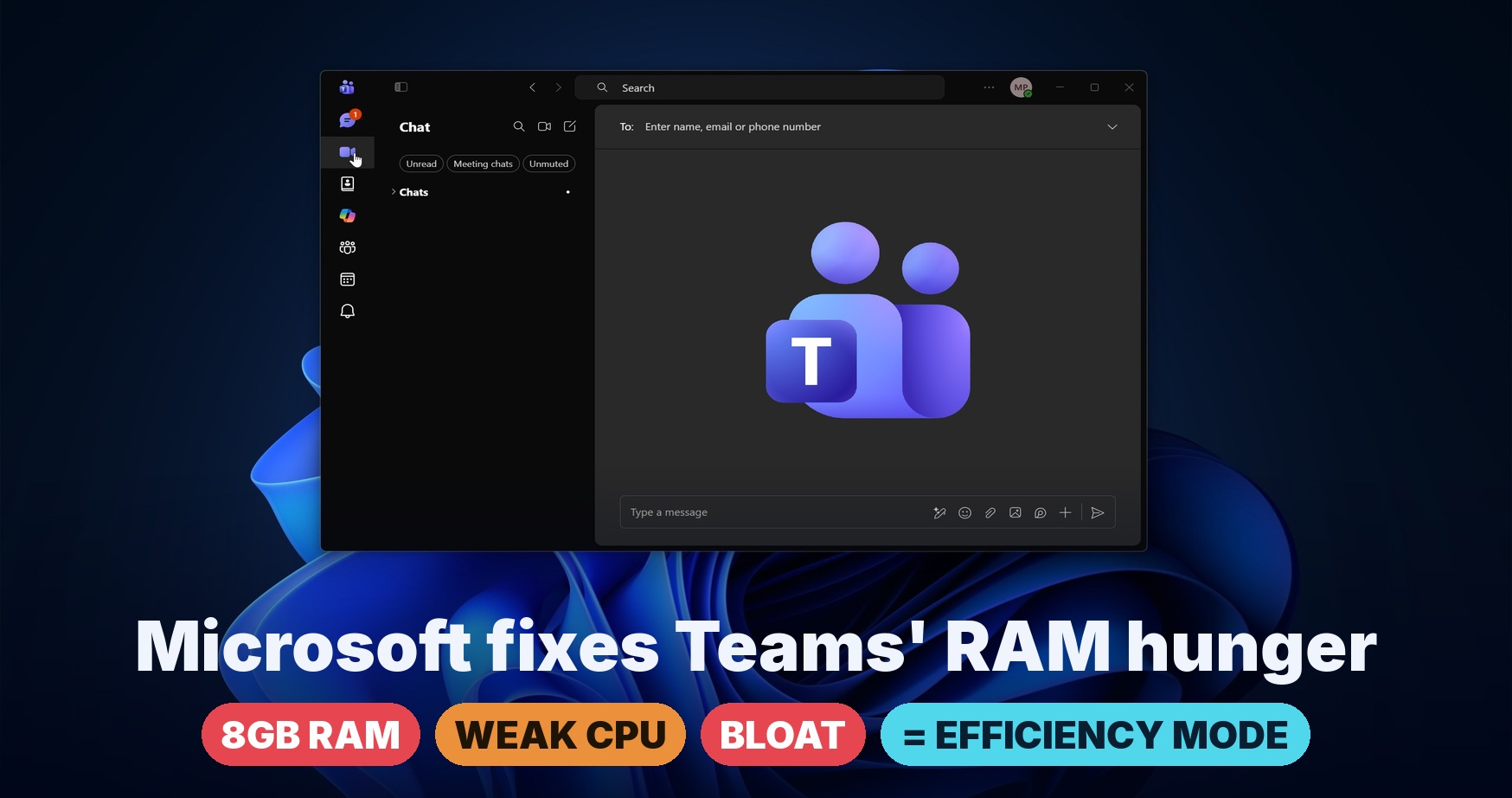
Microsoft Teams is testing a new feature called “Efficiency mode,” and it will become available for everyone by the end of June 2026. Efficiency mode helps Microsoft Teams run better on PCs with low RAM, and it’s being rolled out at a time when Windows PCs appear to be going back to 8GB of RAM.
8GB RAM PCs were quite popular until Microsoft pushed them back with Copilot+ PCs in 2024. With Copilot+ PCs, Microsoft set a new standard for AI PCs with at least 16GB of RAM, an SSD, and an NPU. However, Windows appears to be going back to 8GB of RAM as memory prices soar due to AI demand. For that to work out, apps need to be efficient.
Most popular apps on Windows are written using web frameworks. For example, Discord is an Electron-based app, and its developers admitted it could use up to 4GB of RAM. On the other hand, WhatsApp can use up to 1GB of RAM doing nothing. Microsoft Teams is not an exception, as it’s based on WebView2 and can easily consume up to 1GB of RAM.
In an update to its roadmap, Microsoft confirmed that it’s testing a new Efficiency mode to improve app responsiveness. Teams’ Efficiency mode reduces resource usage by default, improves meeting quality, and makes the app more responsive on hardware-constrained devices.
Microsoft’s roadmap does not reveal all the details, but I found that Efficiency mode was originally supposed to ship in the last week of May. Now, the revised schedule is June 2026, and Microsoft expects the rollout to complete by the last week of the month.
I’m told that Microsoft will enable Teams Efficiency mode by default, but if you dislike the experience, you can opt out via Settings.
What is Efficiency mode in Microsoft Teams for Windows 11 and 10?
When Microsoft Teams detects that the device is “hardware-constrained,” which likely means it has 8GB of RAM or is running out of resources, it will automatically turn on Efficiency mode and reduce overall memory consumption.
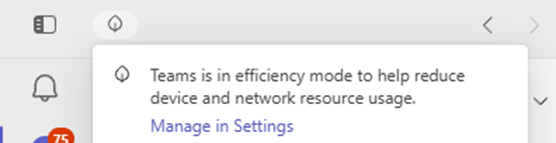
In Efficiency mode, Teams auto-adjusts video resolution and cuts bloat to make it run more efficiently.
Microsoft told Windows Latest that Efficiency mode in Teams is still being worked on, and the initial implementation makes two notable changes:
- It reduces video resolution, so even if you have a high-end camera, your video output would be dynamically adjusted in meetings. This allows Teams to use fewer resources and avoid sluggish behavior during meetings.
- Teams will launch with a pre-selected chat instead of trying to load everything at once, and the message pane will have a static image.
As you can see, lower resolution in a meeting can be a caveat, and you might prefer a memory-hogging Teams over a washed-out call. That’s why Microsoft is allowing you to turn off the feature from Settings > General. On this page, you need to make sure “Never use efficiency mode” is selected.
Windows Latest understands that some PCs with 16GB of RAM can also be “hardware-constrained” depending on the CPU.
In addition to Efficiency mode, Microsoft Teams is testing several improvements to open chats faster, reduce sluggishness, and reduce accidental screen sharing when in a meeting.