







As Windows Latest first reported, Microsoft is quietly installing “OneDrive Photos” on PCs, and our tests show that it’s tied to the OneDrive sync client, which is already pre-installed on Windows. Initially, I assumed that only consumers would be getting the app, but it turns out that it’s being pushed to enterprise customers as well.
Windows Latest spoke to IT admins and found that Microsoft is forcing the OneDrive Photos app onto enterprise PCs, including those that use Microsoft Intune. Worse, OneDrive Photos works only with a personal Microsoft account, so Windows 11 Enterprise installations are now stuck with an app they cannot even use.
“Microsoft never learns,” an angry IT admin told Windows Latest. “We manage hundreds of PCs using Intune, and all had this new ‘OneDrive Photos’ entry in the Start menu. How many mistakes will it take before they realize we do not want random apps across our organizations?”
“This app doesn’t work with Entra accounts,” one admin told me. “Also, you can’t remove it without removing OneDrive entirely, as it’s somehow tied to the sync client we use across our organization. Unless Microsoft wants us to dump OneDrive and this is bait, I do not see why it’s being forced onto PCs without an MSA.”
There are dozens of similar complaints on Reddit and other forums, and the number is only increasing because nobody likes it when Windows slips in an app they never installed.
I’ve never worked at or with Microsoft, but as someone who has used Windows for decades and interacted with hundreds of businesses heavily invested in the ecosystem, I’ve learned one thing: Windows users do not like apps or settings being added or changed without their knowledge.
What is OneDrive Photos for Windows 11?
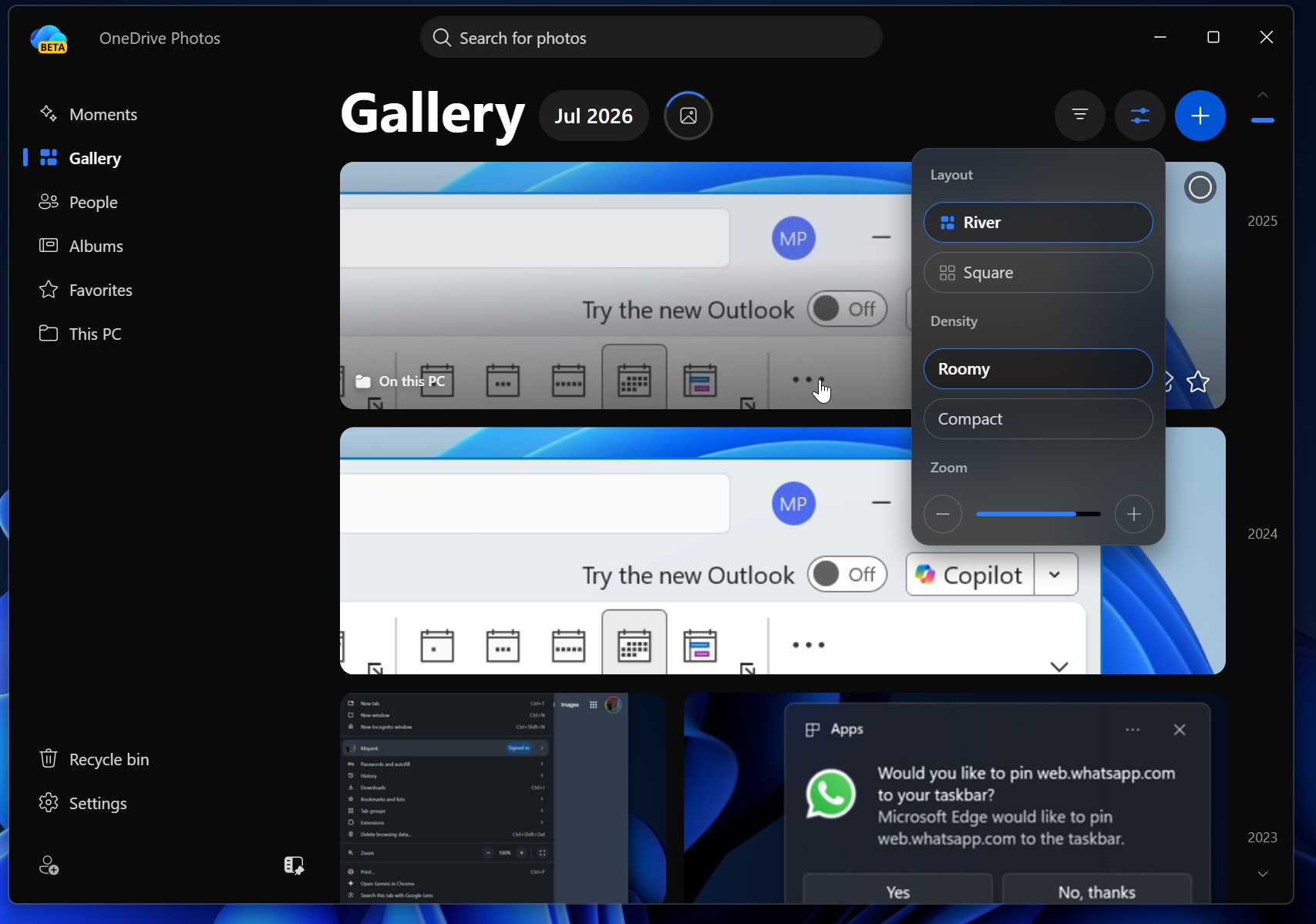
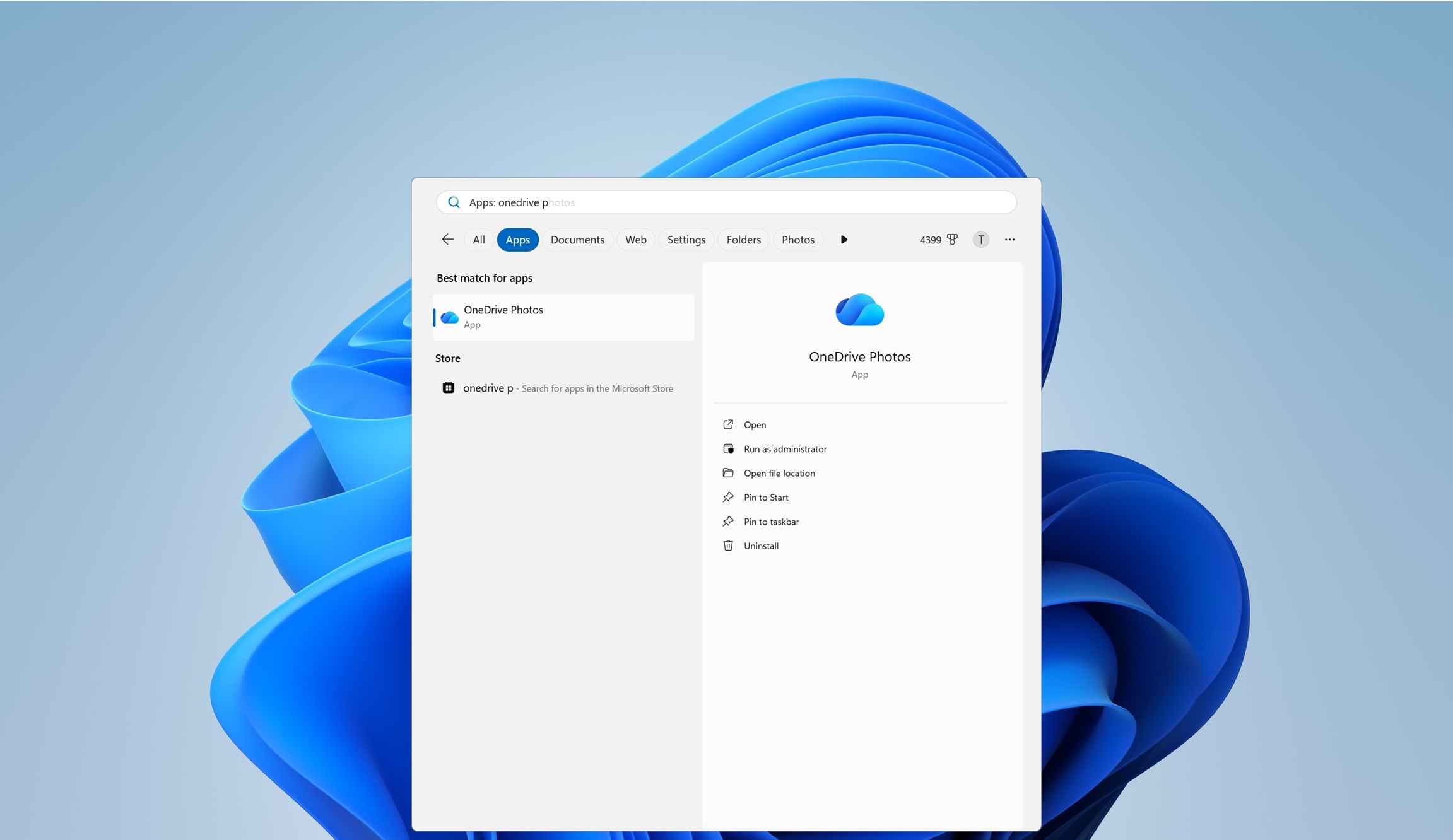
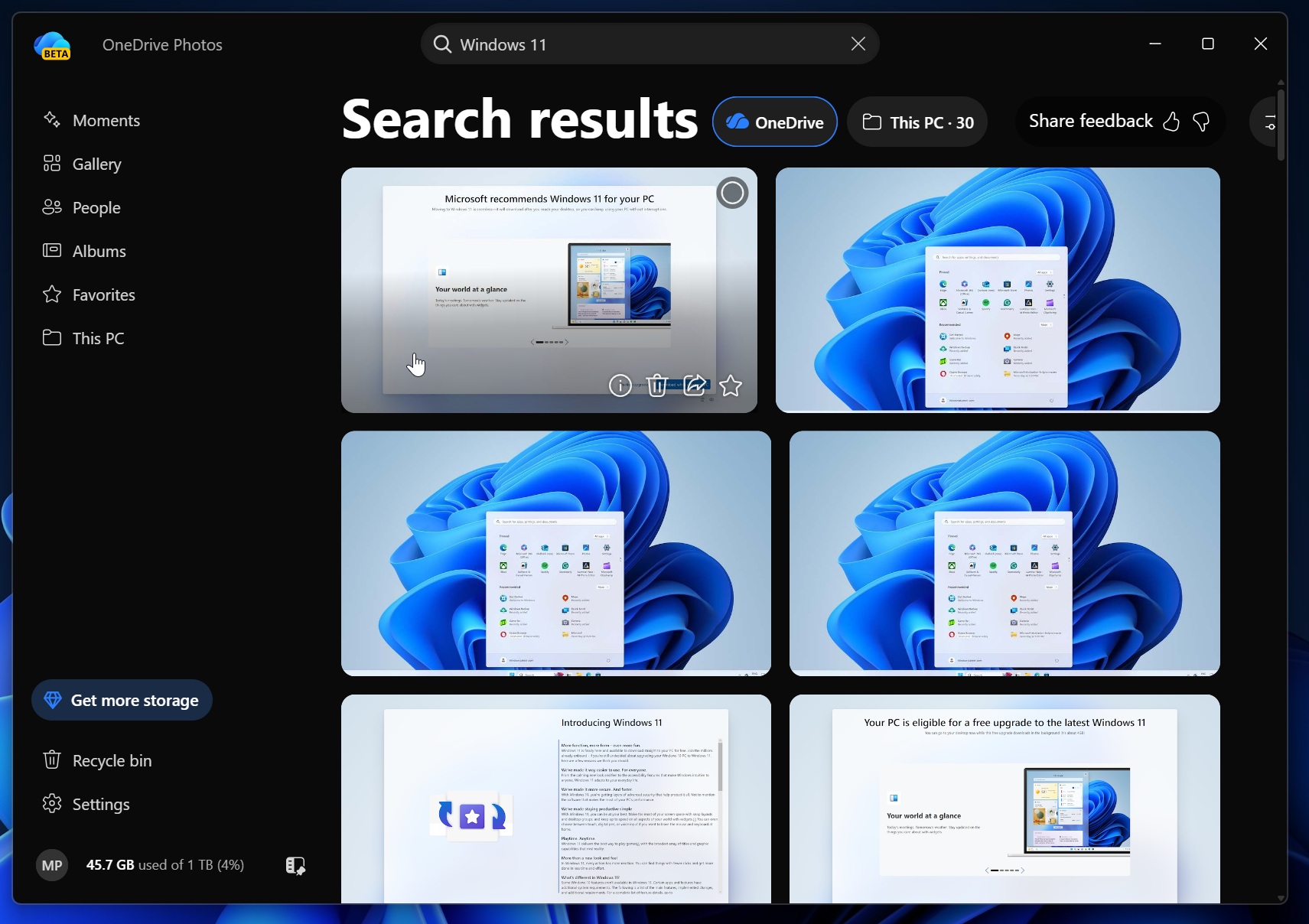
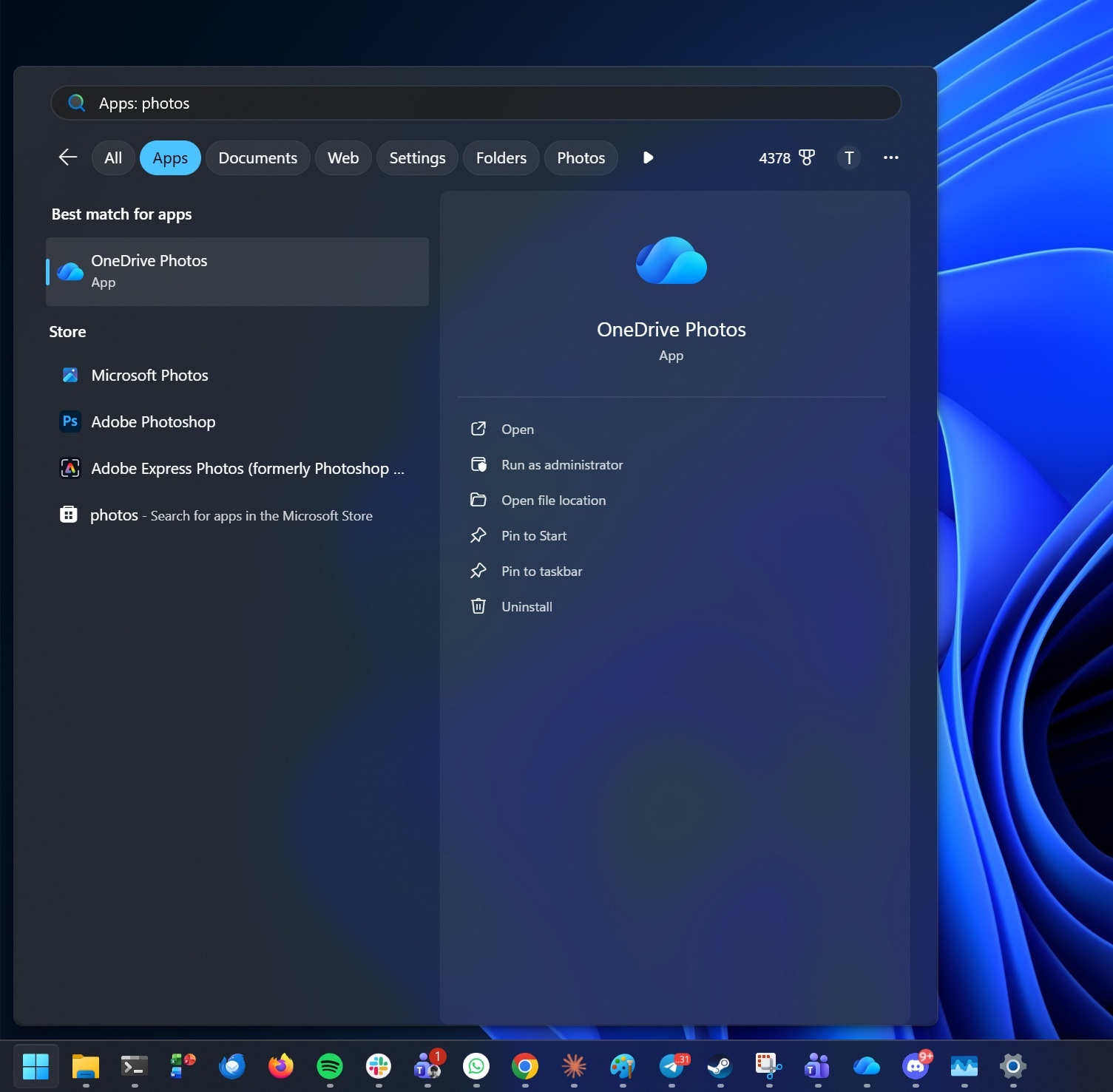
OneDrive Photos for Windows 11 is actually OneDrive.com’s Gallery section, which means it’s yet another glorified web wrapper. I tried OneDrive Photos on my PC because it was automatically added to the Start menu, and it even outranked Microsoft Photos for “Photos” in Windows Search results.
By default, OneDrive Photos has access to all the photos stored on your PC and indexes almost everything it can quickly find. In a way, it’s similar to how traditional media players worked. They’d find all the videos on your local storage and filter them by date or name, so you could play what you wanted. It does the exact same thing.
Unlike traditional web apps, OneDrive Photos is actually quite well built. It has a Windows 11-like Acrylic design for the context menu and does not take up a huge amount of resources, as RAM usage stays under 1GB on a system with 32GB of RAM.
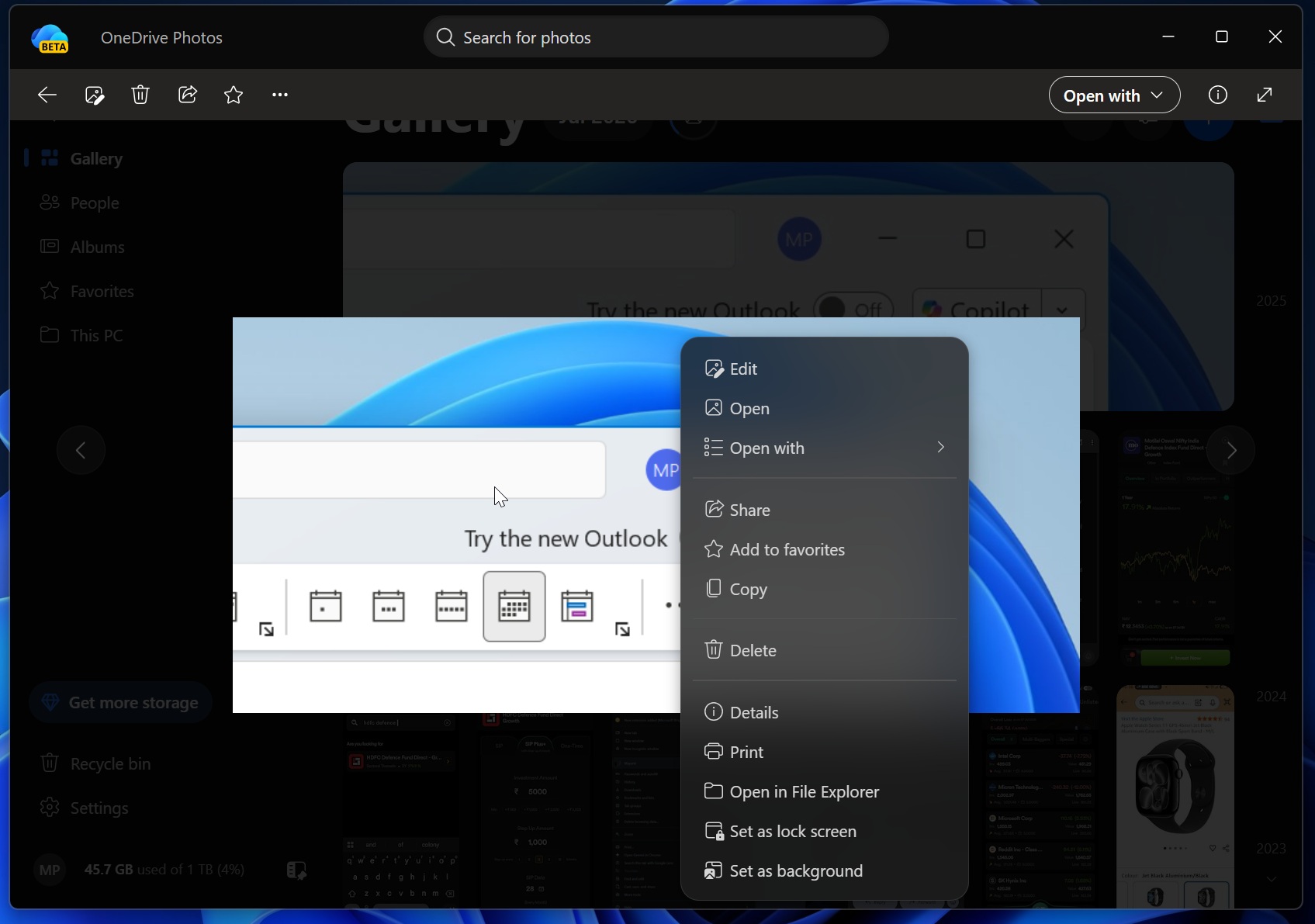
I’ve been using OneDrive Photos for a few days now, and I don’t exactly hate it, but I also don’t see the point, even as somebody who syncs everything to OneDrive.
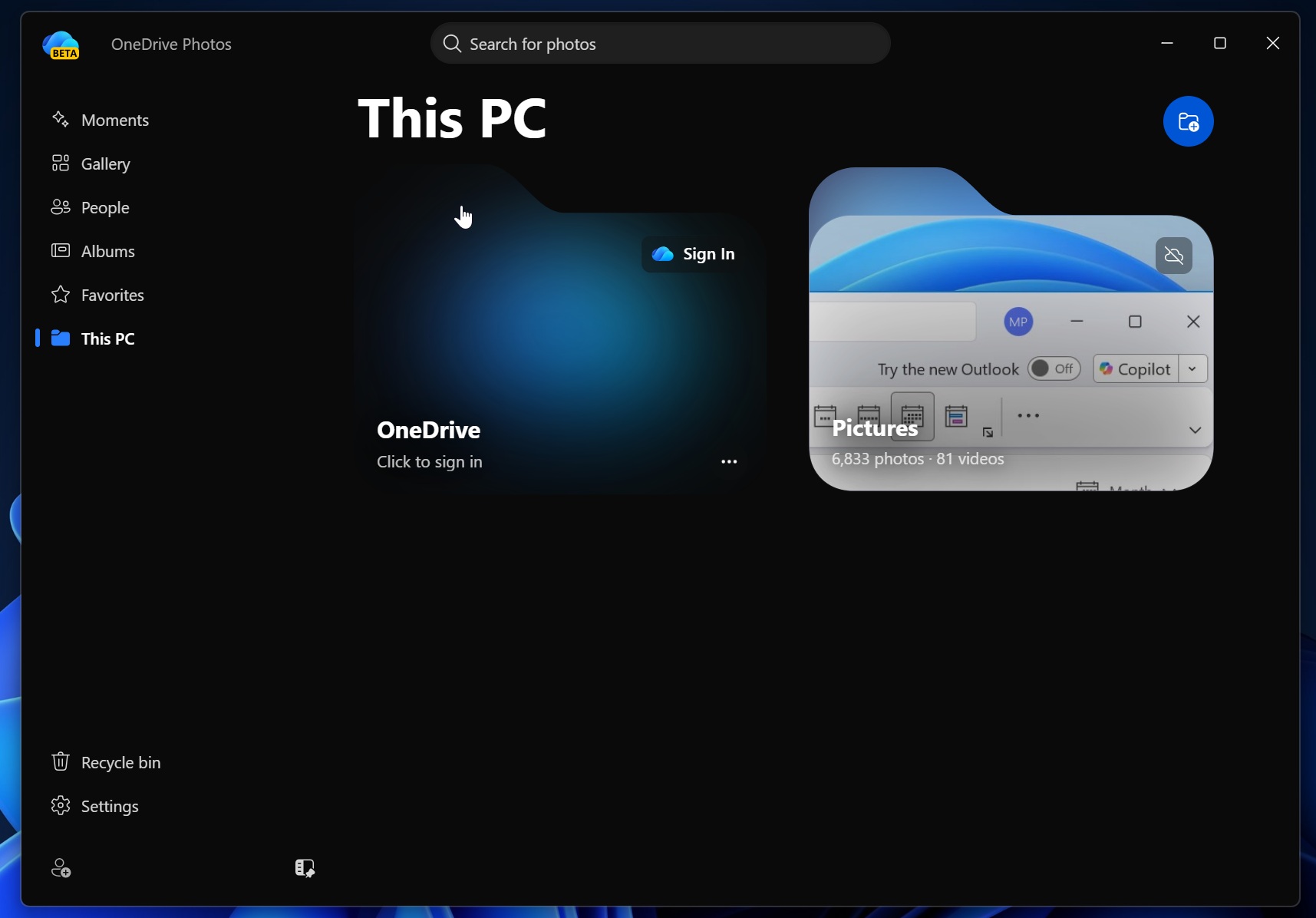
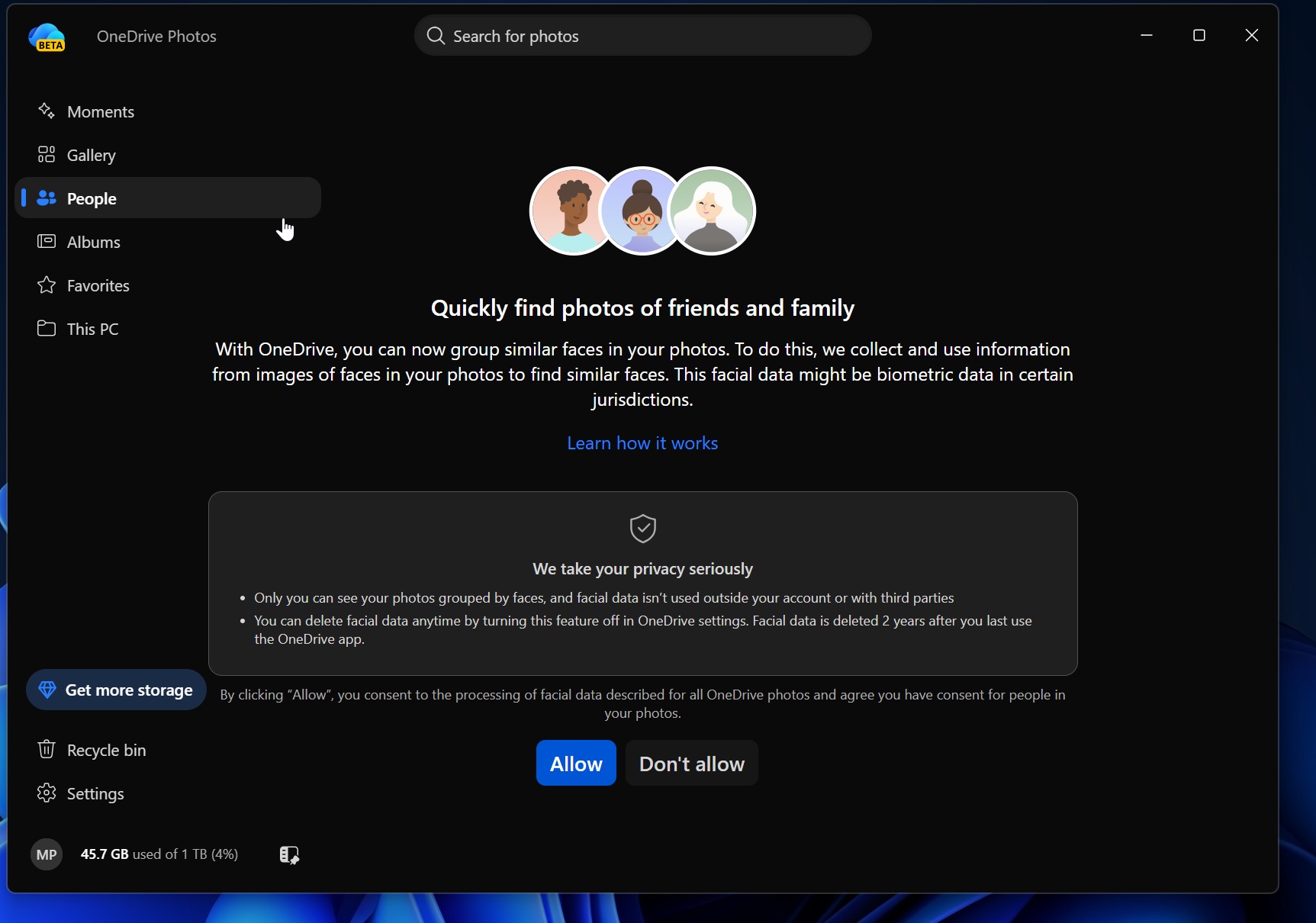
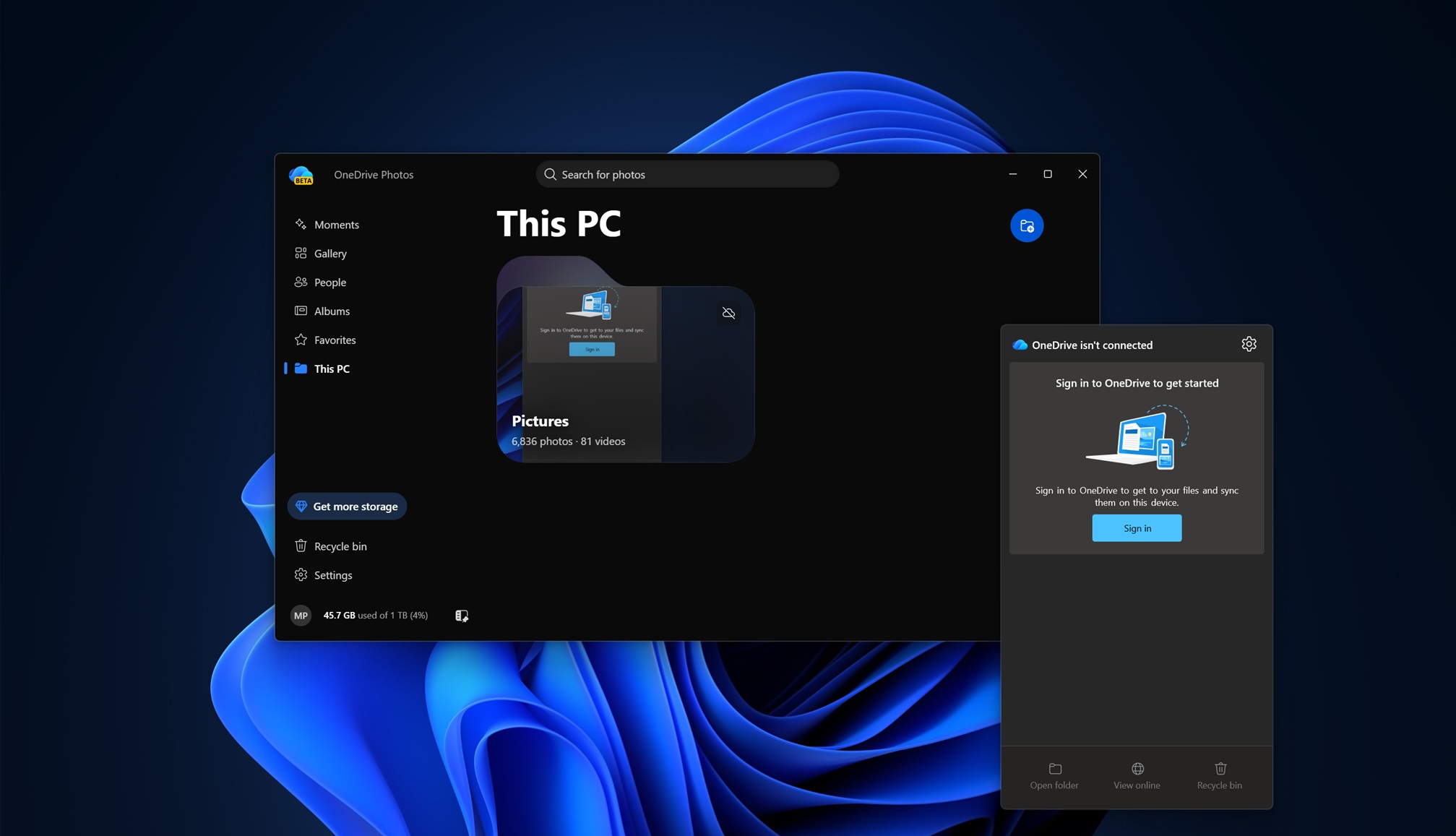
Windows already comes with a Photos app, which allows you to view your OneDrive and even iCloud photos. You can also view OneDrive photos directly in File Explorer. Unless Microsoft is planning to replace the Microsoft Photos app with the web-based OneDrive Photos in the future, I do not see any point in this app.
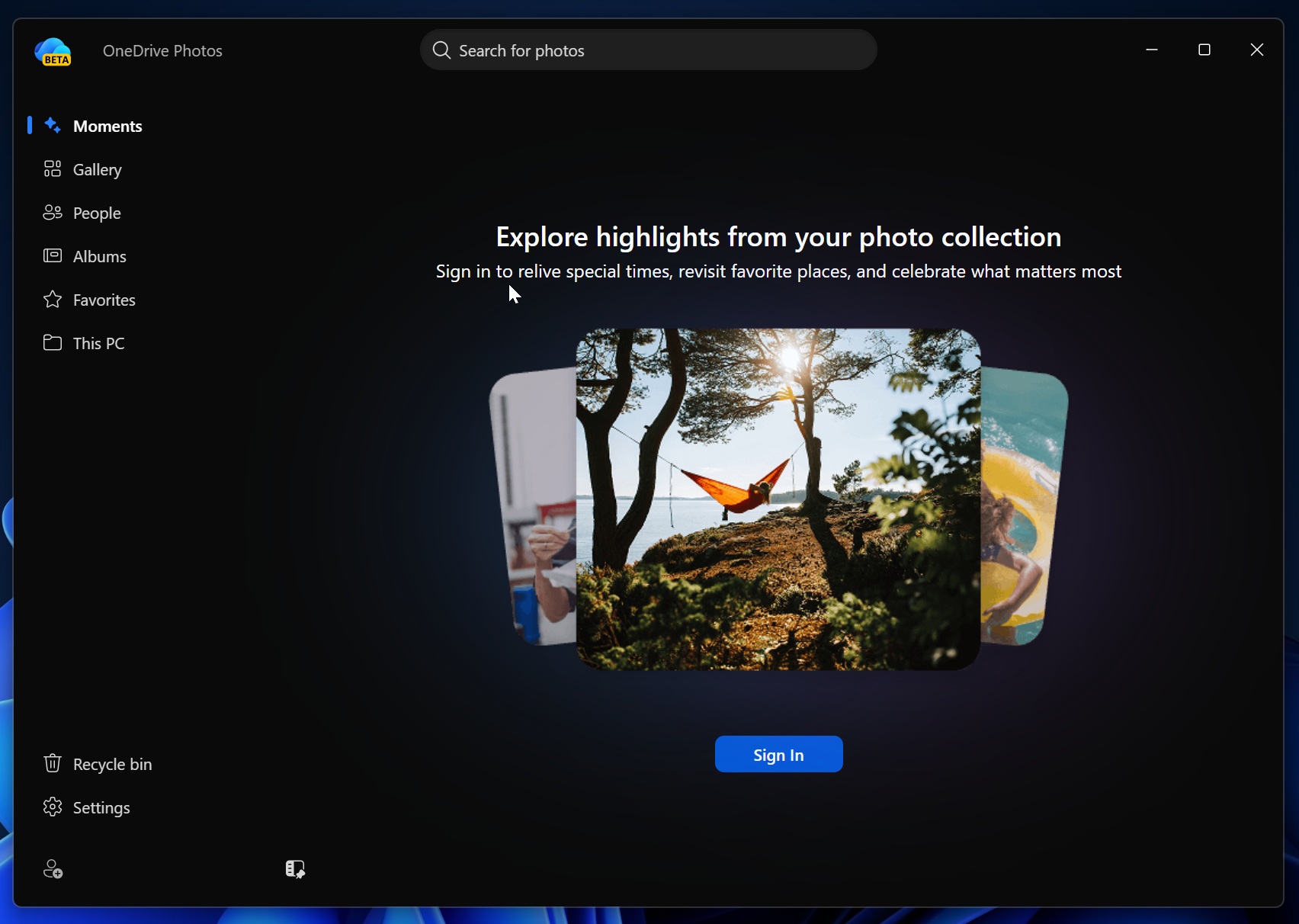
OneDrive Photos has some exclusive features, such as “Moments,” which randomly surfaces your previous photos. There’s another feature called “People,” which uses AI to club similar faces, just like the Samsung Gallery app. This is optional, and you need to opt in.
IT admins rage as Microsoft force-installs OneDrive Photos
IT admins are upset because OneDrive Photos is a beta app, works only with a personal Microsoft account, and was rolled out to enterprise PCs without any notice. I couldn’t find anything in my Microsoft 365 Message Center or on Microsoft’s Learn portal.
The app simply popped up out of nowhere on my Windows 11 Enterprise installation with a work account. Others have observed a similar behavior.
“This is NOT how you treat a Pro/Ent OS Edition or how a vendor should treat anything running in a managed environment,” one administrator wrote in a post on Reddit.
“There are hundreds of improvement ideas waiting to be implemented in the feedback portal, and they decide to push this out unannounced,” another user noted. “I’m running an ENTERPRISE version of Windows; I shouldn’t see this BETA app on any machine with this SKU. Also, nowhere on the Microsoft roadmap, nor a single mention in message center.”
OneDrive Photos is tied to the OneDrive sync client and cannot be removed without deleting OneDrive entirely
If you search for OneDrive Photos and it shows up in Windows Search results, you will see an ‘Uninstall’ button.
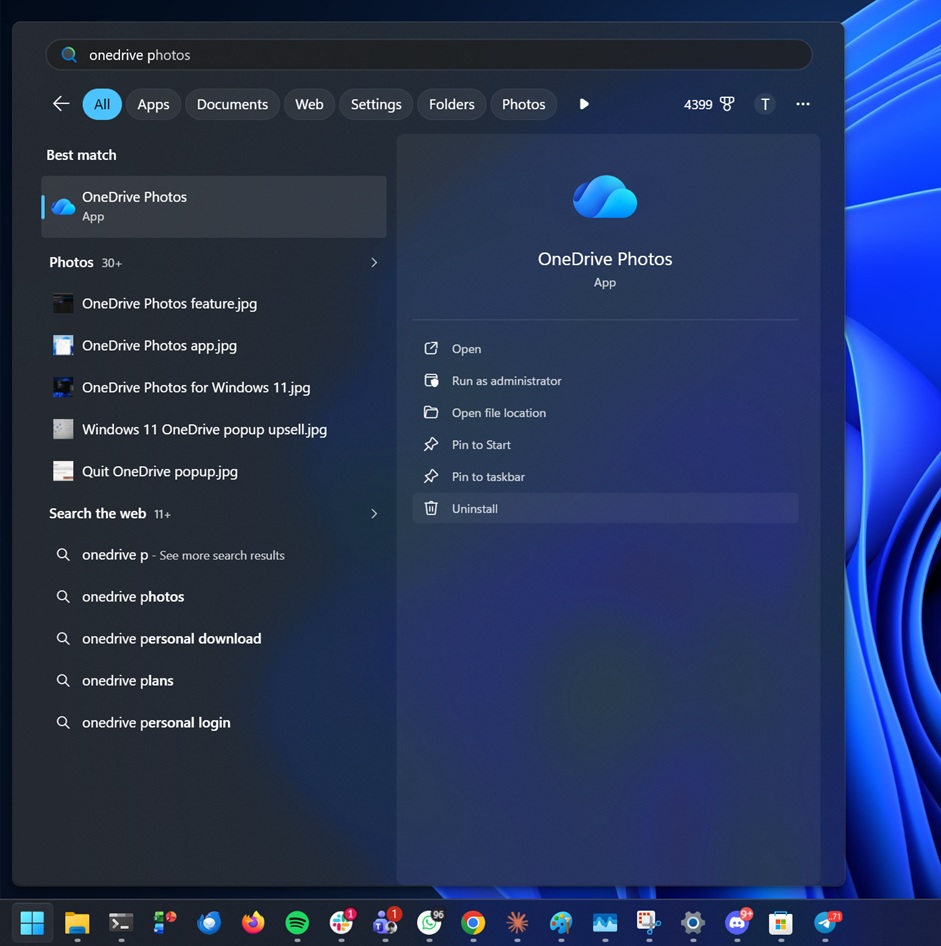
It takes you to the Installed apps page in Windows Settings, which is expected, but when you search for OneDrive in Settings, you’ll notice that “OneDrive Photos” is not present.
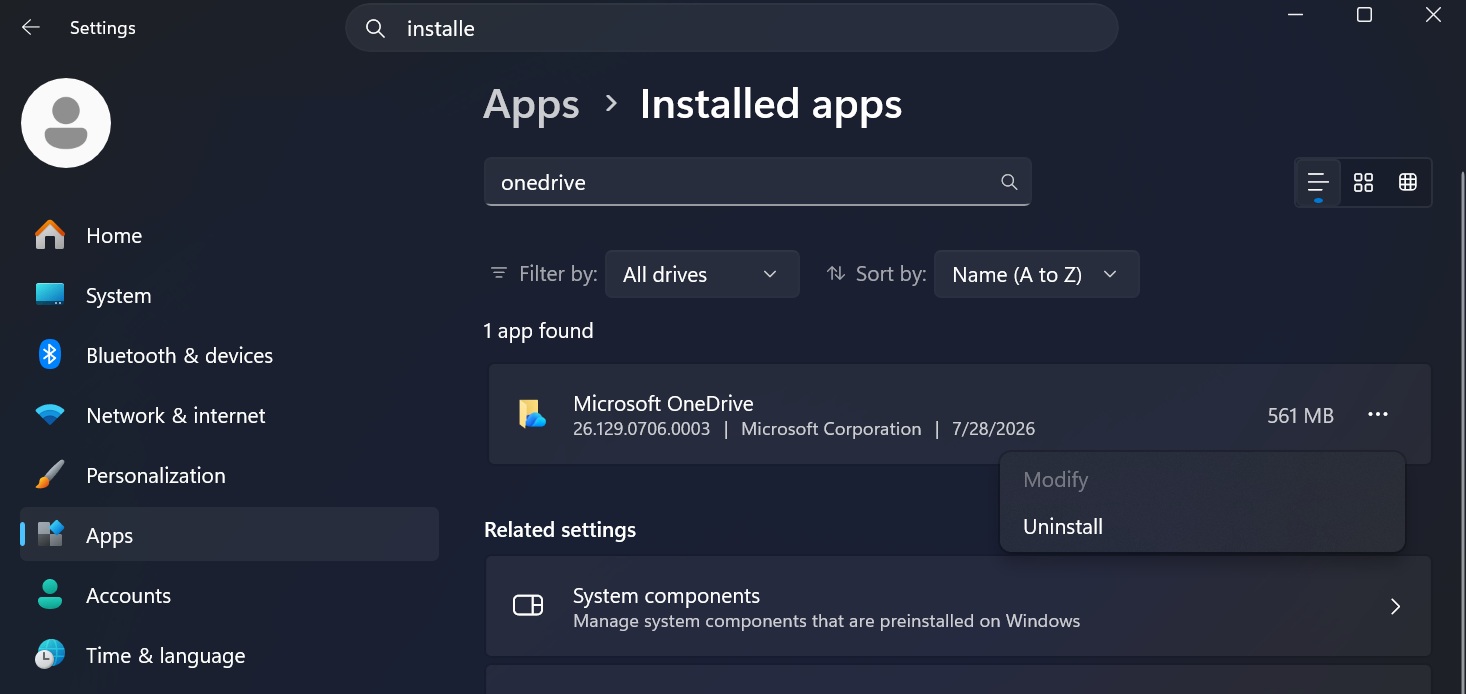
But then how does OneDrive Photos show up in the Start menu and other places? It’s because OneDrive Photos is tied to the OneDrive sync client, and we have found it in the following location:
C:\Program Files\Microsoft OneDrive\OneDrive.App.exe
For comparison, the actual OneDrive sync client is installed at:
C:\Program Files\Microsoft OneDrive\OneDrive.exe
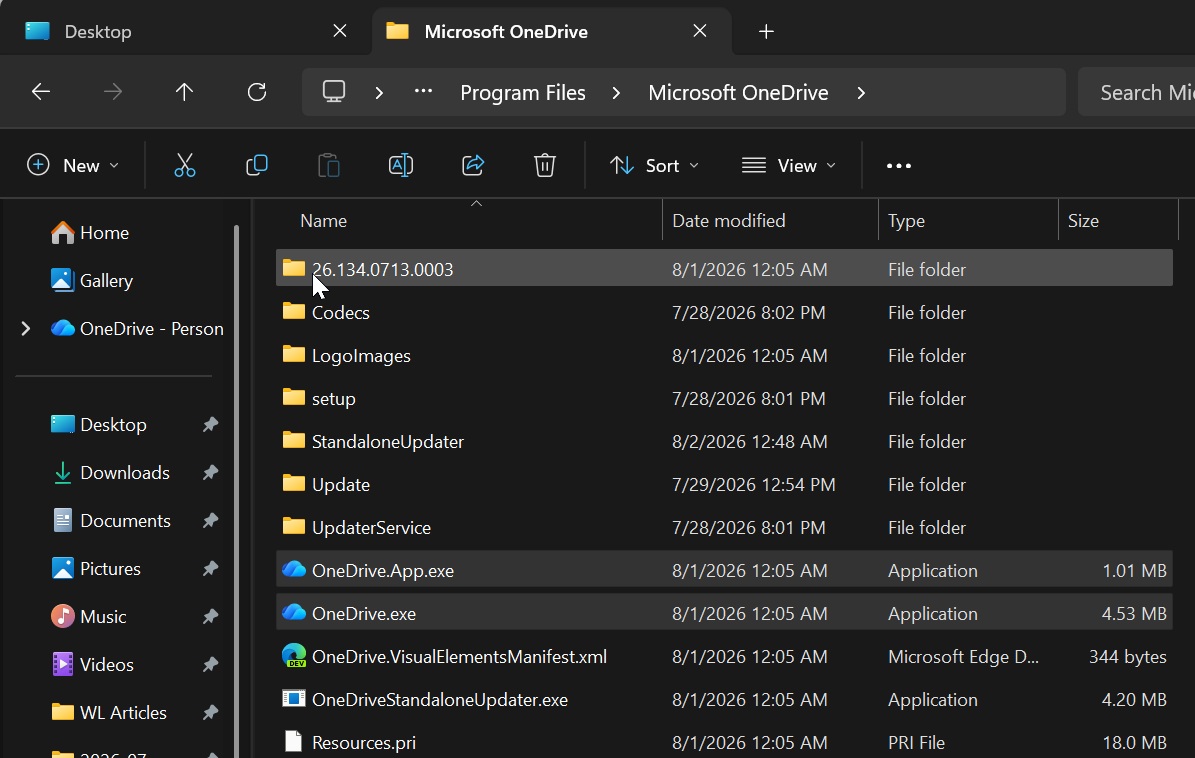
So not only did Microsoft install an app without permission, but it also named it in the most confusing way possible.
Our tests confirmed that OneDrive Photos is not installed as a traditional Microsoft Store or MSIX package. Instead, it is delivered as OneDrive.App.exe inside the existing Microsoft OneDrive installation folder.
A new Start menu shortcut is also created under:
C:\ProgramData\Microsoft\Windows\Start Menu\Programs\OneDrive Photos.lnk
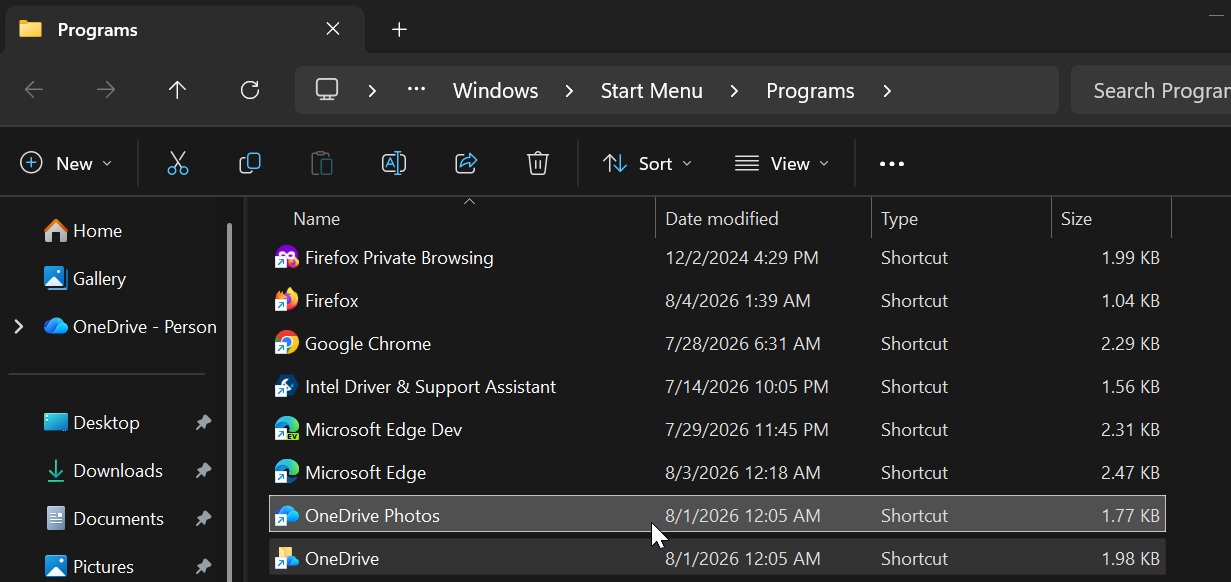
This means you cannot remove OneDrive Photos without removing OneDrive entirely, and you cannot use Microsoft Store policies or Group Policies to block it. There’s no straightforward way to stop seeing OneDrive Photos on your PC unless you’re willing to use a script to remove its shortcut.
At this point, I do not think you should force-remove the OneDrive Photos app, as it returns when the OneDrive sync client downloads it again from Microsoft’s servers. For now, my recommendation is to run a script that removes the OneDrive Photos shortcut so it doesn’t show up on your PC.
Here’s the script that takes care of it:
<#
Safely removes OneDrive Photos shortcuts only.
Does not delete OneDrive.App.exe or OneDrive.exe.

Exit 0 = success
Exit 1 = one or more shortcuts could not be removed
#>

$ShortcutName = "OneDrive Photos.lnk"
$Failed = $false

$Paths = @(
"$env:ProgramData\Microsoft\Windows\Start Menu\Programs\$ShortcutName",
"$env:PUBLIC\Desktop\$ShortcutName"
)

Get-ChildItem "$env:SystemDrive\Users" -Directory -ErrorAction SilentlyContinue |
Where-Object { $_.Name -notin @("Public", "Default", "Default User", "All Users") } |
ForEach-Object {
$Paths += "$($_.FullName)\AppData\Roaming\Microsoft\Windows\Start Menu\Programs\$ShortcutName"
$Paths += "$($_.FullName)\Desktop\$ShortcutName"
}

foreach ($Path in $Paths) {
if (Test-Path -LiteralPath $Path) {
try {
Remove-Item -LiteralPath $Path -Force -ErrorAction Stop
Write-Output "Removed: $Path"
}
catch {
Write-Output "Failed to remove: $Path"
$Failed = $true
}
}
}

if ($Failed) {
exit 1
}

exit 0
I found that it’s a game of cat and mouse because the OneDrive Photos shortcut keeps coming back. It’s tied to the OneDrive sync client, which recently updated itself to version 26.129.0706.0003.
I am in touch with Microsoft about OneDrive Photos, and my early findings suggest that it was an unintended rollout. An apology should be coming soon.