



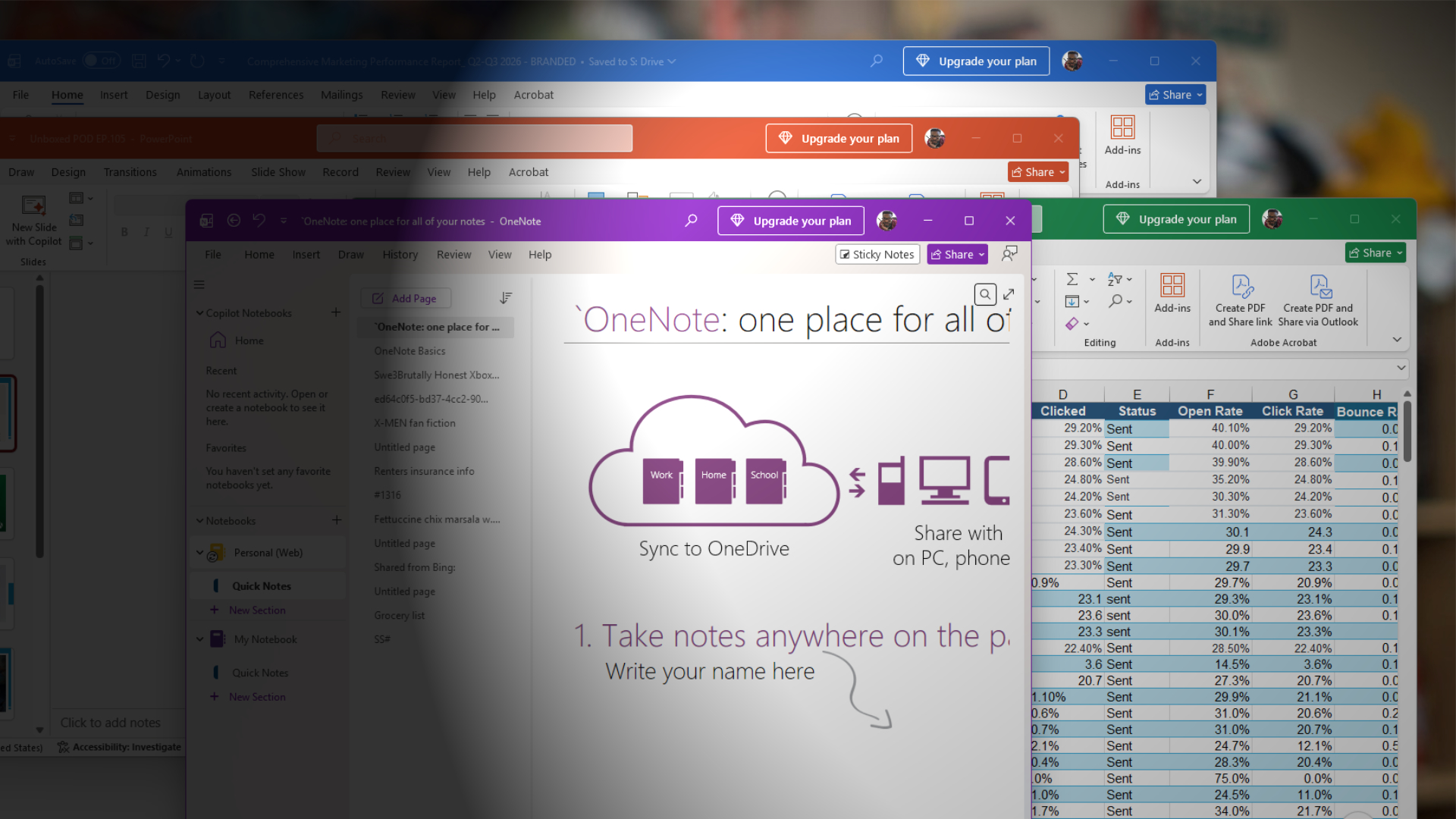
Microsoft has officially reached the point where it’s so AI-brained that it refuses to take yes for an answer. Even if you’ve already paid for Microsoft 365, Office apps keep pestering you to upgrade for Copilot.
In our tests, Windows Latest observed that opening Word or Excel is now followed by a bright and persistent banner urging you to “Upgrade your plan.” The little banner sits in the title bar like a tiny billboard, and for many people, it refuses to leave, no matter how often you swat at it.
Frustration is bubbling over in both the Microsoft Community forums and on Reddit, with one user summing up the predicament with this question: “Hi everyone, does anyone know how I can get rid of this ‘Upgrade your plan’? I already have an Office license, and my plan is sufficient. I don’t want to pay anything else.”
That thread quickly filled with similar complaints and frustration over the seemingly unkillable upgrade notification. The banner doesn’t go away even if you sign out, sign back in, upgrade to an actual Copilot license, apply Windows Registry hacks, or even reinstall the Office suite.
If you don’t understand what I am talking about, take a look at the screenshot below, specifically the pop-up that appeared after I clicked “Upgrade your plan.”
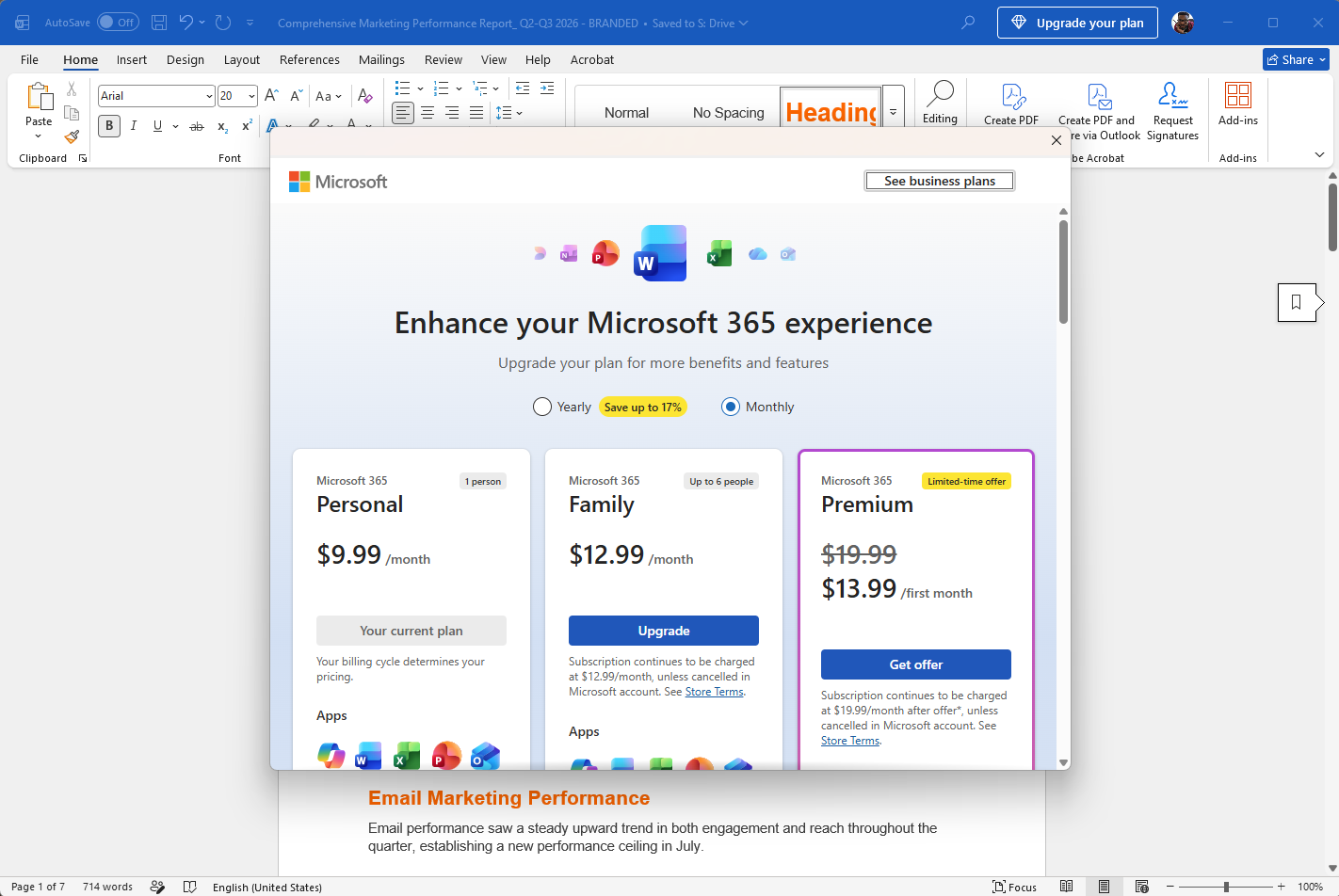
You can’t remove the “Upgrade your plan” banner because it’s an intentional “feature” in updated Office apps.
One Microsoft 365 customer even clicked “Upgrade,” started a chat with Microsoft, and wasted approximately ninety minutes before reaching the conclusion that you can’t get rid of the “Upgrade your plan” alert. According to the user, a Microsoft 365 technician deleted files, removed Registry keys, and reinstalled Office, but nothing worked.
In one case, Microsoft Support’s troubleshooting worked for a few hours before the banner rose from the dead.
Desperation to remove the banner has become so intense that it’s backfiring on Microsoft, with one user saying, “I’m having the same issue despite Copilot telling me there are ways to remove it; there apparently are none. I’m cancelling my subscription asap.”
A user who escalated the issue received the clearest answer Microsoft could provide for this Groundhog Day situation: it is basically by design. There is no official process to disable the banner.
Microsoft does not consider the “Upgrade your plan” alert a bug, even if you’ve already upgraded, because it appears by design. That means Microsoft has no plans to add a toggle, Registry key, setting, or policy that you can use to remove it.
It is an intentional upsell mechanism hardcoded into the Office interface by a tone-deaf product manager at the company.
Getting rid of “Upgrade your plan” Copilot upsell in Microsoft 365 apps, temporarily
If the upsell feels less like an eyesore and more like a threat you can’t tolerate, here are some experiments we’ve tried to get rid of the nagging Copilot banner.
For example, you can try signing out of Office and then signing back in. Some users say the banner disappears for a few hours. Unfortunately, it returns. To try your luck, follow these steps:
- Open any Office app, such as Microsoft Word.
- Go to File > Account, click Sign out, and confirm.
- Close the app completely.
- Reopen it and sign back in with the same Microsoft 365 account.
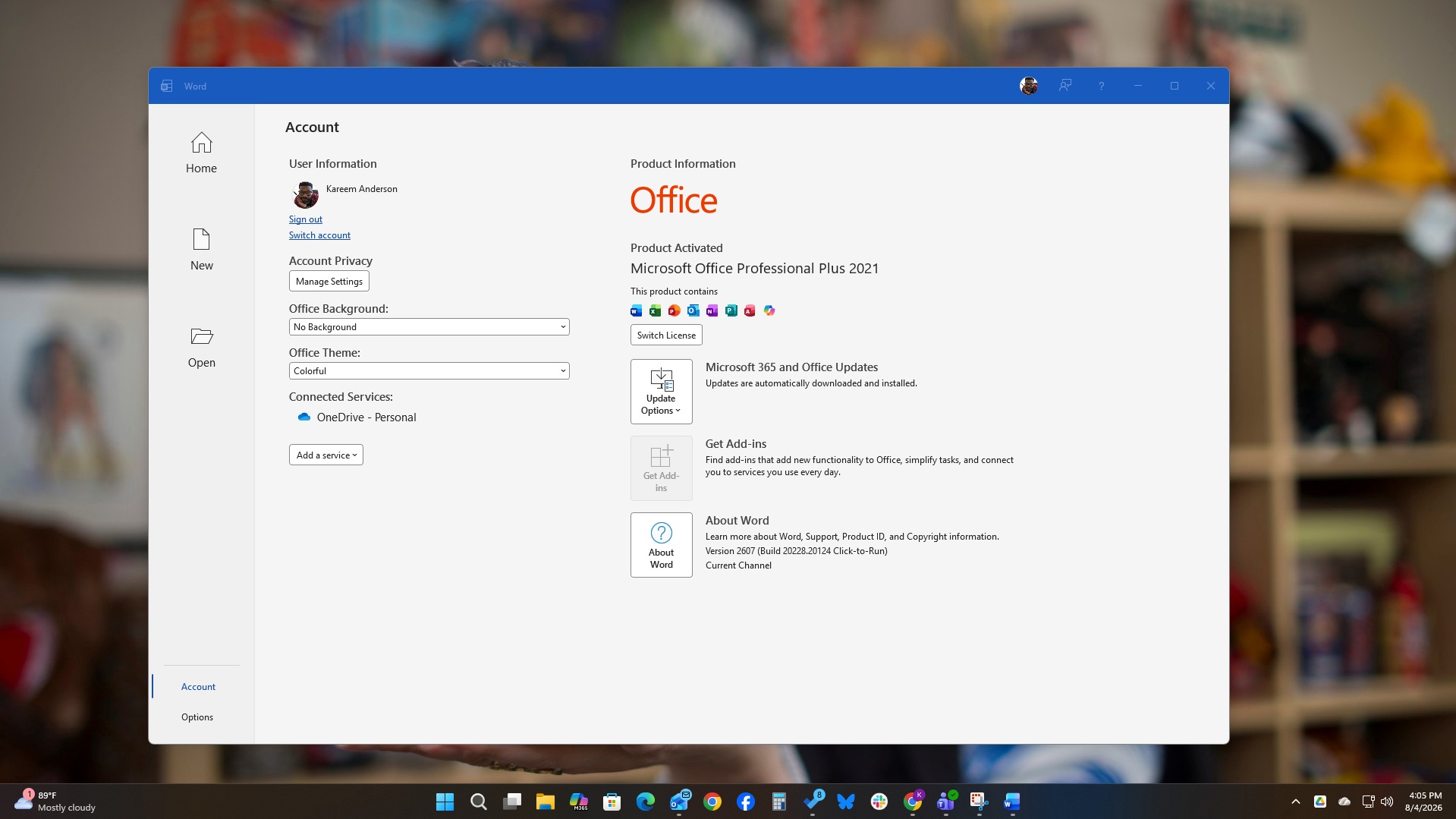
You can also update the license from the Account page. This has helped some people, but it’s a hit-or-miss process for most who have tried it:
- Open Word or Excel.
- Go to File > Account.
- Look for the Product Information section.
- Click Update License or Refresh License.
- Restart the app.
You can also try Quick Repair or a full reinstall. These options appear to have the longest success rate, as they can remove the banner until you update Office or sign in again:
- Open Settings in Windows.
- Go to Apps > Installed apps.
- Find Microsoft 365 or Office.
- Click Modify.
- Choose Quick Repair.
- Let it finish and reopen your apps. This clears cached licensing data, but the banner tends to return after an update or sign-in refresh.
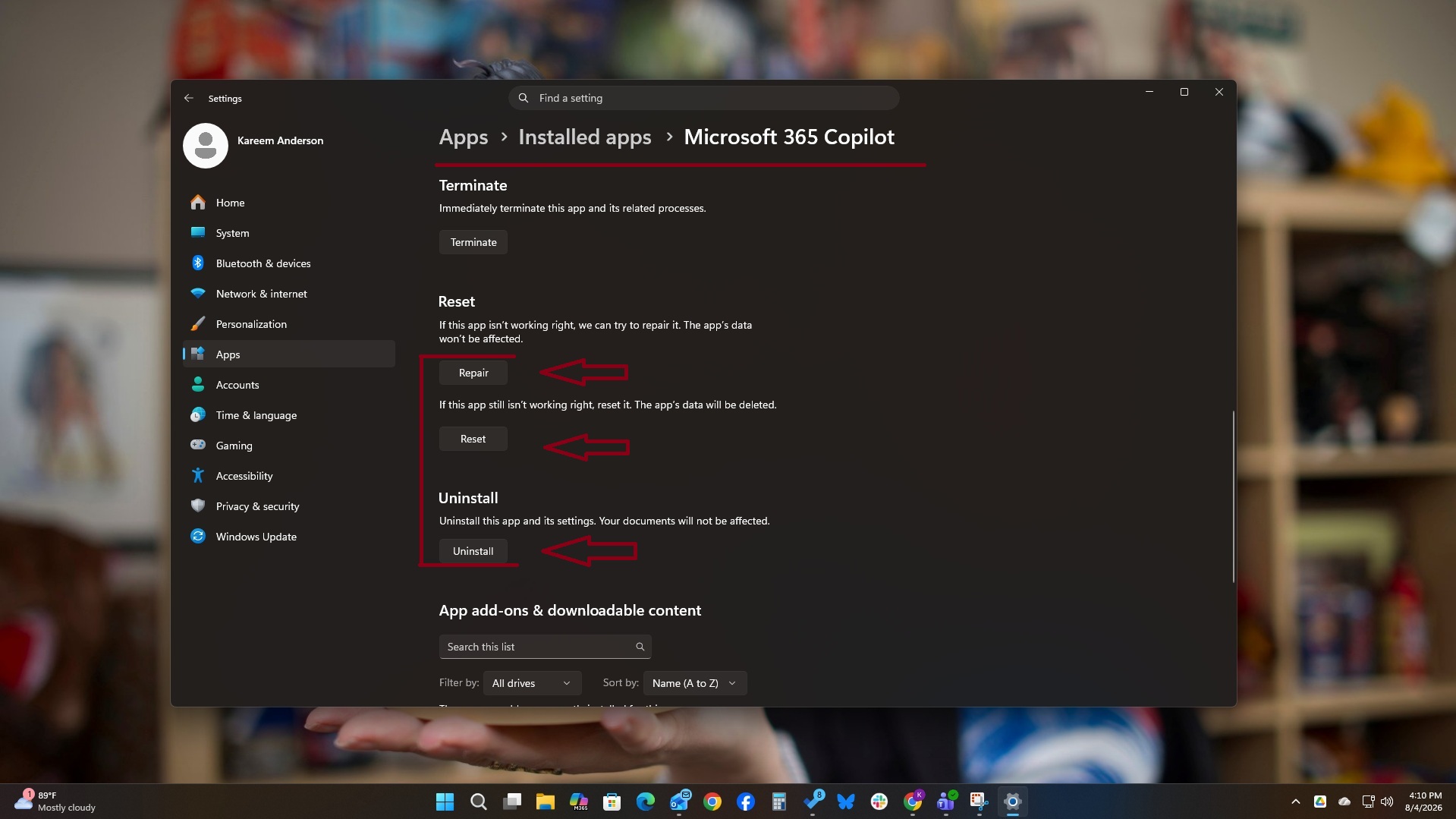
You can also remove Microsoft 365 entirely from Installed apps and reinstall it from Microsoft’s download page. Finally, sign in again. This should reset the upgrade upsell, but it may reappear the following week, and you’ll need to repeat the process.
Last but not least, users are adding their voices and encouraging others to send feedback so that somebody at Microsoft finally pays attention.
Microsoft’s aggressive Copilot upsell is coming at a time when roughly eighty percent of US adults are concerned about AI, and consumer sentiment about the cost of living is at an all-time low. As the cost of living continues to rise, people and businesses are becoming anxious about higher costs, subscription creep, and the feeling that every digital service is inching towards a more expensive tier.
Most users aren’t asking for more AI at this point. They are asking for control, clarity, and a break from relentless monetization. Yet Microsoft thought it was wise to leave the equivalent of a beeping smoke detector in the interface of software that’s already paid for.
Even worse, replacing the batteries won’t stop the smoke detector from beeping. It’s only a matter of time before people move out of the house.