








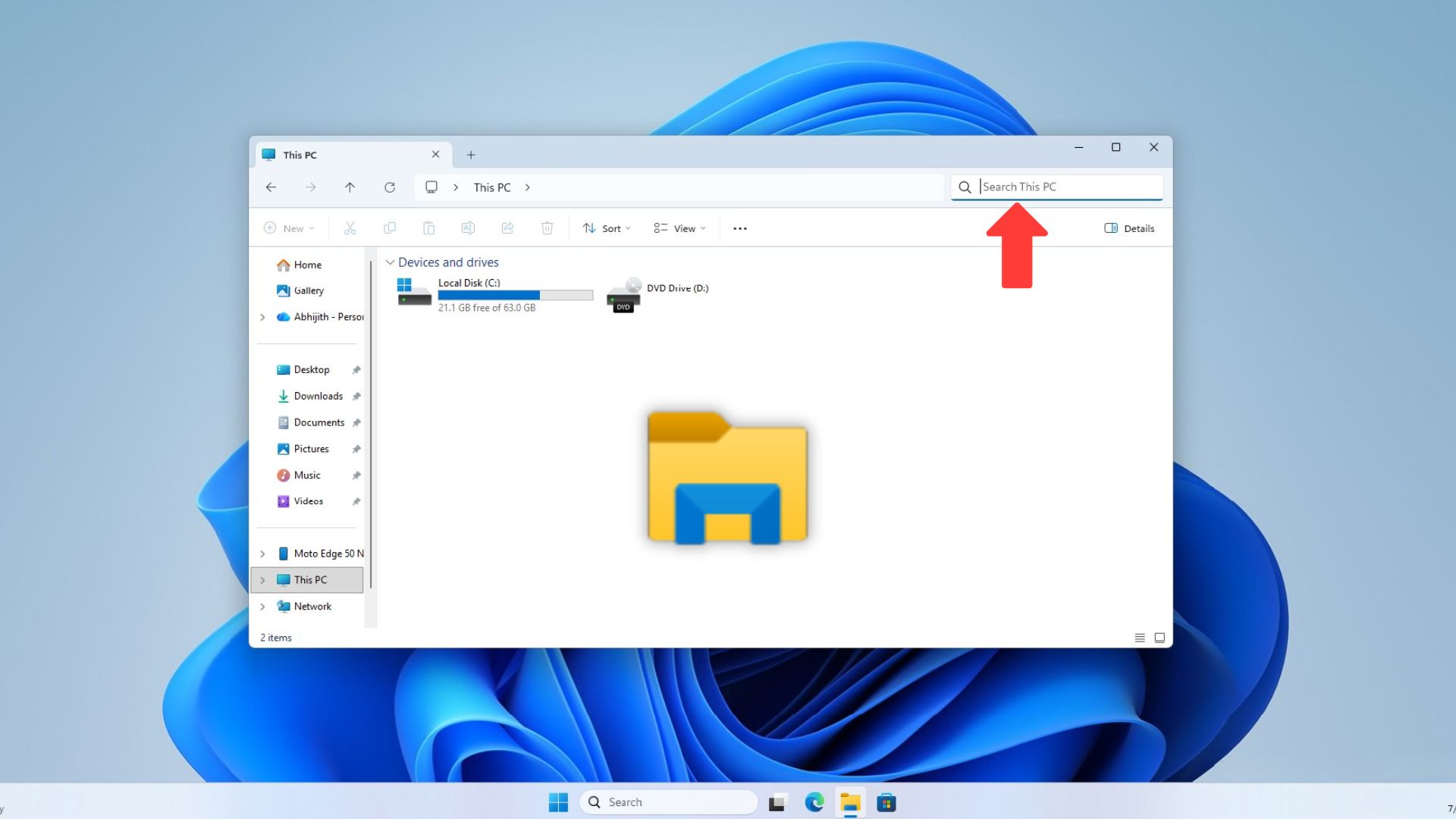
File Explorer’s search is next in line for the performance work Microsoft has been putting into Windows Search. Marcus Ash, who leads Design and Research for Windows and Devices at Microsoft, confirmed this in a reply on X, and said the fix starts with searches across This PC.
To be clear, a Windows 11 update in March (KB5079473) already had a few improvements in File Explorer search, including in This PC, with Microsoft noting “This update improves File Explorer search reliability when searching across multiple drives or ‘This PC’”
However, I haven’t really experienced any of those improvements, but fortunately, this new update from Microsoft can bring real speed improvements, as it is based on the file searching improvements in Windows Search, which we already tested about a month ago.
Microsoft confirms File Explorer search is getting faster
On July 13, Ash posted about the Windows Search Box improvements Microsoft had just started rolling out to Insiders, calling search “one of those places in Windows where small amounts of friction add up quickly.”
Well, that’s the same with File Explorer search as well, and fortunately someone replied asking whether the update would also affect search inside File Explorer, or if that is handled separately. Another user pointed out that File Explorer’s search does not mix in web results to begin with, and if you think about it, the absence of web results in File Explorer search should have made it faster than Windows Search…
Ash replied:
“The improvements we are making to performance and relevance for file searching are coming next to File Explorer. Starting with dramatic speed improvements when searching across This PC.”
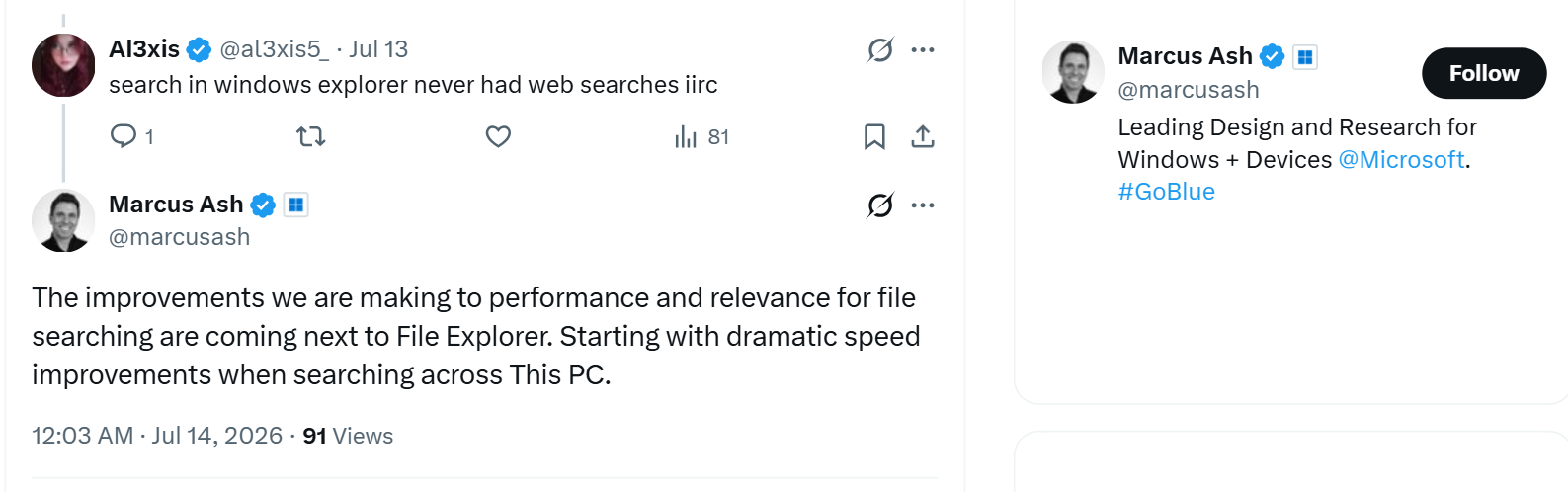
This confirms two things. File Explorer’s file search is getting the same file searching speed and relevance as Windows Search, and This PC is where Microsoft is starting.
We tested This PC search against Windows Search
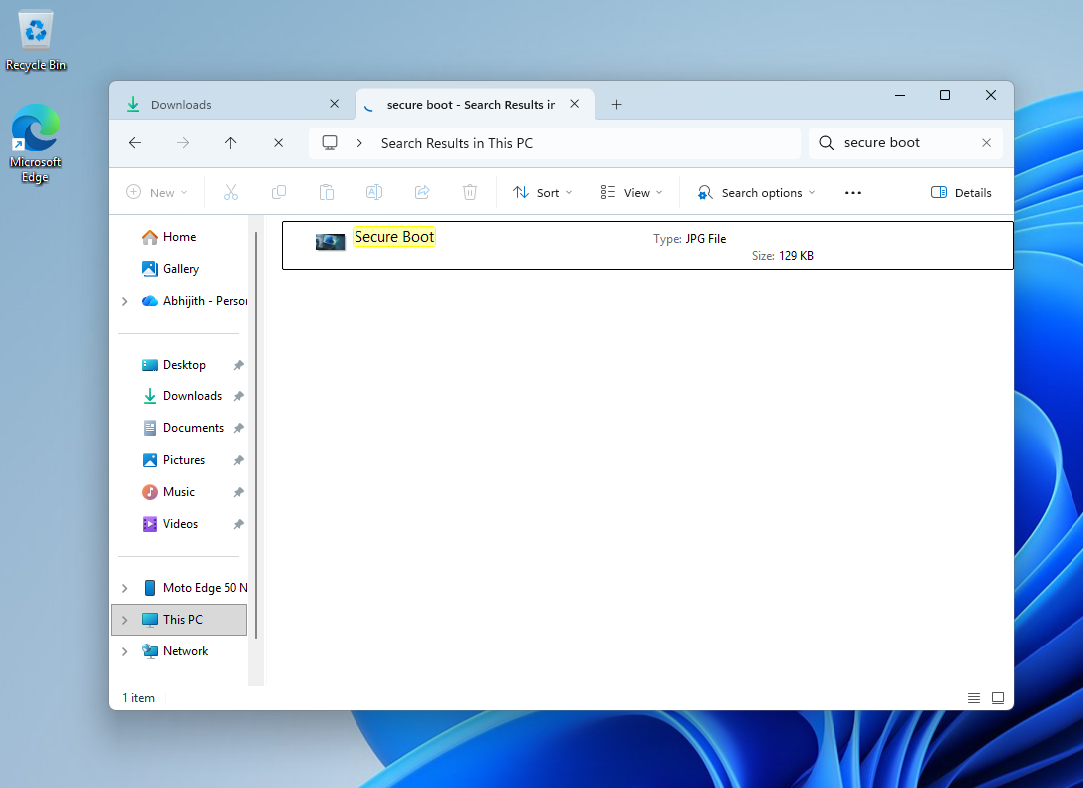
We searched for the same file in both places at once. In one File Explorer tab, we had a folder open with an image named “Secure Boot” that had just been opened. In a second tab, we opened This PC and searched for the same file name.
Windows Search found the file in about a second. Searching for the same file in This PC took more than 8 minutes, despite it being recently opened. Also, the PC I’m using is my test PC with fewer than 10 downloaded files!
I lost my patience when the screen recording timer reached 8 minutes, and the screenshot below was taken later after I stopped recording.
Truth be told, I don’t search with This PC for the reason that I know it’s slow. I usually go to the specific folder to search, or I search from Windows Search, which has recently become fast and reliable.
Windows Search has already changed a lot
Ash’s confirmation follows months of work on Windows Search. Microsoft made it official on July 13, the same day as Ash’s post, rolling it out to Insiders on the Experimental channel.
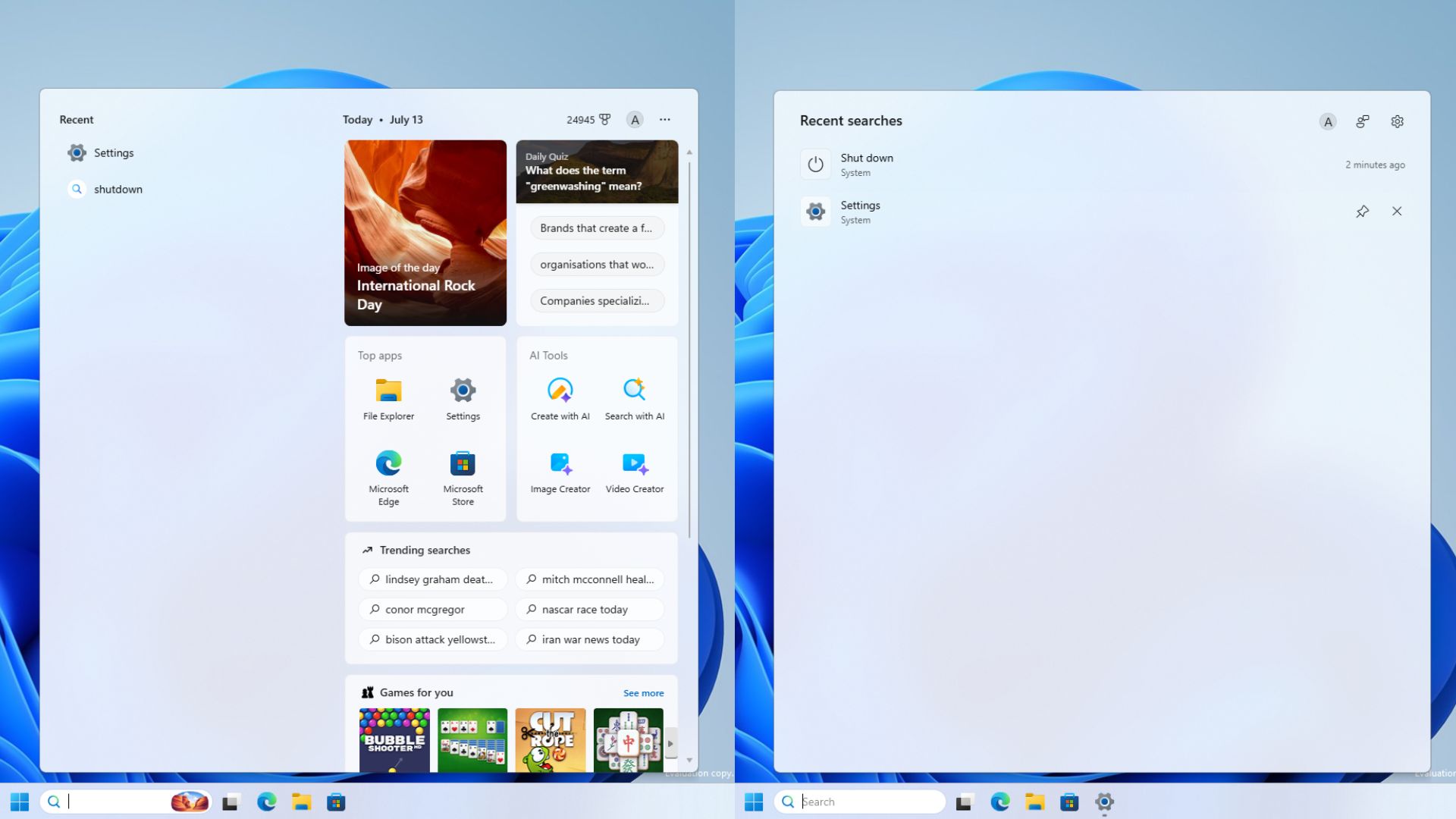
Windows Search dropped MSN, the image of the day, the daily quiz, and trending searches, replacing them with recent activity. Searches now show where it comes from, be it an app, a setting, a file, a web result, or a Microsoft Store suggestion.
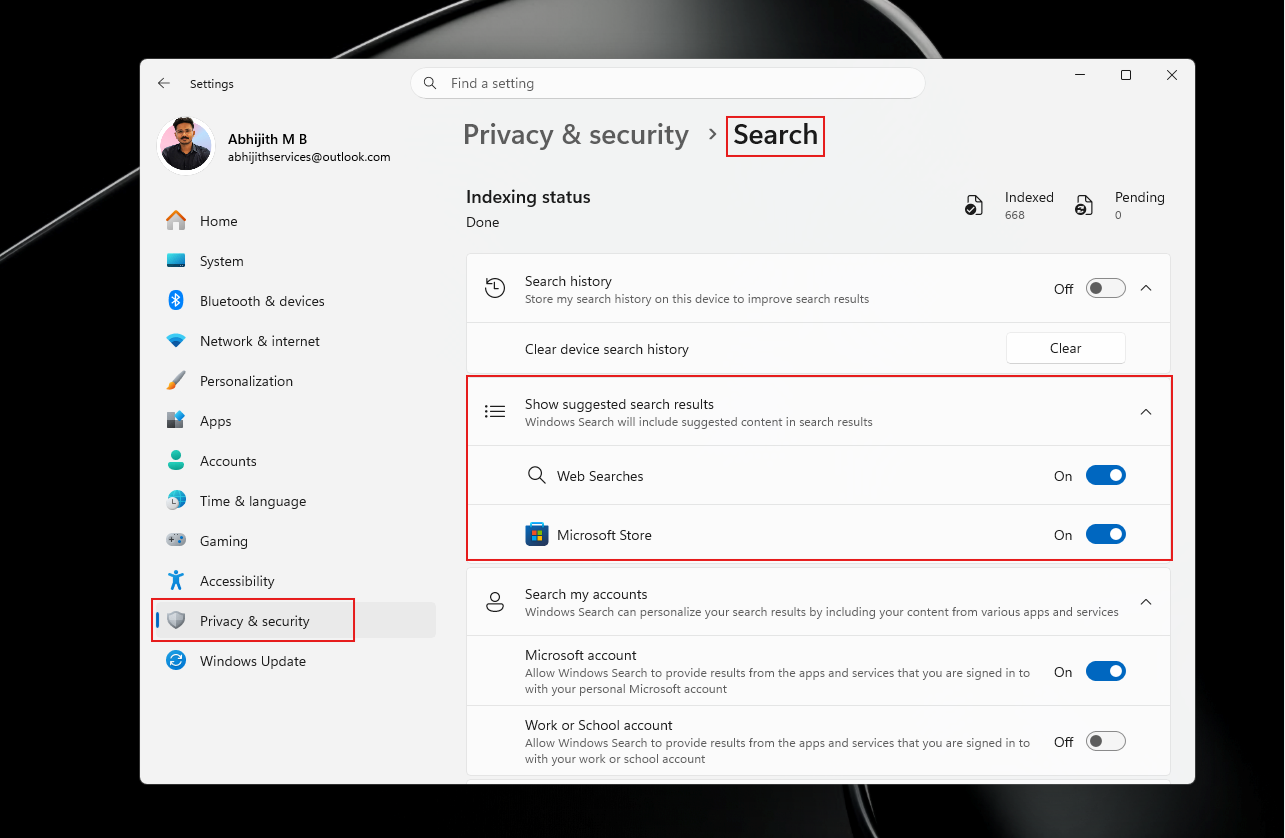
Web results no longer show sponsored product cards, and a new setting under Settings > Privacy & security > Search lets you turn off Bing and Store suggestions.
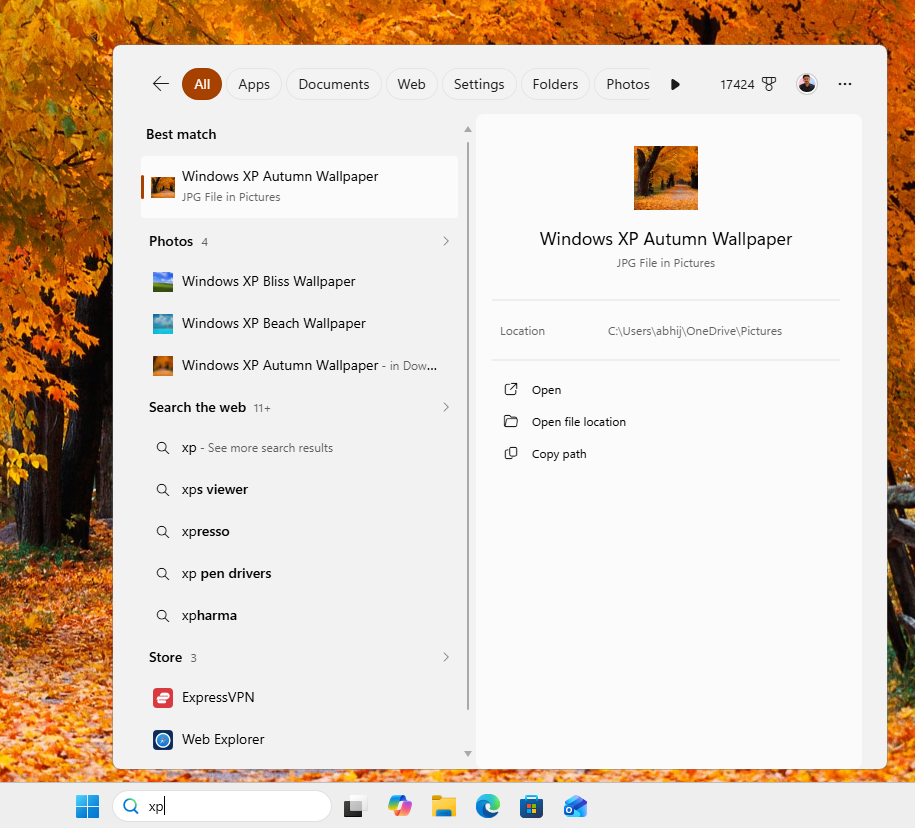
Microsoft also fixed how Search handles typos, so typing “utlook” now surfaces the Outlook app instead of a Bing search for the misspelled word. On the file side, Search now finds files after just two characters instead of three, and it gained substring matching, so a file named “StartMenuComparisonMay” shows up whether you type “menu” or “may.” Both changes reached regular PCs with the June 2026 update.
File Explorer’s own search doesn’t have any of this, and Marcus’s reply proves that these improvements are coming to File Explorer search.
File Explorer’s other performance fixes
Search in File Explorer is not the only part getting attention this year. Microsoft acknowledged File Explorer’s sluggishness in May and said preloading alone would not fix it. In June, Microsoft began rolling out real File Explorer performance improvements through KB5095093, targeting the Home tab, along with a more reliable address bar and a fix for File Explorer freezing when mounting disk images.
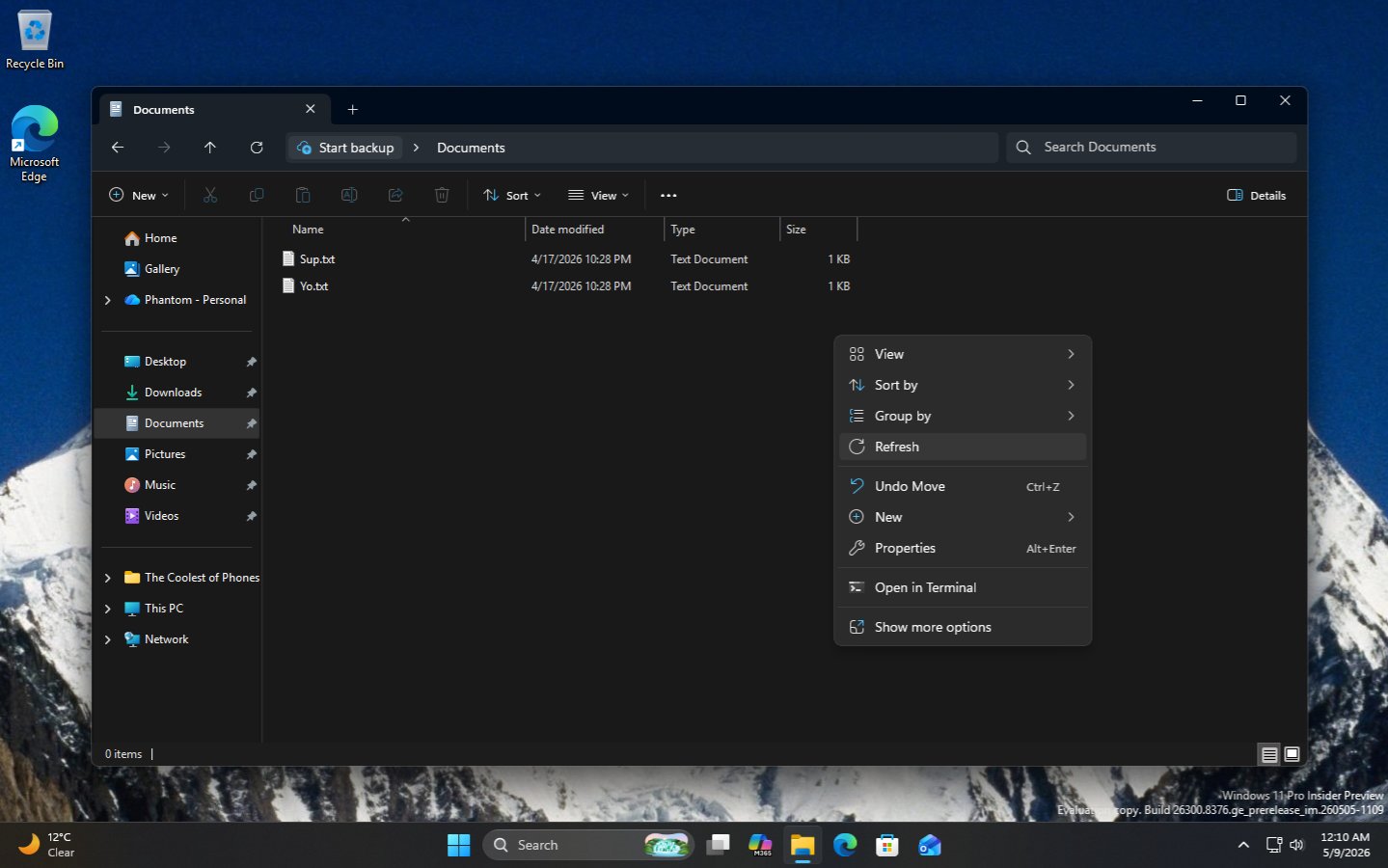
Visual improvements in File Explorer are also coming soon. It is getting the habitually used Refresh button in the right-click menu, along with easily understandable file sizes, like MB and GB, instead of everything being in KB.
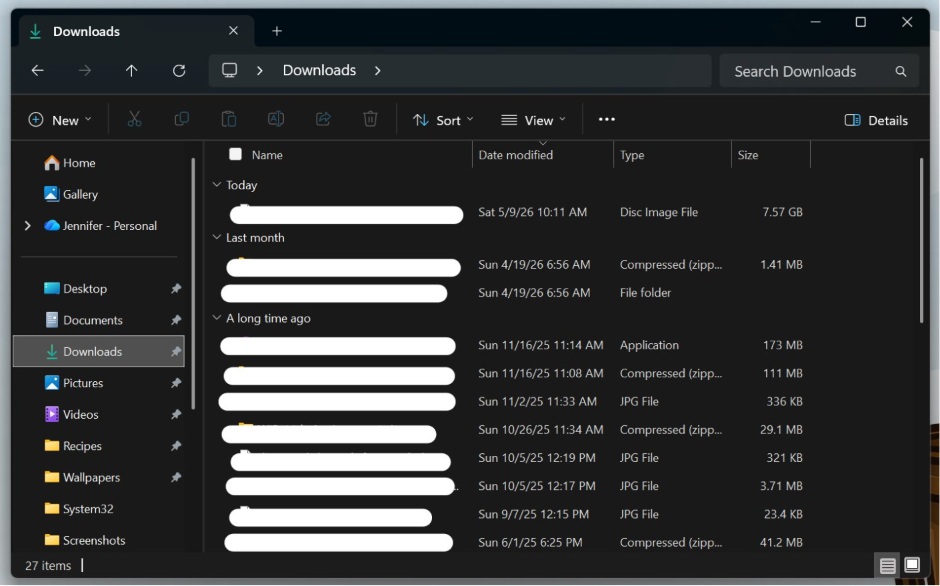
The old Properties dialog is being rebuilt in WinUI 3 with dark mode support. Microsoft also explained why File Explorer’s scrolling is inconsistent depending on the view, and also fixed folder views resetting themselves after being changed.
We first covered File Explorer’s speed problems back in March, when Microsoft admitted that File Explorer has been slower than its Windows 10 counterpart for years. Part of the problem comes from File Explorer’s hybrid architecture, still running on the old Win32 foundation with WinUI on top. We believe Microsoft is slowly moving File Explorer toward a full WinUI foundation, which should help beyond just search.
When to expect File Explorer search improvements?
Ash did not give a date. The new Windows Search is still limited to the Experimental Insider channel and rolling out gradually even there, so File Explorer’s version of the fix is likely still some builds away.
Given how closely Microsoft has tied the two projects together, and how much of the Windows Search work has already shipped, File Explorer’s search improvements could show up in Insider builds sooner than we expect.