






A support document published in April and updated earlier this week confirms that Microsoft realized adding a dedicated Copilot key to new PCs wasn’t a good idea for everyone, as it caused “disruption to productivity and accessibility workflows.” Microsoft says a future Windows 11 update will let you remap it, but new PCs will still have the key.
“Copilot key implementations may vary across keyboard layouts and hardware configurations,” Microsoft said, adding that it’ll let you remap the key. “Microsoft continues to work toward consistent and accessible experiences across Windows devices while minimizing disruption to productivity and accessibility workflows.”
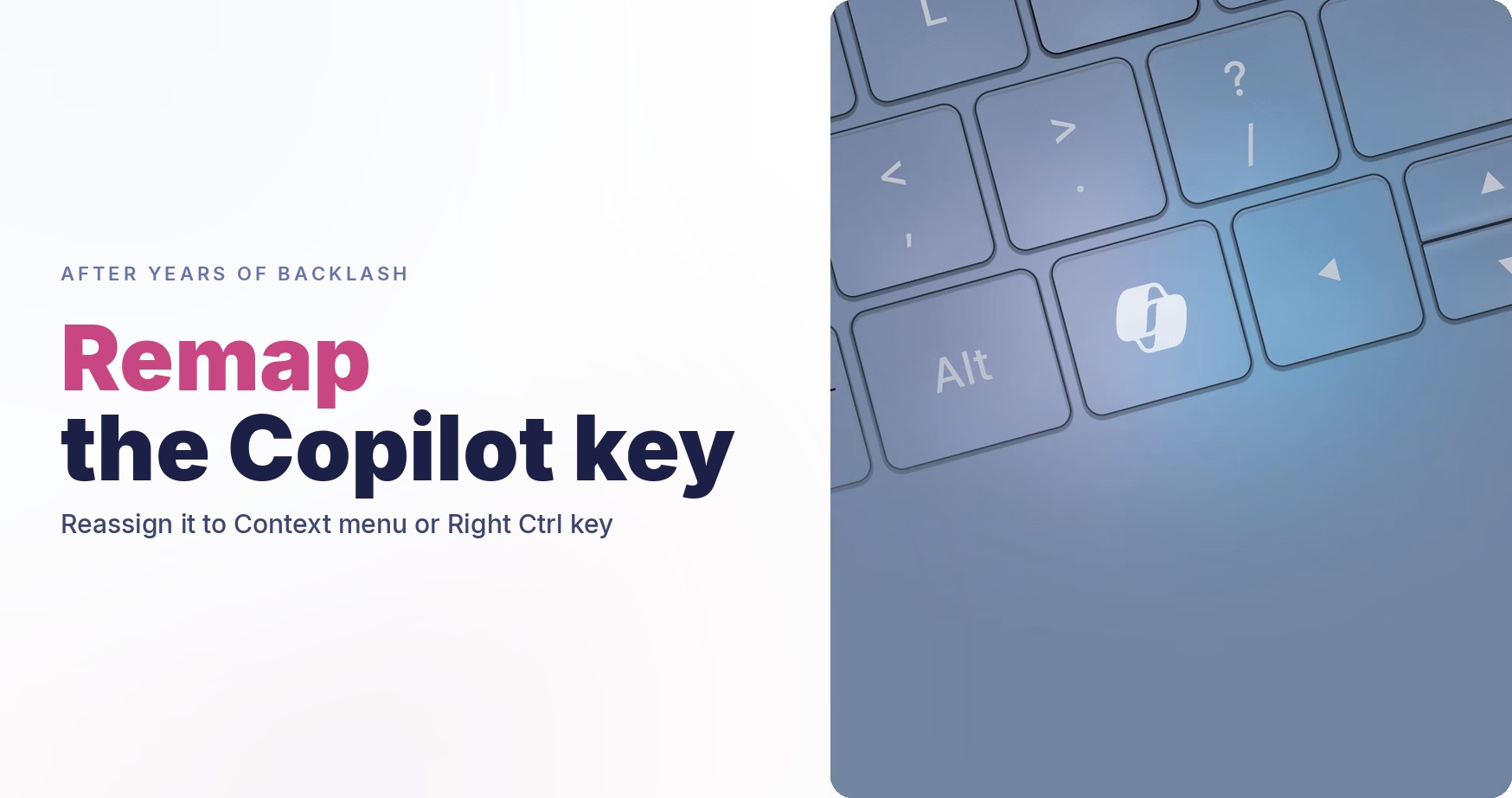
While Microsoft has no plans to abandon the Copilot hardware key, it says you’ll be able to remap it from Windows Settings. Of course, that wouldn’t change how the key looks on your keyboard, but you can configure it to open the right-click menu or route it back to the Right Ctrl key.
Copilot isn’t the first time Microsoft has tried to force a product on consumers and later pushed it back. If you remember, Microsoft was once going all-in on Cortana, its digital assistant, and even added it to Windows 10’s OOBE, where Cortana would start speaking before you could properly interact with the OS.
However, what was different about Cortana and Microsoft’s past obsessions was that they were mostly software-based. Copilot isn’t. It literally exists on every new laptop as a dedicated key.
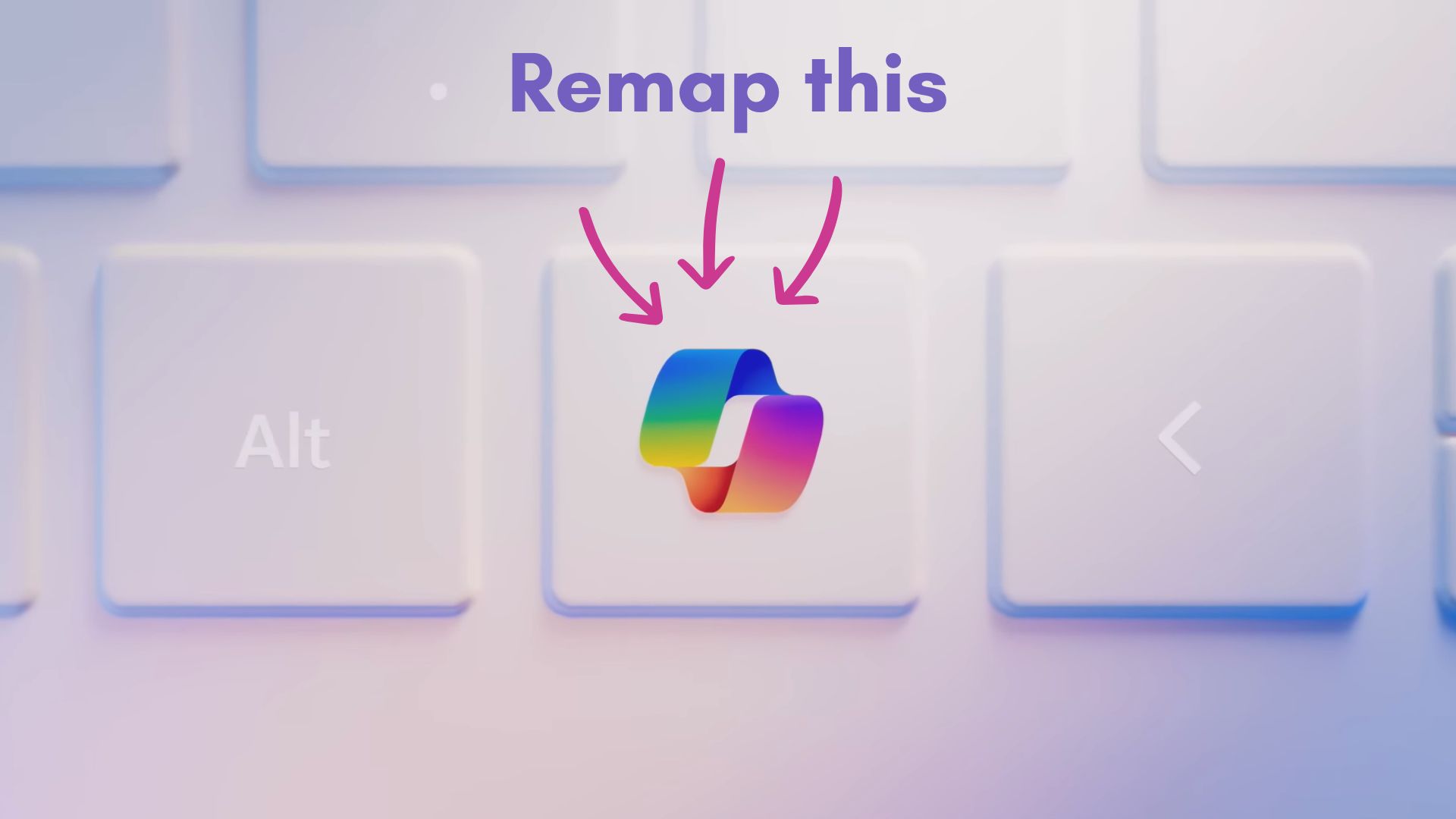
In fact, some mini PCs also come with a Copilot key, and if Microsoft abandons the idea tomorrow, there’s no going back. You’d need to buy yourself a sticker.
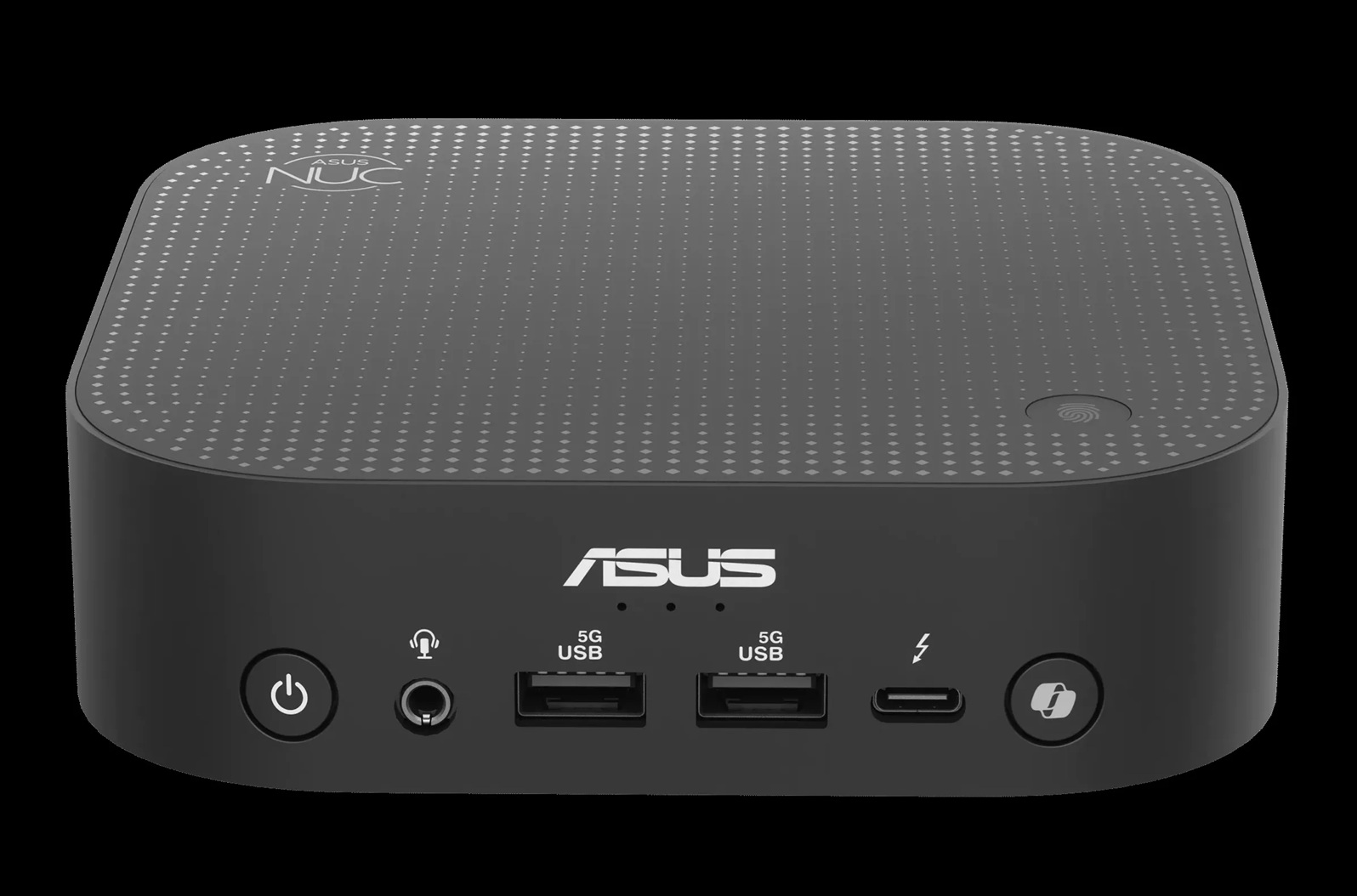
While Microsoft won’t drop the Copilot key, it’ll make it easier for you to live with it.
Microsoft will let you remap the Copilot key, so it’s more useful than a brick
Microsoft isn’t giving you greater control over the Copilot key because of the backlash, but because it breaks certain workflows, particularly for those who use assistive technologies or rely on the key for keyboard shortcuts. The Copilot key has been annoying for some people, according to Microsoft, and it has also created “challenges” in some workflows.
“Customers who rely on the Right Ctrl key or Context menu key for keyboard shortcuts or assistive technologies (such as screen readers) experienced some challenges to their workflows when using these devices,” the company noted in a document.
The Copilot key was introduced in 2024 with nearly all new PCs. In 2024, Microsoft said the Copilot key would provide quick access to Copilot in Windows and help you become productive.
At that point, it actually made a bit of sense because of how Copilot was deeply integrated into Windows, but in 2026, Copilot is just a web wrapper that calls Microsoft Edge.
Also, Copilot is coming to the taskbar as an optional feature called “Ask Copilot,” and it’s already pinned by default on the taskbar. So, if you really want to use it, there are multiple ways to easily access it.
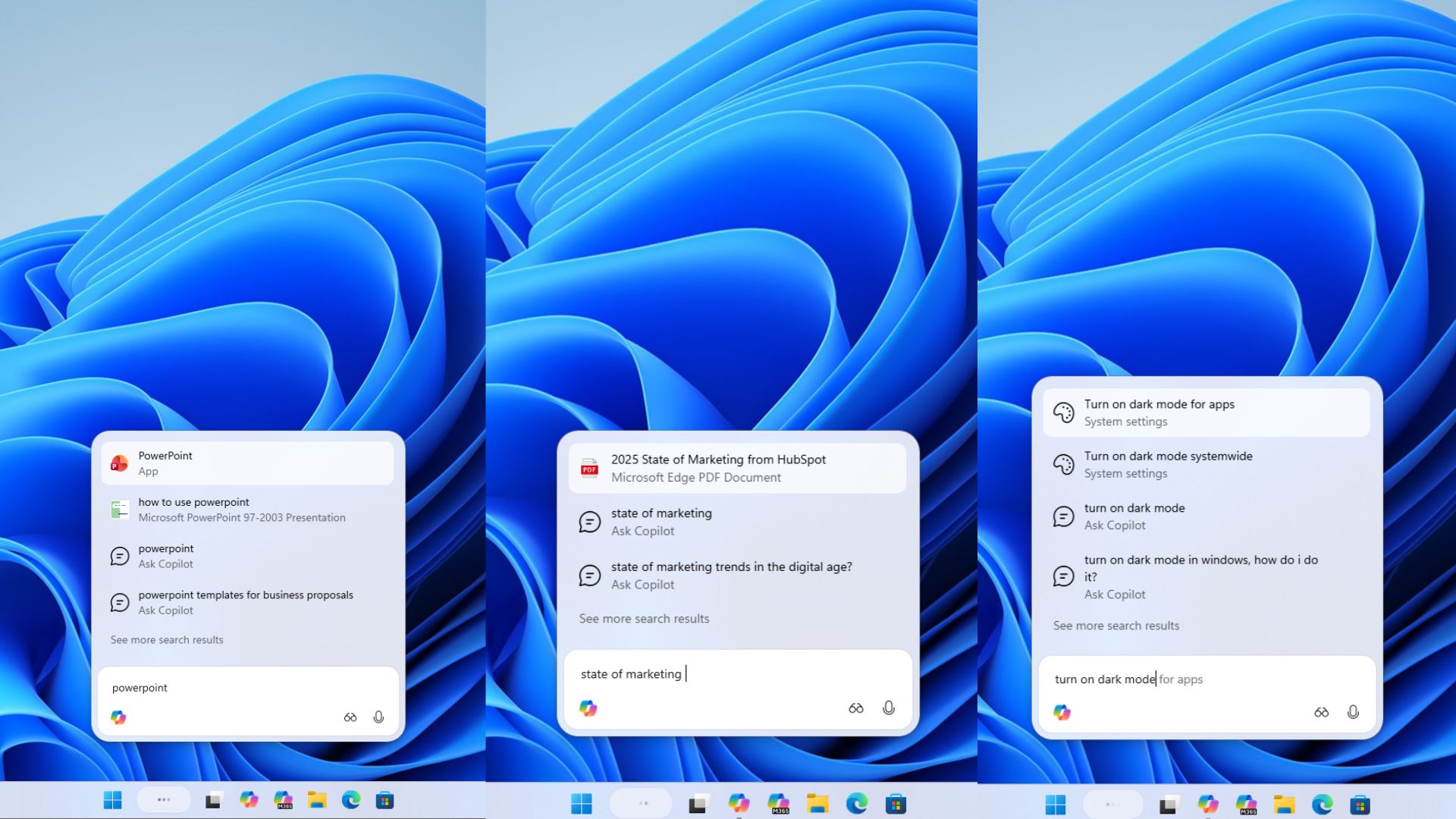
It no longer makes sense to have a Copilot key, which is also why Microsoft wants to make it easier to remap the key.
“Microsoft is committed to enabling customers to select options for how the Copilot key functions,” Microsoft explained. “A Windows 11 update will ship later this year that will add a setting option to let you remap the Copilot key to act as the Context menu key or Right Ctrl key.”
You’ll be able to remap the Copilot key in Settings > Bluetooth & devices > Keyboard via an update that’s scheduled to roll out within a few months, I’m told independently.
Microsoft clarified that greater control over the Copilot key doesn’t mean it’s being abandoned. It’s all part of the company’s efforts to cater to everyone, as according to Microsoft, the Copilot key was causing disruption to productivity and accessibility workflows.
Unfortunately, none of that means future PCs will not have the Copilot key. In fact, Microsoft’s flagship Surface Laptop Ulta with RTX Spark dropped Copilot+ PC branding, but still ships with the key.