







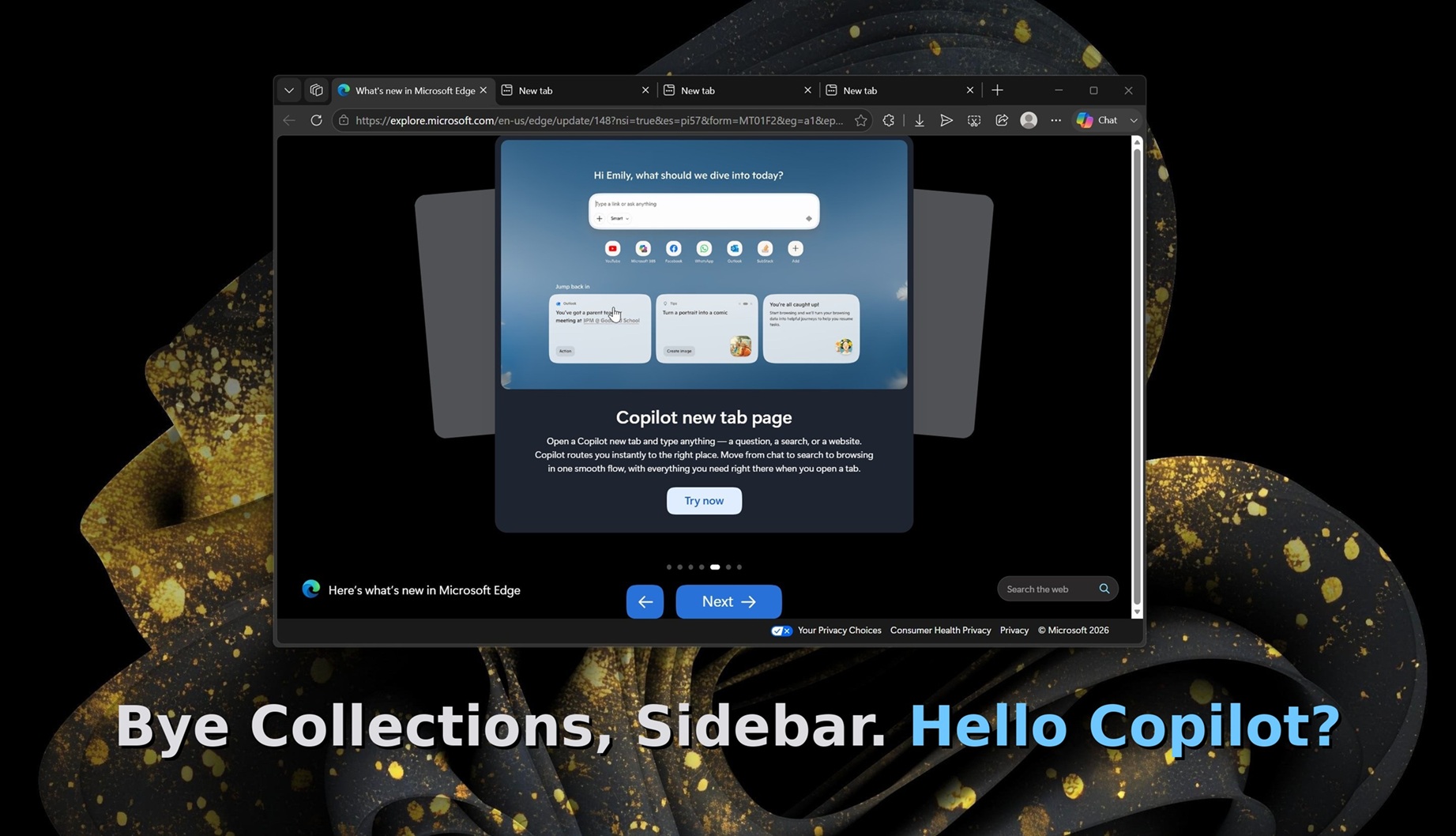
Microsoft told Windows Latest that Collections and Sidebar are no longer available with Edge 149, which began rolling out on June 4, 2026.
If you’ve been using Microsoft Edge (Chromium) from day one, you’d probably remember that Microsoft made a big deal out of Collections. I really loved the idea behind Collections, which was to collect and organize items you come across on the web, particularly when you’re shopping.
At that time, Microsoft argued that it designed Collections “based on what you do on the web.” For example, if you use the web to shop for your favorite products, you’d like to collect items you come across and compare them at some point. Or if you go on frequent vacations, you’d use Collections to organize all your trip information in a single place.
Here’s what Edge Collections looked like when it first shipped:
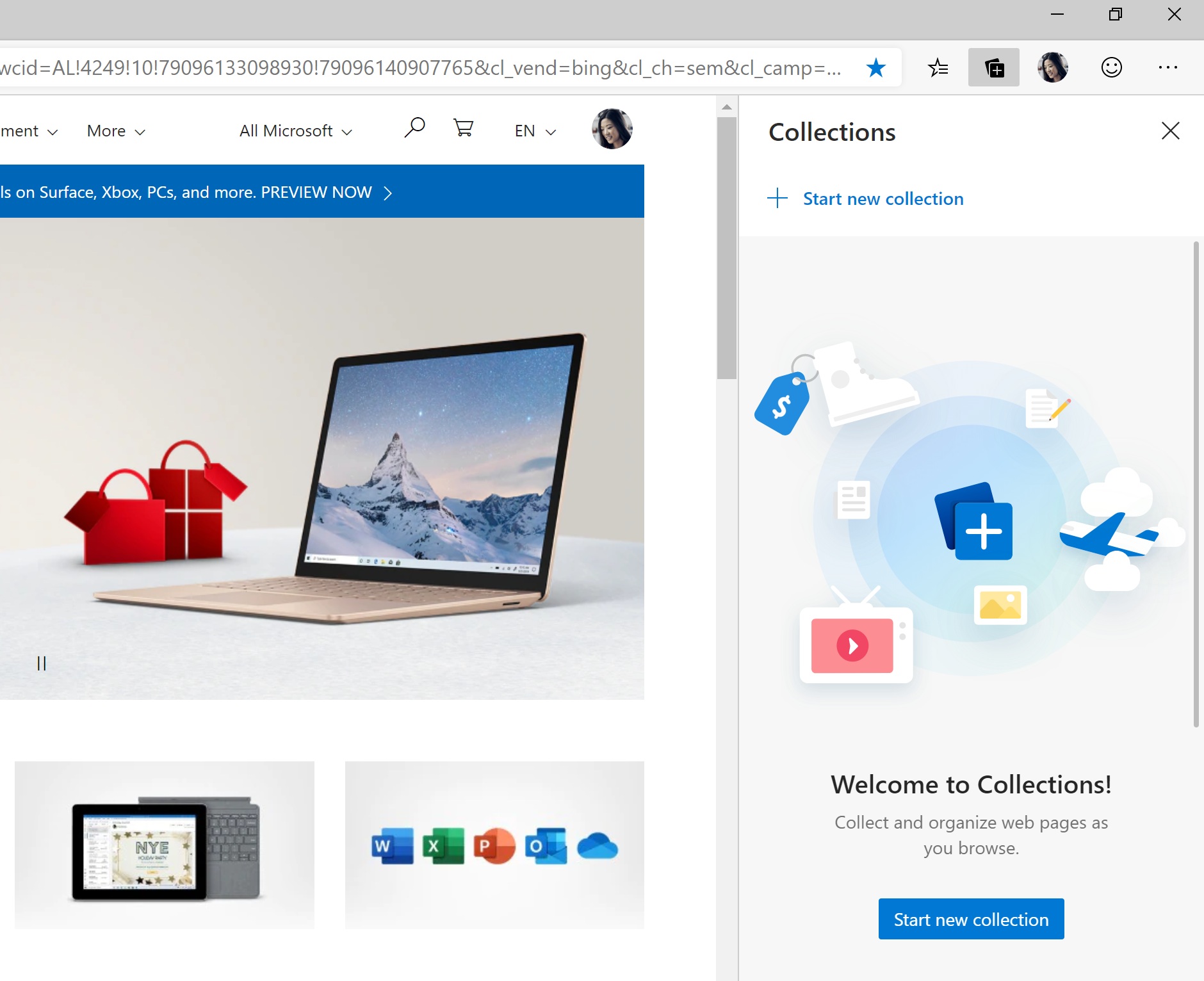
In a way, Collections was similar to favorites (bookmarks). You could create a bookmark folder and club items inside it. This is how we used to “collect” stuff on the internet until Microsoft told us it was wrong. The company argued that Collections was the right way to collect and organize information, thanks to visual comparison, notes, rich content, and more.
Microsoft described Collections as a workspace to actively “collect and compare items” for shopping or to “organize your web research” for school. Furthermore, when you share or export your gathered items into apps like OneNote or Outlook, “you will get a rich copy of the content.”
The company no longer believes in that vision, or, to be fair, the new “Microsoft AI” team no longer believes in any of that because it cannot have AI. As a result, the Collections feature is no longer available.
“Collections is no longer available starting with Microsoft Edge version 149, released on June 04th, 2026,” Microsoft said.
Microsoft also told me that it’s been warning about the Collections sunset for a while now, so you can take action, such as exporting everything before the feature is deleted.
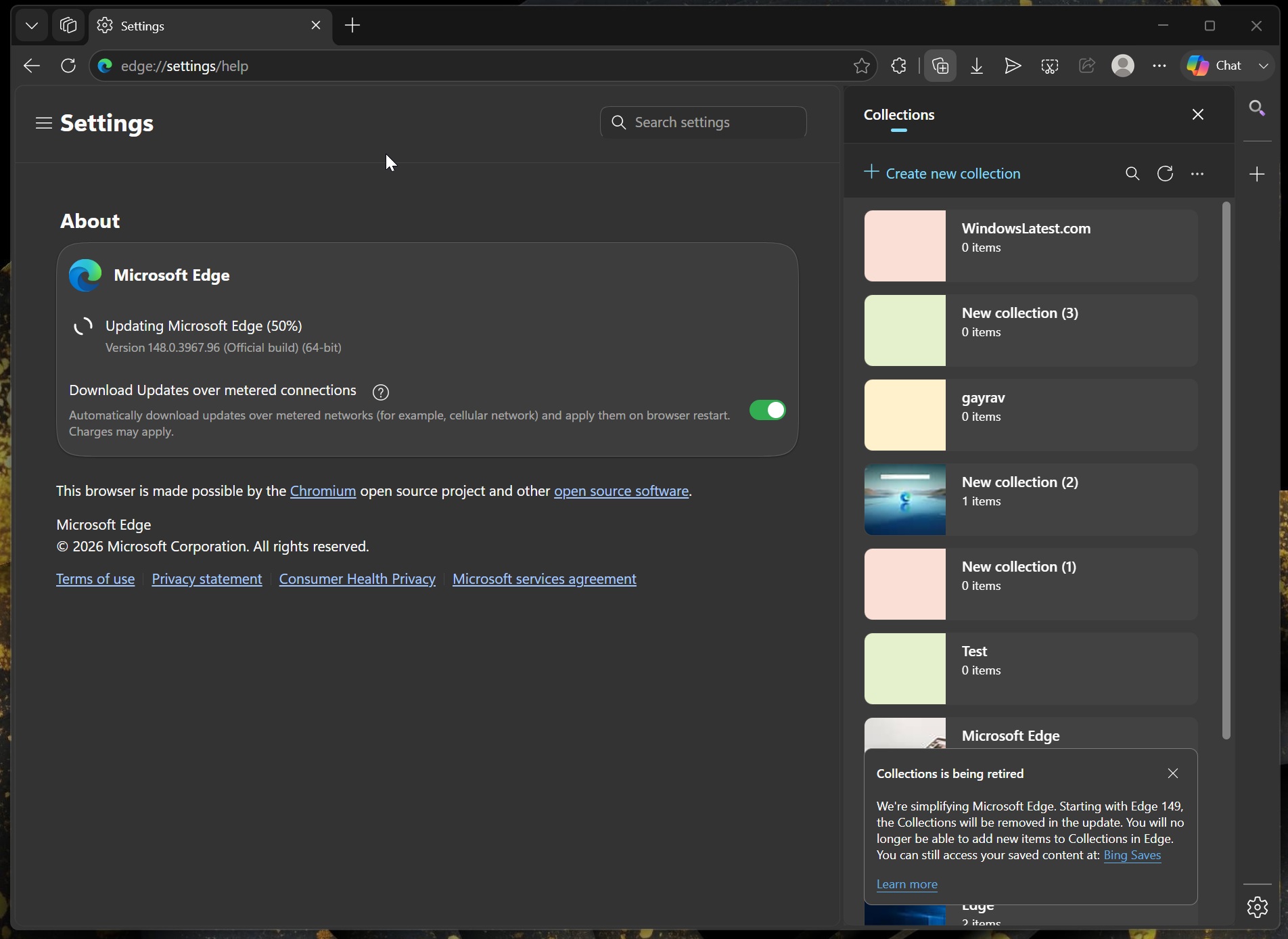
This means you’ll lose all your Collections if you don’t migrate to favorites or export your data before upgrading to Edge 149.
“To keep saved content, users can export it or move all pages to Favorites before updating to Microsoft Edge Stable,” the company warned.
For example, after I installed Edge 149 without backing up Collections, I can no longer access any of my items. The center of attention is the new Copilot button, which uses “Chat” text and is now expandable, so you can either choose to chat or talk to Copilot with voice.
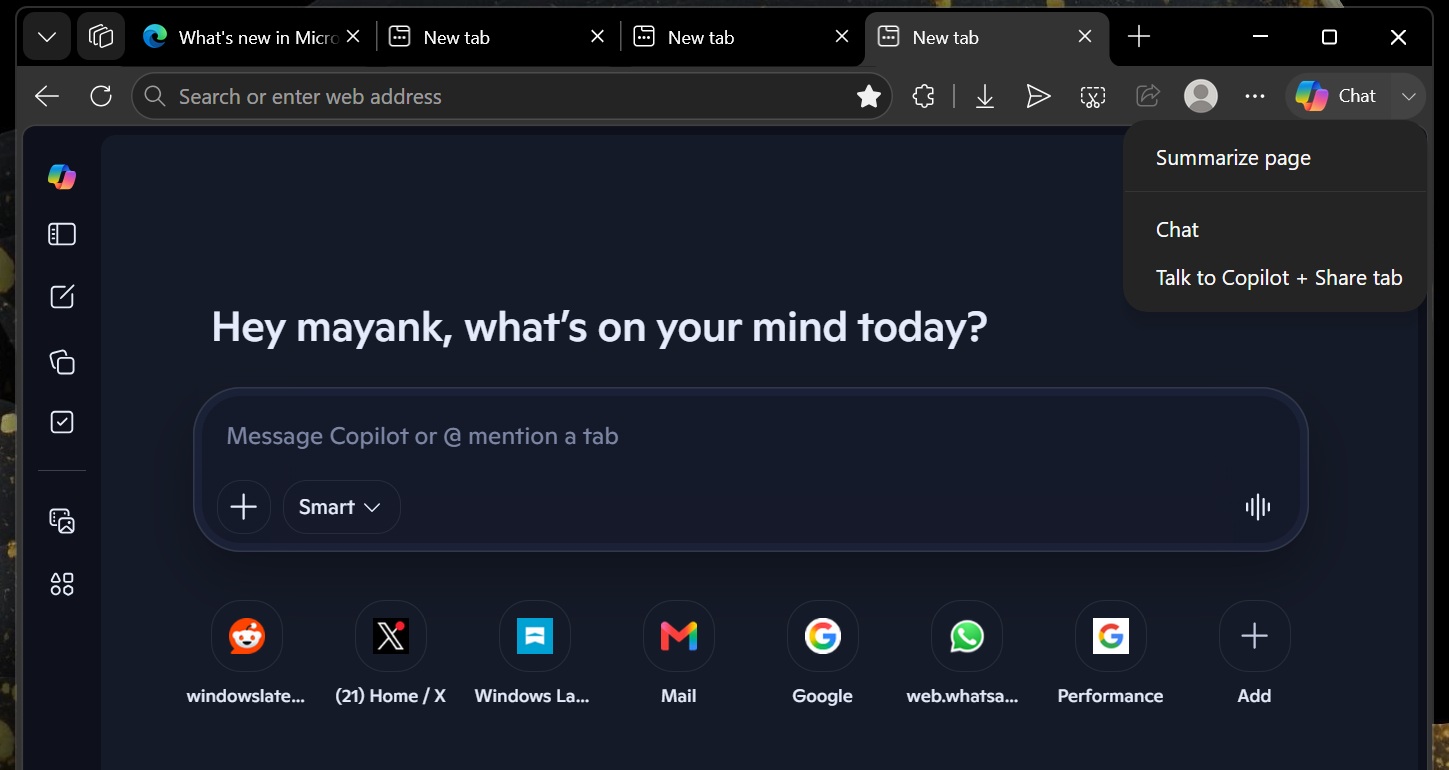
Sidebar has been removed with Edge 149
Collections feature isn’t the only idea disappearing today. Sidebar has been removed with Edge 149 as well.
Just like Collections, Microsoft also made a huge deal out of the “Sidebar” feature, which lets you access “mini” web apps like Outlook, Bing, and others from the right sidebar. Sidebar is a far better idea than “split screen,” as you can easily toggle between full screen and sidebar.
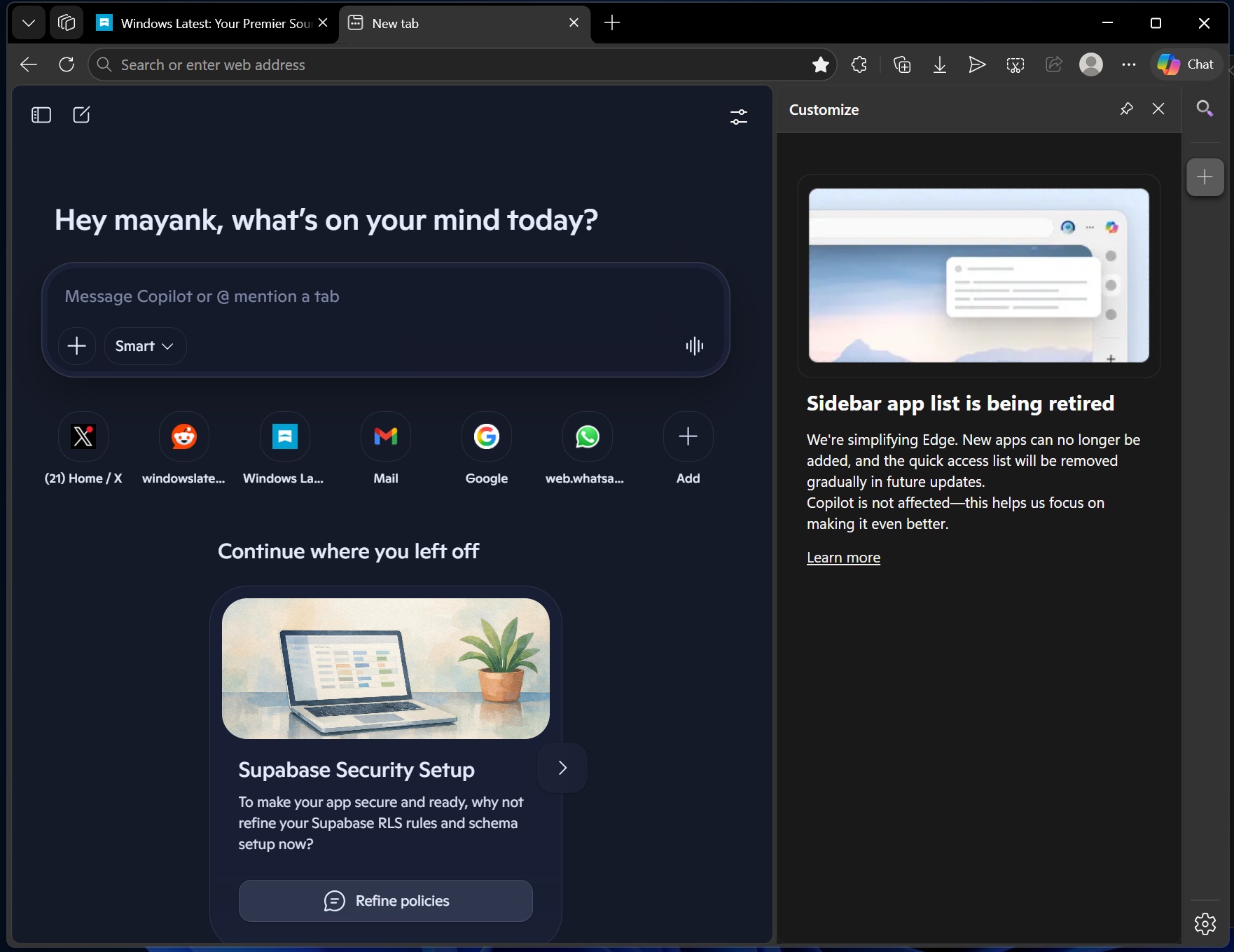
Starting with Microsoft Edge 149, Sidebar is no longer available, and you can’t restore it using a feature flag.
Sidebar is also the panel that is used to power the Copilot experience, so is Copilot getting the cut as well? No, Microsoft says that you don’t have to worry, as Sidebar removal does not affect Copilot. In fact, it helps the company focus on Copilot and make it even better.
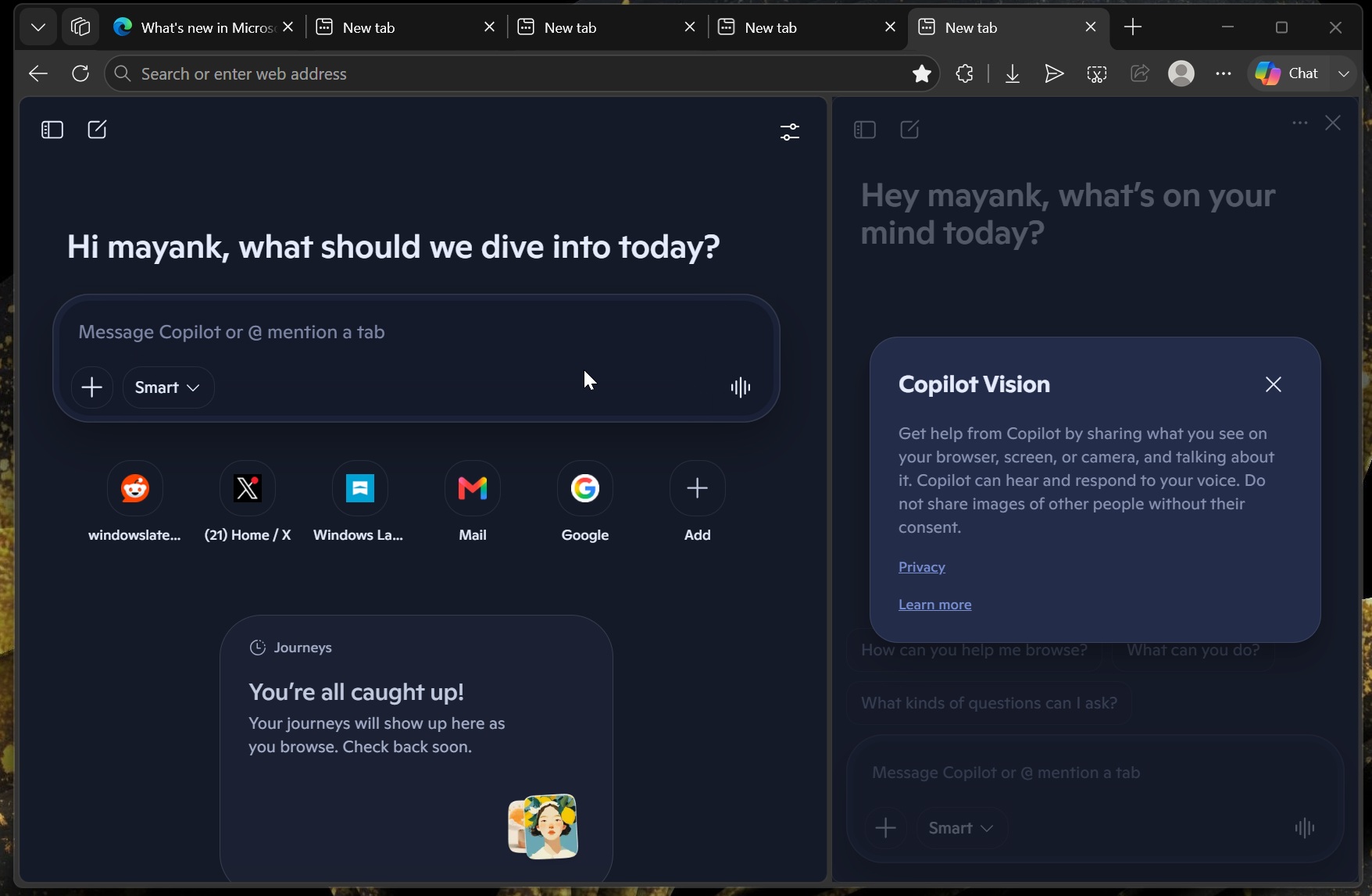
Microsoft Edge is now under Microsoft AI leadership, and that appears to be doing more harm than good. First, Edge became a Copilot browser, dropped its unique design language in favor of an AI-inspired interface, and now it’s losing two of its flagship features.
Microsoft Edge isn’t the most popular browser on the internet, but it now holds a meaningful 9% desktop market share.
CEO Satya Nadella also confirmed that Edge registered growth for 20 consecutive quarters, which is a great feat. However, growth doesn’t mean Microsoft understands what its customers want. It doesn’t.