






Microsoft has written a 14-page e-book about AI integration in Windows 11 and why it’s important, as the operating system is now the most strategic decision in an enterprise’s AI stack. In the document, Microsoft dubs Windows 11 as an AI OS where work actually happens without adding additional AI tools.
Now, some of you might argue, what happened to Microsoft’s efforts to revive Windows 11 in 2026 with quality improvements and less Copilot? Is the company backtracking on its plans? Not really. Microsoft never said it’s giving up on AI in Windows 11. AI will continue to exist in the OS in a meaningful way, and it’s still going to market it.
As first spotted by Windows Latest, in the e-book, Microsoft says it has observed a fundamental shift where adding more AI tools doesn’t correlate with higher returns. Instead, if an enterprise uses fewer AI tools but the right ones, it’s likely to have the biggest returns.
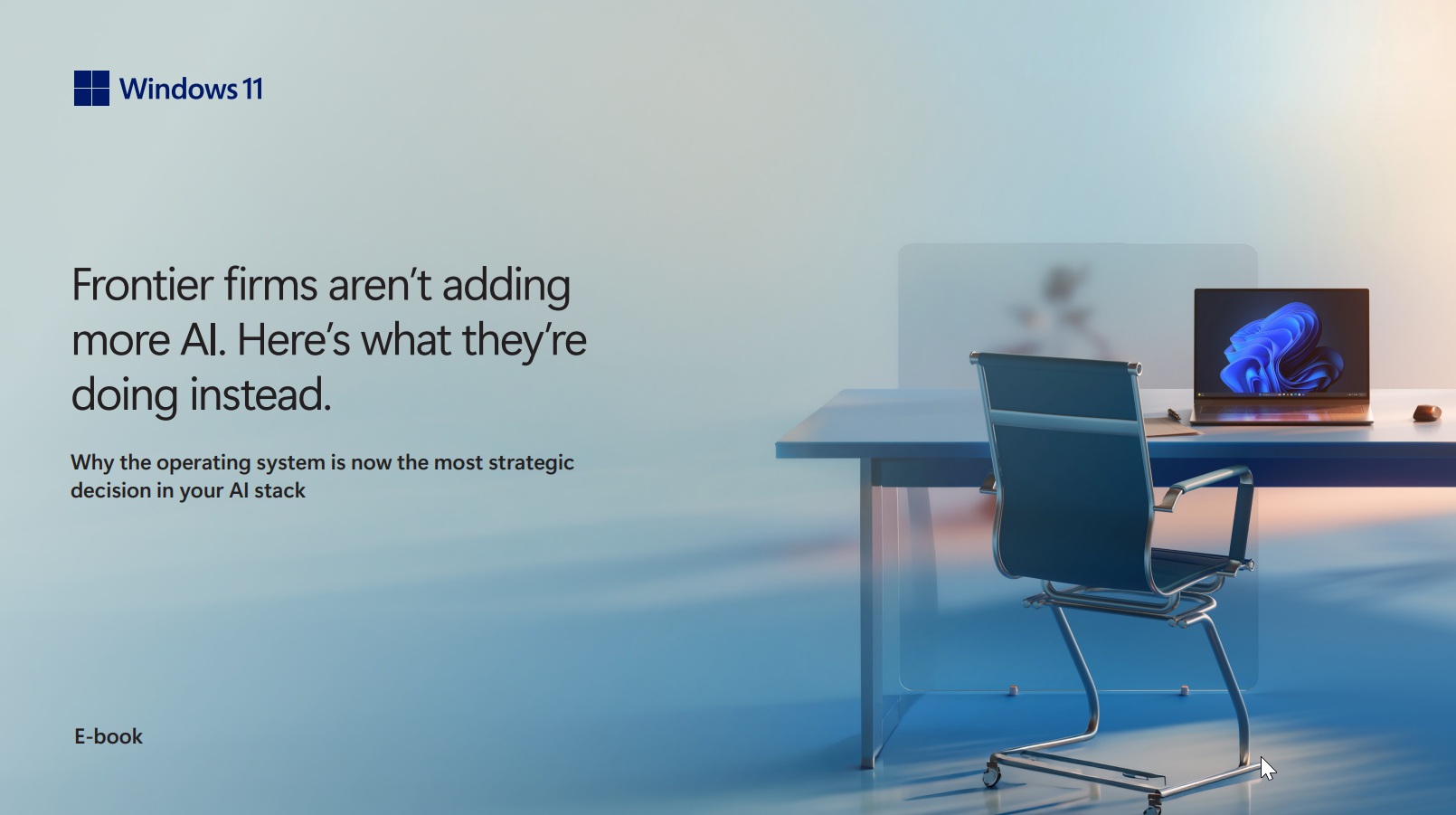
Microsoft is not suggesting that consumers or enterprises don’t need more AI apps. What it says is that the biggest returns from AI do not come from adding more tools to the workplace. Instead, it believes that if an enterprise embeds AI directly into workflows, the returns would be the biggest.
The company also claims the shift “starts with Windows 11,” and declared the OS a strategic asset.
Microsoft says Windows 11 is an “intelligent canvas” that adds AI features into familiar experiences, and it lists a couple of examples, such as learning more about a file using Copilot when you’re in File Explorer.
The strategy is more about “embedding intelligence directly into the work itself, so AI becomes part of how people work rather than one more thing layered on top of it.” “That distinction matters,” Microsoft argues, and those organizations that treat AI as part of the workflow are doing better, according to the company.
Microsoft says Windows 11 adds AI to places where it works
Windows 11’s AI integration hasn’t gone well with most people, which explains why it’s scaling back Copilot in some apps, at least in terms of branding. But that doesn’t mean the company truly believes AI in Windows 11 isn’t adding value. In fact, Microsoft says Windows 11’s “AI shows up where work happens.”
Microsoft lists three examples:
- Voice and natural language for hands-free, uninterrupted work
- Built-in AI experiences
- Agents that help move tasks forward without context switching
To back up these claims, Microsoft cites its own report from 2025 that found 80% of the workforce does not have the time or energy to complete daily tasks, and 82% of executives planned to add AI agents in the hope that it would increase productivity, but that isn’t really working.
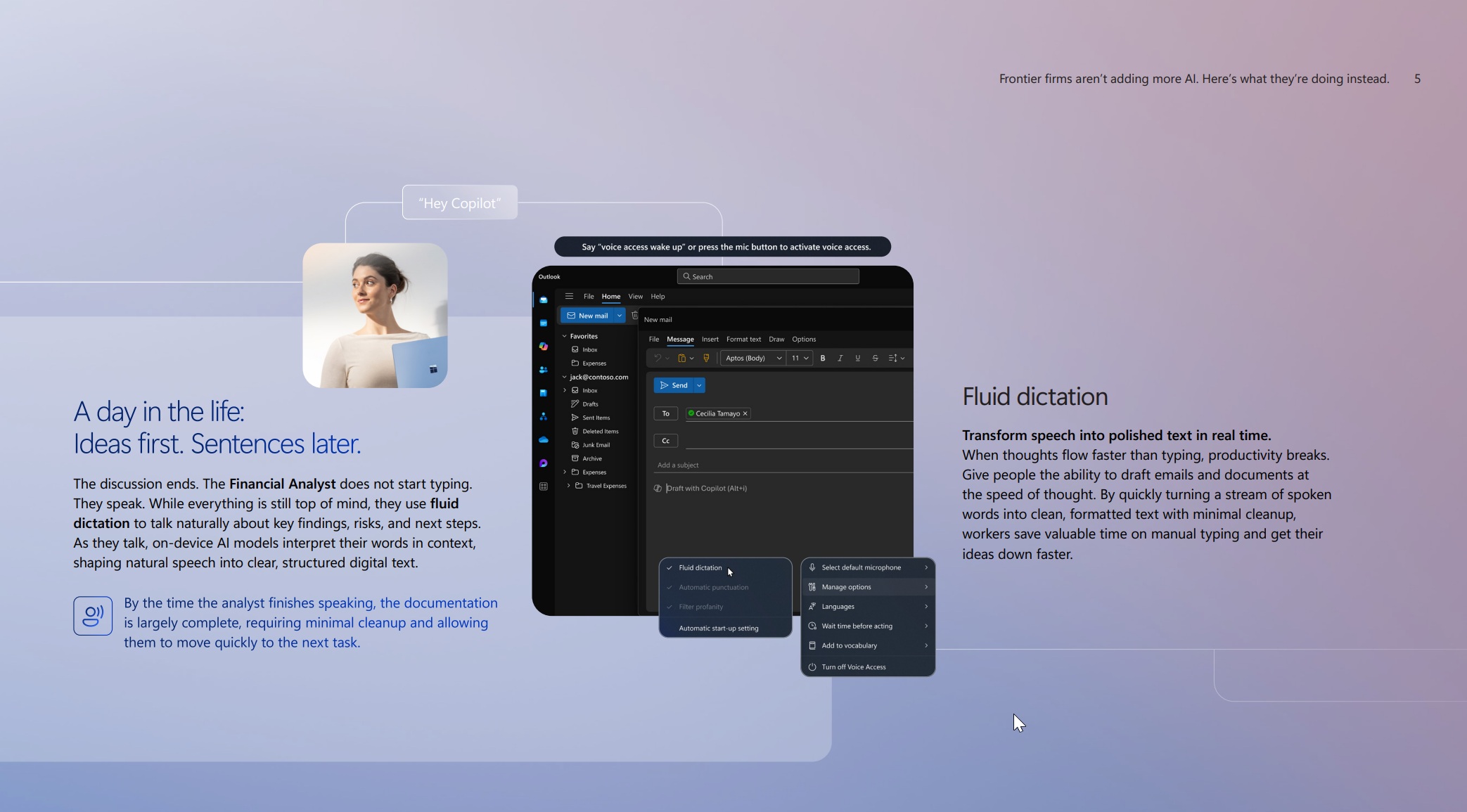
Microsoft argues that adding more AI tools makes the problem worse, as managers and employees need to train on the AI. And that’s where the company’s pitch comes in.
“The answer isn’t more AI,” Microsoft argues. “It’s AI that works where people already are. That means the operating system is now a strategic asset, and Windows 11 is an intelligent canvas that brings AI capabilities directly into familiar experiences.”
Microsoft explains a use case for “Ask Copilot” on the taskbar
Microsoft lists “Ask Copilot” on the taskbar as one of the examples that help bring AI agents closer to the desktop and make you more productive at work.
For those unaware, Microsoft is currently rolling out AI agents to the taskbar, but it only works with Microsoft 365 Copilot right now. One use case is for a compliance lead at a company, whose daily workflow looks like reviewing policies, browsing issues, and auditing the company.
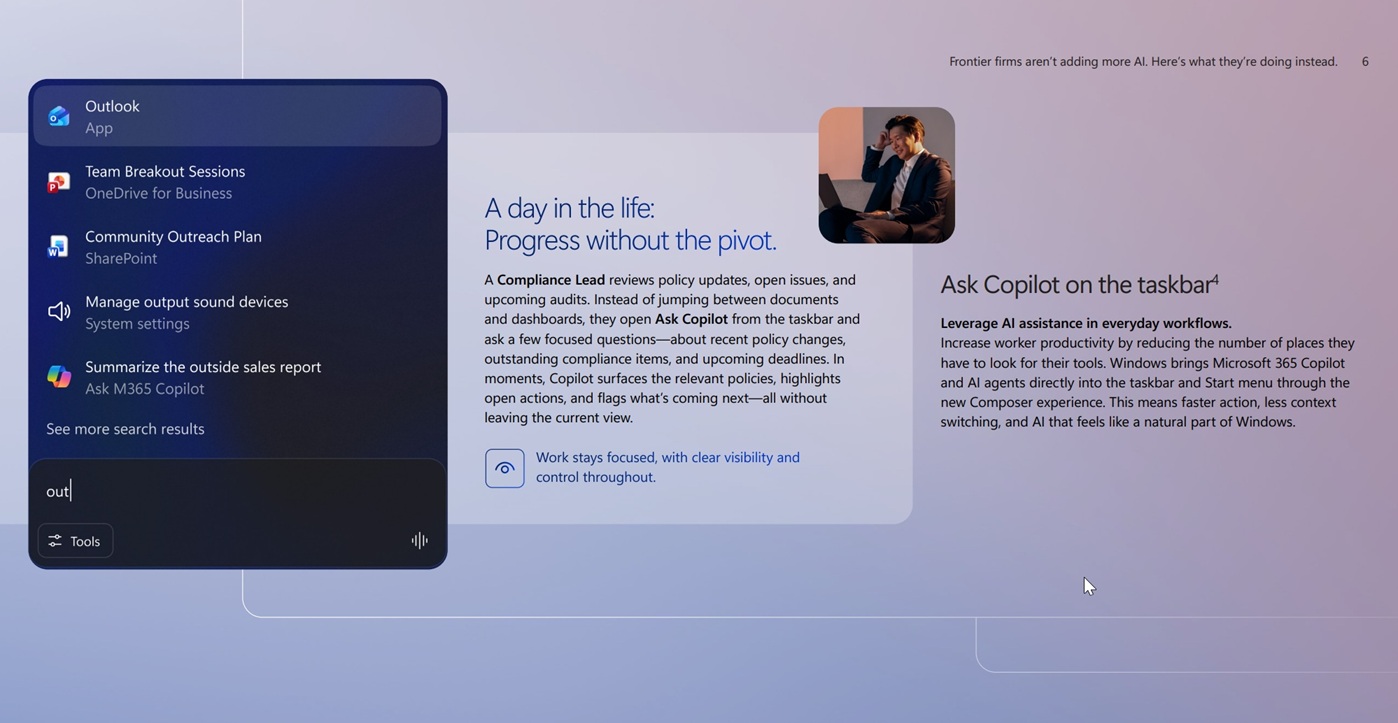
Usually, a compliance lead would need to go back and forth between multiple documents or dashboards, and that’s why “Ask Copilot” from the taskbar could be useful. It lets you access deep research directly from the taskbar and surfaces all relevant policies or highlights without switching apps.
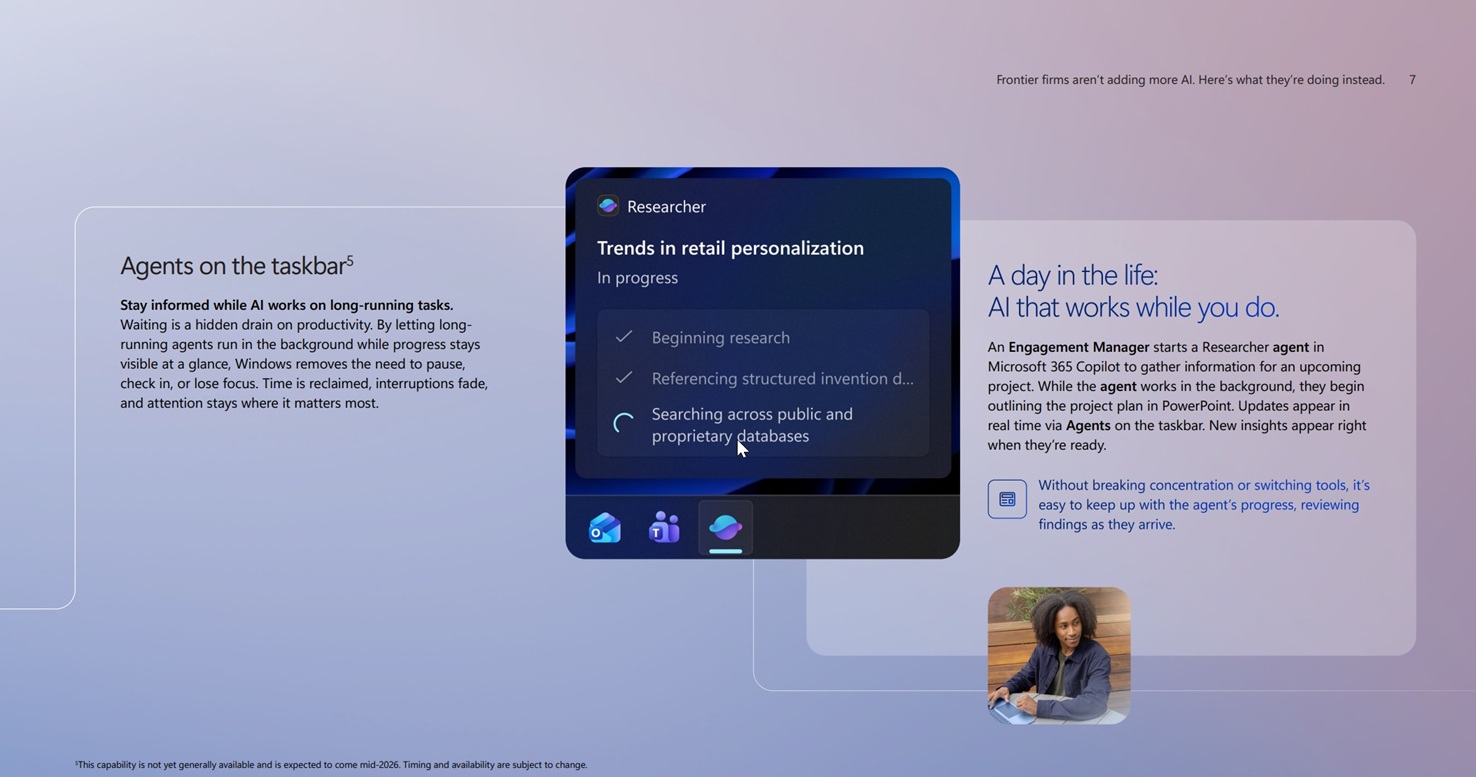
According to Microsoft, this is what an AI-native OS is. You don’t have to install a separate tool to handle the use case for the compliance lead in the example.
Windows 11’s taskbar takes care of it, which is why the company describes the OS as a platform “where work actually happens,” not where AI is added on top.
What about you? Do you have any use cases for Windows 11’s AI integration? Let me know in the comments below.