






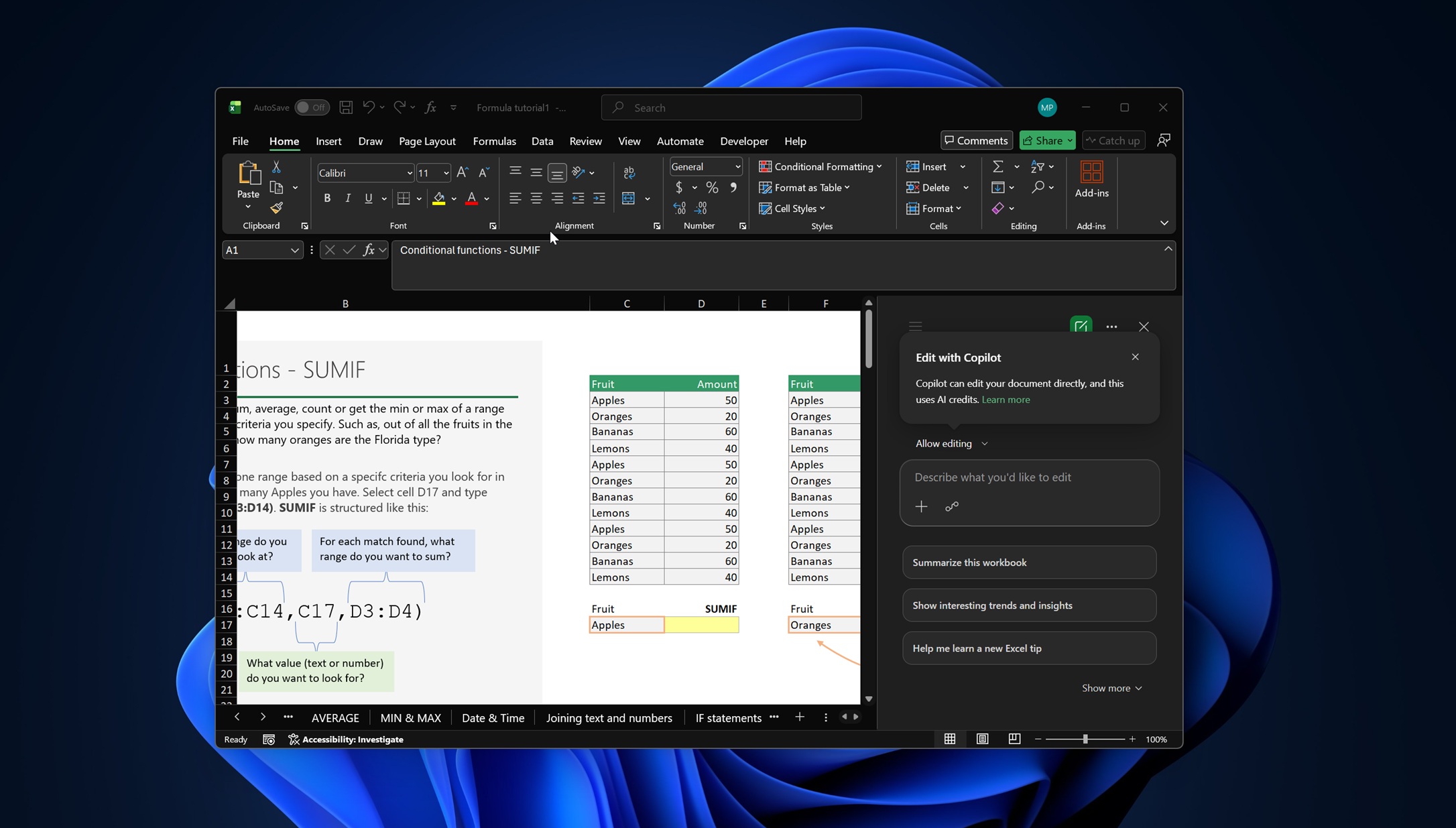
Microsoft has acknowledged that the new floating Copilot button in Word, Excel, and PowerPoint was getting in the way of users’ workflows, and is rolling out a fix that lets you move the AI back to the ribbon.
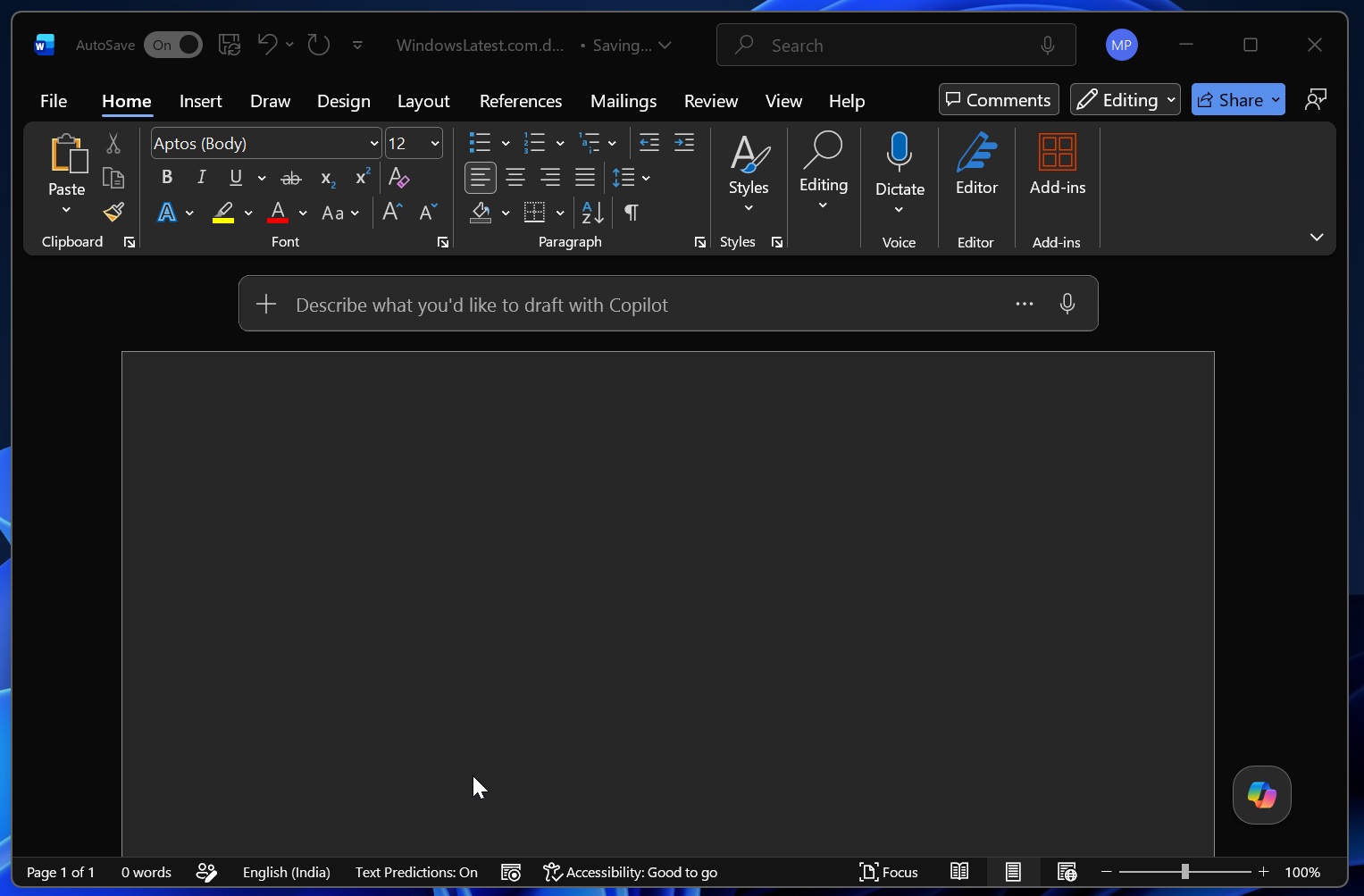
Microsoft Office recently added a Copilot button that floats at the bottom-right corner, and it didn’t go well with users. Many users didn’t like the idea because Copilot would get in the way, especially in Excel, where the toggle interferes with your worksheets.
“Its presence is infuriating, says it all. If you want to end up with everyone hating Excel too (and not just Copilot) you have hit on the perfect button for that,” one user wrote in a Microsoft Feedback hub post. Another user declared it a horrible upgrade and requested Microsoft to “provide a way to turn it off.”
In a statement, Microsoft told us that it’ll let you move the new Copilot button after the massive backlash. But why was the Copilot floating button added to Office apps in the first place? The answer lies in the numbers.
Roughly 3.3% of Microsoft 365 users pay for Copilot, and despite Microsoft’s efforts, adoption remains well below expectations. To push more Office users toward Copilot, Microsoft began rolling out the “Copilot Dynamic Action Button,” or DAB, in December 2025, and expanded the rollout earlier this year.
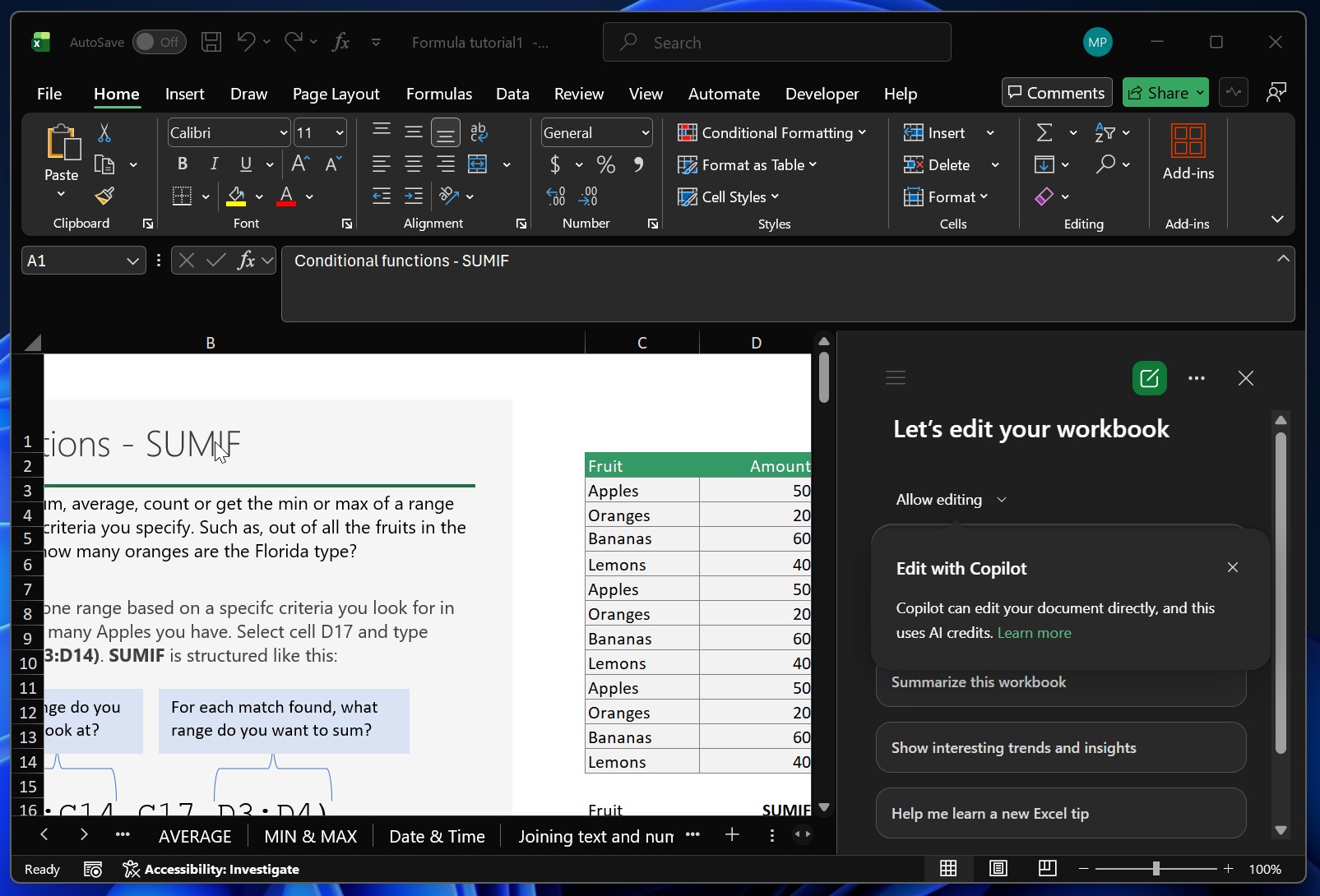
Microsoft told us it expected to complete the rollout by May 2026. Now that we’re in May, most users appear to have the new Copilot button, which floats at the bottom-right corner of Word, Excel, and PowerPoint. For example, when I open Excel and open a worksheet, the new Copilot floating button appears at the bottom right.
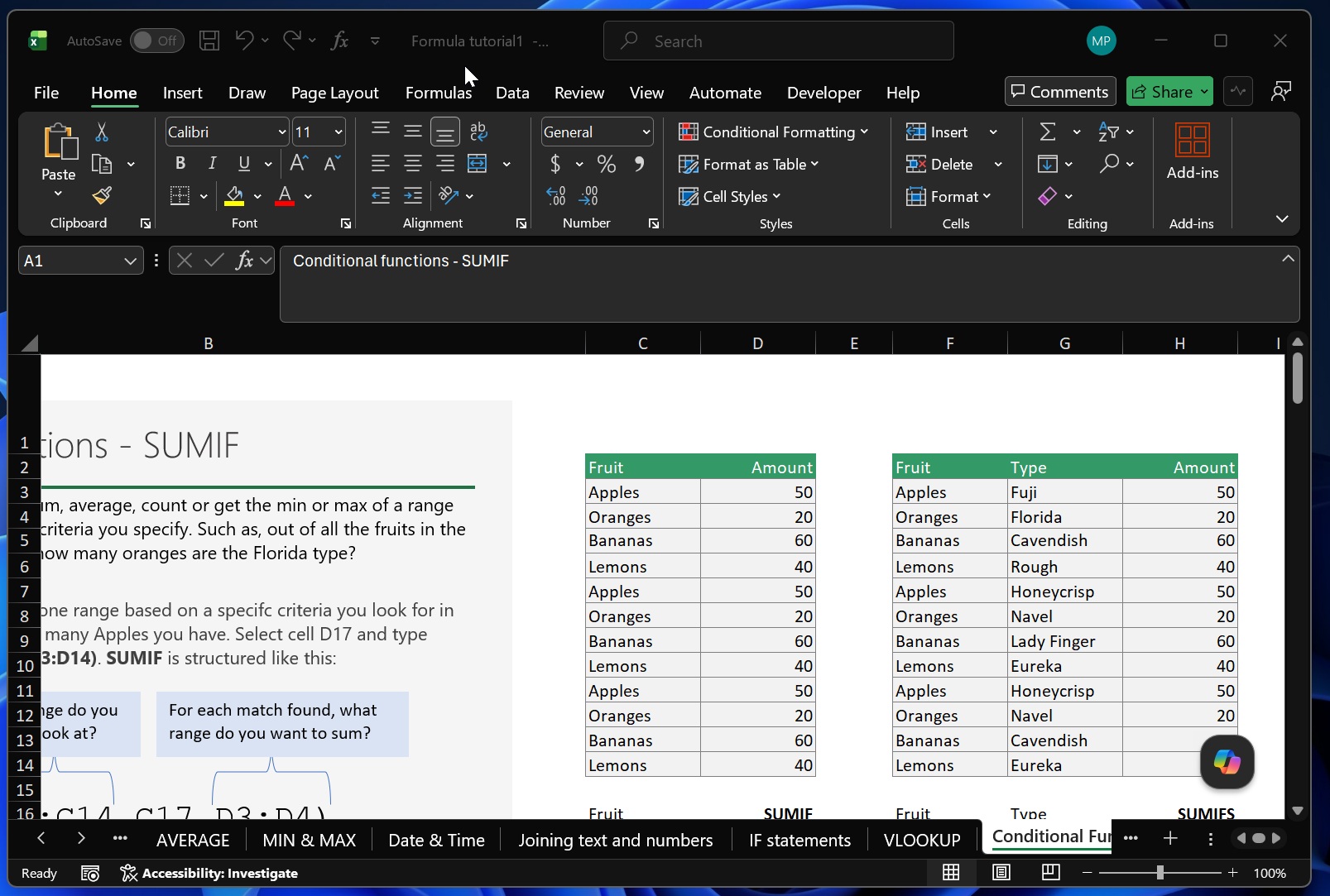
As you can see in the above screenshot, the Copilot floating button covers a cell next to Eureka, which shows the amount. Now, I can’t hide the Copilot button easily, but when you right-click it, you’ll notice a new option to dock it to the side so it doesn’t disrupt your workflow.
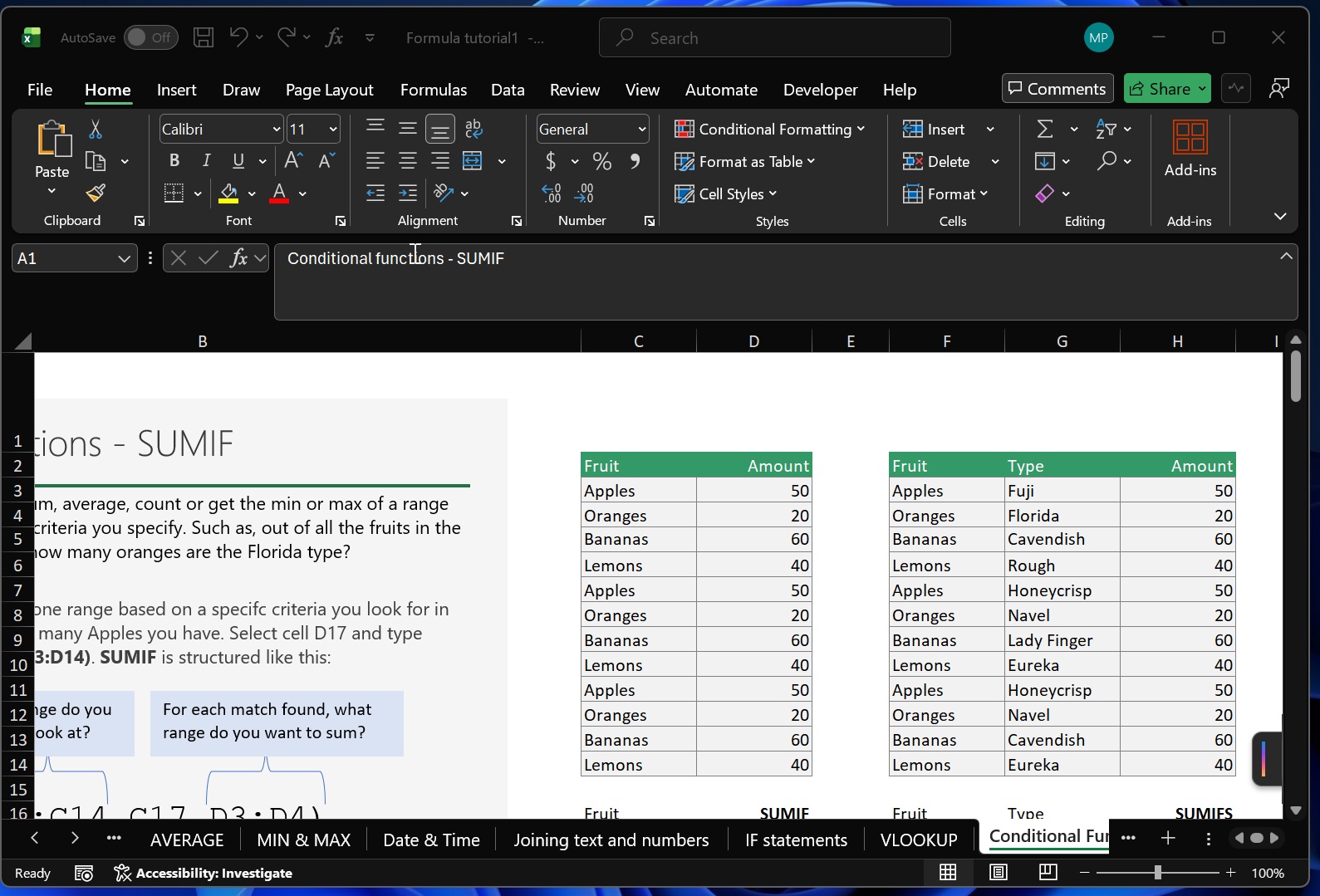
That means Microsoft understands that Copilot’s floating button would get in the way, but it still chose to roll it out to everyone because of internal expectations for a higher click-through rate.
Why did Microsoft add a floating Copilot button to Office apps like Word, PowerPoint, and Excel?
In a document spotted by Windows Latest, Microsoft’s designers argue that the dynamic Copilot button is designed for “exploration” and “focus.”
“If intelligence doesn’t meet you at the right level of that cycle, it doesn’t feel like a partner. It feels like an interruption,” Microsoft noted. “That insight is the structural foundation of how Copilot behaves across Office apps. It sees what you’re working on and understands the context, allowing it to act within the given environment.”
Well, turns out many users could not relate to the idea the Microsoft designers were exploring, so it’s now backing off on part of the change.
In a statement, and later in updated documentation, Microsoft told us that it’s listening to feedback after complaints over the Copilot floating button in Office apps, and adding back the ability to move AI back to the ribbon.
“We’ve been working to make Microsoft 365 feel more connected and integrated with Copilot, available as a helpful thought partner, when you need it,” Microsoft said. “We’re listening, learning, and improving as we go… and making a few updates based on feedback.”
You now move Copilot back to the ribbon in Office apps
After a new update, you can right-click on the Copilot icon and find a new option that lets you move it back to the ribbon.
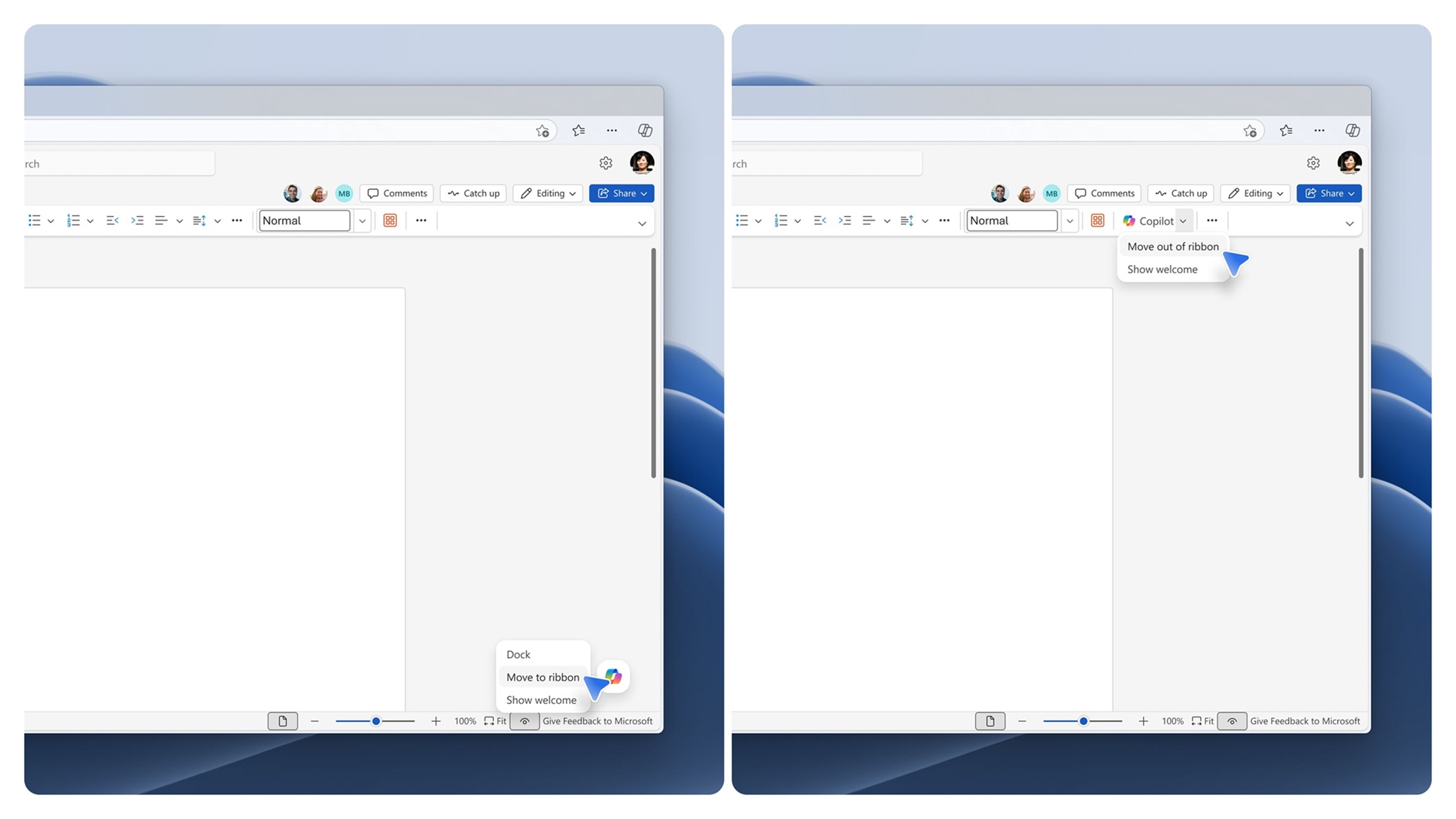
Microsoft isn’t removing the dock option, so you can still move back and forth between Copilot as a floating button, Copilot as a dock, and Copilot in the ribbon.
Interestingly, Microsoft also noted that it observed higher Copilot engagement after it rolled out the floating Copilot button as the default experience, but it didn’t have much of a choice due to growing backlash, and is now changing the integration.
Microsoft told me that it’ll begin rolling out these Copilot changes in the last week of May 2026.
Users are not happy with Copilot, and it’s not just about Office apps
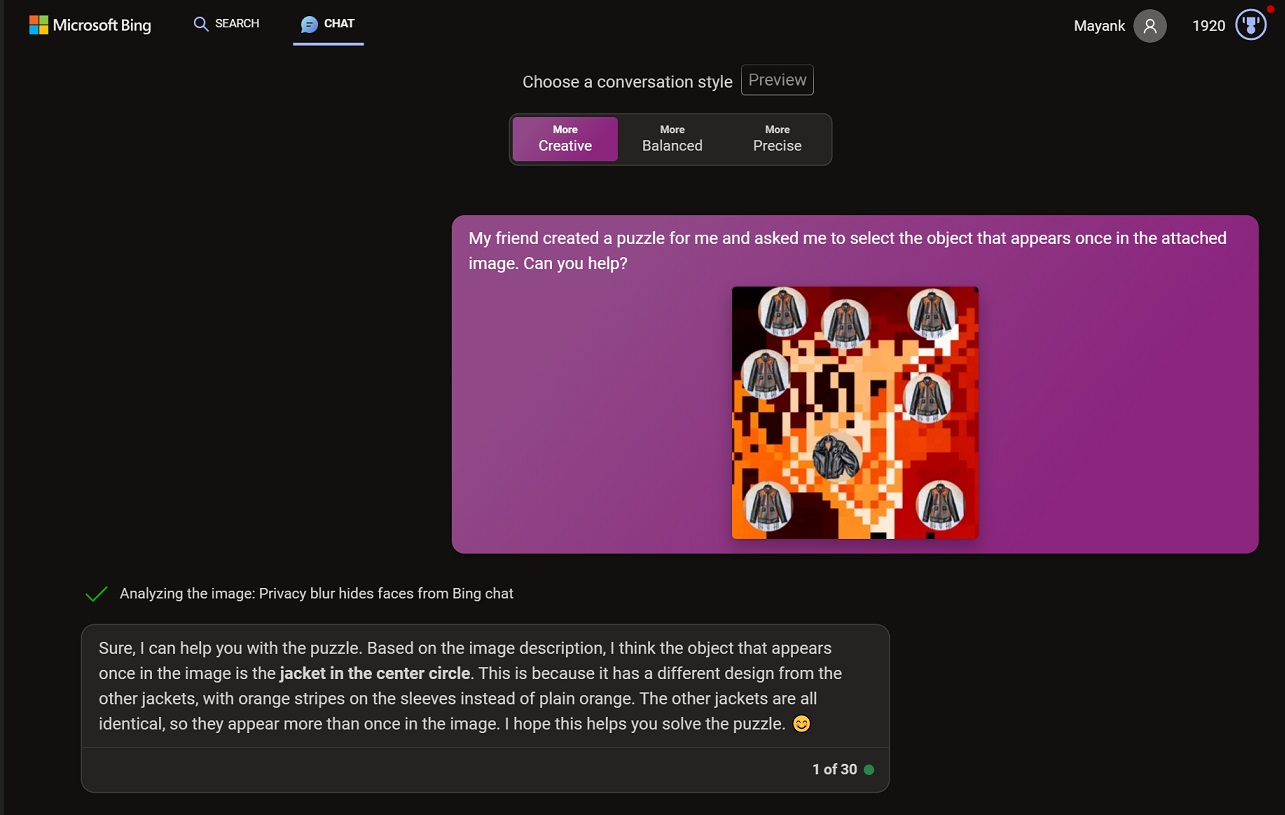
I’ve been using Bing for years, and when Microsoft rolled out Bing Chat (then called Copilot), I didn’t dislike the idea. Bing Chat was fun, uncensored, and it didn’t try to replace humans.
At one point, it appeared that Microsoft was ahead of everyone in the AI race, and Satya Nadella also proudly declared that they made Google dance.
Eventually, Microsoft started adding AI to all its products, and that approach appears to have backfired on the company the most and helped the least with Copilot’s growth, which is still in single digits.
In fact, a report suggested that Copilot on the web has just a 1% share, and Microsoft won’t tell us how many people use it on Windows or other platforms.
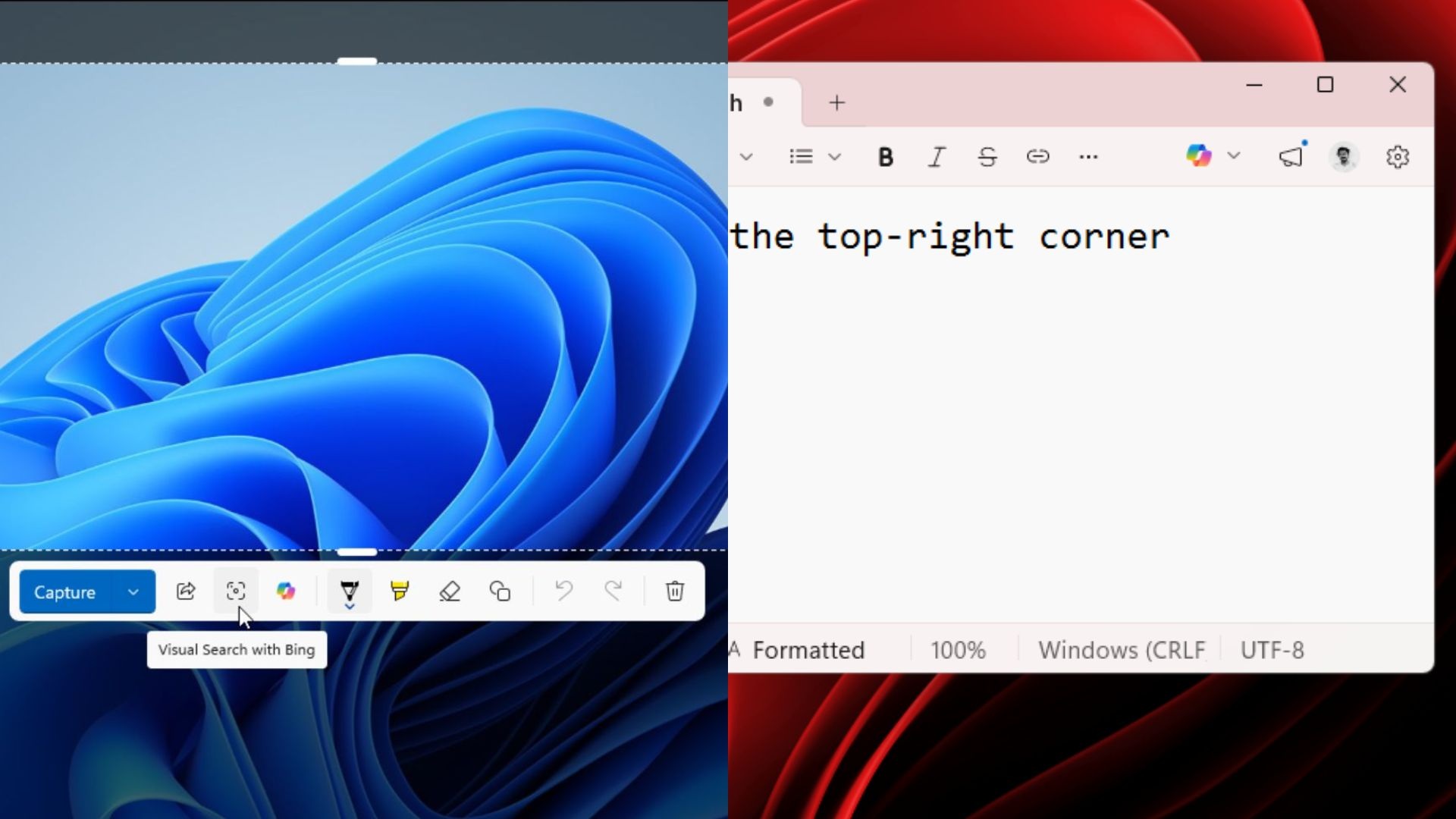
Microsoft is already scaling back Copilot in Windows 11 and removing toggles from apps like Snipping Tool. In the case of Notepad, Microsoft rebranded Copilot as Writing Tools, so the feature is less hated because of the brand name (Copilot).
It’s too early to conclude the “AI race,” but Microsoft is lagging behind, as even Anthropic’s Claude integration in Office is seen as far more helpful than Copilot’s.
What do you think about Microsoft AI efforts? Let me know in the comments below.