







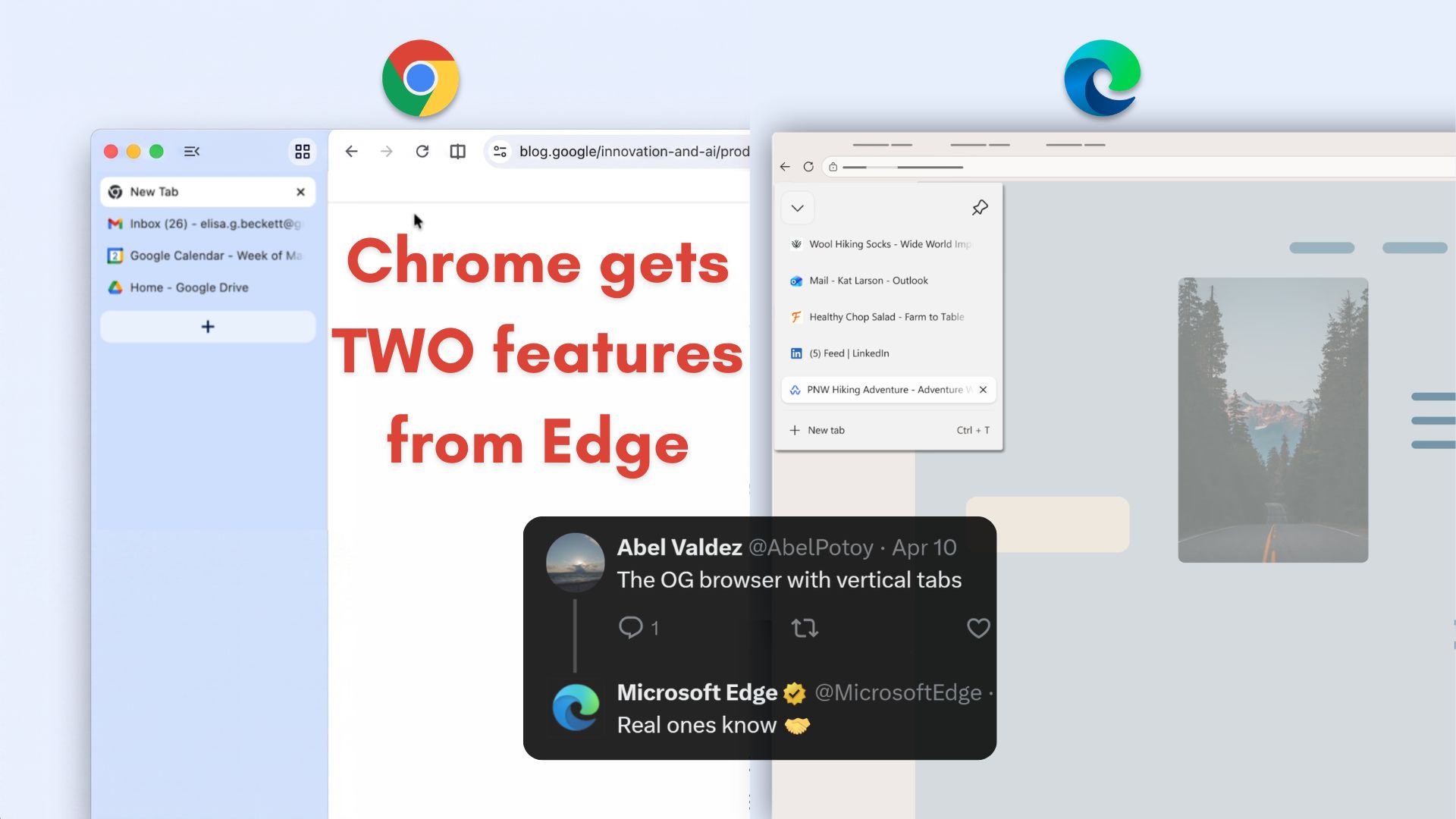
On April 7, Google announced that they are bringing Vertical Tabs to their Chrome browser, and as expected, the tech community went gaga over it. I saw countless articles, YouTube videos, and even some podcasts mentioning it.
I have been a vertical tabs guy for over four years, but the only difference is that I have been using it on Microsoft Edge. So, when I saw all this praise for a regular feature, I felt perplexed.
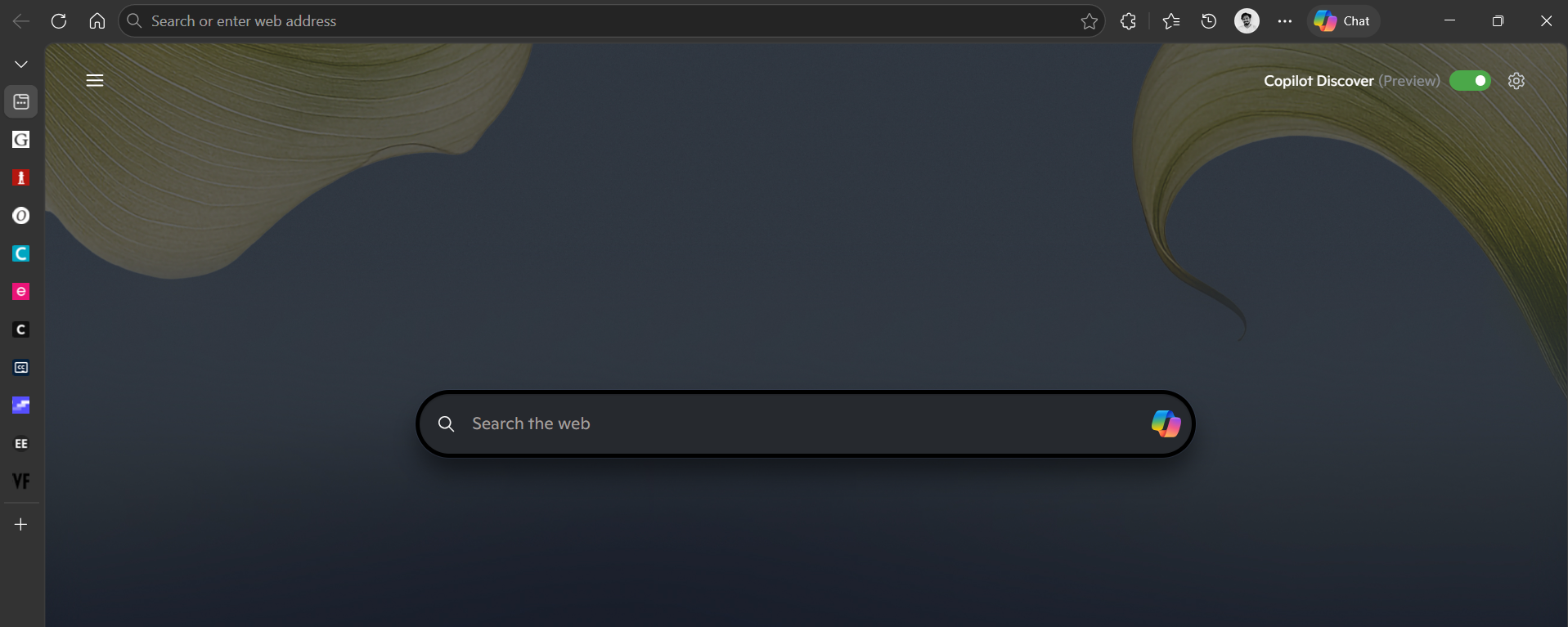
But I’m sure Microsoft might’ve felt something completely different, because even when the Edge browser has had vertical tabs for 5 years now, its market share hasn’t even touched the two-digit mark, sitting somewhere between 5 and 8%, while Google Chrome enjoys a healthy 60 to 70%.
Naturally, Microsoft was compelled to let the world know that Edge also has vertical tabs, which is why two days after Google announced it, the official Microsoft Edge page on X asked users if they prefer Horizontal Tabs or Vertical Tabs.
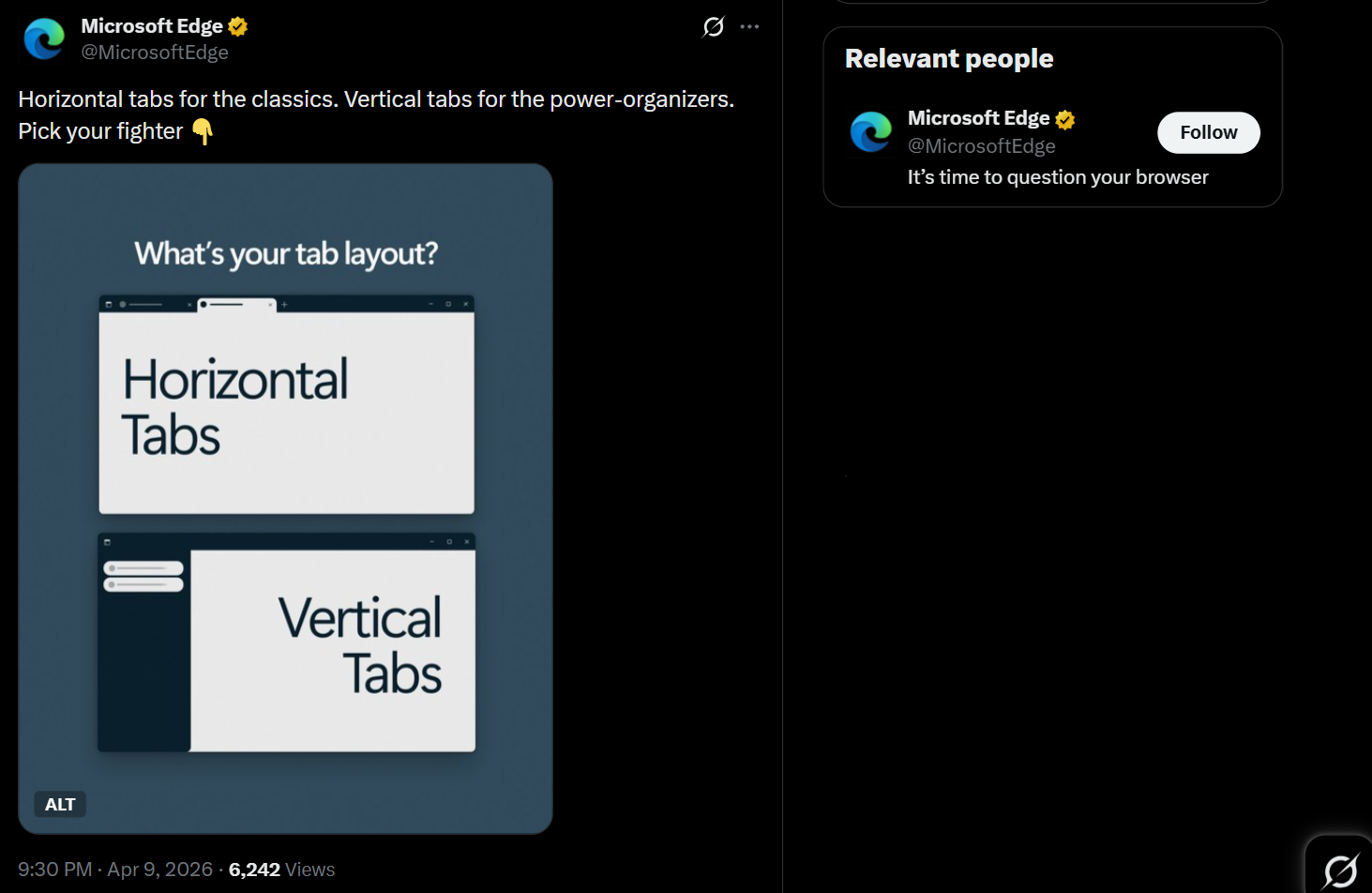
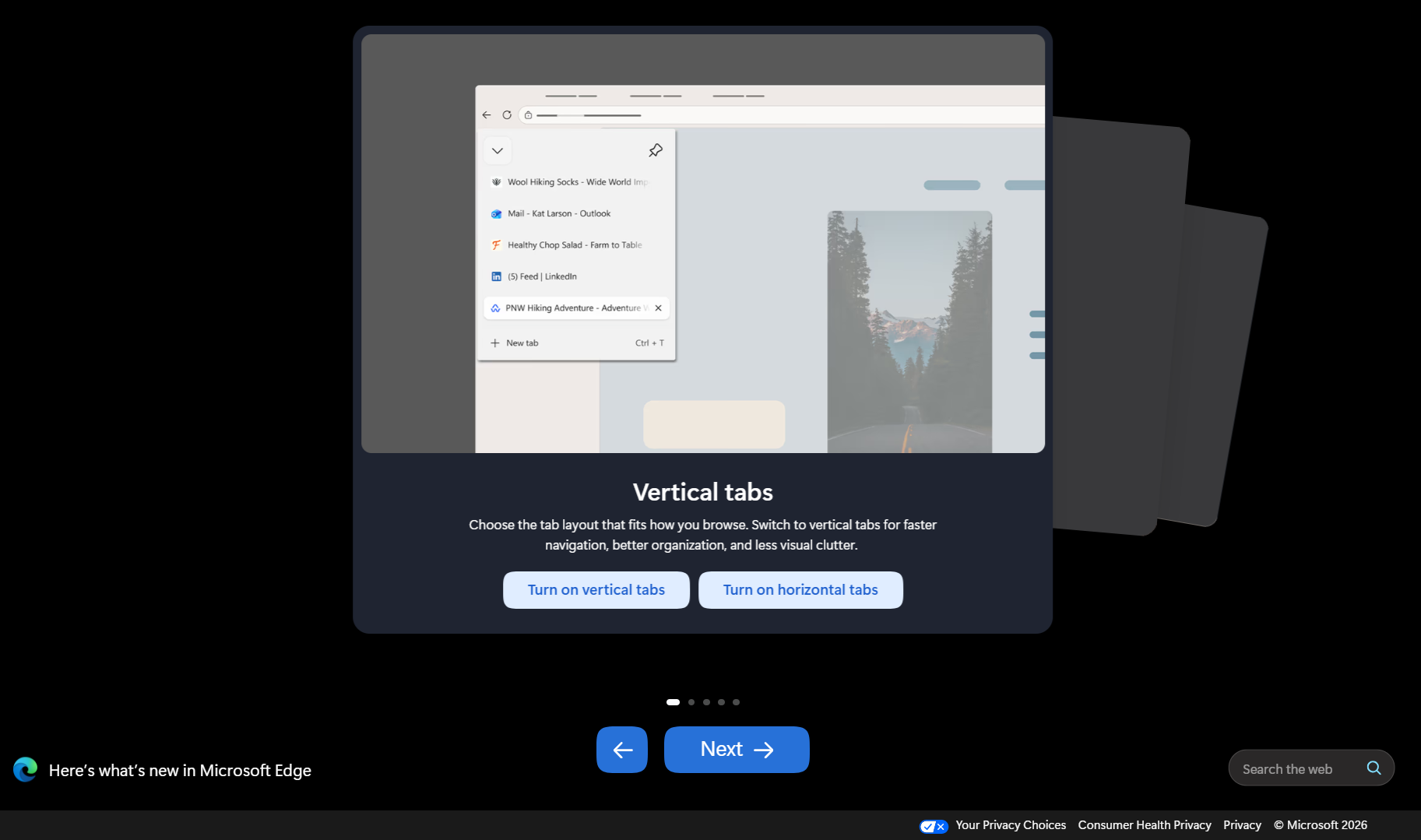
But, of course, this wasn’t the only sign of them promoting vertical tabs. On April 10, Microsoft Edge received an update. After updating Microsoft’s browser, the first thing that appeared when I opened Edge was a feature page for Vertical tabs, which was the first in a carousel of others.
Note that Microsoft Edge wasn’t the first browser with this feature. Vertical tabs first appeared in Vivaldi in 2015, later adopted by Edge in 2021, Firefox in 2025, Arc at launch in 2023, and finally Chrome in 2026.
However, Microsoft Edge was the first mainstream browser to add vertical tabs as an optional feature. Unfortunately for Microsoft, it wasn’t enough for its browser to get the traction it deserved. Edge has several other unique features, and apart from vertical tabs, Google Chrome adopted another feature from Edge, including the name.
Google Chrome copies two of Microsoft Edge’s best features
Along with vertical tabs, Google also announced “Immersive Reading Mode” which is evidently lifted from Microsoft Edge, which has had this same feature ever since I started using Edge.

Immersive reader is a brilliant feature that makes blogs and articles distraction-free and blocks ads as well, making text easy to read. In Edge, there are a bunch of useful features in Reader Mode and several ways to customize it to your liking. You can activate Immersive Reader by pressing F9 in a blog.
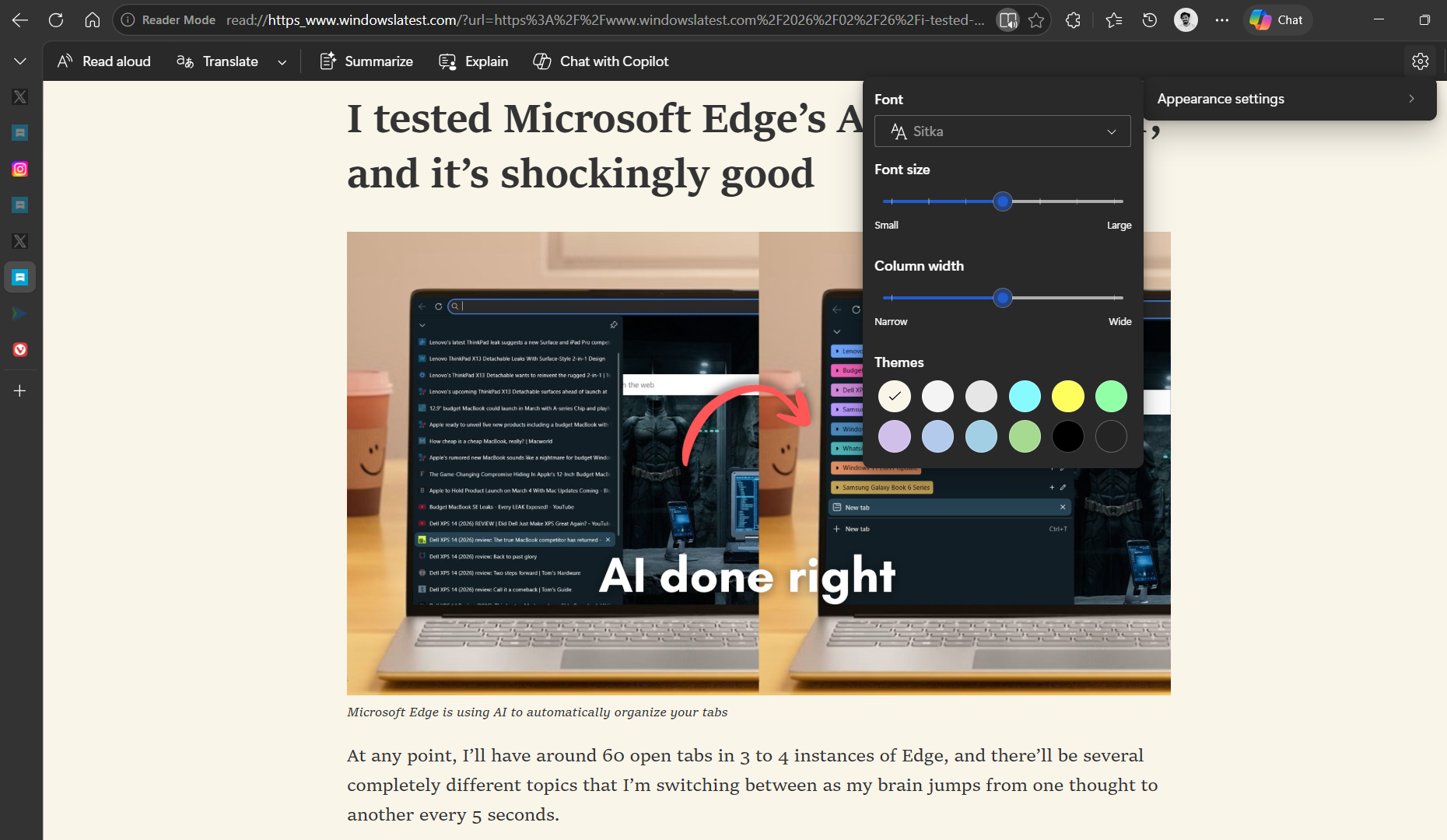
Now, Google Chrome also has it. Surely, there are several other browsers with a dedicated Reader Mode, but, again, Edge has had it for so long (since 2019) and has the best implementation, so far. The video below, shared by Google, shows their version of Immersive Reader mode, but it isn’t as aesthetic as that in Edge.
This is all the more reason for Microsoft to promote Edge, and the company is doing everything it can. A few days ago, I saw a pop-up in Edge that presented an opportunity to win Microsoft Rewards worth $2,000,000 USD.
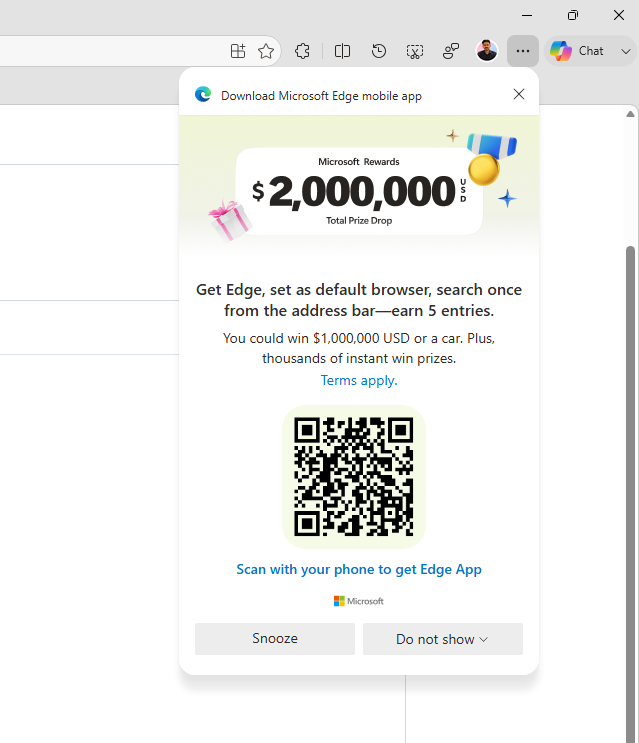
It was an ad to download the Microsoft Edge mobile app and make it the default browser while offering $1,000,000 USD or a car. My Android phone already has Edge as the default browser, and I wouldn’t feel good if someone actually wins an insane prize for just using the Edge mobile app!
Nonetheless, promoting a browser while rewarding such an outrageous amount of money makes it look like a scam, and the average person may wonder how priceless their data is…
In the end, Microsoft’s insistence that people use their products and features is what drives users away in the first place.
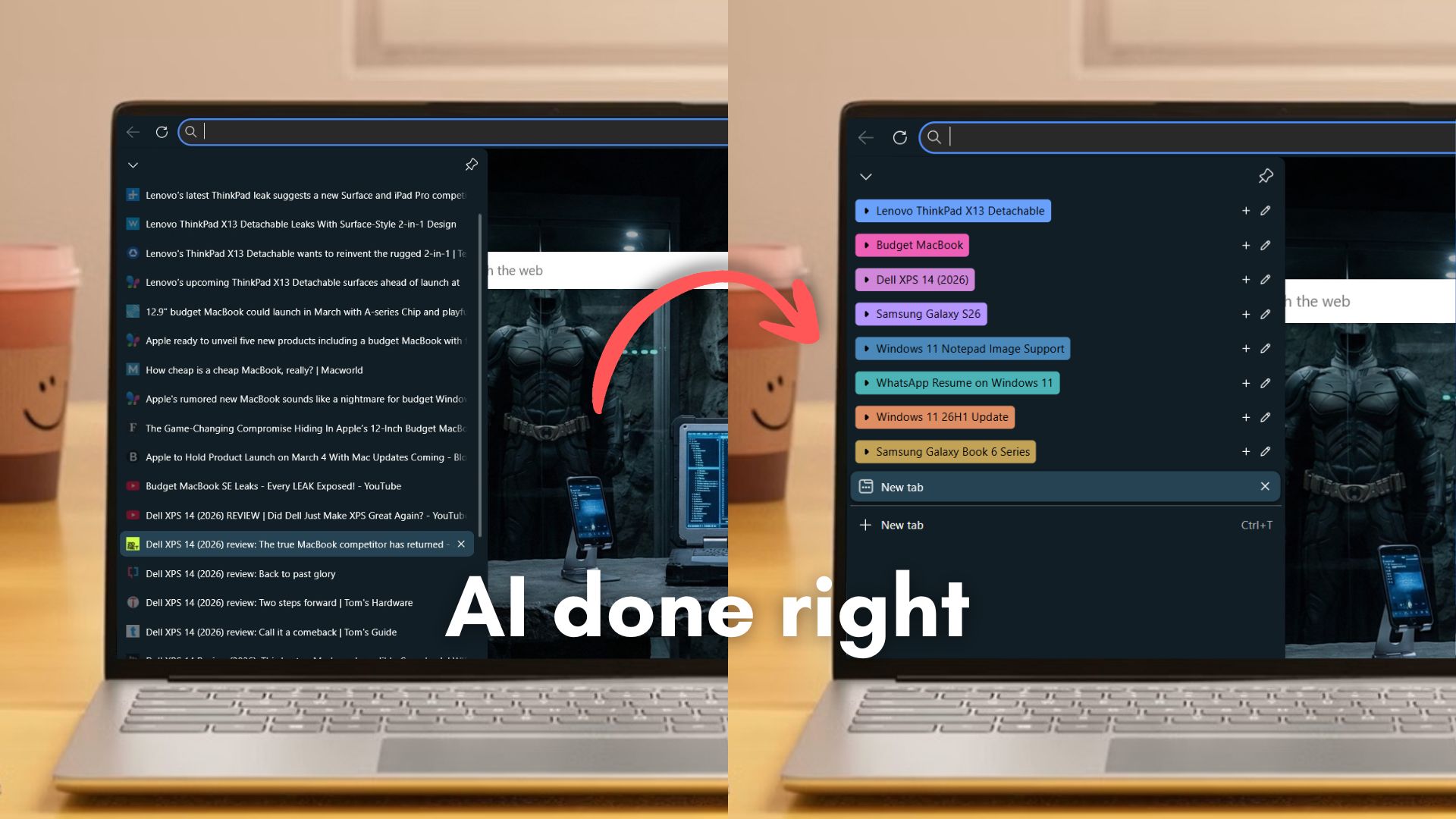
That said, Microsoft Edge is a genuinely good browser if you actually use it for a while and understand its unique features. One of them is called “Organize tabs” and is easily one of the best uses of AI, as I found in a detailed testing by Windows Latest.
Either way, the bad rap that surrounded Internet Explorer continues with Microsoft Edge, despite it adopting the Chromium engine, which, in oversimplified words, means it is a Chrome browser with a different skin!
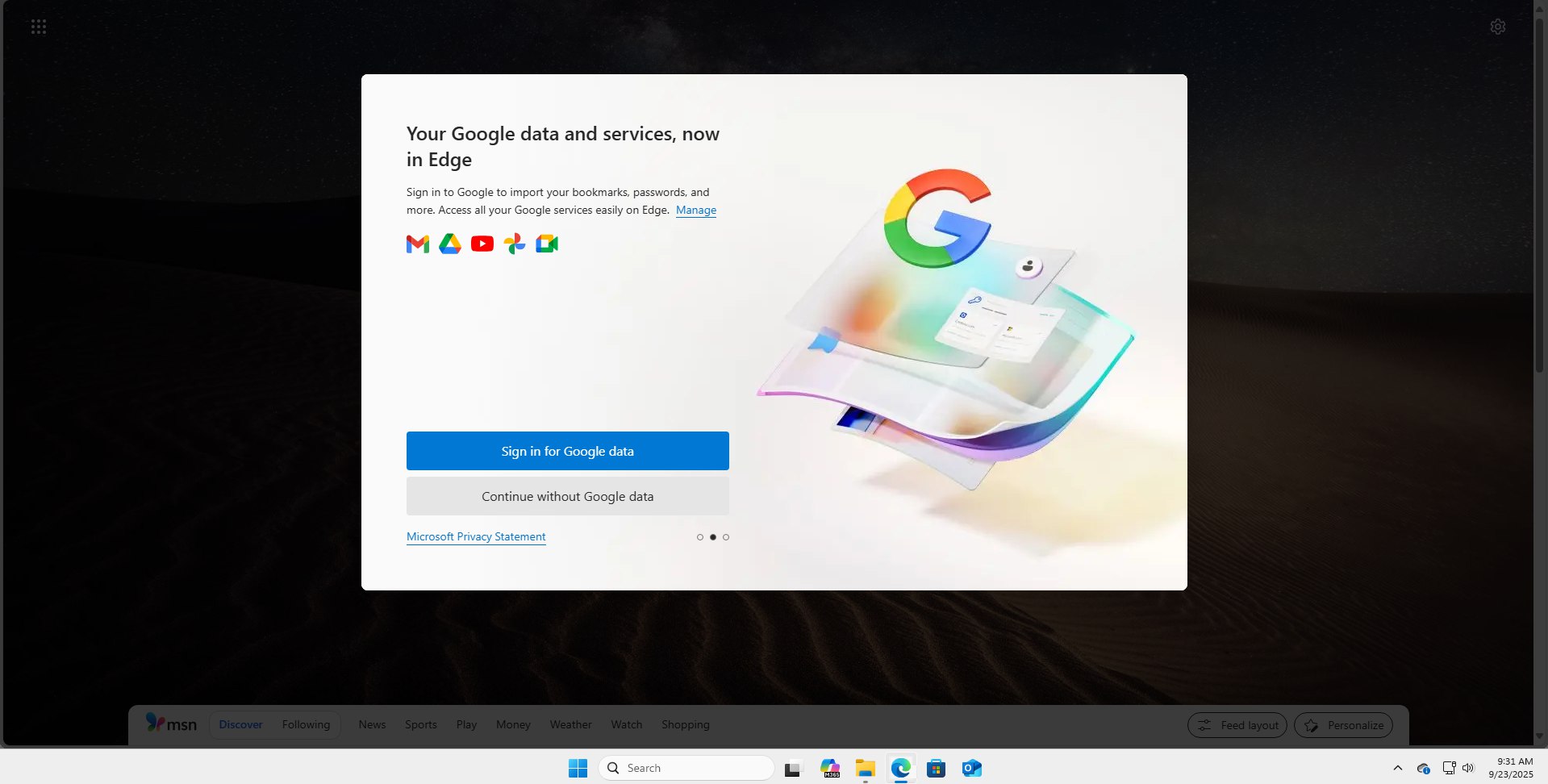
Microsoft Edge also faced a bad reputation when it came to privacy, even as Chrome and Google are privacy nightmares. Edge even has an optional feature that allows users to import data from Google and continue importing other browser data as well.
At this point, it almost feels like Microsoft doesn’t have a feature problem with Edge, it has a perception problem. The browser has had genuinely useful features for years, but instead of letting the product speak for itself, the constant nudges, pop-ups, and aggressive promotion end up doing the opposite. Ironically, now that Chrome is adopting the same ideas, people are finally noticing them, just not on Edge.