






Windows 11 26H2 has finally entered the last phase of testing (Release Preview Channel), and we all saw that coming. On August 24, Windows Latest shared all the details of this year’s feature update, and as I noted, it’s a minor release that should ship either in the last week of September or early October.
Now, Windows 11 26H2 is in the Release Preview Channel, which usually happens a few weeks before release. But is this update even a big deal? I’d say no, but it’s worth it, and we need more of these, not fewer, as these minor releases allow the company to focus on quality improvements and the most requested features, which anyway ship via monthly updates.
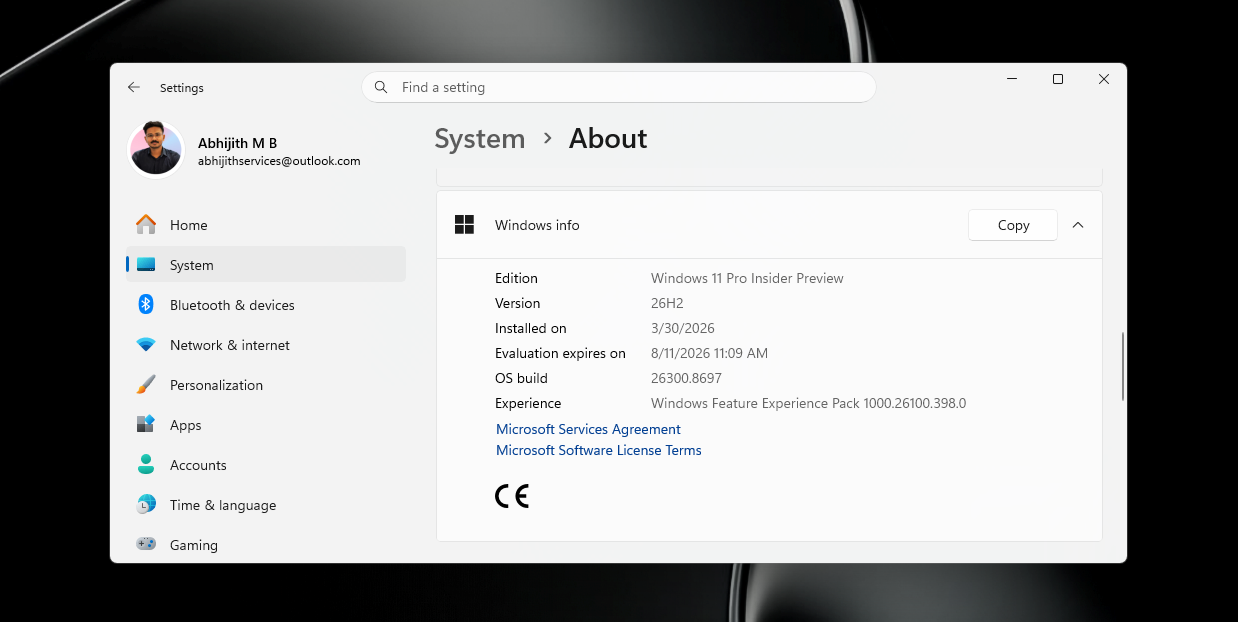
Windows 11 26H2 is not a big update, and I would not even call it a “feature upgrade,” so if you’ve read any articles that claim otherwise, don’t believe them. Version 26H2 solely exists to reset the Windows lifecycle, as Windows 11 25H2 support ends in October 2027, and version 26H2 would be supported until 2028.
Microsoft does not expect users to move to Windows 11 27H2 (the next big, actually big, release) in October 2027. That’s why a Windows 11 26H2-like release is a necessity for the Windows lifecycle. Here’s a table I made for my own understanding, and it should explain why this update is happening:
| Windows 11 version | Servicing branch | Home and Pro support ends | Enterprise and Education support ends |
|---|---|---|---|
| Windows 11 24H2 | 24H2 / Germanium | October 13, 2026 | October 12, 2027 |
| Windows 11 25H2 | 24H2 / Germanium | October 12, 2027 | October 10, 2028 |
| Windows 11 26H2 | 24H2 / Germanium | Expected around October 2028* | Expected around October 2029* |
Trying Windows 11 26H2 via Release Preview Channel
Release Preview is a channel of the Windows Insider Program that gives you updates that are closer to the quality of public builds.
This means that if you join the Windows Insider Program and sign up for the Release Preview Channel to download Windows 11 26H2, you’re getting a near-public release build, and you’re unlikely to run into any visible problems.
When Windows 11 26H2 hits the public channel (non-Insider) at either the end of September or in early October, you can always opt out of the Release Preview Channel.
But is it worth joining the Windows Insider Program just to try Windows 11 26H2? Absolutely not. You’re better off running Windows 11 25H2 because the two are essentially the same thing, and in Microsoft’s words, these two releases are based on 24H2, which introduced a shared servicing branch in 2024.
“It also means that they share the same new features and enhancements delivered through our continuous innovation efforts,” Microsoft noted in a new document.
That means the only thing Windows 11 26H2 does differently is change the build number. With Windows 11 26H2, the OS build number bumps to 26300. For comparison, 25H2 is 26200, while 24H2 is 26100.
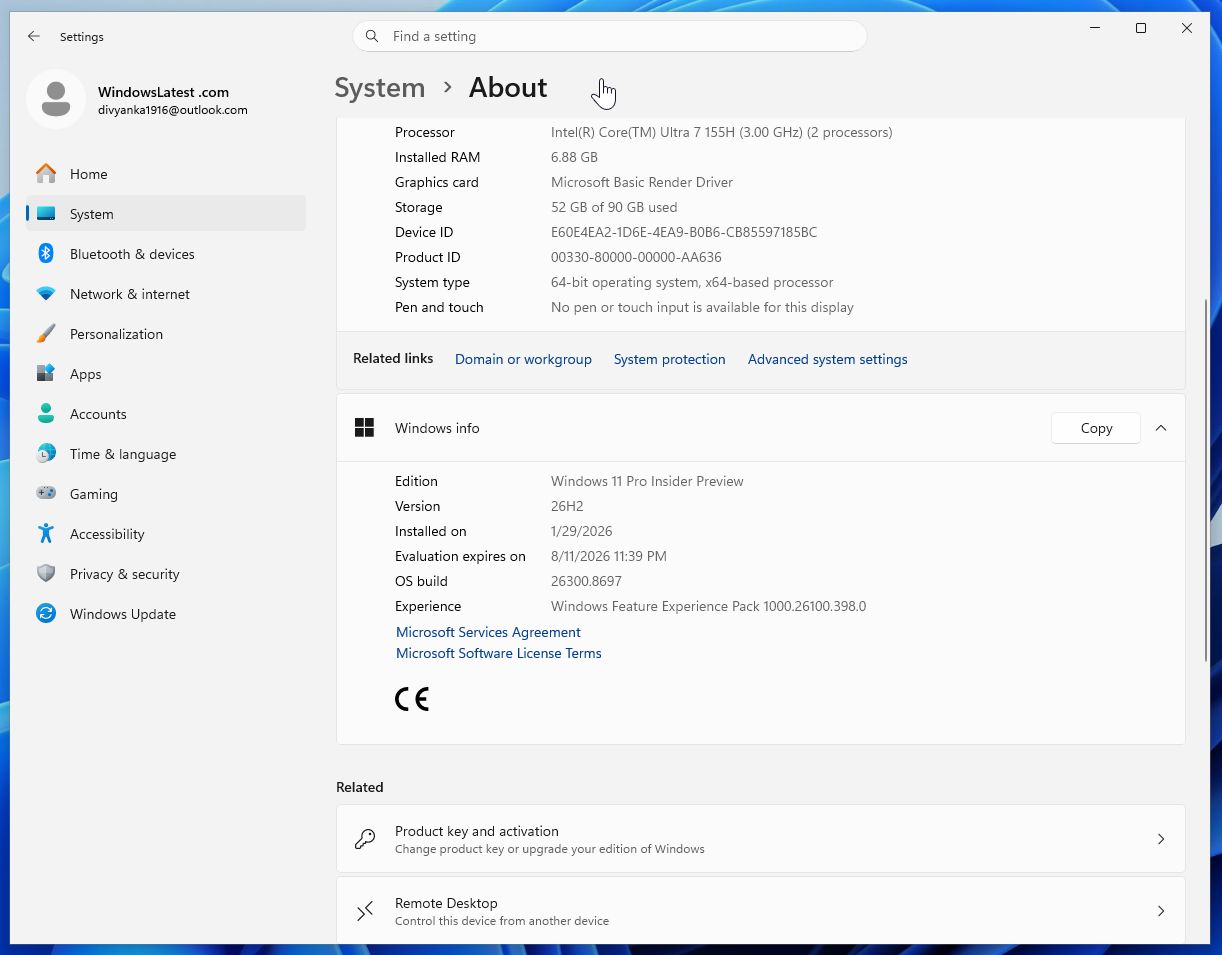
But for enterprises, there’s at least one notable change, and that is Windows Backup getting turned on by default.
Microsoft also said you’ll be able to use “app-specific actions from the taskbar” in Windows 11 26H2, which likely refers to new agentic features, but they only work with Microsoft 365 Enterprise, so it’s again not for consumers.
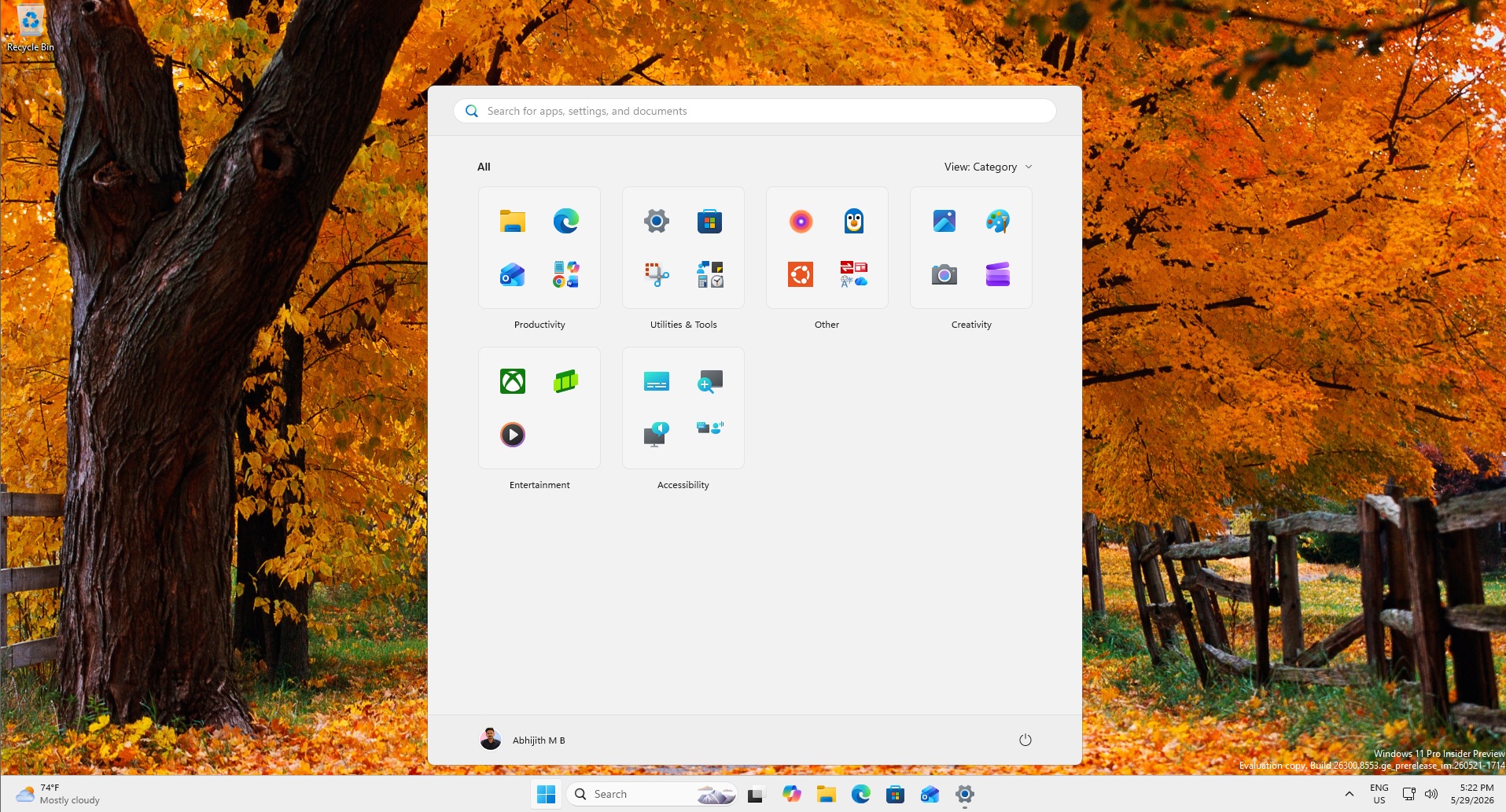
However, Windows 11 26H2 “unlocks” all features that have been “gradually” rolling out over these months, including File Explorer improvements, the new Start menu, and more. This may be one reason to try and get Windows 11 26H2, but it’s certainly not worth joining the Insider Program.
When will Windows 11 26H2 hit the public channel?
Microsoft won’t commit to any specific release dates, but when you take a look at the past record, Windows 11 26H2 will most certainly release in the last week of September or early October. However, a wider rollout would only start by the end of the year or early 2027.
Until then, it’ll be available for “seekers,” either those who manually check for updates and hit Download & install under Windows 11 26H2.
And the installation media we all love
There’s one more thing that deserves our attention, and that is Windows 11 26H2 installation media.
Microsoft has also started testing the Media Creation Tool and ISO files ahead of the public rollout. Although Windows 11 26H2 is a minor “enablement package” update on existing PCs, you’ll still be allowed to clean install it using the traditional methods. Nothing changes on that front.