







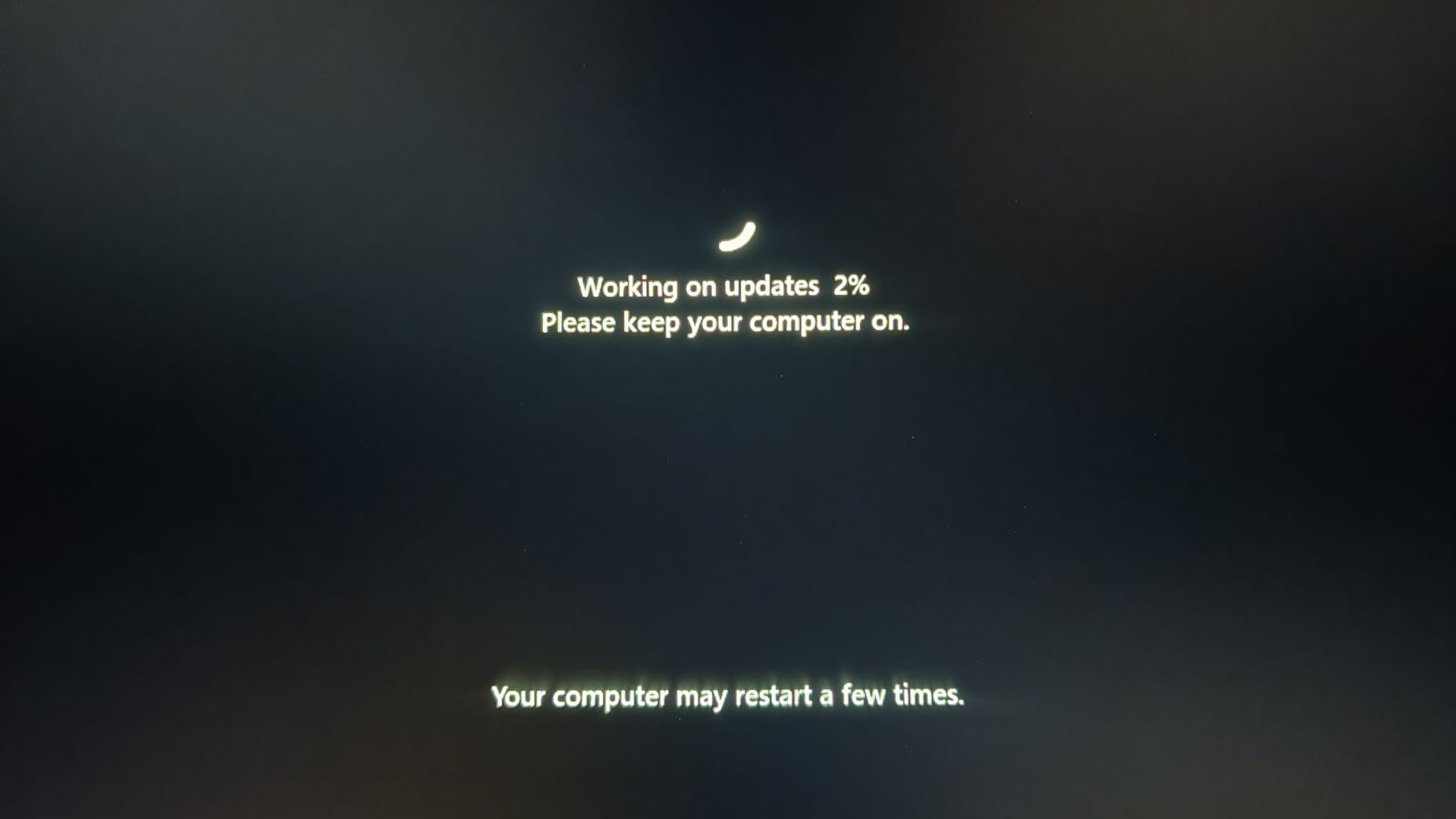
Windows PCs are now rebooting multiple times to install monthly cumulative updates, and it seems to be affecting some users almost every month since April. Windows Latest understands that it’s mostly tied to Secure Boot certificate updates and other changes, such as firmware updates it requires.
Microsoft insists that it is still rolling out the Secure Boot certificate update across millions of PCs running Windows 11 and Windows 10. That means if your PC hasn’t received the new certificates yet, they’re most likely still on the way, unless a critical firmware limitation is preventing the update.
Microsoft also previously said Windows PCs may reboot multiple times as part of the Secure Boot certificate rollout, including when the update is delivered alongside cumulative updates. As Microsoft just released the August 2026 update, we’re seeing another round of Secure Boot certificate updates, and that means more reboots.
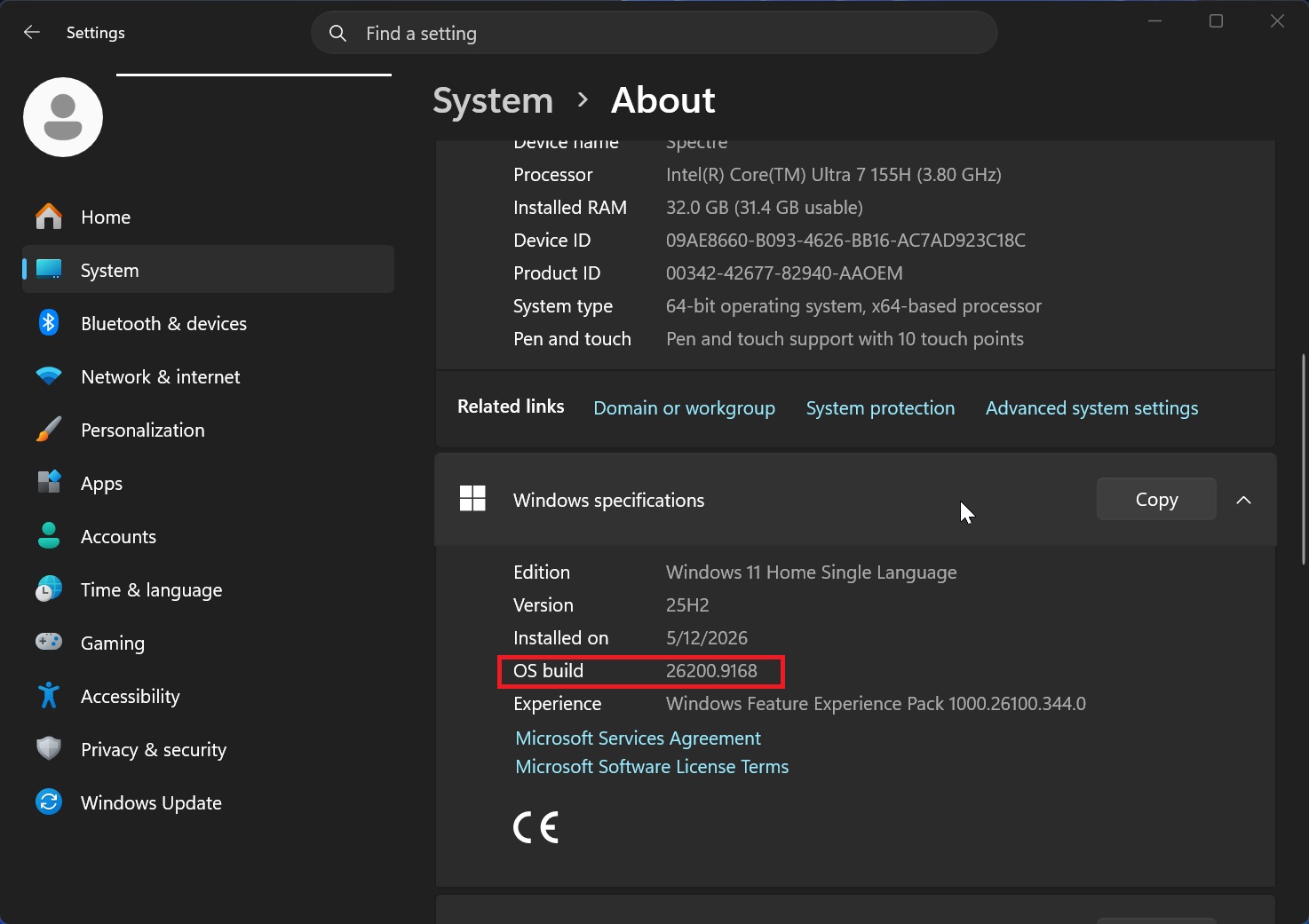
Microsoft rolled out the August 2026 Patch Tuesday update on the 12th of the month, and it patched as many as 400 security issues. This update advances PCs to Windows 11 Build 26200.9168 on version 25H2, and Build 26100.9168 if you’re on version 24H2.
The August 2026 Update is huge because it finally turns on Low Latency Profile (LLP) for app launches, improves how File Explorer displays sizes in Details view, and more. The company also noted that you must not delay updates past three days, as you could risk exposing yourself to AI-powered security threats.
In addition, Microsoft confirmed the August release includes a Secure Boot certificate update for more PCs, with the changelog clearly specifying:
“This update includes additional high confidence device targeting data, increasing coverage of devices eligible to automatically receive new Secure Boot certificates.”
This note also appeared in the last couple of cumulative updates for Windows 11, but Microsoft isn’t attaching it randomly. Windows Latest understands that the Secure Boot update is still being rolled out, and I just had a device that was not using the Secure Boot 2023 certificate update; it got it after the August 2026 Update.
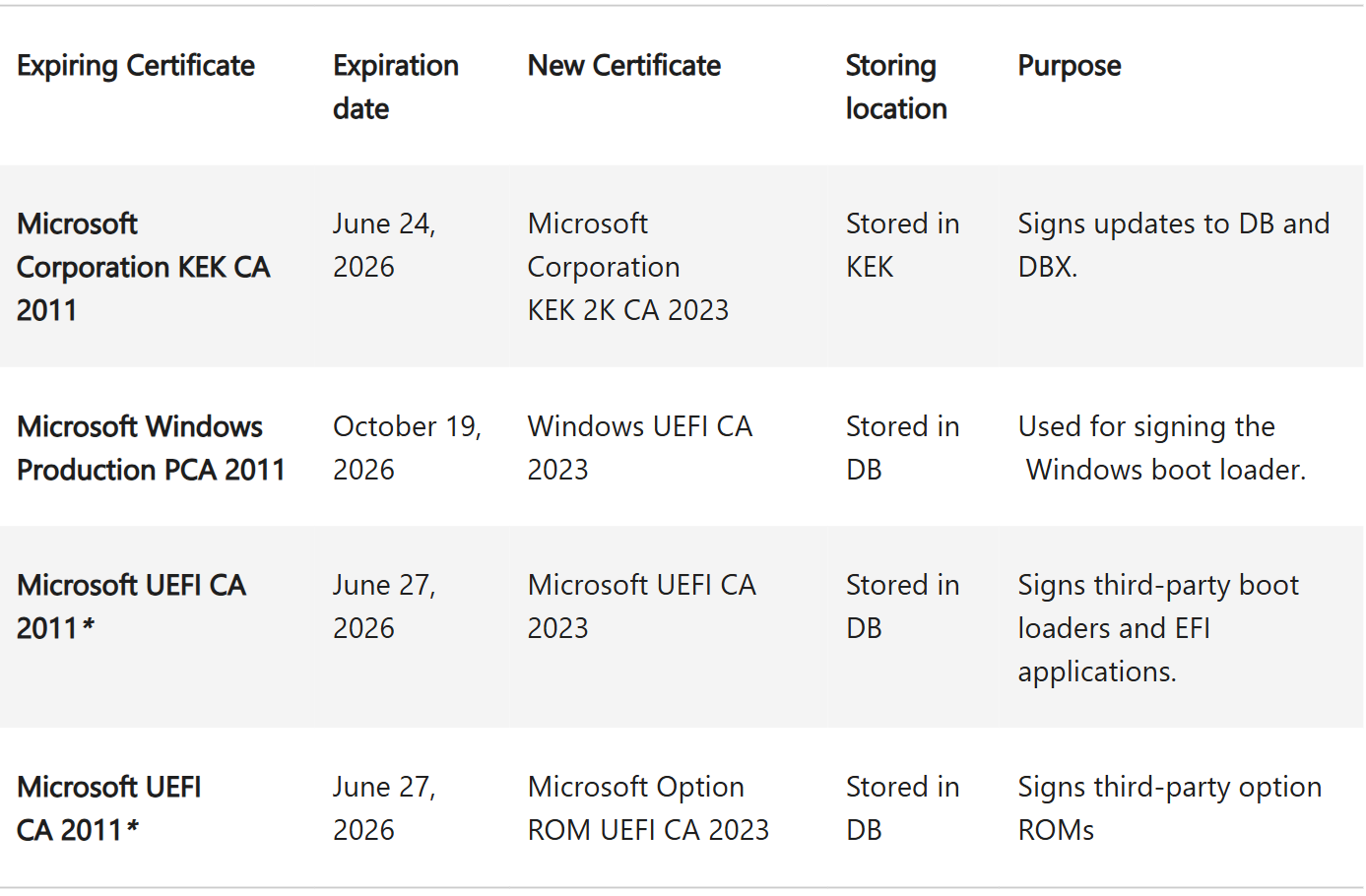
“Certificate deployment via Windows updates continues across supported PCs and non-managed business devices in the coming months,” the company explained.
But how is Secure Boot and multiple reboots related? My PC once again rebooted twice, took longer than 15 minutes to finish installing Windows 11’s August 2026 Update, and was stuck on a black screen for at least 10 minutes, to the point where I got scared that I might end up becoming a case study for a new bug report.
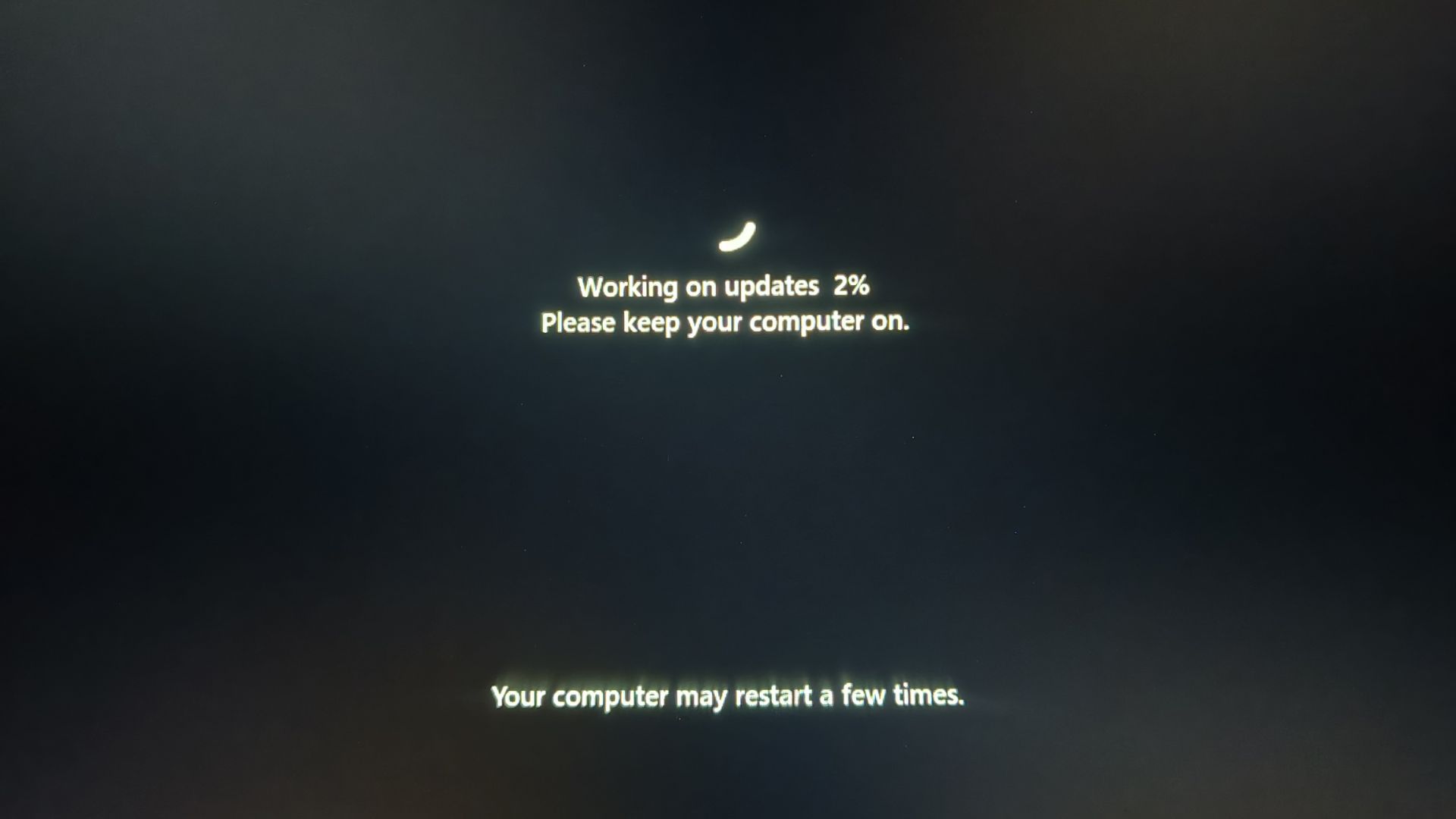
Thankfully, the spinning circle showed up at 93%, and the lock screen appeared.
I’ve had other devices reboot multiple times as well, and I’ve been noticing it more often since April 2026. Secure Boot could be one of the reasons in cases where the new certificates are being applied, but the same Secure Boot certificate update should not keep causing multiple reboots every month on the same PC once it has been fully applied.
For those who may be unaware, updating a Secure Boot certificate is far more complicated than updating any other certificate because the process involves writing changes into the firmware, and I have some details about the backend process.
Why is Windows rebooting multiple times for a Secure Boot certificate update?
During an Ask Me Anything session I watched, Microsoft was asked about exactly this behavior after a device restarted several times while the Secure Boot certificate update was being applied.
“There are multiple reboots required for the process of updating the certificates,” Microsoft explained. “Once the certificates are updated, you won’t see these multiple reboots anymore.”
So why are multiple reboots required in the first place? Microsoft says it’s because the update is putting something into the firmware. The data has to be written into the firmware, the firmware then needs to apply the updated certificates, and the PC subsequently needs to boot using the newly signed bootloader.
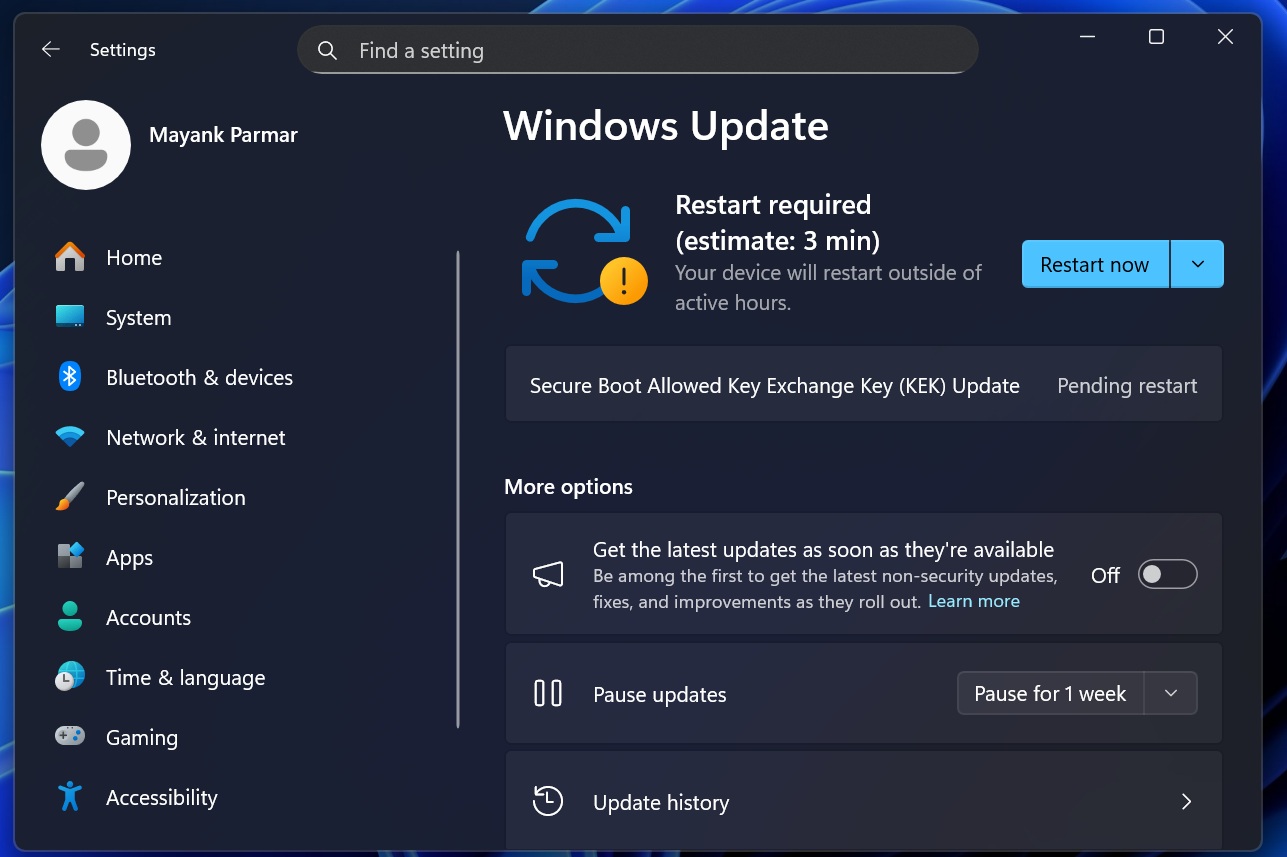
You might see one reboot while the Secure Boot changes are being staged, another as the firmware applies the updated certificates, and another as Windows starts using the newly signed bootloader.
“Most of the time in the automated flow, it’s not as noticeable to the user because the reboot happens really early in the boot process,” Microsoft noted.
It’s also worth noting that Secure Boot changes aren’t the only thing that can trigger another reboot. The certificate update itself writes into firmware, and Windows Update can also deliver separate firmware updates.
That means if you see another reboot later in the same update cycle, or even during an upcoming cumulative update, it could be caused by a pending firmware or driver update rather than Windows applying the same Secure Boot certificate again.
So, you could have multiple reboots when the Secure Boot certificate is first applied, and then another reboot later because Windows Update has a related firmware or driver update waiting to be installed.
This could also explain why some PCs appear to reboot multiple times across different monthly updates, even though Microsoft says the certificate update itself is a one-off process.
Windows will eventually stop rebooting multiple times, as Microsoft has confirmed it’s testing a single-reboot approach, where Windows only reboots once a month for all your updates, including .NET Framework.