







Microsoft has just rolled out the biggest concentrated Windows 11 Bluetooth update yet, addressing a wide range of bugs and introducing faster AirPods pairing. In our tests, Windows Latest observed that LE Audio connections are now more reliable, and it’s actually noticeable as soon as you install June 2026’s optional update (Build 26200.8737+).
When I bought myself a set of Galaxy Buds, which I had been planning to get for a while because they’re one of the best products on the market, I paired them with my PC running Windows 11 24H2 at that point. I did not run into any major problem on the first day, but the next week, one of the buds had disconnected, and Windows was not recognizing it.
After several hours of struggle, I figured that turning off Bluetooth LE Audio was what allowed my PC to recognize both buds. It’s not that Bluetooth LE itself is a bad idea. In fact, Microsoft celebrated it when the feature rolled out to Windows 11. The issue is that Windows has always been bad at Bluetooth, and it’s largely due to legacy code.
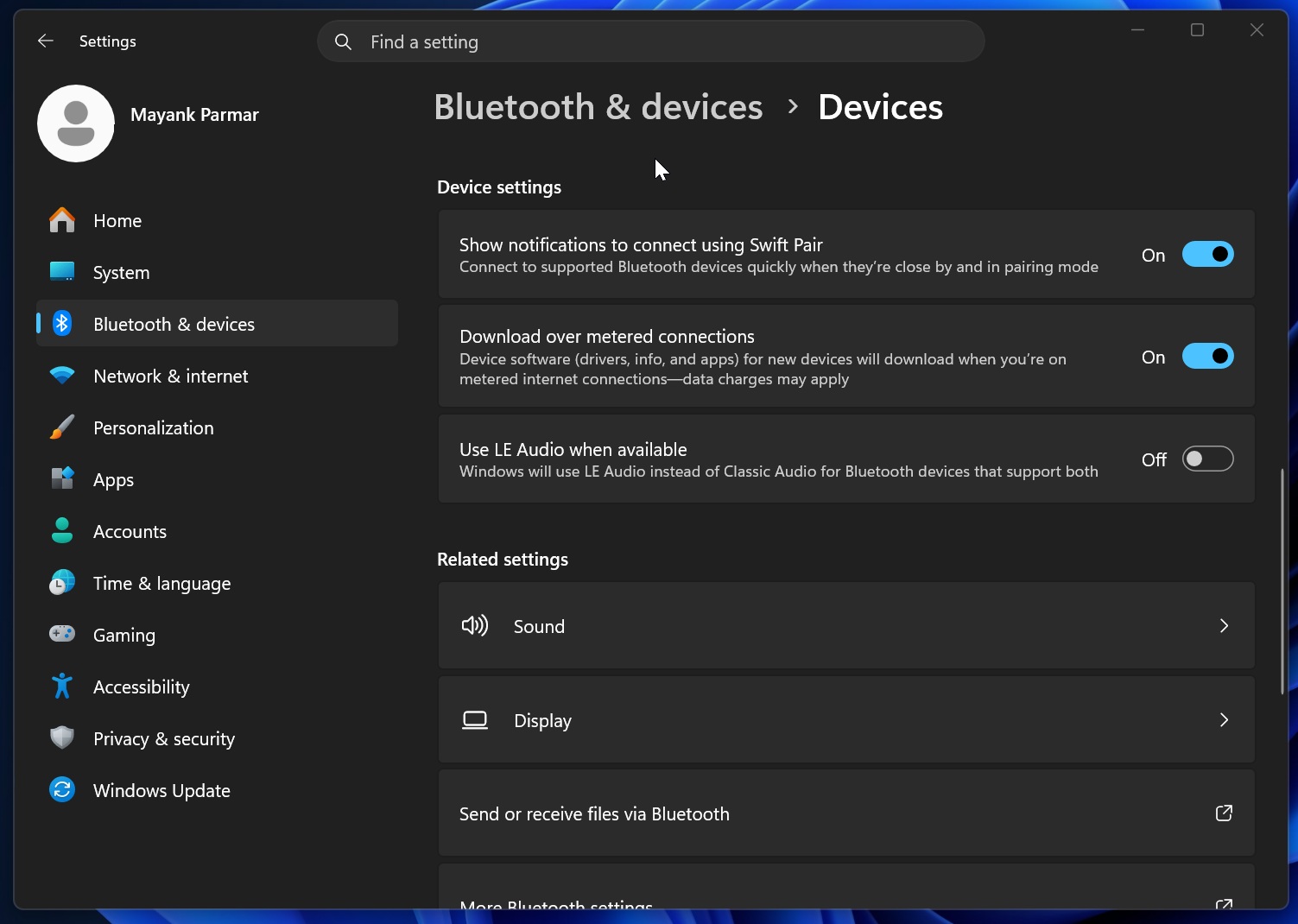
On June 23, Microsoft rolled out Windows 11 KB5095093, and the talk of the town is the more fancy features, such as Point-in-time restore and greater control over Windows updates with new pause options. But it also quietly delivered one of the biggest updates to Bluetooth.
As soon as I installed the update, I no longer ran into pairing issues with my Galaxy Buds. I also tested AirPods, which now pair faster.
Microsoft told me that it’s all part of Windows 11 KB5095093 ( 26200.8737 or 21200.8737 +). Specifically, this update comes with better compatibility with specific audio devices, including AirPods and Beats Studio Pro.
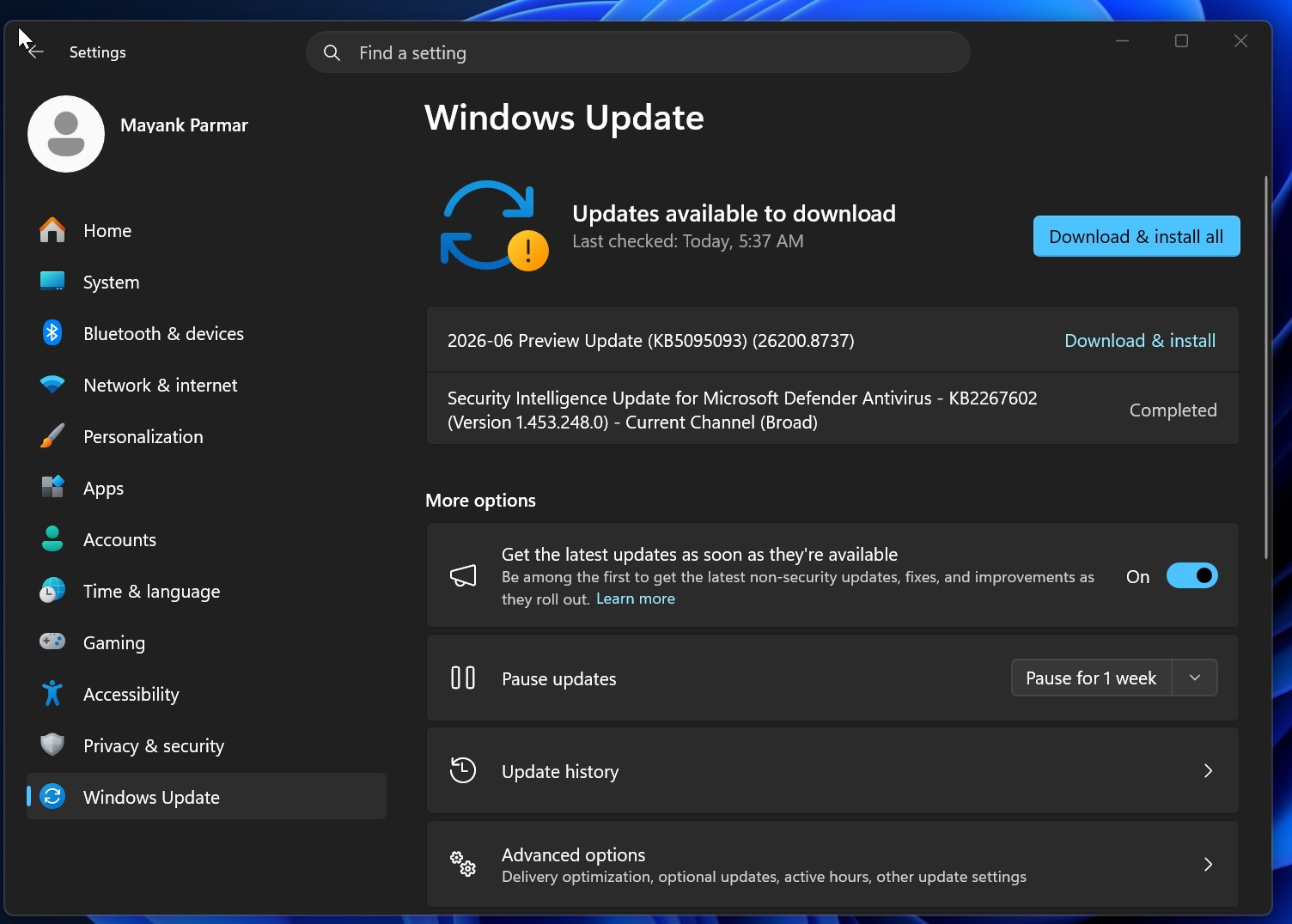
While the Beats Studio Pro is getting better microphone reliability, AirPods now pair faster and sound better on nearly all PCs. However, the June 2026 optional update also covers other problems, so it’s not just about Apple products or select premium brands.
What’s new in Windows 11’s biggest update for Bluetooth
Windows is finally better at syncing the mute state, so the next time you mute your mic in Windows, your Bluetooth headset will no longer think the mic is unmuted. After the update, both Windows and the Bluetooth headset should show the same mute state.
In our testing, we observed that if you mute your microphone from Windows 11’s audio mixer, your Bluetooth headset will also understand that the mic is muted. And if you tap on the headset, assuming it has touch control or something similar, to unmute the mic, Windows will respect your preference.
This feature works with most modern Bluetooth headsets, but Windows Latest understands that it works only with devices with Hands-Free Profile (HFP).
Bluetooth audio stability in Windows
Another long-standing complaint has been that Bluetooth connections are not always stable, and it can be worse for certain manufacturers than others. In fact, in some cases, you might run into error code 0x9F with OEM drivers for Bluetooth. But today’s update also addresses those concerns.
Microsoft is not only making Bluetooth connections more stable, but also improving voice calls. You’ll observe better voice calls where Bluetooth won’t stutter when audio and mic are both being used together. This is particularly noticeable on PCs with Classic Audio drivers and Hands-Free Profile (HFP).
Last but not least, Microsoft also reduced the time it takes for LE Audio devices to play audio when you are using the microphone. For example, if you are in a call and you’re using Bluetooth LE Audio-compatible headphones, Windows currently plays audio a bit later when the mic is being used. Now, it’ll reduce that time and almost instantly play audio.
Bluetooth connections and Settings experience are getting more reliable
Microsoft also admitted that the Bluetooth & Devices page in Settings is a mess and often lags or crashes. I’ve personally run into issues where the page is slow to reflect the actual status of the connected hardware, and it is far from smooth.
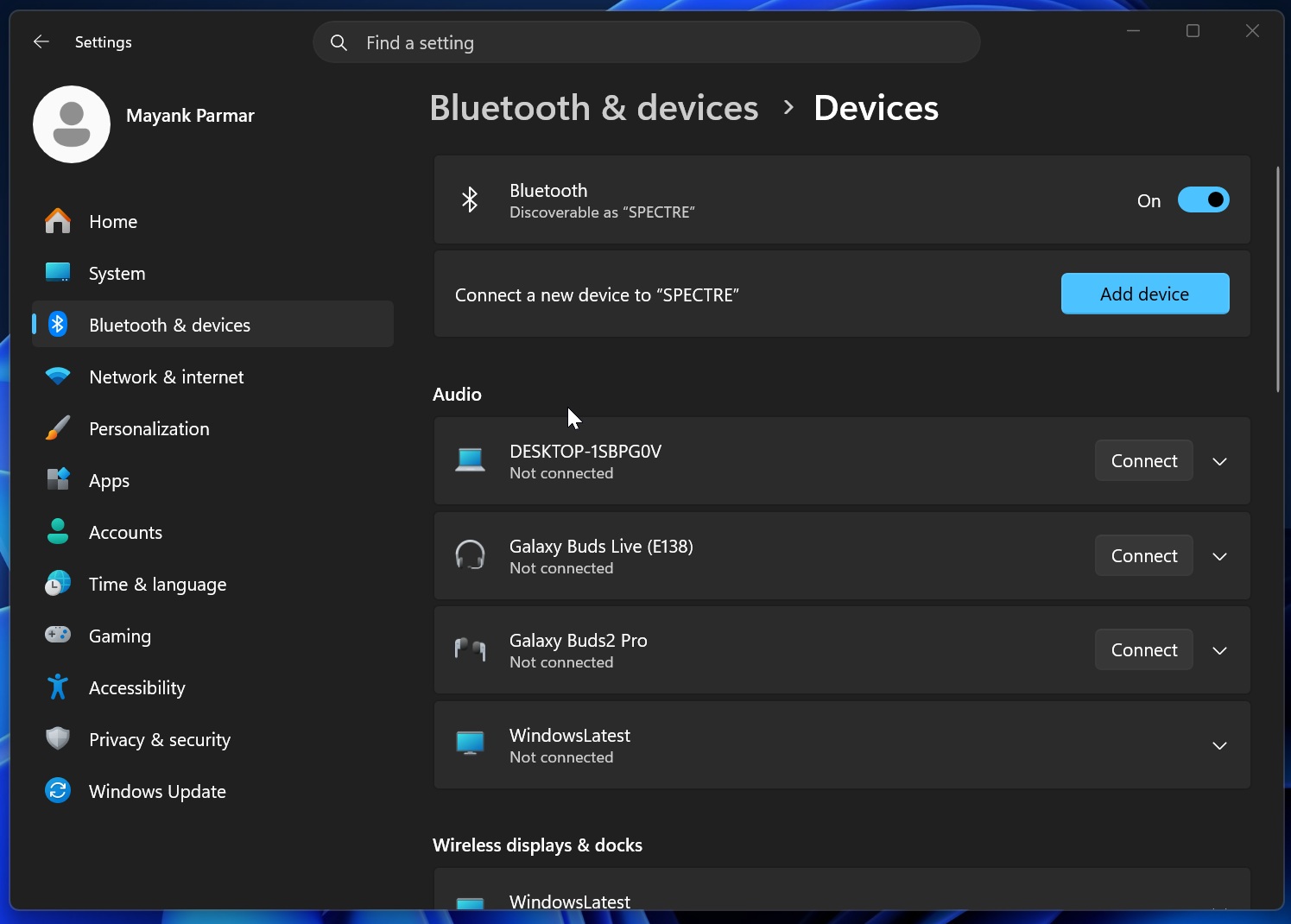
With Windows 11 KB5095093, Microsoft has made the Bluetooth settings more consistent and smoother.
Finally, there are also connection improvements. For example, Bluetooth now takes less time to reconnect after you wake up the PC from sleep or hibernation. Likewise, if you disconnect a Bluetooth device to connect to another device, you may not be able to reconnect to the previous device quickly. This has been fixed now.
This is a solid list of improvements, and we’re expecting more changes in the coming months. It’s all part of the company’s efforts to win back fans and revive Windows 11.
What else do you want Microsoft to address in the next update? Let me know in the comments below, and we’ll forward your feedback!