






After months of promising that 2026 would be the year of performance and reliability for Windows 11, Microsoft is finally putting its money where its mouth is. The company has just released the April 2026 optional preview update (KB5083631) for Windows 11 versions 24H2 and 25H2, and while the changelog includes a few new features, I believe what’s more important is the massive list of under-the-hood improvements.
This update specifically targets long-standing user complaints, memory hogs, and a few visual glitches that have plagued the OS for years.
Like me, if you’ve been frustrated by File Explorer blinding you with white flashes, or if your PC is hogging RAM in the background, then this update is exactly what you’ve been waiting for. Here is a breakdown of the most significant improvements rolling out to Windows 11 right now.
File Explorer finally stops flashing white and hanging
Perhaps the most universally despised bug in Windows 11’s File Explorer is the “white flash.” If you use Windows 11 in dark mode, opening ‘This PC’ or resizing the Details pane would frequently result in a jarring, bright white flashbang effect before the dark theme rendered.
This happens because File Explorer currently uses a hybrid framework, and the legacy background elements would not be in sync with the newer WinUI 3 dark mode styles.
With KB5083631, Microsoft has finally eliminated this white flash.
However, the interesting bit, as reported by Windows Latest, is that Microsoft is untangling File Explorer’s messy codebase and replacing legacy elements like the 31-year-old Properties dialog with native WinUI 3. But unfortunately, we’re not sure when the new Properties dialog will come to the File Explorer.
Additionally, Microsoft has fixed a pet peeve of mine. View and Sort preferences are now correctly preserved. Previously, if a third-party app launched File Explorer directly into a specific folder (like Downloads or Documents), Windows would conveniently “forget” your preferred layout and sorting options. That is now fixed. And I am delighted!
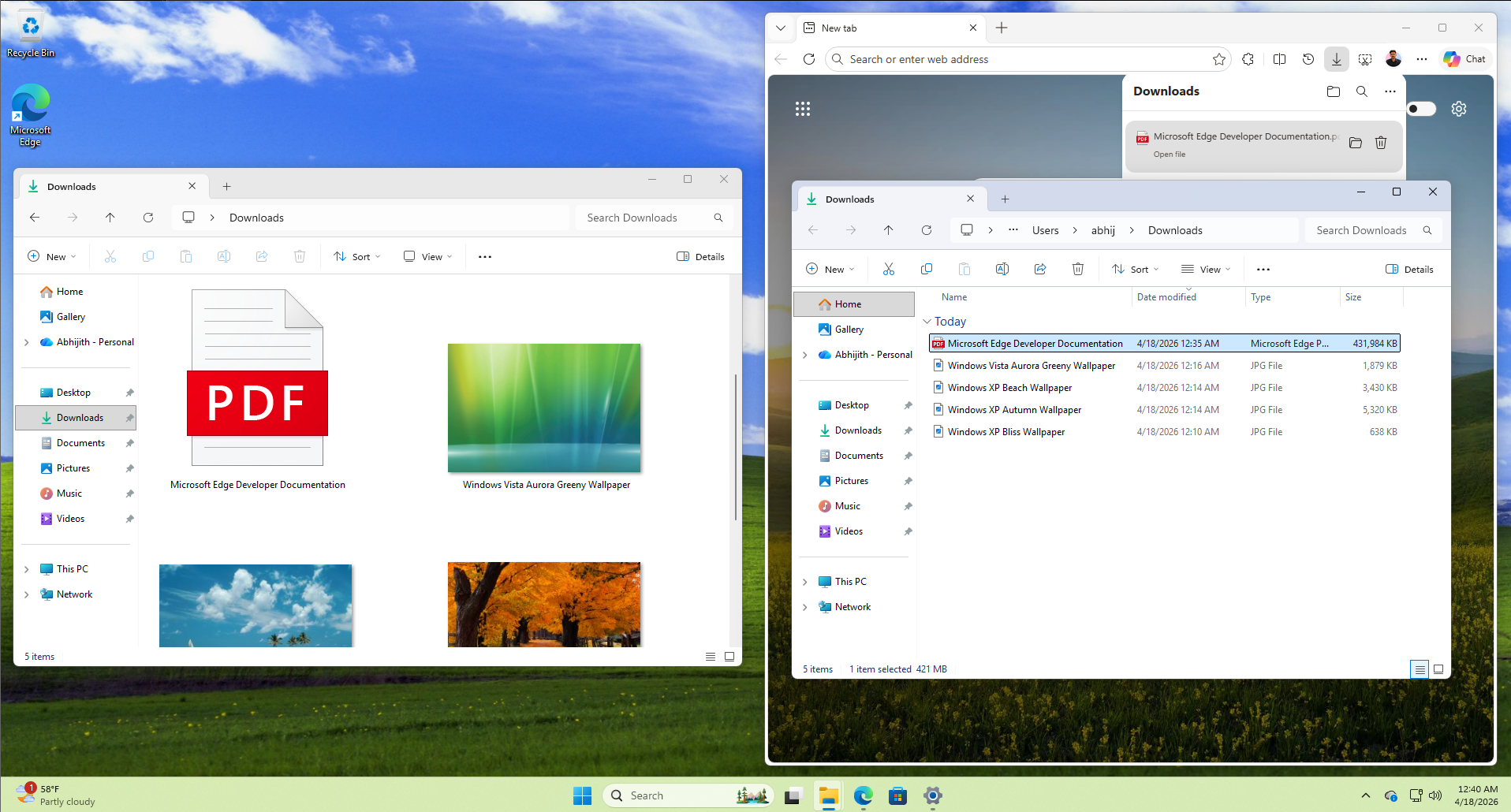
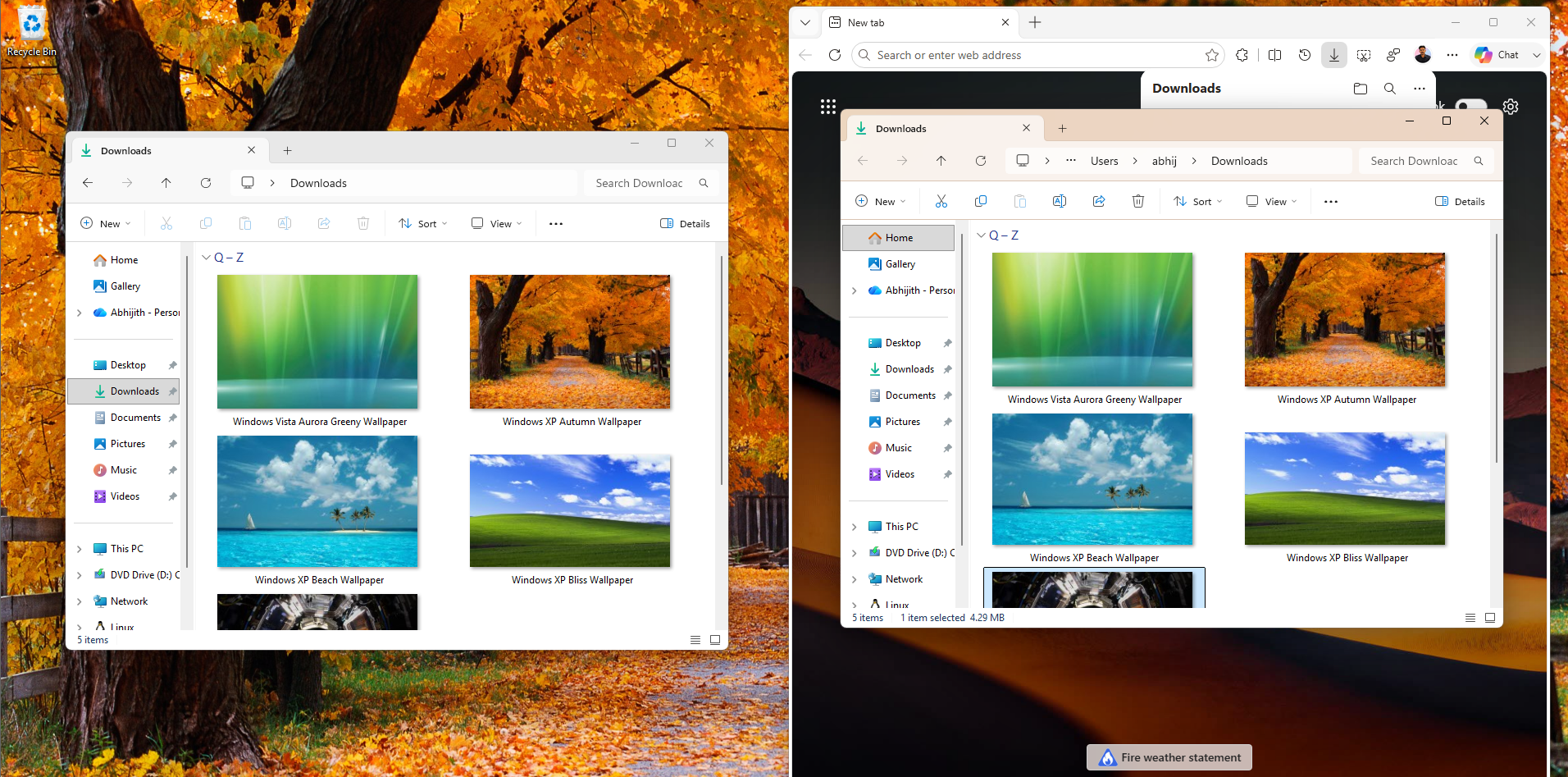
The company has also improved the reliability of the explorer.exe process itself. Moving forward, the process will properly terminate and stop running in the background after you close your File Explorer windows, preventing zombie processes from eating up CPU cycles.
Lifting a 30-year-old storage limit and boosting system performance
As part of Microsoft’s ongoing initiative to make Windows 11 less memory-hungry and more responsive, the April 2026 optional preview update confronts some heavy hitters in the performance department.
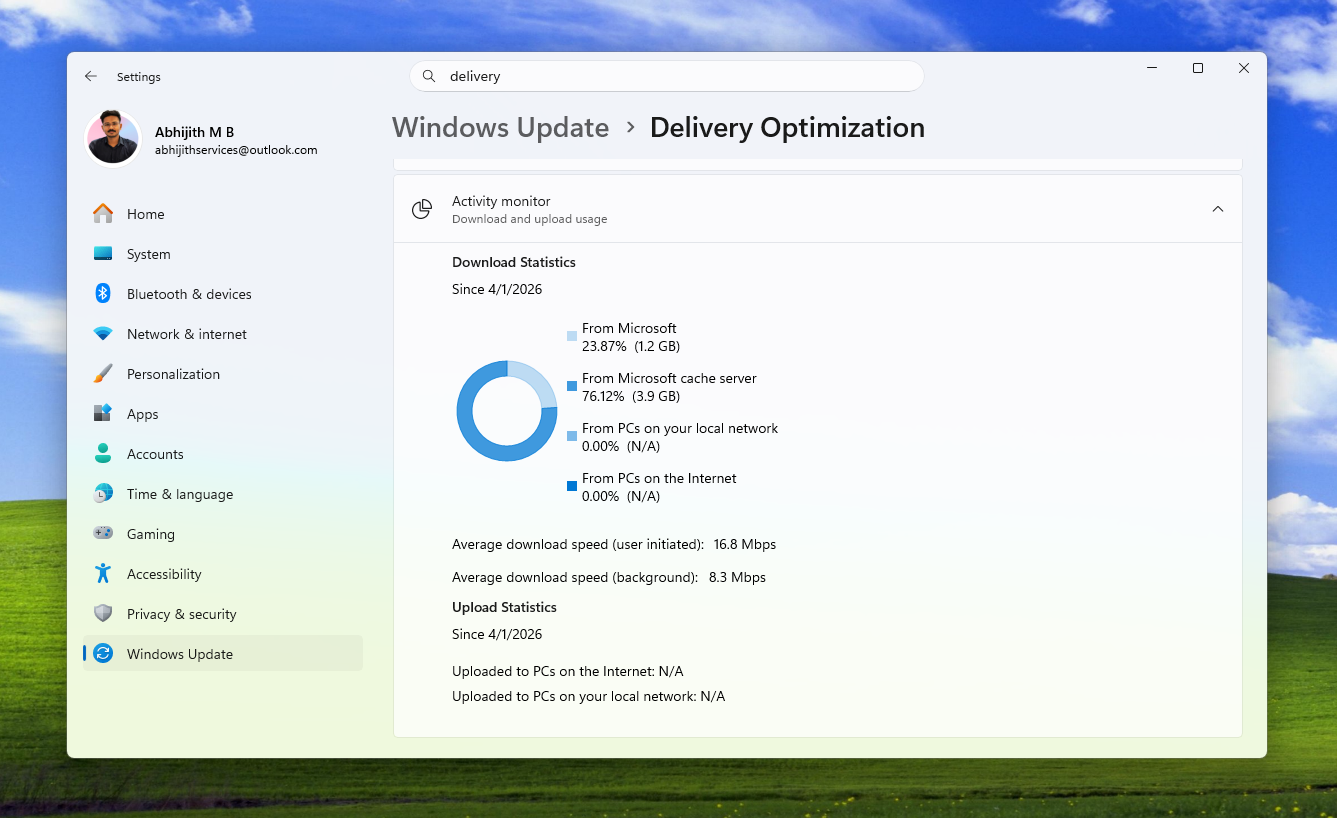
First, Microsoft has optimized the “Delivery Optimization” service, which is the background service responsible for downloading Windows updates and Microsoft Store apps using peer-to-peer sharing on your local network. Historically, this service had a nasty habit of suffering from memory leaks and consuming an unexpectedly large amount of system RAM. This update drastically improves its memory usage.
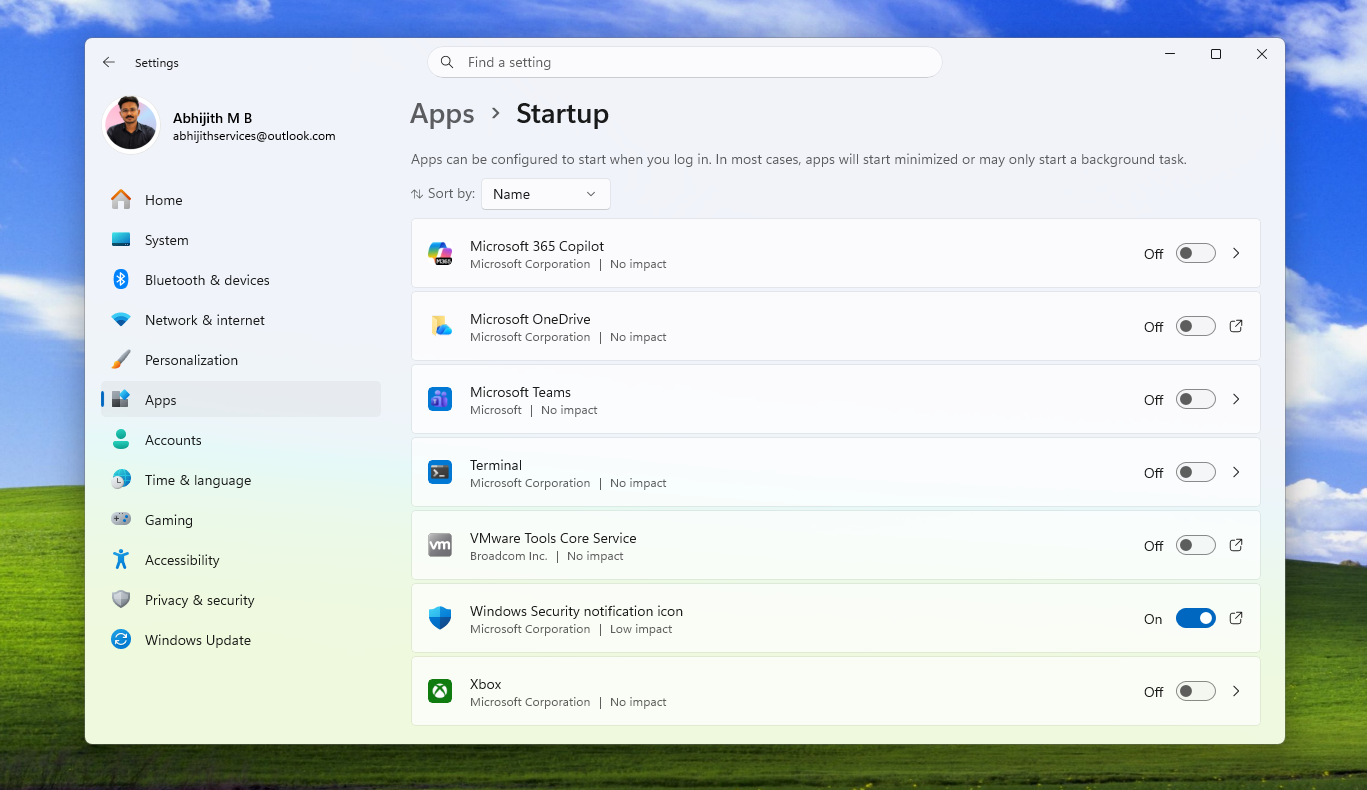
The update also brings performance improvements to your device’s boot sequence. Microsoft notes that startup apps (the programs listed under Settings > Apps > Startup) will now launch noticeably faster after you start your PC, getting you to your desktop and ready to work in less time.
But perhaps the most historic improvement in this update is a change to the FAT32 file system. For exactly 30 years, Windows has arbitrarily limited the formatting of FAT32 volumes to 32GB, which is a temporary limit set by former Microsoft developer Dave Plummer during the Windows 95 days that somehow became permanent. With this update, Microsoft is finally increasing the size limit for formatting FAT32 volumes from the command line from 32GB up to a massive 2TB.
Taskbar, Microsoft Store, and general reliability fixes
Some much-needed reliability improvements in KB5083631 stretch deep into the core Windows shell. If you’ve signed into your PC and noticed the right side of your Taskbar looking empty, you’ll be pleased to know Microsoft has improved the reliability of loading the system tray area.
The update also fixes foundational code to prevent explorer.exe from crashing while interacting with Task View, taskbar menus, or when unpinning items from the Quick Access menu.
Other notable quality-of-life improvements include:
- Microsoft Store fixes: The update patches several notorious and vague download/installation errors that have frustrated users for years, specifically eliminating errors 0x80070057, 0x80240008, and 0x80073d28.
- Windows Hello issue: A frustrating bug that caused Windows Hello Fingerprint data to be wiped or forgotten after a major OS upgrade has been resolved. Your biometric data will now properly persist across updates.
- Remote Desktop scaling: Microsoft fixed a known issue where the Remote Desktop Connection security warning dialog would render incorrectly (stretched or squished) on multi-monitor setups where the screens had different DPI scaling levels.
- Color Profile consistency: For digital artists and creators, Microsoft has improved the persistence and availability of custom color profile options for supported monitors, so your color calibration doesn’t randomly reset.
- Typing and Input: The update improves the continuity of the “Fluid Dictation” setting in voice typing, and fixes the reliability of keyboard navigation when using the emoji panel (Win + .)
When is the next Windows 11 update?
Currently, these improvements are part of the optional KB5083631 preview update for Windows users who actively click “Check for updates” and opt in to get the latest updates. However, if you prefer to wait for stable releases, you won’t have to wait long.
All of these performance gains, File Explorer fixes, and reliability improvements are bundled and scheduled to roll out to all Windows 11 users globally during the upcoming Patch Tuesday update, scheduled for May 12, 2026.
The May 2026 update will be a mandatory security update and will also have a lot more features, fixes, and reliability improvements in Windows 11.
Did you install the April optional update?