






A new adaptive hibernate policy, live in the latest Windows 11 Insider build, changes how aggressively your PC drops into deep hibernation based on remaining battery level, instead of handling Sleep the same way each time your PC dozes off, regardless of how much charge you have left.
Modern Standby, the S0 low-power idle state that lets your laptop wake instantly like a phone, has a well-documented habit of draining battery overnight, sometimes losing 15% or more charge while doing nothing but sitting in a bag, because background processes and radios will be semi-active instead of powering down completely.
Microsoft shipped this adaptive hibernate policy in Windows 11 Insider Preview Build 28120.2630, released July 31 in the Experimental (26H1) channel. Like most features in that channel, it’s rolling out gradually through Controlled Feature Rollout, so it won’t reach everyone in the build at once, and a wider release to stable Windows 11 is still likely months away.
Windows 11’s new adaptive hibernate policy improves your PC’s battery life
The new adaptive hibernate policy in Windows 11 makes your PC smarter about when to hibernate. If your battery is healthy (above 80%), it avoids hibernating so you get faster instant‑on resumes. But if your battery is running low (below 10%), it hibernates sooner to save power and prevent shutdown.
Microsoft’s changelog:
“Updates to the adaptive hibernate policy increase instances of instant-on resumes from Modern Standby and increase battery preservation at the low end of the battery. Noticeable changes include less hibernation while the battery is above 80% and hibernating sooner when the battery is below 10%.”
- Hibernation (the S4 state) writes the full contents of RAM to a hiberfile on your SSD and powers the system down almost completely, similar to a shutdown, which is why it barely sips any power at all.
- Modern Standby keeps the system in the S0 state, technically still “on,” so it can stay connected for notifications and background updates, which explains the tradeoff that causes battery drain when something goes wrong.
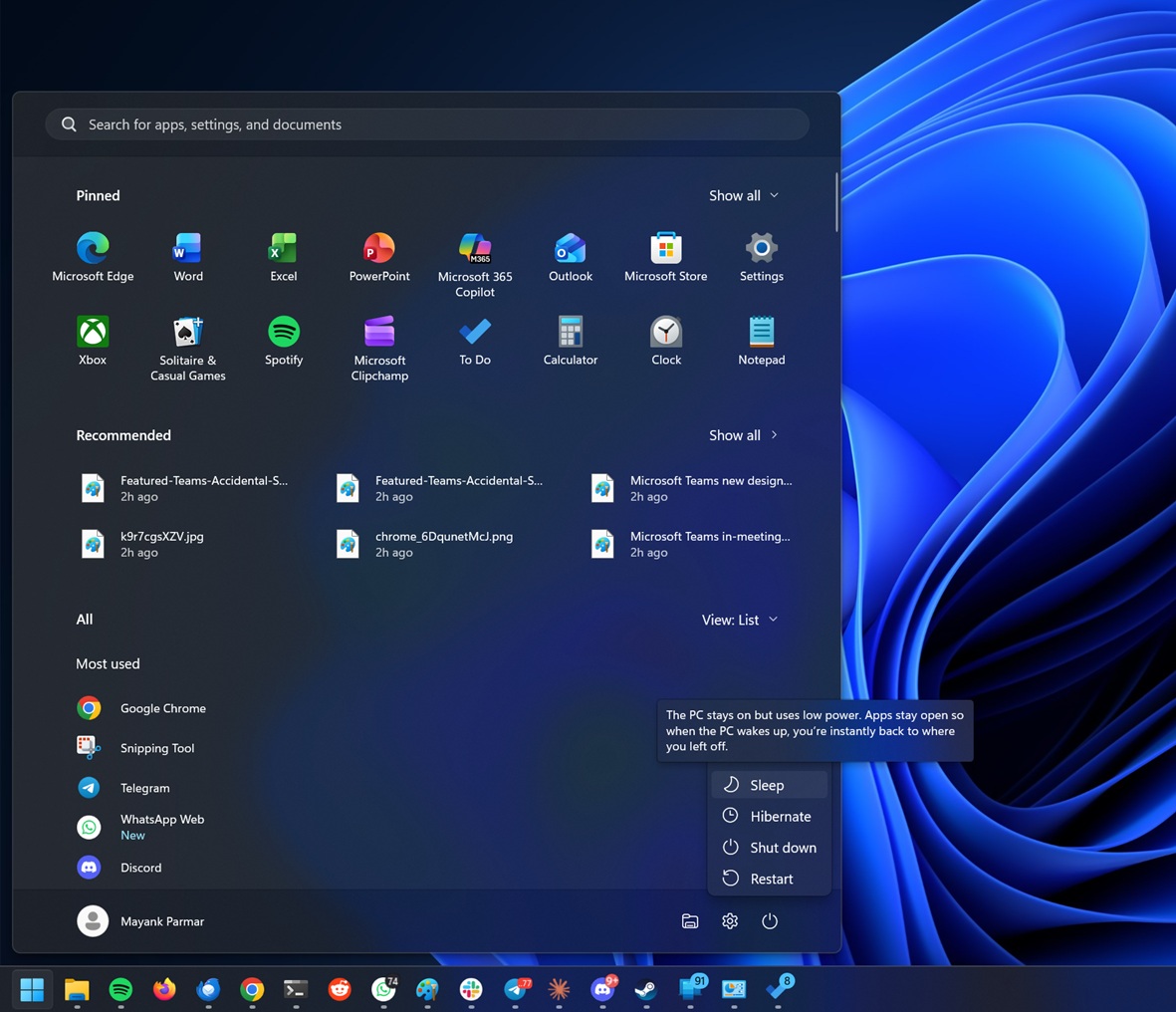
With this change, a laptop above 80% battery stays in Modern Standby longer, preserving the instant-on wake speed that we want when we’re not worried about running out of charge.
Below 10%, the system hibernates much sooner, sacrificing that instant wake for the near-zero power draw of true hibernation, protecting whatever battery is left.
Microsoft has been tuning Modern Standby for months
Microsoft has made smaller moves here before. Windows Latest first reported in February that Windows 11 24H2 added guardrails to stop certain background processes from breaking through Modern Standby’s low-power state and waking devices unexpectedly, limiting most wake sources to the power button or opening the lid once excessive drain is detected.
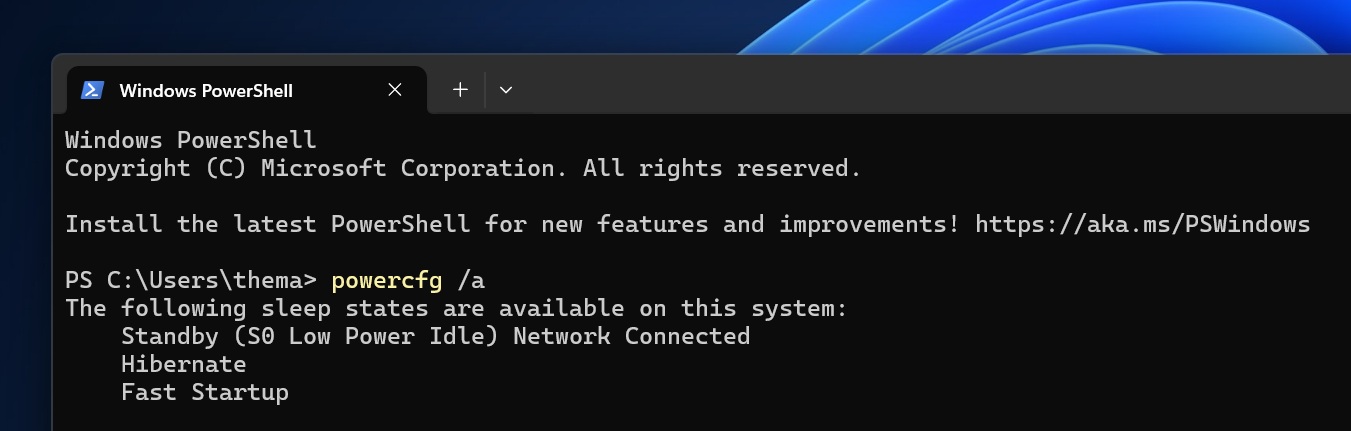
In May, Windows Latest also found that Windows 11 24H2 and 25H2 quietly stopped audio from continuing to play through explicit sleep, another deliberate effort to clean up Modern Standby.
Why Modern Standby drains battery, and how macOS handles it
Keeping a system in S0 instead of a true low-power state is what lets Windows 11 laptops wake instantly and receive background updates the way a phone does, but it also means Wi-Fi, Bluetooth radios, and background services will be semi-active.
If a driver or app prevents the system from reaching its deepest idle state, that “sleeping” laptop keeps burning power. According to Microsoft’s SleepStudy diagnostic guidance, sessions with drain above roughly 10% from a single component, or unusually short wake intervals, are signs of this kind of failure.
macOS has handled this tradeoff better for two decades. Apple’s Safe Sleep mode keeps RAM powered for fast wake initially, then automatically writes memory to disk and drops into a true low-power standby after a few hours of inactivity or when the battery gets low.
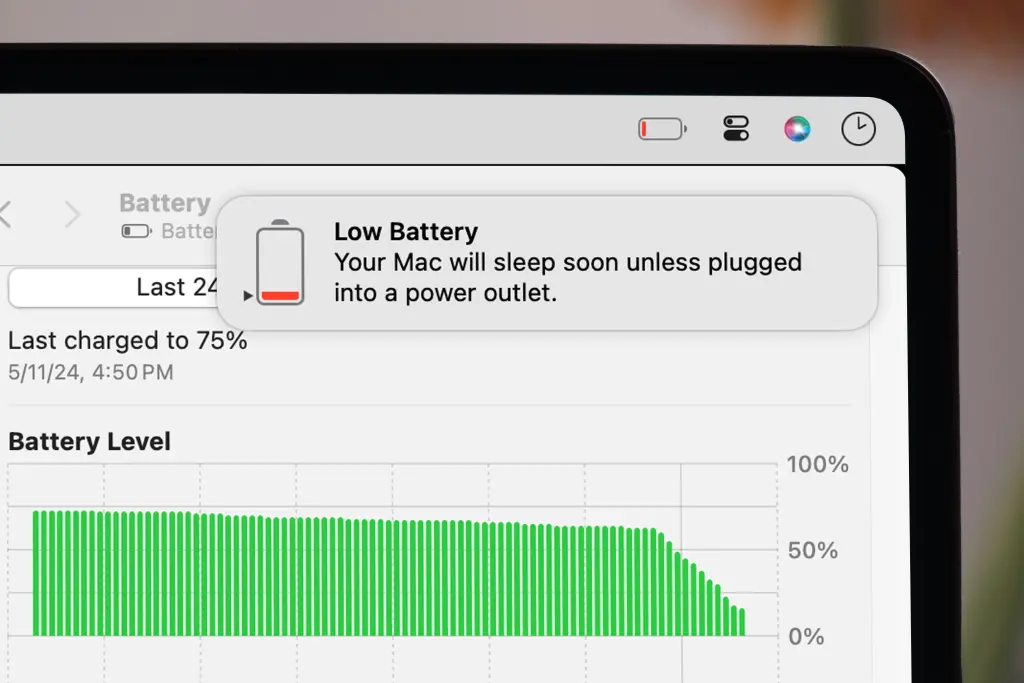
Linux systems handle it with the same S0ix/suspend-to-RAM versus suspend-to-disk split, though implementation quality varies heavily by distribution and hardware vendor.
Bad drivers make Modern Standby worse, and Microsoft is finally penalizing them
A software fix to hibernation timing only goes so far if the hardware below refuses to cooperate. Windows Latest reported in May that Microsoft’s new Driver Quality Initiative (DQI) now judges third-party drivers on “stability, functionality, performance, and power and thermal impact,” not just whether they cause a crash.
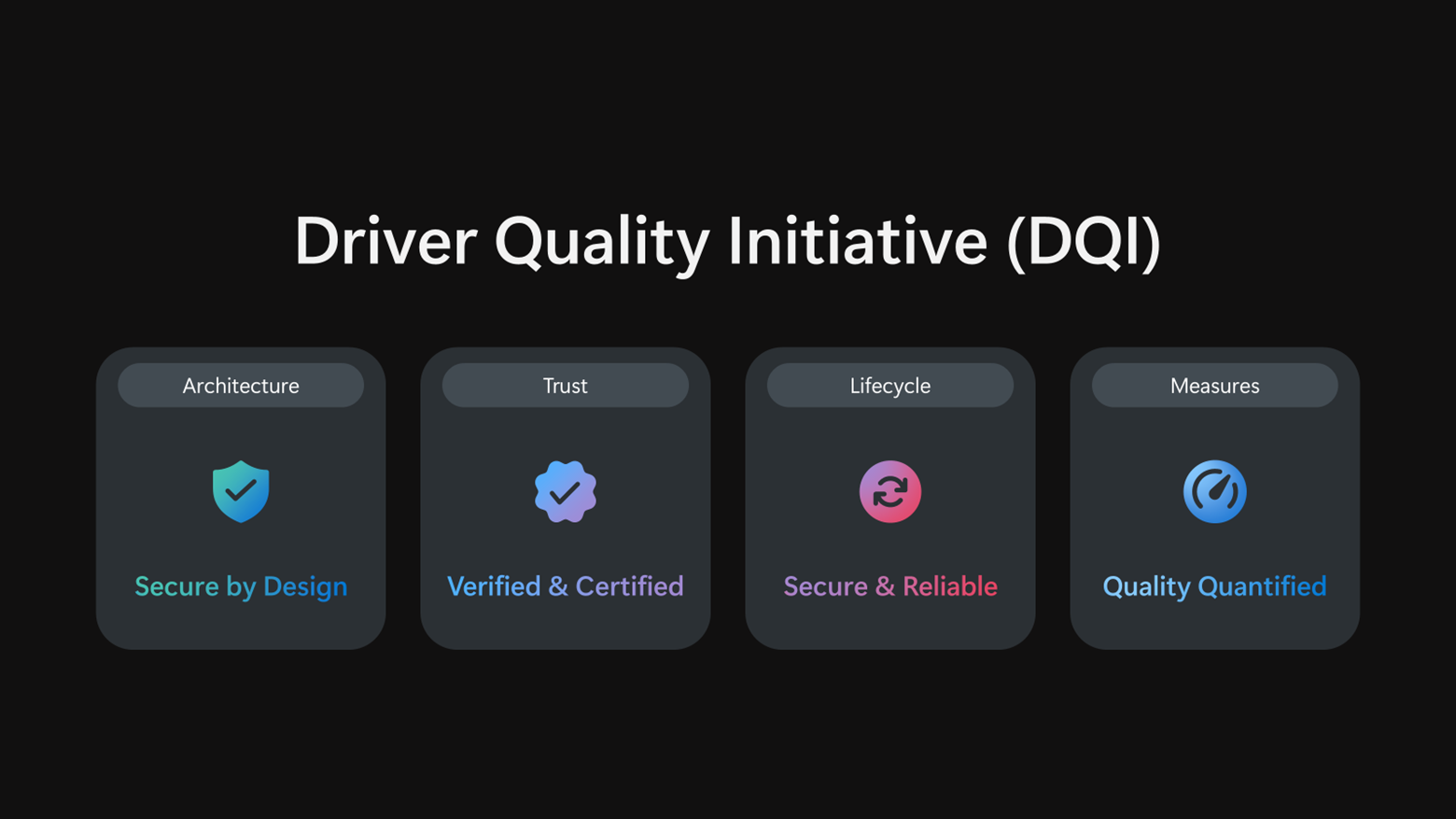
Driver quality connects directly to hibernation here, because a poorly optimized Wi-Fi or storage driver can block a CPU from reaching its lowest C-states, which is what turns Modern Standby into a battery drain nightmare.
Add a battery-aware hibernate policy with drivers that are finally held accountable for power draw, and Windows 11 finally has a real shot at matching the sleep reliability Mac users have taken for granted for years.