






OneDrive is rolling out a new feature that prevents anyone from capturing screenshots of PDFs labeled “sensitive,” but the catch is that it only works in Microsoft Edge. It also looks like the feature will initially be limited to business customers, which makes sense, as an organization could enforce the Edge browser across all managed devices.
Windows and Microsoft Edge already support DRM protections, but I don’t think OneDrive’s screen capture restrictions use this particular API. Instead, OneDrive could instruct Edge to either block Windows from capturing screenshots or show a black screen when a screenshot is taken, similar to how DRM works.
If it were powered entirely by DRM protections, Microsoft would not need to limit it to Edge, as any browser or app on Windows could use DRM to restrict screen capture.
“This blocks screenshots for PDFs without copy permission, affecting organizations using these labels and requiring user communication and policy review,” Microsoft noted in an admin portal update first spotted by Windows Latest.
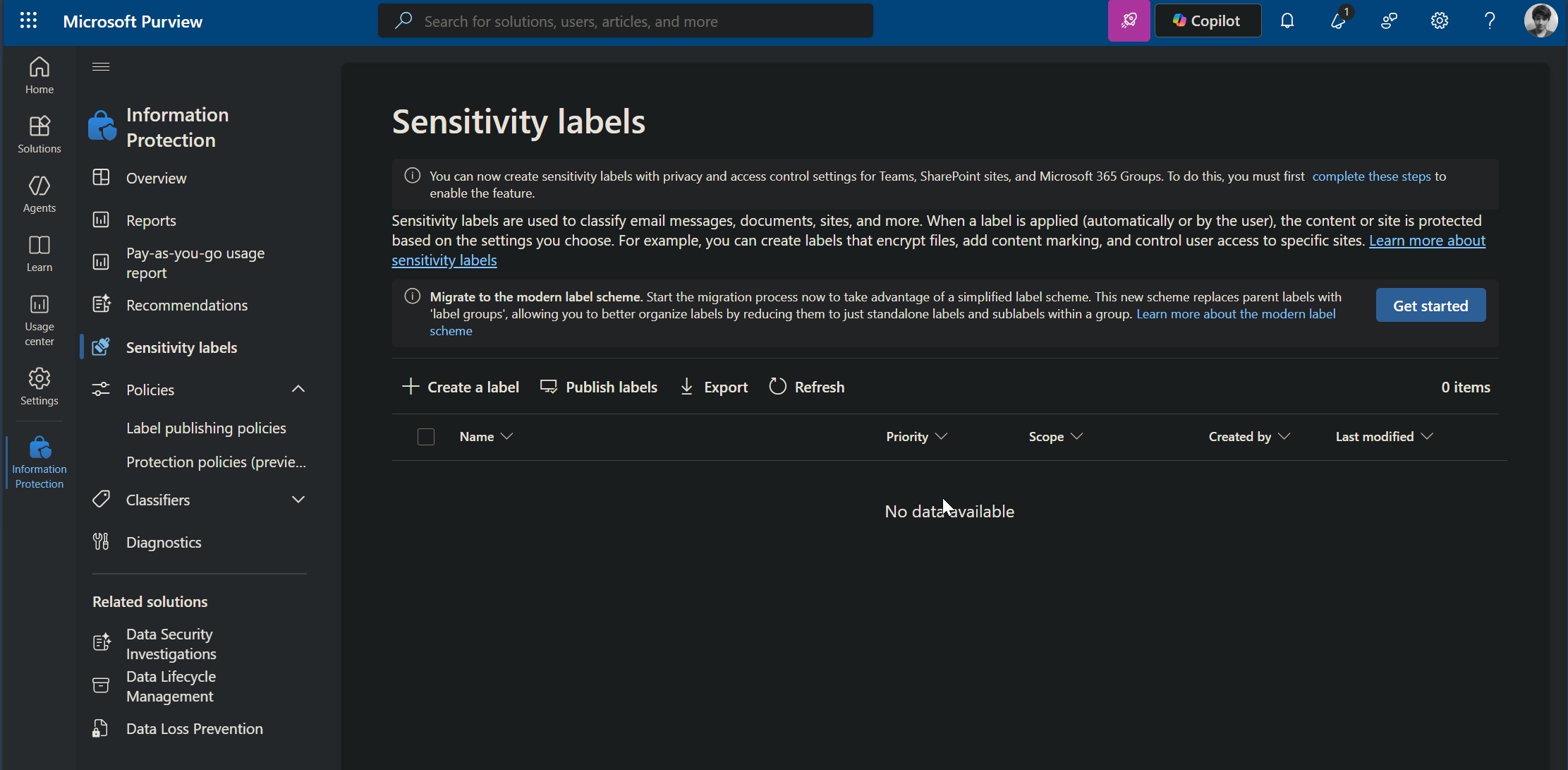
Microsoft says it’ll automatically turn on the feature when the “Do Not Allow Screen Capture in OneDrive and SharePoint” policy is enabled.
Can you bypass protected PDFs by downloading them?
You might point out that anyone could simply download the PDF and view it locally, and while that’s true, admins also have the ability to disable local downloads.
This means that if a PDF is marked as “Do not allow screen capture” and viewed through OneDrive’s web-based PDF viewer in Microsoft Edge, you won’t be able to capture screenshots.
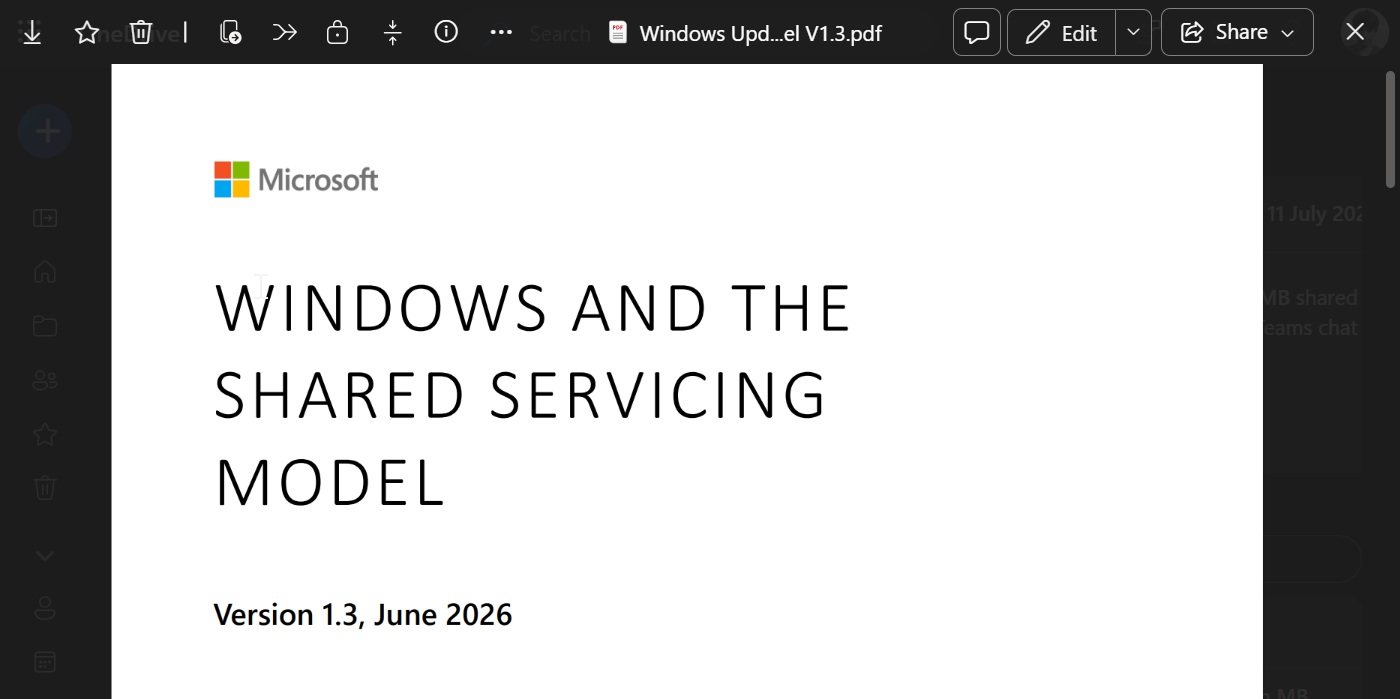
Similarly, you won’t be able to download it when it’s blocked by the uploader or organization.
“This update closes a known gap where browser-rendered PDFs did not enforce this Microsoft Purview Information Protection (MIP) control, aligning the web experience with desktop behavior,” the company noted.
Microsoft is hopeful that blocking screenshots when specifically required could help enterprises protect sensitive data and ensure content remains secure, even when it is accessed by people outside the organization.
OneDrive’s protected PDF feature feels limited, but I’m hopeful it’ll get better with time
There’s no denying that it’s a great addition, and I wouldn’t be surprised if it eventually comes to OneDrive for consumers, as that happens quite often.
At the same time, I’m not particularly impressed with the idea of limiting the feature to Microsoft Edge, as other browsers are equally capable, especially considering Microsoft’s own browser is built on Chromium.
Microsoft is not saying that it cannot offer protected PDFs outside Edge, but it cannot guarantee consistent enforcement across other browsers yet.
Windows Latest understands that support for other browsers and mobile apps will be added at some point in the future. The feature is currently limited because it is still in early development, and Microsoft is trying to roll it out sooner rather than later.
OneDrive’s protected PDFs feature will generally become available by the end of August 2026, but plans are always subject to change.